About game
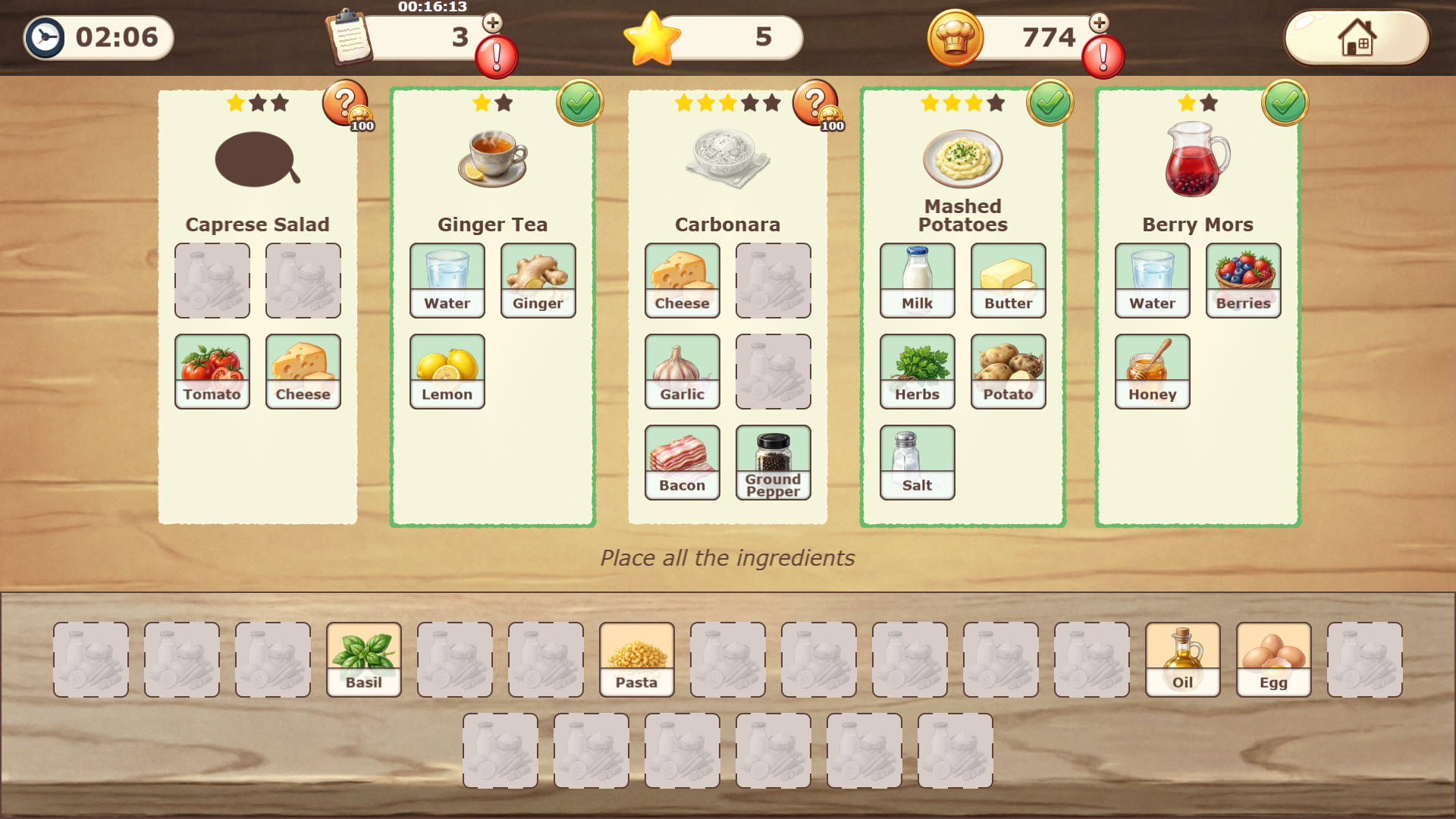
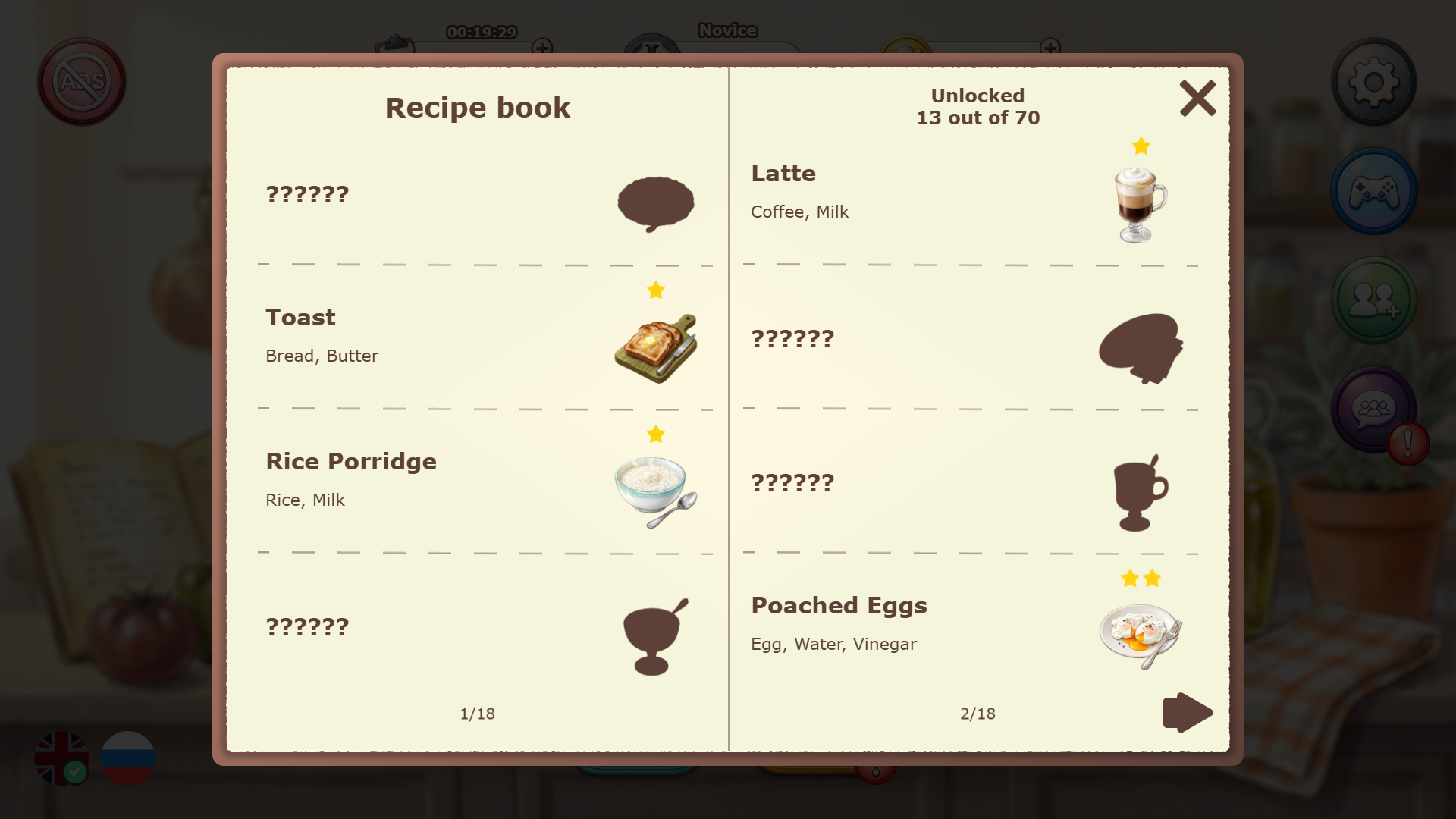
Culinary fans craving a fresh challenge will adore Kitchen Order Up! because it turns mundane cooking into a satisfying sorting task. You start by examining recipe cards featuring empty slots that wait for the right components. Grab various food items from the bottom panel and slide them into their designated spots to complete each dish. Once the cells are full, hit the cook button to see if your combinations earn you stars. This clever головоломка рецепты demands focus as you balance speed with accuracy to maximize your score. Mastering each level helps you climb the ranks from a humble novice to a kitchen legend. You can browse your personal cookbook to learn fun facts about the dishes you create. Any chef who loves a good sorting challenge should play Kitchen Order Up! directly in your browser without any downloads.
How to play
1️⃣ STUDY THE RECIPES
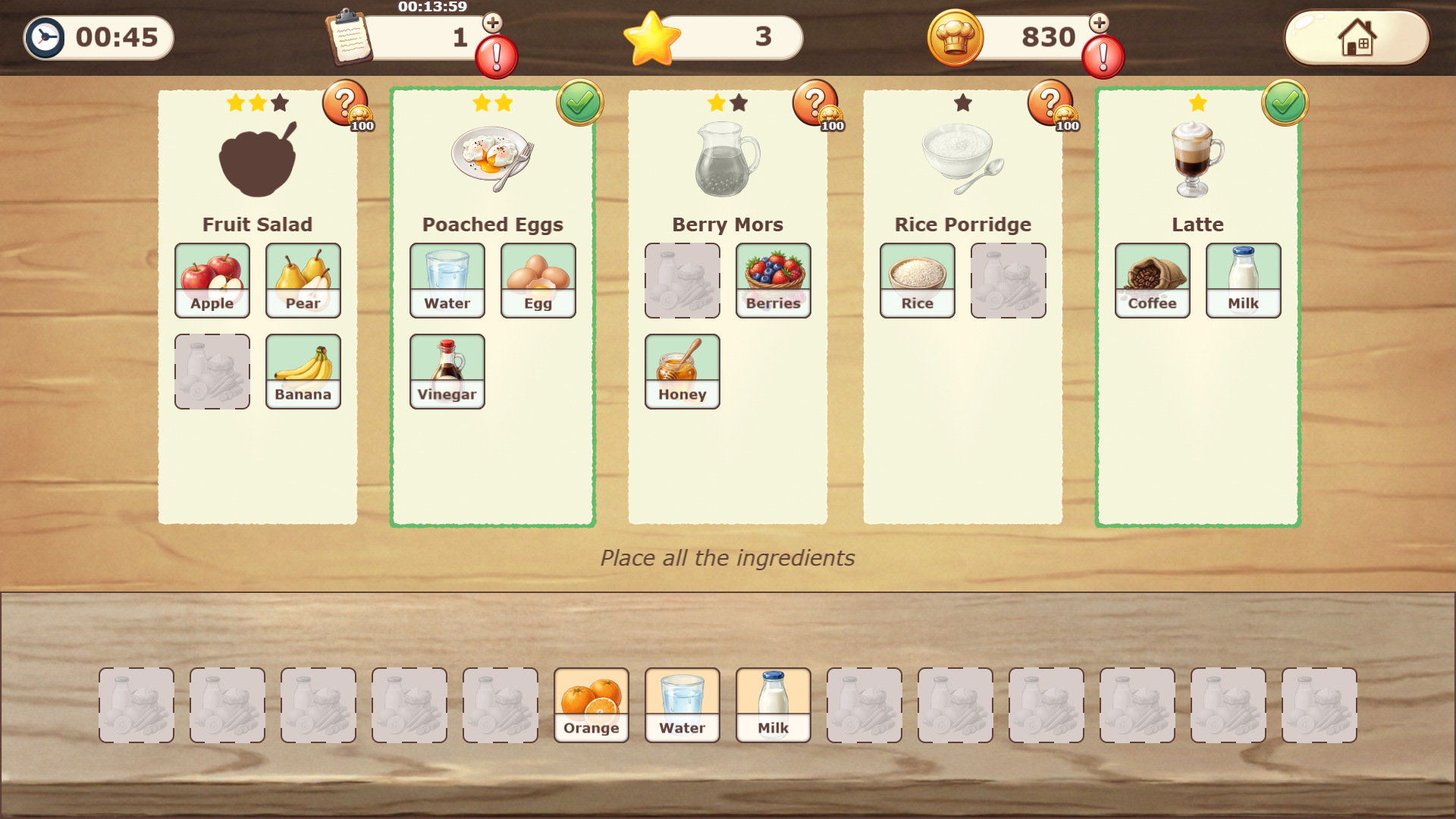
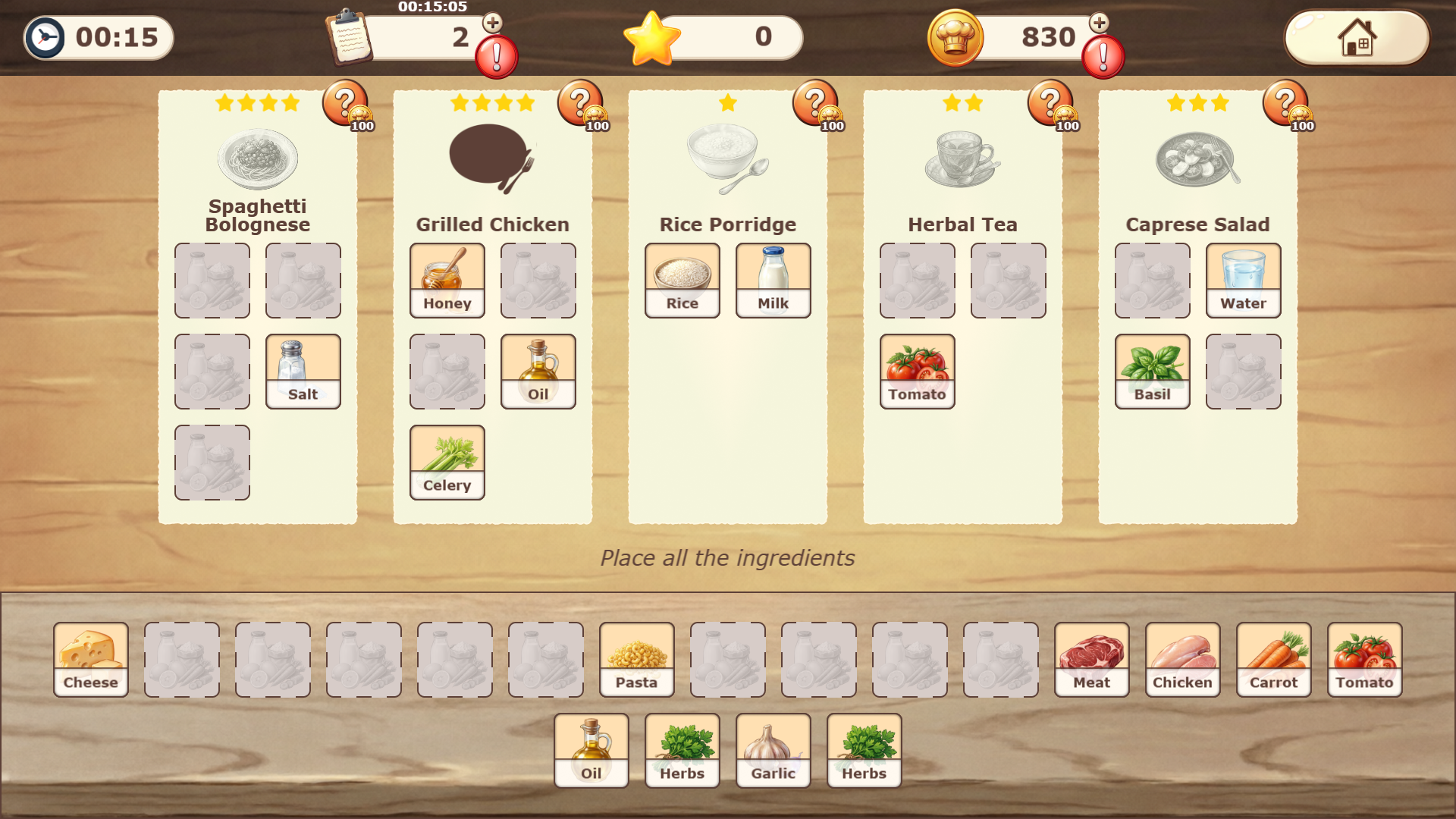
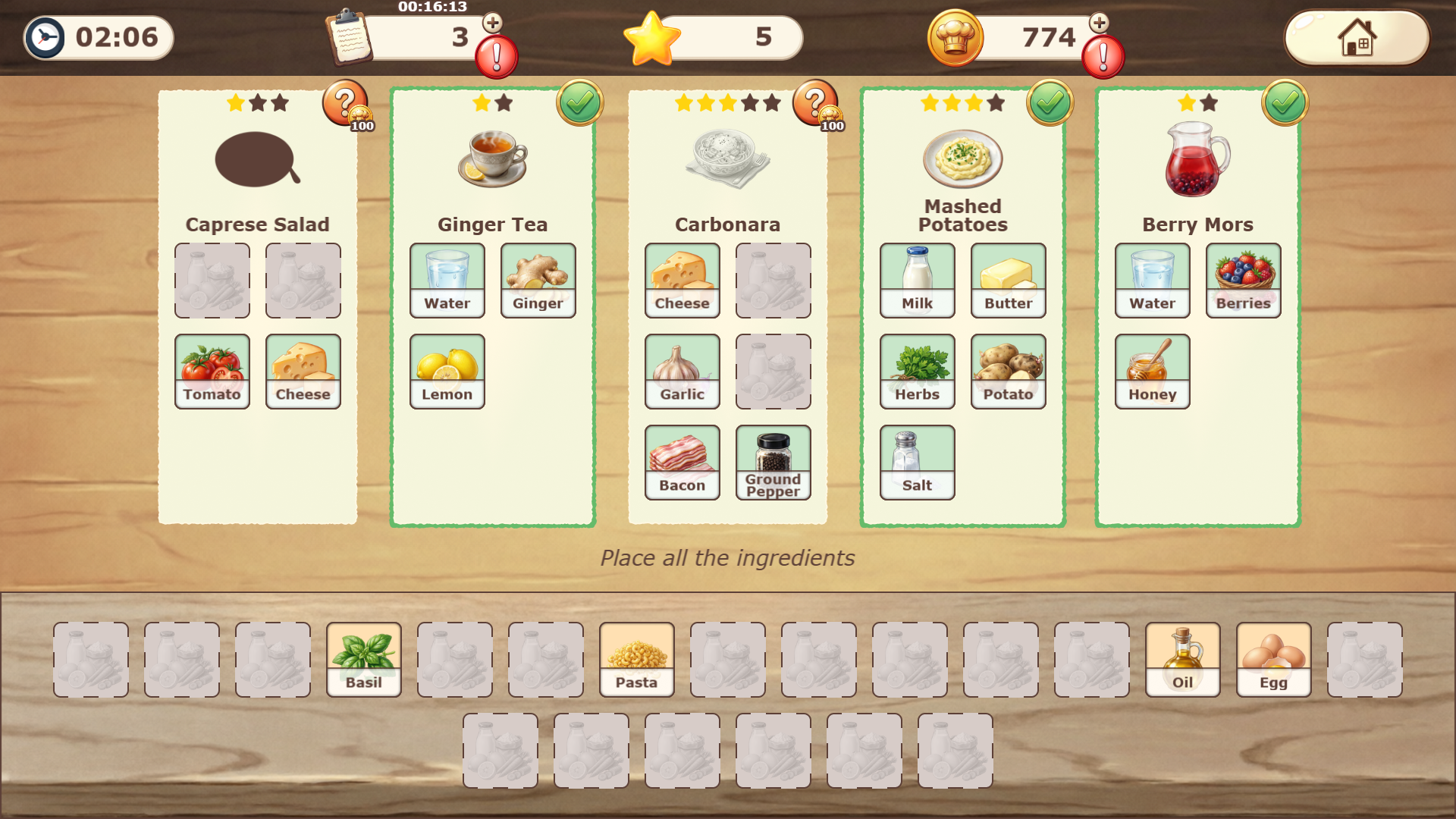
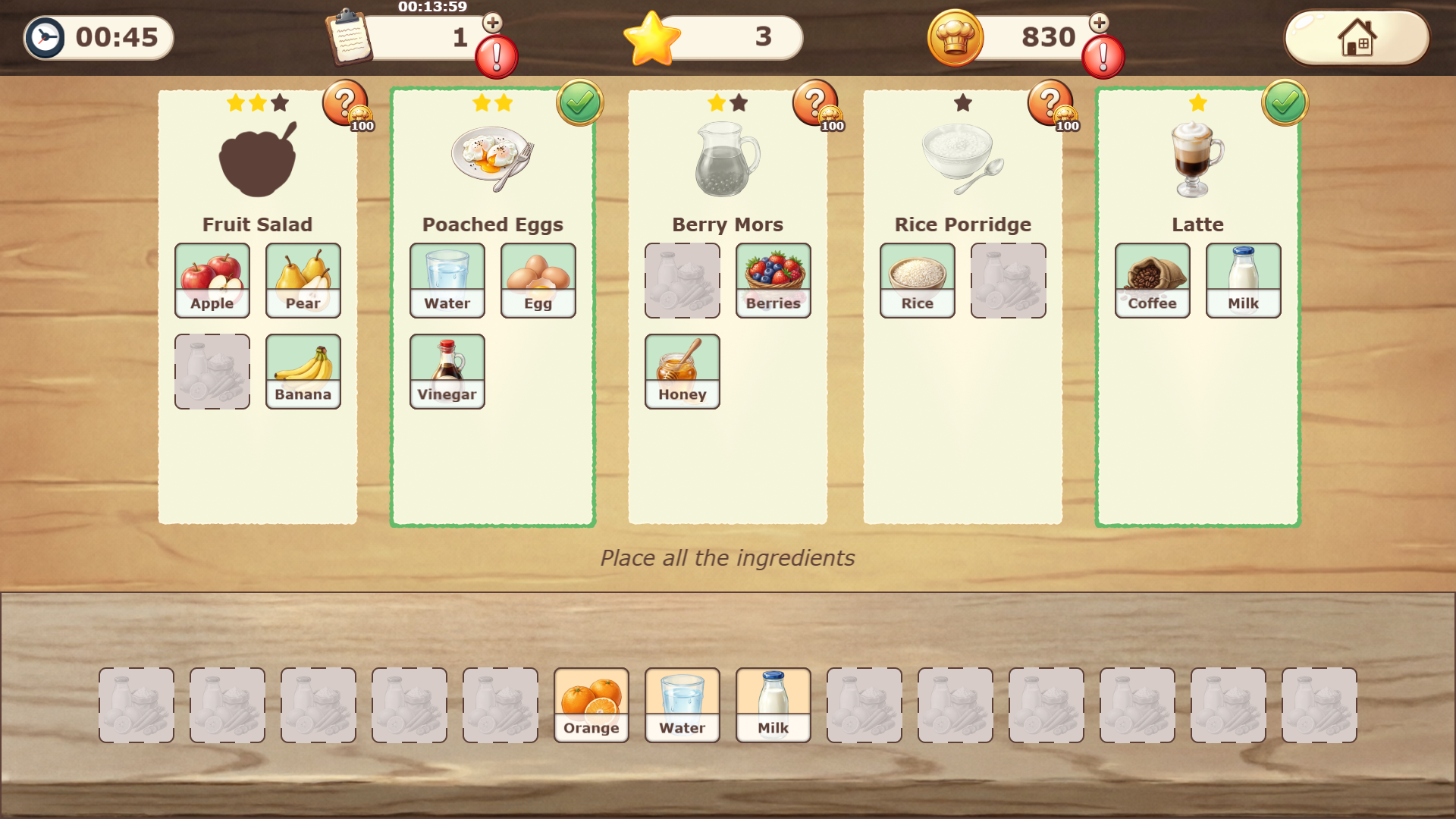
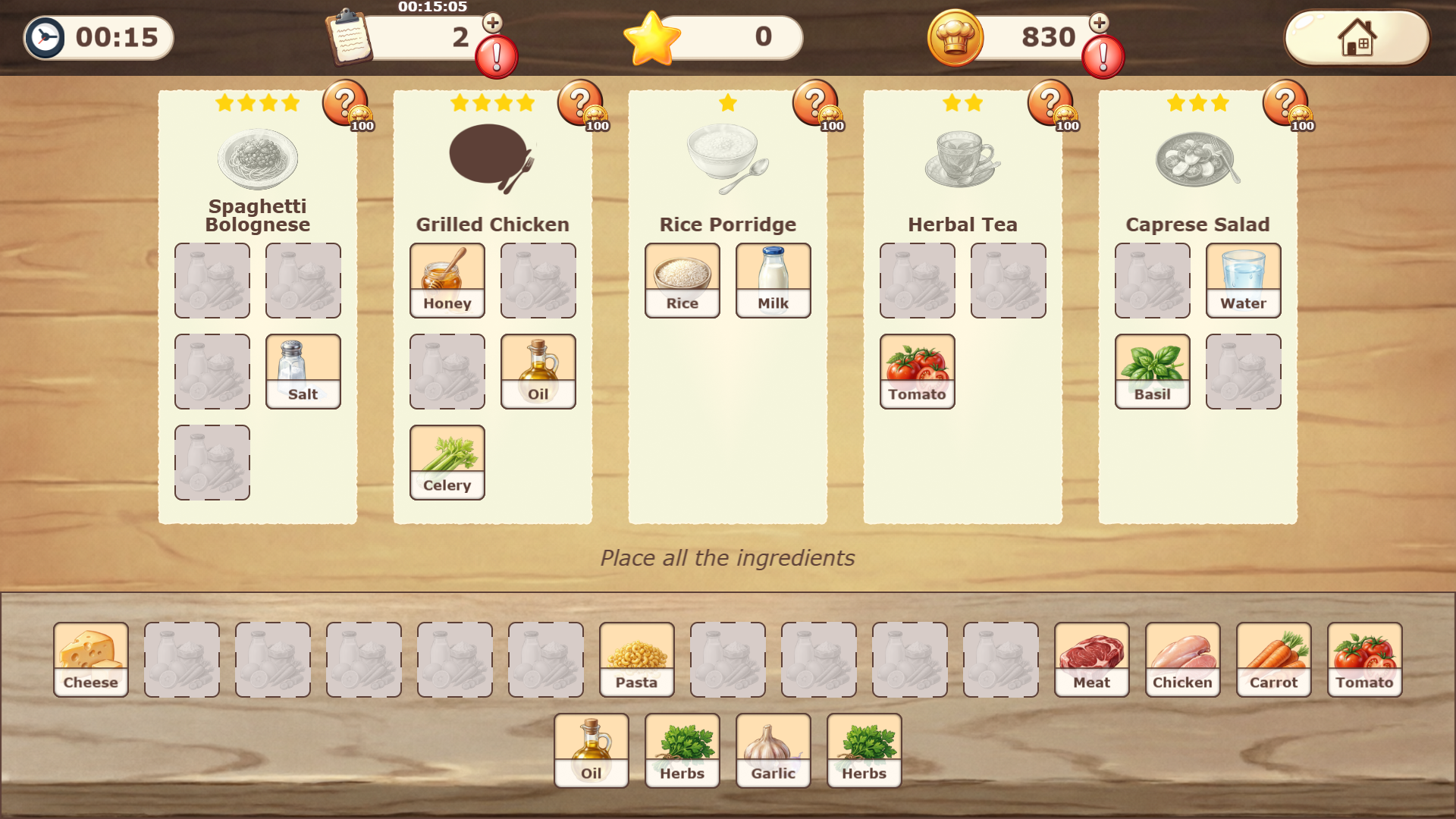
Recipe cards with empty slots will appear on screen. At the bottom — the ingredients panel.
2️⃣ DRAG INGREDIENTS
Take products from the bottom panel and drag them into the correct recipe slots. Fill all empty cells.
3️⃣ PRESS "COOK"
When all slots are filled, press the check button. Correct dishes will turn green and unlock!
4️⃣ GET REWARDS
For each prepared dish you receive:
• Stars for mastery
• Coins for the shop
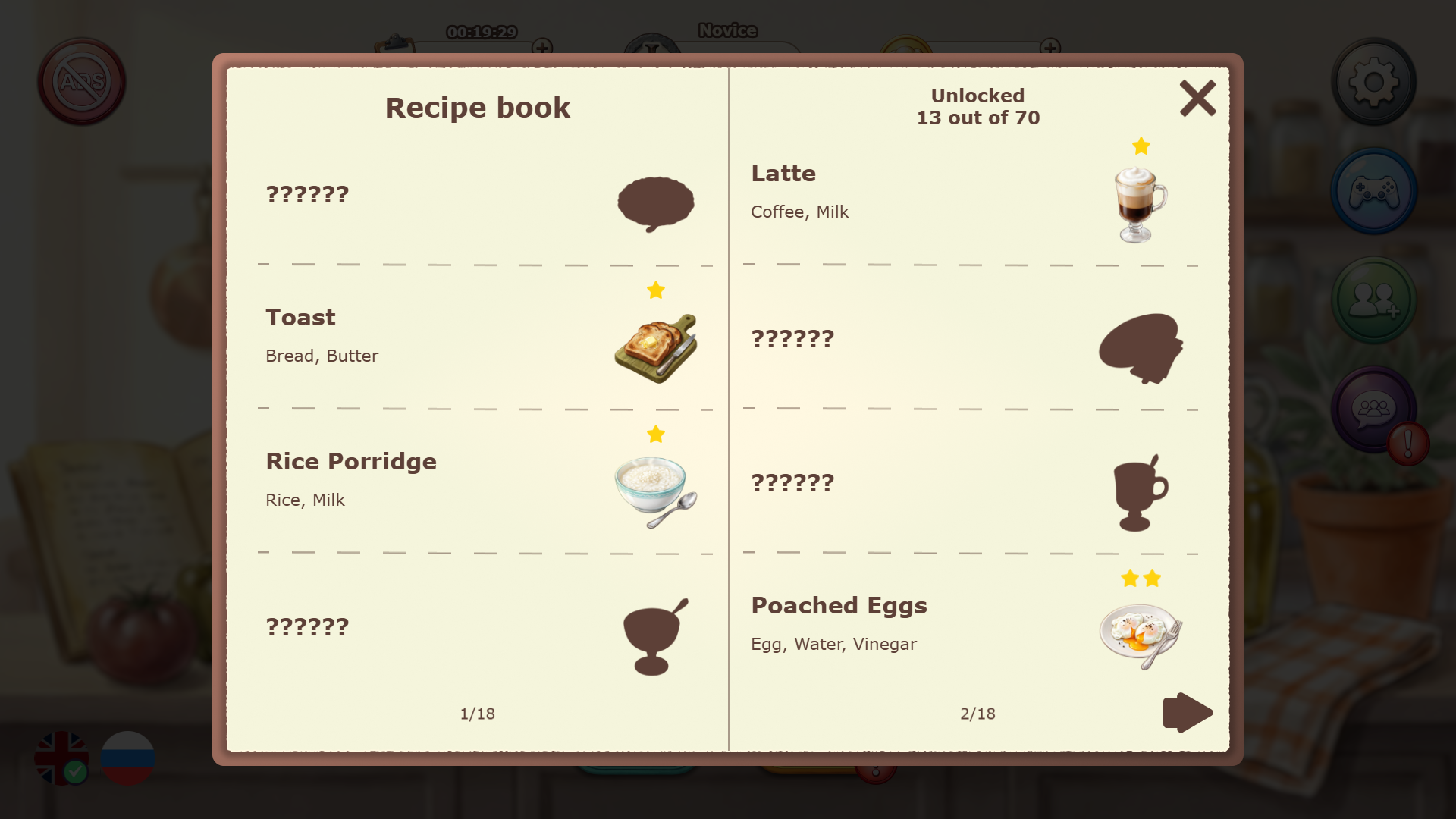
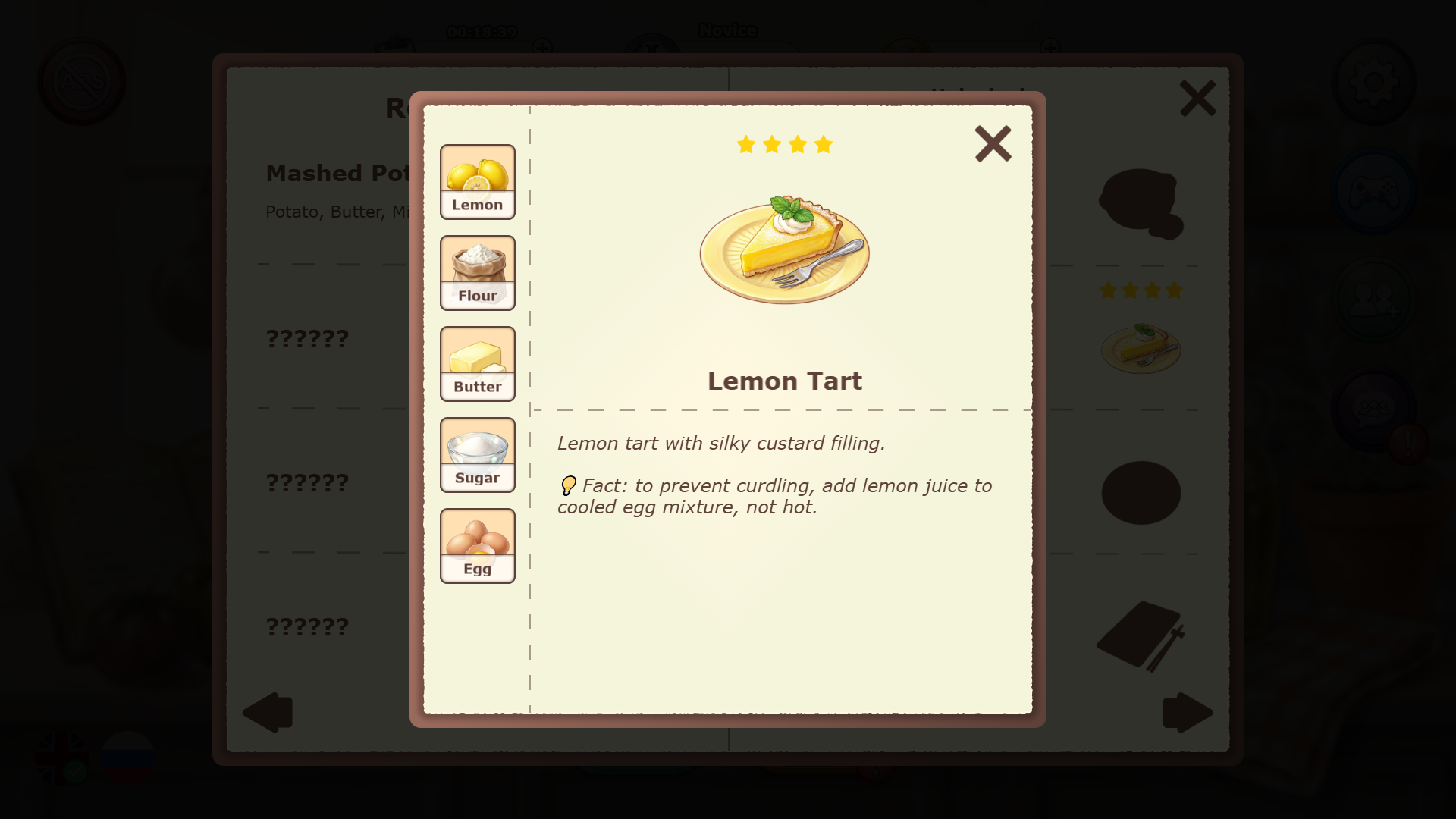
• Recipe unlock in the book
💡 HINTS:
• If you don't know an ingredient — use a hint (💡)
• Watch the timer — speed bonuses
• Mistakes cost stars — be careful!
• 1 order = 1 attempt, use wisely
Become a chef, unlock new titles, and collect all 70 recipes!
Features
- Global Cuisines: Prepare over 70 distinct recipes representing culinary traditions from around the world.
- Progression Path: Advance through a structured ranking system that tracks your culinary growth from beginner to expert.
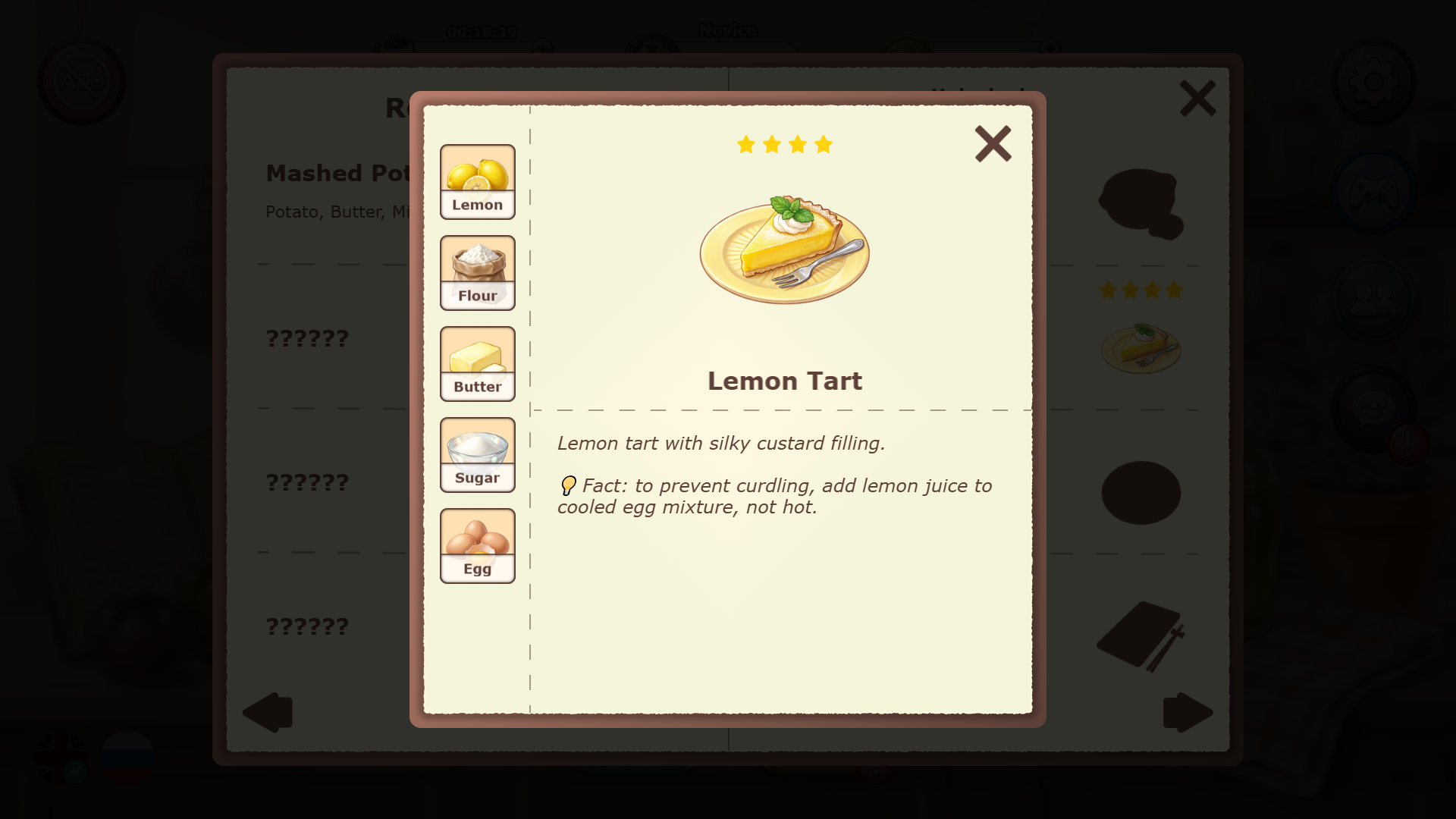
- Interactive Cookbook: Access a detailed library that records your progress and provides trivia about every completed meal.
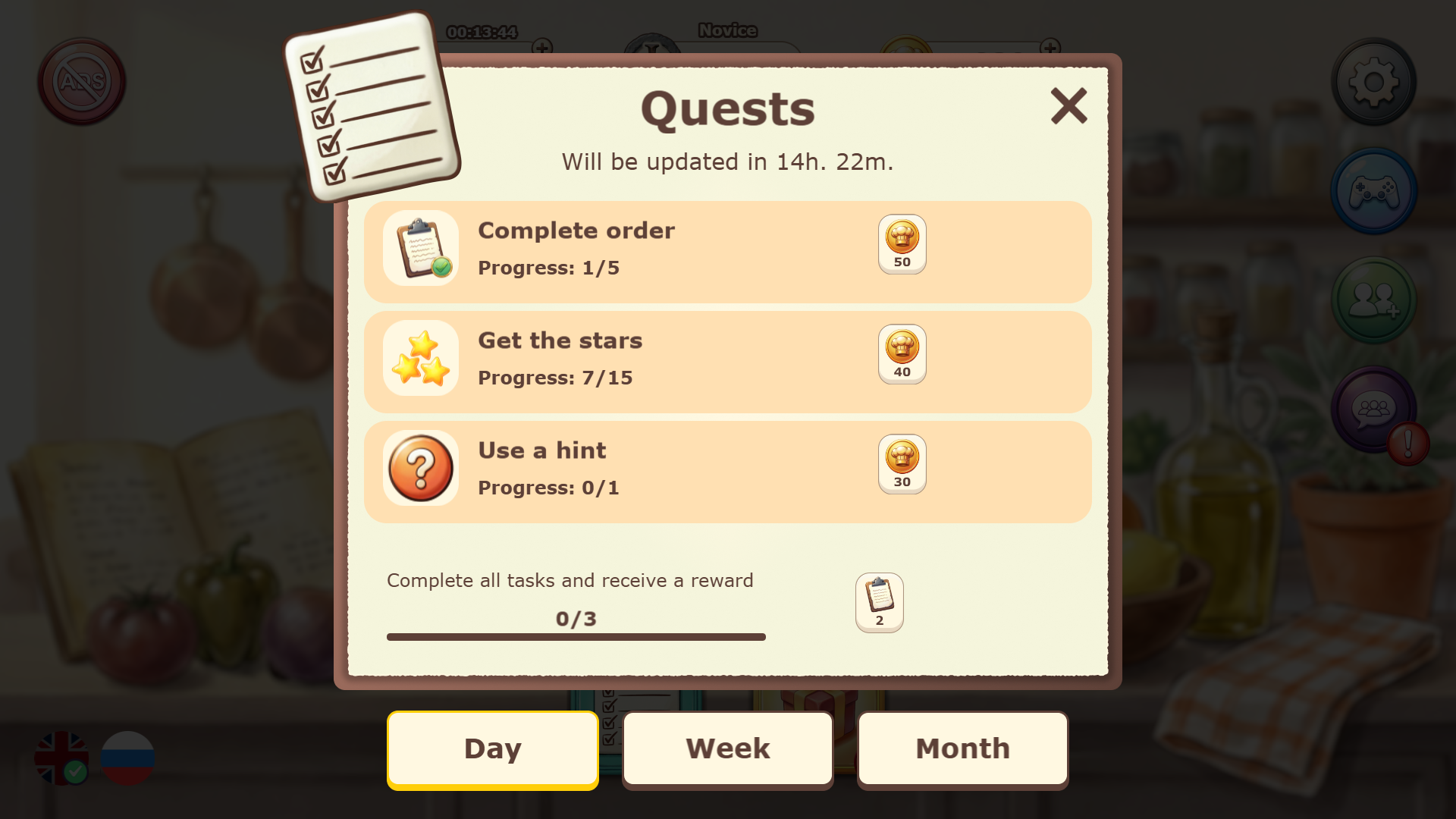
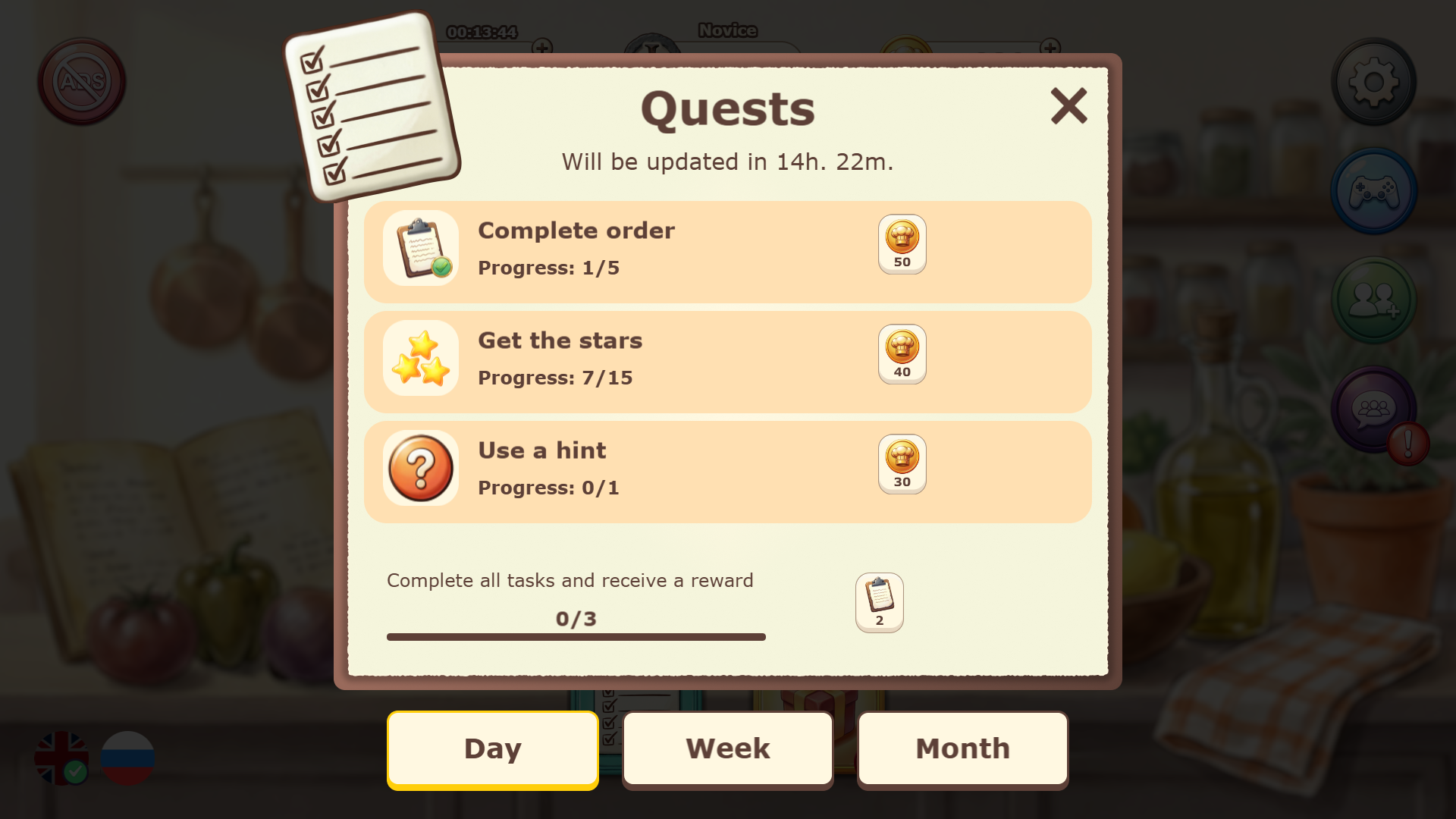
- Daily Challenges: Tackle fresh quests every day to earn extra coins and special bonuses for your kitchen.
- Stress-Free Environment: Enjoy a meditative pace that focuses on logic and organization rather than high-octane action.
Who is it for
Puzzle lovers who enjoy organized gameplay will find this title satisfying. Casual gamers seeking a relaxing way to pass time while learning about international food cultures will appreciate the steady progression. Anyone interested in becoming a digital шеф повар игра master will enjoy the strategic ingredient sorting mechanics.
Controls
Drag ingredients
Click and hold an item to move it into a recipe slot or tap and drag on touchscreens.
Cook dish
Tap the check button once all recipe slots are filled with ingredients.
Use hints
Tap the lightbulb icon to reveal the correct ingredient for a difficult recipe.
FAQ
How do I earn more stars in Kitchen Order Up!?
›
Focus on filling your recipes quickly to gain speed bonuses and avoid making mistakes with incorrect ingredients.
Can I play Kitchen Order Up! on my mobile device?
›
Yes, the game is fully optimized for mobile browsers so you can organize your kitchen on the go.
What happens if I run out of ingredients in Kitchen Order Up!?
›
Each level provides the specific items needed for the active orders, so ensure you check the bottom panel carefully before placing items.