About game
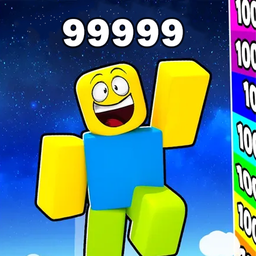
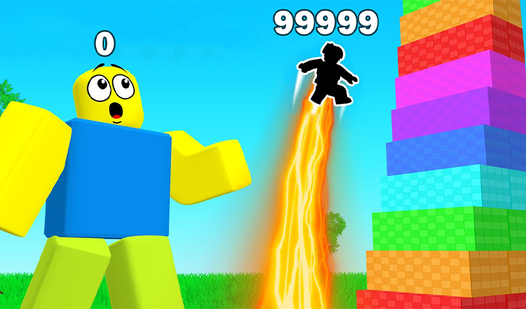
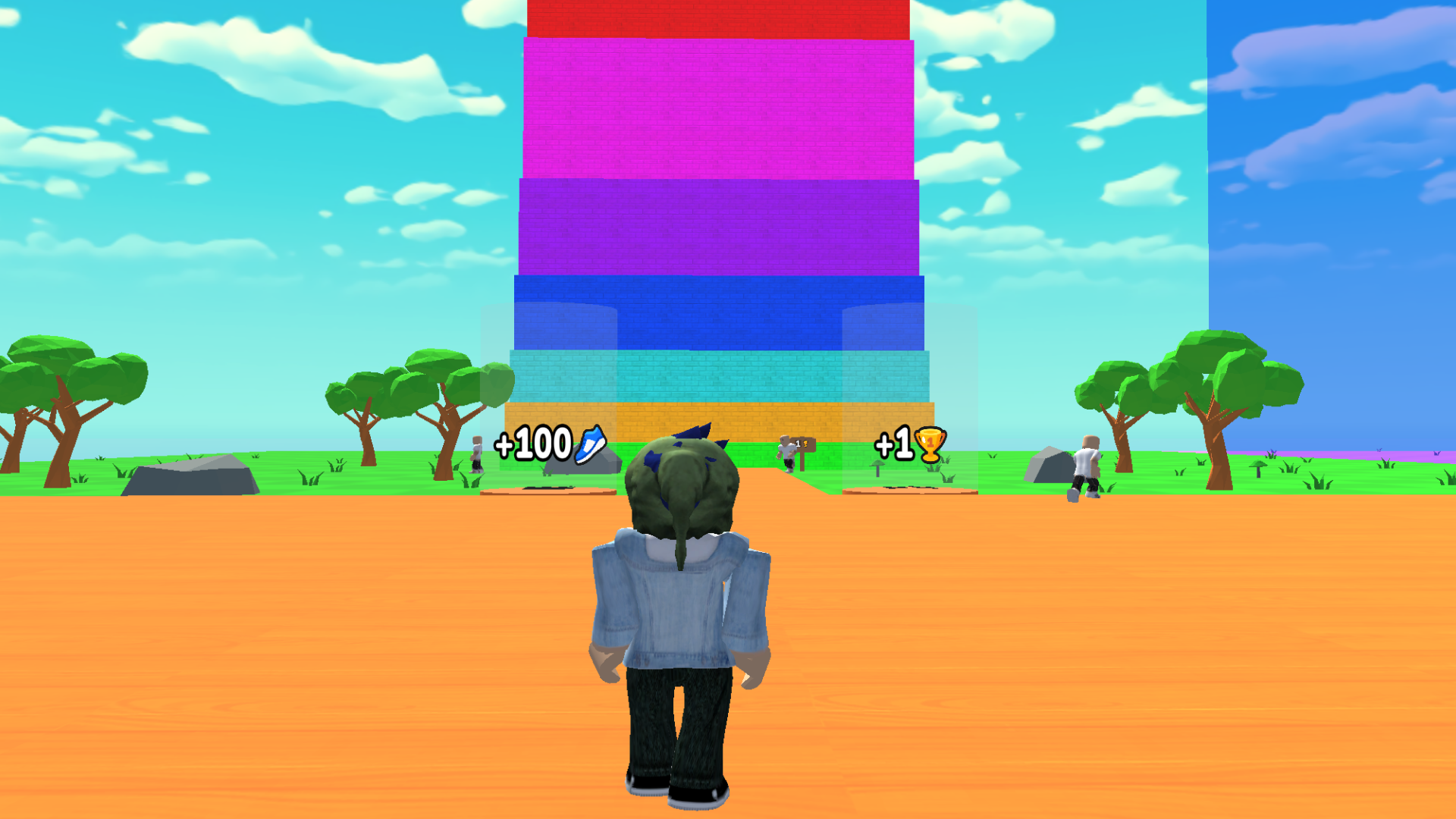
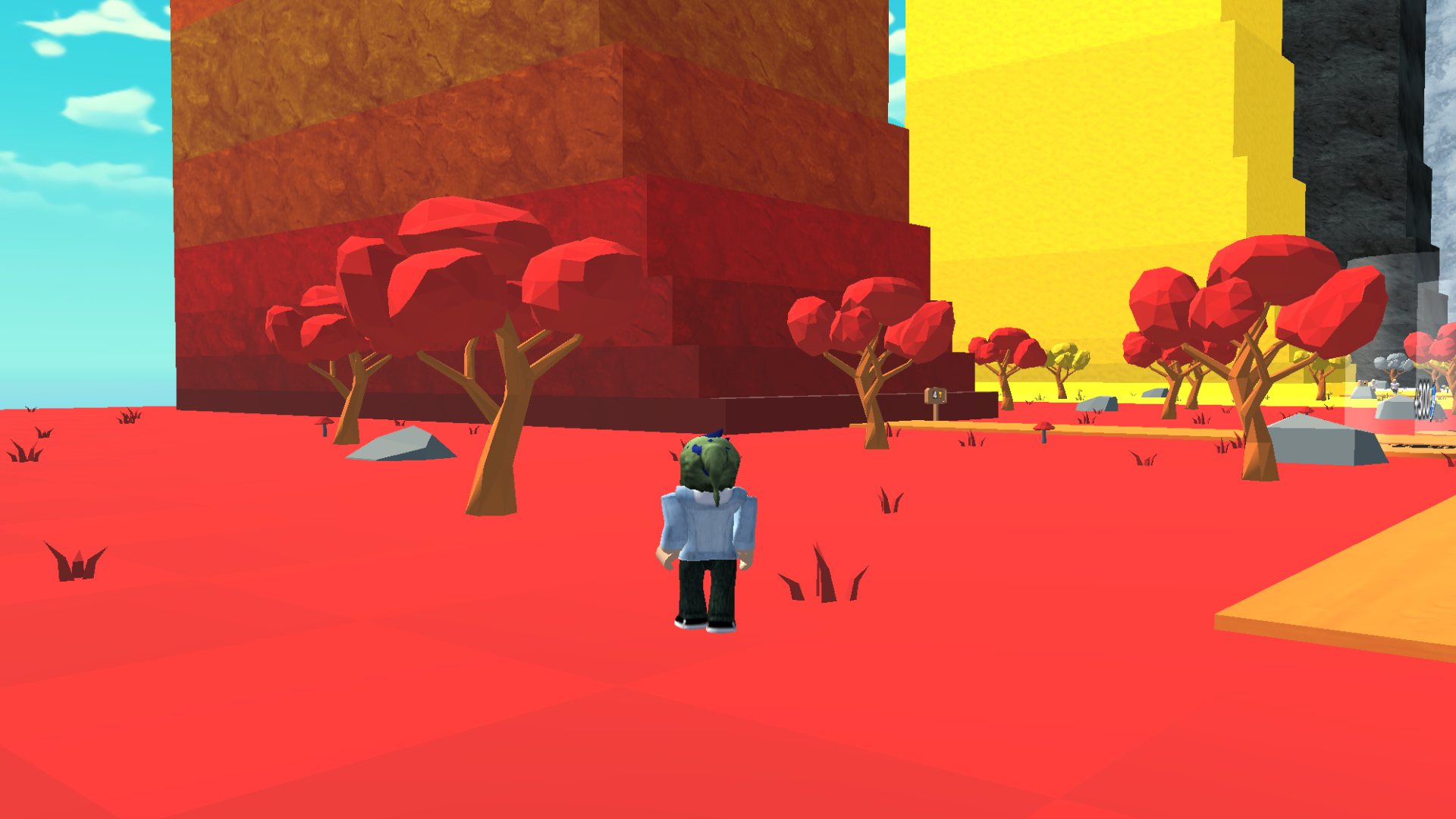
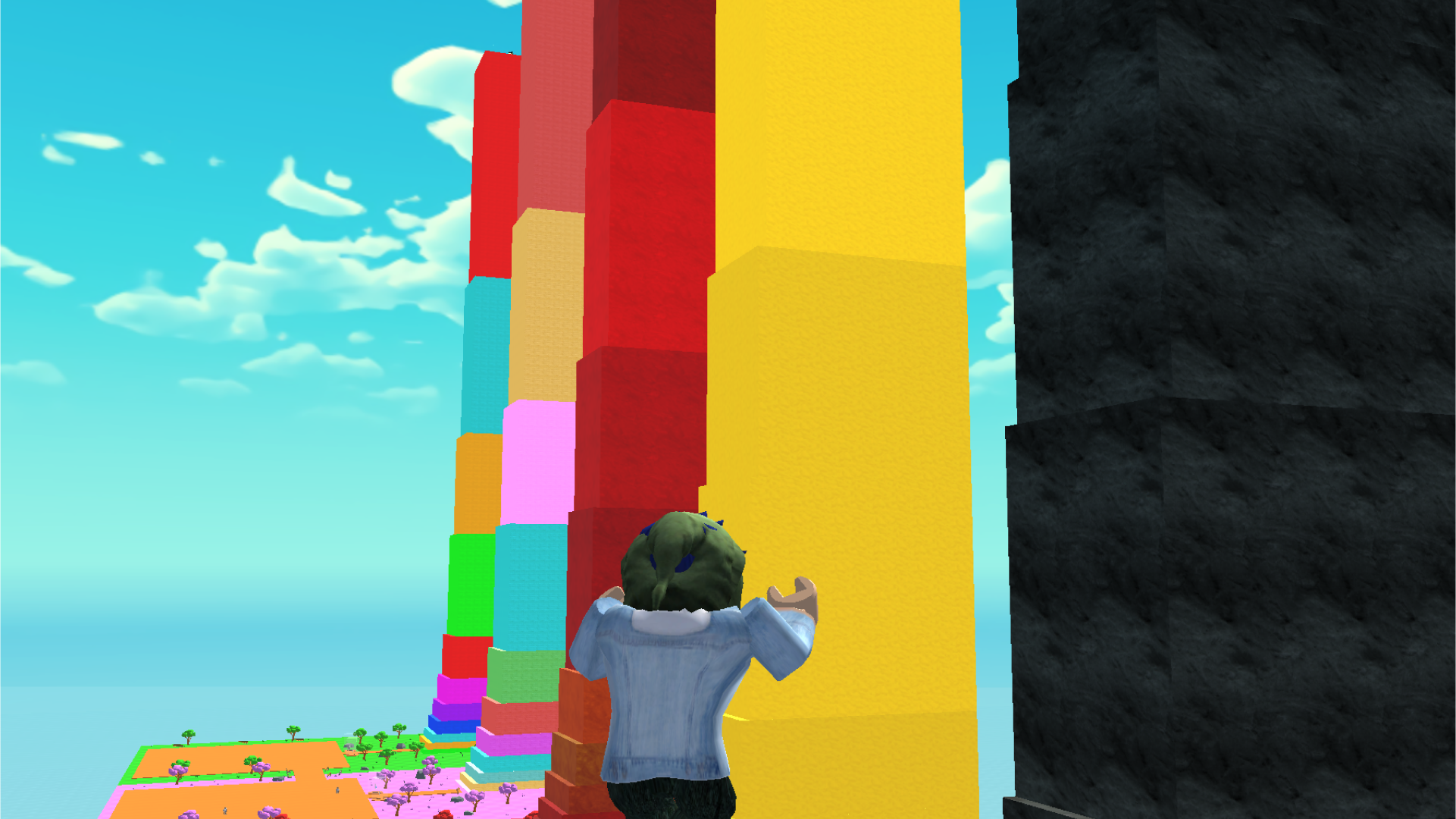
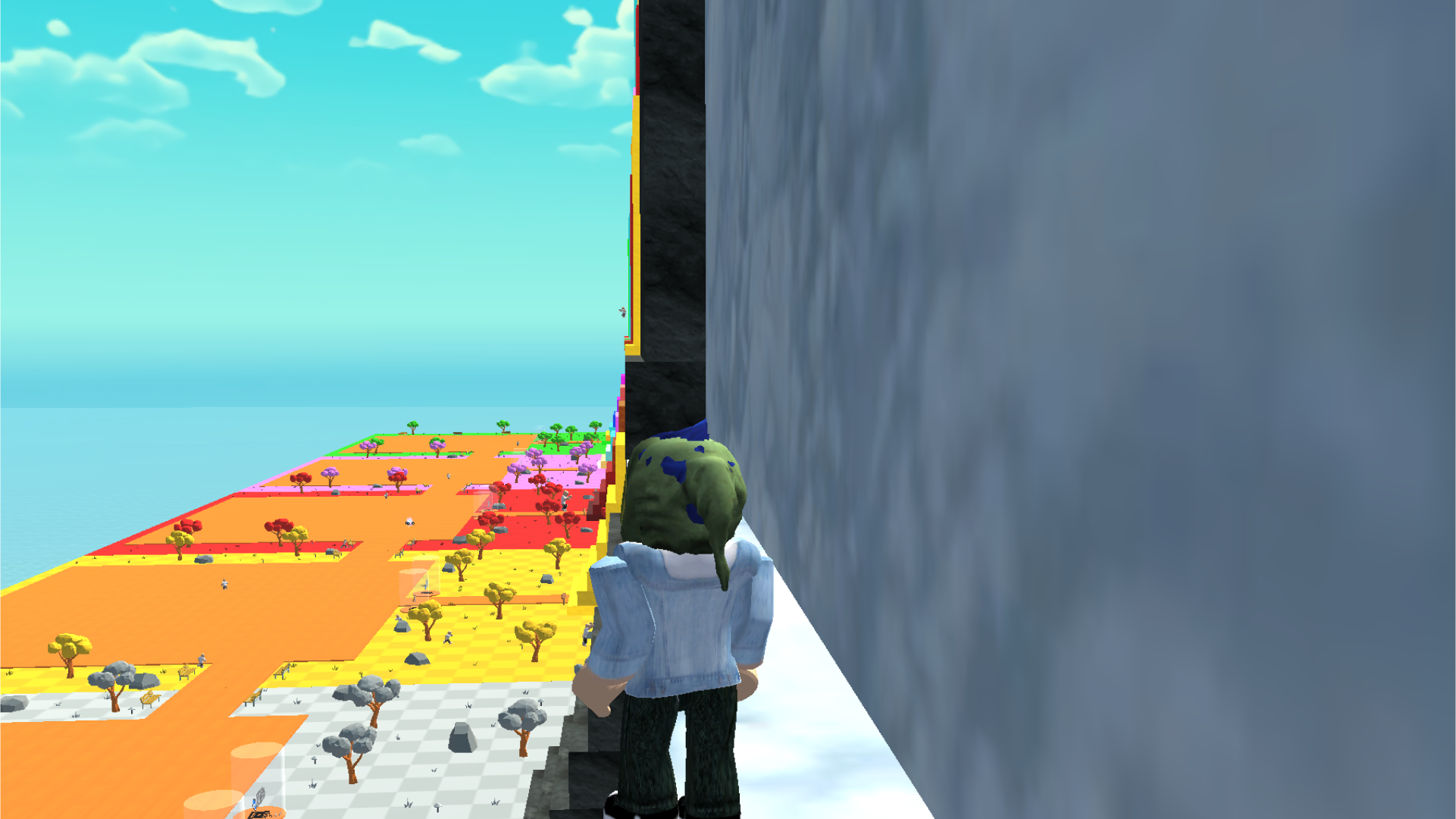
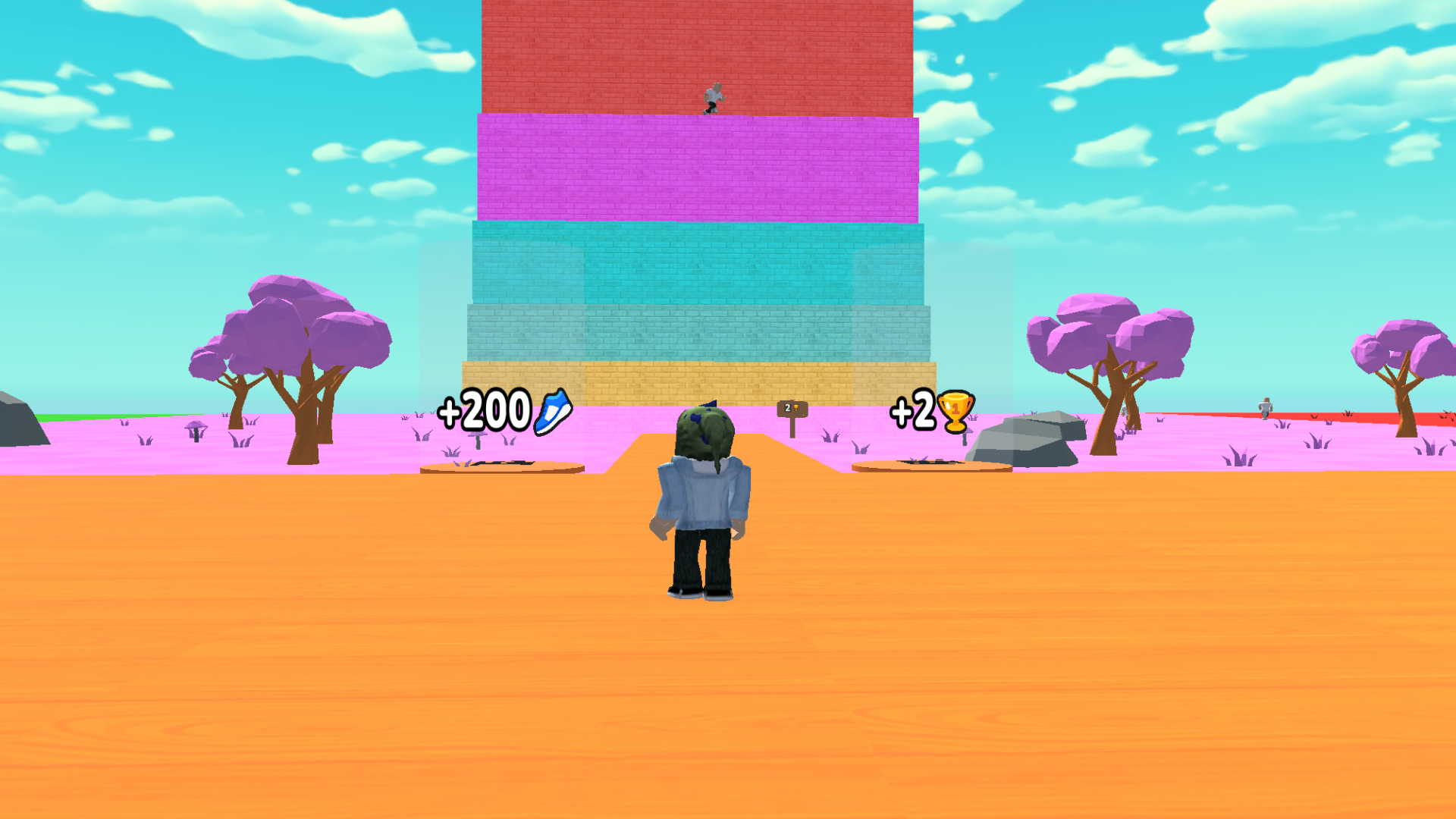
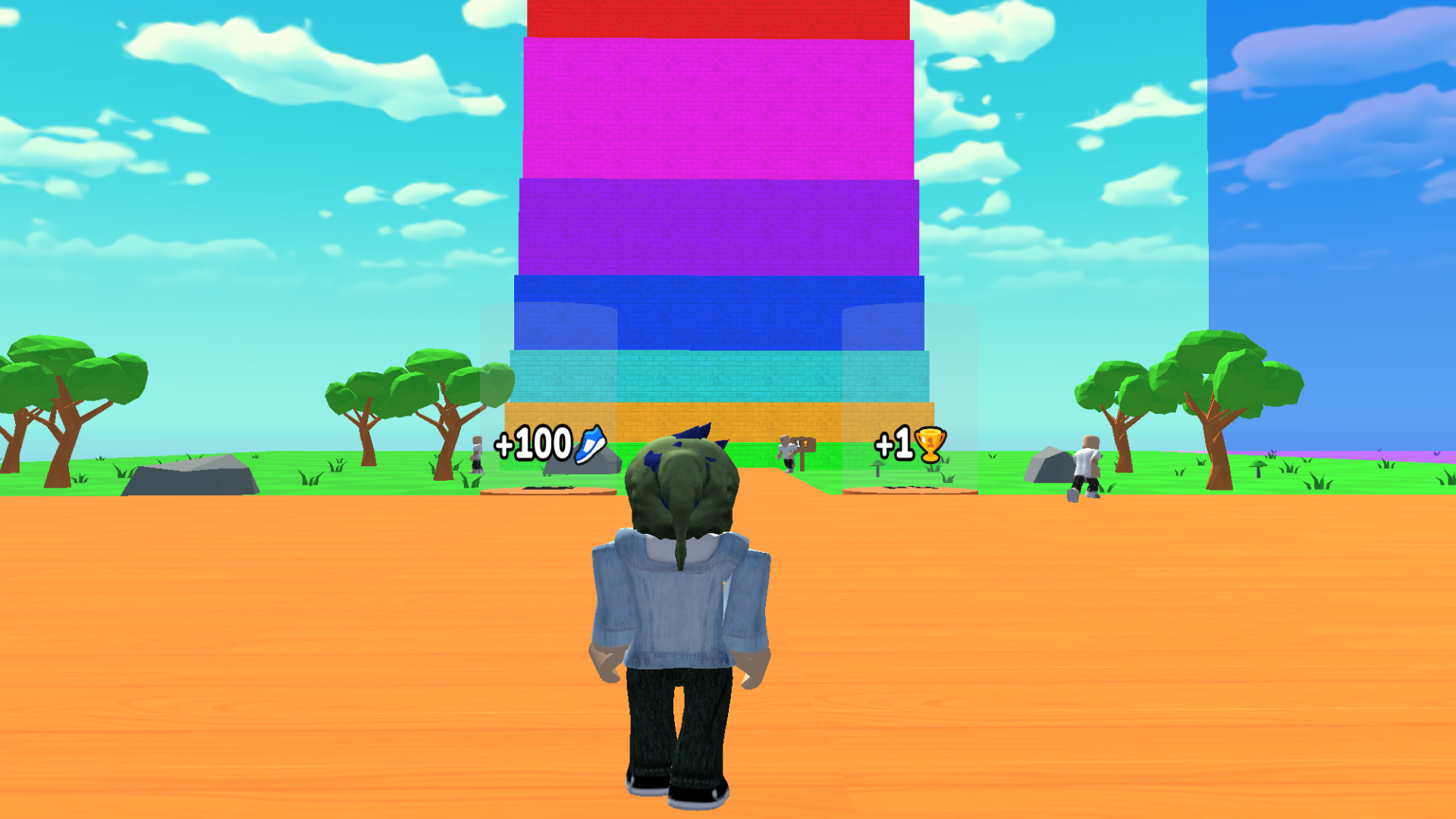
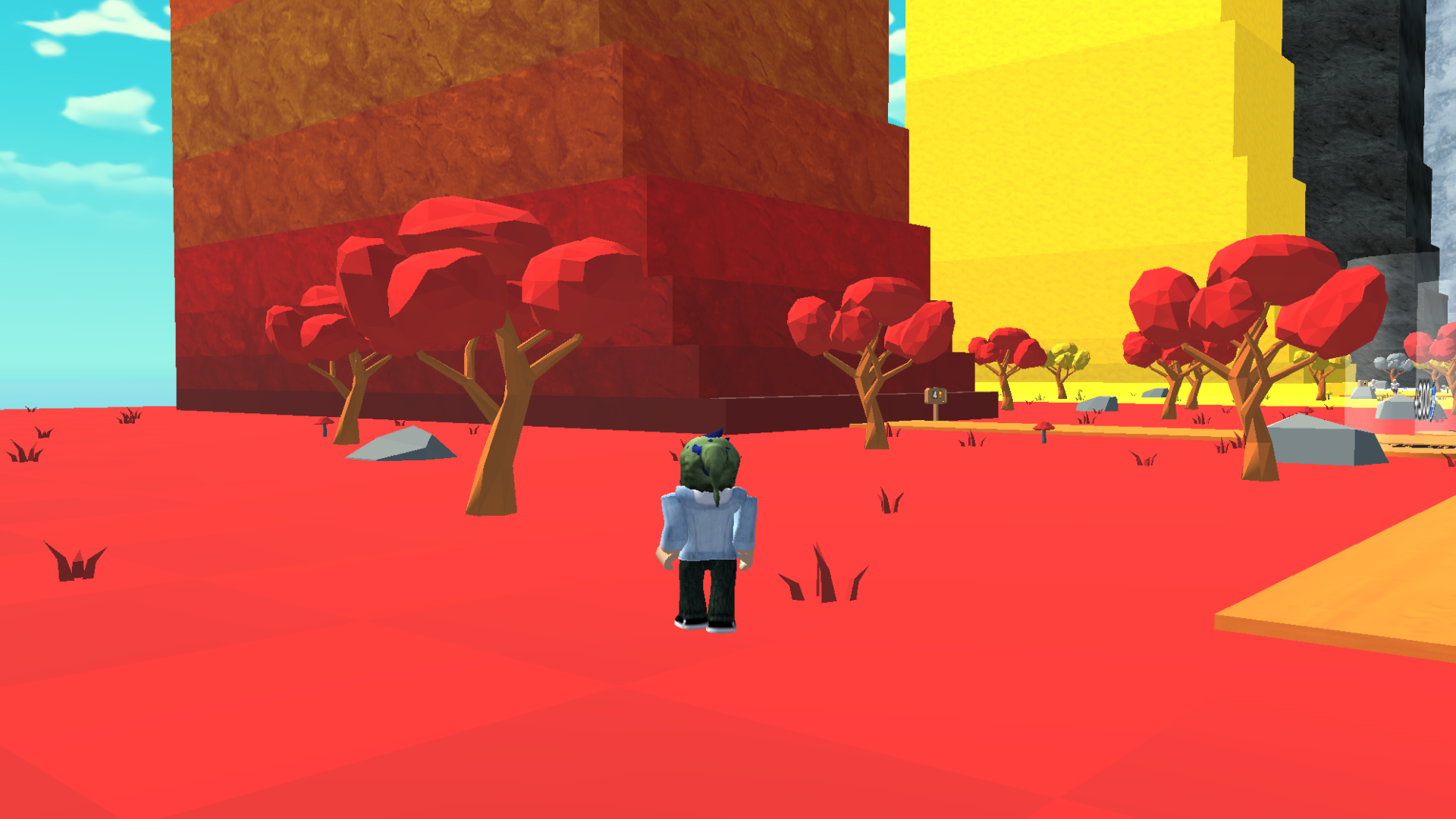
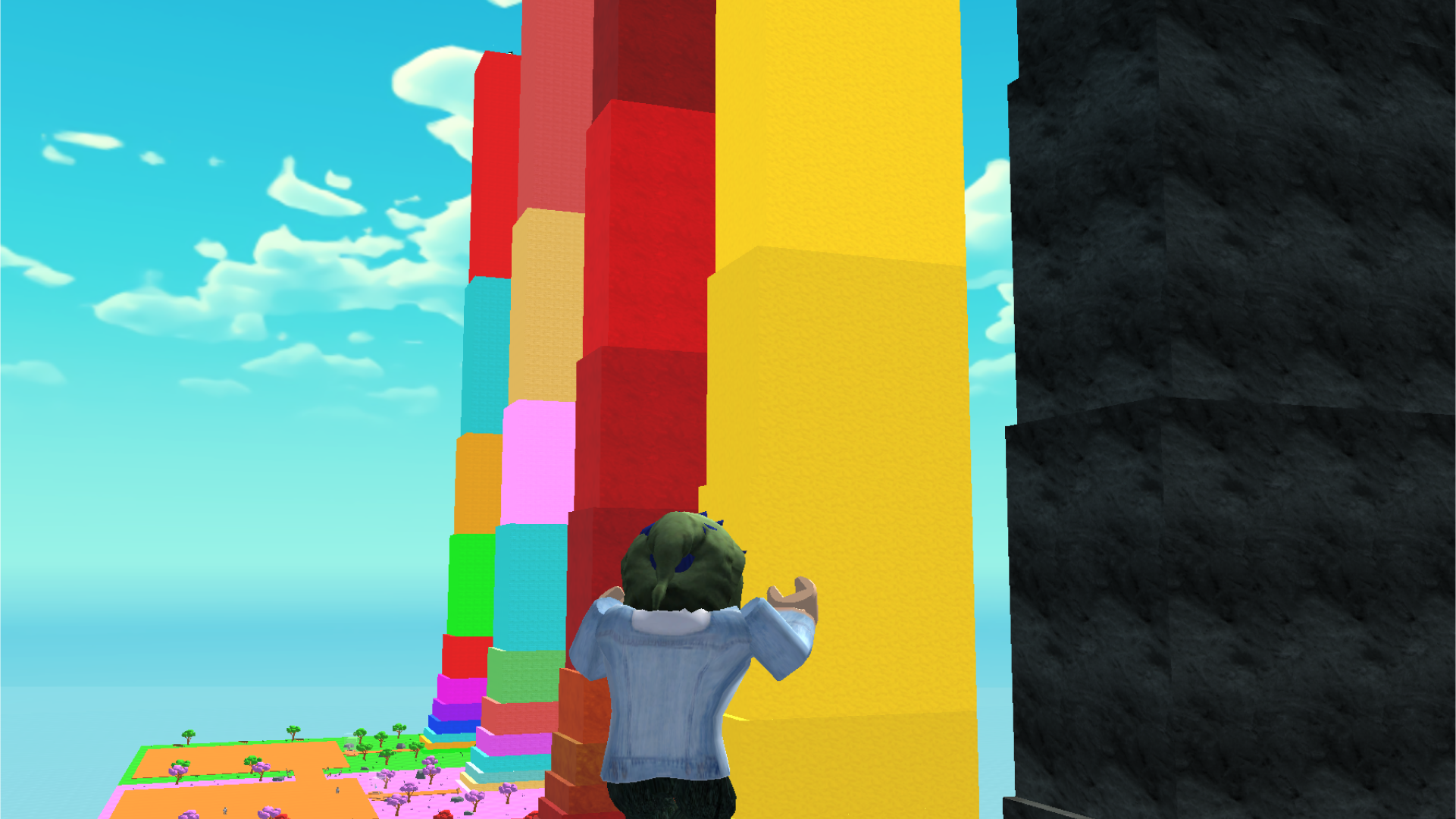
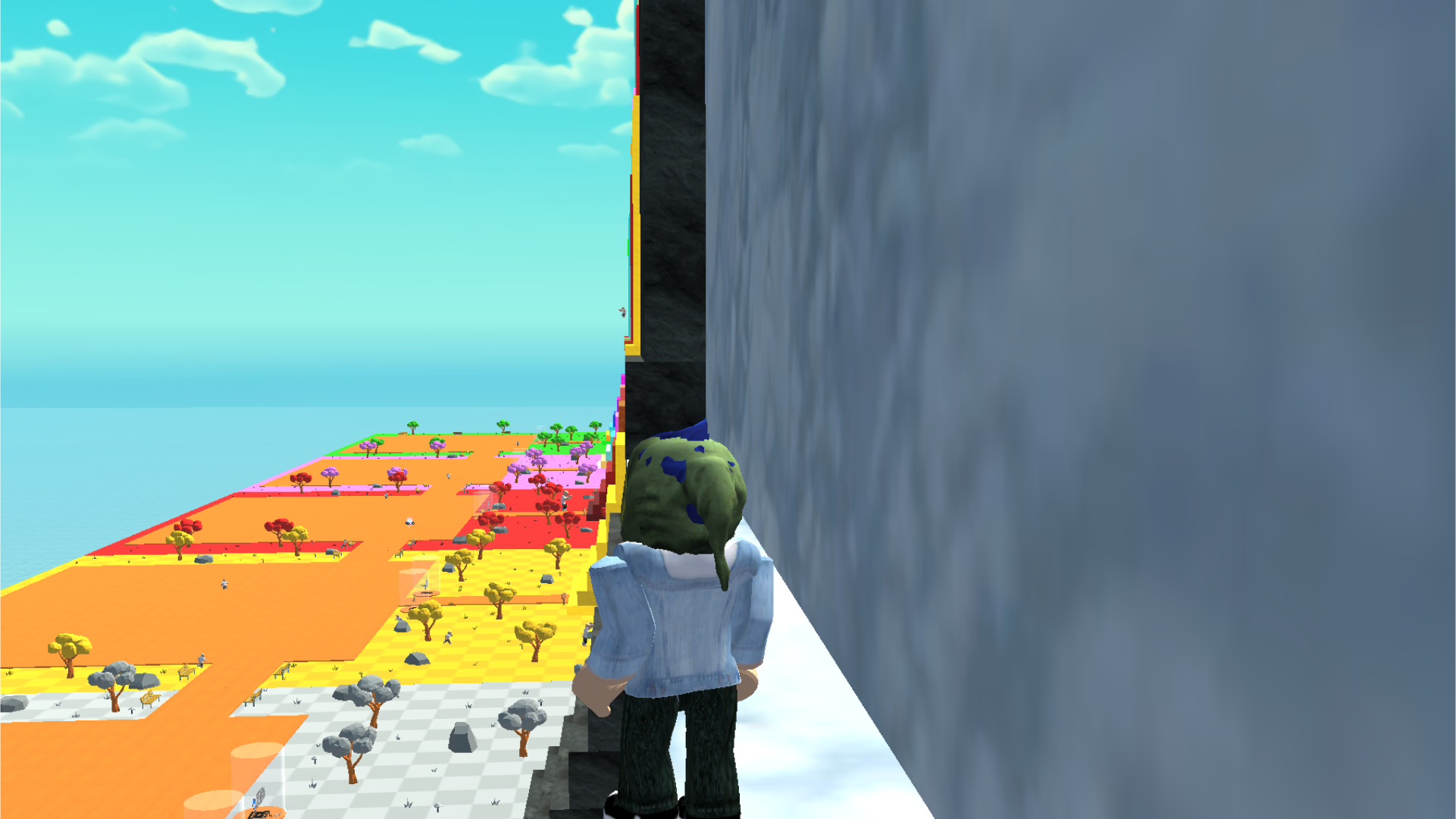
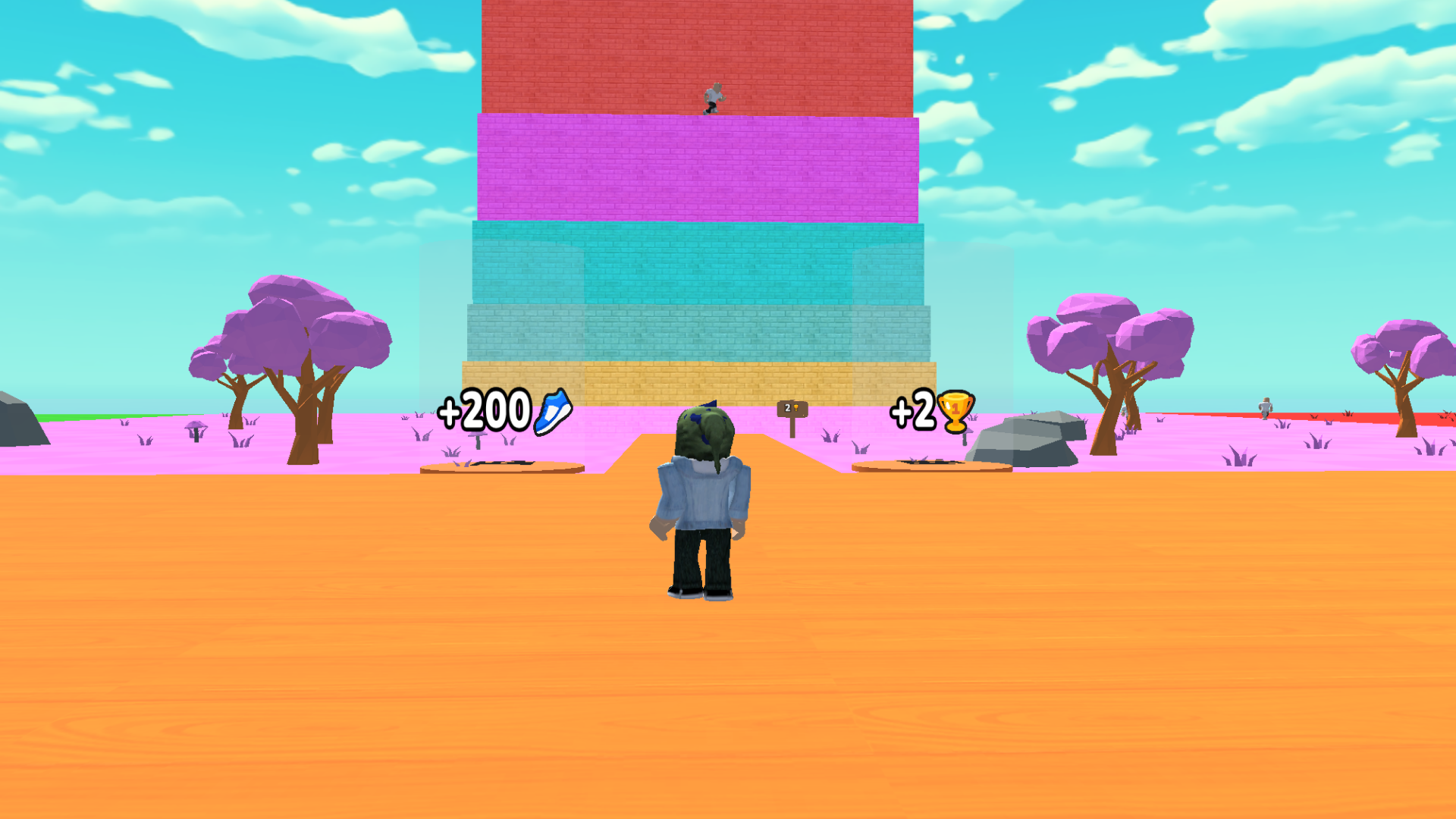
Platforming enthusiasts craving a rhythmic challenge will find their next obsession in Jump to Win! +1 Jump per second. This addictive arcade hit tasks you with scaling vertical heights where every tick of the clock grants you extra upward momentum through a clever +1 прыжок mechanic. Players tap or click to navigate treacherous terrain, carefully timing each move to avoid plummeting back to the start. As you ascend, the obstacles become increasingly complex, demanding sharp reflexes and perfect spatial awareness to maintain your streak. Successfully summiting these peaks rewards you with golden cups, which serve as your currency to unlock vibrant new biomes and challenging vertical courses. Fans of the roblox style will feel right at home navigating these tight, physics-based platforms while chasing a high score on the global leaderboard. The game perfectly balances casual pick-up-and-play sessions with a competitive edge that keeps you coming back for just one more attempt. Experience this high-flying adventure for free right in your browser without any downloads required.
How to play
Click on the screen to increase your jump height!
Computer:
- TsFYV - character control.
- To rotate the camera, hold down the right mouse button.
- Use the slider in settings to adjust camera sensitivity.
- Use spacebar to jump.
Telephone:
- Use the joystick to control your character.
- To rotate the camera, swipe your finger across the screen.
- Use the slider in settings to adjust camera sensitivity.
- Use the button in the lower right corner to jump.
Features
- Dynamic Jump Scaling: Your jumping power increases automatically every second, forcing you to adapt your rhythm as you gain altitude.
- Cup Economy: Collect trophies during your climb to unlock diverse aesthetic levels and custom character upgrades.
- Dynamic Camera Control: Toggle between first and third-person perspectives to master difficult platforming gaps with precision.
- Progressive Difficulty: Early stages provide a calm introduction, while later peaks introduce moving platforms and shrinking landing zones.
- Sensitivity Customization: Fine-tune your mouse or touch input in the settings menu to ensure your movements are always pixel-perfect.
Who is it for
Arcade fans and platforming speedrunners who enjoy testing their reflexes against increasing difficulty. Competitive players who love chasing high scores on global leaderboards will find the climbing mechanics satisfying, while casual gamers will appreciate the simple, intuitive controls that make jumping to the top of the leaderboard accessible for everyone.
Controls
Jump
Press Spacebar on desktop or tap the button in the lower right corner on mobile.
Movement
Use the WASD keys on a computer or the virtual joystick on a mobile device.
Camera Rotation
Hold the right mouse button to pan or swipe your finger across the mobile screen.
FAQ
How do I earn points in Jump to Win! +1 Jump per second?
›
You earn points and cups by successfully navigating obstacles and reaching higher altitudes.
Does Jump to Win! +1 Jump per second require any downloads to play?
›
No, you can play this title directly in your web browser with no registration or installations needed.
Can I change the camera settings in Jump to Win! +1 Jump per second?
›
Yes, you can adjust the camera sensitivity at any time using the slider found in the in-game settings menu.