About game
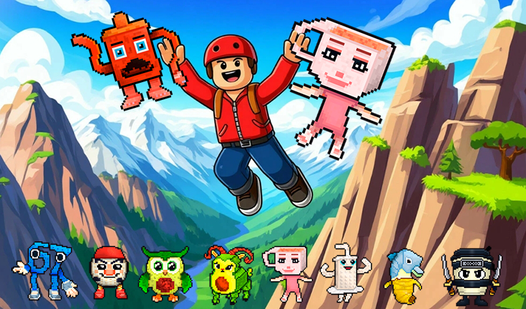
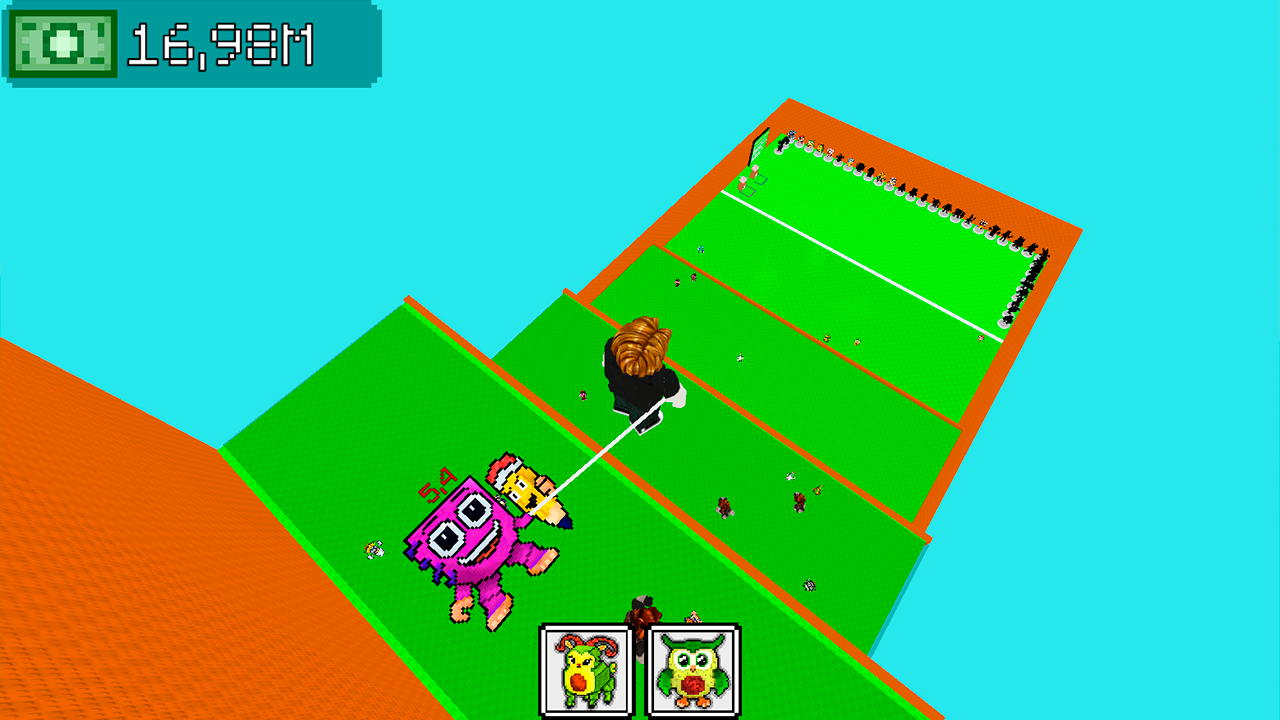
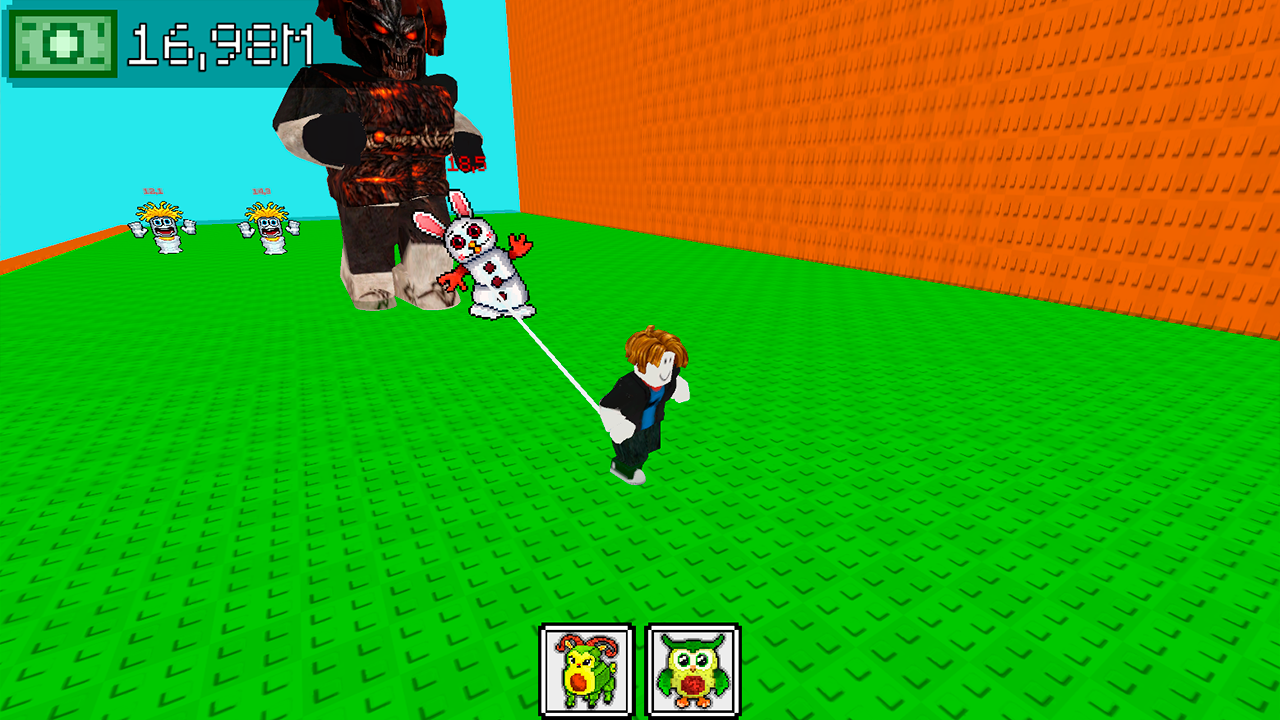
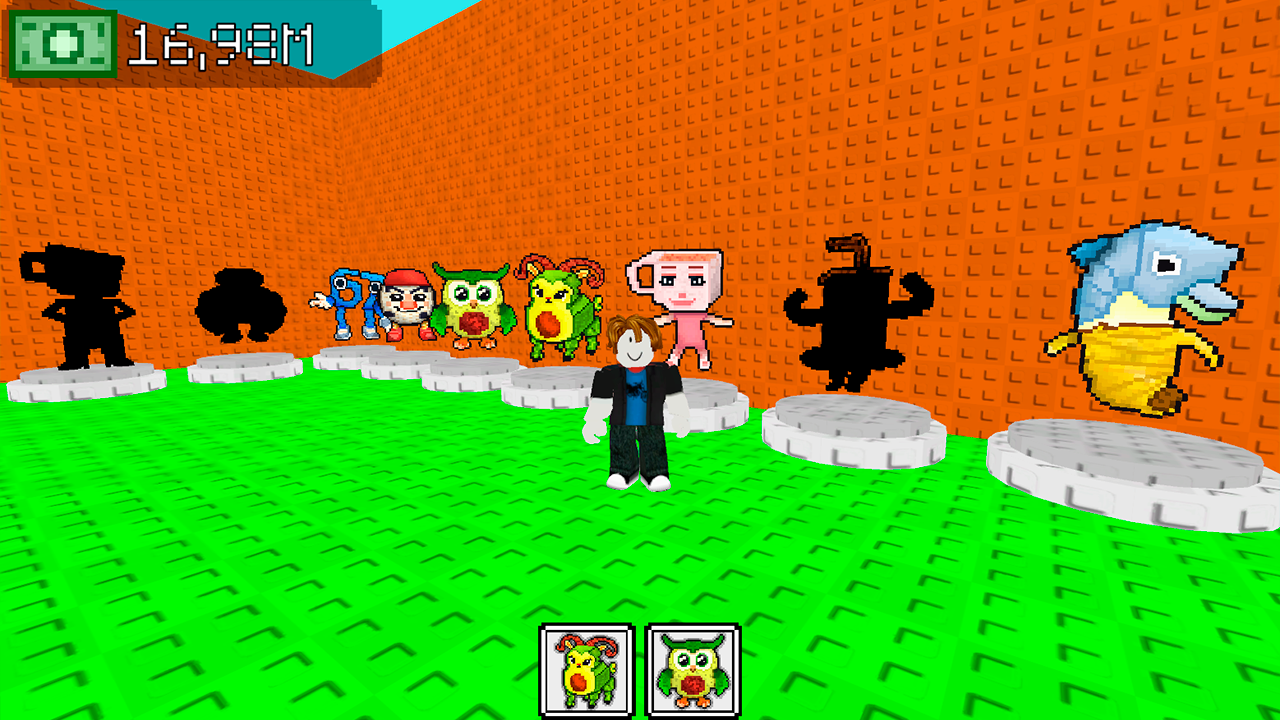
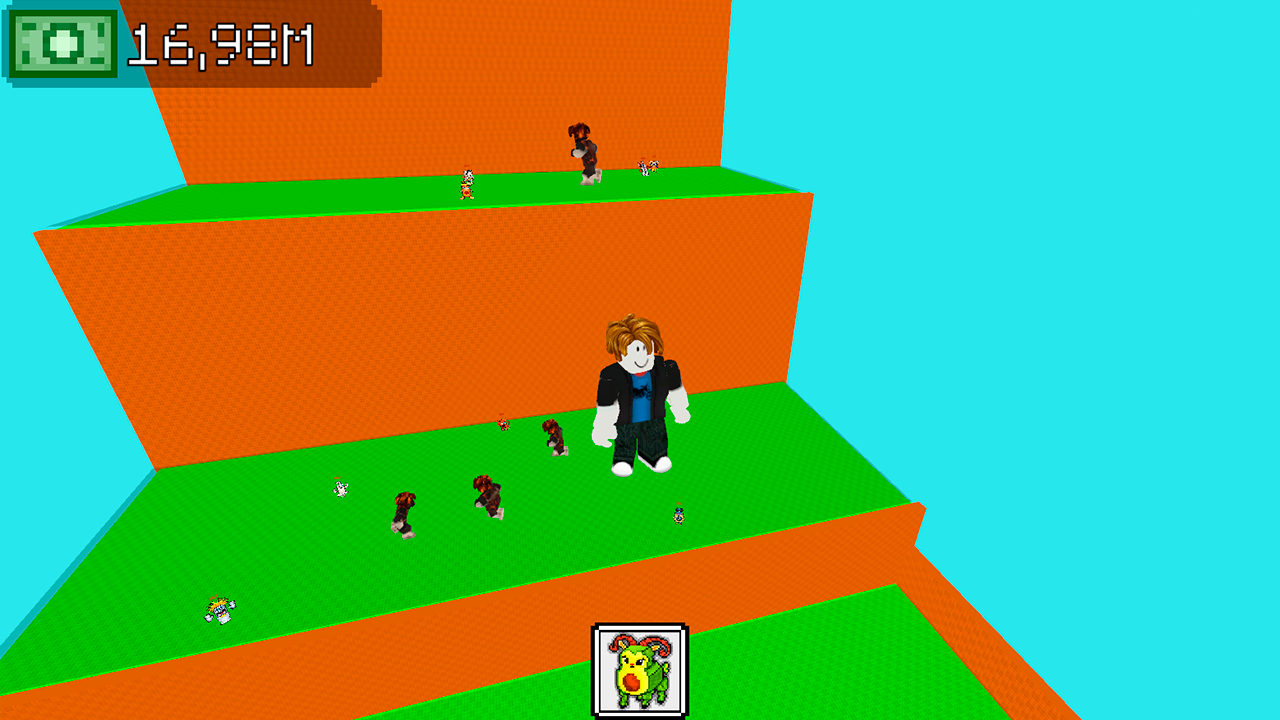
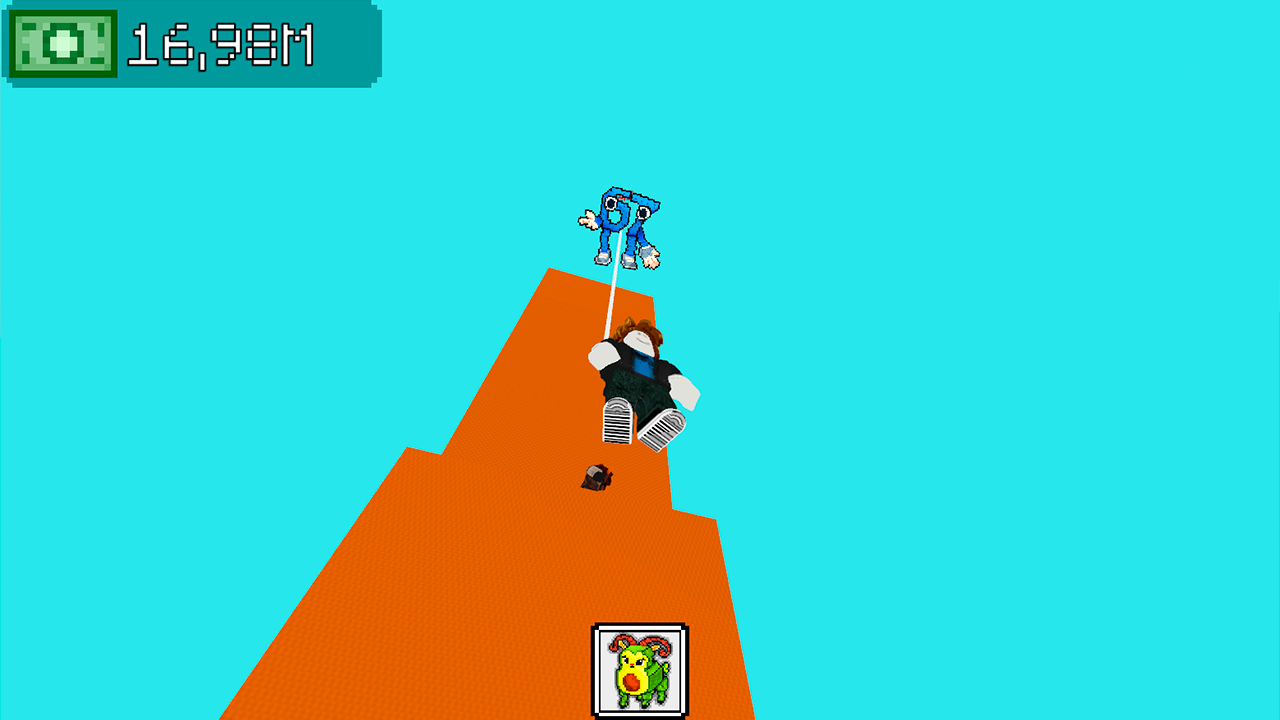
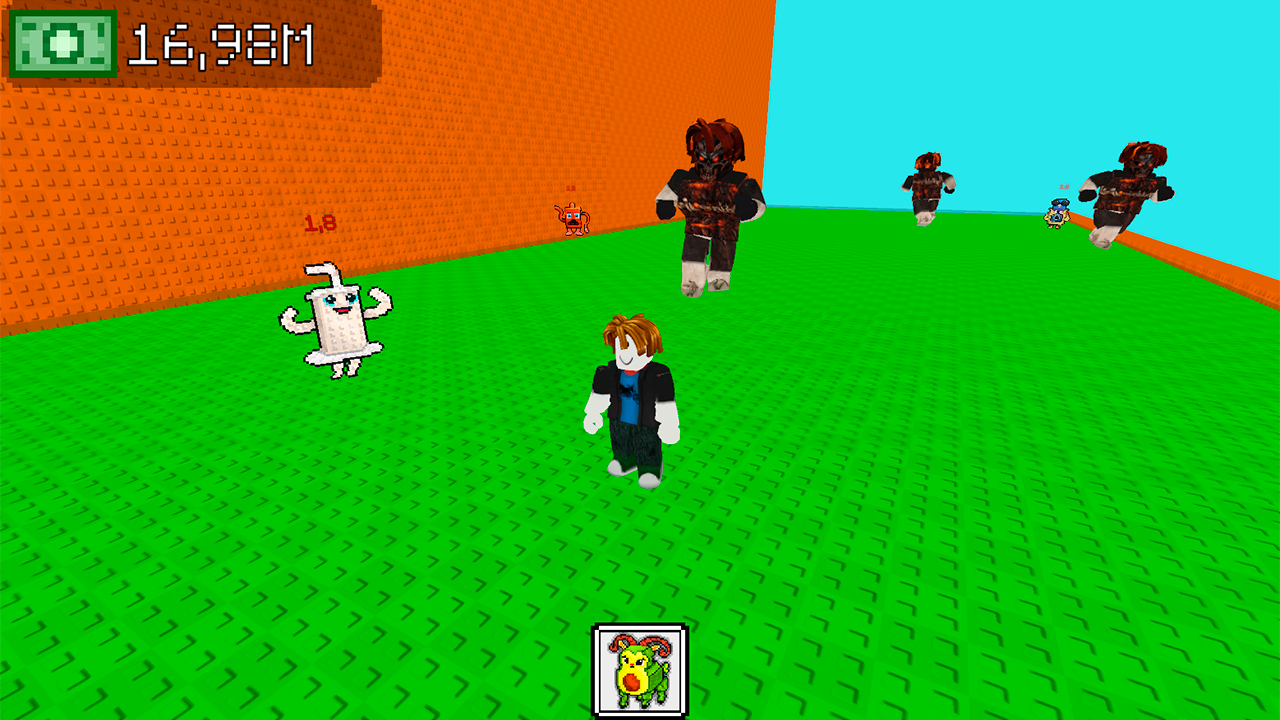
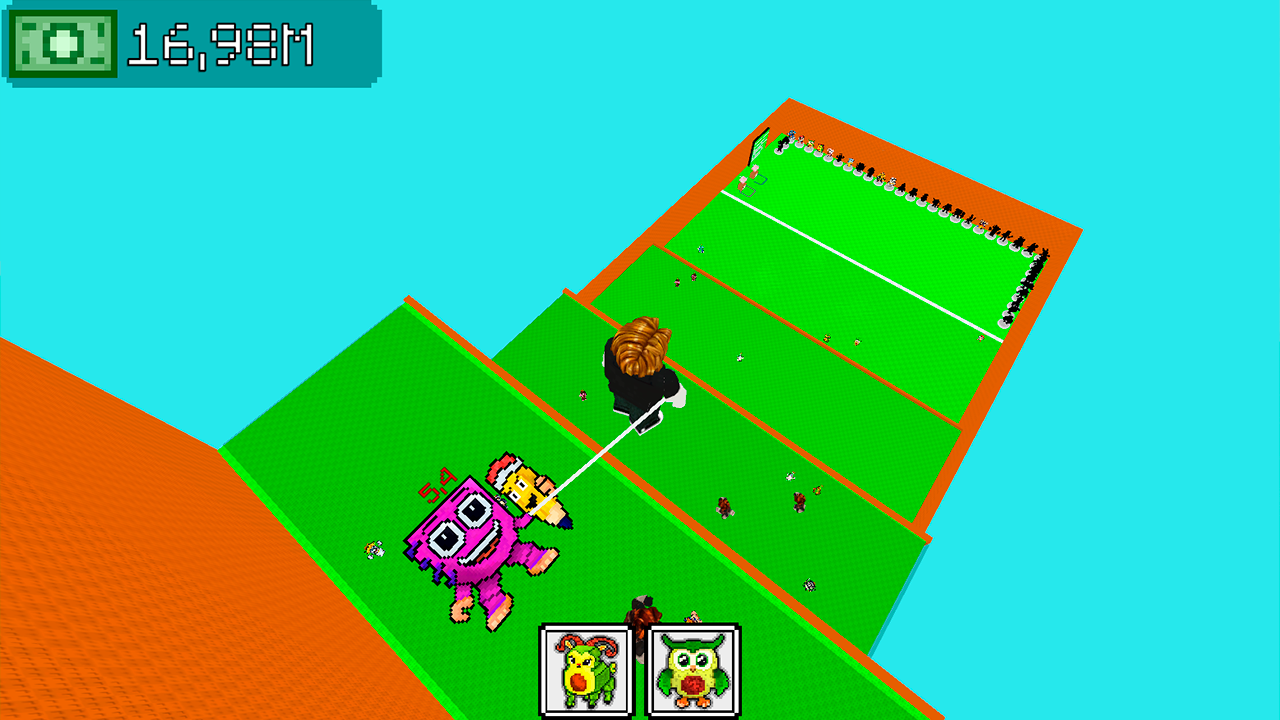
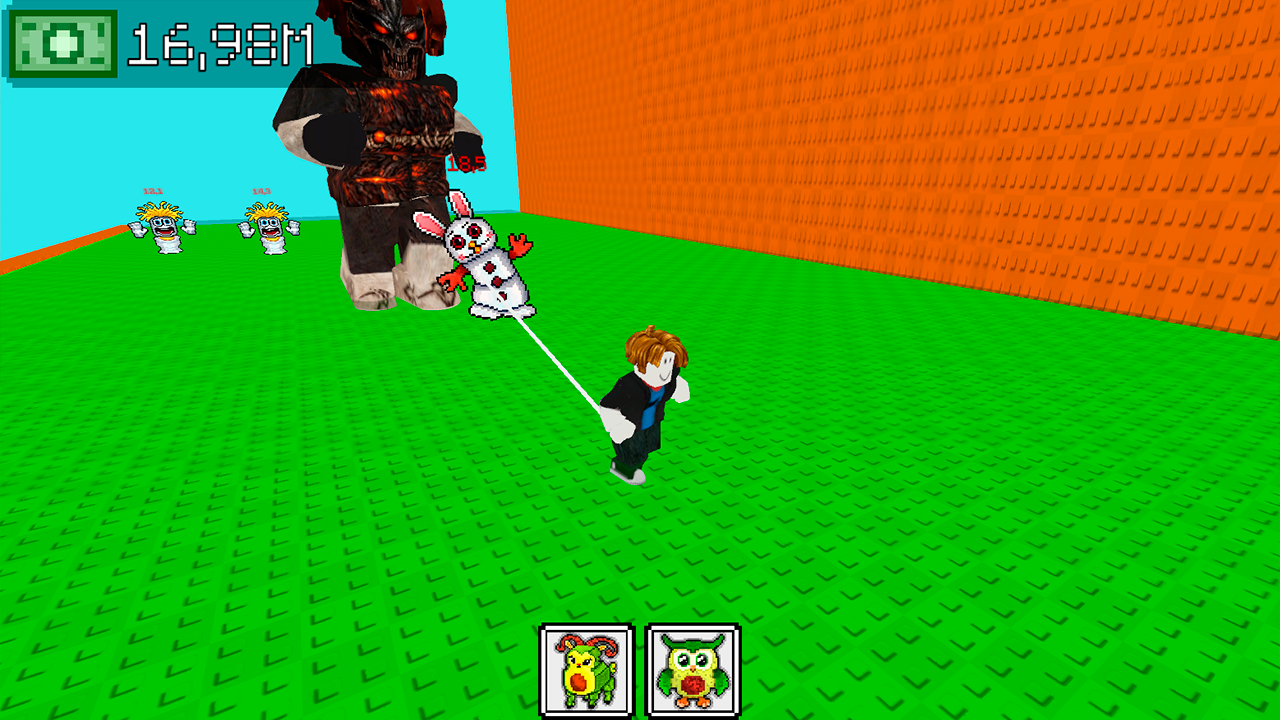
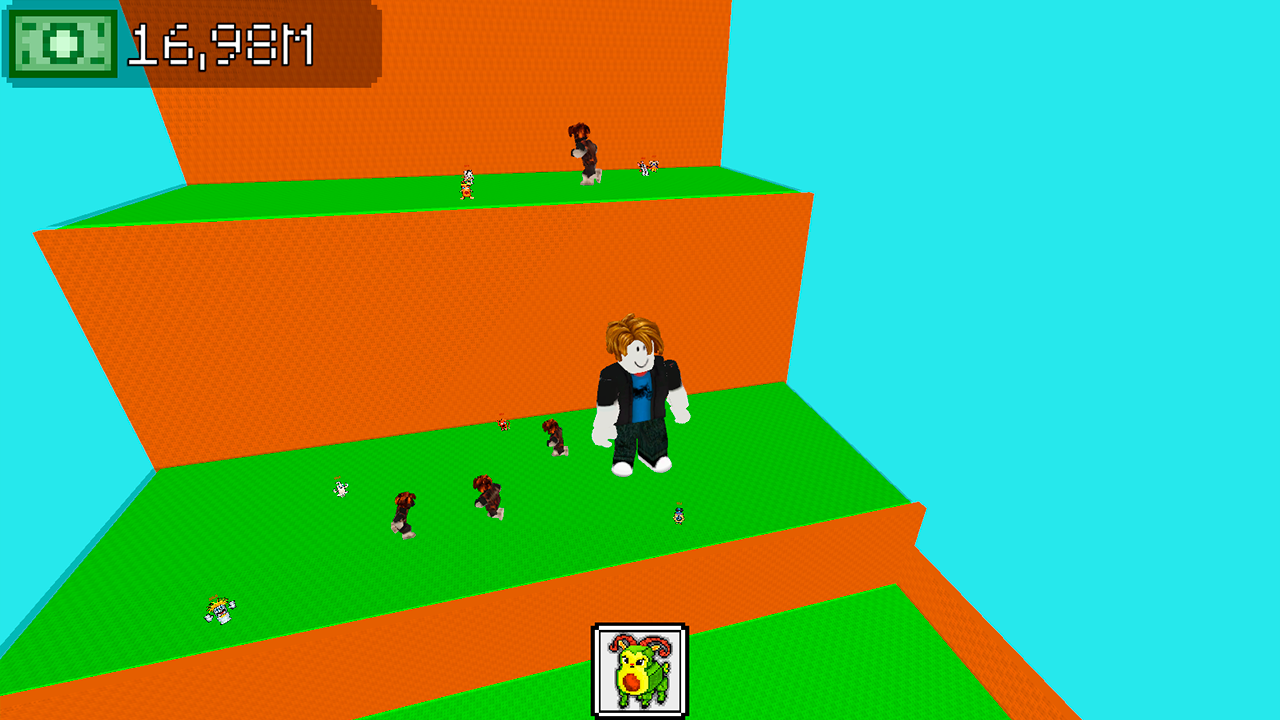
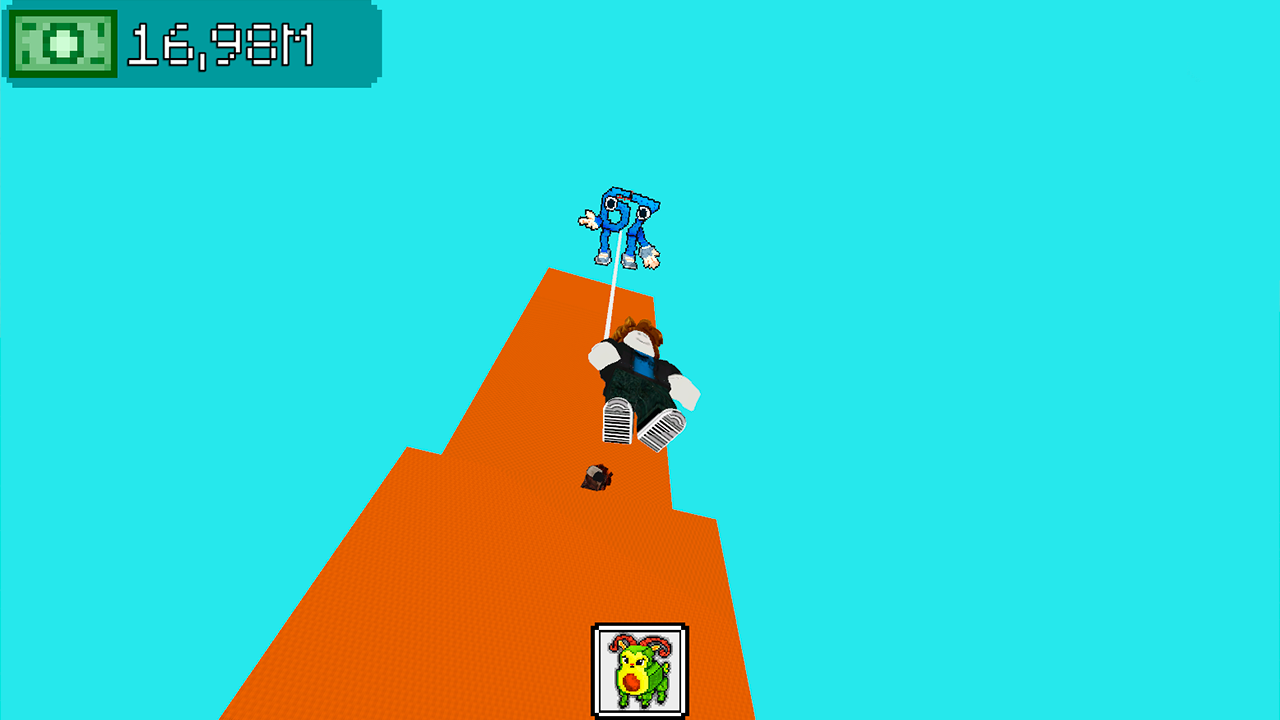
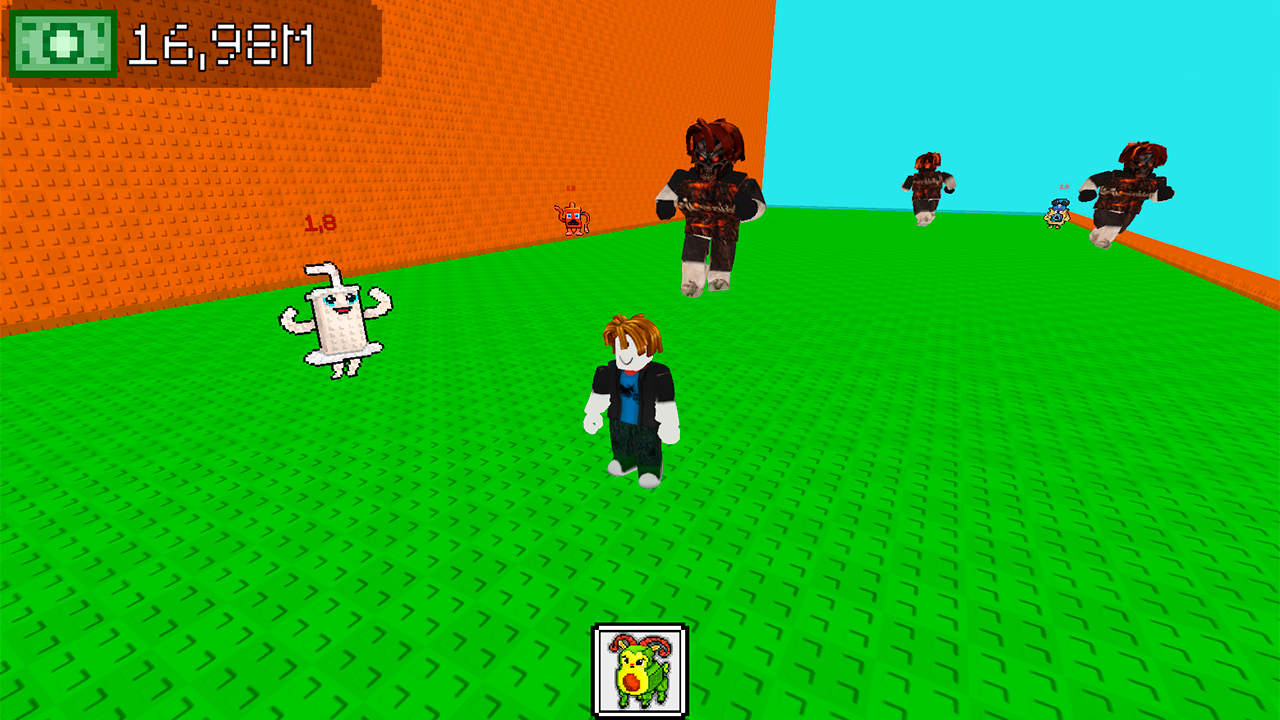
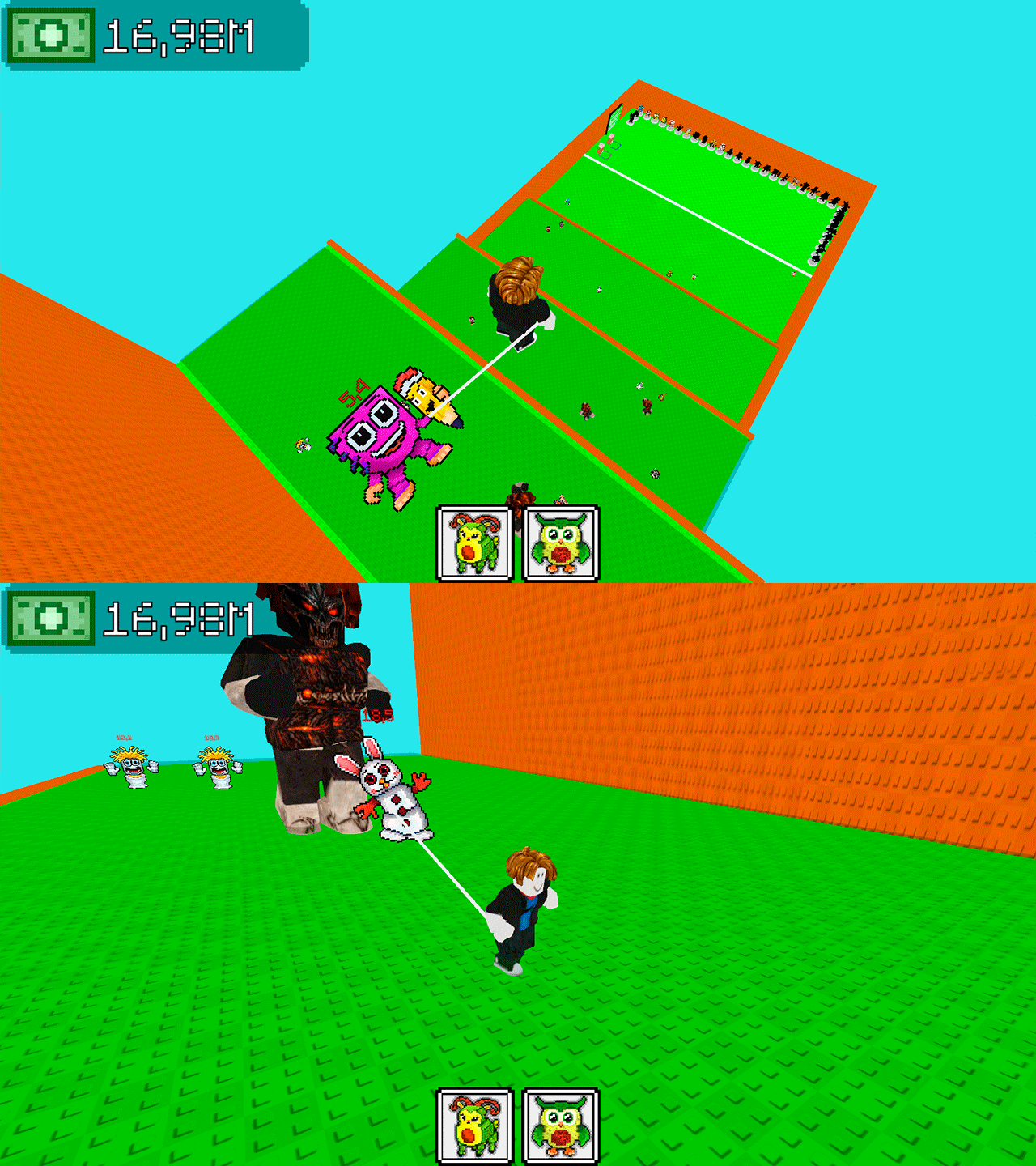
Platforming fans who enjoy goofy aesthetics will find Jump to the Mountain for the Brainrots an addictive challenge. You play as Obby, scaling a treacherous mountain to track down elusive Brainrots scattered across the terrain. Navigate through complex obstacles while dodging enemies that lurk near these valuable collectibles. Picking up every single Brainrot adds to your total stash, which you exchange to upgrade your jumping power. Higher leaps allow you to reach the summit where the rarest specimens hide. Keeping your balance is crucial because one slip sends you tumbling back down to the start. Mastering the movement mechanics determines how fast you ascend this massive peak. Climb higher, grab every item, and dominate the global leaderboard today. Play this frantic arcade experience right in your browser without any downloads required.
How to play
PC Controls:
WASD - Move
Right mouse button - rotate camera
Space - Jump
Left mouse button - Pick Up Brainrot
Phone Controls:
Left Joystick - Move
Swipe Right Side of Screen - Rotate Camera
On-screen buttons: Jump and grab a Brainrot.
Collect the entire Brainrot collection. Take first place on the leaderboard.
Features
- Upgrade System: Use collected Brainrots to permanently boost your jump height for harder segments.
- Enemy Avoidance: Navigate around patrolling guards who try to stop your progress toward the peak.
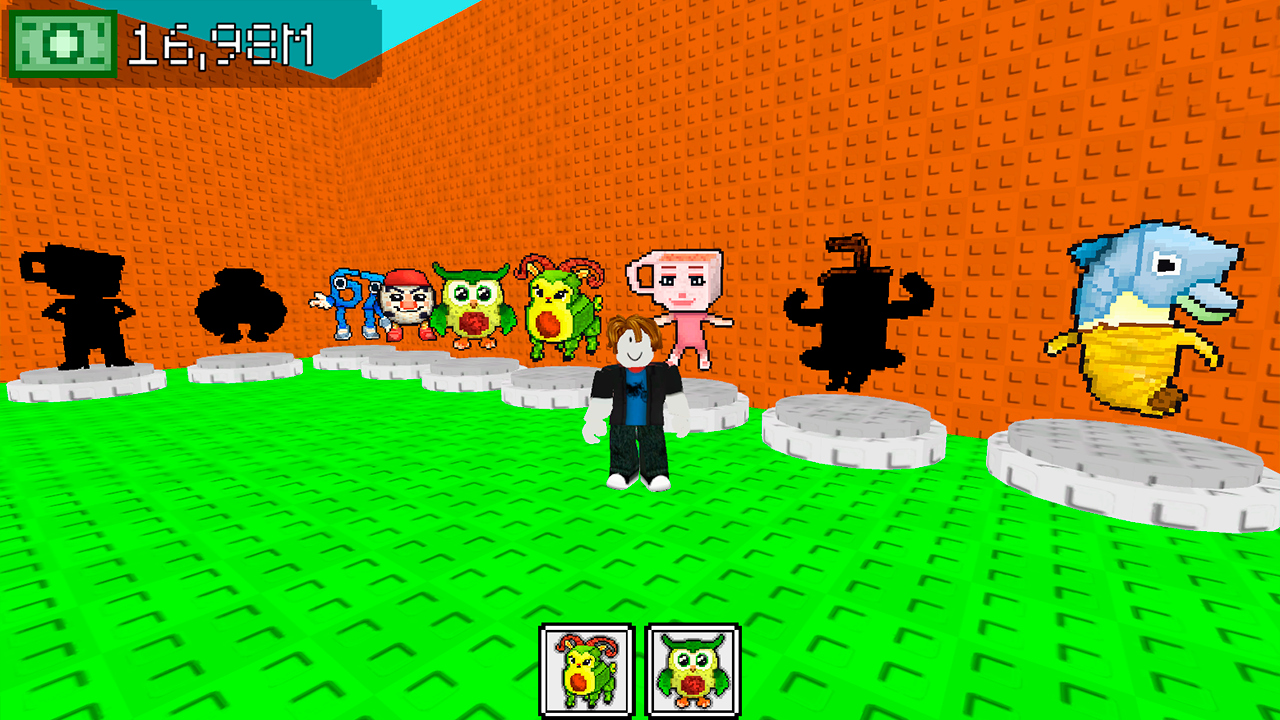
- Collection Tracking: Keep tabs on your progress as you attempt to find every Brainrot species in the game.
- Summit Challenges: Reach the highest altitudes to unlock the rarest and most valuable collectibles.
Who is it for
Arcade enthusiasts and fans of 3D platformers will enjoy this chaotic climb. Obby fans looking for a quick session will find the movement satisfying, while completionists can spend hours hunting down every single Brainrot species hidden across the dangerous mountain slopes. It is simple enough for casual play.
Controls
Move character
Use WASD on PC or the left joystick on mobile screens.
Jump
Press the Space bar or the dedicated on-screen jump button.
Rotate camera
Hold the right mouse button or swipe the right side of your phone screen.
Grab Brainrot
Click the left mouse button or tap the on-screen grab icon.
FAQ
Can I play Jump to the Mountain for the Brainrots on my smartphone?
›
Yes, the game supports touch controls including a virtual joystick and swipes for camera movement.
Do I need to sign up to save my progress in Jump to the Mountain for the Brainrots?
›
You can jump straight into the action immediately as no registration is required to start your climb.