About game
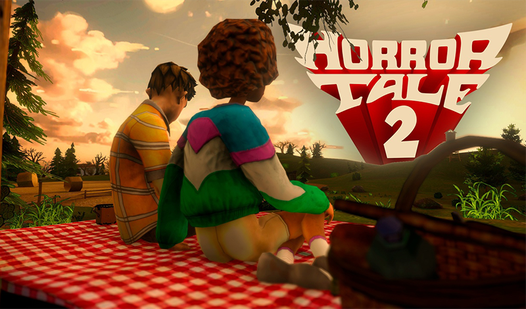
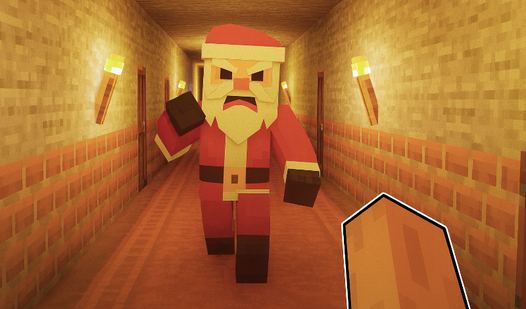
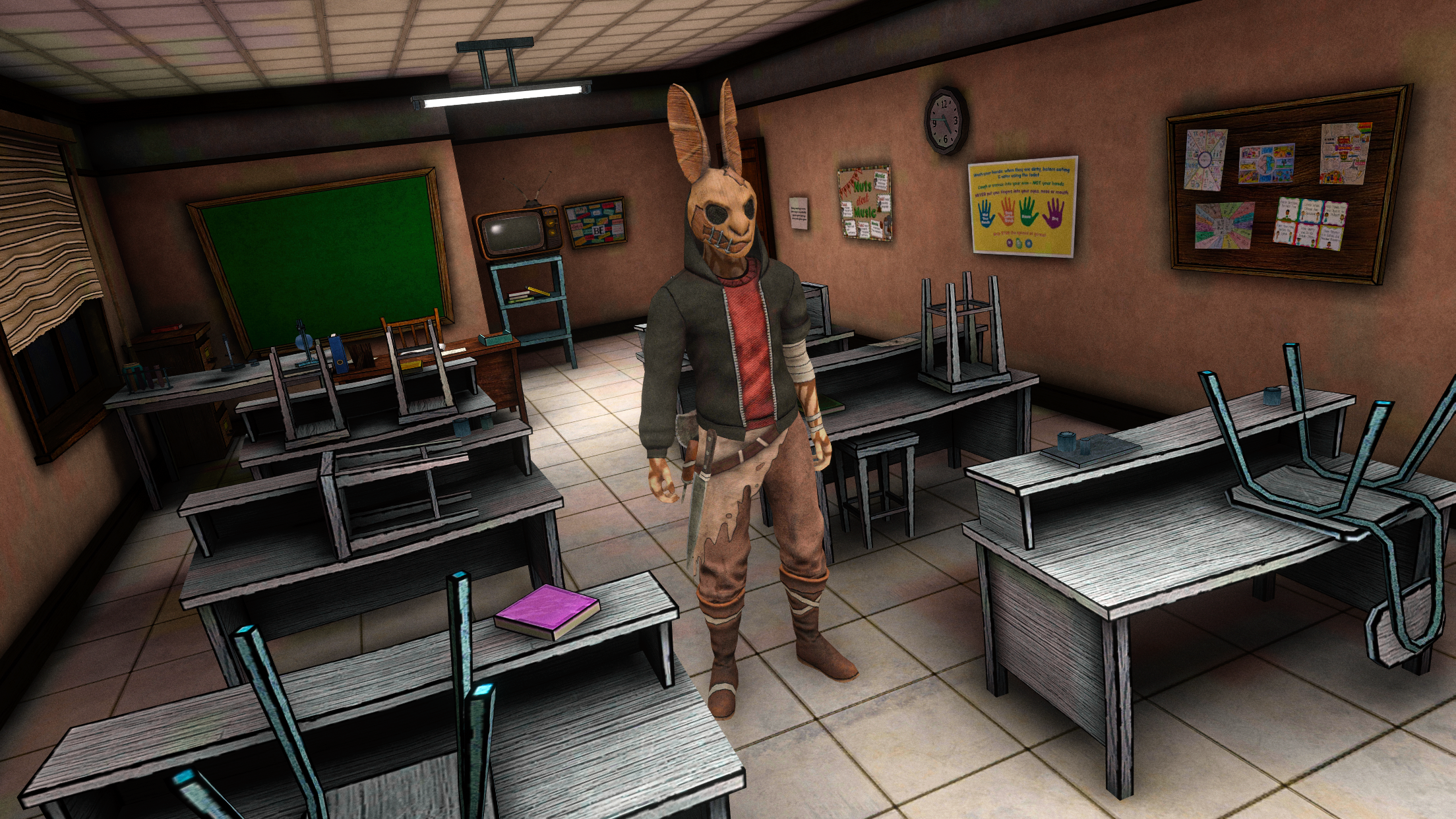
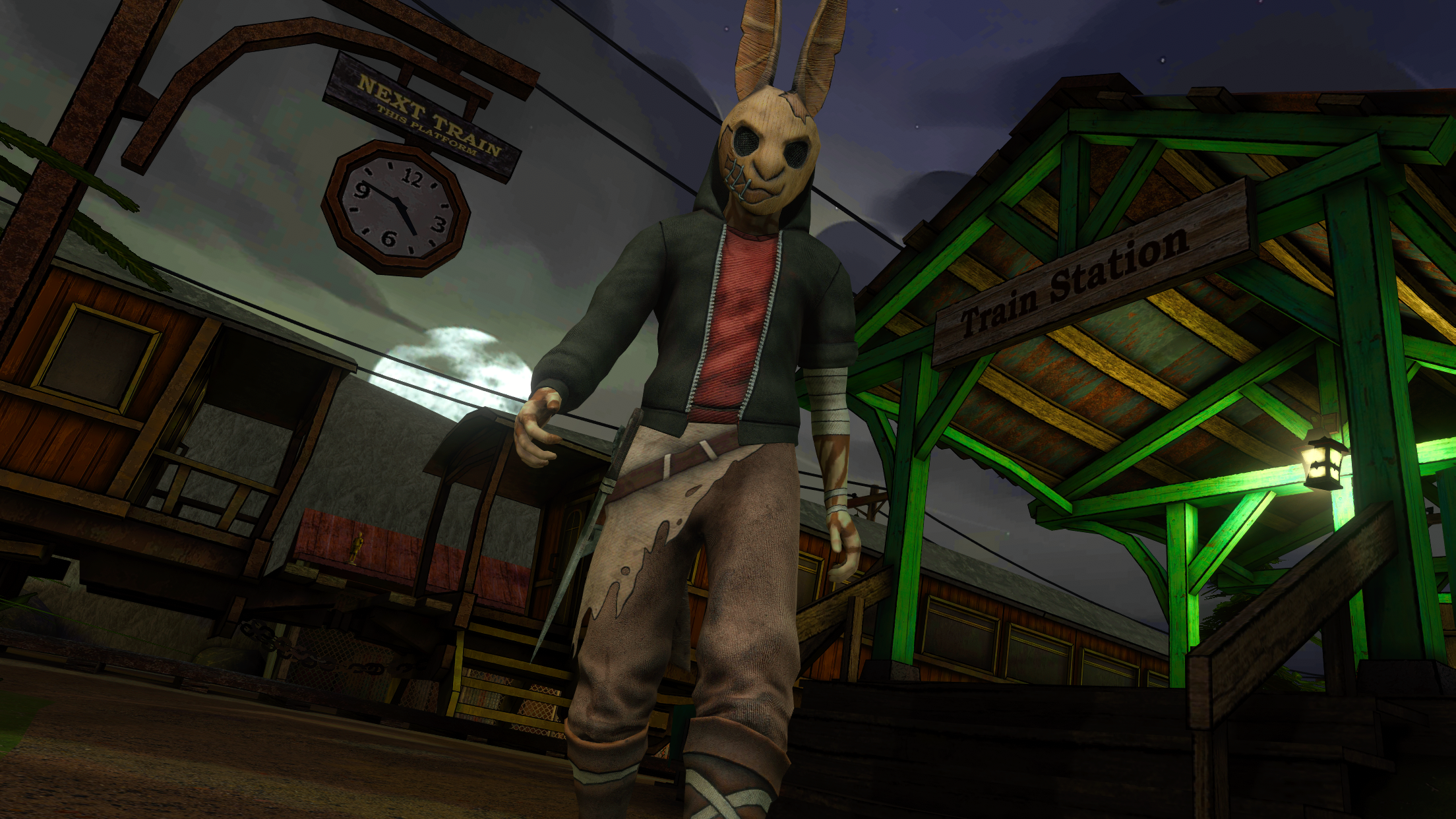
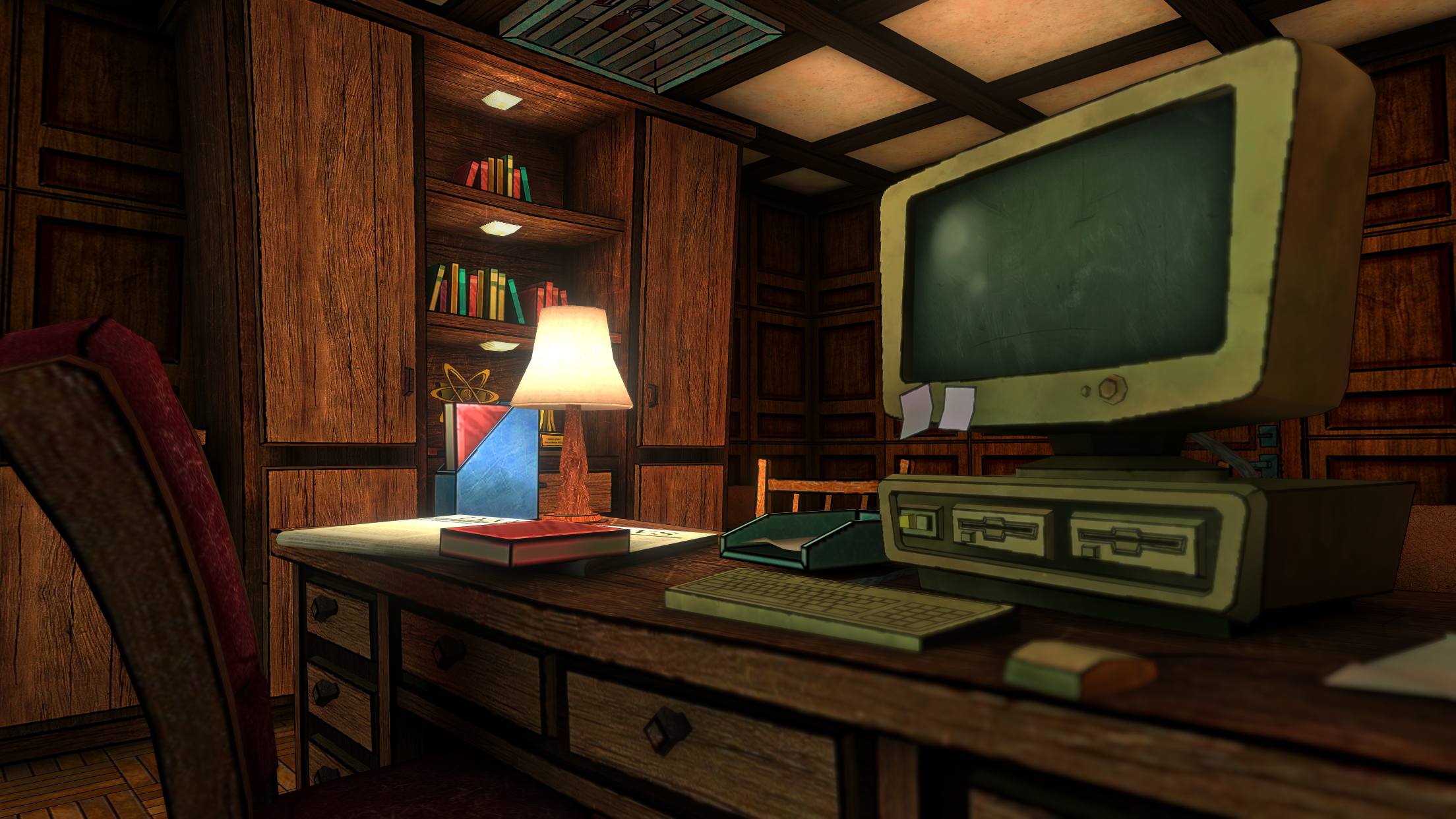
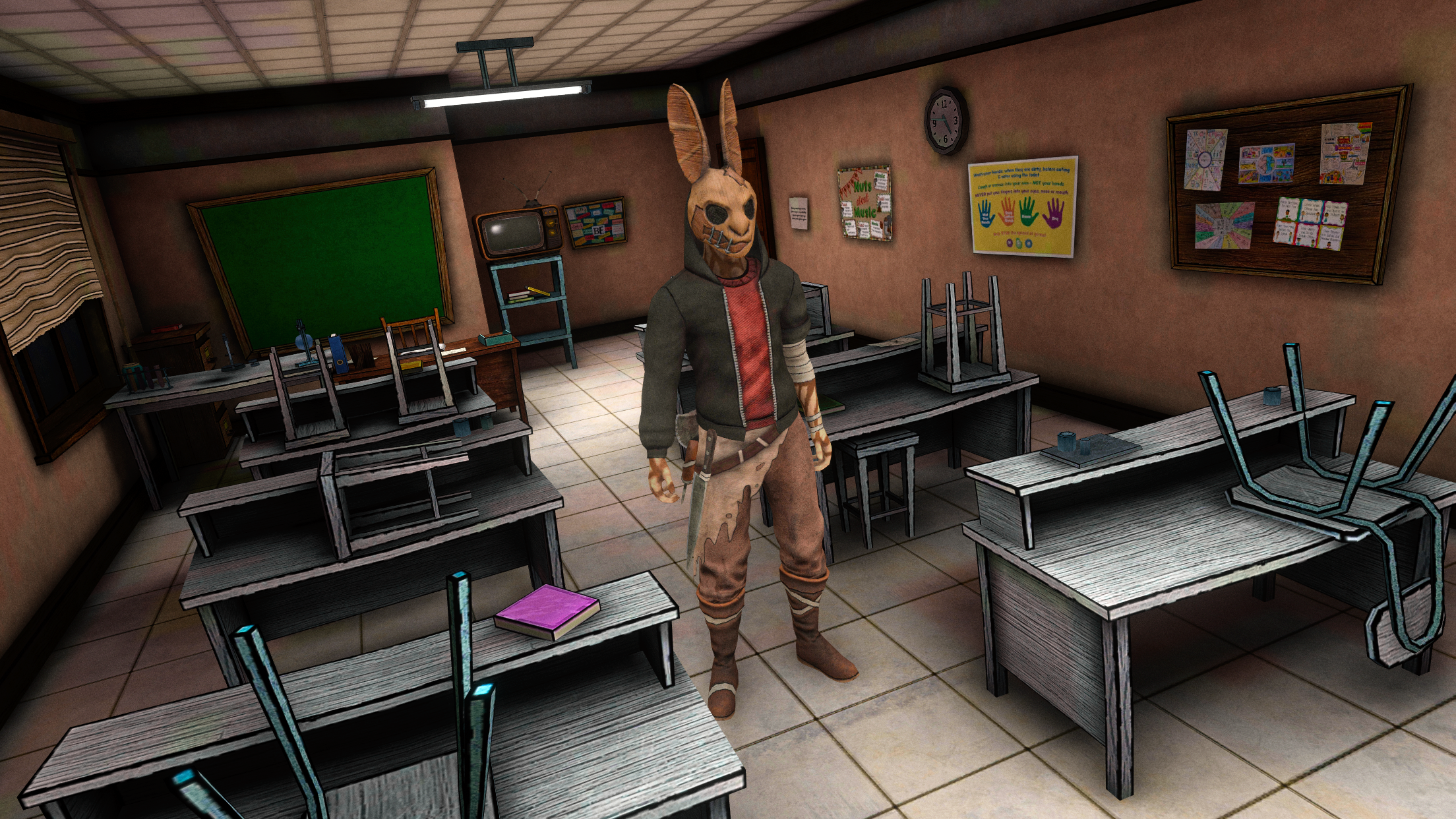
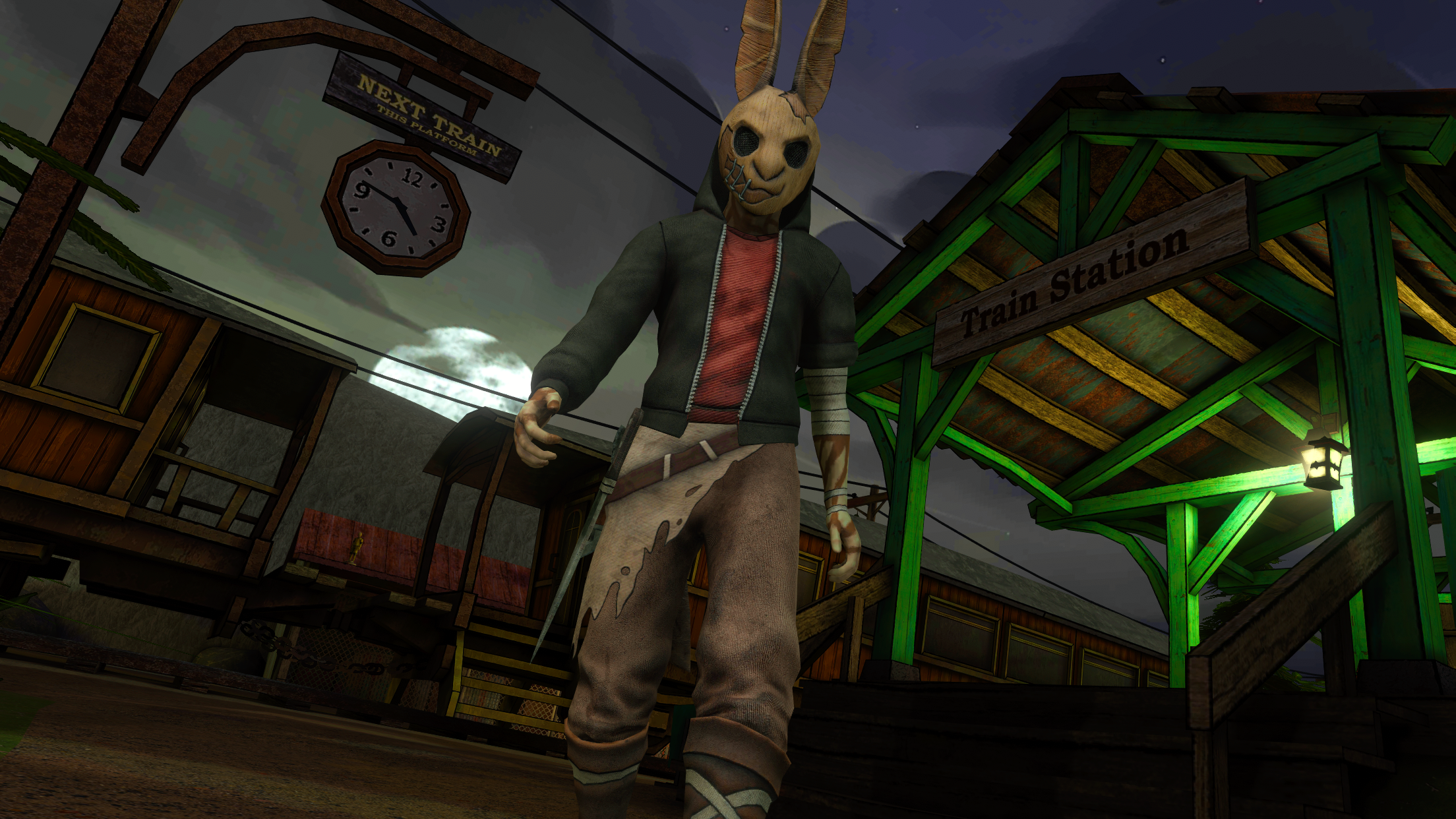
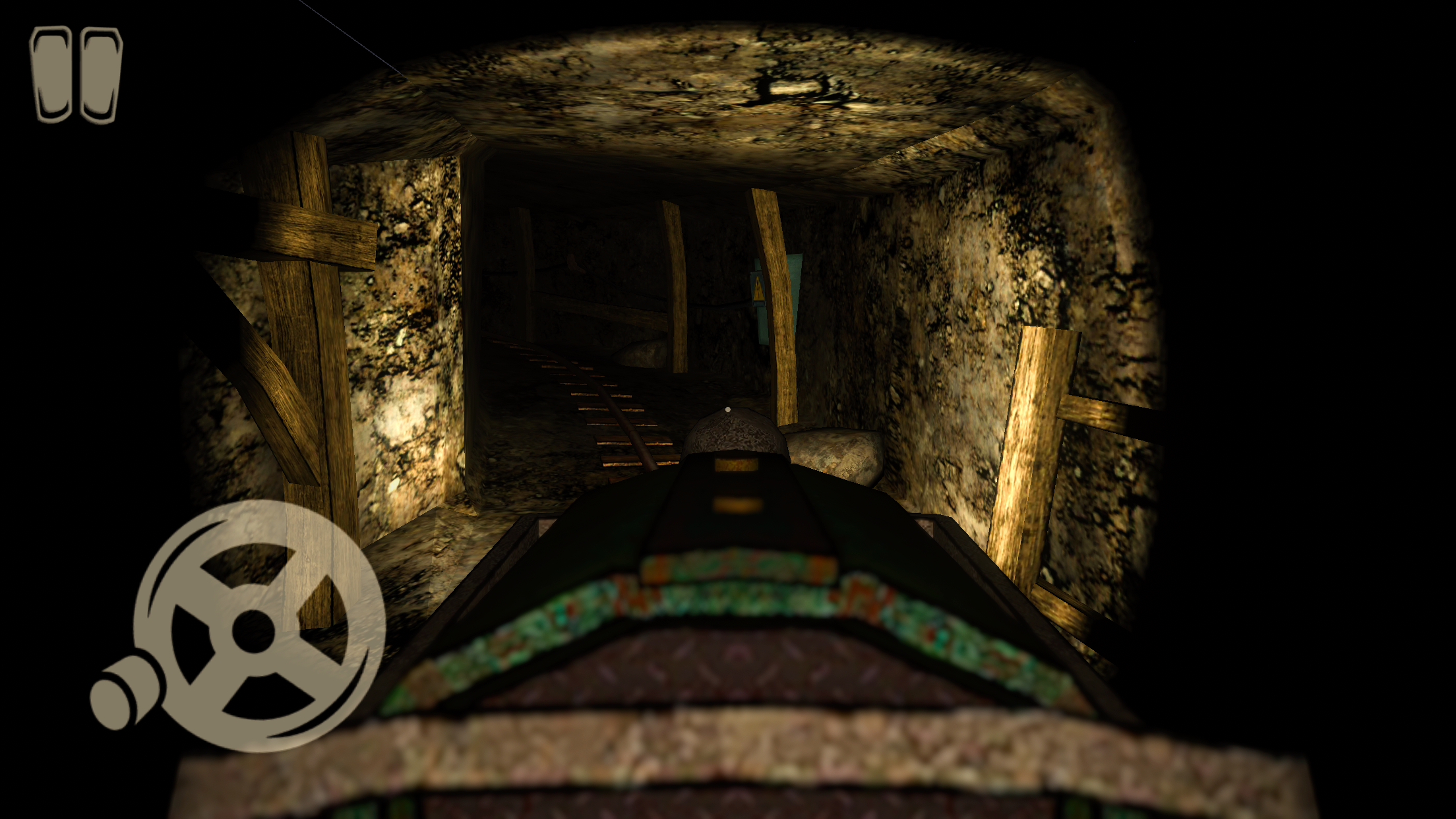
Staring at the clock during a long afternoon, you probably need a quick escape from the mundane. Horror Tale 2 acts as the perfect antidote, pulling you into a chilling adventure where every corner hides a dark secret. You join forces with Samantha to stage a daring prison break while unraveling the twisted history of a terrifying antagonist. This horror quest forces you to explore eerie environments, collect vital items, and outsmart a relentless kidnapper who lurks in the shadows. Each step forward reveals new clues that piece together a haunting mystery, keeping your adrenaline spiking from start to finish. Beyond the scares, the game shines with stylized visuals and an original soundtrack that builds an incredibly tense atmosphere. Navigating these five distinct locations requires sharp wits and nerves of steel to survive the unexpected twists. Play Horror Tale 2 for free directly in your browser without any downloads or registration required.
How to play
You have to explore the game world, collect items and solve puzzles to move forward. At every step, an enemy will lie in wait for you, about which you will gradually learn more and more.
PC control:
• WASD - movement
• E - use
• C - sit down (If you sit down, the noise will be less)
• H - hint menu
• X - leave the item
• G - throw an item
• P - pause, skip cutscenes
Mobile control:
Joysticks and buttons on the screen. Interface transparency and camera sensitivity can be changed in the settings.
Features
- Stealth mechanics: Use the crouch feature to minimize your noise levels and avoid detection by the kidnapper.
- Inventory management: Strategically collect, carry, and throw items to solve complex environment puzzles or distract enemies.
- Dynamic hint system: Access the H menu whenever you feel stuck to receive helpful clues for your next objective.
- Customizable experience: Adjust interface opacity and camera sensitivity in the settings menu to match your preferred playstyle.
- Narrative depth: Experience a multi-layered story that rewards players for finding hidden treasures and secret notes.
Who is it for
Horror enthusiasts and adventure seekers craving a suspenseful narrative will find plenty to love here. Fans of atmospheric puzzle games who enjoy uncovering mysteries in high-quality 3D environments will thrive while dodging threats. It is a top choice for players looking for intense, narrative-driven mobile or desktop survival challenges.
Controls
Movement
Use WASD keys on PC or the virtual joystick on mobile devices.
Interaction
Press E to use objects or tap the screen prompt on mobile devices.
Stealth
Press C on keyboard to crouch or use the dedicated crouch button on mobile.
Item Management
Use G to throw items or X to drop them, with tap-and-drag controls available on mobile.
FAQ
Do I need to play the first episode before Horror Tale 2?
›
We highly recommend completing the first episode of Horror Tale 2 to fully understand the story and characters.
Is Horror Tale 2 free to play?
›
Yes, you can access and play Horror Tale 2 directly in your browser on FreeJoy.games without needing to download any files.
Can I change the sensitivity in Horror Tale 2?
›
Yes, you can adjust camera sensitivity and interface transparency in the game settings menu to suit your preferences.