About game
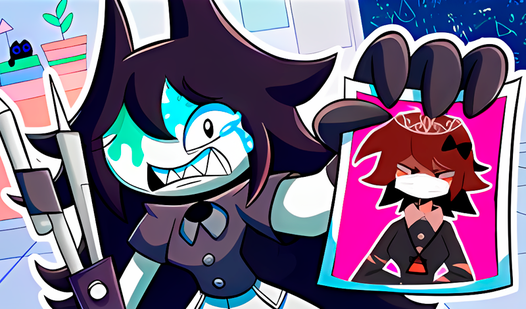
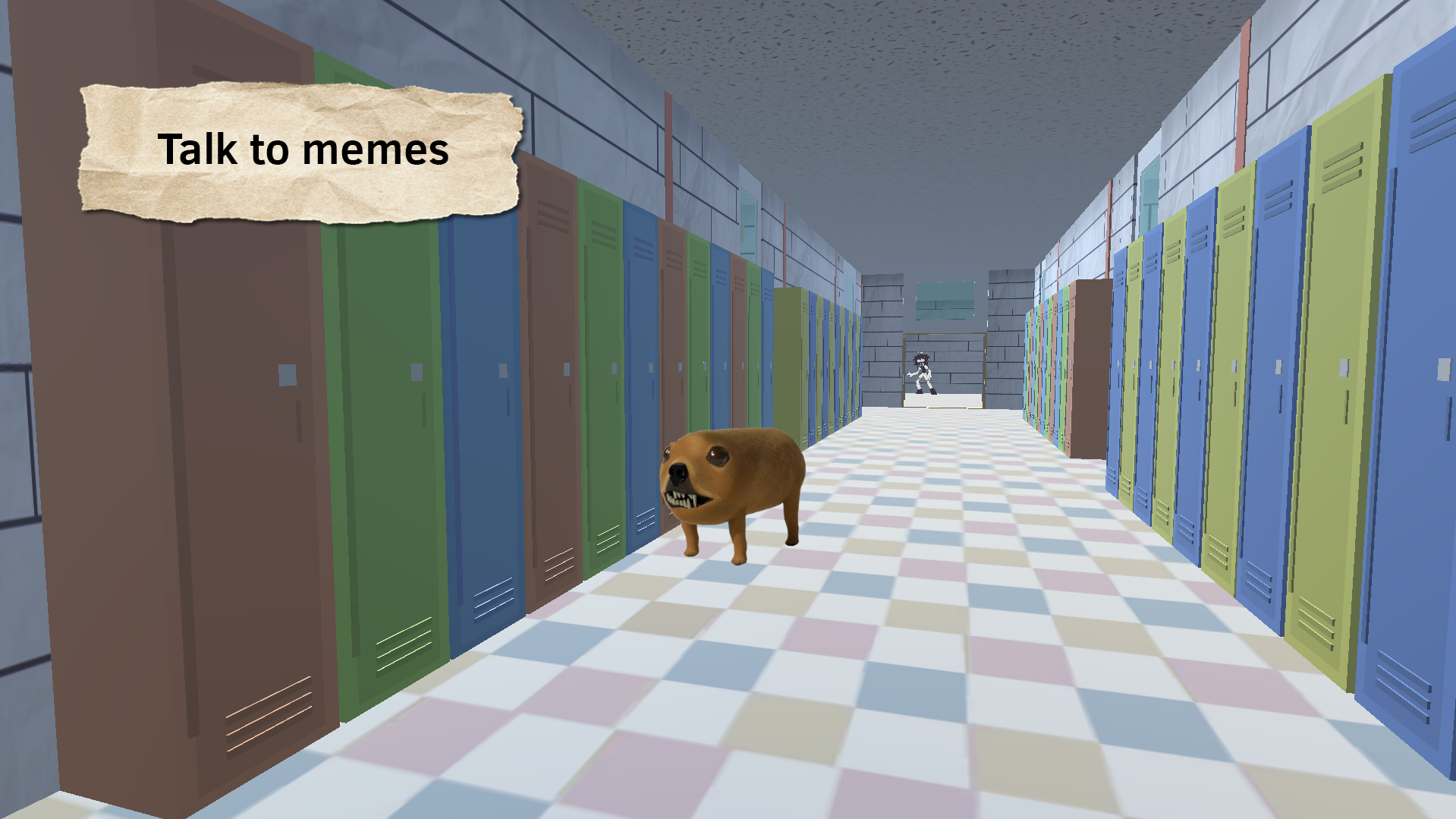
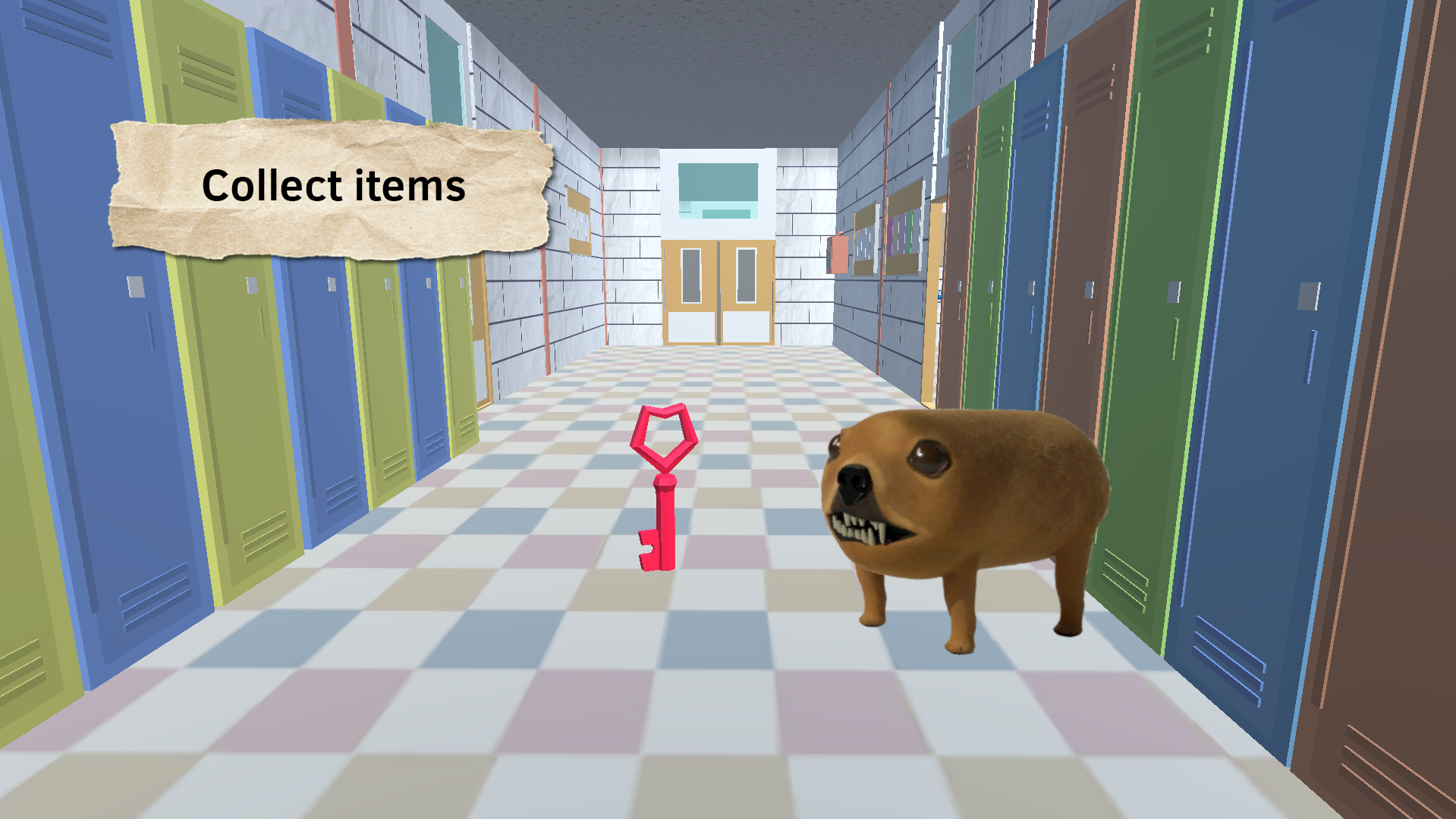
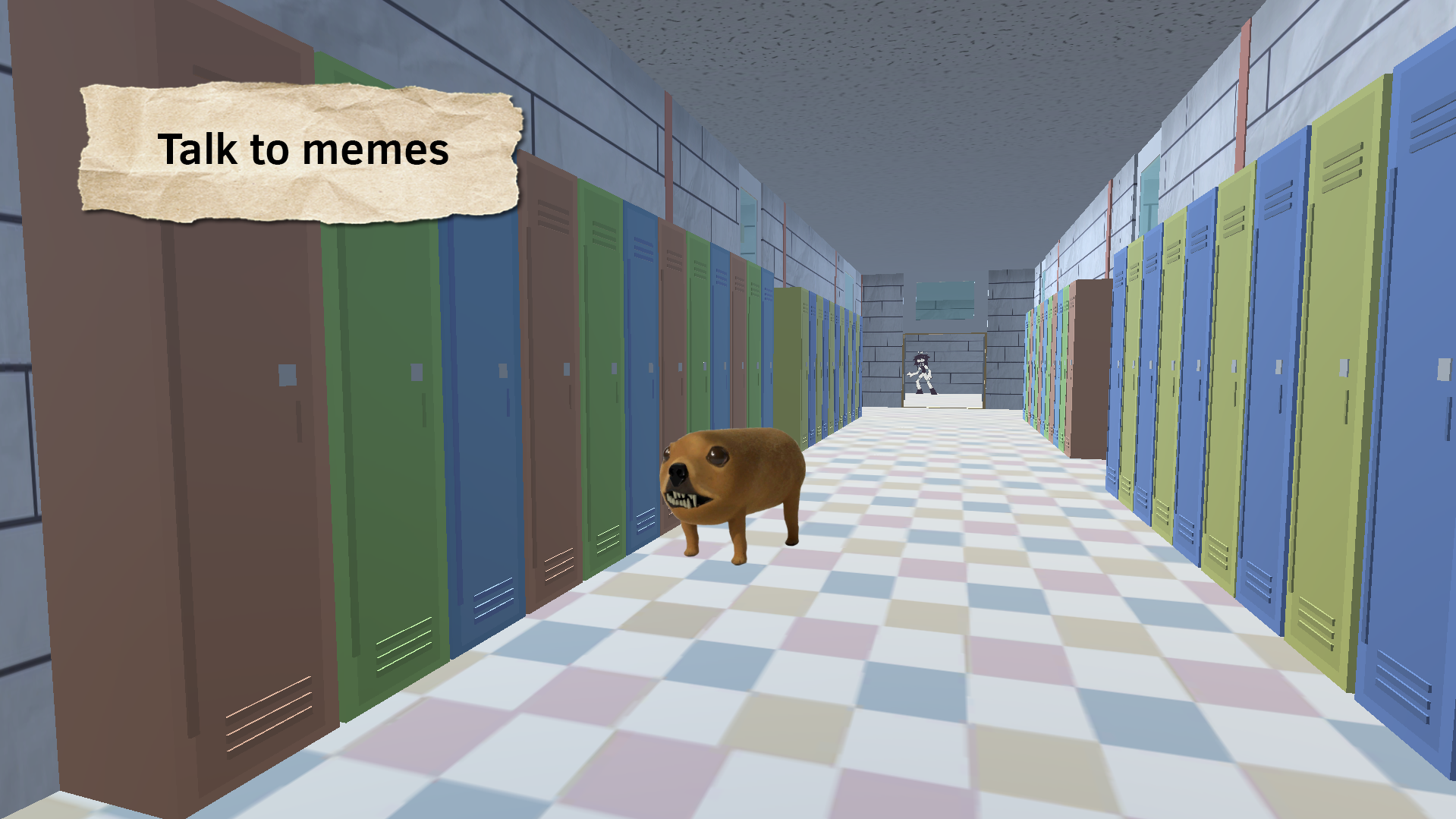
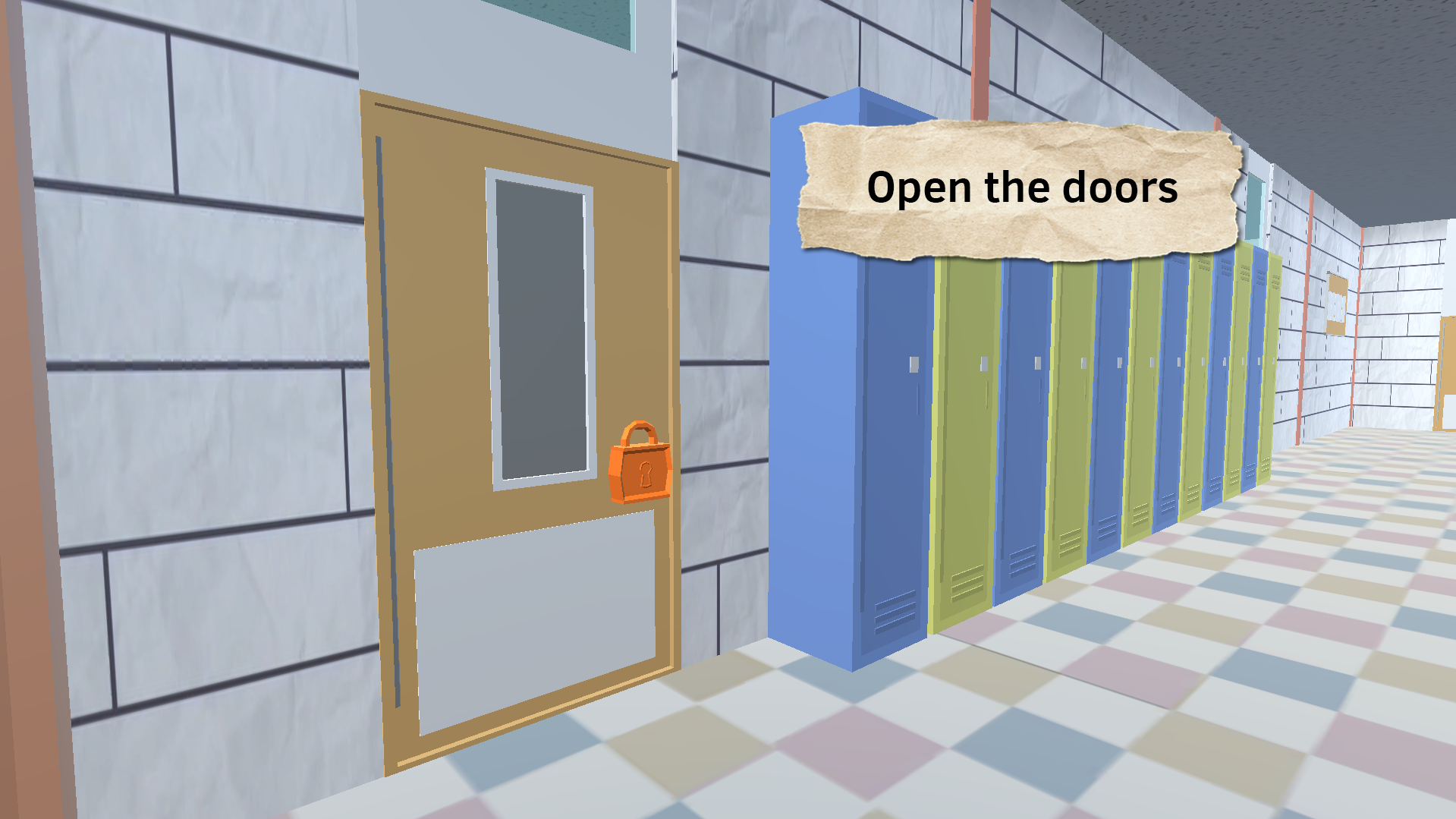
Stuck in a boring meeting or just need a quick mental escape from your daily grind? Help Miss Circle is the perfect browser solution to turn that restless energy into a thrilling school breakout quest. You will navigate mysterious hallways where every corner hides a new meme and a tricky puzzle meant to test your wits. Your objective is simple yet challenging: scout the area, collect oreos, and find the keys required to unlock every door standing in your way. Unlike other games, this experience keeps you on your toes with constant fundamental paper education references and surprising character encounters. You need to keep your eyes peeled for hidden clues while avoiding traps that might send you back to the start. The progression feels rewarding as you master the school layout and outsmart the obstacles waiting in each room. Whether you are a fan of intense escape challenges or just want a casual way to pass the time, this adventure hits the mark. Play Help Miss Circle right now for free in your browser with no download required.
How to play
Follow the character prompts to progress through the game.
The gear button on the top left - settings for sound, music and mouse sensitivity.
To make the mouse appear, press ESC 1-2 times.
Controls for PC:
For walking, use the keys - WASD.
Use the mouse to rotate the player's camera.
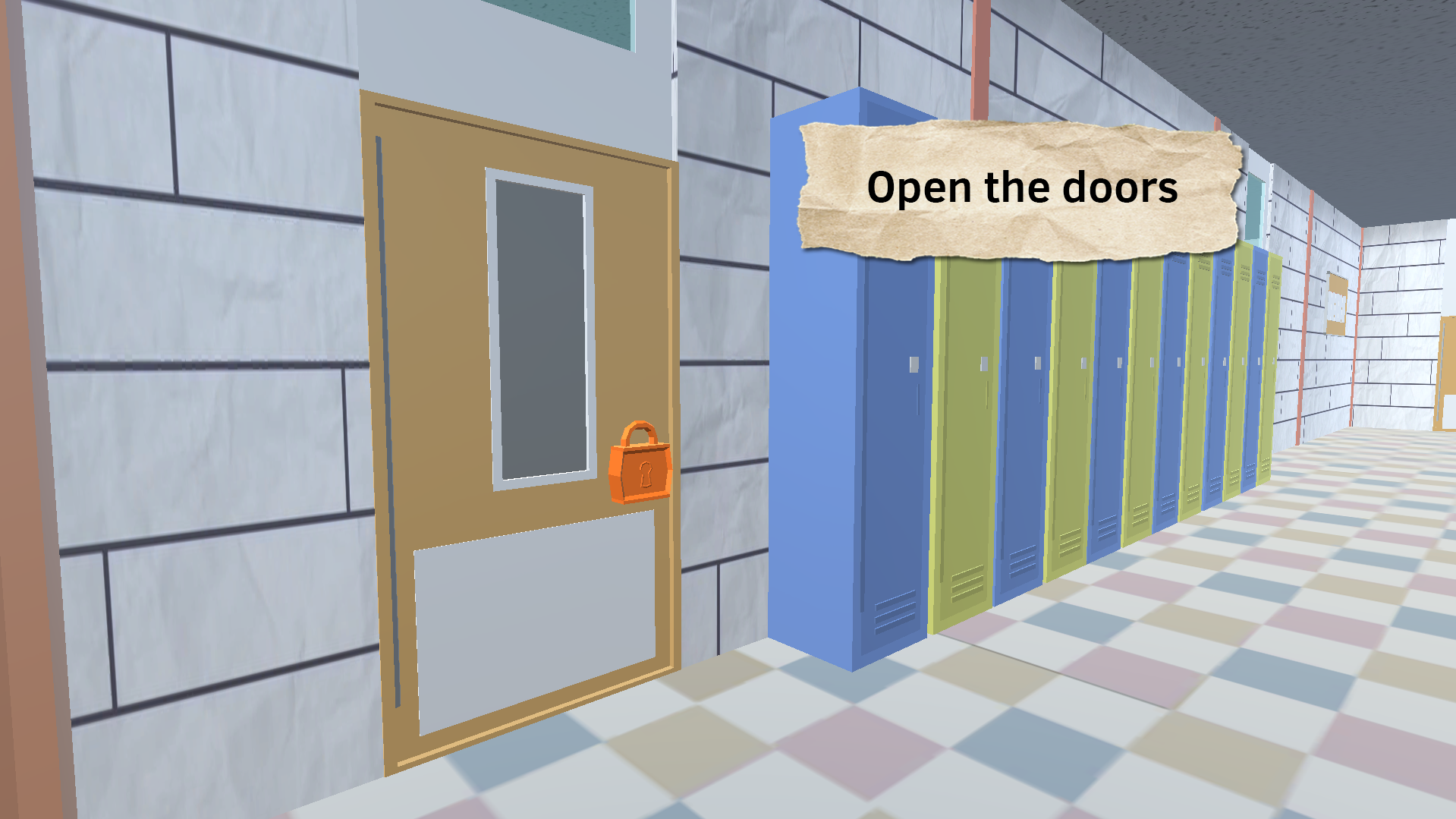
Interact with doors - E.
To interact with objects - E.
For mobile devices:
To walk, use the joystick on the left.
Use the joystick on the right to rotate the player's camera.
Interacting with doors - touch/tap.
Interacting with objects - touch/tap.
Features
- Inventory Management: Collect specific items like oreos to unlock progression paths and solve environmental puzzles.
- Customizable Settings: Fine-tune your experience using the gear icon to adjust sound levels and sensitivity settings.
- Interactive Environment: Engage with various objects and doors throughout the map to uncover hidden secrets.
- Memetic Humor: Enjoy a quirky atmosphere filled with internet culture references that change the pace of your escape.
- Variable Challenges: Test your logic skills with unique tasks that require more than just quick reflexes to complete.
Who is it for
Fans of escape room challenges and meme culture will find this title highly addictive. Casual players looking for a quick, browser-based adventure during study breaks or downtime will appreciate the simple mechanics and the unique, humorous aesthetic inspired by fundamental paper education themes that keep the gameplay fresh.
Controls
Movement
Use WASD on PC or the left joystick on mobile devices.
Camera Control
Move your mouse or use the right joystick on mobile to rotate your view.
Interaction
Press E on PC or simply tap the screen on mobile to interact with doors and objects.
Toggle Cursor
Press the ESC key 1-2 times on desktop to bring up or hide your cursor.
FAQ
Is Help Miss Circle free to play?
›
Yes, you can play Help Miss Circle directly in your browser without needing to download or install any files.
How do I interact with doors in Help Miss Circle?
›
On a PC, walk up to a door and press the E key, while mobile players can simply tap the door on their screen.
Can I change the sensitivity in Help Miss Circle?
›
Yes, click the gear icon located in the top left corner of the screen to adjust your mouse sensitivity and audio settings.