About game
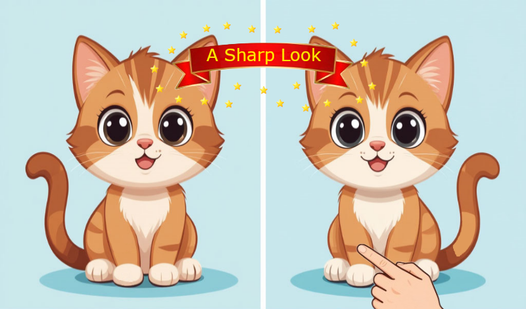
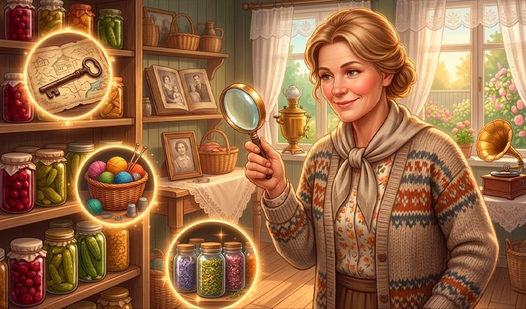
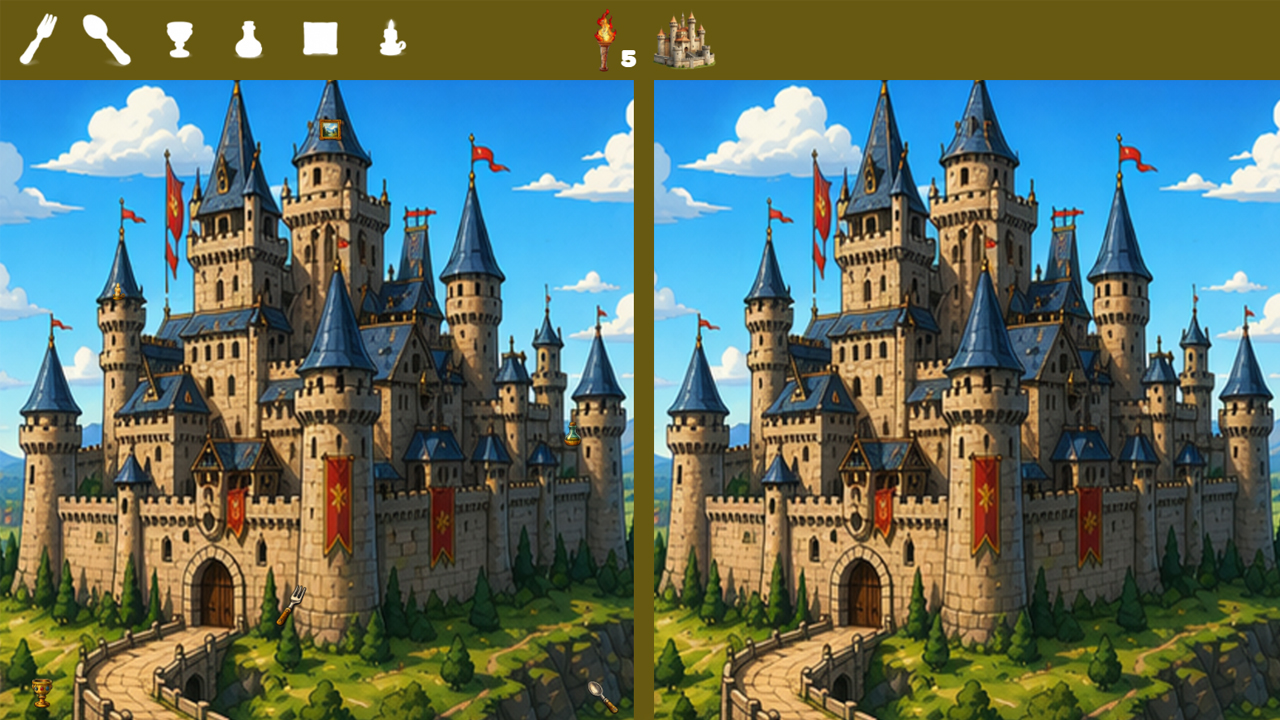
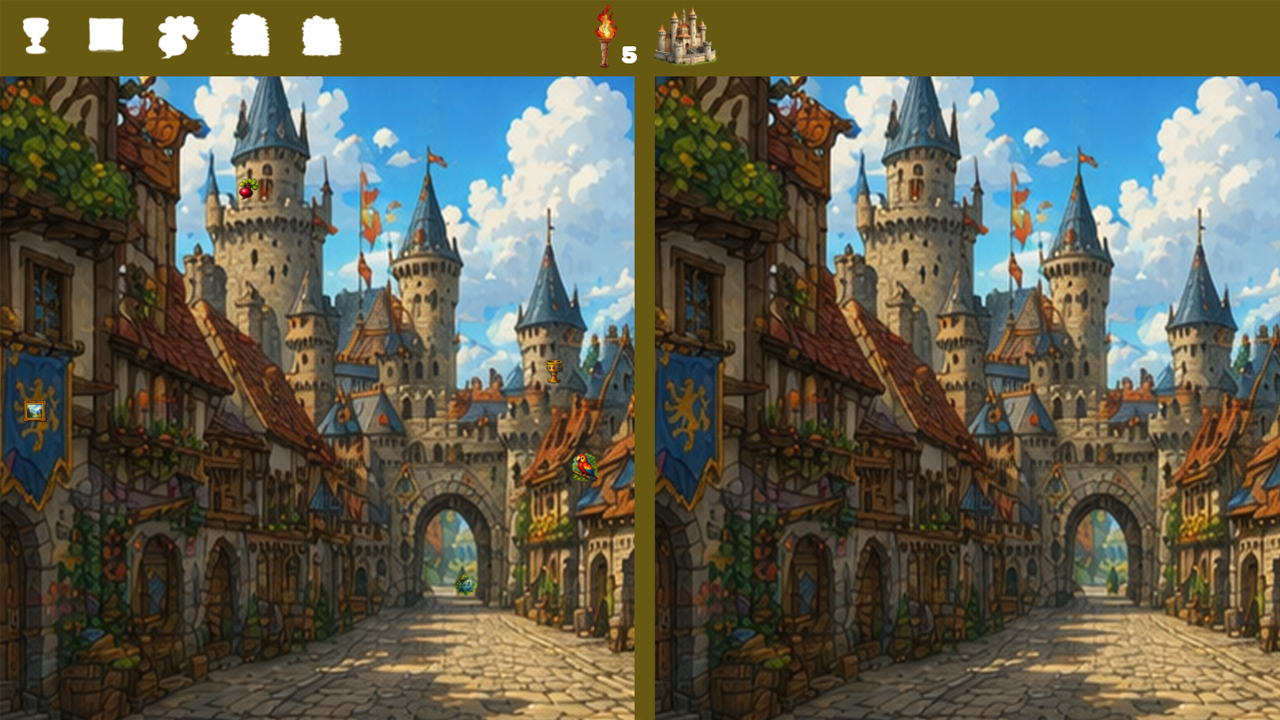
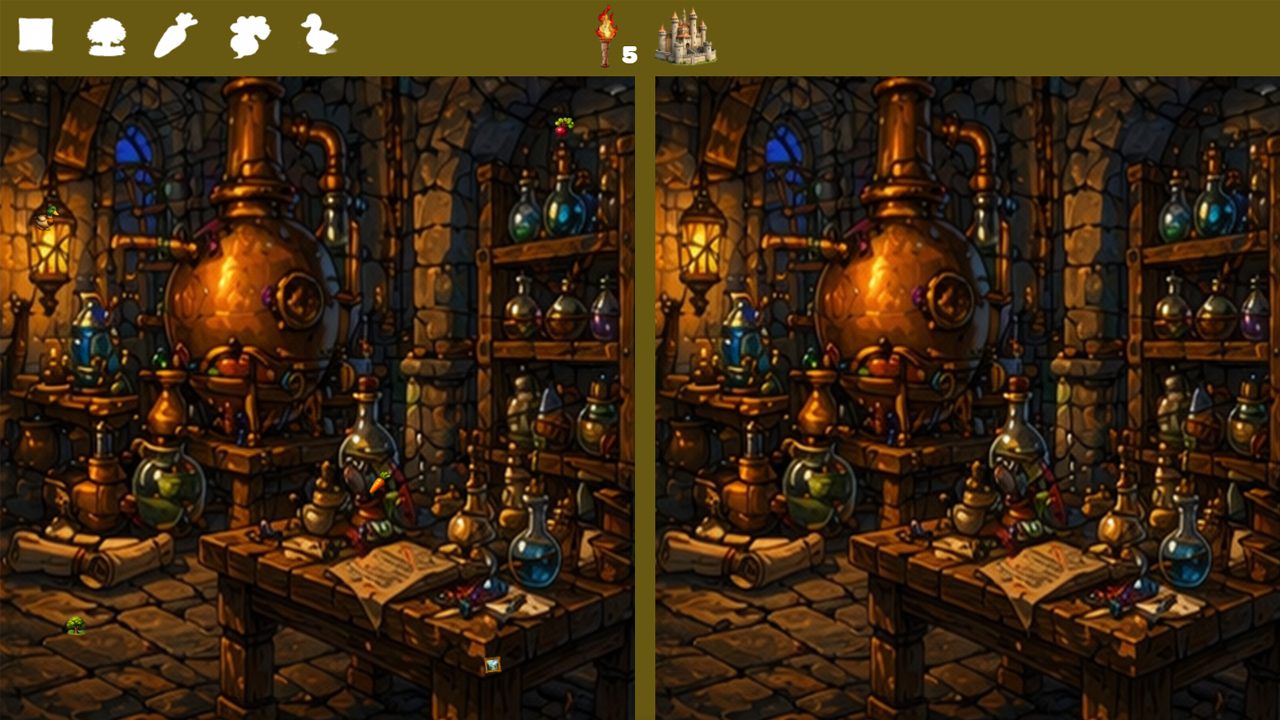
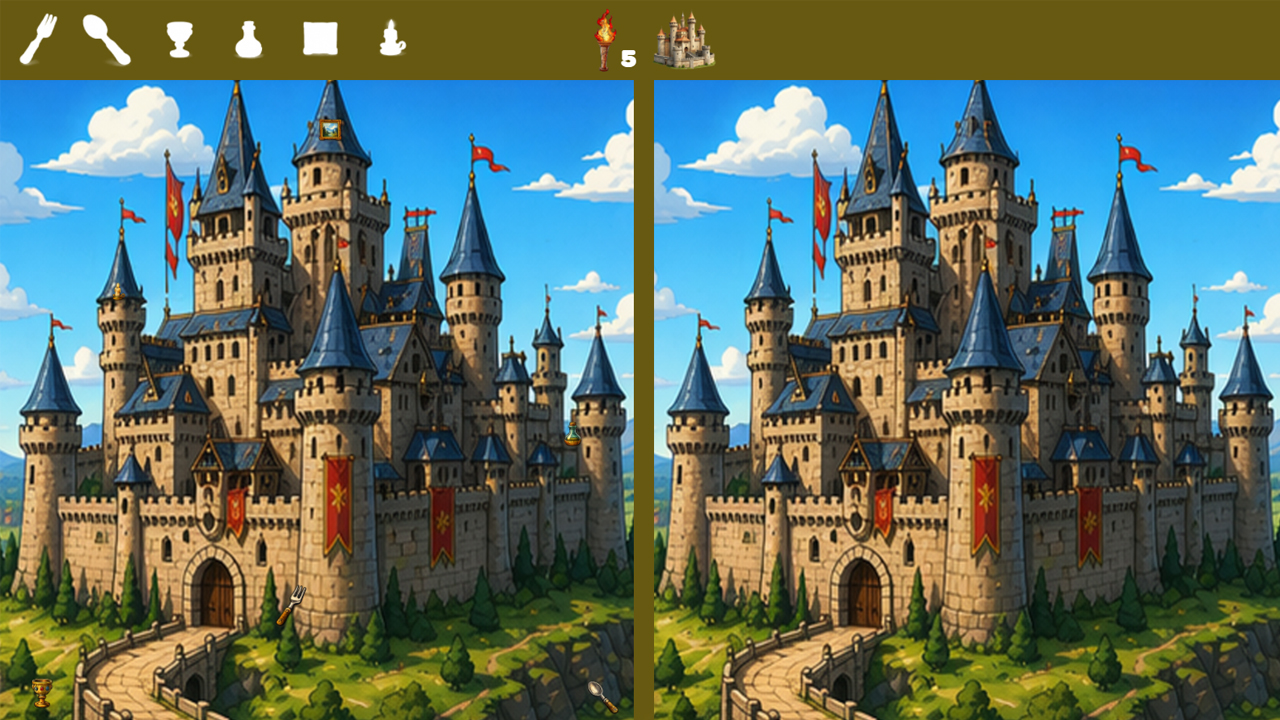
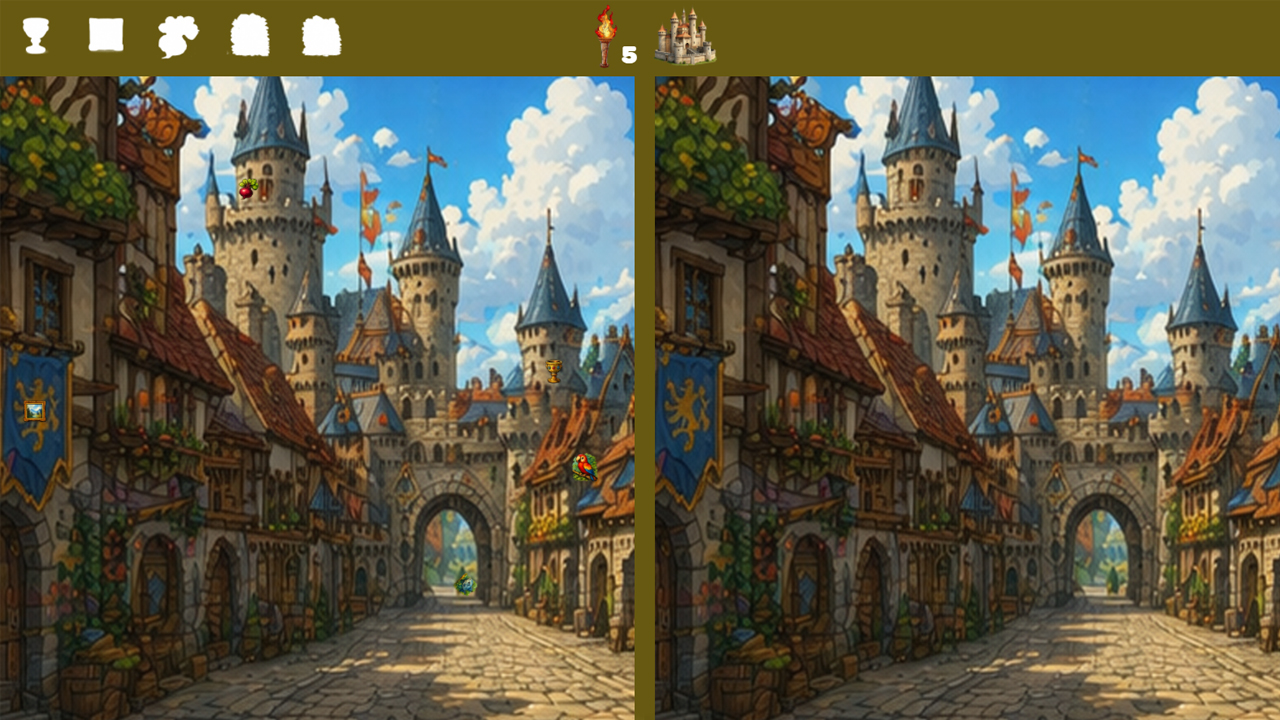
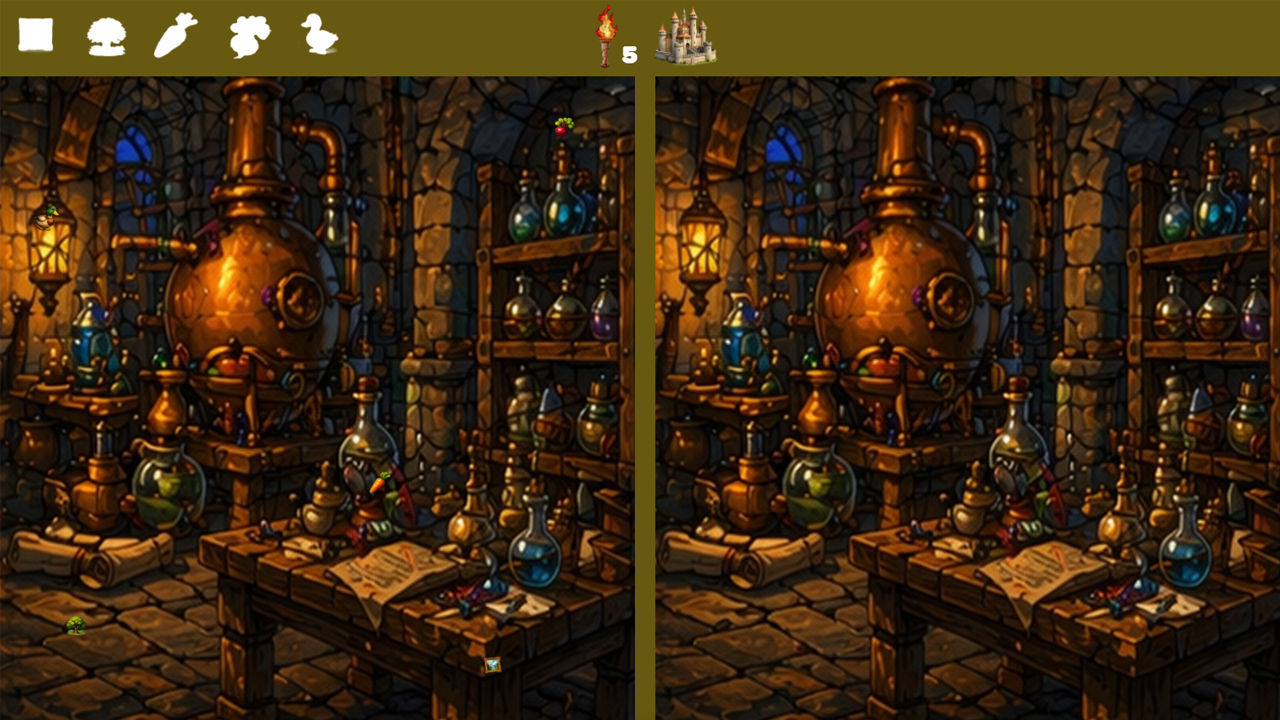
Spotting tiny visual inconsistencies requires sharp eyes and a calm mind. Help me find the items puts your observation skills to the ultimate test within the walls of a mysterious castle. You navigate through two side-by-side images that look identical at a quick glance. Your main task involves hunting for specific hidden silhouettes displayed at the top of your screen. Clicking the torch icon highlights a target area whenever you feel stuck on a tricky level. Collecting these limited torches helps you manage your resources during intense brain training sessions. Invite your friends to join the search and compare your progress as you master the challenge of finding every hidden detail. This experience turns a classic поиск отличий concept into a polished mental workout. Jump into Help me find the items directly in your browser without any downloads or registration required.
How to play
Each level consists of two identical pictures, a different number of objects are hidden in the left picture, compare both pictures and look for differences in them, the hint is the silhouette of the object that is located in the upper part of the left picture. If it is difficult to find a picture, then click on the torch in the center, it will tell you where the object is located, save up the torches, they are your assistants.
Features
- Castle Atmosphere: Explore detailed environments filled with medieval architecture and dusty artifacts.
- Silhouette Guides: Consult the top panel to identify the specific shapes you need to locate within the scene.
- Hint Mechanic: Use limited torch charges to reveal the position of stubborn items you cannot spot manually.
- Visual Progress: Track your current level and remaining hidden items through the sleek interface.
Who is it for
Puzzle lovers who enjoy visual brain teasers will appreciate the clean design. Fans of finding differences enjoy the rhythmic challenge of comparing images. Casual players seeking a quick mental workout during a break find this relaxing experience consistent with their daily gaming habits on desktop or mobile devices.
Controls
Select items
Click or tap on the object found in the left picture.
Use hint
Click or tap on the torch icon located in the center of the screen.
FAQ
Can I play Help me find the items on my phone?
›
Yes, Help me find the items works perfectly on mobile browsers by using simple tap gestures.
What happens if I run out of torches in Help me find the items?
›
You must rely on your own observation skills to find the remaining differences until you earn more torches.
Is Help me find the items free to access?
›
Every level in Help me find the items is free to play right in your browser with no installation needed.