About game
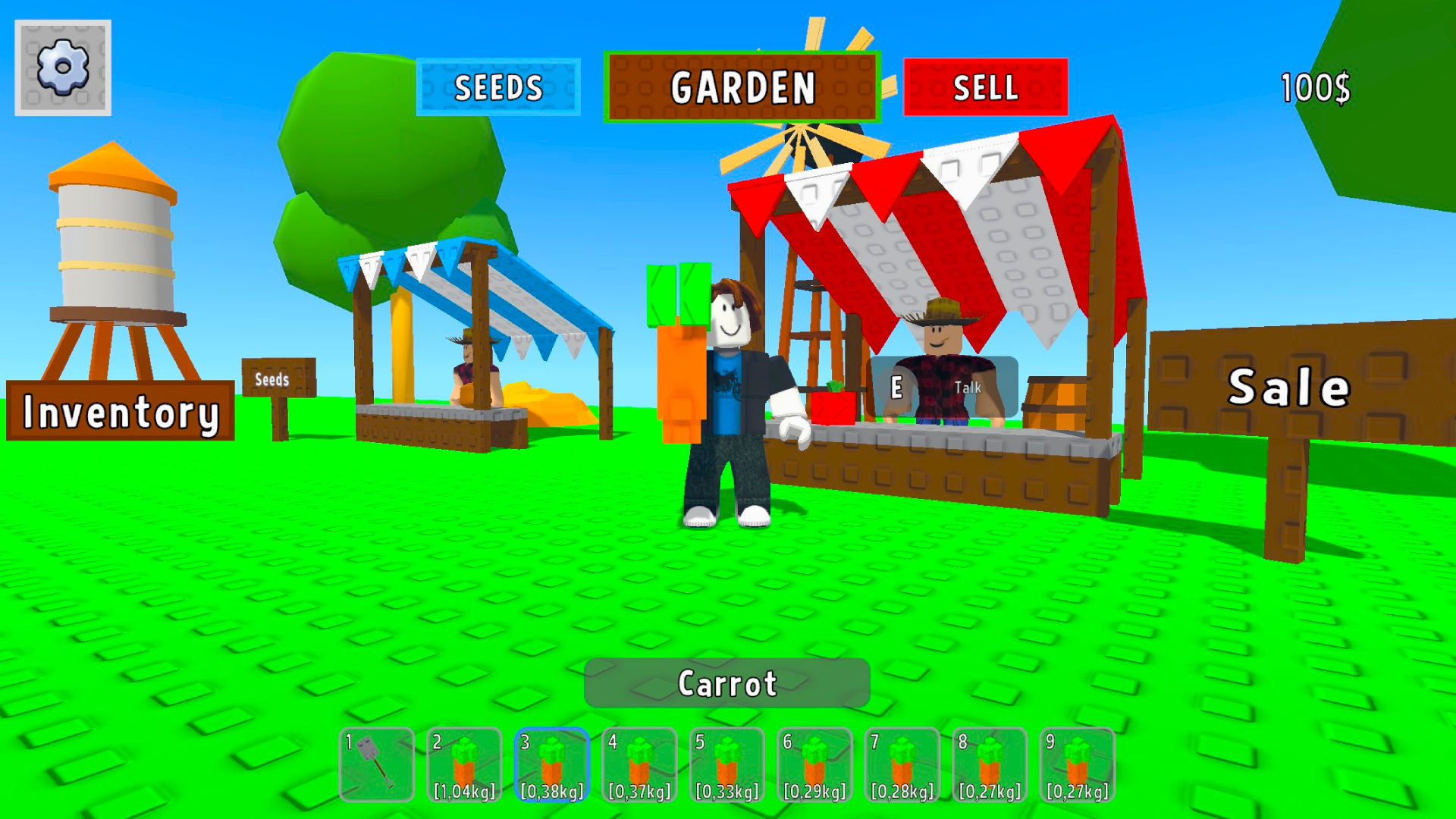
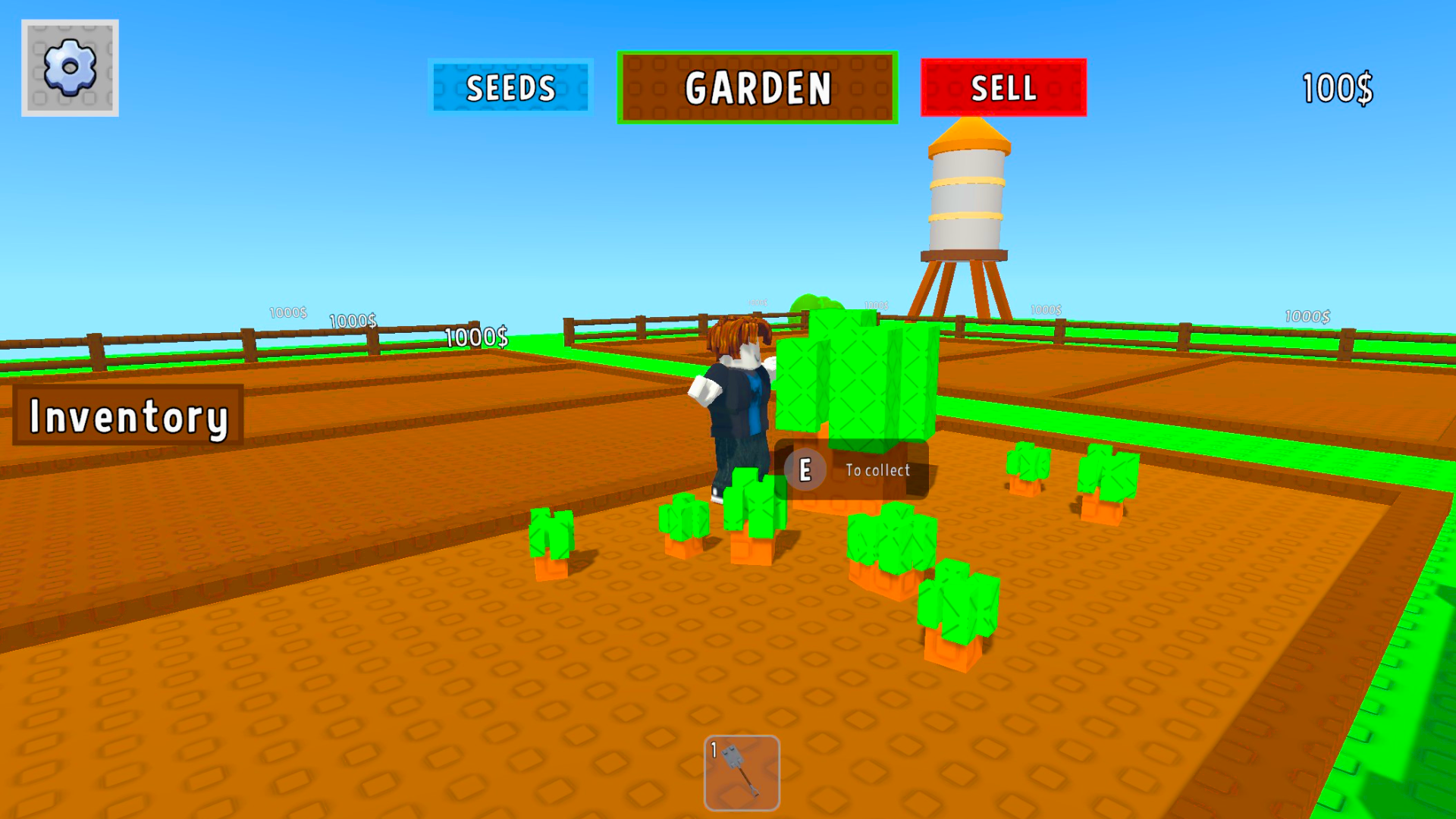
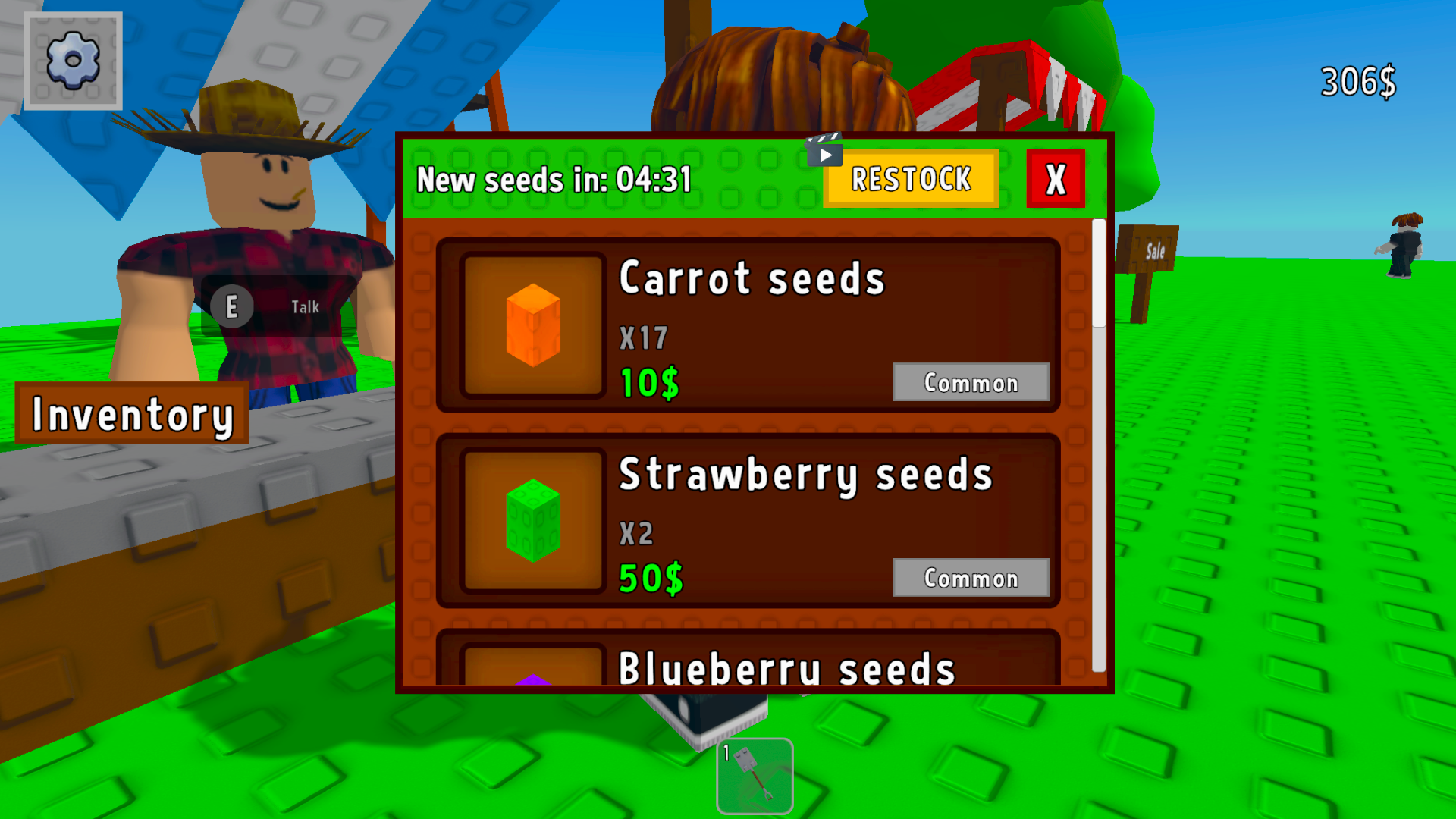
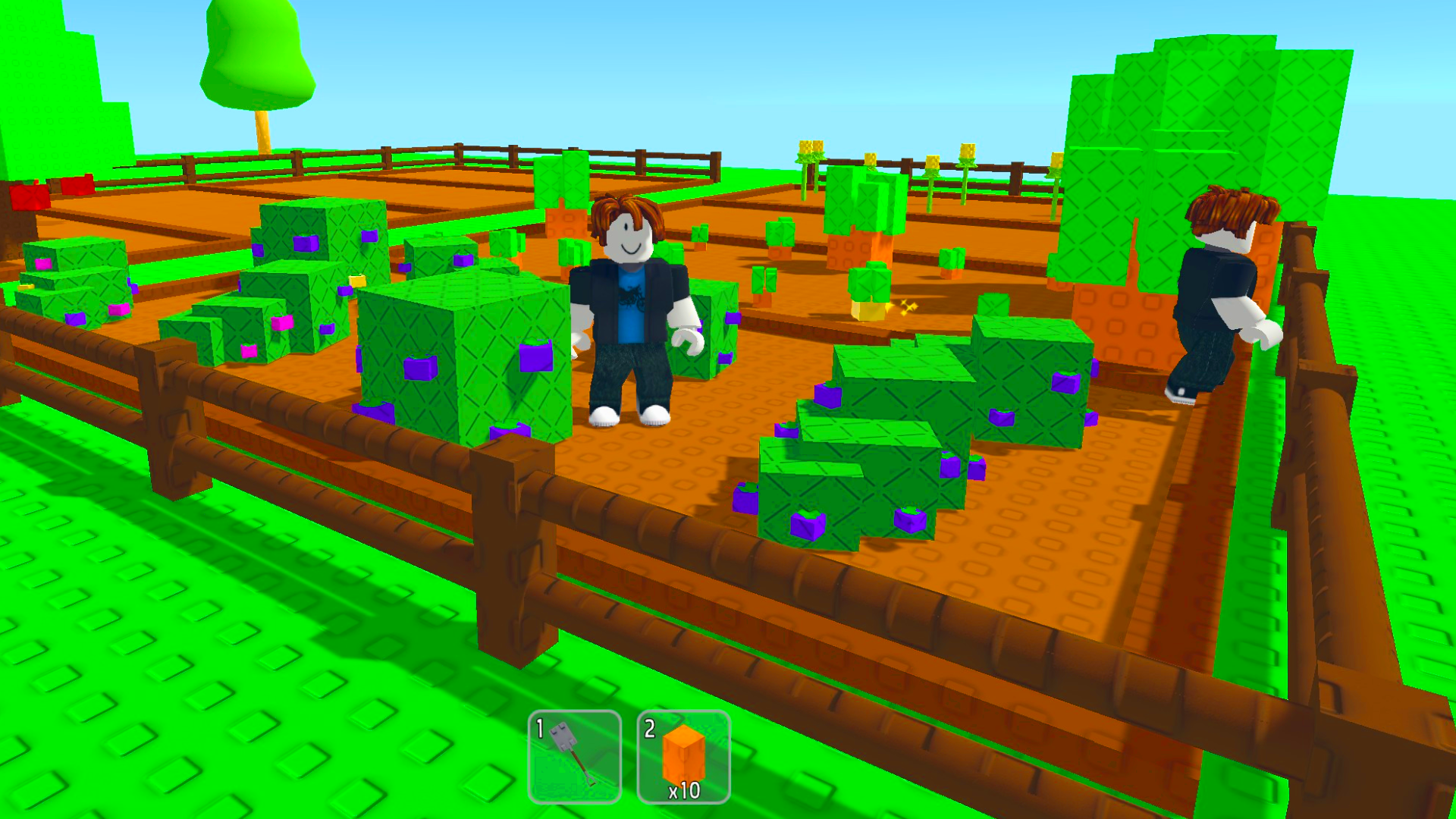
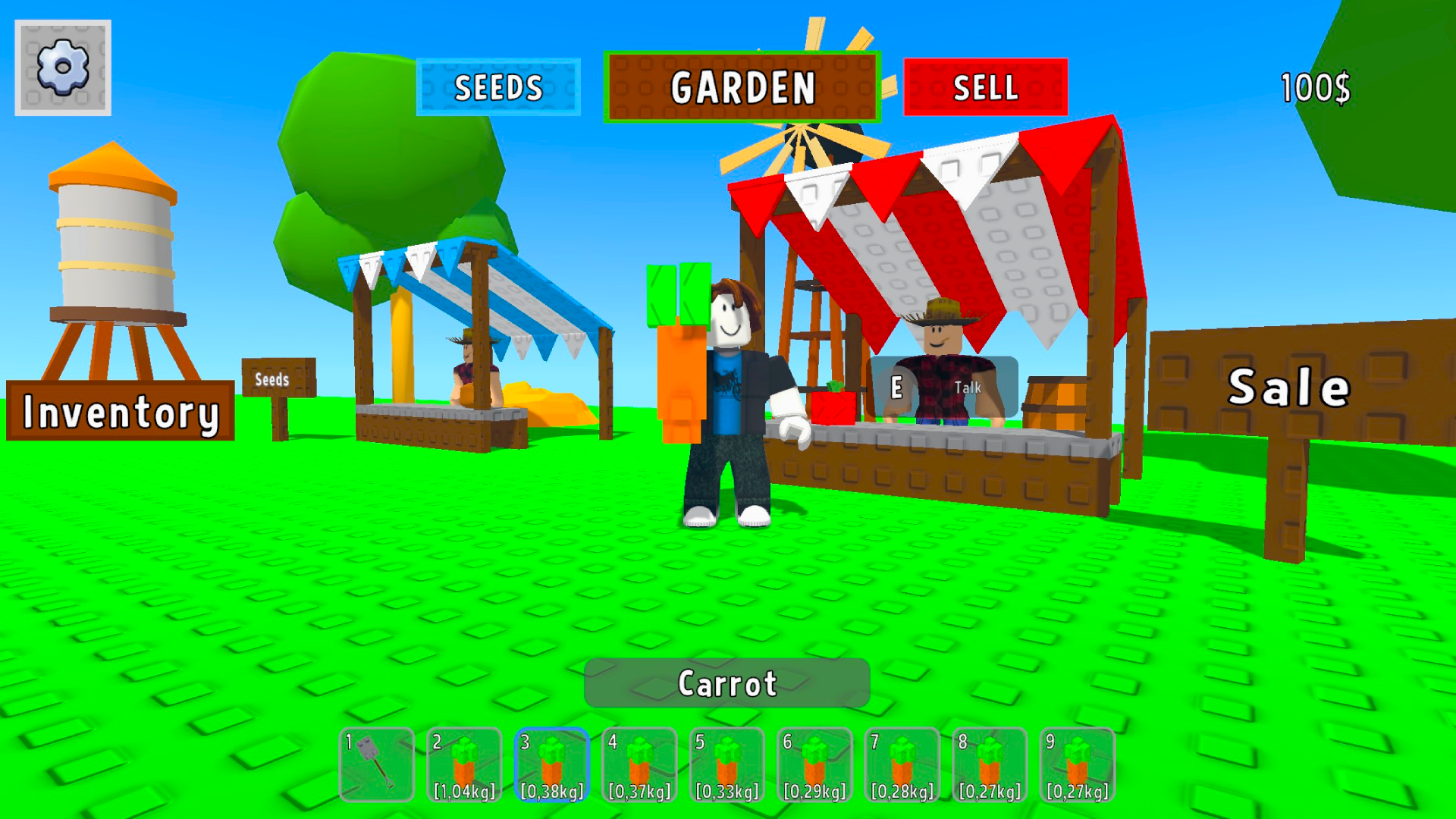
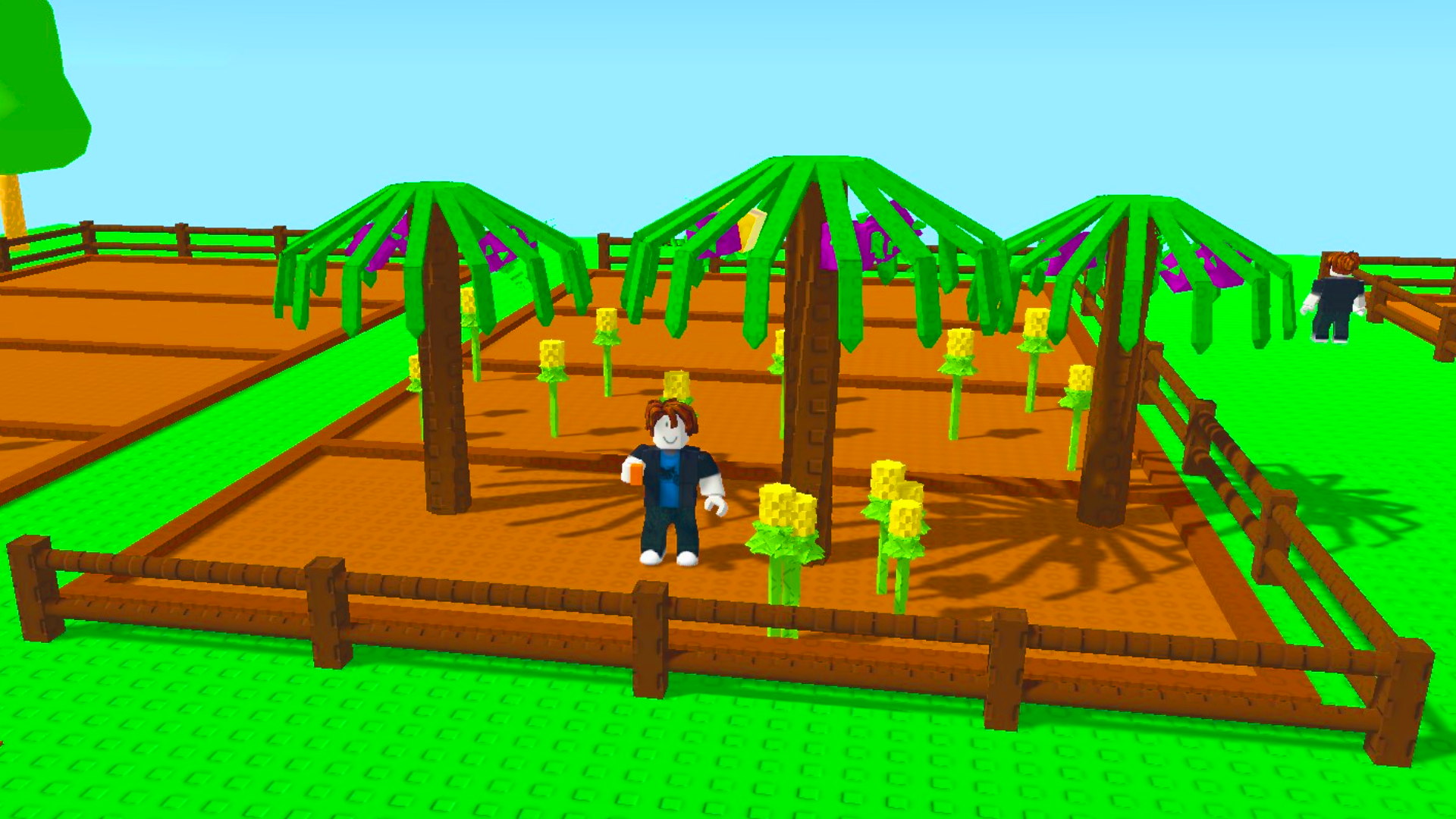
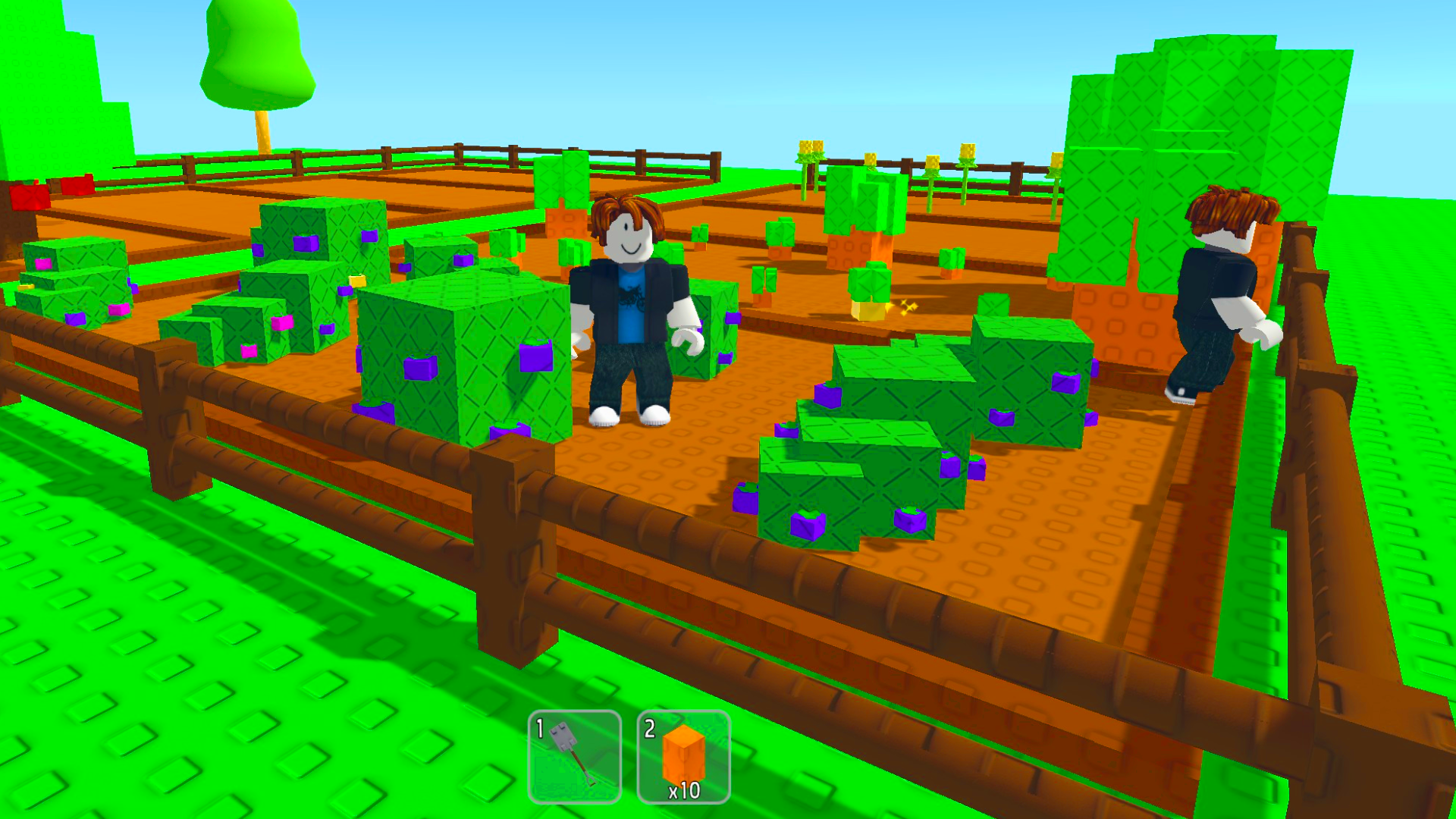
Staring at the clock during a long afternoon is the worst, but your next peaceful escape is only a click away. Grow a Garden provides the perfect digital sanctuary where you can cultivate lush greenery at your own pace. You start your journey by selecting humble seeds and carefully preparing your soil for the first sprouts. As you tend to your crops with water and sunlight, these plants evolve into rare, vibrant botanical wonders. The simulation tracks your progress even while you are offline, ensuring your farm thrives while you handle your daily tasks. Customizing your land with unique decorations allows you to build the botanical paradise of your dreams. Whether you are a casual player or a strategy enthusiast, the satisfying loop of planting and harvesting never gets old. Experience the beauty of nature on your own terms by playing this title directly in your browser with no download required.
How to play
PC:
— WASD or arrow keys — move your character
— Spacebar — jump
— Left mouse button — plant a seed or use an item
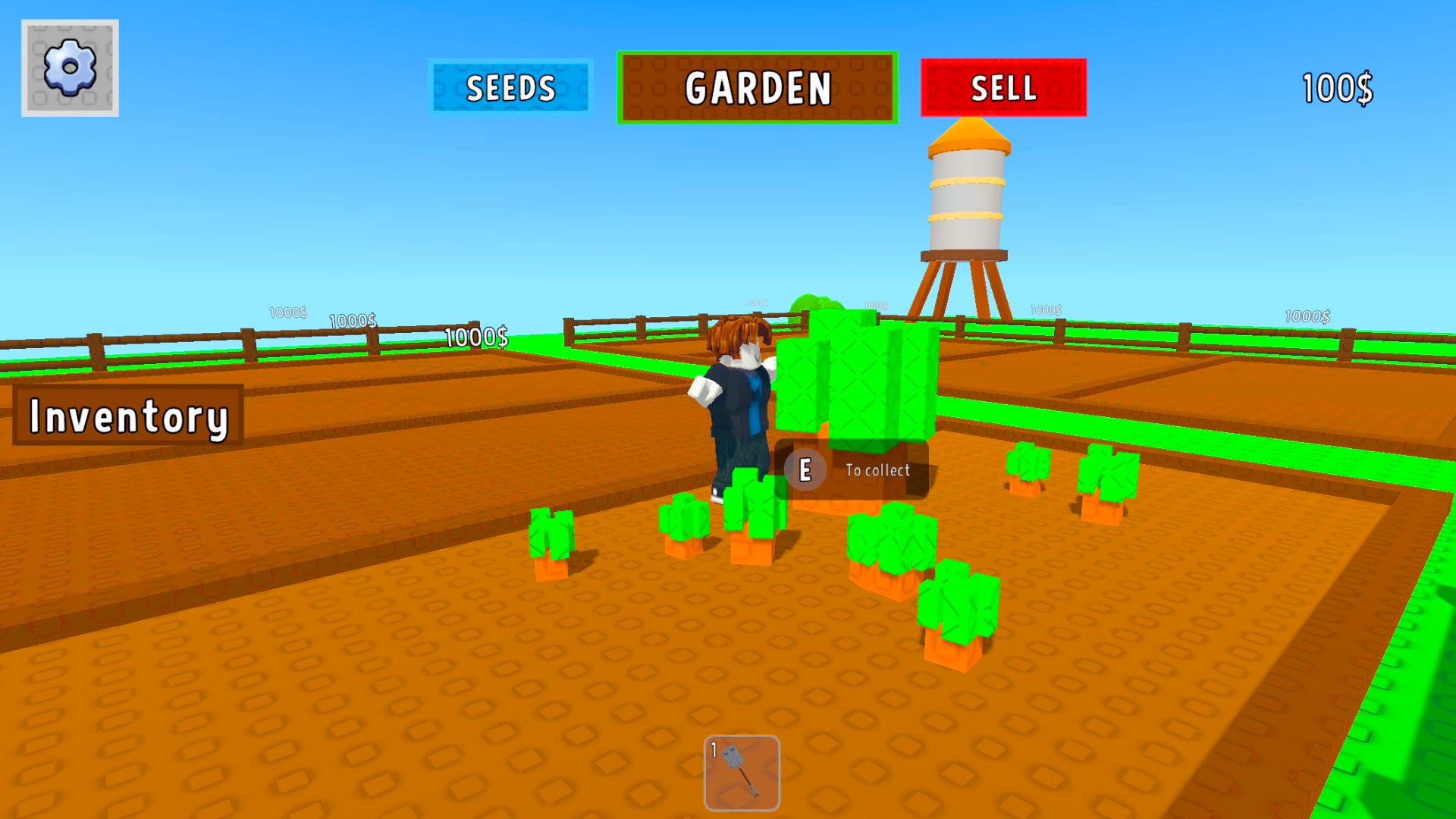
— E key — harvest crops or open inventory
Mobile devices:
— Virtual joystick — move around
— Tap on a garden bed — plant a seed
— E button — harvest crops
— Menu and inventory are available via on-screen icons
To plant a seed, select it, walk up to a garden bed, and tap to plant. Wait for the plant to grow, then harvest your crop! The game keeps running even offline — come back anytime and keep growing your garden.
Features
- Persistent Growth: Your garden continues to develop and thrive in real time even after you close your browser tab.
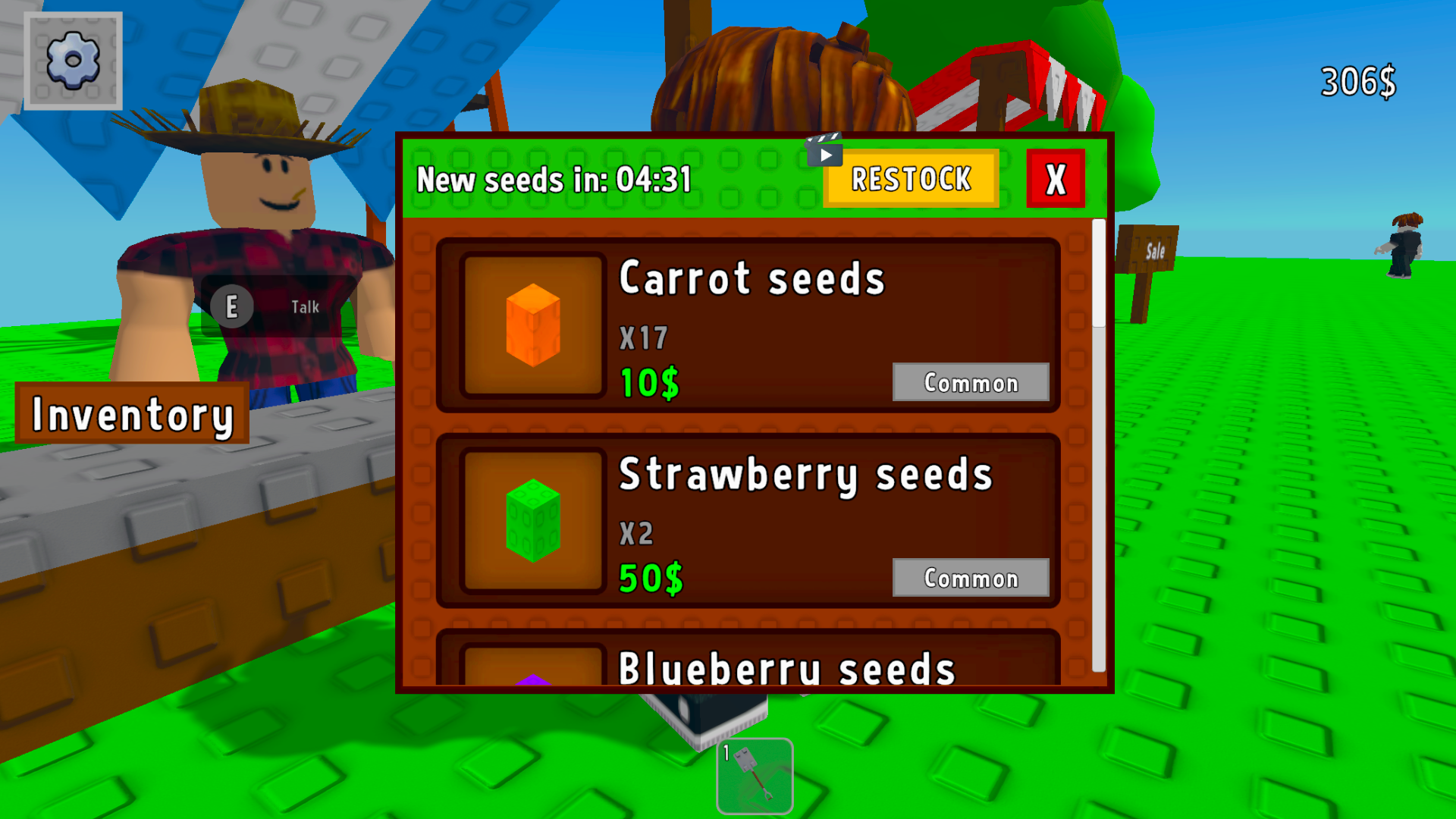
- Botany Collection: Unlock a wide variety of rare seeds that require specific care routines to reach their full potential.
- Custom Layouts: Use the intuitive building system to place decorations and arrange your garden beds for maximum visual impact.
- Resource Management: Balance your harvest cycles to earn enough currency for upgrading your tools and expanding your land.
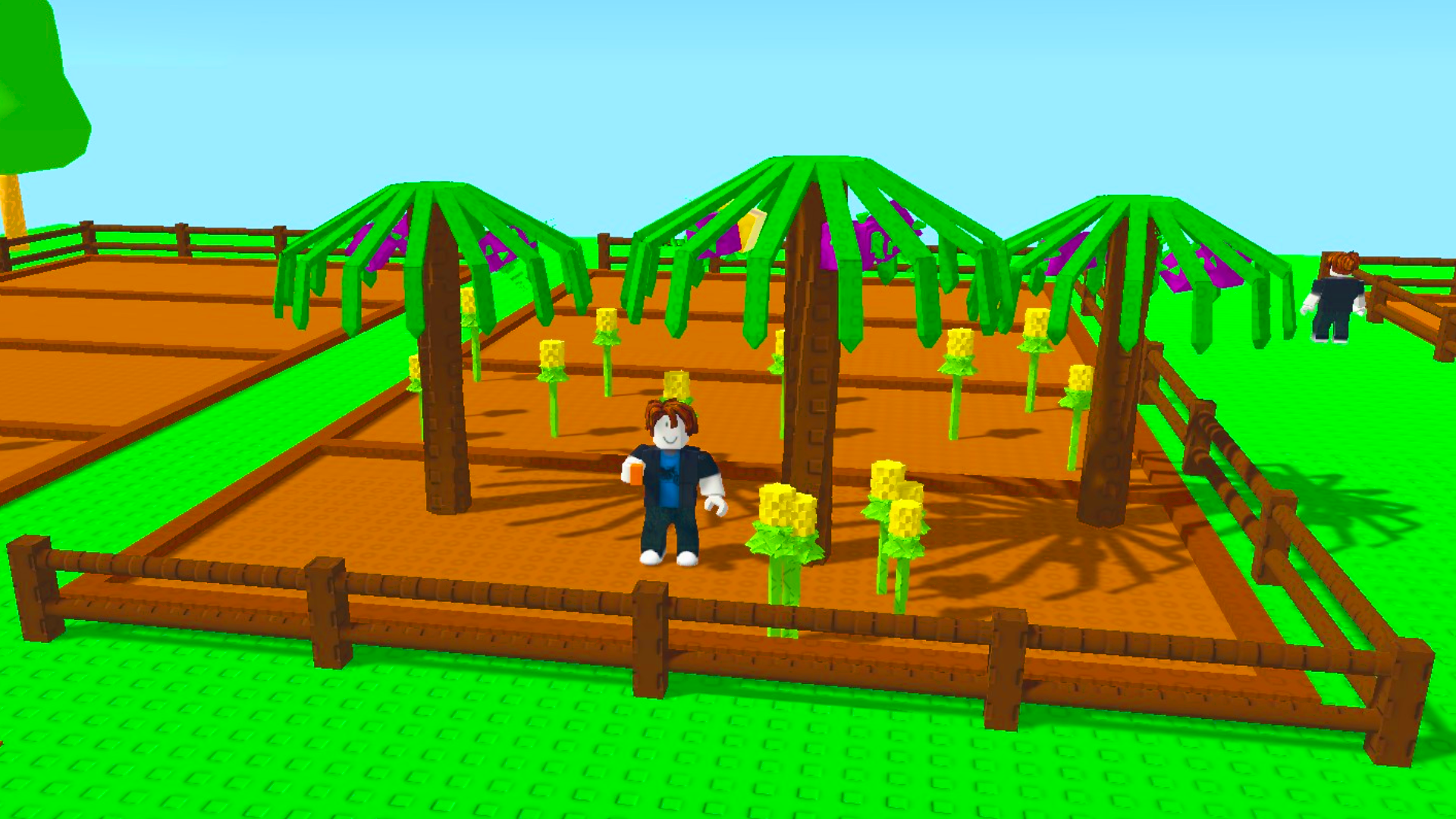
- Dynamic Environment: Watch as your plot changes visually through different growth stages from tiny seedlings to fully bloomed flora.
Who is it for
Relaxation seekers who enjoy stress-free simulation games will find plenty to love here. Casual players looking for a gentle, rewarding experience that respects their time will appreciate the offline progression. It is also an excellent choice for younger gamers who enjoy colorful, creative world-building and nurturing virtual habitats.
Controls
Movement
Use WASD or arrow keys on PC, or the virtual joystick on mobile devices.
Planting seeds
Click the left mouse button on a garden bed or tap the soil patch on mobile.
Harvesting crops
Press the E key on your keyboard or tap the E button on your touch screen.
Accessing inventory
Press the E key on PC or tap the on-screen inventory icon for mobile.
FAQ
Can I play Grow a Garden on my smartphone?
›
Yes, Grow a Garden is fully optimized for mobile browsers with intuitive touch controls and a responsive interface.
Does Grow a Garden require any registration or downloads?
›
Not at all, Grow a Garden is a browser-based game that you can jump into instantly without creating an account.
Will my plants die if I stop playing Grow a Garden for a few days?
›
Grow a Garden is designed to be stress-free, so your plants will simply wait for your return without any negative consequences.