About game
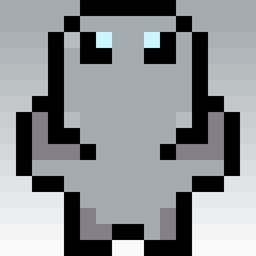
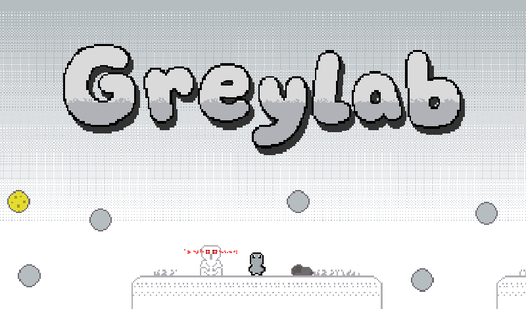
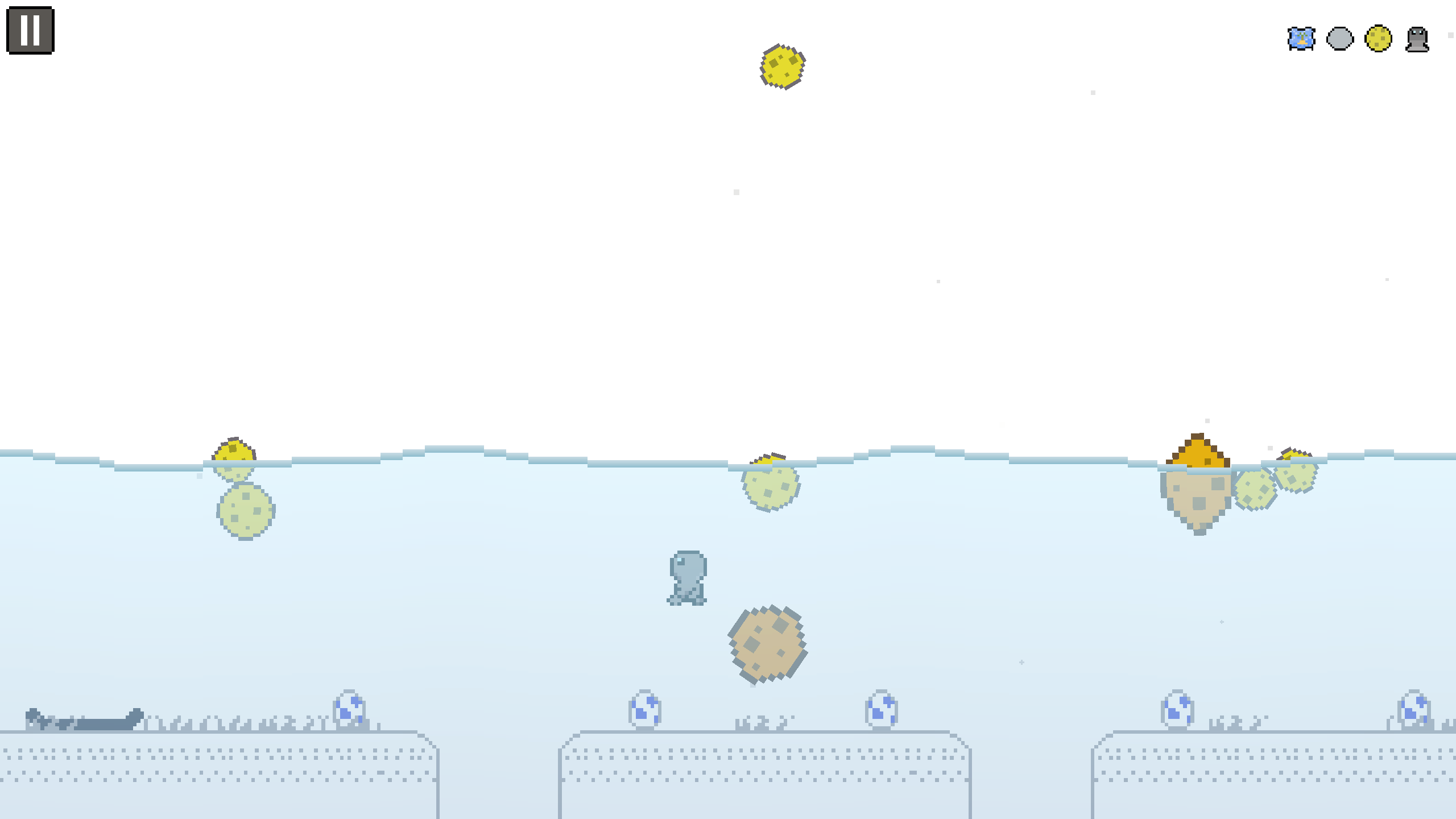
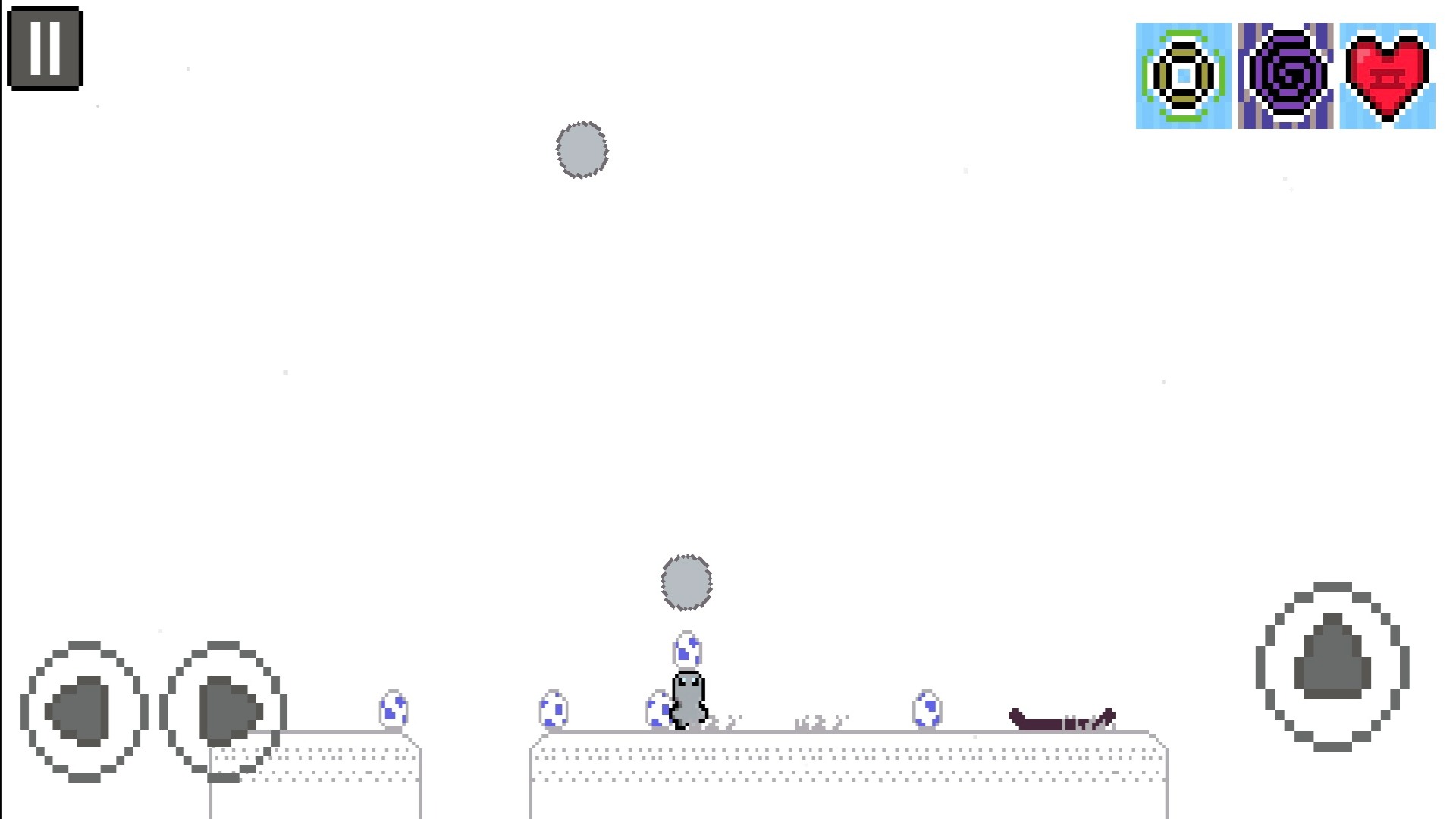
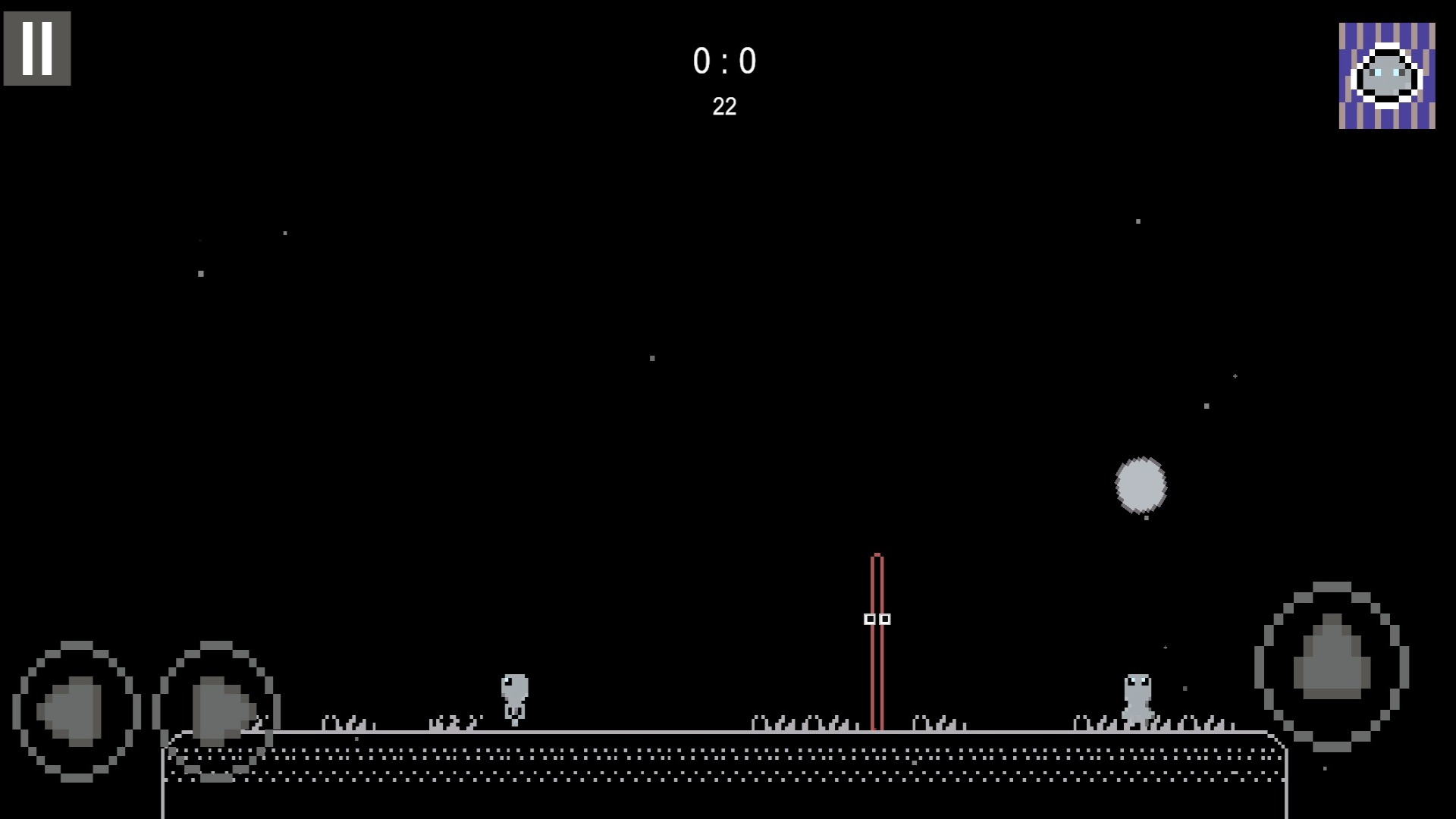
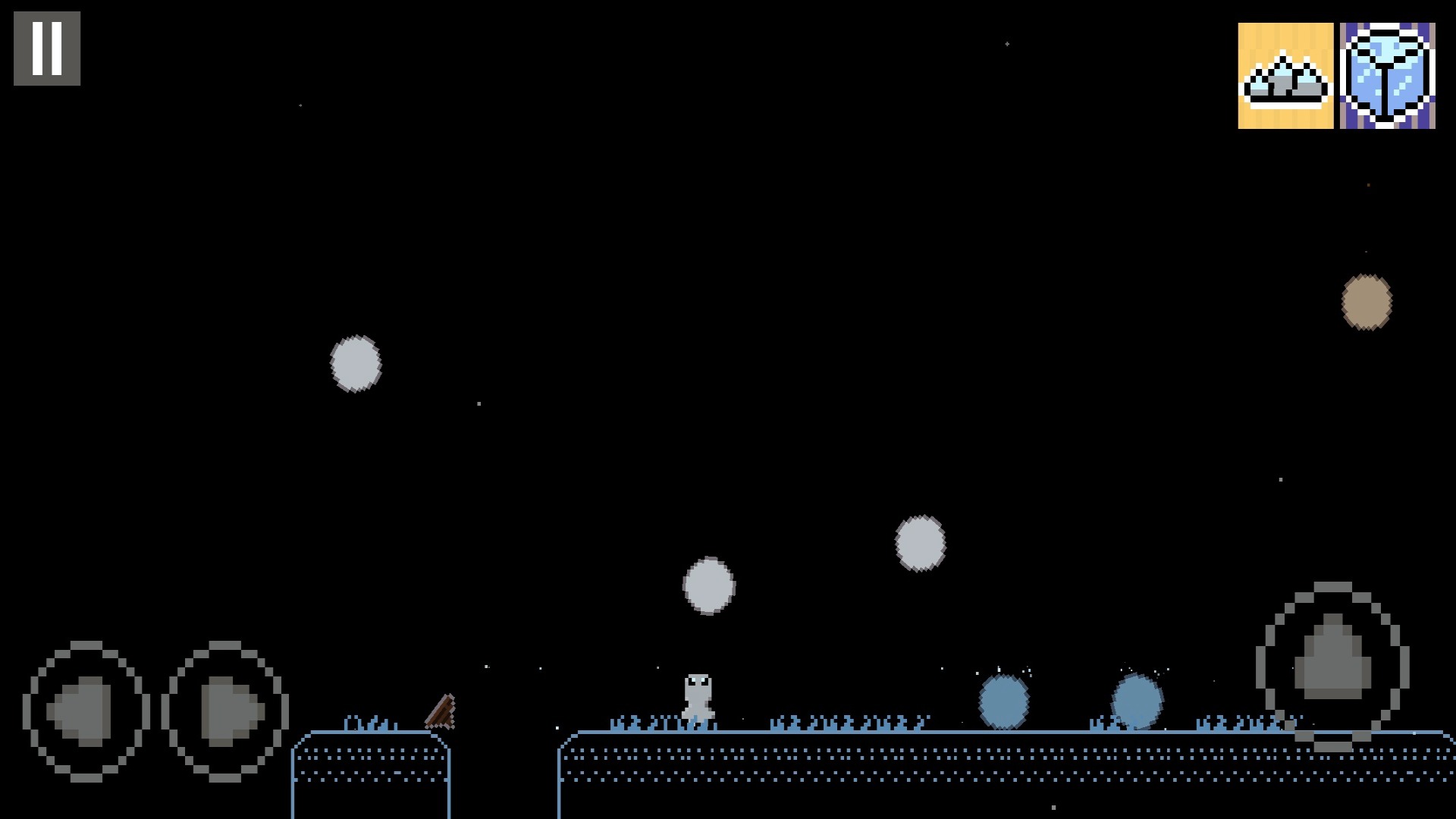
GreyLab turns every run into a frantic physics experiment where you bounce, jump, and dodge your way through unpredictable matches. You navigate a complex node map, tackling challenges that range from intense volleyball duels to survival-focused ball dodging. Each successful round rewards you with strange modifiers that alter gravity, ball shapes, or collision rules forever. Because these physics tweaks stack during your session, you constantly adapt your strategy to survive the evolving chaos. The main hub keeps track of your progress, letting you unlock new challenges and build a collection of modifiers for future attempts. You can jump into this pixelated indie roguelike right now in your browser without any downloads or registration. Experience how these physics shifts create a fresh platformer loop every time you play. Grab your gear and see how far you can push the madness of GreyLab today.
How to play
Press Play, then Start a run in the hub.
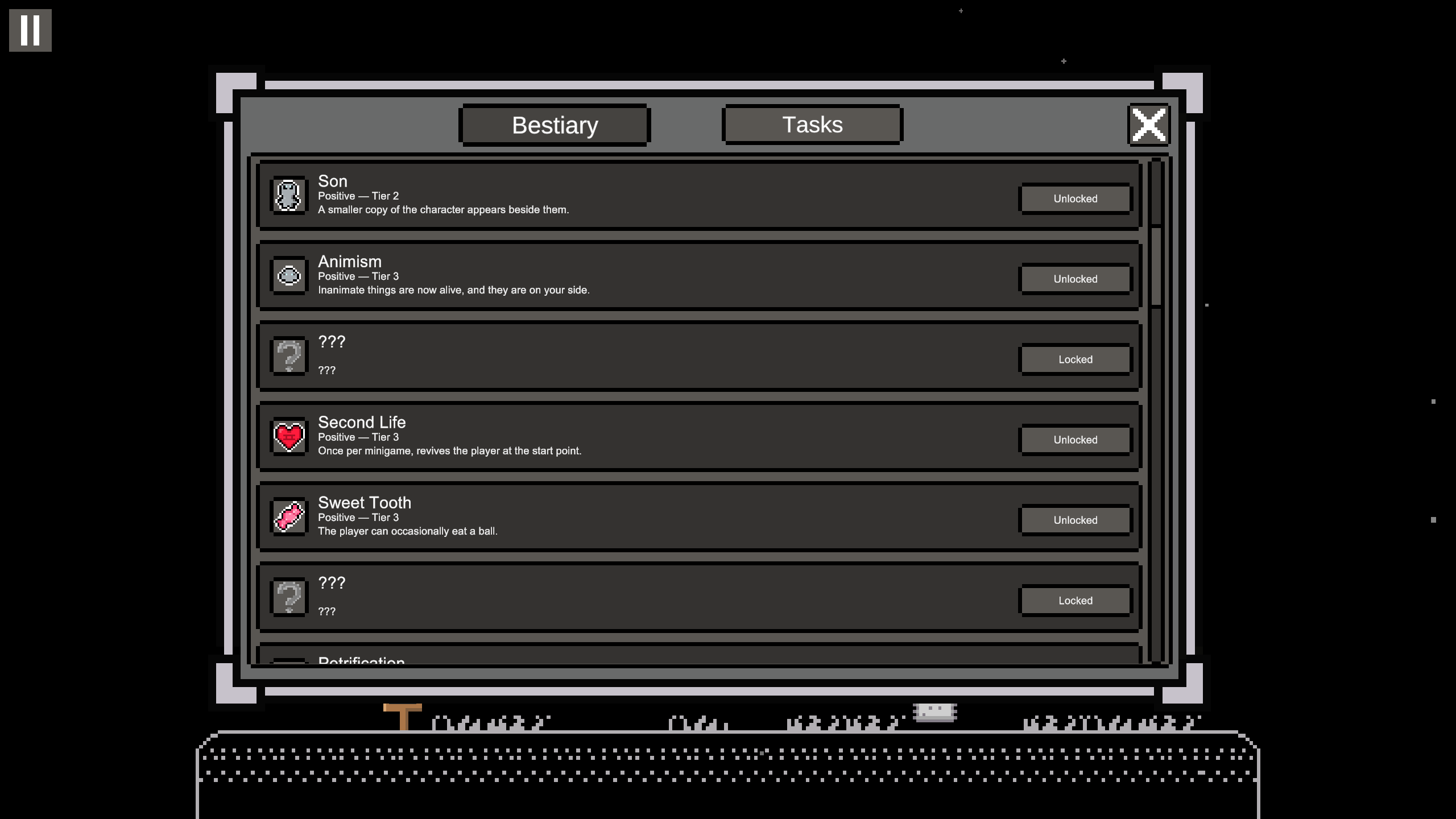
Keyboard: A/D or arrows to move, Space to jump. Gamepad: left stick and the bottom face button. Pause with Escape or the pause button; the pause screen lists modifiers you already picked.
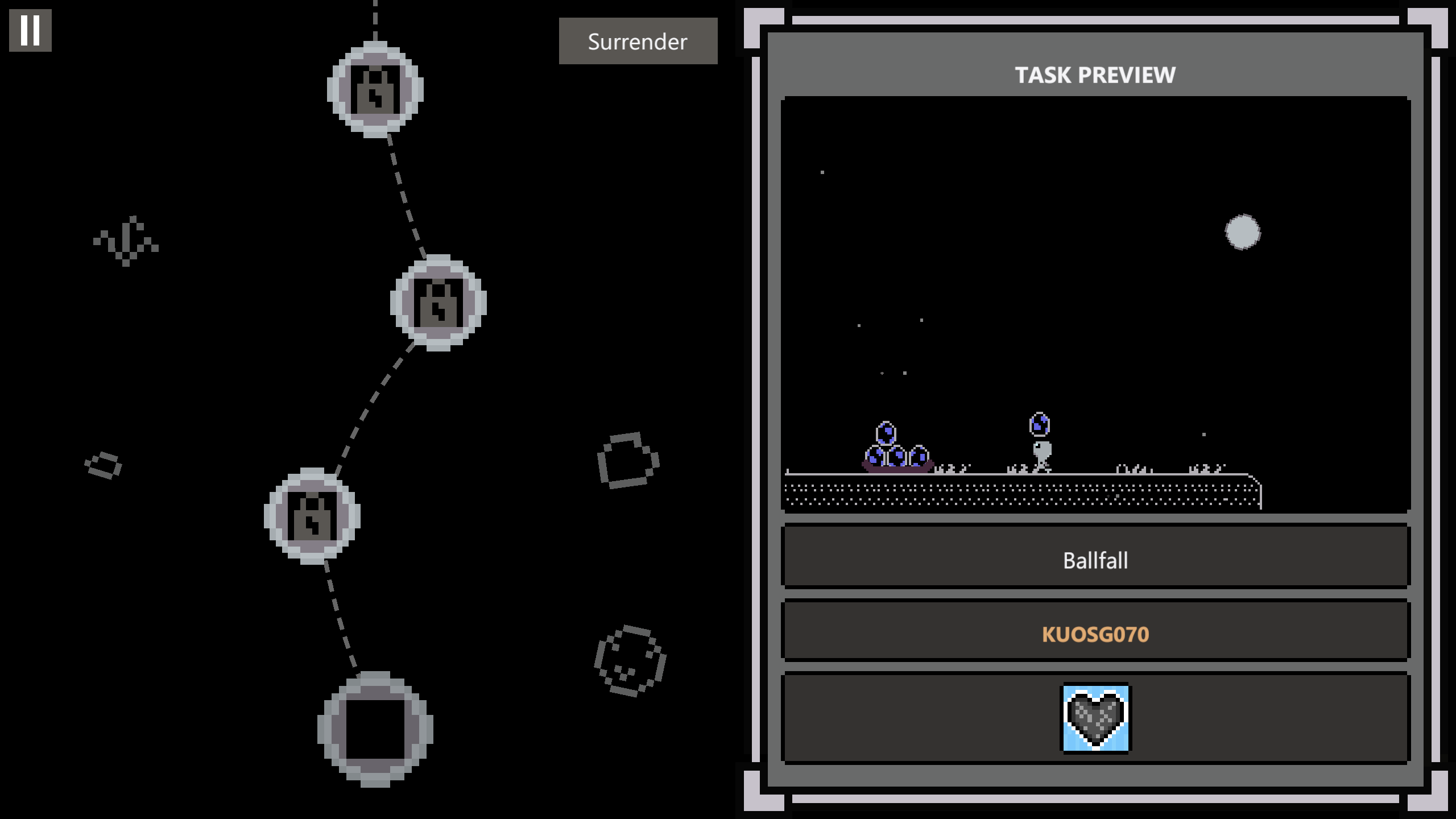
On the node map, reach the next match. Before or after a fight, choose 1 of 3 modifiers. It stays for the rest of the run.
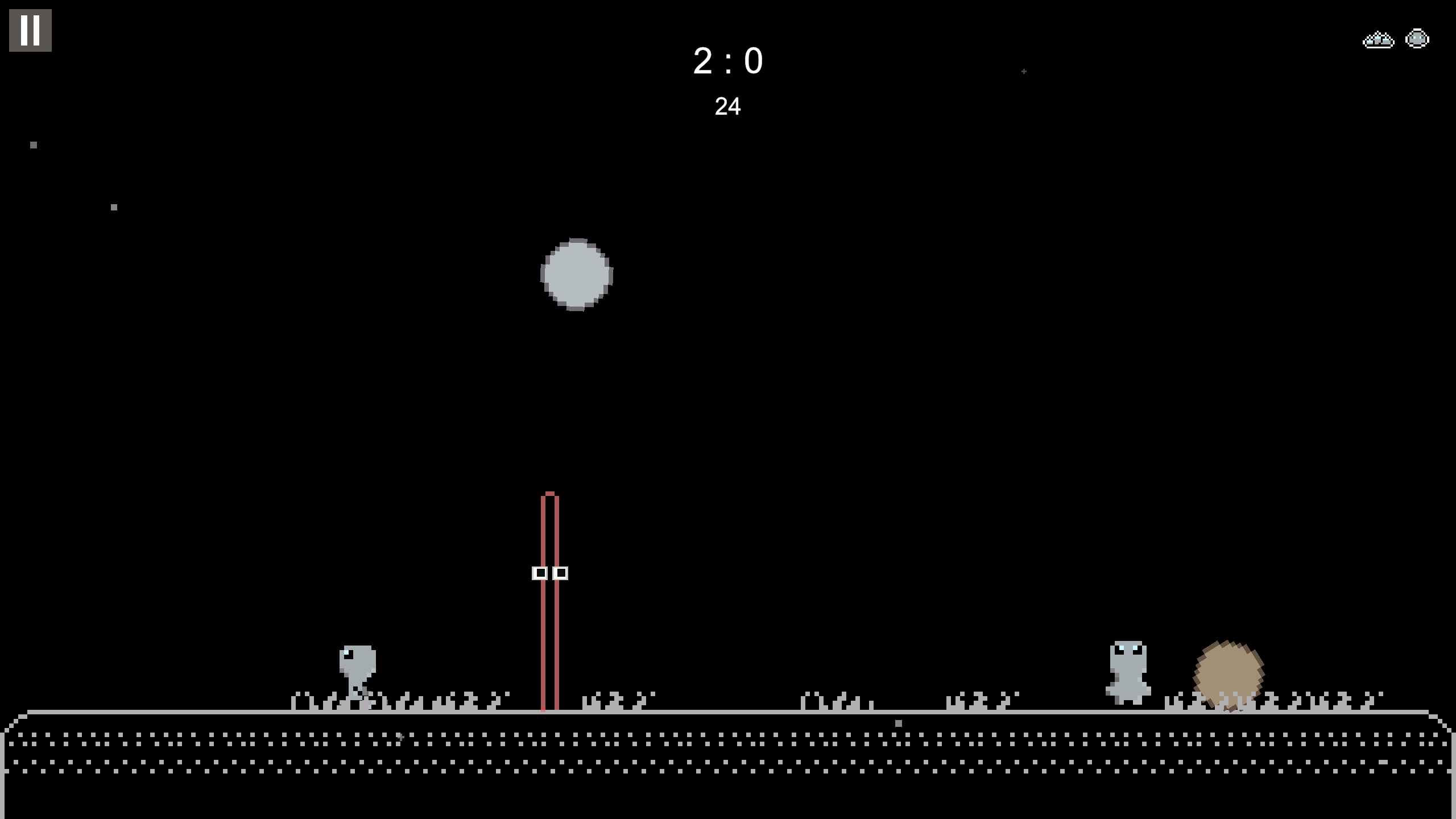
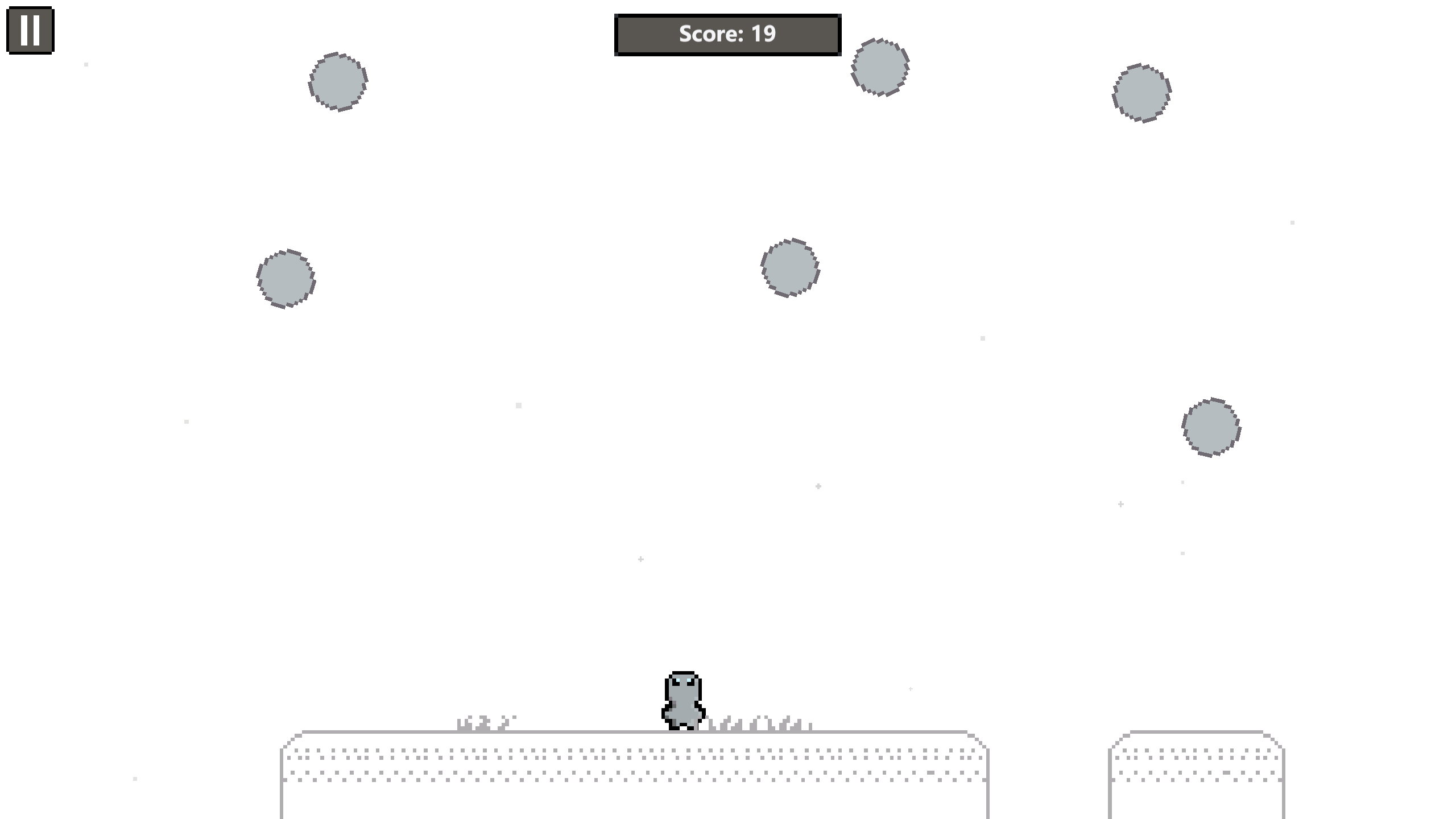
In Ballfall, dodge falling objects and stay on the arena. In volleyball, jump to hit the ball; first to three points wins.
A loss sends you back to the map or hub. A win opens the next node. Hub progress is saved after you act.
Features
- Modifier stacking: Combine multiple physics-altering effects to create wild synergies that change how you move across the arena.
- Node progression: Plan your route through the map to target specific rewards and avoid difficult encounters.
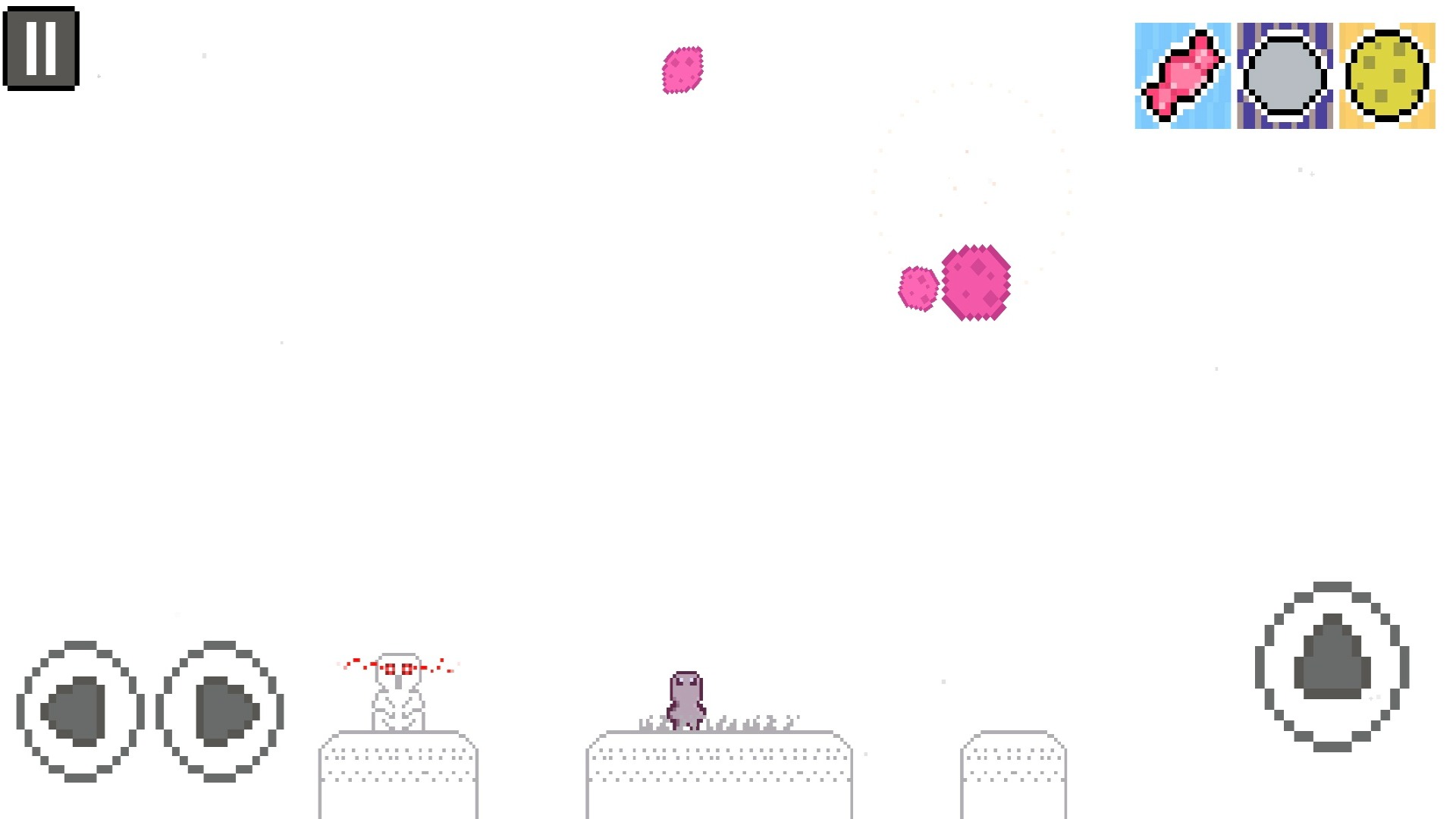
- Volleyball mechanics: Master the timing of your jumps to spike the ball and outscore your opponents in fast-paced arcade bouts.
- Persistent collection: Track every modifier you encounter in the hub to keep a record of your experimental history.
- Survival arenas: Dodge falling objects in Ballfall mode where the arena itself might shrink or shift beneath your feet.
Who is it for
Casual arcade fans who enjoy physics-based puzzles and roguelike progression will find plenty to love here. Strategy gamers who enjoy experimenting with different loadouts and modifier combinations will appreciate the depth of each run. Pixel art enthusiasts looking for a quick, challenging session will feel right at home.
Controls
Move left or right
Press A or D keys, use arrow keys, or swipe left/right on mobile screens.
Jump
Press the Space bar or tap the screen once.
Navigate menus
Click or tap on the node map to select your path.
Pause game
Press the Escape key or tap the pause icon to view your current modifiers.
FAQ
Is GreyLab free to play in a browser?
›
Yes, you can play GreyLab directly in your web browser without needing to download any software.
How do I save my progress in GreyLab?
›
The game automatically saves your hub progress after you complete your actions or finish a run.
Can I use a controller for GreyLab?
›
Yes, GreyLab supports gamepads using the left stick for movement and the bottom face button for jumping.