About game
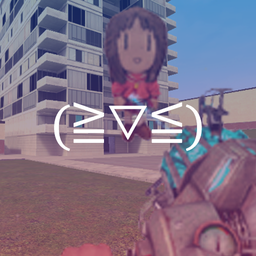
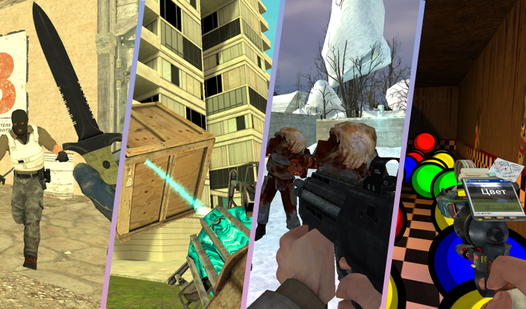
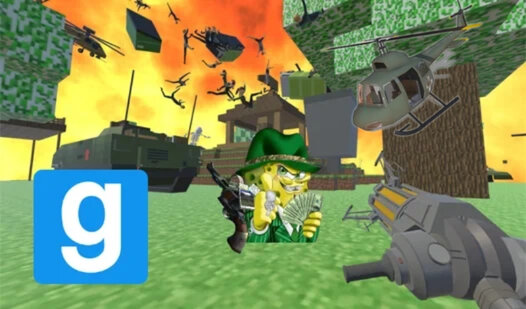
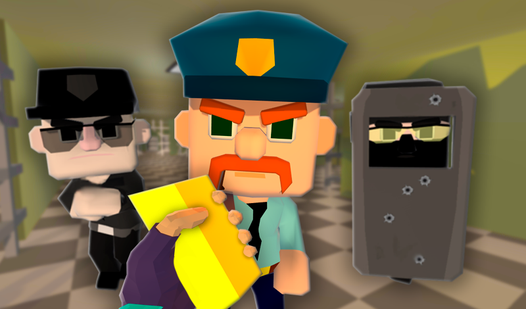
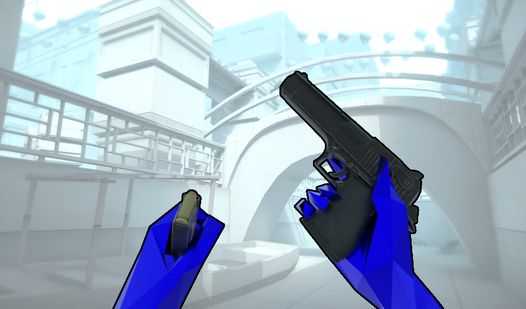
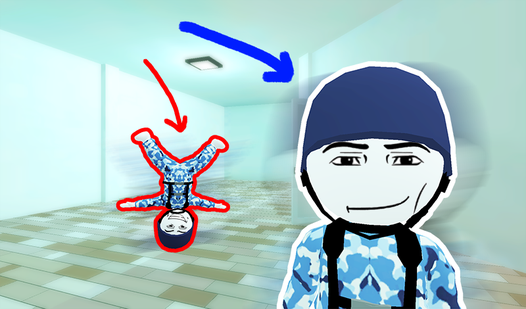
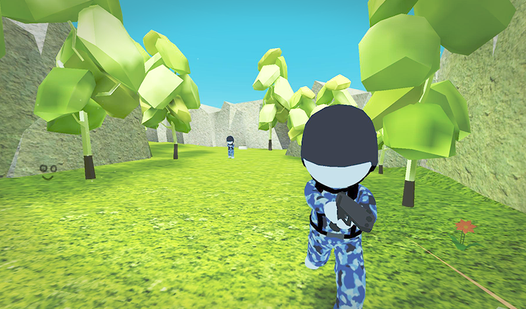
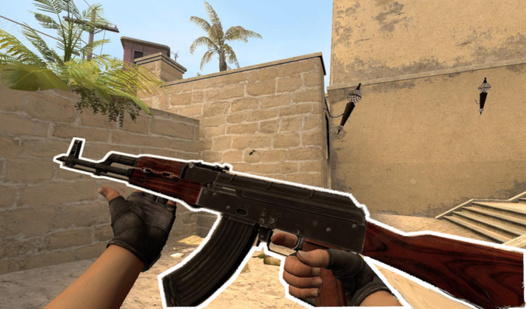
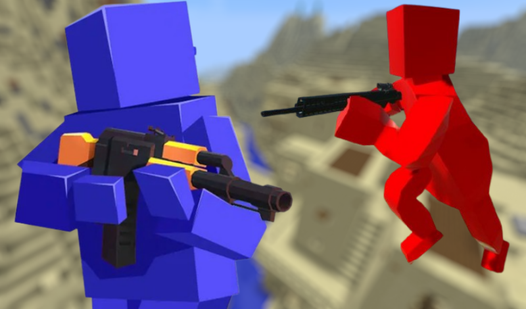
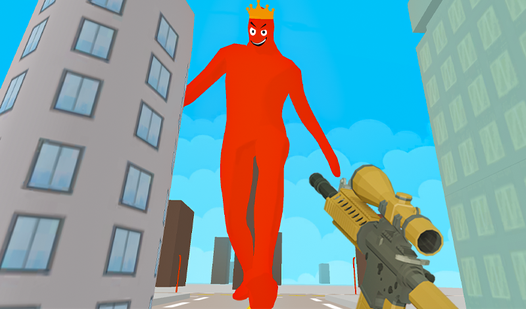
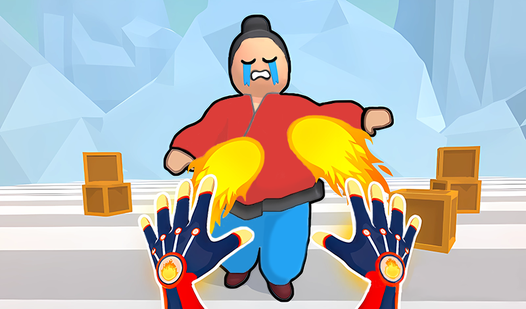
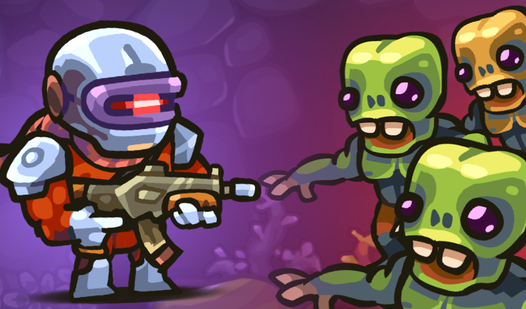
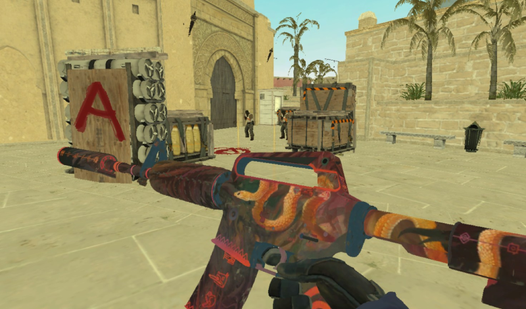
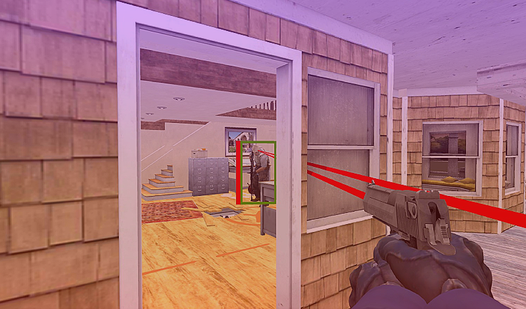
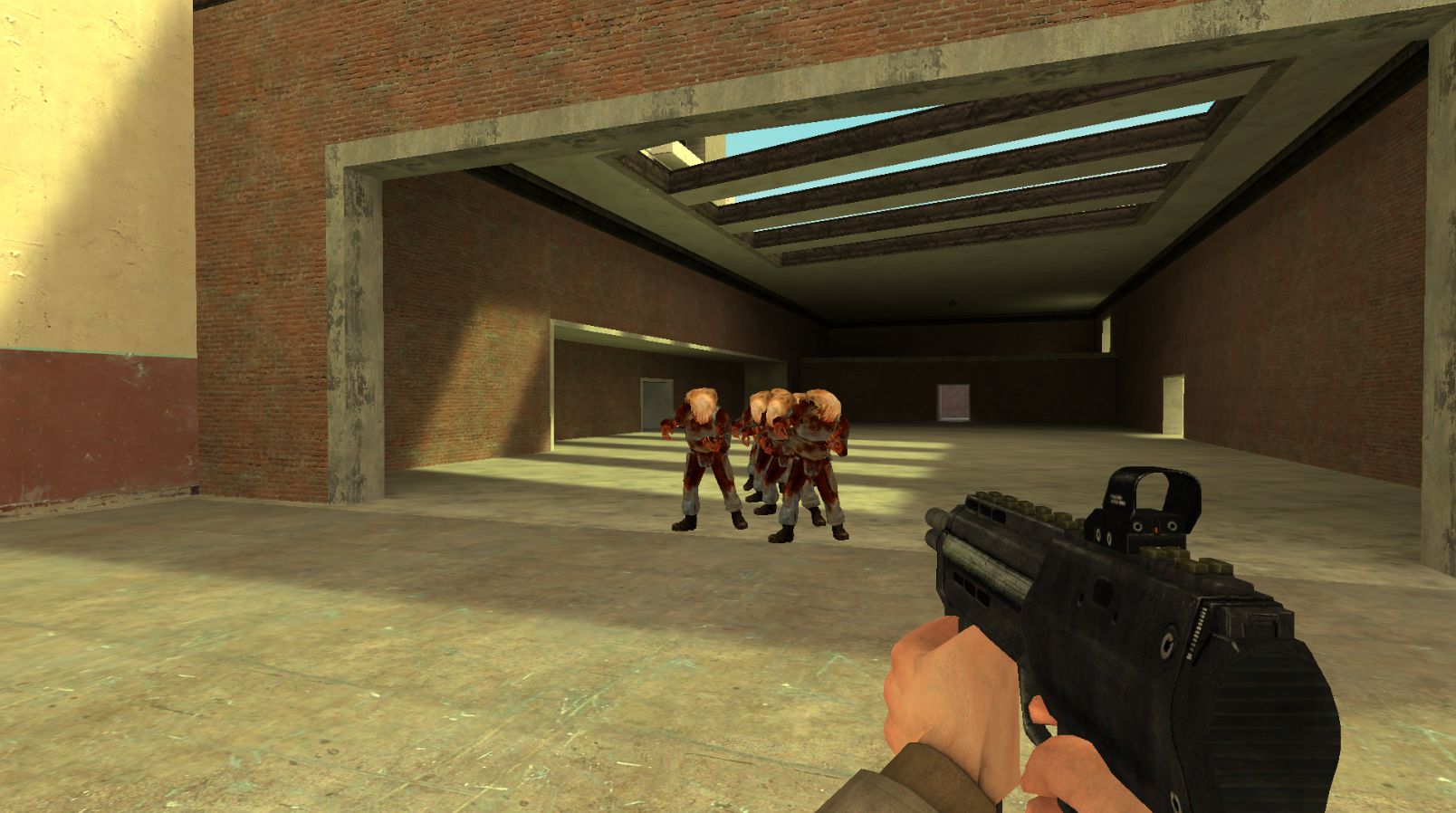
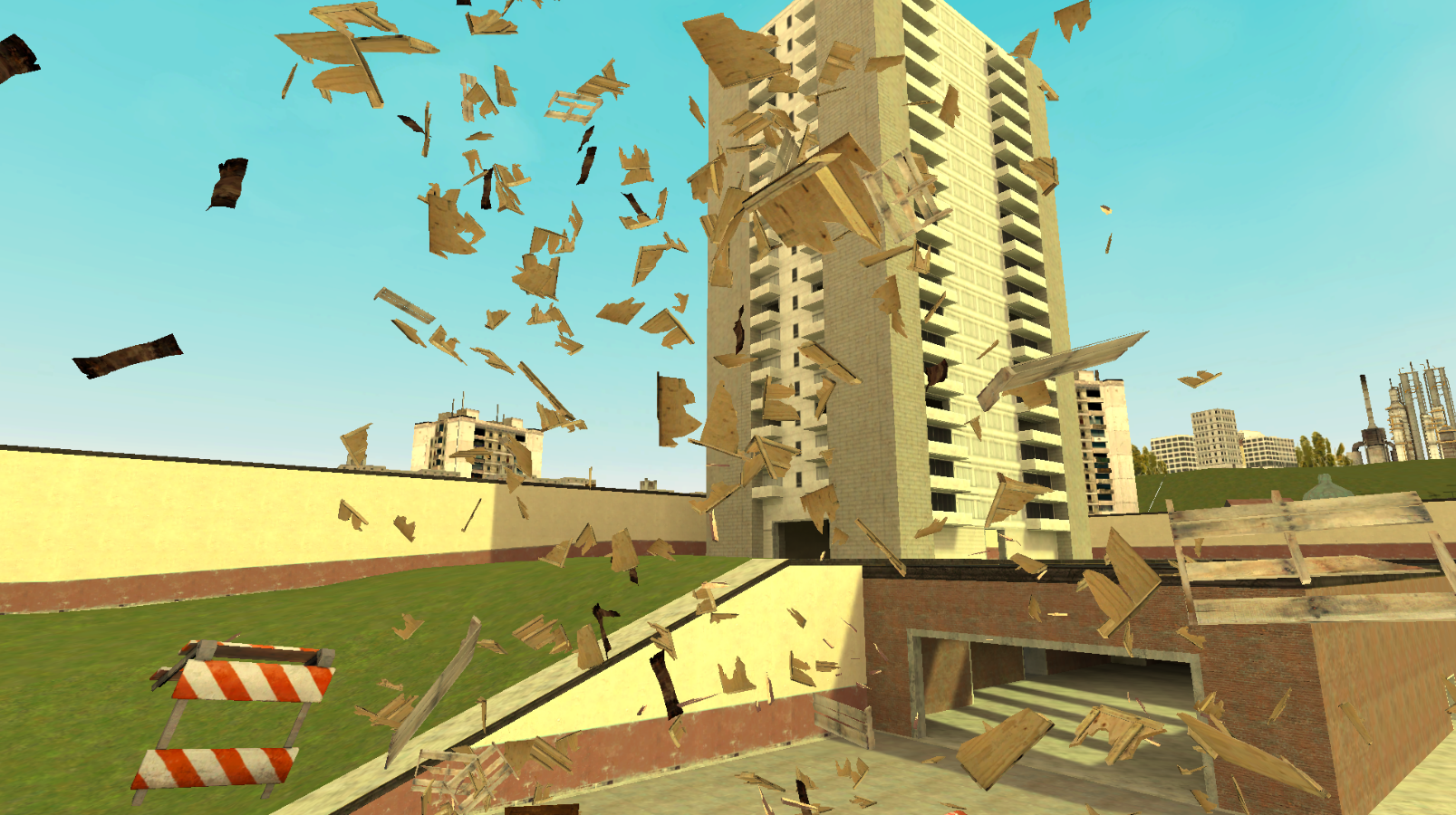
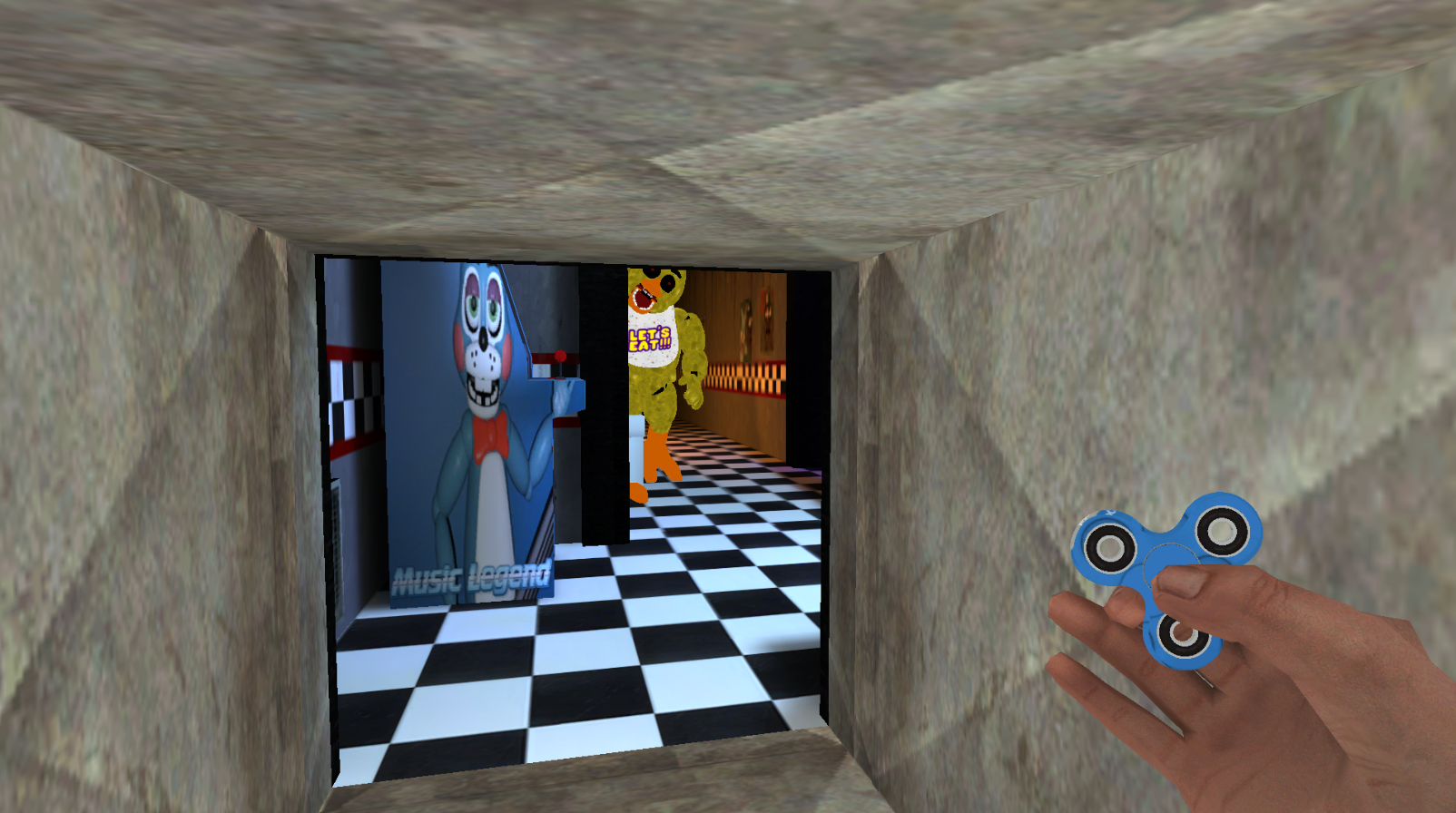
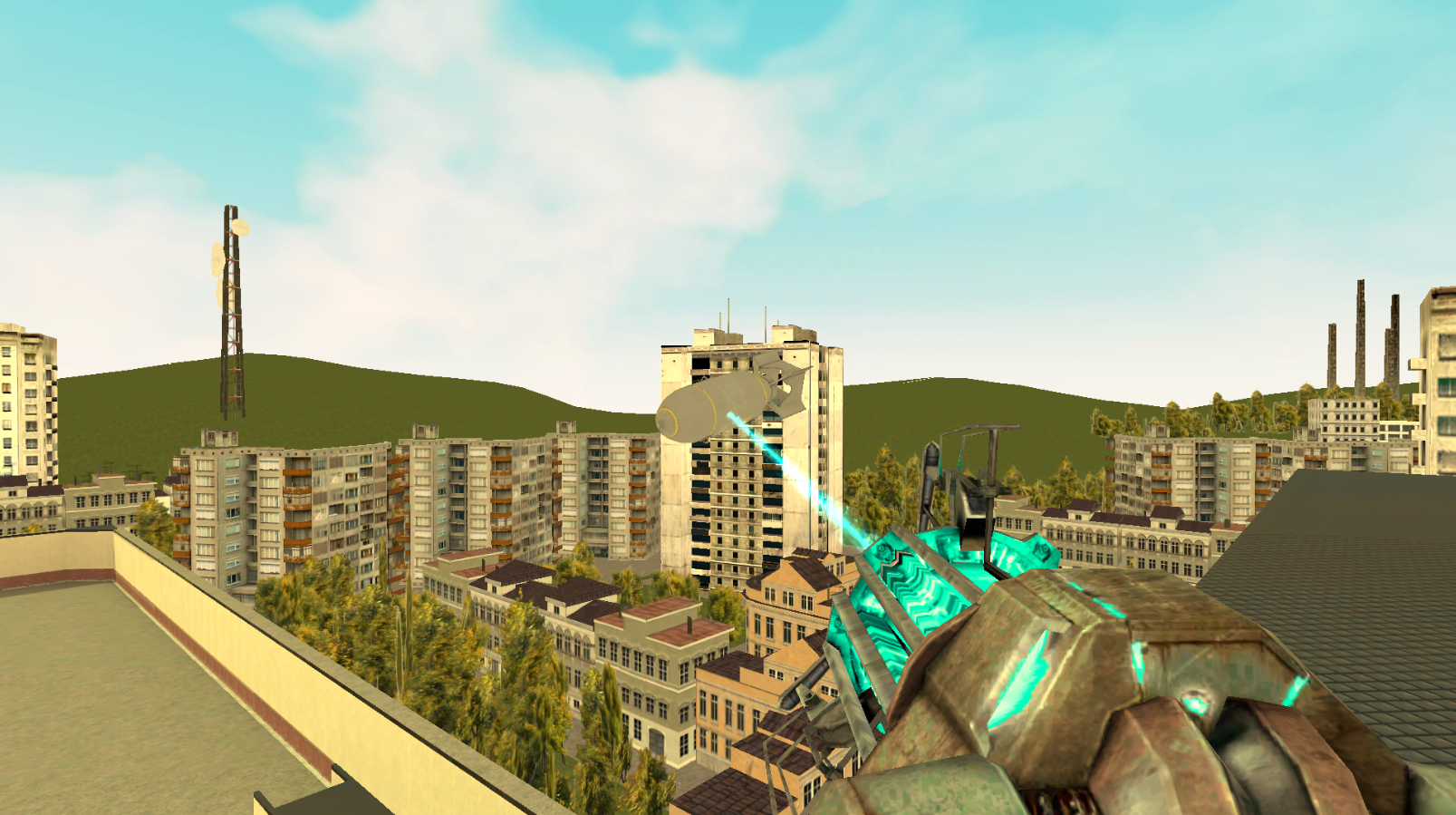
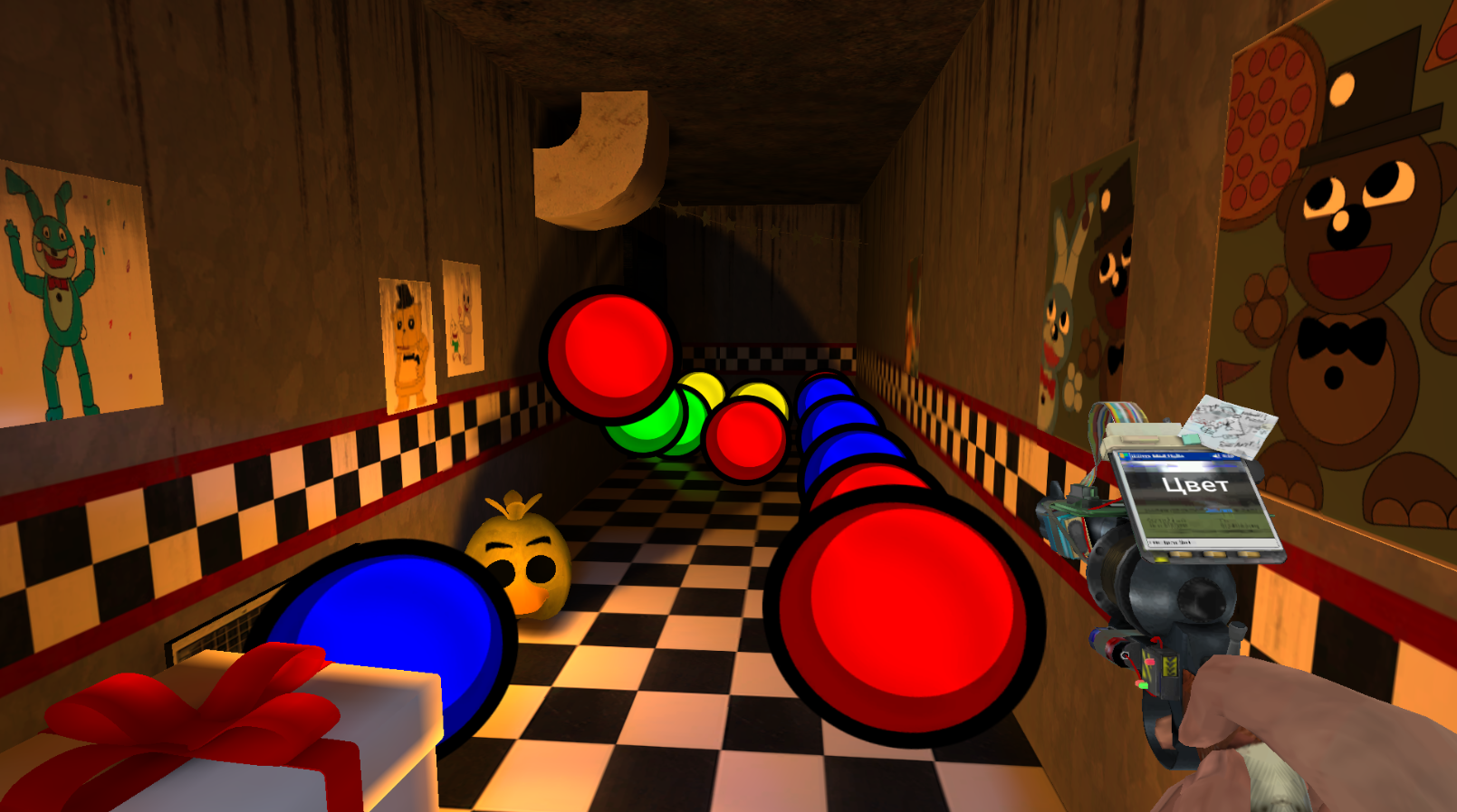
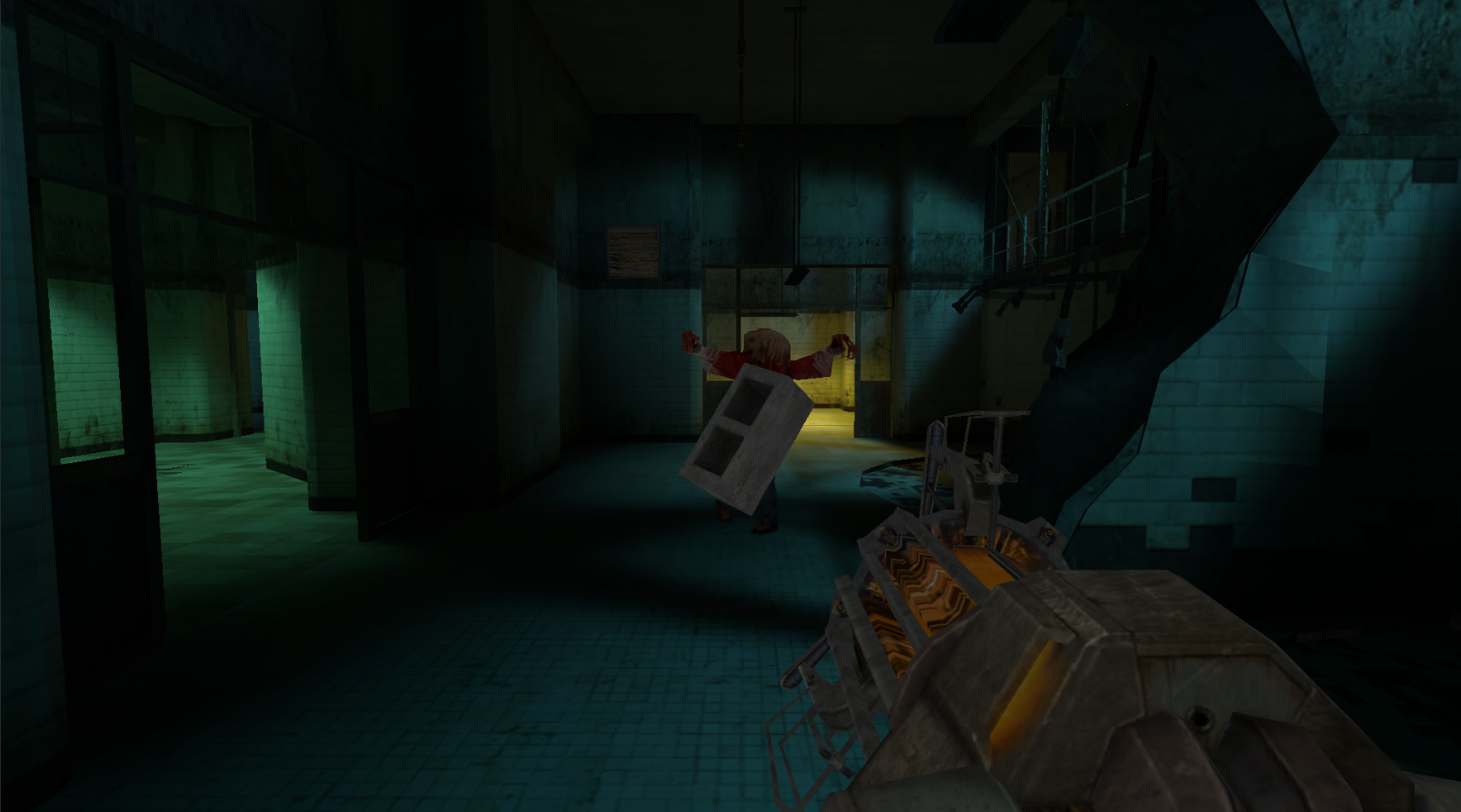
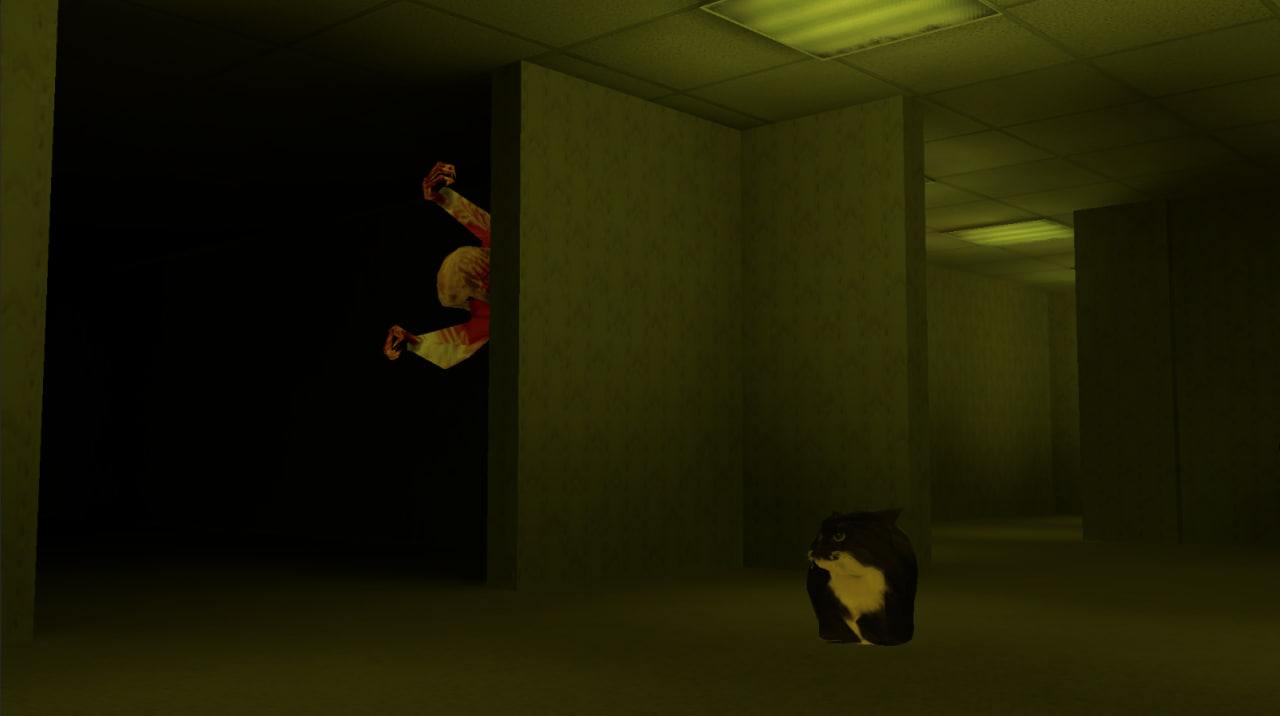
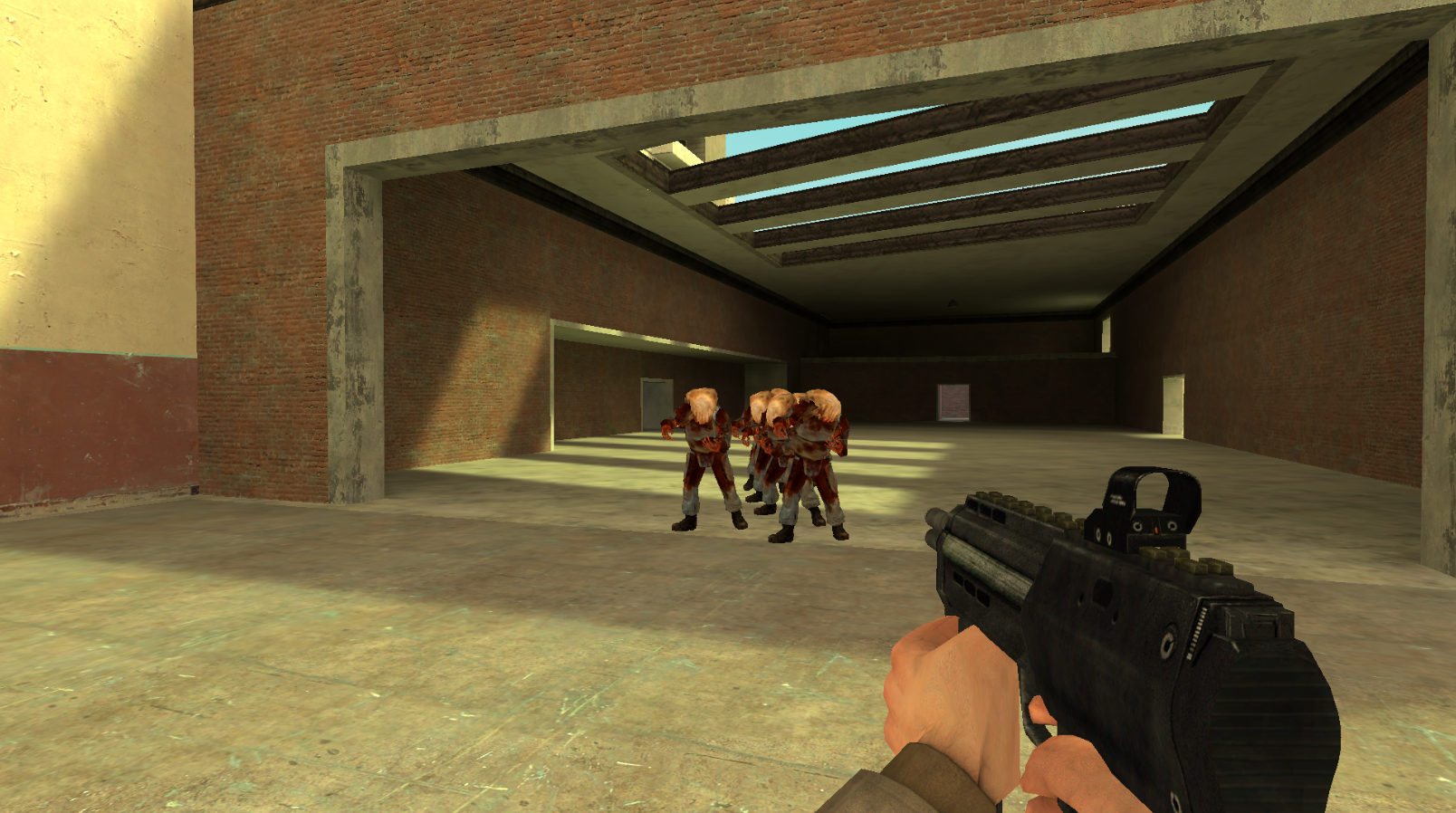
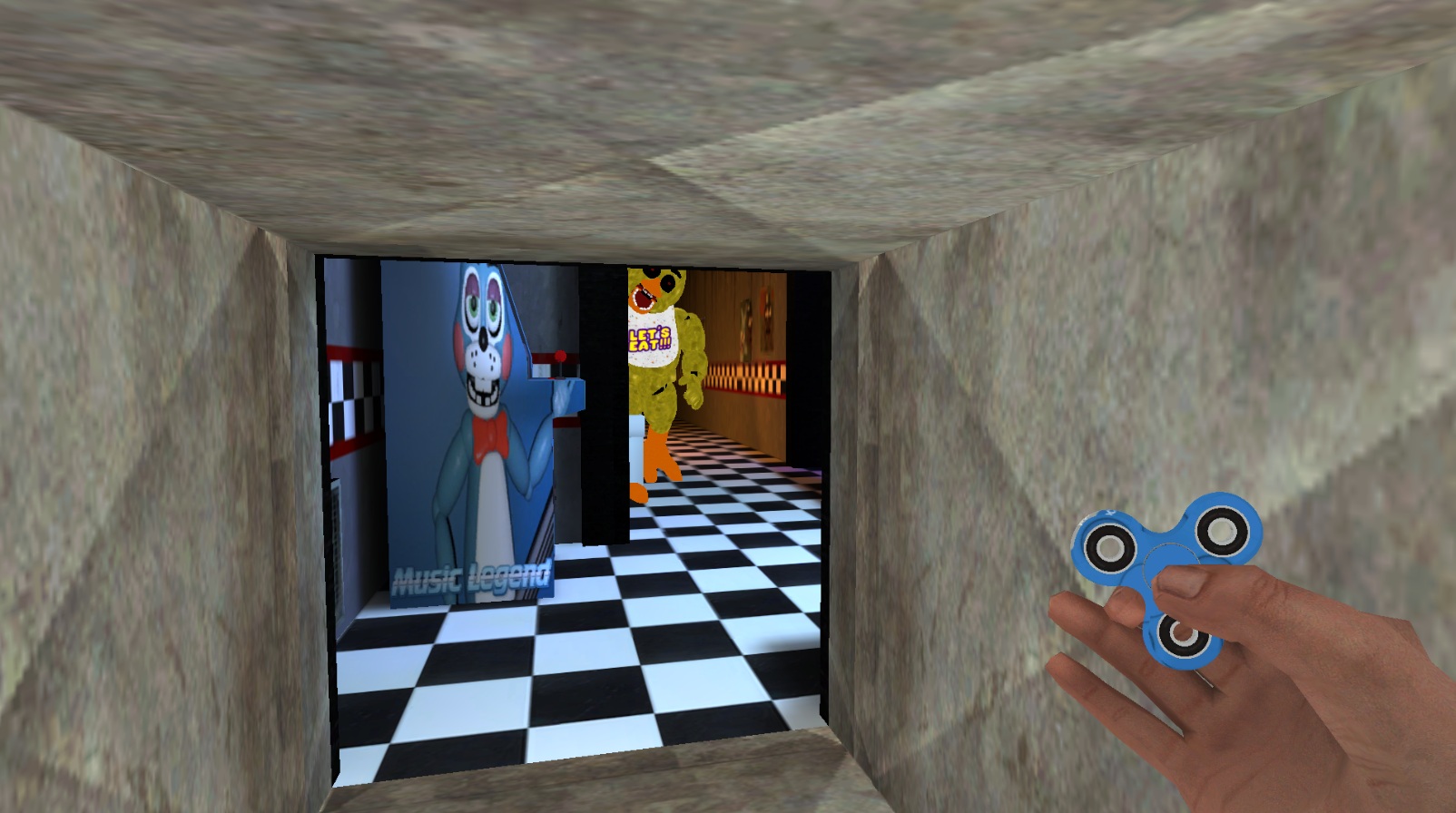
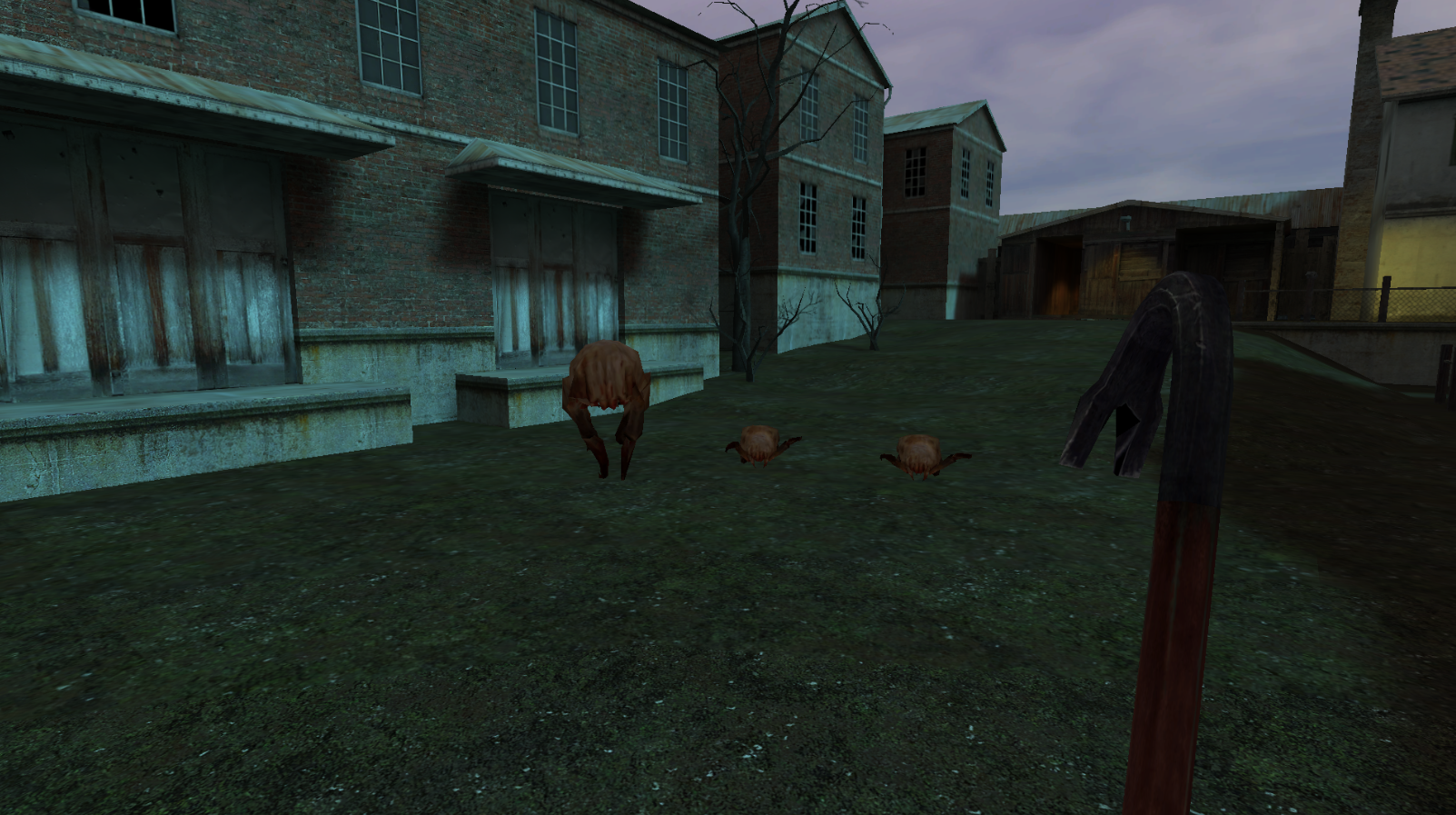
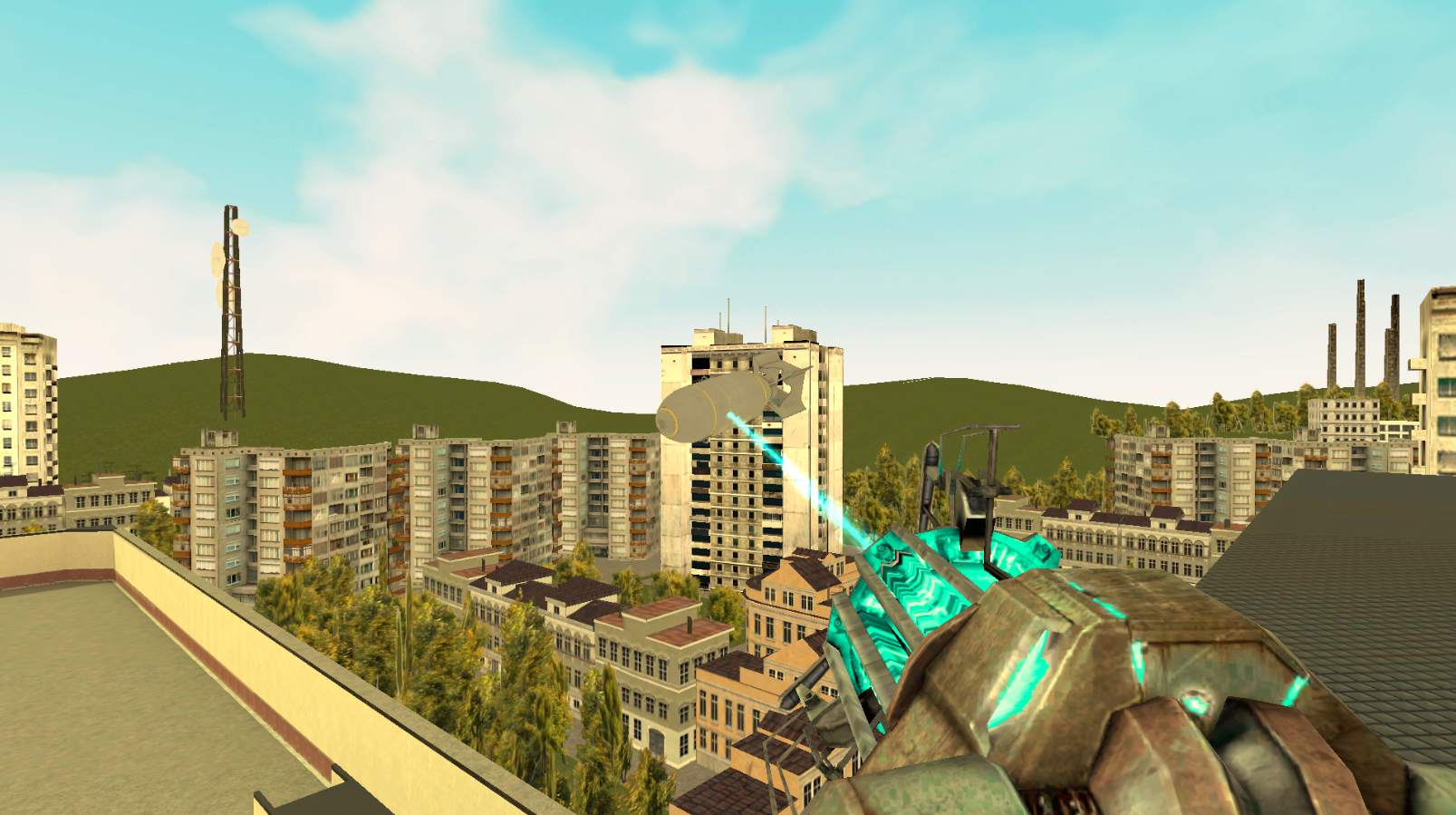
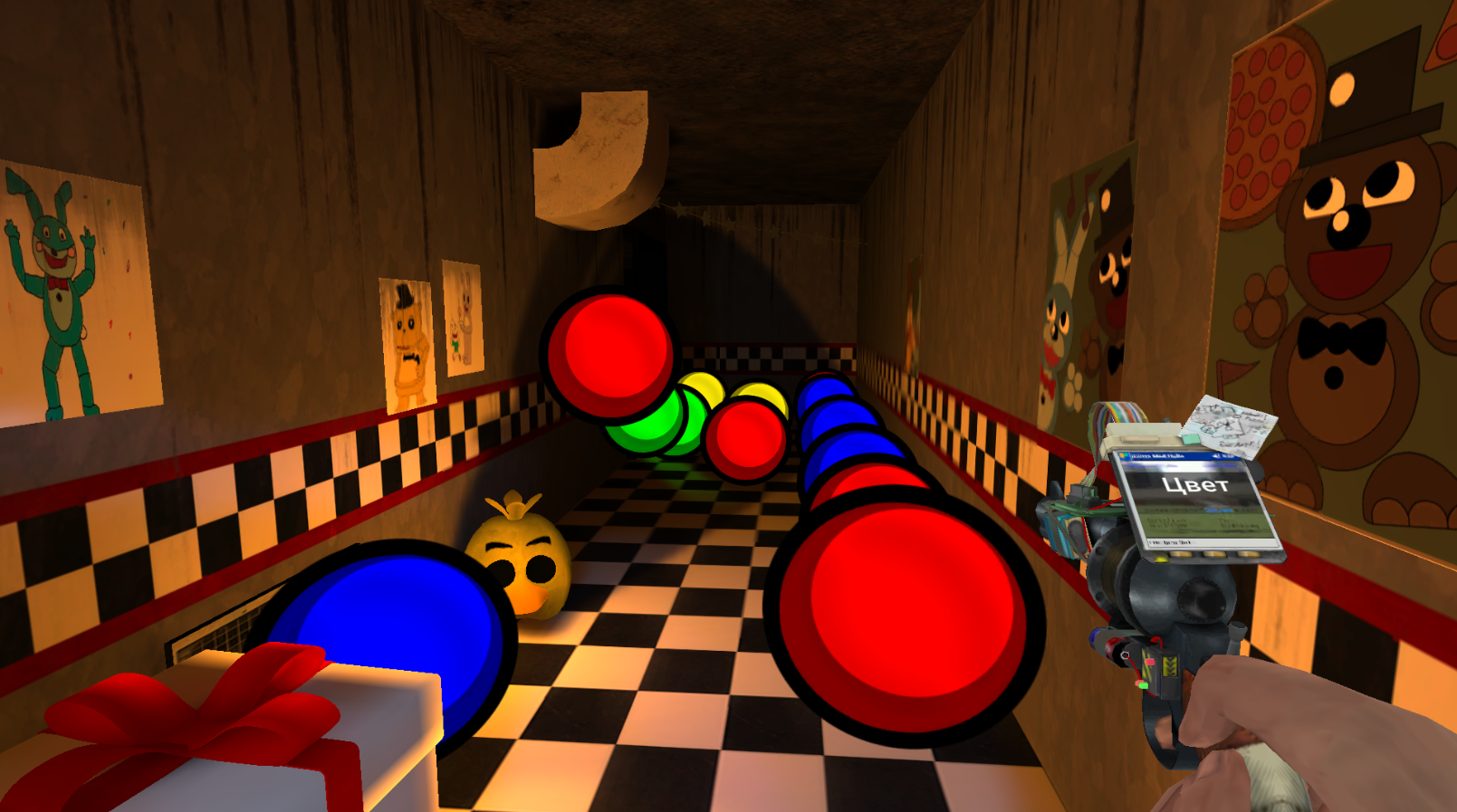
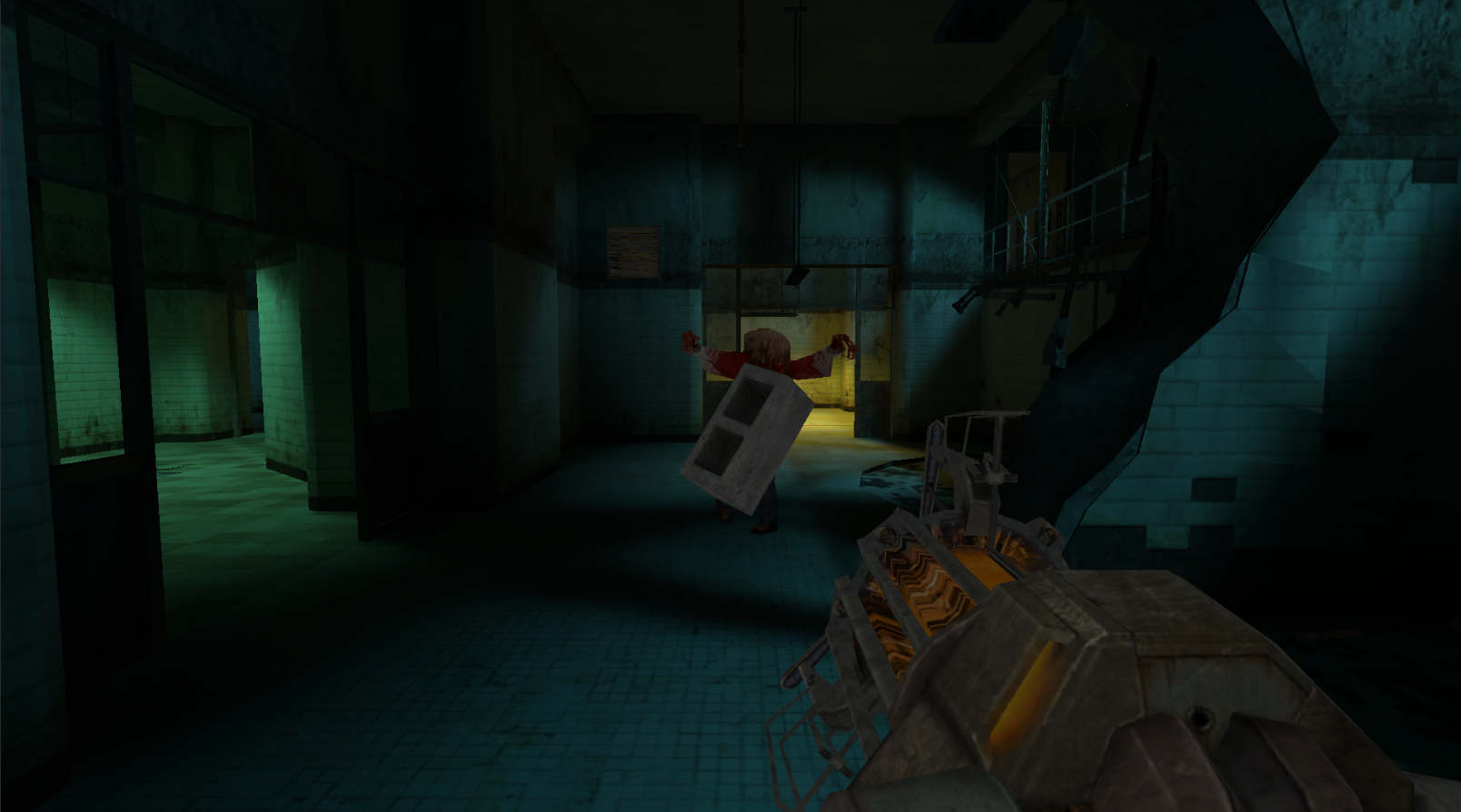
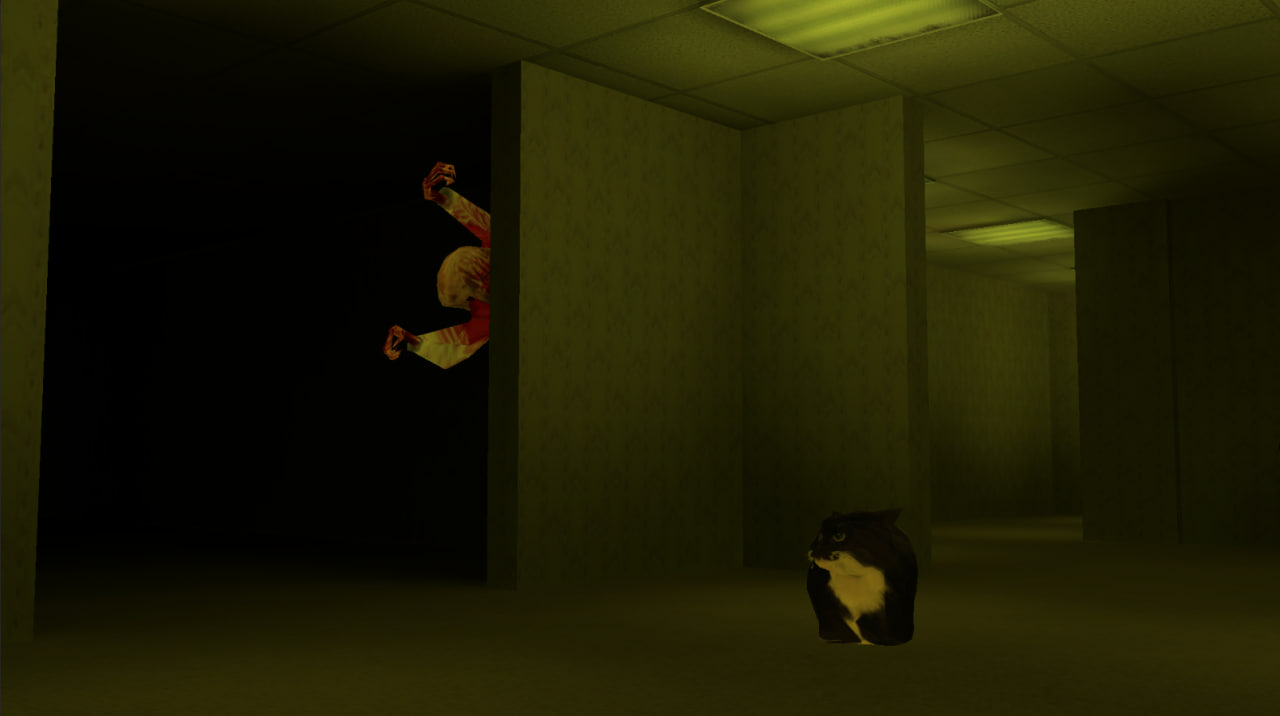
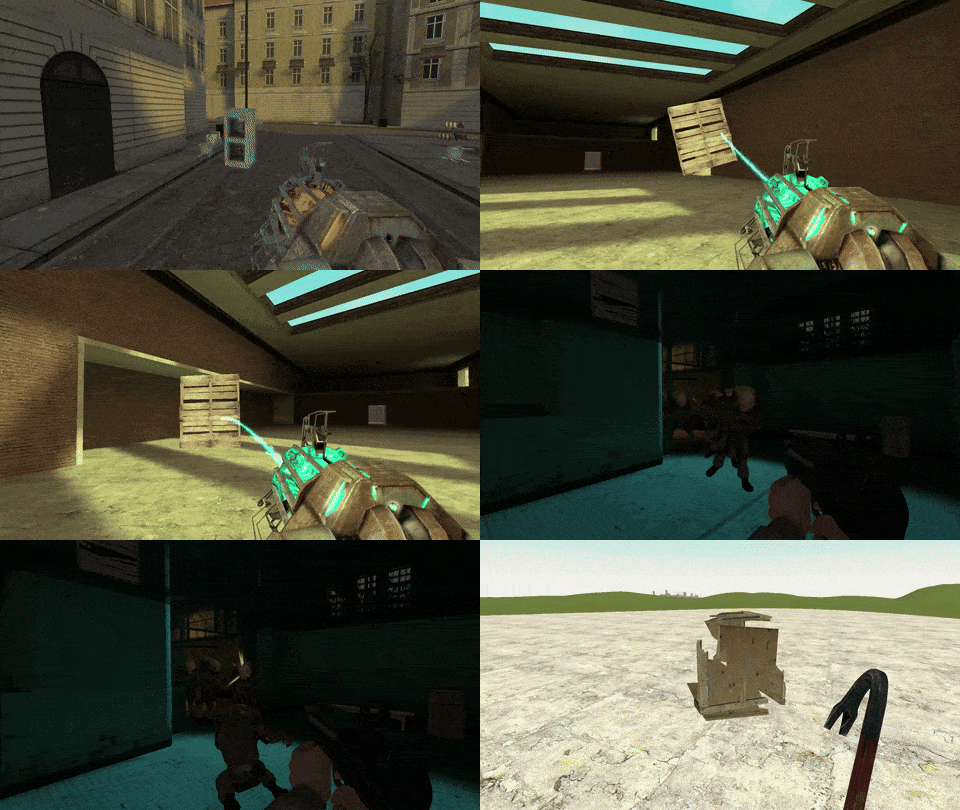
Staring at a blank screen while your brain turns to mush is the ultimate afternoon frustration. Gravity Mod is the perfect digital playground to break that cycle by letting you build, break, and blow things up exactly how you want. This creative sandbox gives you total control over the environment to construct elaborate structures or experiment with physics in real time. Once you have built your masterpiece, pivot to the intensity of the shooter modes to test your aim against waves of challenging mobs. You can swap between a ridiculous variety of weapons that turn every encounter into a chaotic spectacle of destruction. The built-in camera tool lets you snap high-quality shots of your projects to show off your progress to the community. Progression systems keep the momentum high as you unlock new tools for your next construction project or survival run. You can experience all these creative and combat features right now directly in your browser without any downloads required.
How to play
W, A, S, D - Walk
Left mouse button - Action 1
Right mouse button - Action 2
Middle mouse button - Action 3
Shift - Run
Z - Sit
Space - Jump
1-6 + Left mouse button - Weapon selection
Q - Spawn Menu
E - Use
R - Reload
C - Player Model
V - Fly
ESC - Pause
Features
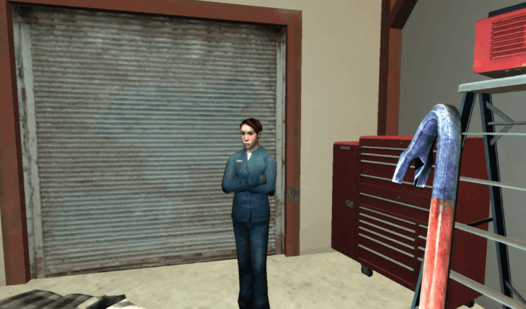
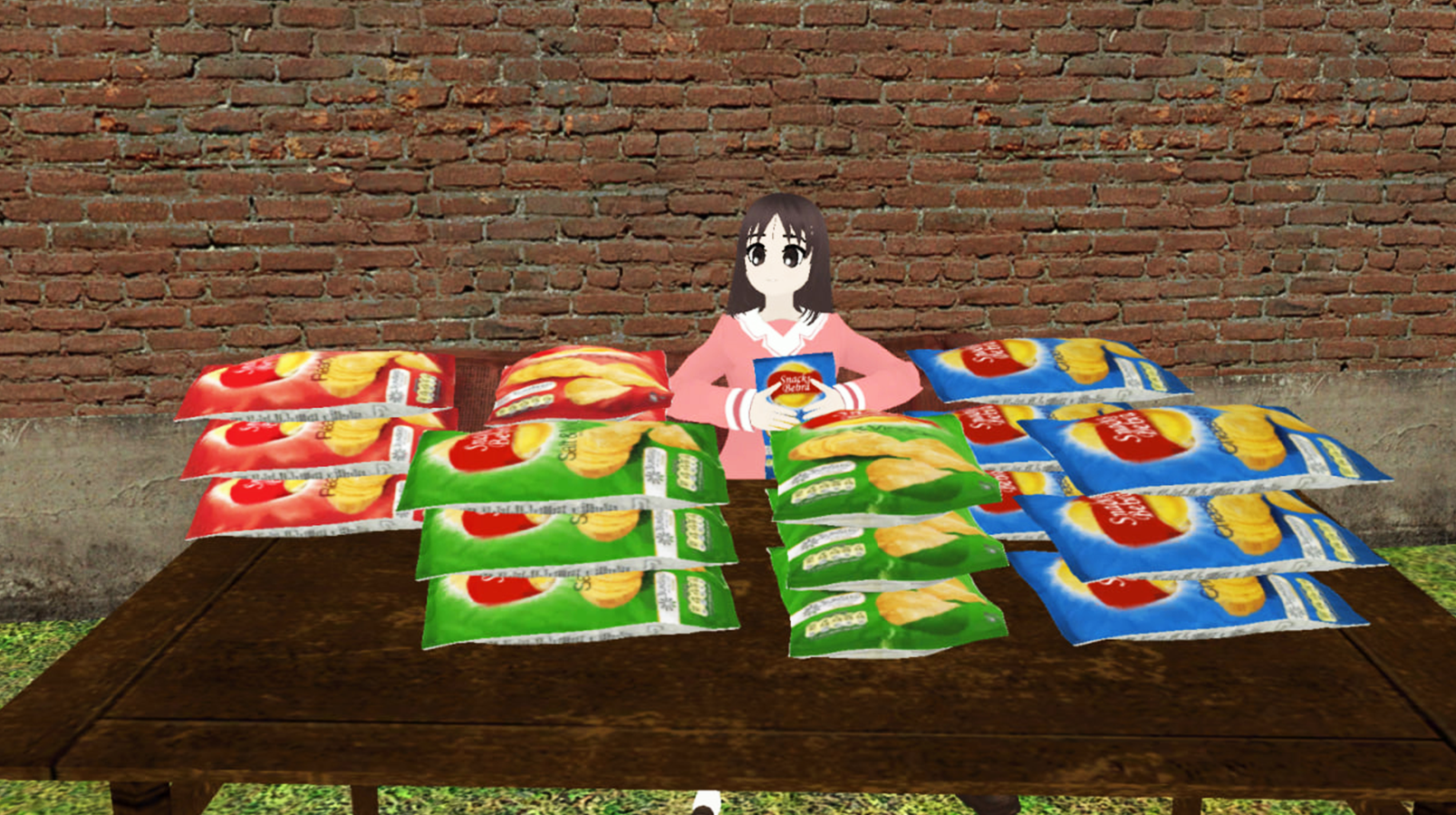
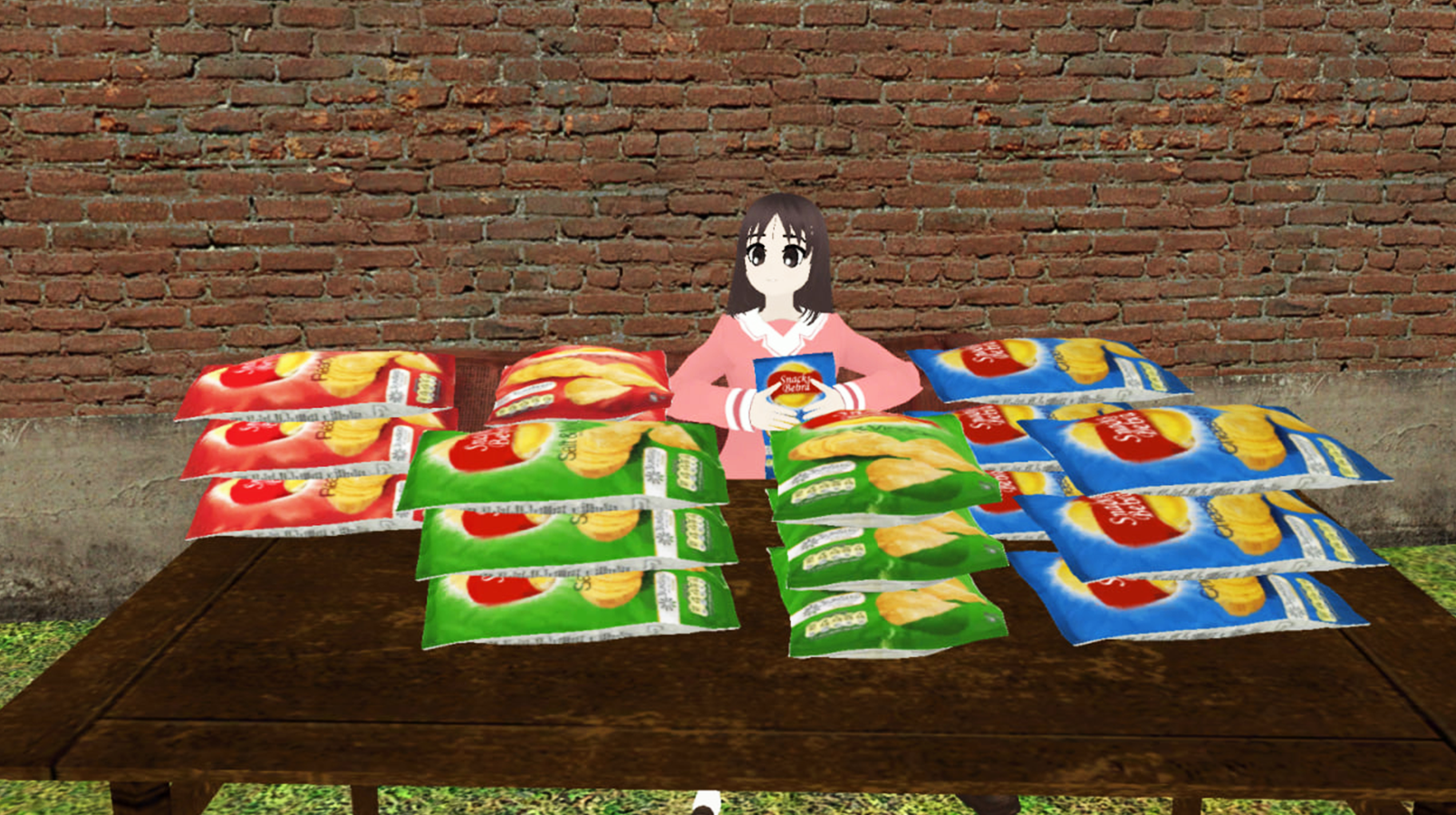
- Creative Sandbox: Access a massive toolkit to spawn props, NPCs, and dynamic objects to build anything from forts to complex traps.
- Adaptive Combat: Switch between six different weapon slots on the fly to handle various enemy types and combat scenarios.
- Physics Engine: Manipulate objects in real time with tools that allow for stacking, welding, and launching items across the map.
- Survival Challenges: Test your reflexes in dedicated modes where you must defend your position against relentless waves of enemies.
- Customization Options: Change your player model and character appearance to stand out while navigating your custom-built arenas.
- Community Sharing: Use the integrated camera feature to capture screenshots of your most impressive builds or hilarious physics fails.
Who is it for
Creative builders and FPS fans who crave total freedom in their gameplay. Sandbox enthusiasts looking for a physics-based playground will find endless entertainment here, while players who enjoy testing their combat skills against hordes of enemies will appreciate the frantic pace of the various survival modes included.
Controls
Movement
Use WASD keys to walk, Space to jump, and Shift to run
Weapon control
Click the left mouse button to fire and R to reload your current weapon
Interaction and building
Press Q to open the spawn menu and E to interact with objects
Mobile controls
Use the on-screen virtual joystick to move and tap buttons to shoot, jump, or open the menu
FAQ
Is Gravity Mod free to play in my browser?
›
Yes, Gravity Mod is completely free to play directly in your web browser with no download or installation necessary.
Can I play Gravity Mod on my mobile device?
›
Absolutely, Gravity Mod is optimized for mobile play, allowing you to build and shoot using intuitive touch controls.
What kind of content can I build in Gravity Mod?
›
Gravity Mod provides a wide range of props and physics-based tools that let you build anything from simple obstacle courses to complex combat arenas.