About game
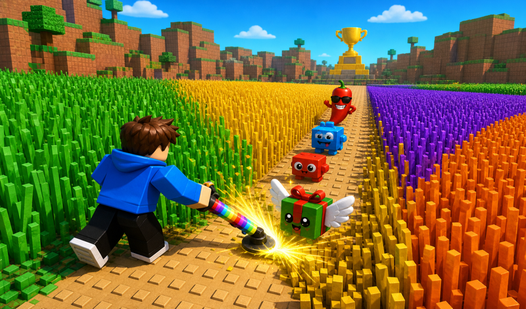
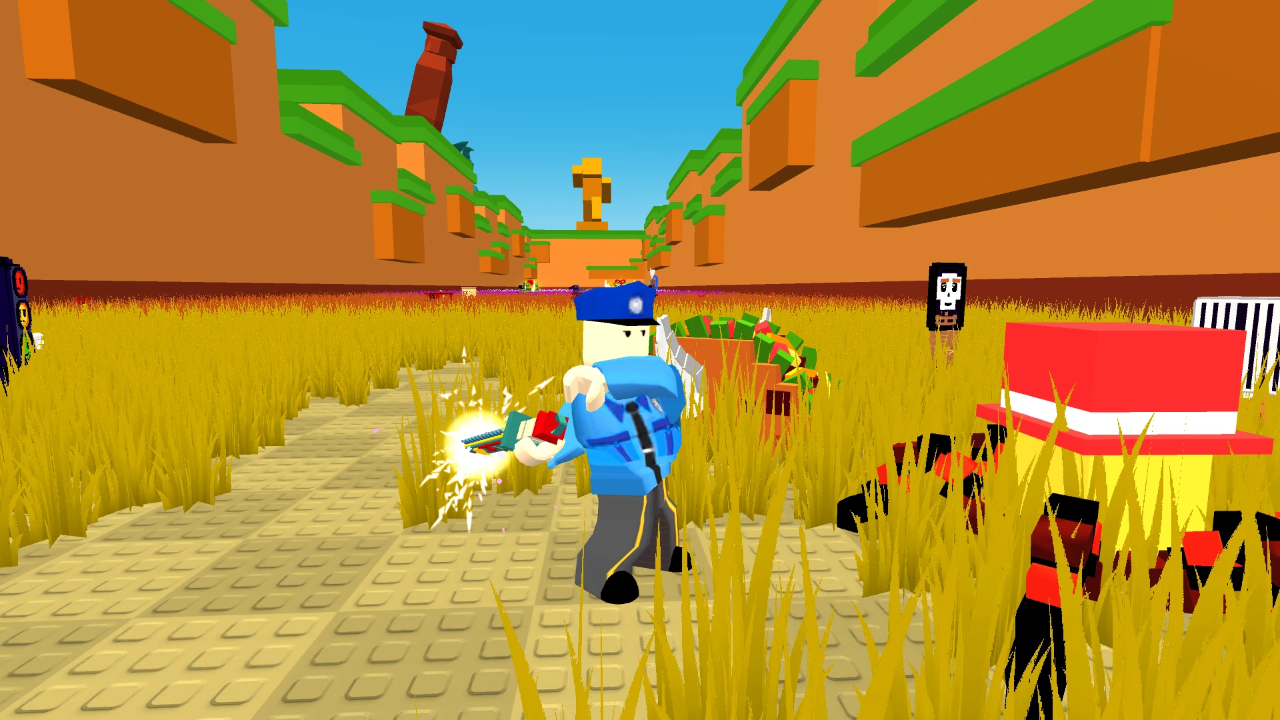
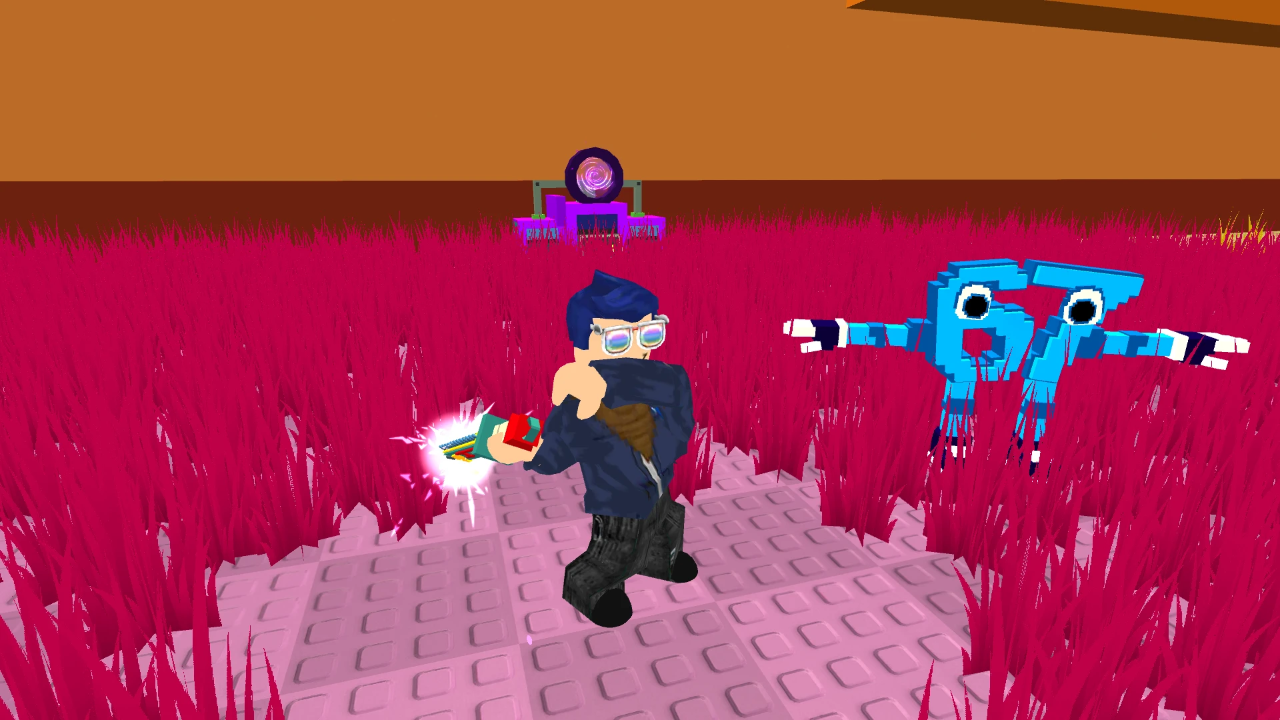
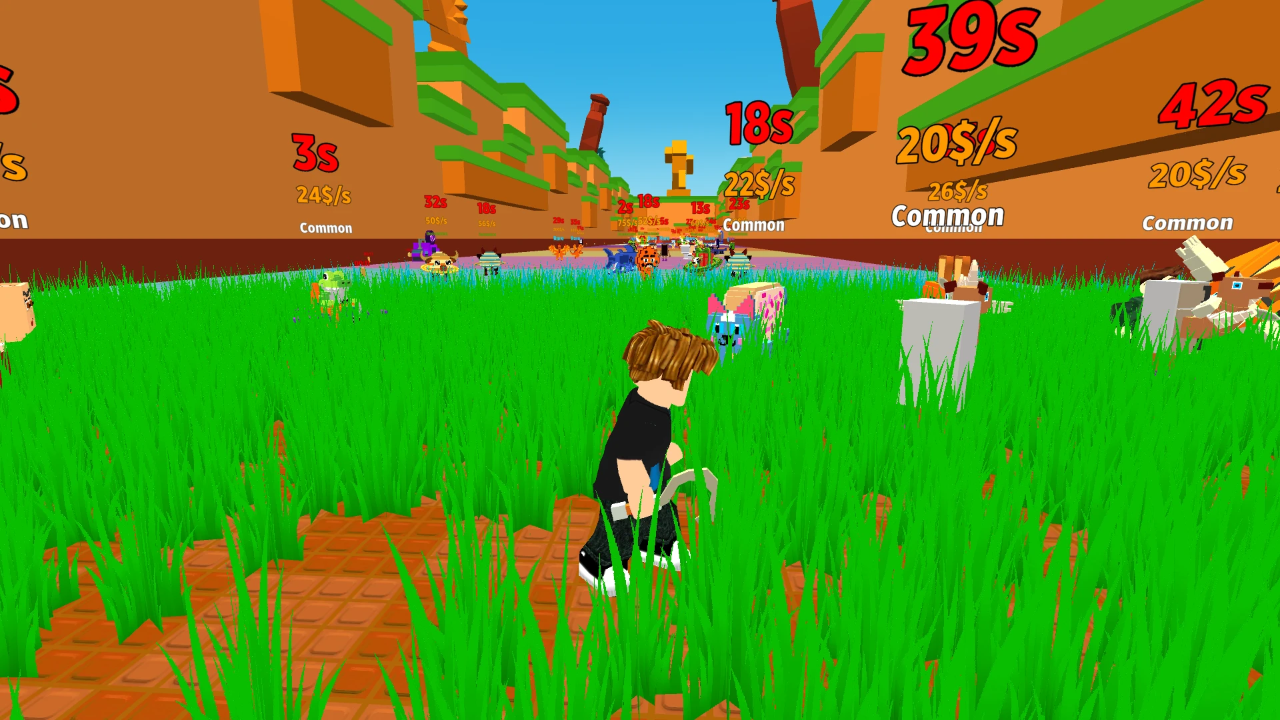
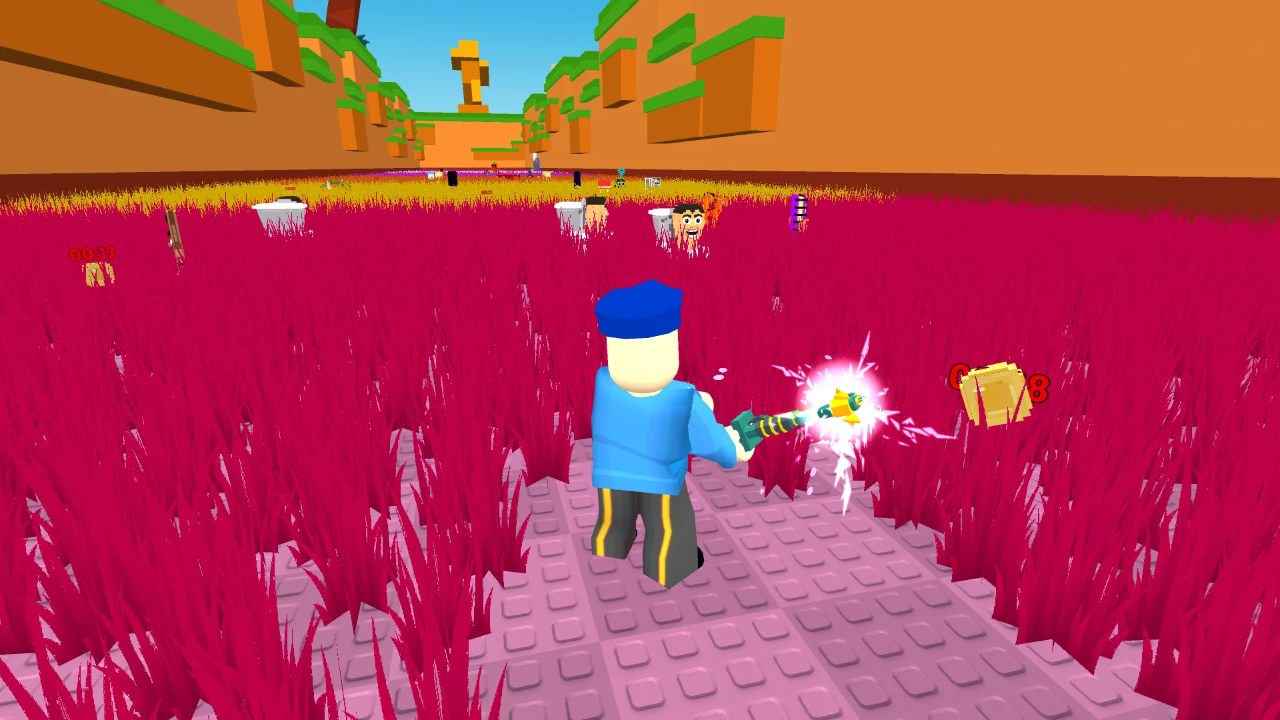
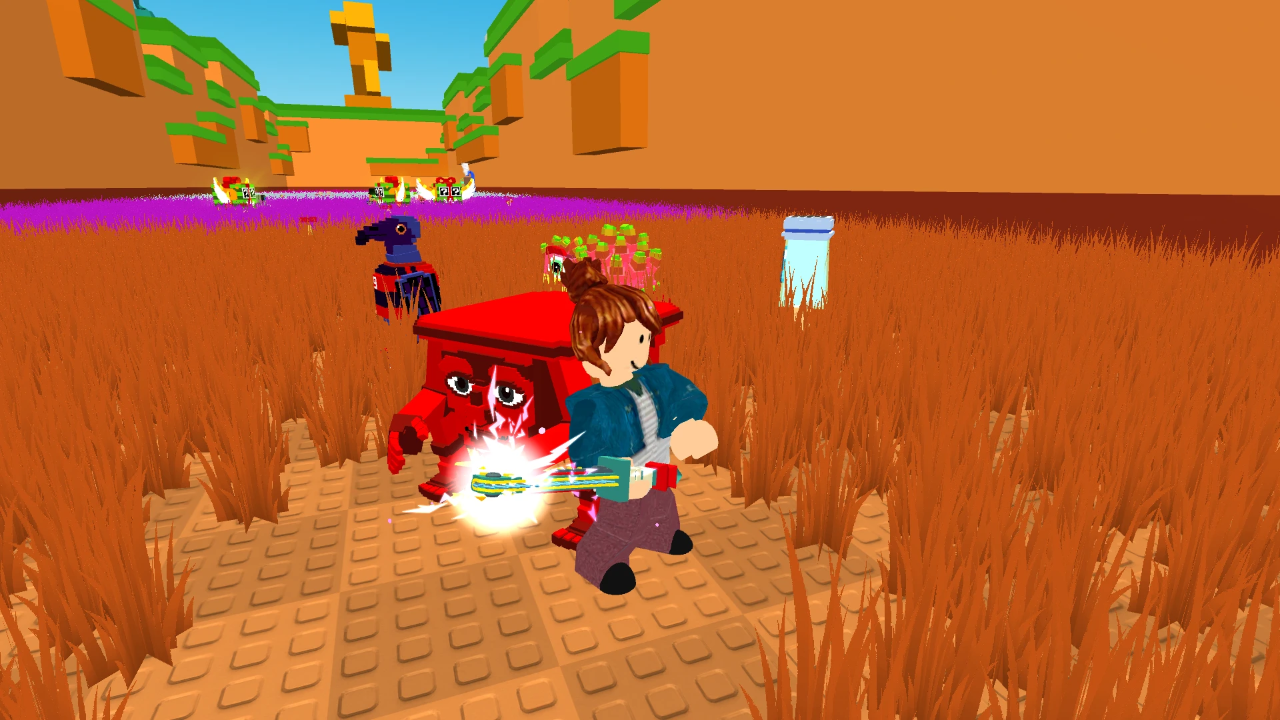
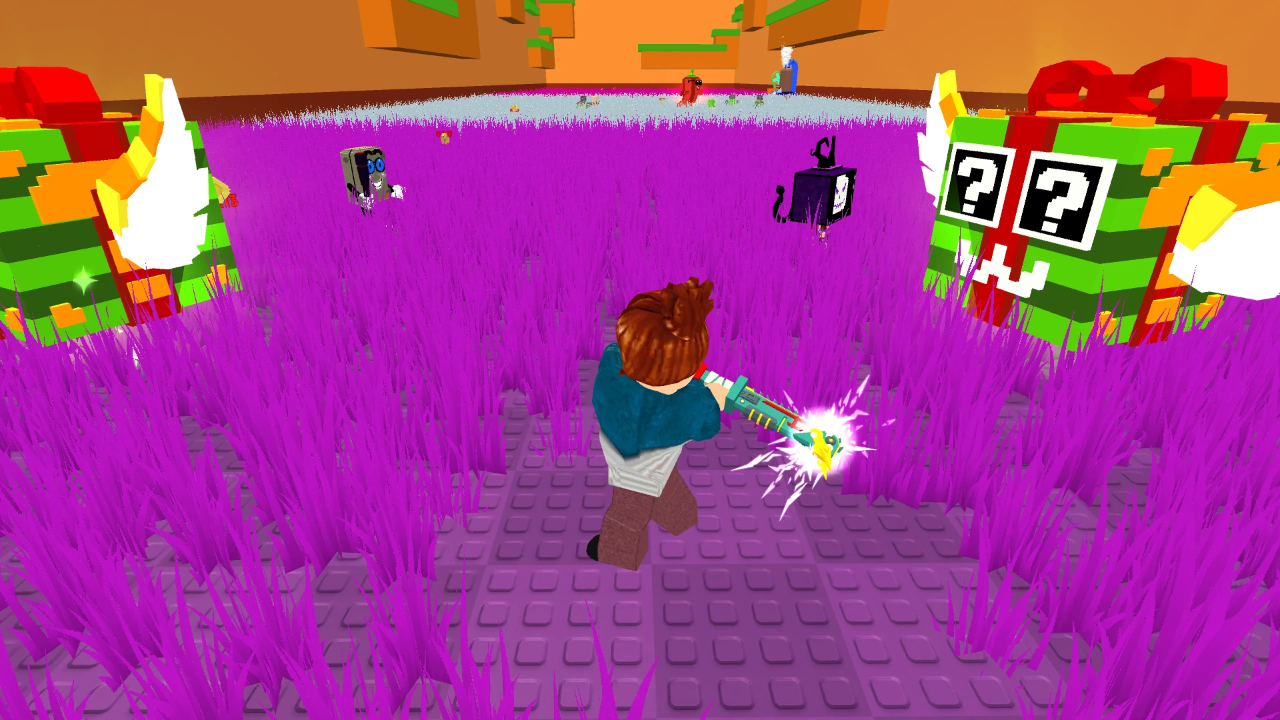
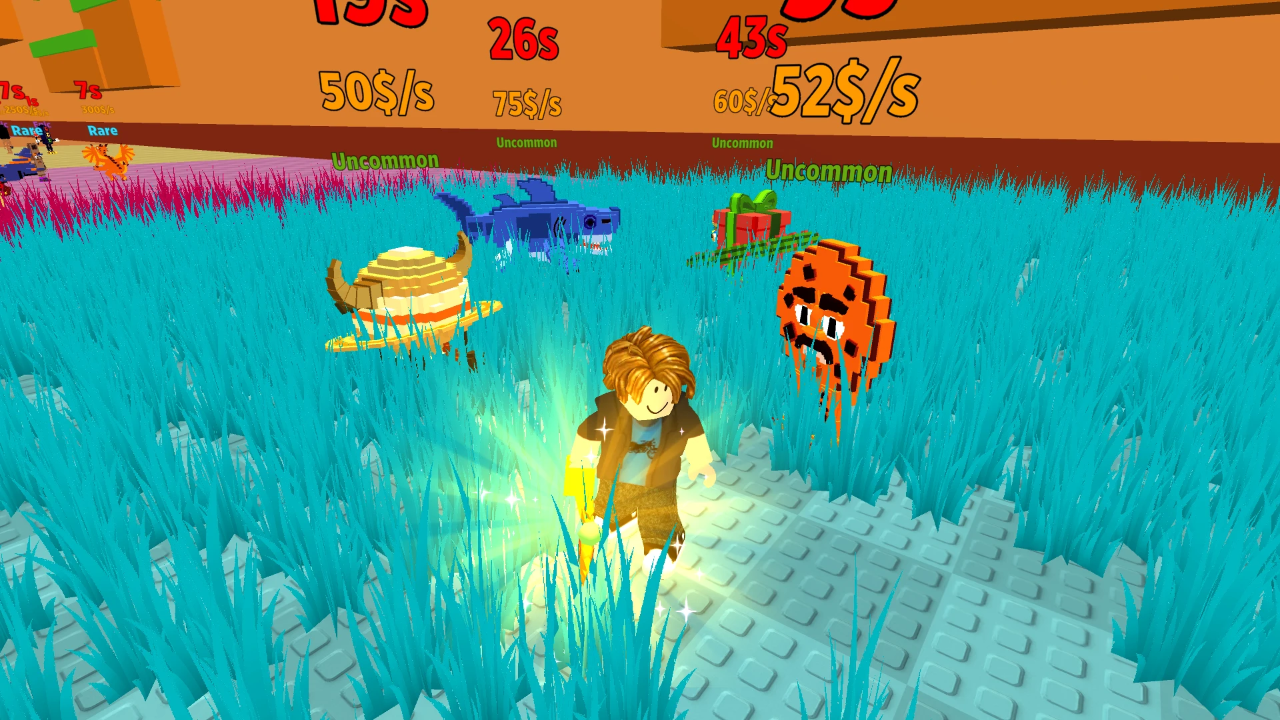
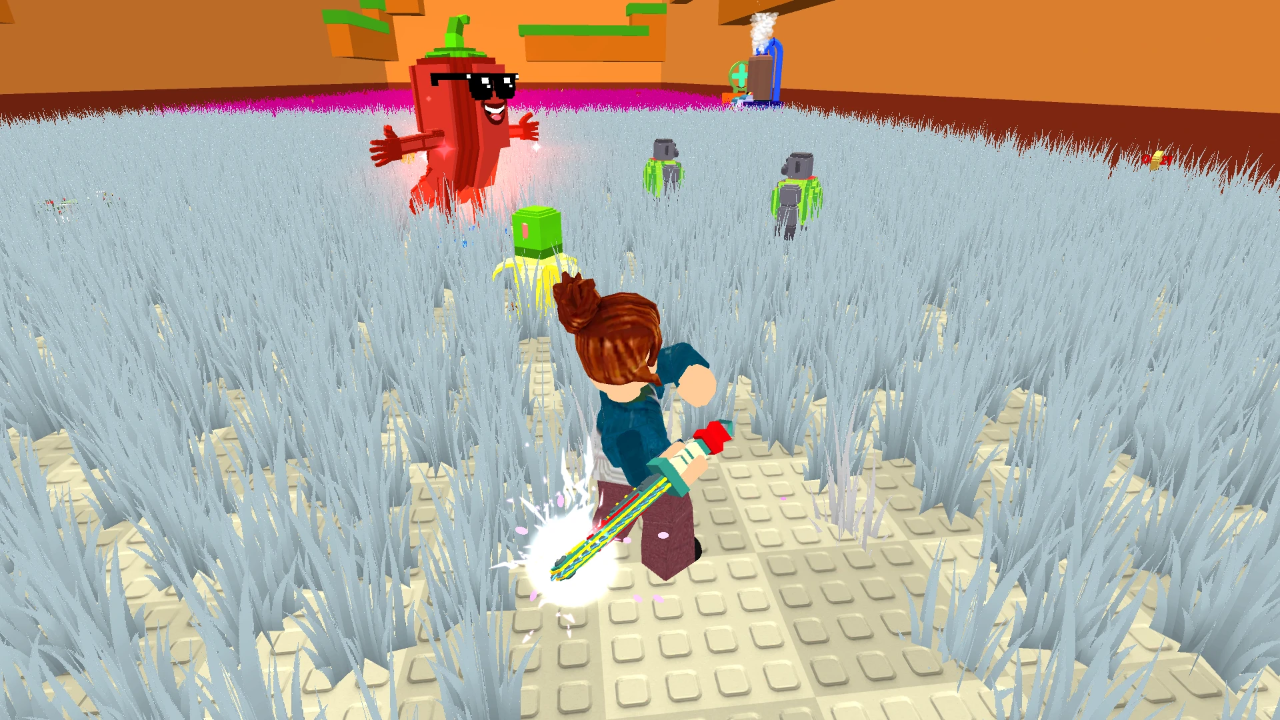
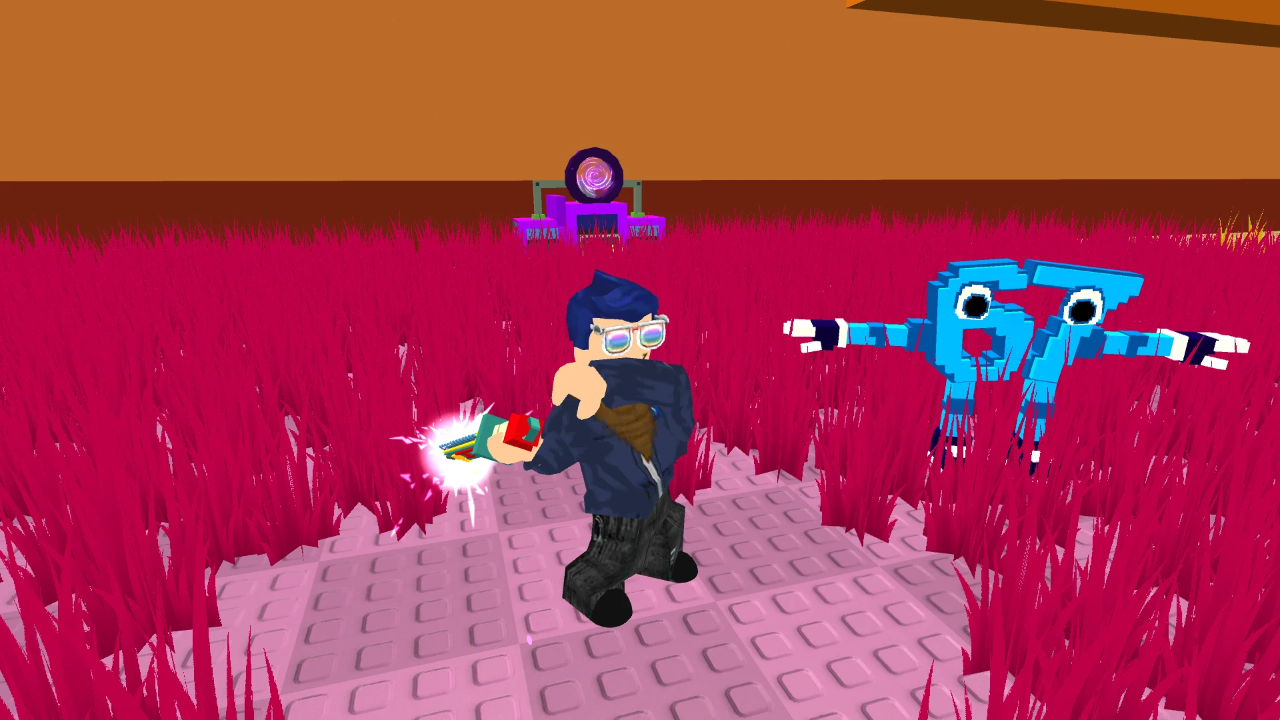
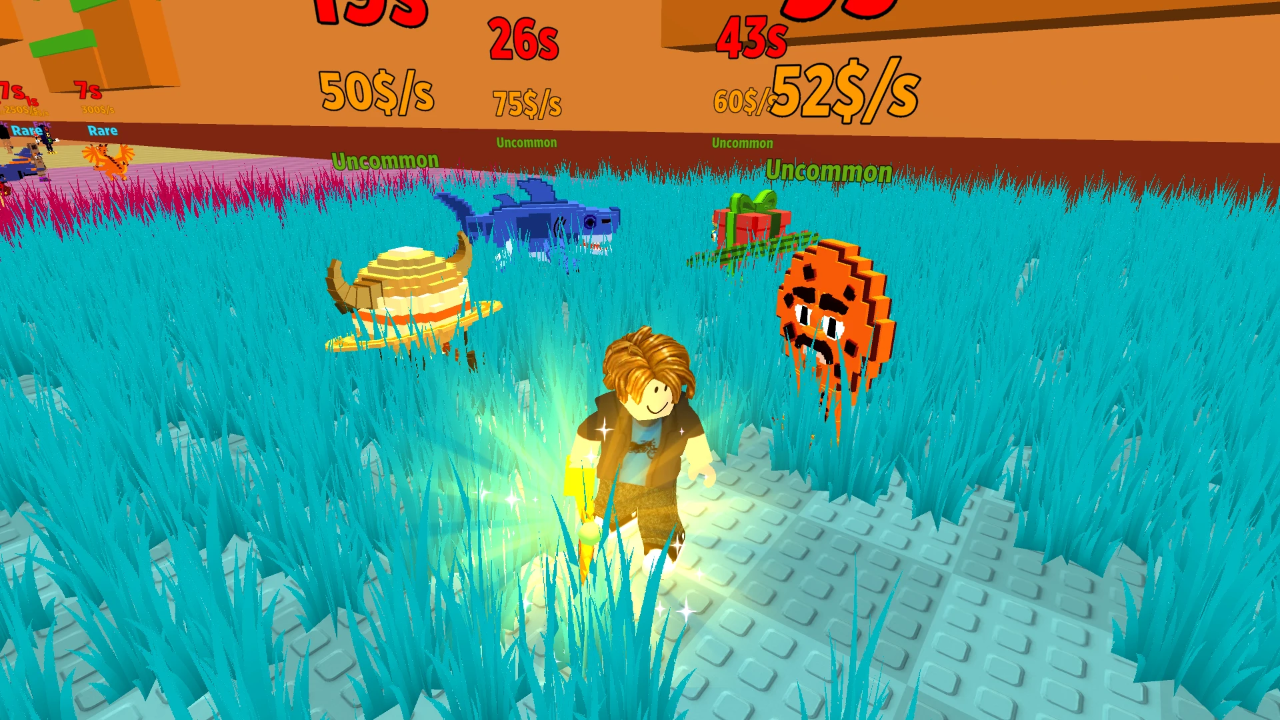
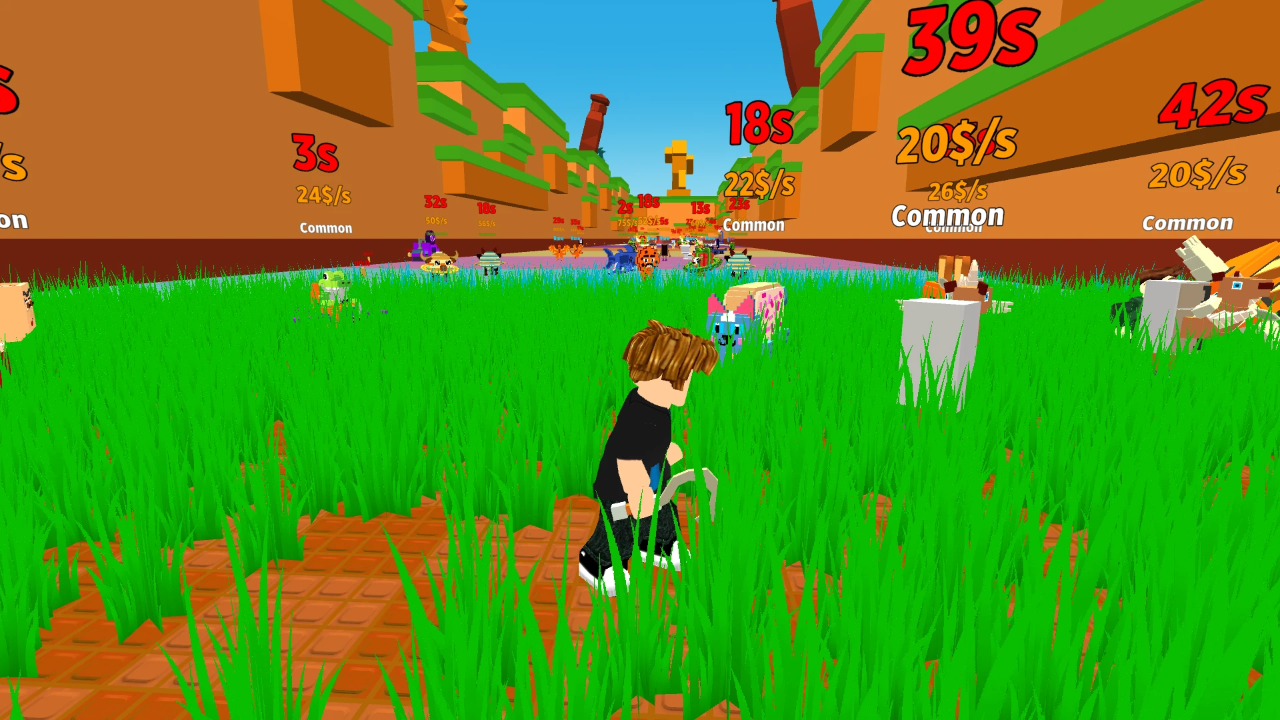
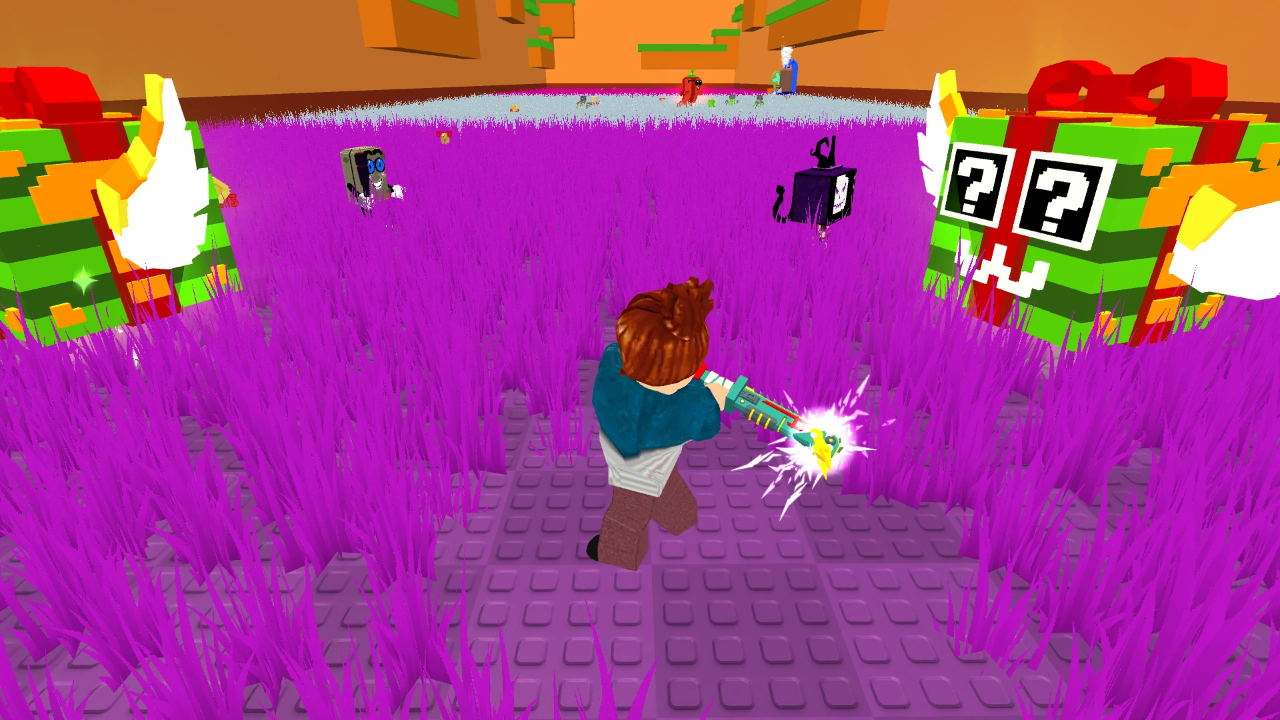
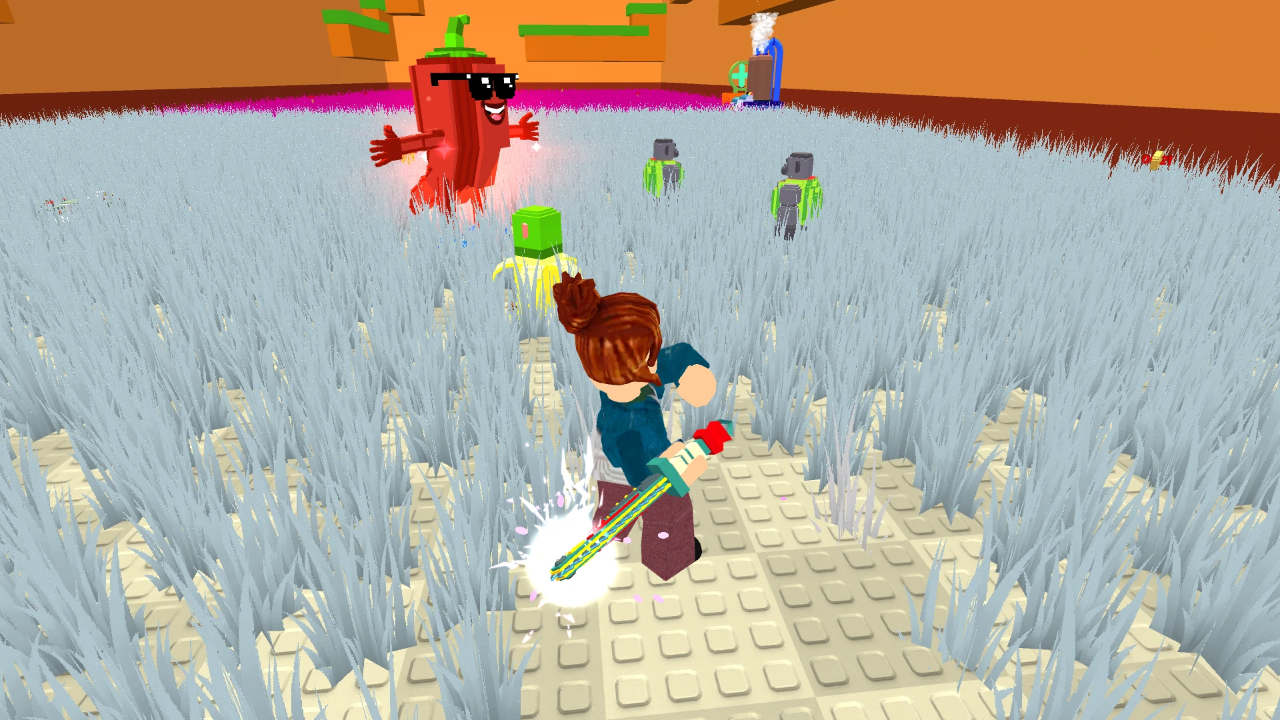
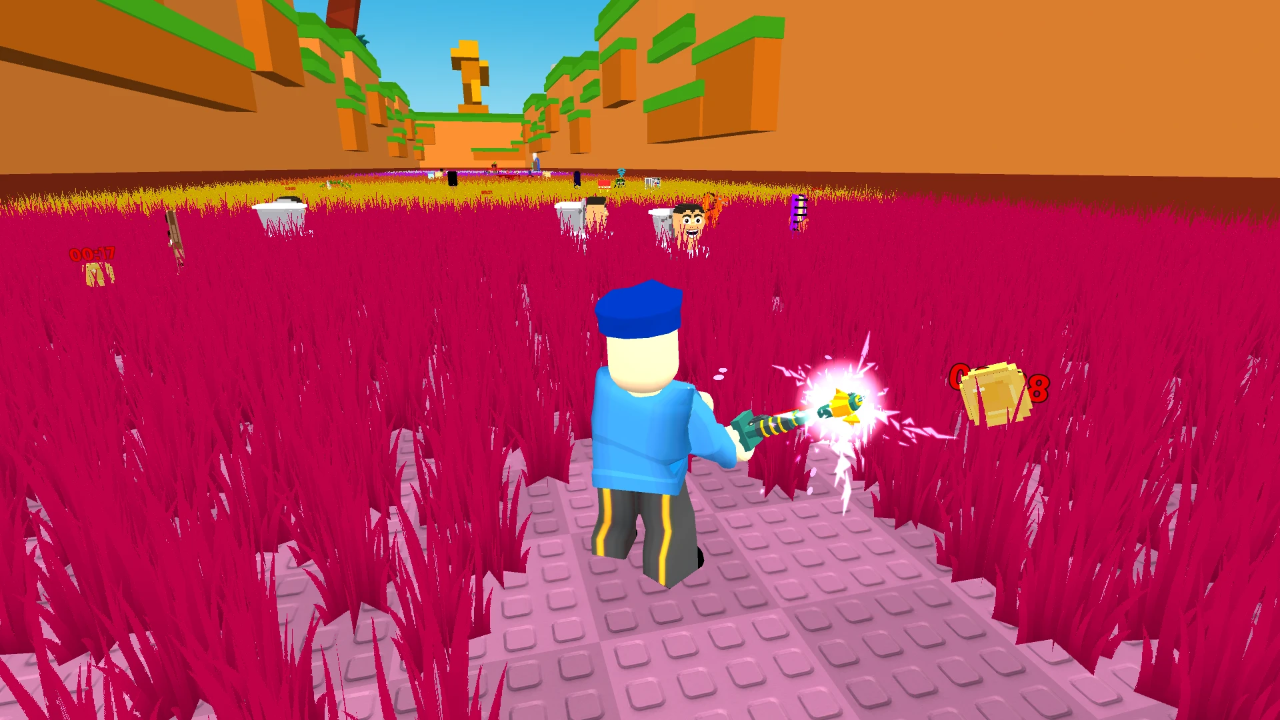
Stuck in a boring meeting or just waiting for your coffee to brew, you probably need a quick distraction to clear your mind. Grass Cutter for seeking Brainrots is the perfect digital escape that turns simple yard work into a satisfying collection spree. You swing your trusty blade to clear the field, slicing through thick patches of green to reveal hidden treasures buried underneath. Every swipe counts as you hunt for elusive Brainrots that boost your total income significantly. Upgrading your damage lets you tear through tougher patches while rebirth mechanics push your stats to the next level. Expanding your attack range turns you into a lawn-clearing machine capable of conquering every corner of the map. This browser-based gem works instantly without any annoying downloads or account setup. Grab your gear and start your cleanup mission on FreeJoy.games today.
How to play
Mobile
Move - Left joystick
Rotate camera - Right area of screen
Jump - On-screen button
PC
Move - WASD/Arrow keys
Rotate camera - Mouse
Jump - Space
Eject fishing rod - 1
Open inventory - 2
Features
- Upgrade System: Spend collected currency to increase your base damage for faster clearing speed.
- Rebirth Mechanic: Reset your progress to earn permanent multipliers that expand your reach beyond the standard field.
- Interactive Environment: Navigate through different zones that unlock as you clear specific patches of land.
- Hidden Rewards: Find rare items scattered throughout the terrain that give you a massive boost in efficiency.
Who is it for
Casual gamers who enjoy satisfying clicking simulations and collection loops. Those who appreciate progression-based titles will find the constant cycle of cutting, upgrading, and rebirths rewarding. If you enjoy clearing virtual spaces and optimizing your stats for maximum efficiency, this simple arcade experience fits your needs perfectly.
Controls
Movement
Use WASD or arrow keys on PC and the left joystick on mobile devices.
Rotate Camera
Move your mouse on PC or drag your finger across the right side of the screen on mobile.
Jump
Press the Space bar on your keyboard or tap the dedicated jump button on your touch screen.
Use Tools
Press 1 to eject your fishing rod or 2 to open your inventory menu.
FAQ
Is Grass Cutter for seeking Brainrots free to play?
›
Yes, you can play Grass Cutter for seeking Brainrots directly in your browser without any costs or downloads.
Does Grass Cutter for seeking Brainrots work on my phone?
›
The game is fully optimized for mobile devices, so you can enjoy Grass Cutter for seeking Brainrots on the go using touch controls.