About game
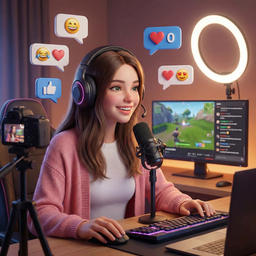
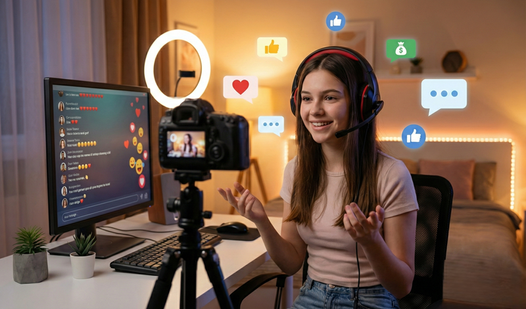
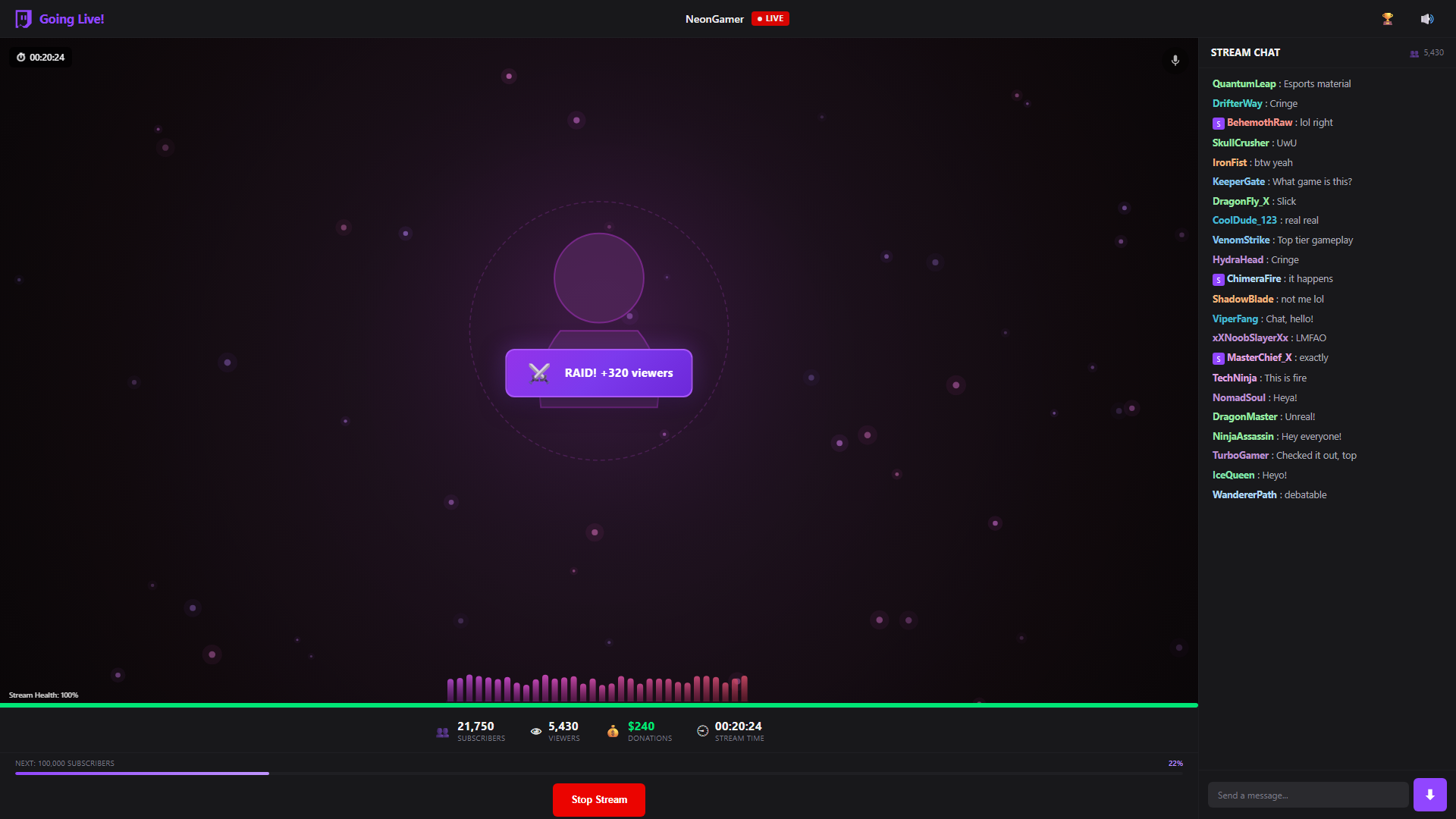
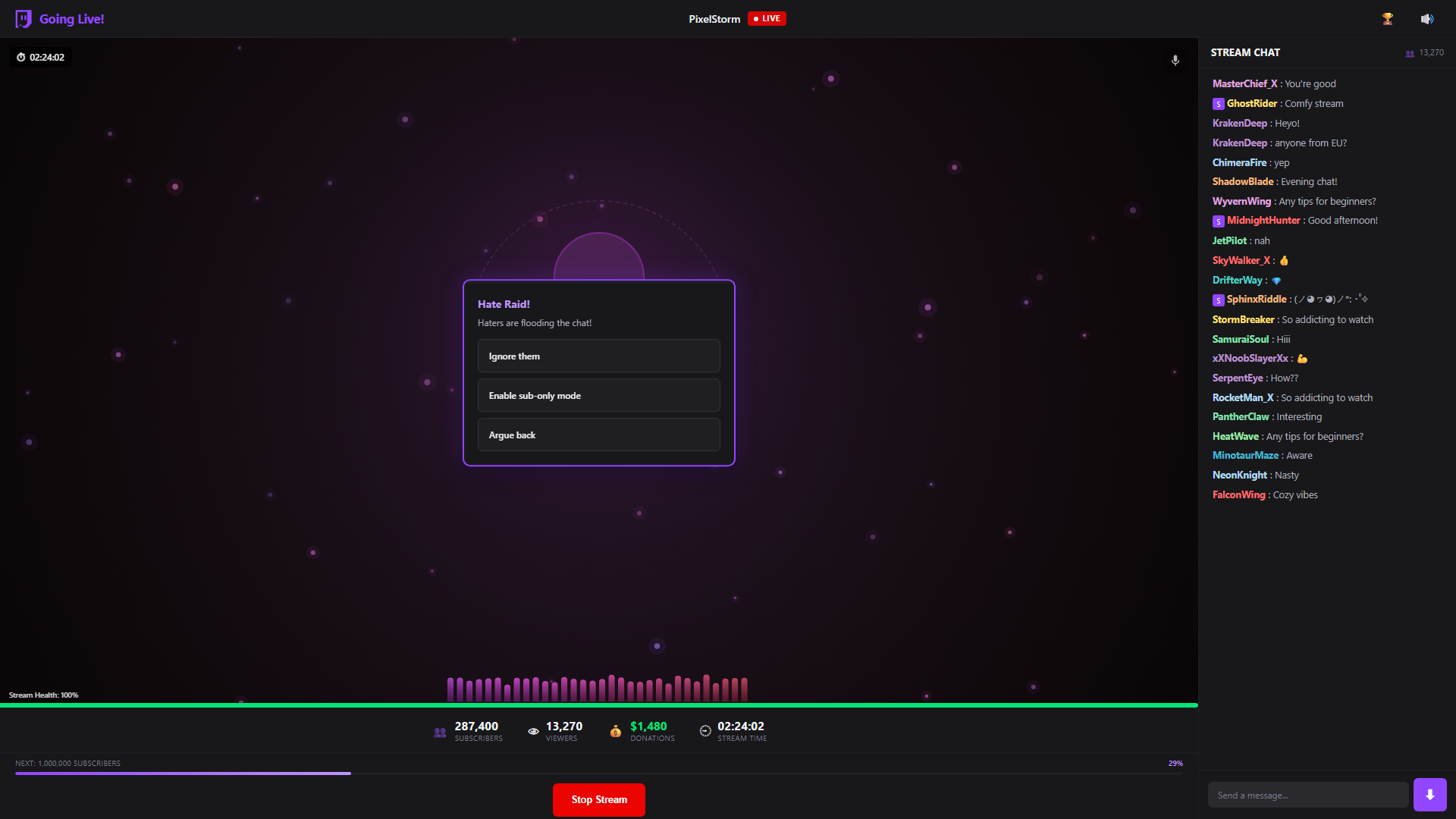
Managing a viral broadcast requires quick reflexes and a sharp eye as you navigate the high-stakes world of content creation. Going Live! puts you in the hot seat where every choice determines whether your audience tunes in or clicks away. You must monitor real-time chat interactions while keeping your vital stats balanced to stay on air as long as possible. Engaging with viewers through fun masks and filters adds a personal touch to your broadcast, helping you stand out in the crowded feed. This addictive streamer simulator forces you to handle unexpected raids and subscriber spikes while you climb the ranks to internet stardom. Mastering the timing of special events is the key to maintaining your momentum and keeping those virtual coins rolling in. Each session brings new challenges as your channel grows from a quiet room to a buzzing digital event. You can test your skills as a professional streamer right now for free directly in your browser without any downloads or account setups.
How to play
Click "Start Stream" to launch the broadcast. Your goal is to keep the stream on air as long as possible.
If your health drops to zero — the stream is over. Keep an eye on the chat and make the right decisions during special events to last as long as possible.
A camera is not required for streaming!
Camera setup instructions (for those who have a camera)
On PC:
If the camera won't turn on:
Click the lock icon (🔒) on the left side of the browser's address bar
Find the "Camera" option and select "Allow"
Refresh the page
On mobile:
Open browser settings → Site settings → Camera → Allow
If the camera is being used by another app — close it
Features
- Dynamic Audience Interaction: Monitor the live chat to handle specific events that directly impact your broadcast health.
- Customization Options: Apply various masks and filters to your stream to increase entertainment value and viewer retention.
- Raid Mechanics: Experience sudden influxes of viewers from other channels that test your ability to manage rapid growth.
- Endless Progression: Compete against your high score to see how many subscribers you can attract before the stream ends.
- Virtual Economy: Earn in-game currency from loyal fans to upgrade your streaming experience and maintain your broadcast longevity.
Who is it for
Casual gamers and aspiring content creators who enjoy fast-paced management challenges. Fans of viral internet culture will appreciate the realistic chat simulation and the thrill of growing a channel. It is a great pick for anyone wanting to experience the life of a modern digital personality in short sessions.
Controls
Start stream
Click the Start Stream button on the main menu.
Interact with chat
Click or tap on the chat interface to respond to viewer events.
Enable camera
Tap the camera icon and grant browser permissions to use your device front or back camera.
Manage events
Tap or click on screen prompts during special segments to maintain your stream health.
FAQ
Can I play Going Live! without a real camera?
›
Yes, Going Live! functions perfectly without a camera by using in-game visual effects for your broadcast.
How do I fix issues with the camera in Going Live!?
›
Simply click the lock icon in your browser address bar to allow camera access or check your mobile browser site settings to ensure permissions are enabled for Going Live!.
Is there a limit to how long I can play Going Live!?
›
The game is endless, meaning your goal is to survive as long as possible while building your subscriber count until your health runs out.