About game
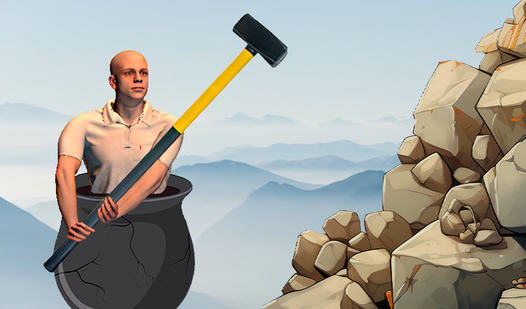
Masochistic gamers who thrive on impossible challenges will find their new obsession in Getting with hammer it. This brutal physics-based experience forces you to navigate a mountain of junk using nothing but a heavy sledgehammer. You must strategically hook, swing, and launch your character across jagged obstacles that seem designed to ruin your day. Every movement requires perfect precision because one wrong slip sends you tumbling back to the very bottom of the map. The core loop revolves around mastering the momentum of the hammer and learning how to hook onto ledges without losing your grip. While the difficulty makes it arguably the hardest game on our portal, the ability to save your progress keeps the frustration manageable. This unique hammer man simulator rewards patience and steady hands unlike any other title in our library. You can tackle this daunting climb for free directly in your browser without any downloads required.
How to play
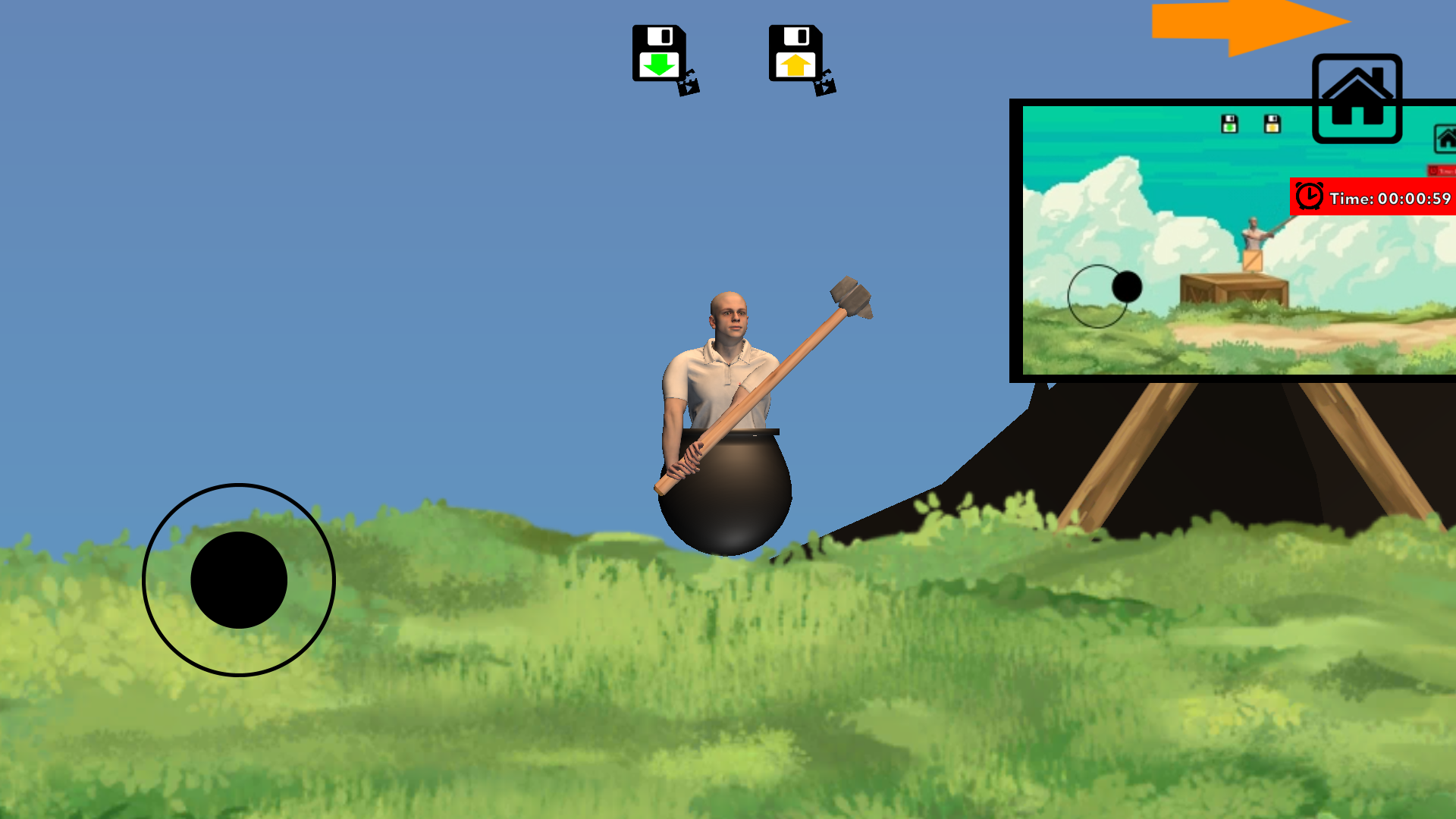
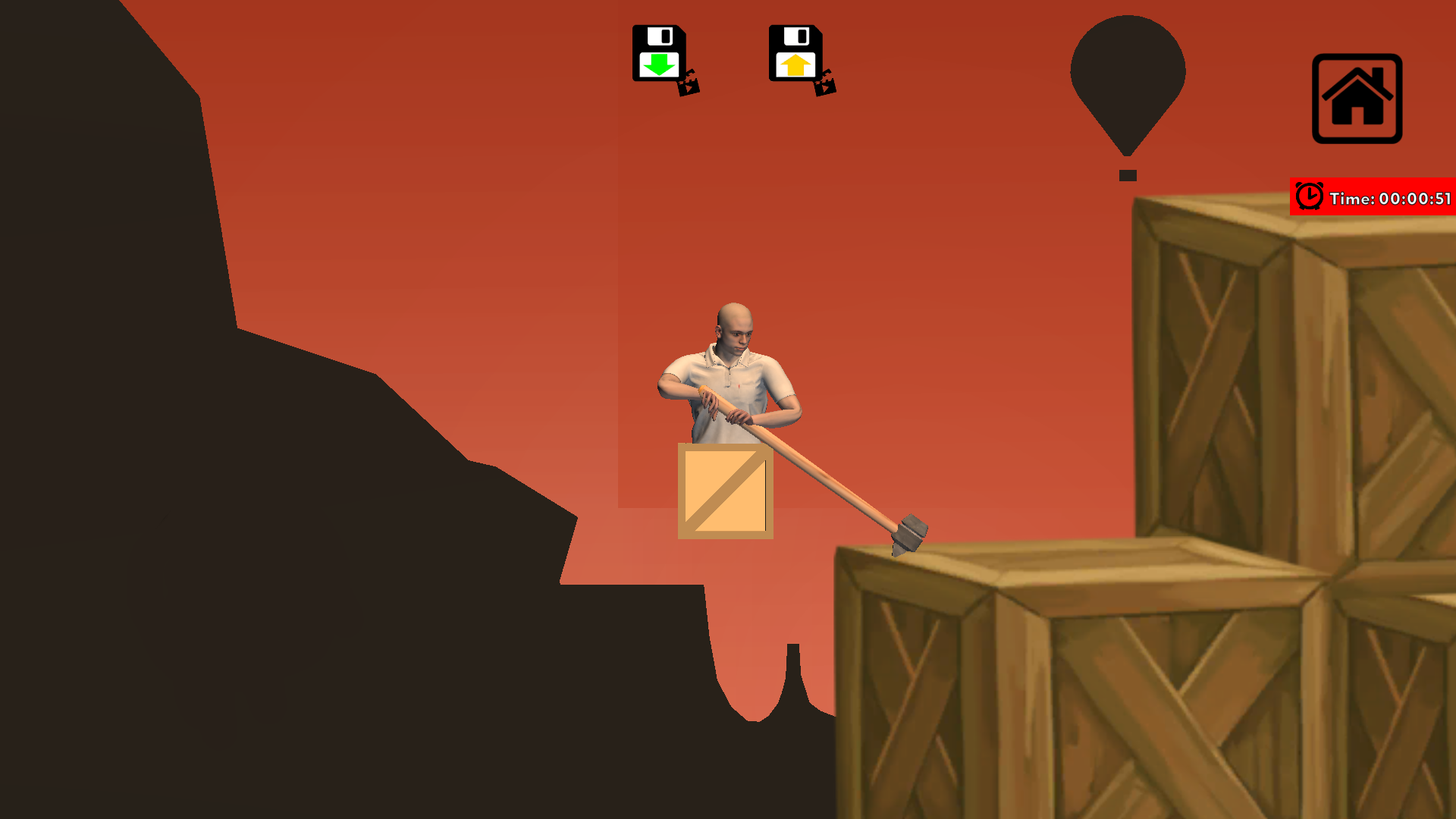
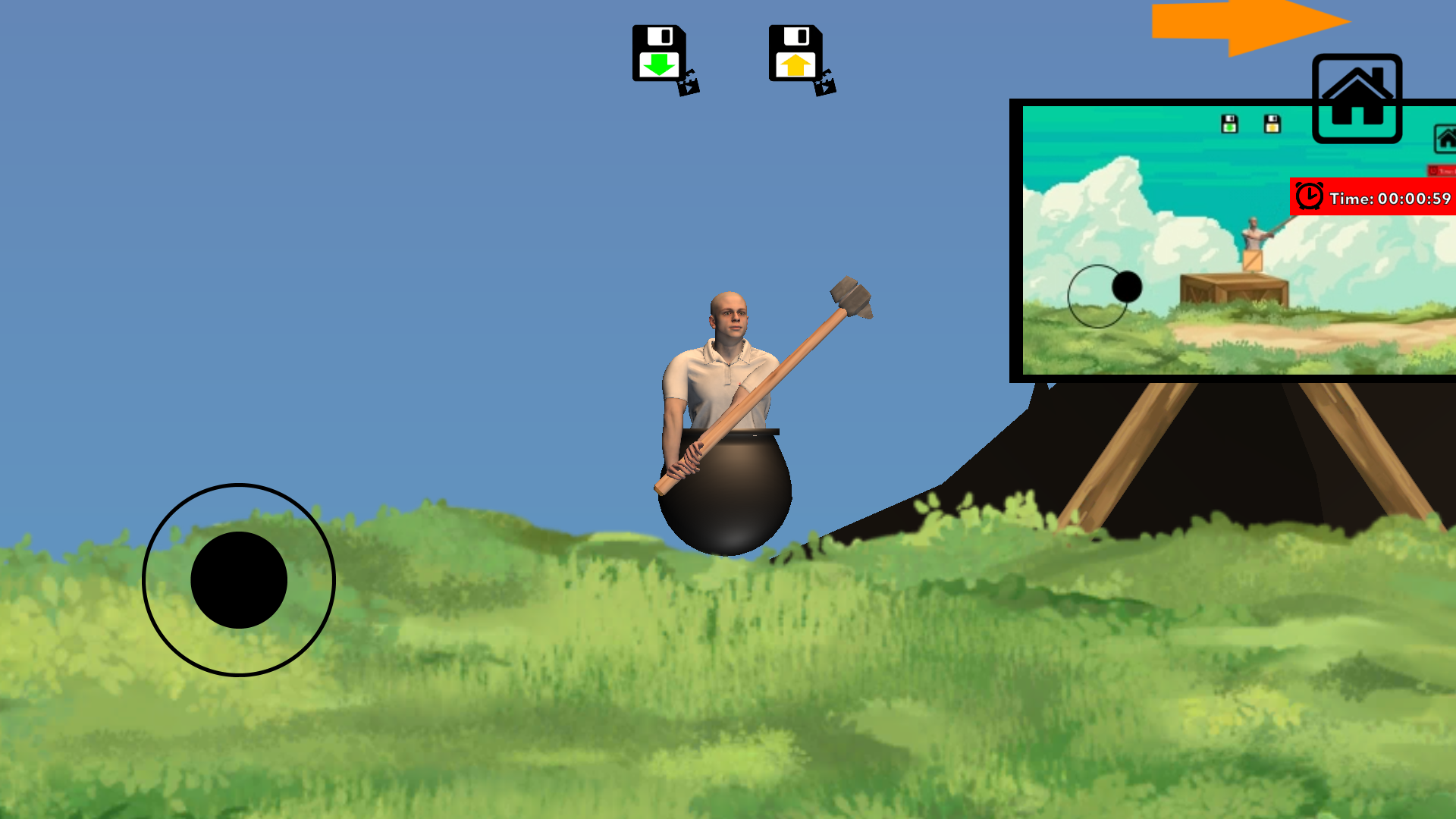
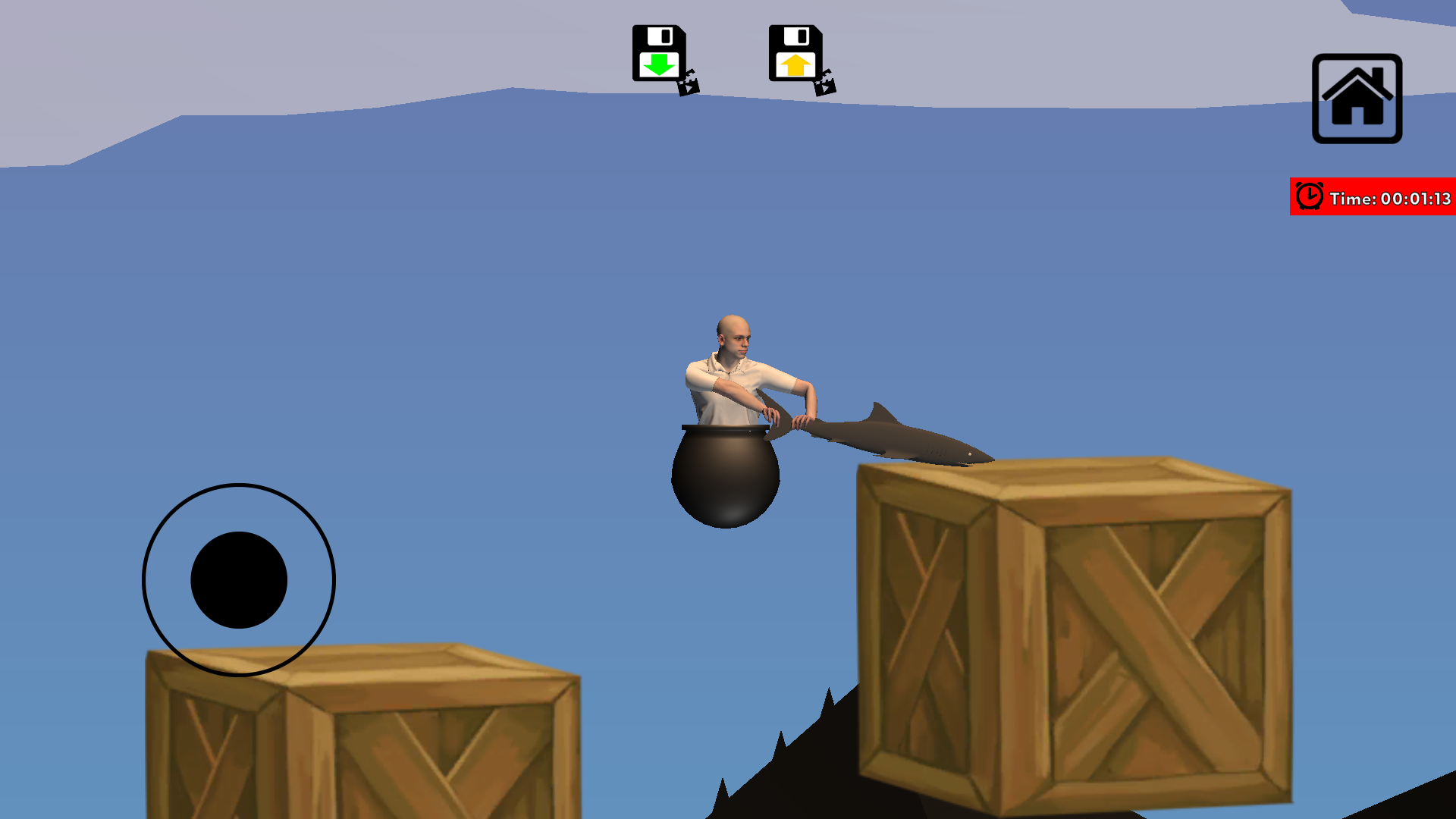
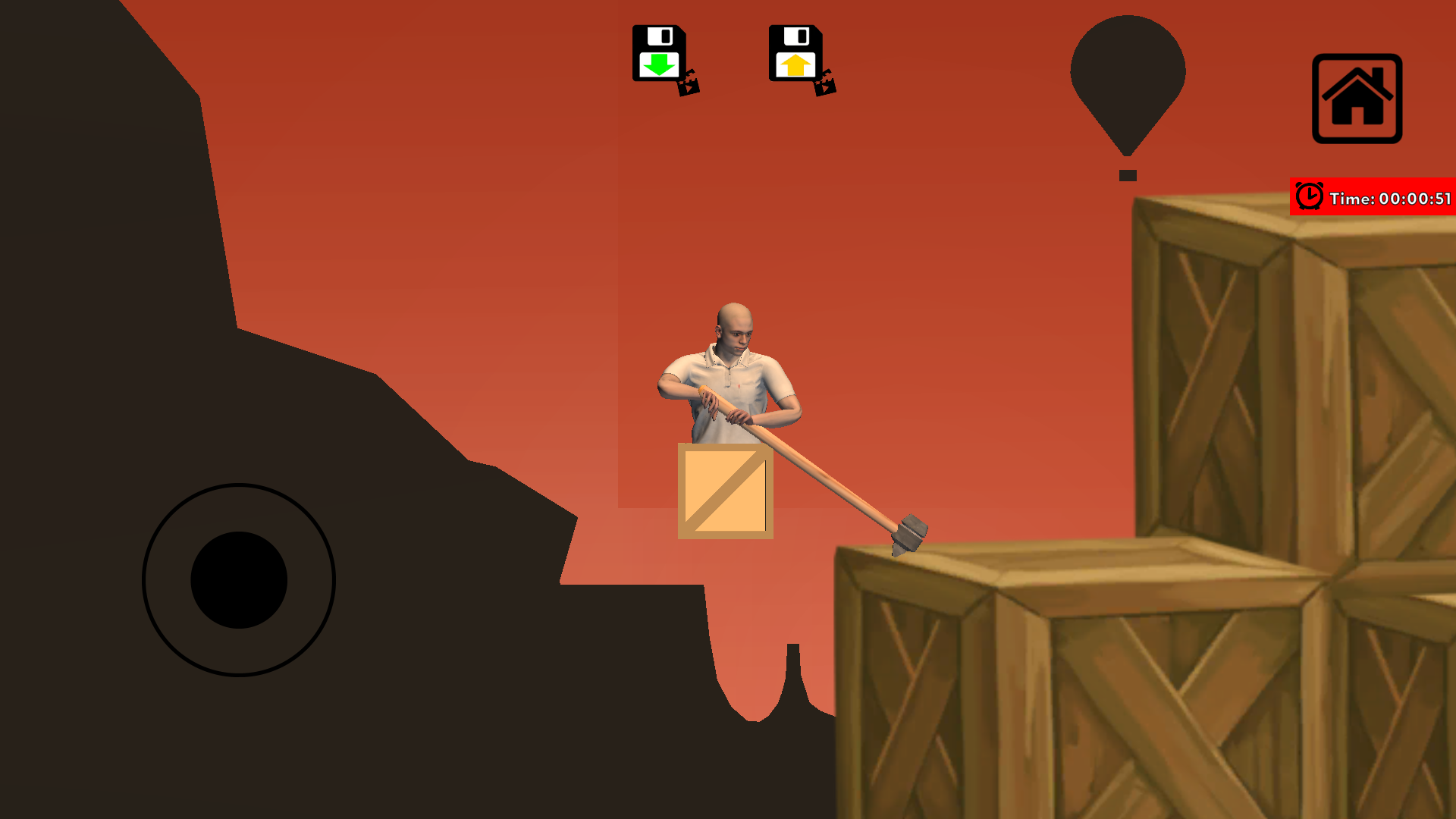
The screen features the familiar joystick that controls the hammer. Take your time and just learn to move, jump and mix up. Once you master the physics of the game, you will be able to pass level after level. At times you will have to think and improve your skills to pass. There are also bonus buttons that give you an extra jump in a direction. If you get tired of starting over, you can use the buttons load and save (at the top of the screen: save green, load yellow) the player’s position. Good luck!
Features
- Save and Load System: Use the green and yellow buttons at the top of the screen to lock in your progress and avoid total resets.
- Bonus Jump Mechanics: Utilize special directional buttons to execute an extra leap when you are stuck in a tricky spot.
- Physics Engine: Experience realistic weight distribution where the hammer acts as a pendulum to pull your body over gaps.
- Precision Controls: Navigate complex terrain by carefully rotating your hammer to hook onto small surfaces.
- Skill Progression: Learn the rhythm of the swing to turn simple movements into high-flying maneuvers.
Who is it for
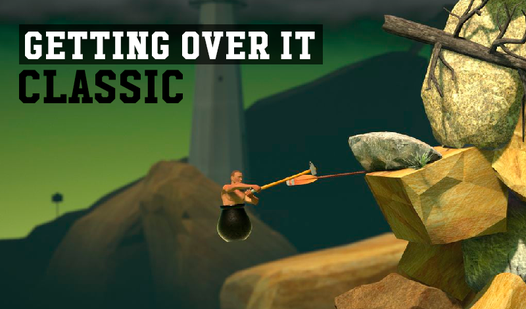
Hardcore gamers who enjoy high-difficulty platformers and physics puzzles will find a worthy adversary here. Fans of titles like getting ovet it will appreciate the punishing mechanics, while anyone seeking a truly challenging skill game will enjoy the satisfaction of finally conquering the most difficult obstacles.
Controls
Move hammer
Drag the on-screen joystick in the direction you want the hammer to swing.
Jump
Tap the directional jump buttons to launch your character in mid-air.
Save position
Tap the green button at the top of the screen to secure your progress.
Load position
Tap the yellow button to return to your last saved location.
FAQ
How do I master the controls in Getting with hammer it?
›
Focus on slow, deliberate movements with the joystick to understand how the hammer interacts with surfaces before attempting big jumps.
Is Getting with hammer it really as hard as people say?
›
Yes, it is designed to be the hardest game experience for those who enjoy failing and trying again until they succeed.
Can I save my progress in Getting with hammer it?
›
Absolutely, you can use the green save button and yellow load button at the top of the screen to manage your position.