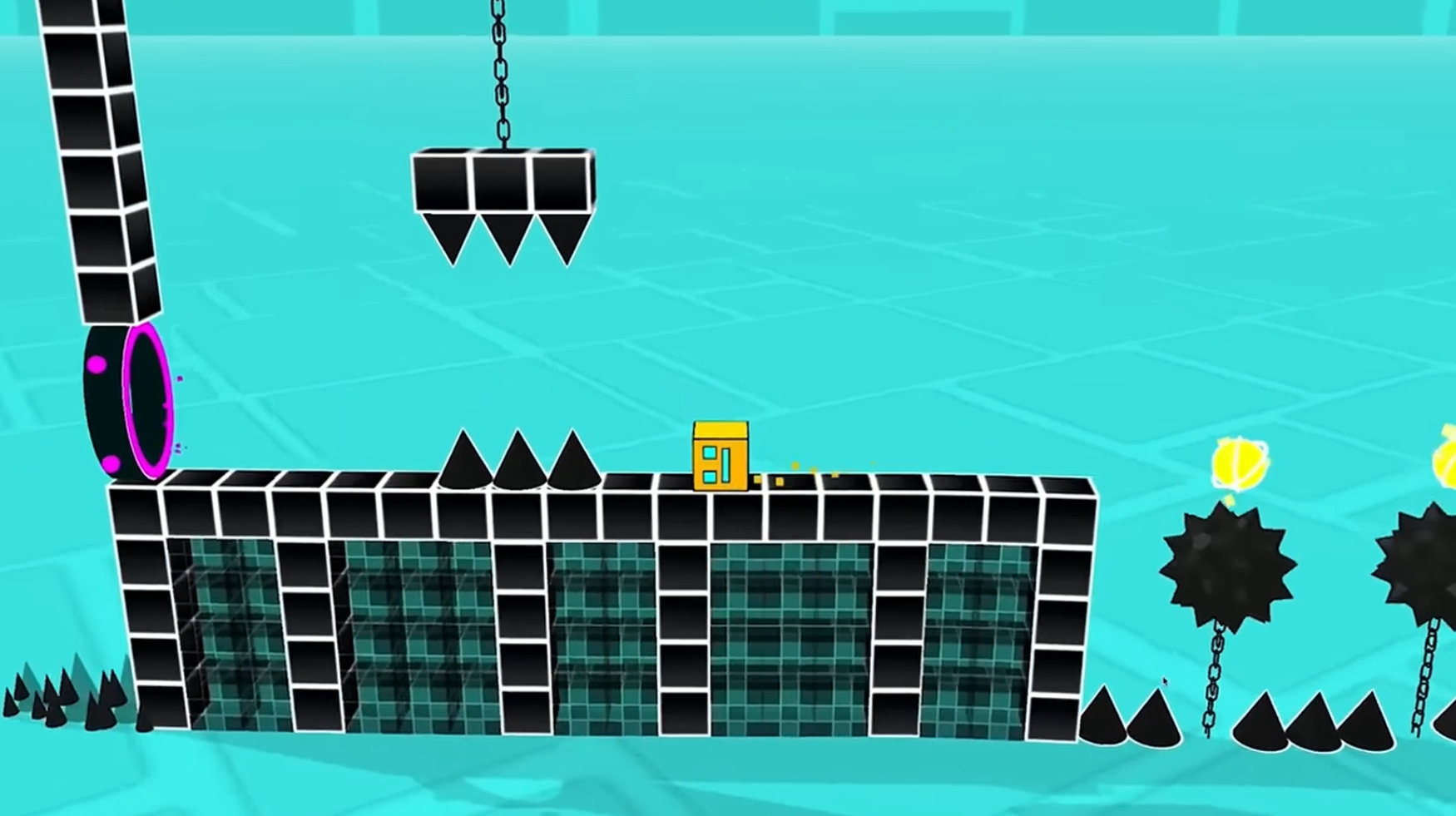
About game
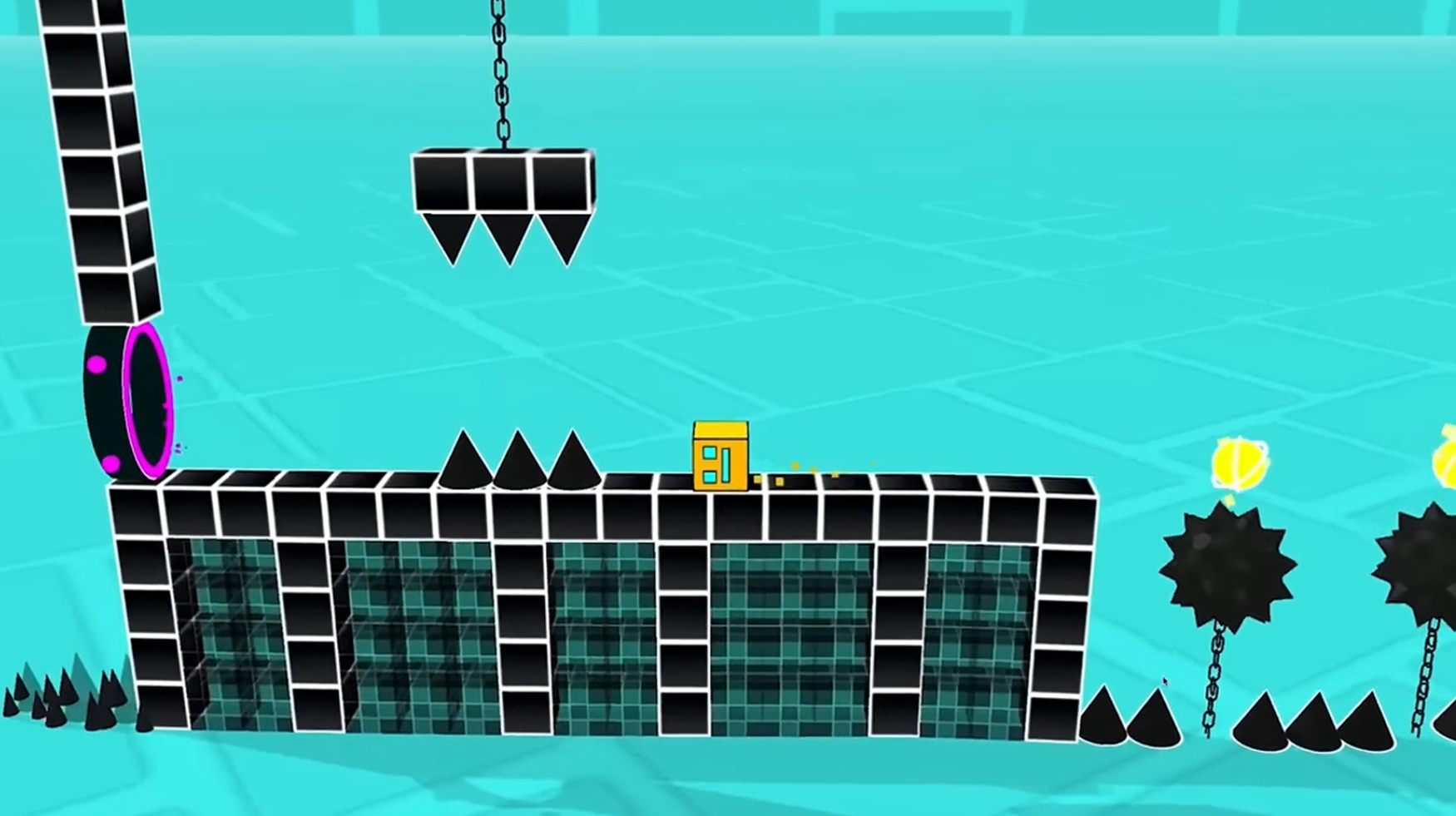
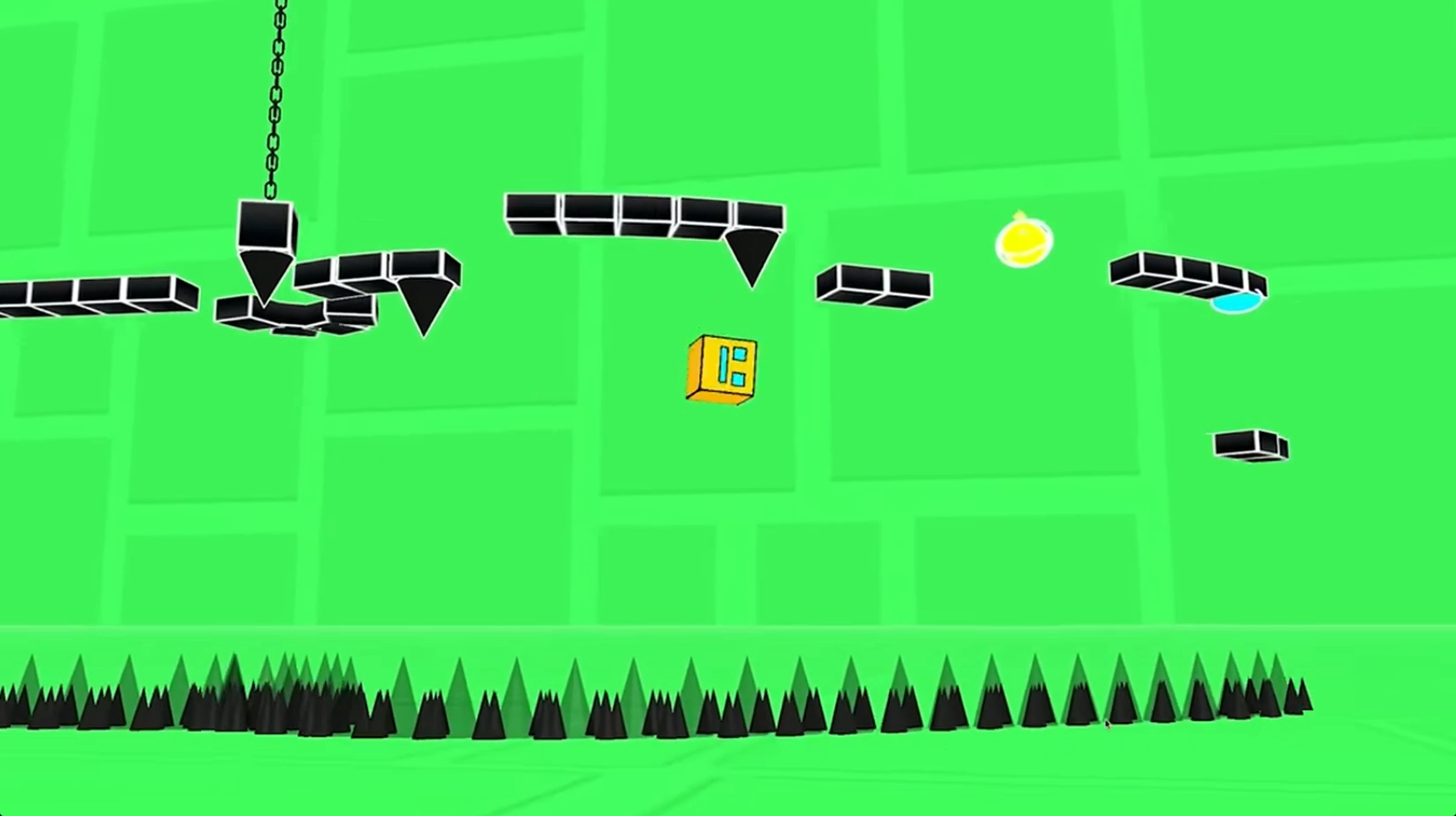
Hardcore platformer enthusiasts will thrive on the relentless pace and precision required to master Geometry Dash 3D: Build a level. Every run tests your nerves as you navigate gravity-defying tracks filled with unpredictable spikes and moving hazards. You tap to execute perfectly timed jumps, maneuvering through vibrant environments that shift dynamically as you dash toward the goal. The difficulty levels vary significantly, with each icon indicating how much of a challenge you are about to face. If you struggle to clear a tricky section, the practice mode lets you set checkpoints to refine your skills safely. This title elevates the classic side-scroller experience by bringing depth and speed into a fully realized 3D space. You will find that reaching the end of complex mazes provides an unmatched sense of accomplishment. Experience the intense action of Geometry Dash 3D: Build a level for free directly in your browser with no download required.
How to play
Select a level and start the game. The difficulty of the level depends on the emoji drawn on the button.
Tap on the screen to jump.
If you encounter difficulties, enter practice mode from the pause menu to complete the levels with checkpoints.
Good luck!
Features
- Checkpoint Mastery: Utilize the practice mode to drop markers and master difficult sequences without restarting from the beginning.
- Dynamic Difficulty: Choose your challenge level by identifying the specific emoji markers displayed on the level selection buttons.
- Immersive Visuals: Experience a vivid 3D world featuring smooth animations and high-contrast designs that make every jump pop.
- Precision Timing: The gameplay focuses heavily on rhythm and reflexive tapping, demanding laser-like attention to overcome fast-approaching obstacles.
- Progressive Complexity: Start with simple paths to get the hang of movement before tackling intricate mazes and devious traps.
Who is it for
Platformer fans who thrive on high-speed reaction challenges and rhythmic precision will find endless entertainment here. Casual players looking for a quick, mobile-friendly burst of adrenaline, as well as competitive gamers aiming to perfect their timing in difficult 3D environments, will appreciate the depth of every level.
Controls
Jump
Tap the screen on mobile or click the left mouse button on desktop.
Access Menu
Click or tap the pause button to toggle practice mode.
Navigate Selection
Swipe or click to browse through the available level list.
FAQ
How do I master the hardest levels in Geometry Dash 3D: Build a level?
›
Use the practice mode found in the pause menu to place checkpoints at difficult spots and learn the obstacle patterns.
Is Geometry Dash 3D: Build a level playable on mobile devices?
›
Yes, the game is fully optimized for mobile browsers, allowing you to jump and dash using simple touch controls.
Does Geometry Dash 3D: Build a level require an account to play?
›
No registration is needed to enjoy the game, so you can start playing all available levels immediately in your browser.