About game
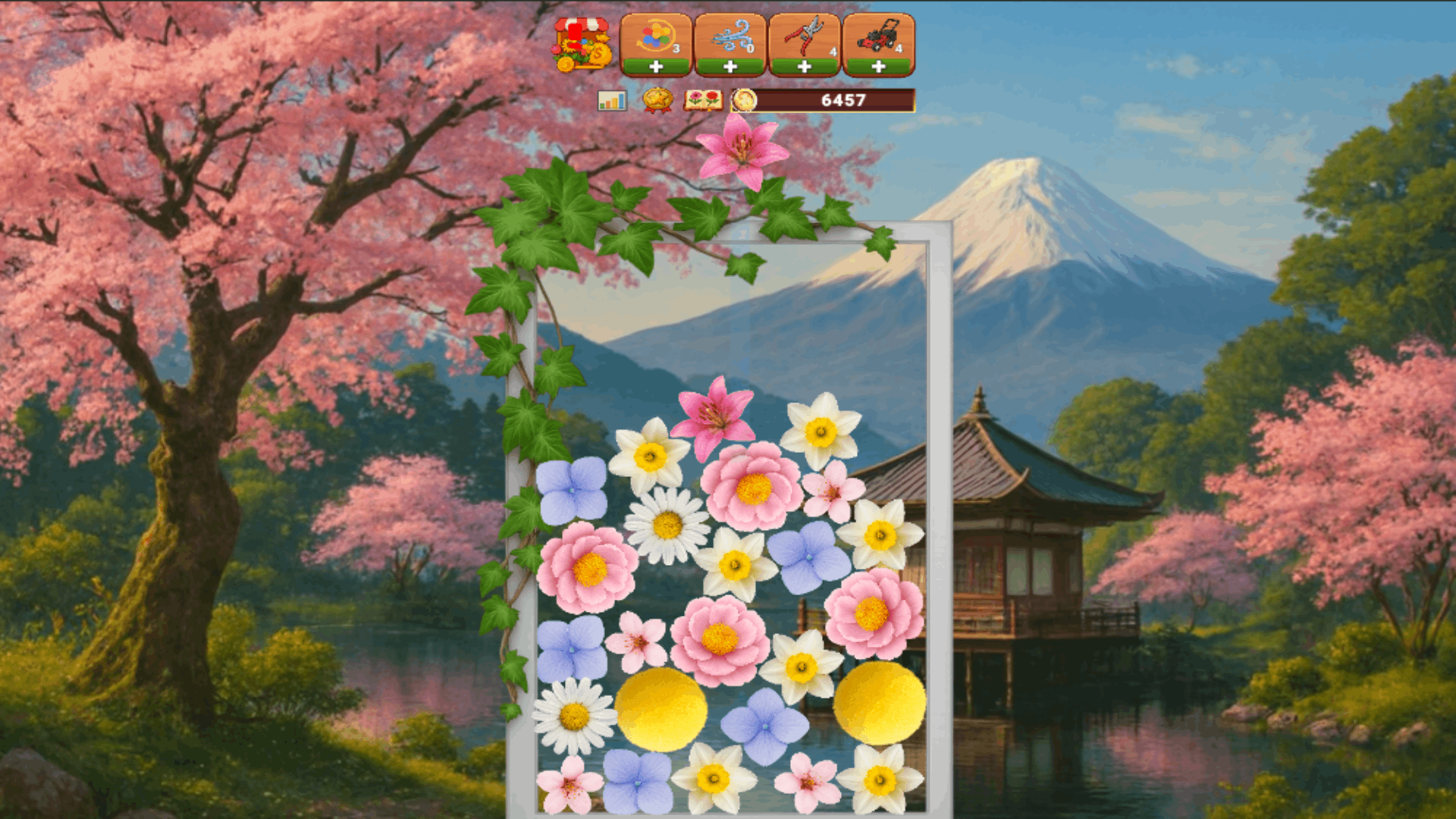
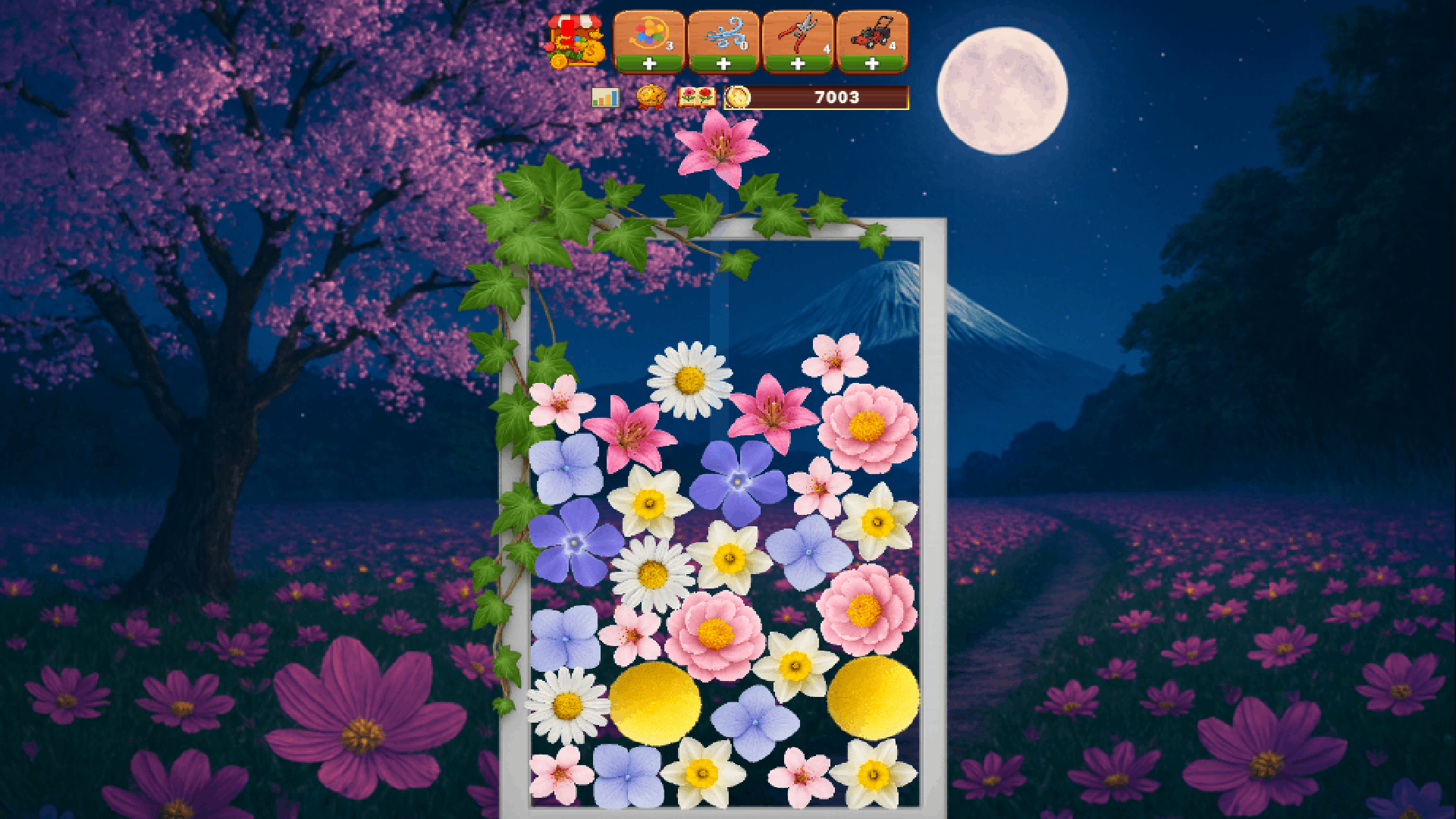
Staring at a blank screen during your coffee break often leaves you feeling uninspired. Flower Shop: Merge and Sell changes that by turning your downtime into a vibrant garden project. You simply drag identical sprouts across the grid to trigger a satisfying merge that evolves them into rare blossoms. Every successful combination brings you closer to filling complex customer orders and earning gold coins. Managing your own storefront requires careful planning to ensure you have the right stock ready for visitors. Constant progress keeps the momentum high as you work through a vast collection of plant species. Collectors will enjoy filling out their personal encyclopedia with every rare find. Flower Shop: Merge and Sell fits perfectly into your browser for instant access without any downloads required.
How to play
Drag and drop identical flowers onto each other to merge them and create a higher-level flower.
Check the orders board in your shop to see what flowers your customers want to buy.
Complete orders by merging the required flowers, then sell them to earn coins.
Open the Flower Encyclopedia to track which species you have discovered and read about them.
Check the achievements menu to see your progress on over 50 different tasks and claim your rewards.
Keep merging, selling, and expanding to build the most successful flower shop!
Features
- Customer Order Board: Fulfill specific requests from locals to earn currency and expand your growing business space.
- Floral Encyclopedia: Track every species you encounter while reading interesting trivia about your botanical collection.
- Achievement System: Complete over fifty distinct tasks to earn badges and bonus rewards for your shop.
- Progression Loop: Turn humble seeds into exotic arrangements by consistently combining your stock on the game board.
Who is it for
Puzzle fans who enjoy strategic management and color-matching mechanics. Casual gamers looking for a low-stress environment will find the merge gameplay relaxing. Collectors who love filling out completionist logs and earning achievement badges will stay hooked on unlocking every single plant species available in the shop.
Controls
Merge flowers
Drag and drop one flower onto an identical one using your mouse or touch screen.
Manage shop
Tap on the order board to review current customer needs.
Navigate menus
Swipe or click icons to toggle between your shop, the encyclopedia, and the achievements screen.
FAQ
How do I earn more coins in Flower Shop: Merge and Sell?
›
You earn coins by fulfilling the specific requests posted on your shop's order board using the plants you have merged.
Is Flower Shop: Merge and Sell free to play?
›
Yes, you can play the game directly in your web browser without needing to download any files.
Can I see all the plants I have found in Flower Shop: Merge and Sell?
›
Absolutely, just open the Flower Encyclopedia to view your collection and read details about every plant discovered so far.