About game
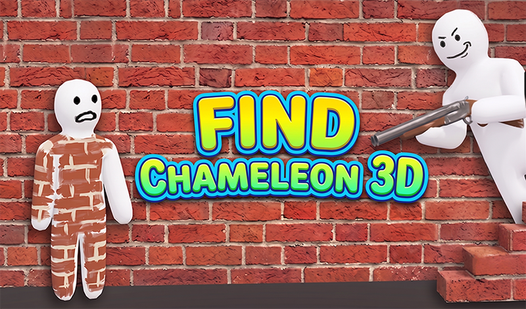
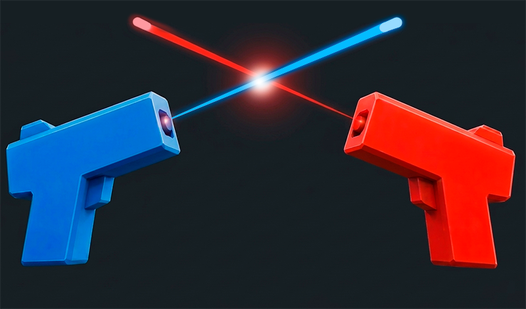
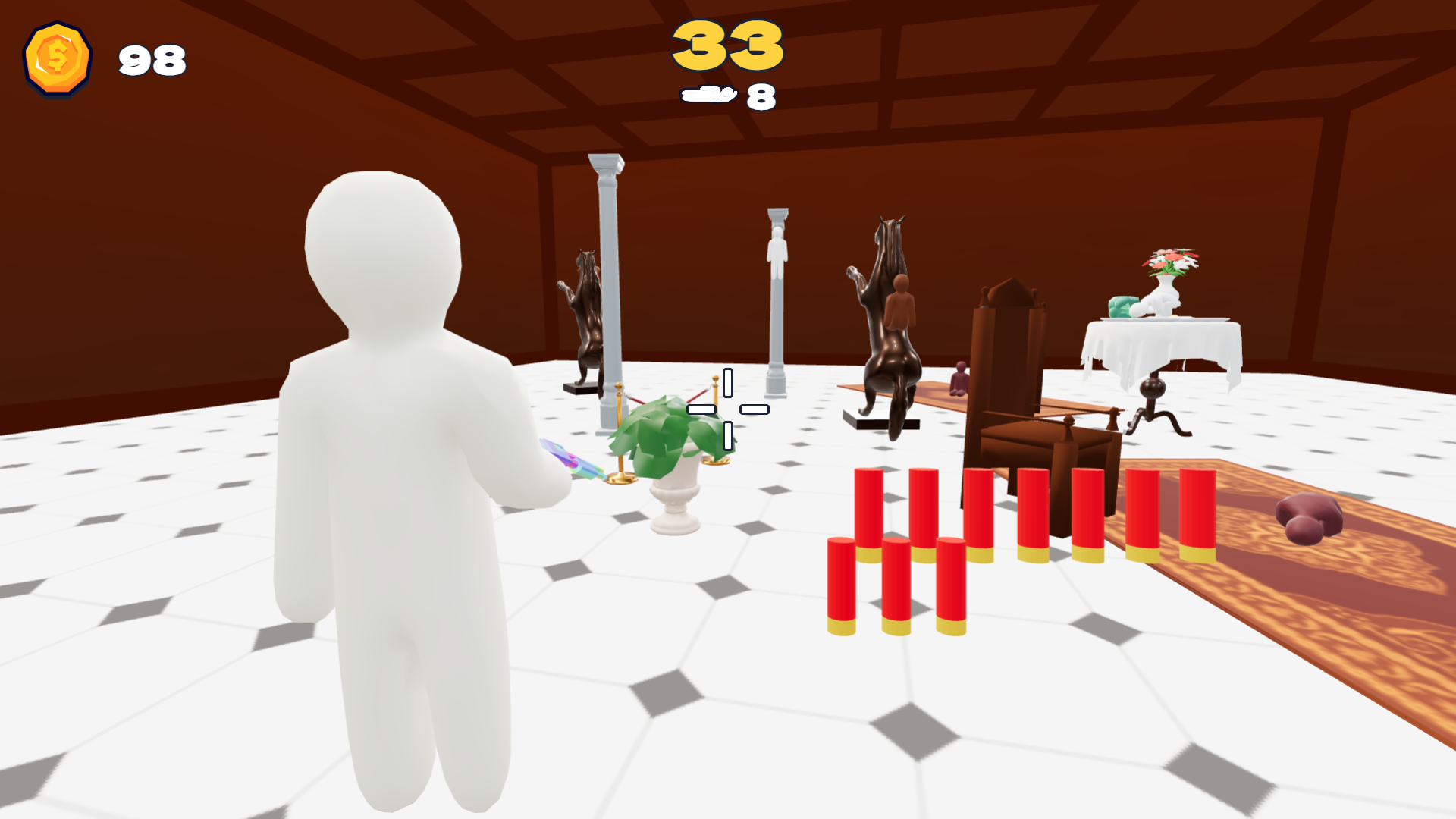
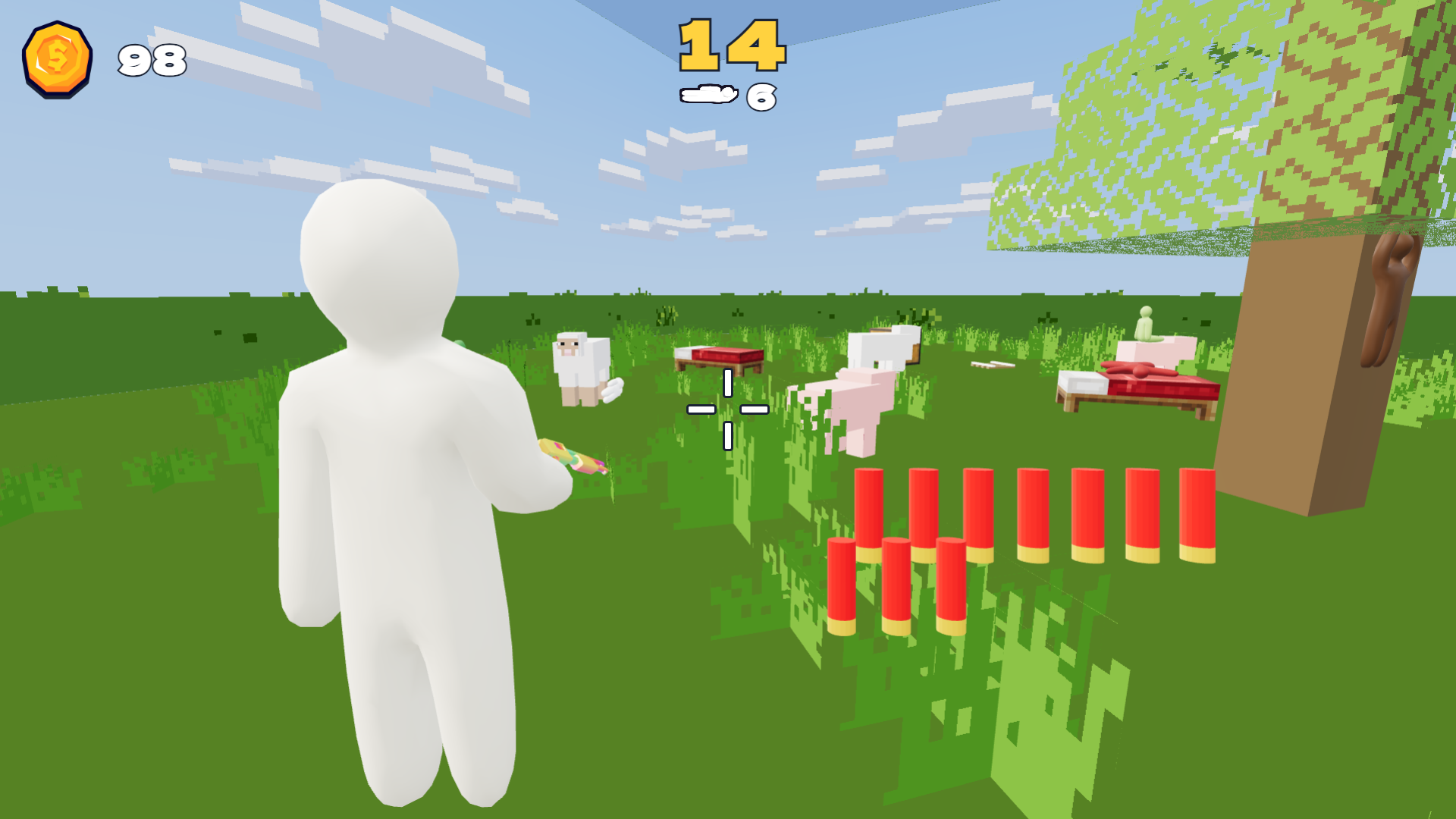
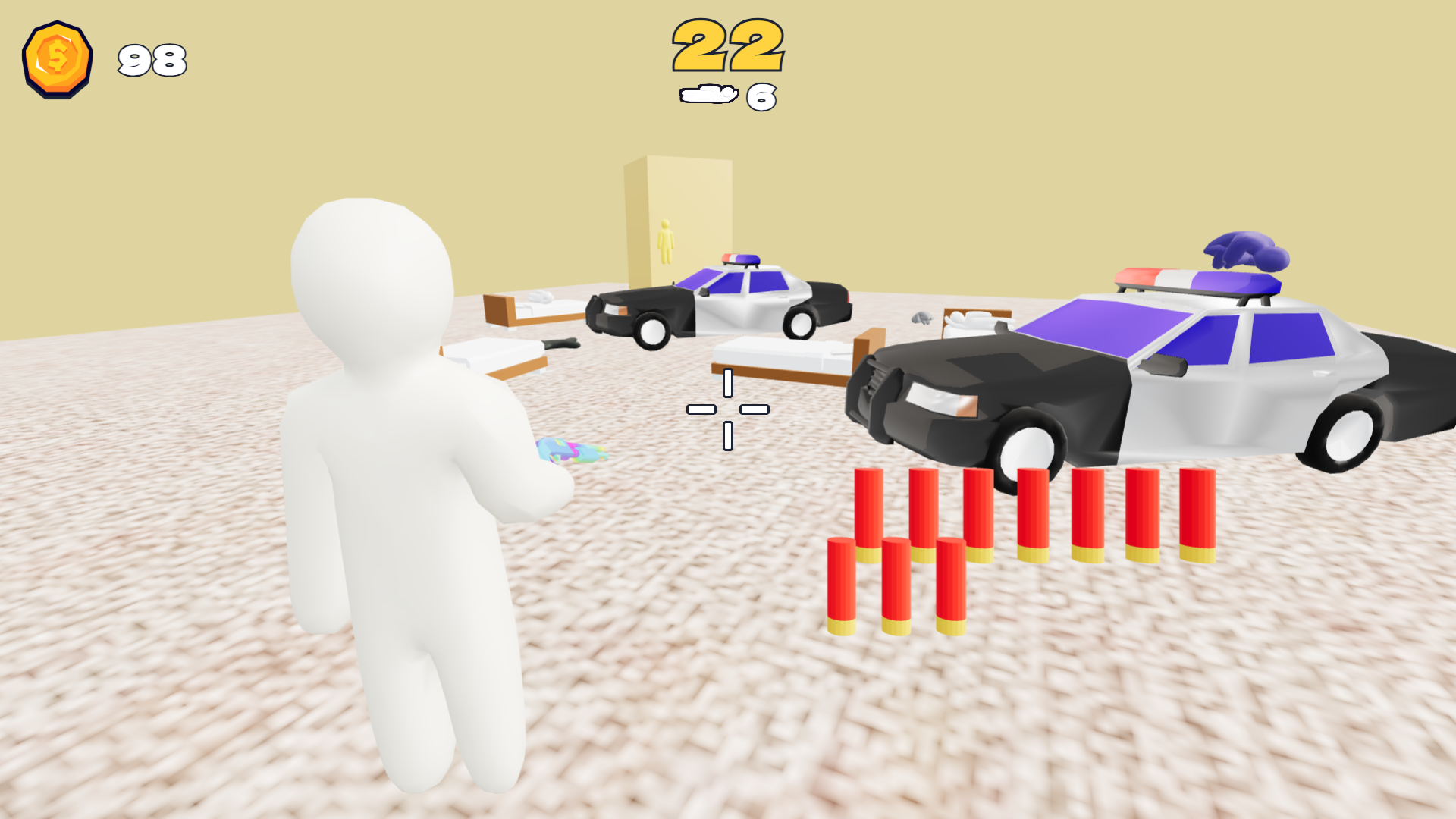
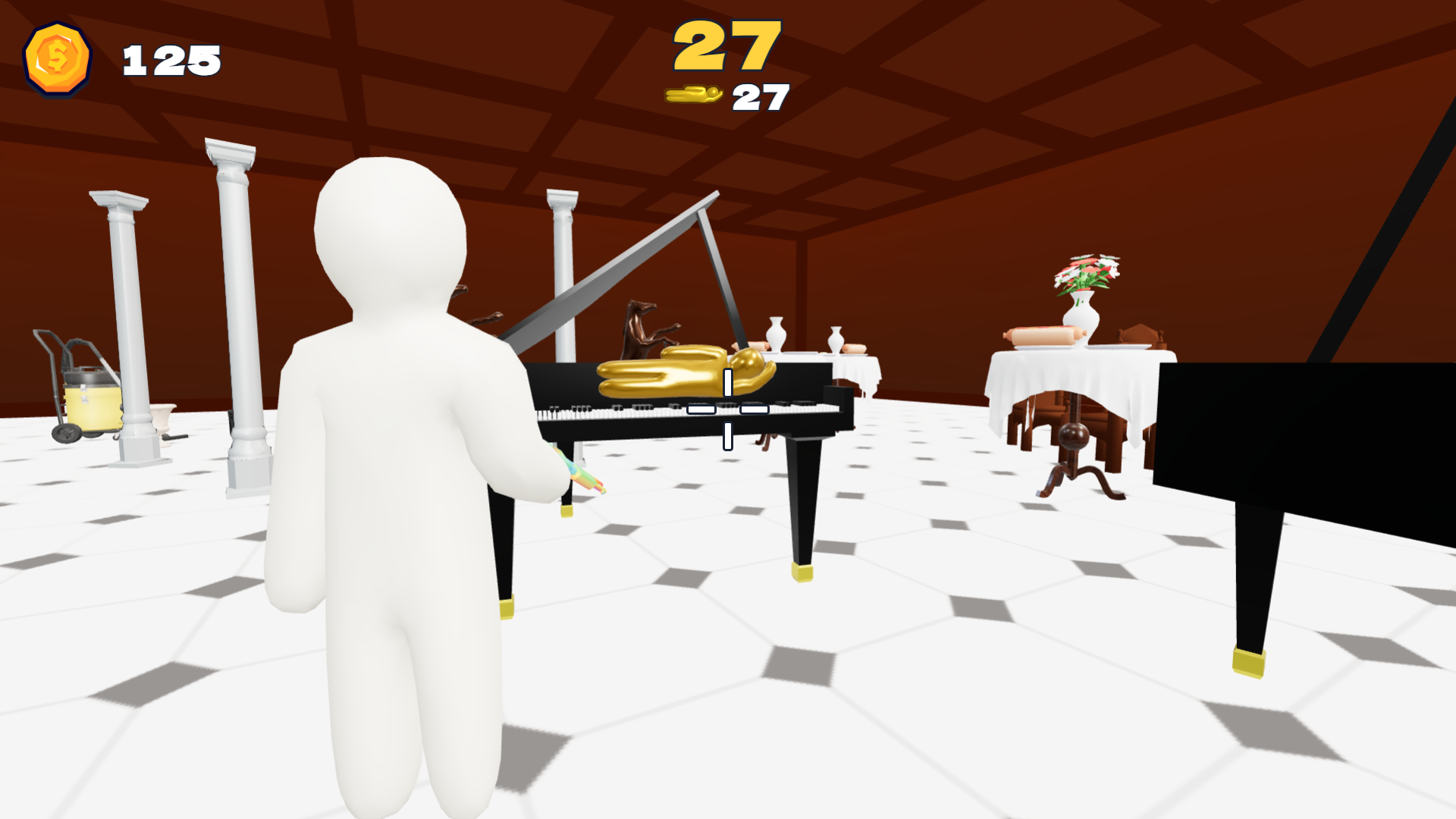
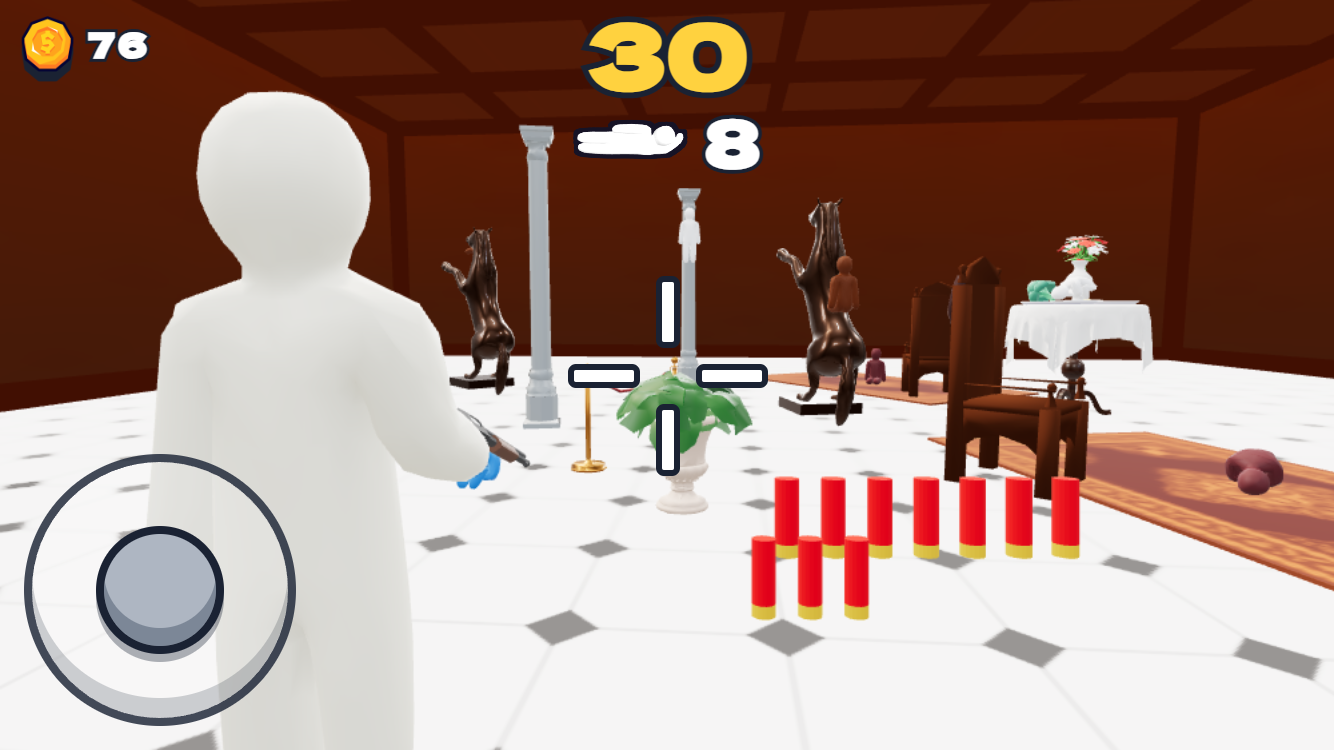
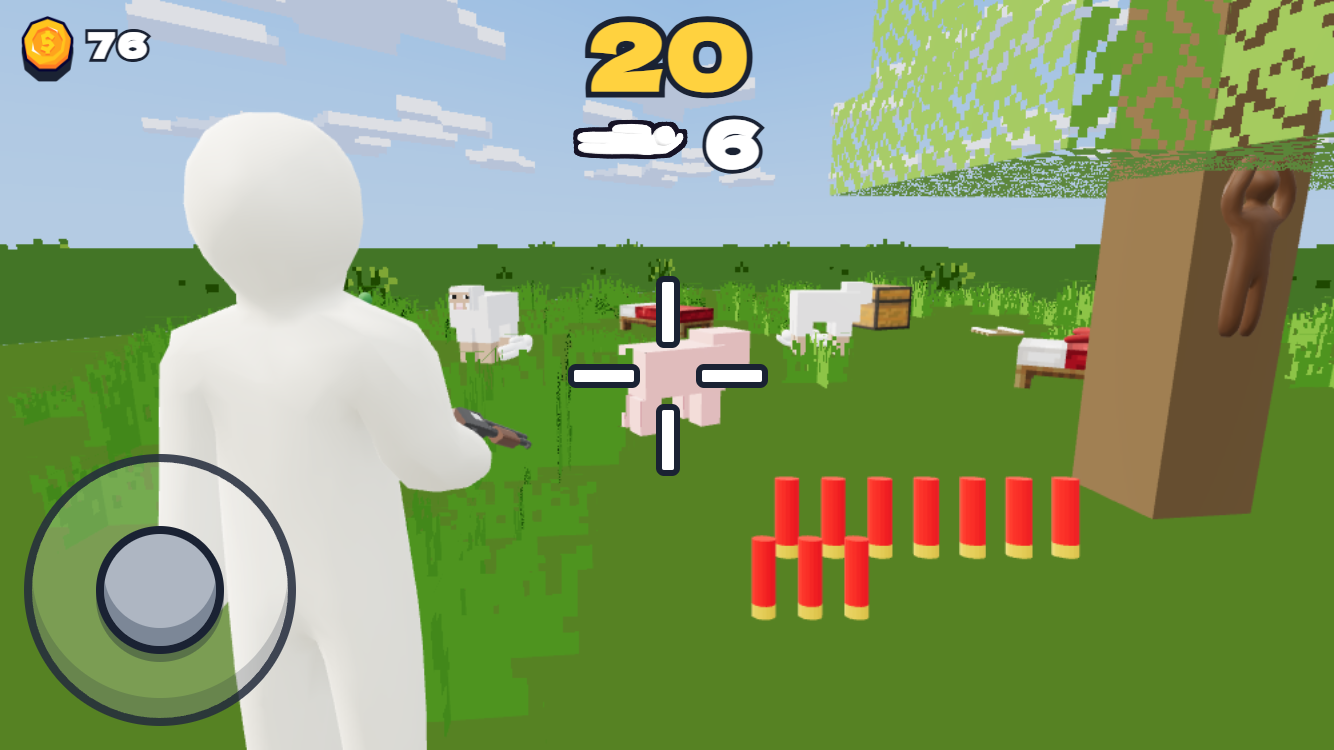
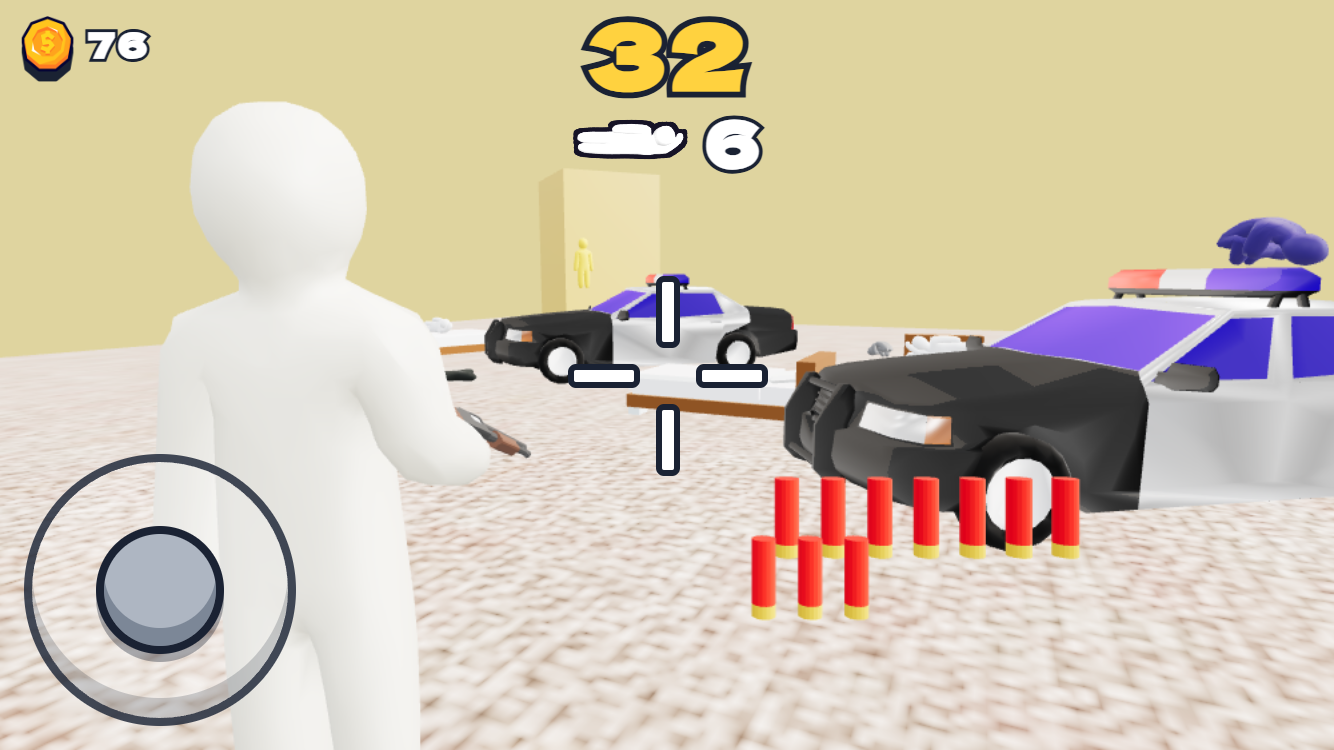
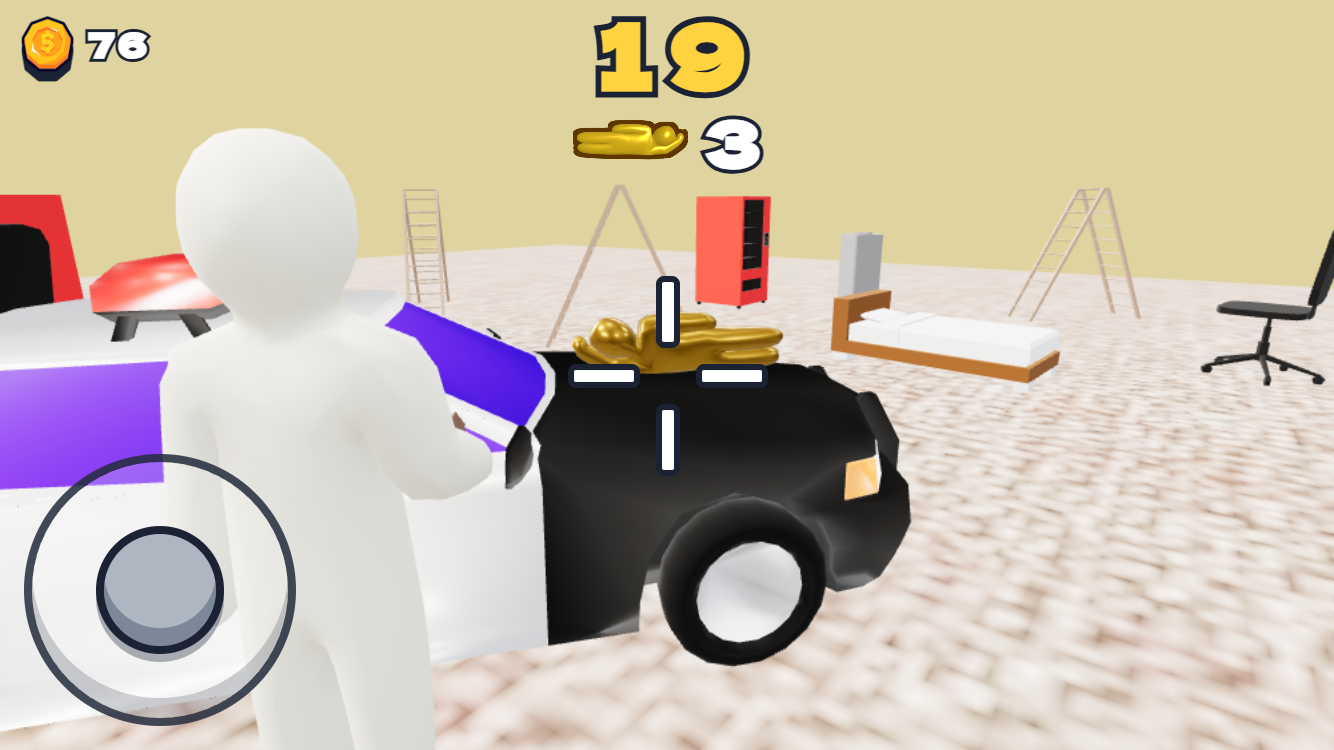
Spotting hidden stickmen in Find Chameleon 3D requires a sharp eye and a quick trigger finger. You hunt down sneaky targets that blend into colorful environments by scanning every corner for telltale outlines. Once you lock onto a hidden chameleon, fire your paint blast to reveal the culprit and clear the level. Your success hinges on managing ammo and time while moving through complex 3D spaces like mansions or mysterious mines. Customization lets you paint your own avatar to stand out or blend in before you start the hunt. The global leaderboard tracks your progress against friends as you master the art of camouflage detection. Competing in endless modes adds another layer of challenge for those who crave high scores. Jump into Find Chameleon 3D right now in your browser without any installation needed.
How to play
The objective of the game is to find all disguised chameleons in the location within the allotted time and accurately hit them with paint shots.
Controls:
Mobile: Look & Aim - swipe on the screen. Move - virtual joystick. Shoot - on-screen shoot button or tap on screen.
PC: Look & Aim - move the mouse. Shoot - Left Mouse Button (LMB). Move - WASD keys or arrow keys.
Features
- Location diversity: Travel through mazes, industrial mines, and infinite corridors that hide targets in plain sight.
- Upgrade system: Spend earned points to extend your search timer or increase your paint capacity for longer hunting sessions.
- Creative customization: Access the character editor to design your own unique look before heading into the field.
- Special power-ups: Use flame ammo or the golden whistle to clear difficult areas when time starts running short.
- Global leaderboard: Challenge your skills in the endless mode to see how your detection speed ranks against other hunters.
Who is it for
Casual gamers who enjoy visual search challenges and hide-and-seek mechanics love this title. If you prefer fast-paced arcade action that tests your observation skills and reflexes, this is a great choice. Fans of bright, colorful 3D graphics will find plenty of reasons to keep playing every single day.
Controls
Look and Aim
Swipe across your mobile screen or move your computer mouse.
Movement
Use the virtual joystick on mobile devices or WASD keys on your keyboard.
Shoot
Tap the screen or click the left mouse button to fire paint at your targets.
FAQ
Can I play Find Chameleon 3D on my phone?
›
Yes, Find Chameleon 3D runs perfectly in mobile browsers with intuitive touch controls for aiming and shooting.
How do I get better scores in Find Chameleon 3D?
›
Focus on upgrading your timer and ammo capacity early, as these boosts help you clear complex levels in Find Chameleon 3D much faster.
Does Find Chameleon 3D require a download?
›
No, you can start playing Find Chameleon 3D instantly in your web browser without installing any software.