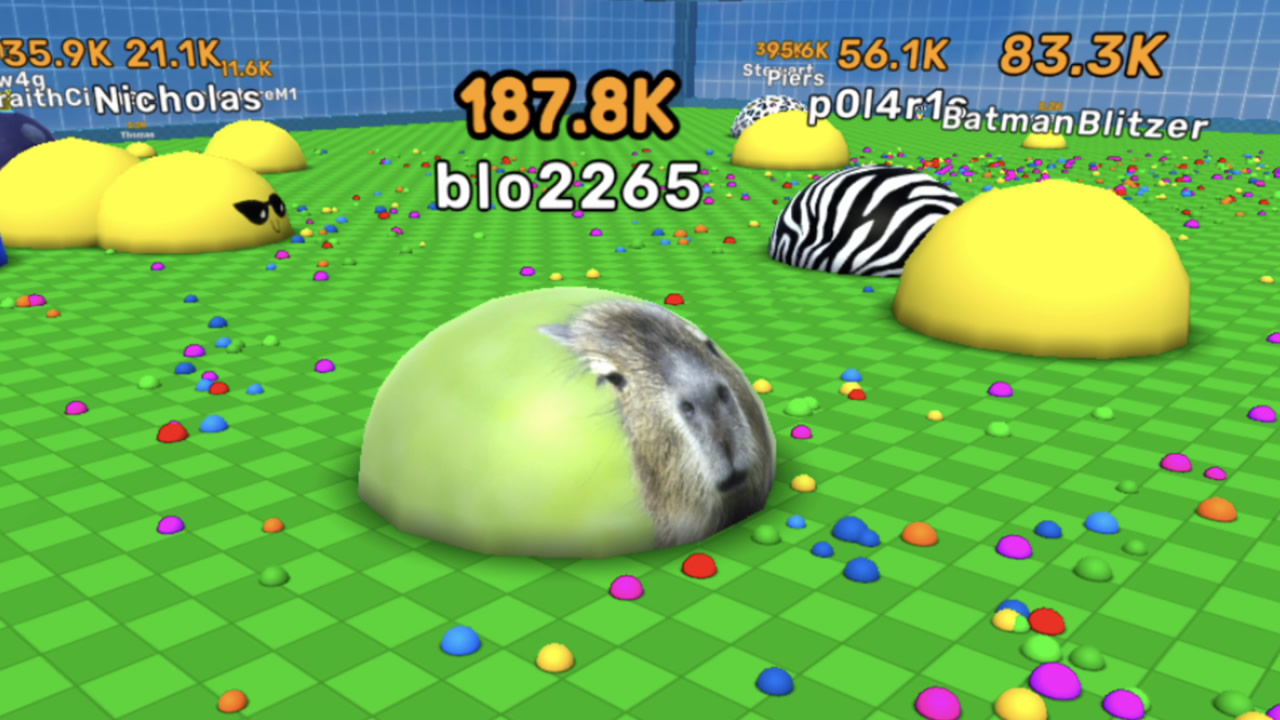
About game
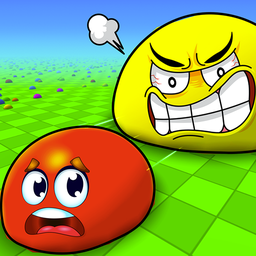
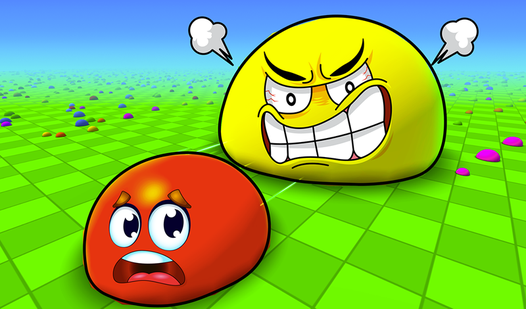
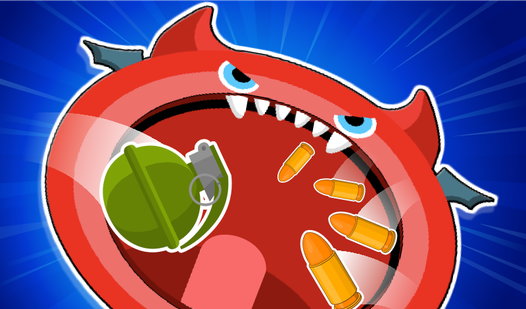
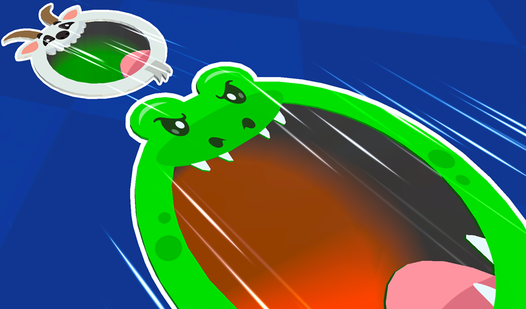
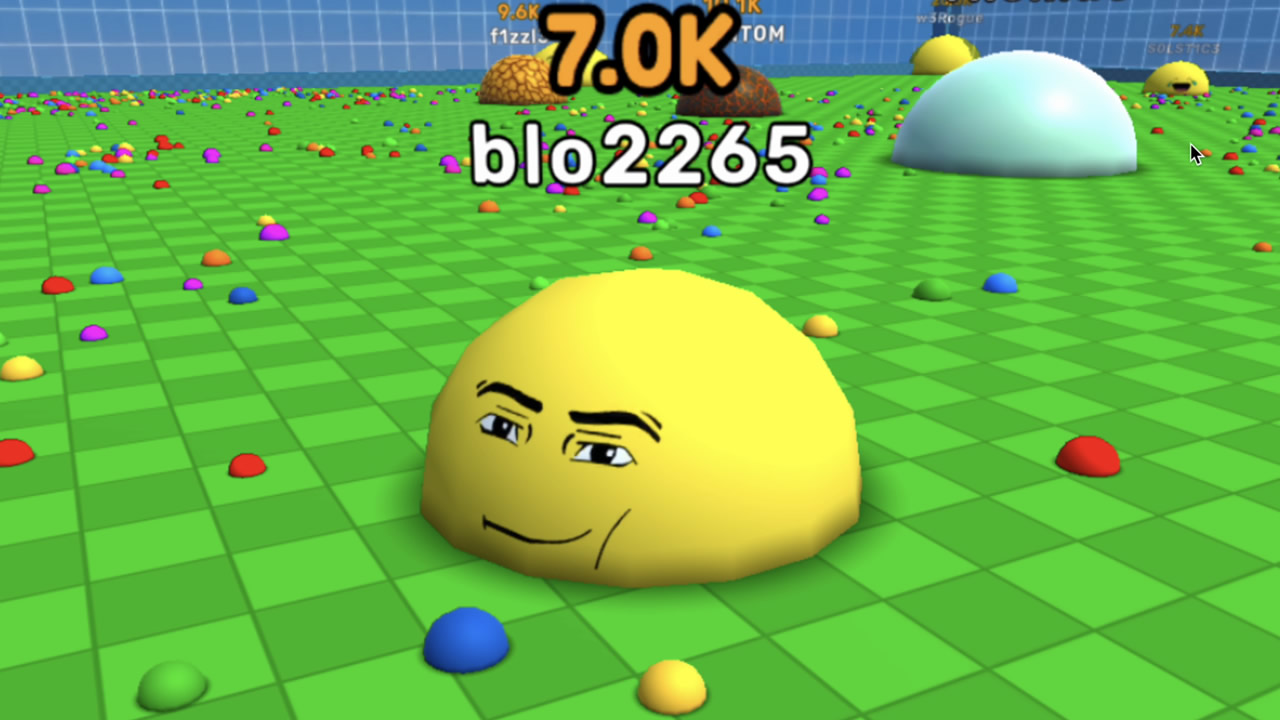
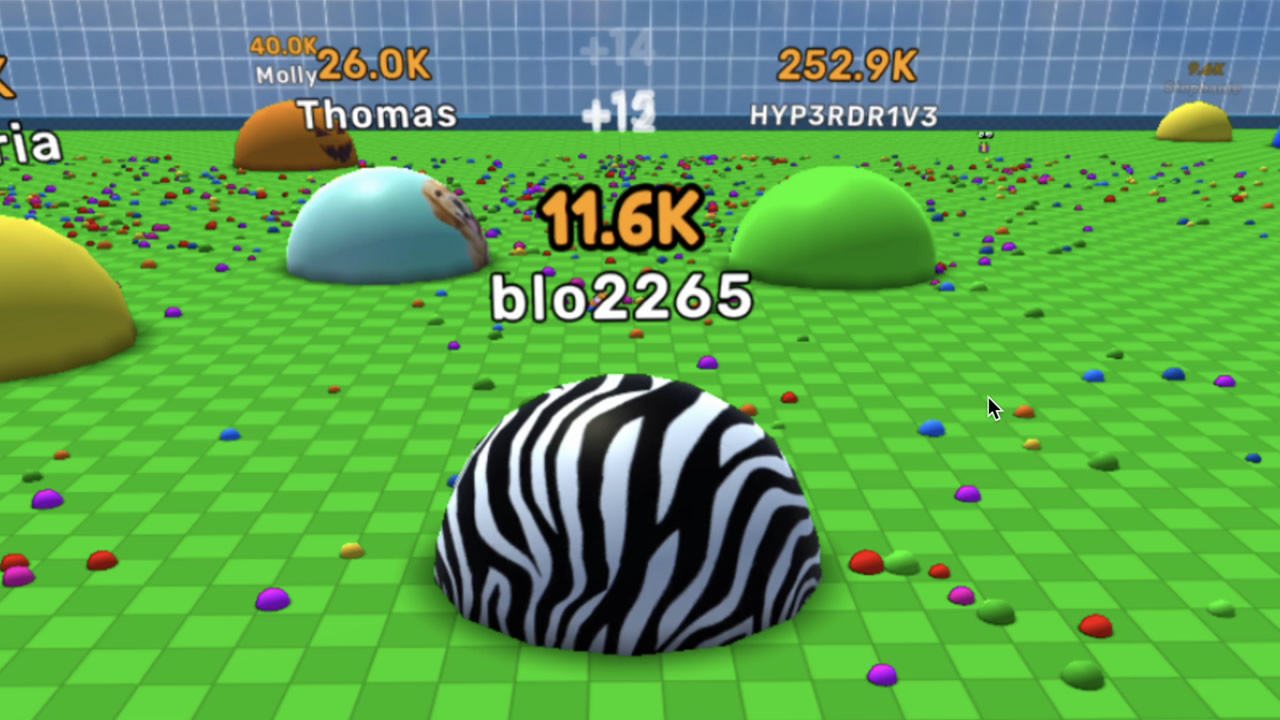
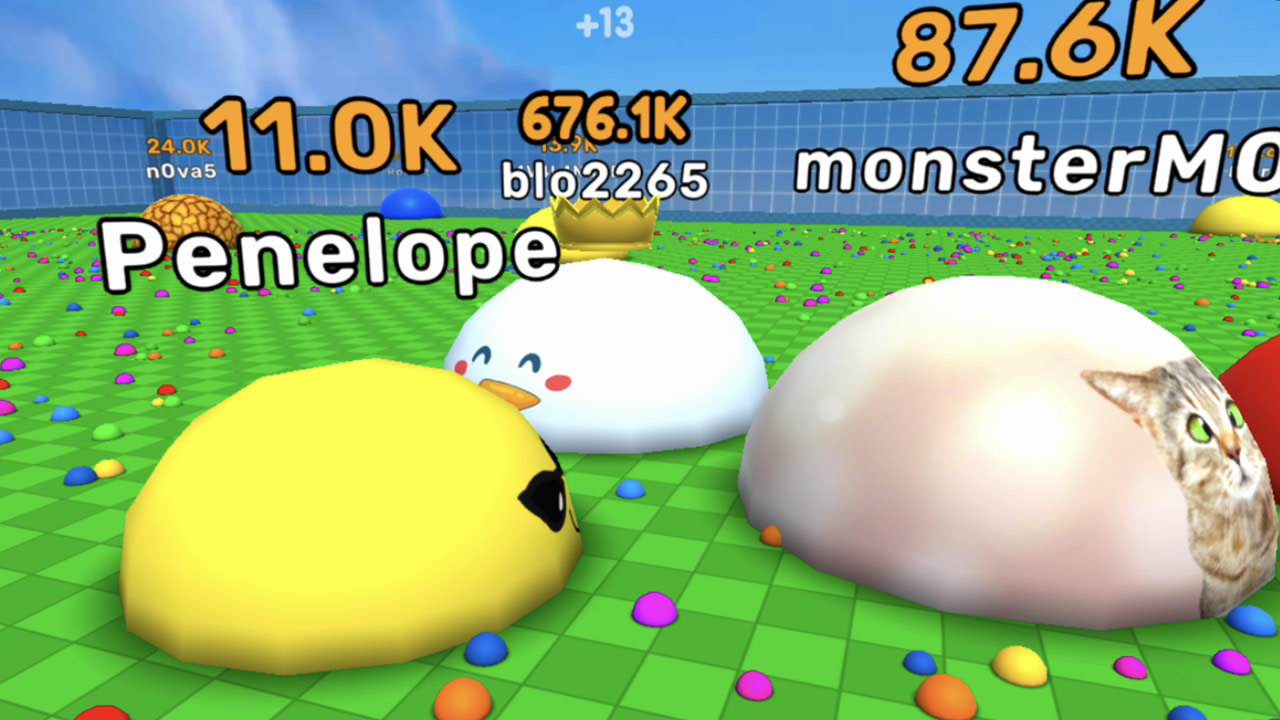
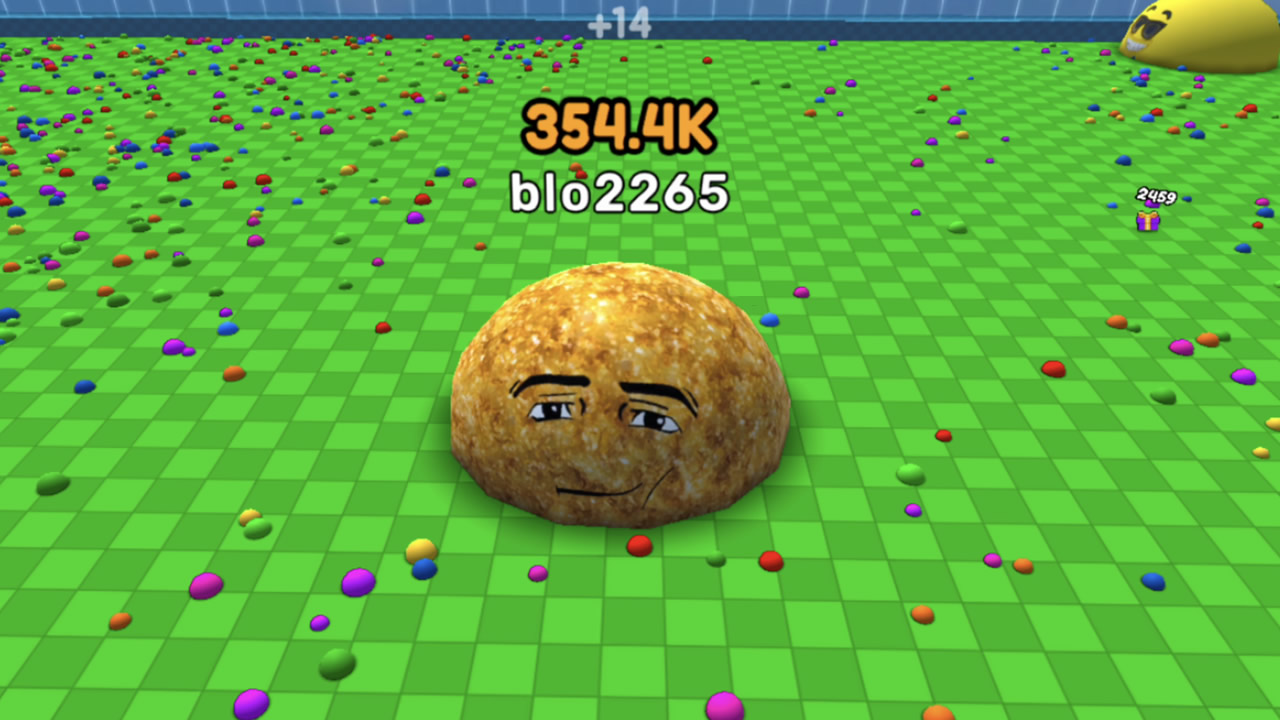
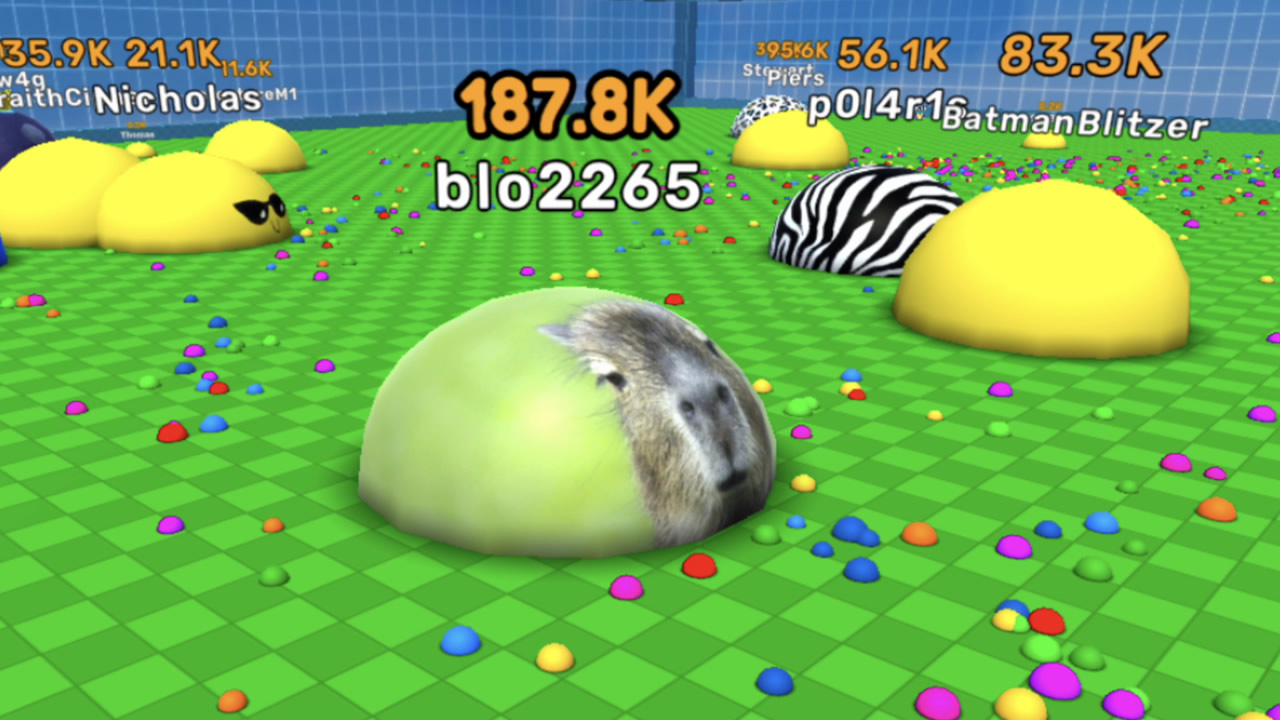
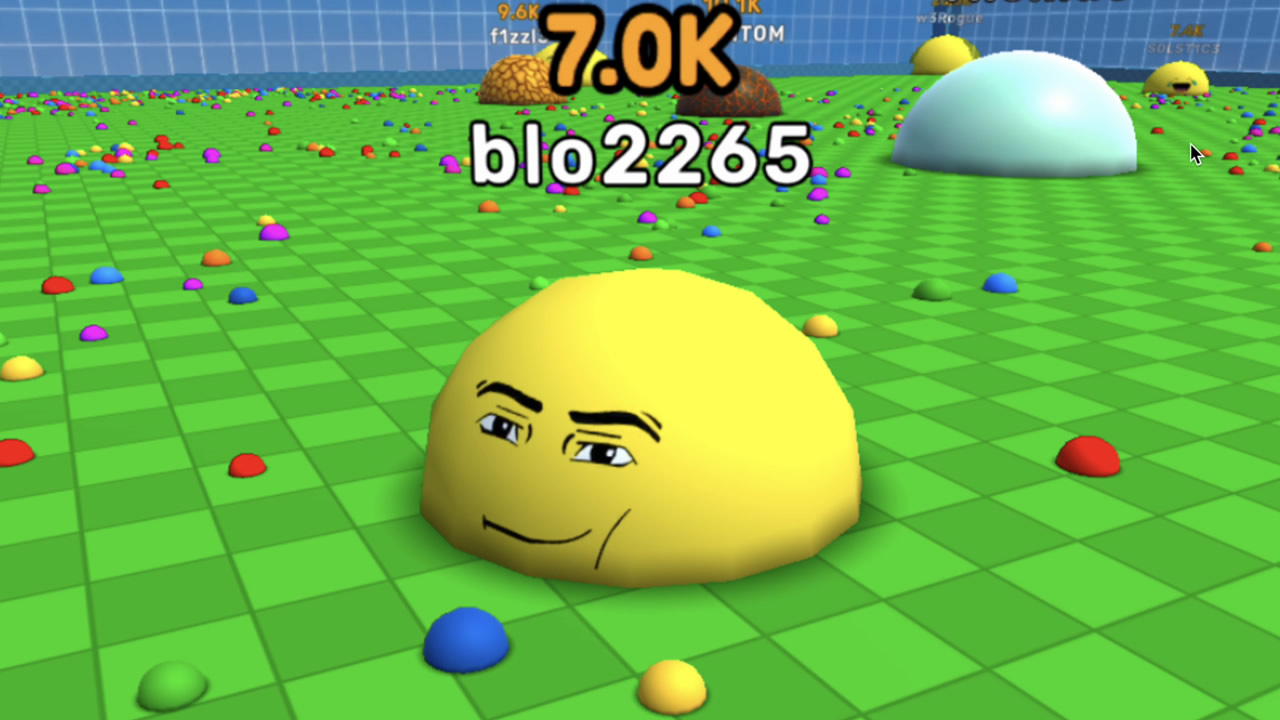
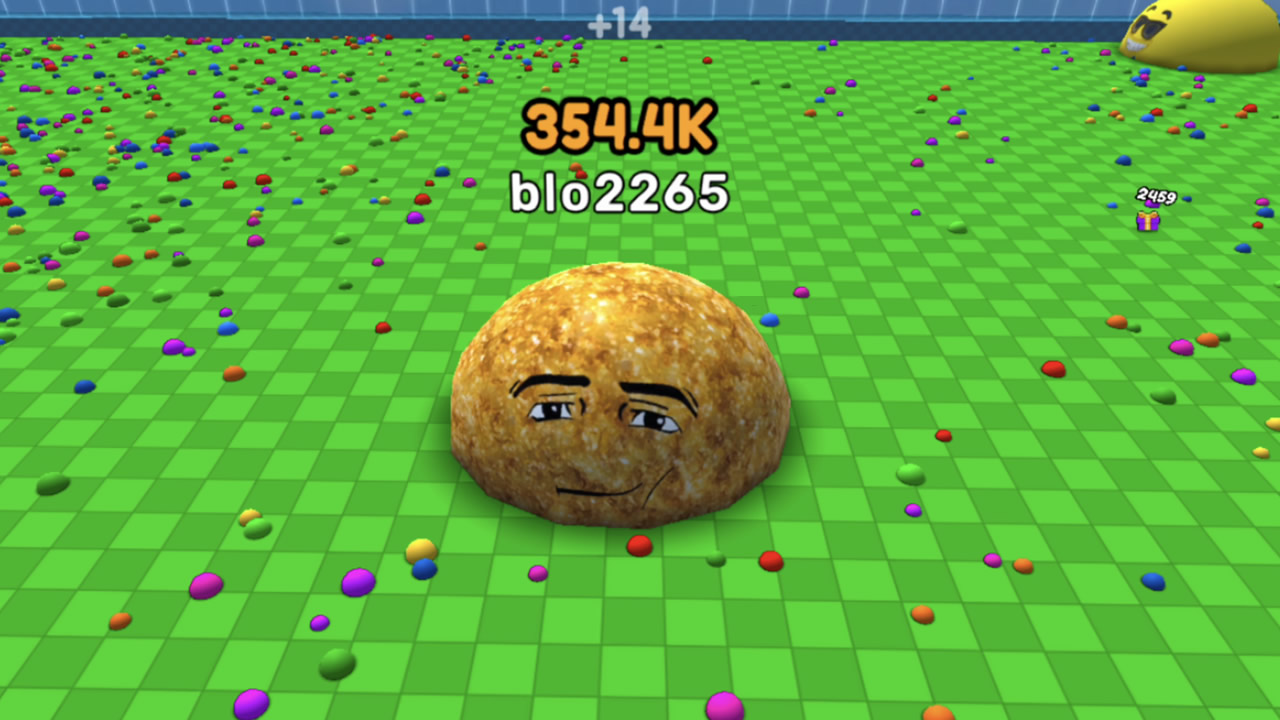
Staring at the clock waiting for your next meeting or class to start can be a real drag. Eat Blobs Simulator is the high-energy remedy you need to turn that downtime into a competitive session. You begin by picking a unique nickname before entering a vibrant arena where survival depends on your appetite. Your primary goal is to hunt down smaller slimes, consume them, and watch your character grow into a massive force. While navigating the map, you must also be careful to avoid being eaten by larger players lurking nearby. The game tracks your mass and accumulated coins, allowing you to unlock cool new skins that make your character stand out. Whether you want to test your reflexes or simply dominate the leaderboard, the stakes are always high. You can jump into this addictive blob experience right now in your browser without any annoying downloads or registrations.
How to play
The game is both played single and two player.
Player 1: W,A,S,D
Player 2: ARROW KEYS
On single player mode:
control the camera by LEFT-CLICK" and MOUSE
control the camera zoom with MOUSE SCROLL
Use Joystick controls on mobile devices/tablets.
Features
- Dynamic Scaling: Your character physically expands in size as you consume more blobs, directly affecting your speed and consumption reach.
- Dual Control Support: Play solo or challenge a friend on the same device using split-keyboard controls for an instant local multiplayer session.
- Customization Shop: Use the coins earned during your matches to purchase a wide variety of skins for your slime.
- Strategic Camera Control: Use mouse gestures to zoom and rotate your view, ensuring you can spot incoming threats from a distance.
- Endless Progression: The match continues as long as you survive, pushing you to beat your previous high score in every session.
Who is it for
Competitive gamers looking for quick, intense matches and casual players who enjoy accessible arcade titles. Fans of io-style arena games will appreciate the growth mechanics, while friends seeking local 2 player challenges will find plenty of excitement in the shared-screen mode perfect for quick breaks at home or school.
Controls
Movement P1
Use keys W, A, S, D on your keyboard.
Movement P2
Use the Arrow Keys on your keyboard.
Camera Control
Left-click and drag the mouse or use the mouse scroll to zoom.
Mobile Movement
Use the on-screen virtual joystick to navigate your slime.
FAQ
How do I play Eat Blobs Simulator with a friend?
›
You can play Eat Blobs Simulator in local 2 player mode by using the WASD keys for the first player and the arrow keys for the second player on the same device.
Can I change how my character looks in Eat Blobs Simulator?
›
Yes, Eat Blobs Simulator allows you to spend earned coins to purchase various skins to customize the appearance of your slime.
Is there a mobile version of Eat Blobs Simulator?
›
You can play Eat Blobs Simulator directly in your mobile browser using the on-screen joystick controls, so no app installation is required.