Game Title
Loading...













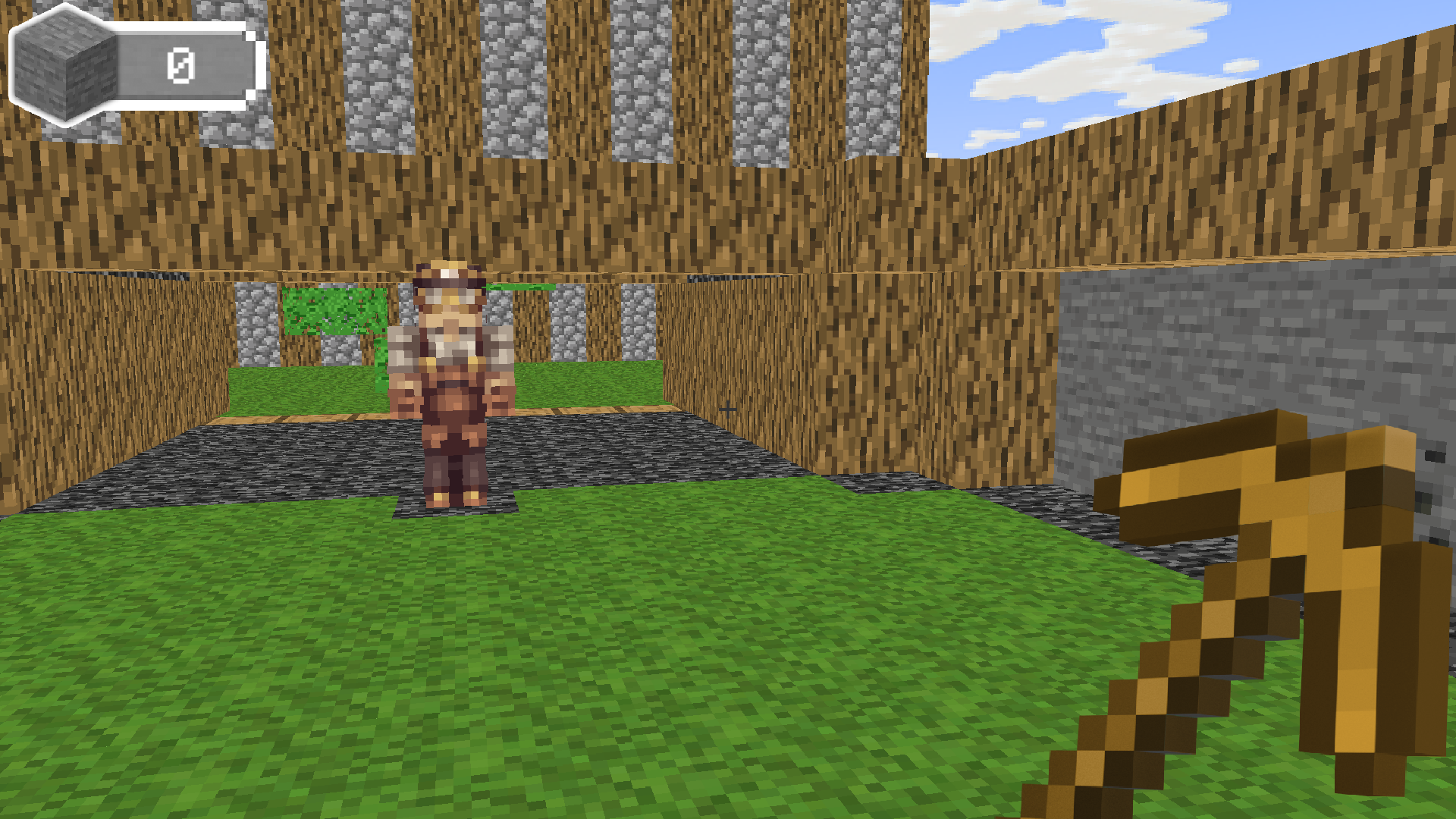
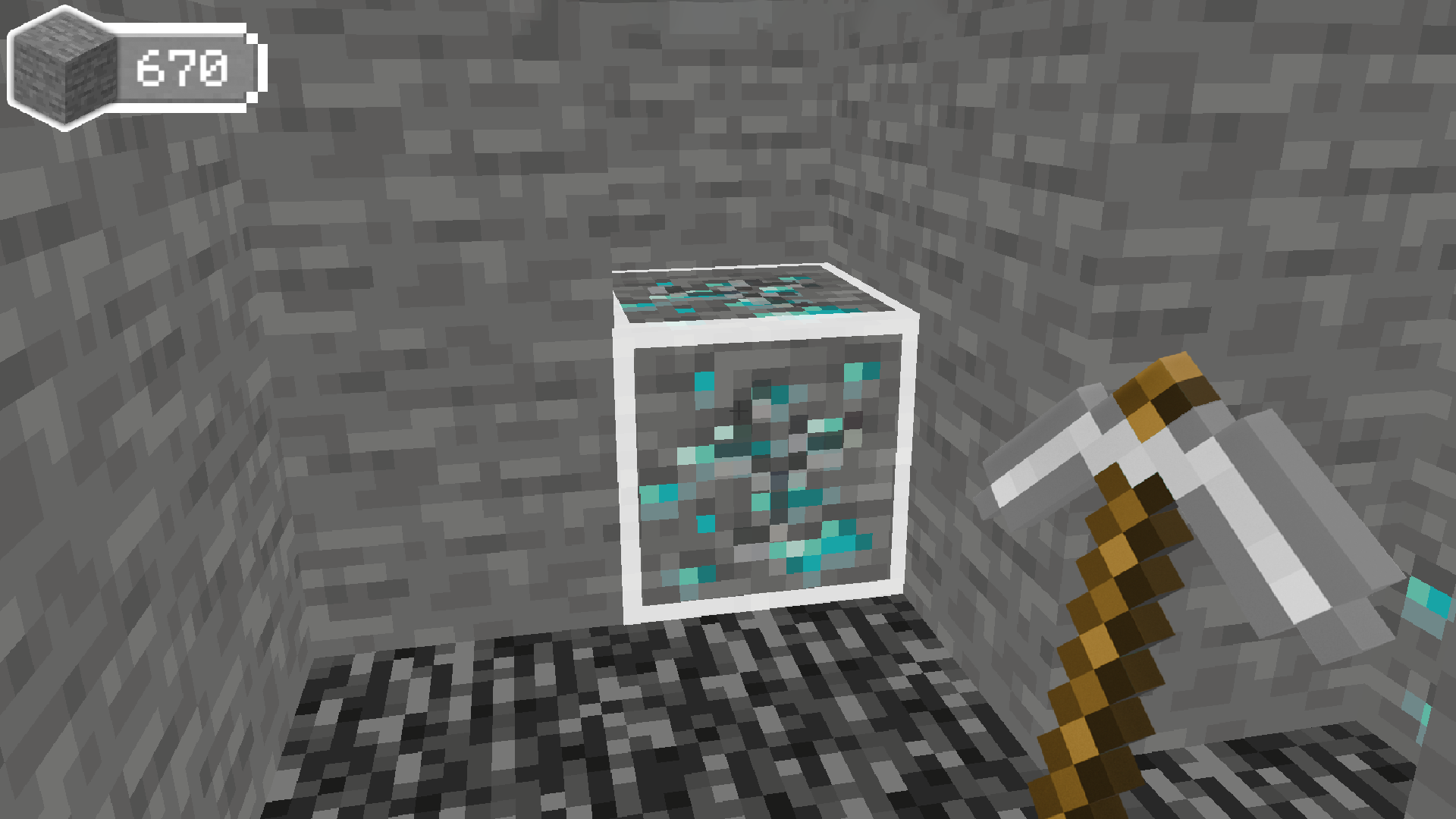
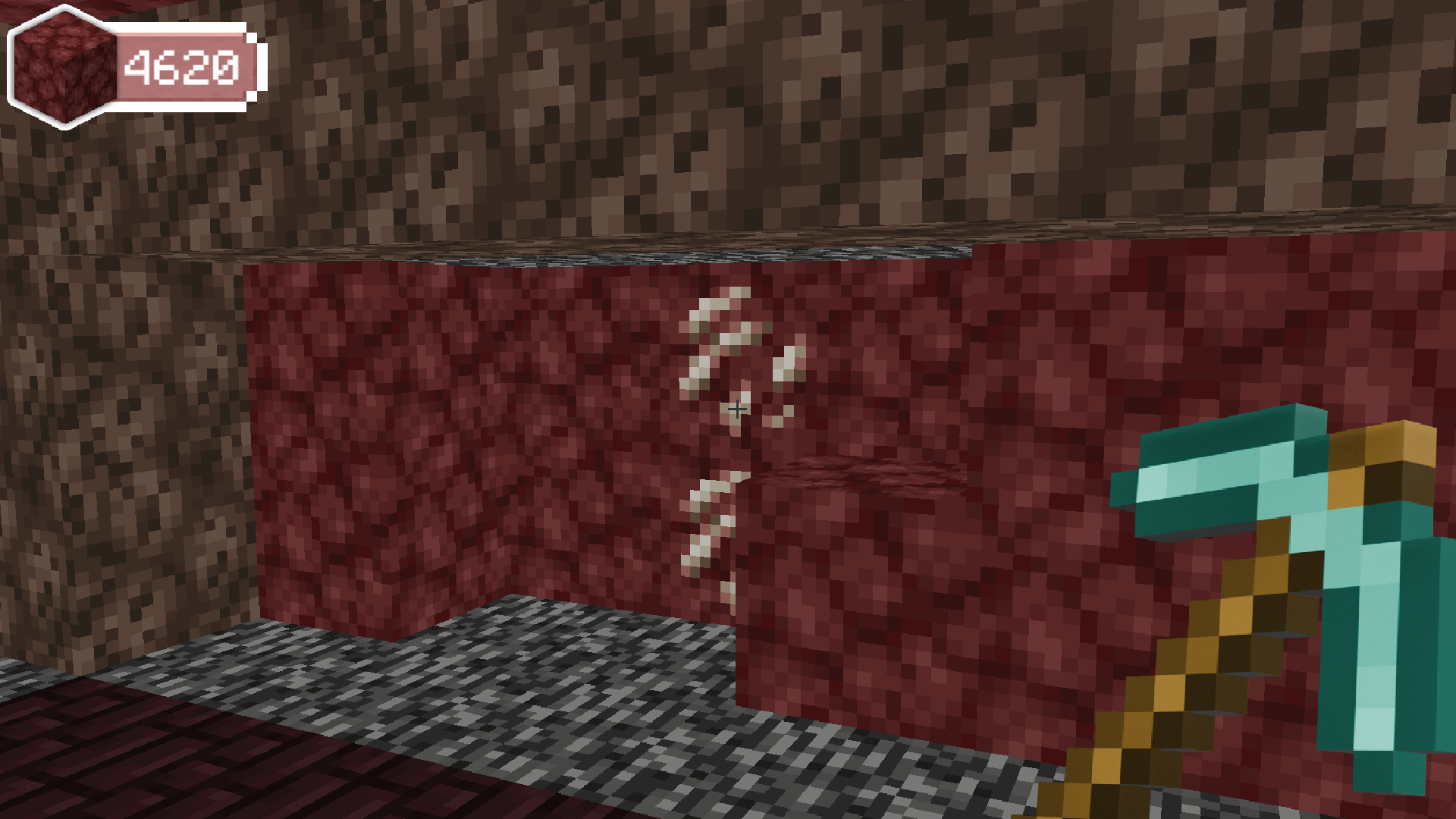
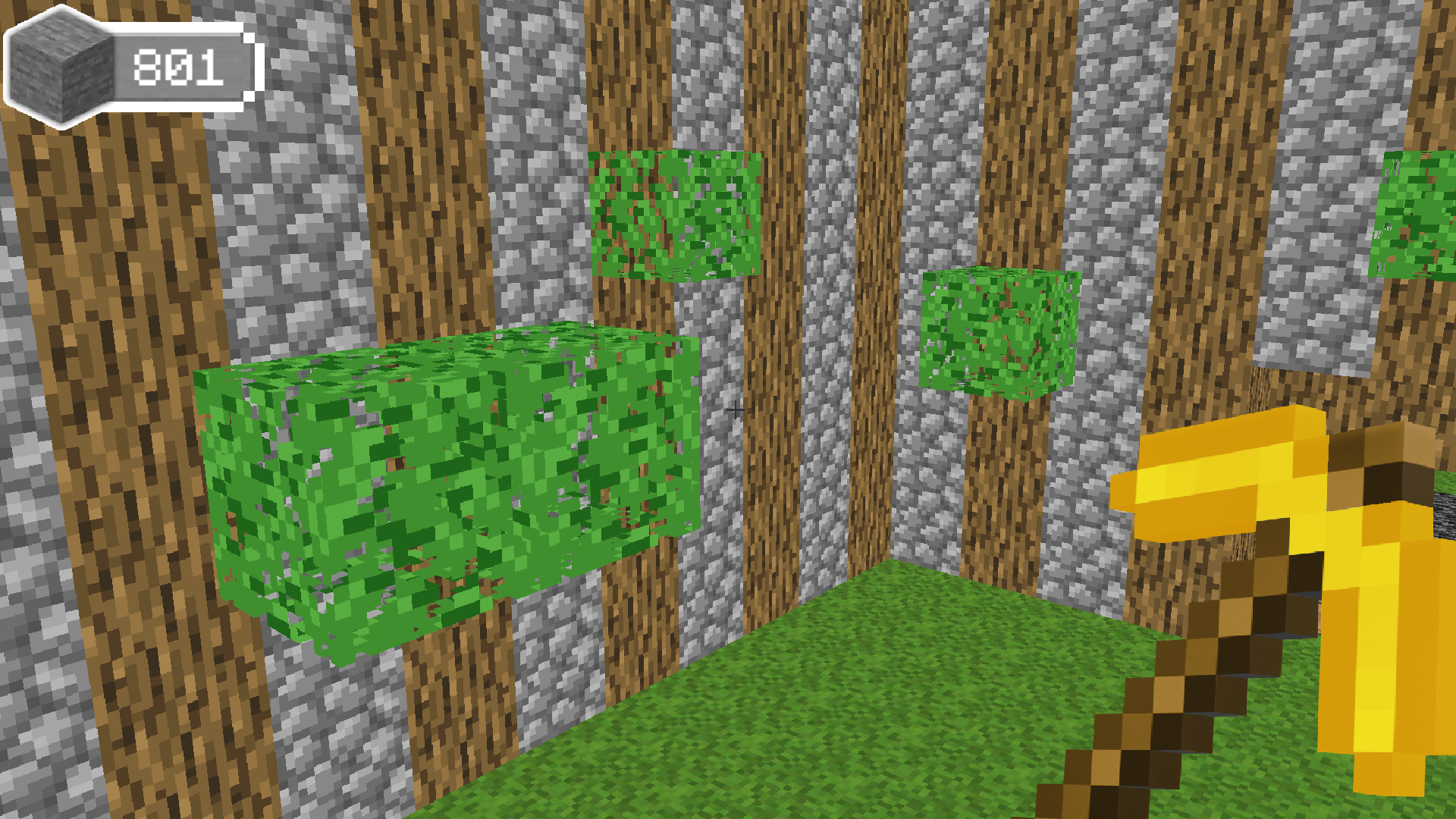
Smashing through endless blocks to uncover sparkling diamonds keeps you glued to your screen in Digger 3D: Upgrade your Pickaxe! You take control of a determined miner tasked with clearing terrain to climb the global leaderboard. Aim your pickaxe at stubborn layers and click to shatter them into small pieces. Every block you collect earns currency which you spend between sessions to boost your mining speed and strength. Upgrading your tools turns you from a slow beginner into a master excavator who ignores obstacles. Digger 3D: Upgrade your Pickaxe! Challenges you to refine your technique while racing against other diggers. Competing for the top spot requires constant focus and smart resource management. Play this browser title right now with no download required.
WASD - Move Around
Space Bar - Jump
The left mouse button - Digging blocks
Mouse movement - Rotate the camera
E - Interaction
Casual gamers who enjoy satisfying destruction loops and progression systems will find this experience addictive. Fans of incremental idle games and block-breaking challenges gravitate toward the simple yet rewarding loop of upgrading tools to clear obstacles faster than their friends while climbing to the number one rank.
You collect coins by breaking blocks and use them in the in-game shop menu to purchase faster pickaxes.
Yes, the game runs directly in your mobile browser without needing any app installations.
The world is endless, allowing you to mine as deep as your upgraded equipment allows.