About game
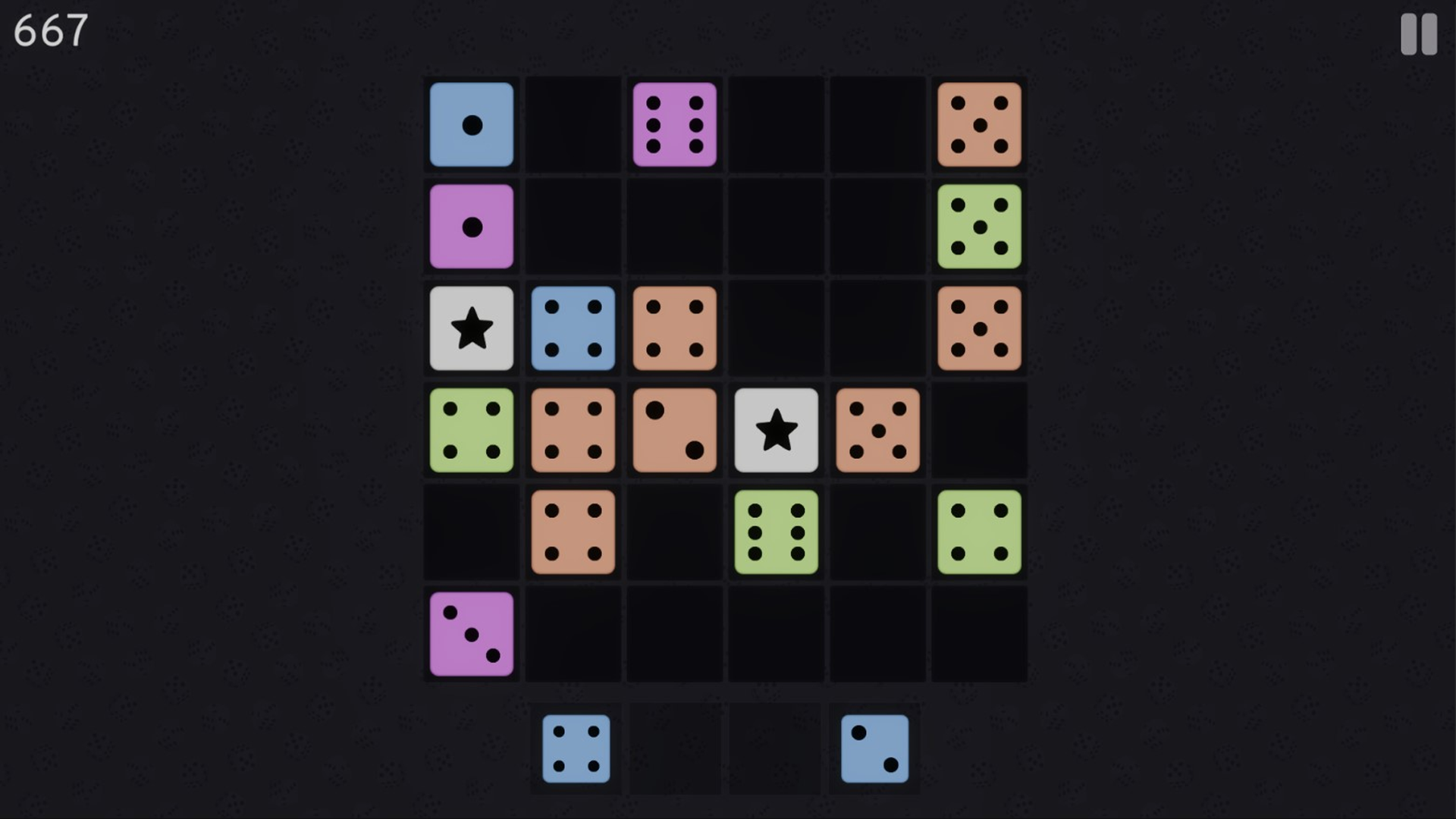
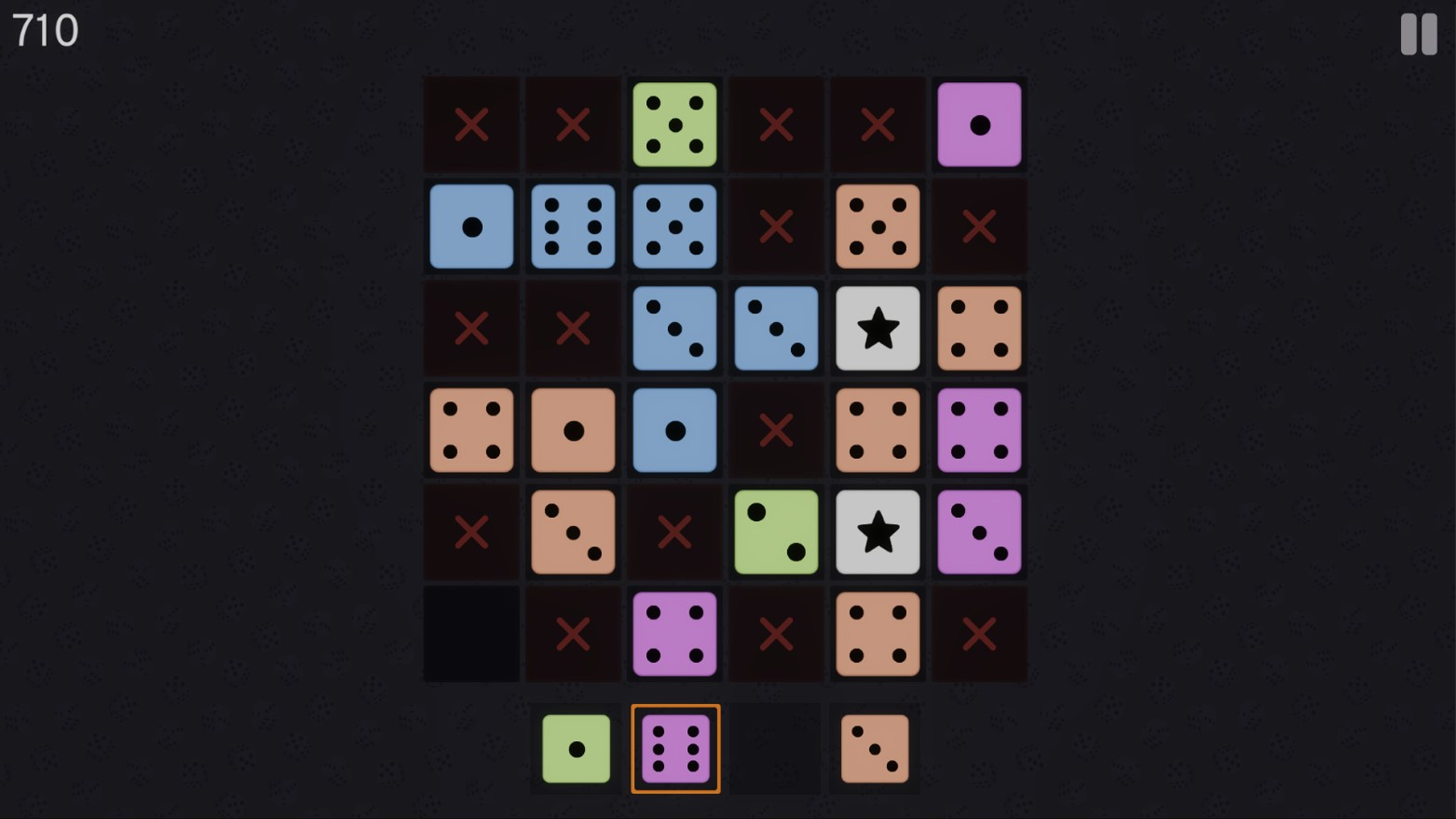
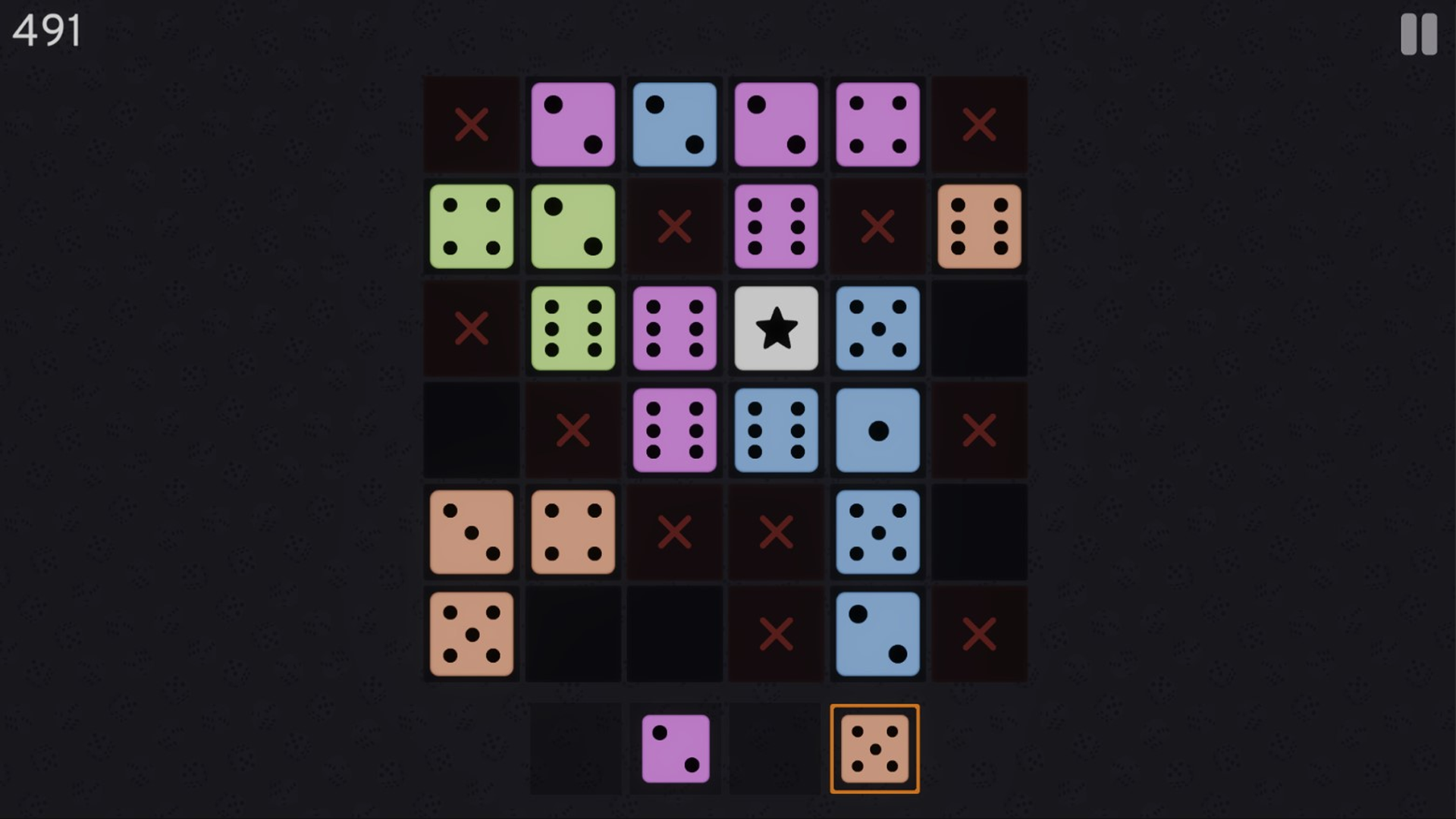
Strategic thinkers and puzzle enthusiasts will find their new obsession in Dice Clash, a challenge that turns simple grid placement into a high-stakes brain teaser. Every move counts as you connect dice by color or value to clear the board and climb the leaderboard. You must carefully drag cubes from your random set onto the grid, ensuring that adjacent pieces share a common trait to avoid a deadlock. Placing universal star-marked cubes provides a clever shortcut to save your progress when you get cornered. Forming complete horizontal or vertical lines triggers a satisfying clear, freeing up precious space while boosting your multiplier. The core loop of this block puzzle relies on foresight, as every placement creates both an opportunity for a massive score and a potential trap for your future moves. What sets this experience apart is the rewarding bonus system that grants extra points for placing contrasting colors alongside your matches. Master the art of the grid by playing Dice Clash right now in your browser without any downloads required.
How to play
Drag cubes from the random set onto the game board. Place them so there’s no conflict — only cubes of the same color or the same value can be placed next to each other. White cubes with a star are universal and can fit with any neighbors. Points are awarded when placing: the more cubes around, the higher the score. If cubes of a different color are nearby, you’ll gain extra bonus points. Form a line of cubes horizontally or vertically — it will disappear, freeing space and giving you even more points.
Think ahead! This game requires clever planning to avoid trapping yourself.
Controls
Drag cubes by holding the left mouse button
Drag with your finger if playing on a mobile device
You can also select a cube with a click and place it by clicking on the desired field
Press Esc or P to open the pause menu
Features
- Universal Star Cubes: Utilize special white cubes that act as wildcards to connect with any neighboring piece regardless of color or value.
- Bonus Multipliers: Earn significantly higher scores by strategically placing different colored cubes adjacent to your primary matches.
- Dynamic Grid Management: Master the spatial challenge of clearing lines to prevent the board from becoming completely locked.
- Progressive Difficulty: Experience an escalating challenge where the random cube distribution forces you to adapt your long-term strategy constantly.
- No-Pressure Experience: Enjoy a relaxed brain-training session without time limits or forced registration requirements.
Who is it for
Logic gamers and casual puzzle fans who enjoy spatial reasoning will find this experience deeply engaging. It targets players looking for a quick mental workout during a coffee break, offering just enough complexity to remain challenging for competitive individuals trying to beat their previous high scores.
Controls
Place cube
Drag and drop the cube using your mouse or finger
Select and place
Click a cube once to select it and click the target cell to place it
Pause menu
Press the Esc or P key on your keyboard
FAQ
Is Dice Clash free to play on mobile devices?
›
Yes, Dice Clash is fully optimized for mobile browsers and requires no app installation or registration.
How do I earn the most points in Dice Clash?
›
You maximize your score in Dice Clash by forming complete lines and placing cubes next to those of different colors for bonus rewards.
Can I play Dice Clash on my desktop computer?
›
Absolutely, Dice Clash runs directly in your desktop browser, allowing you to use your mouse for precise cube placement.