About game
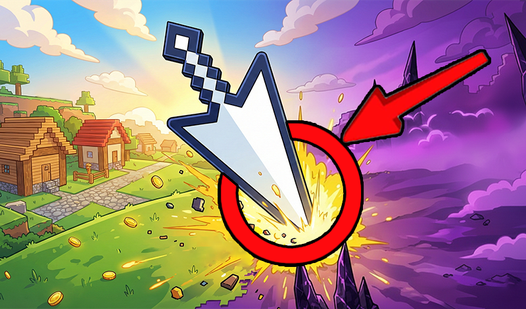
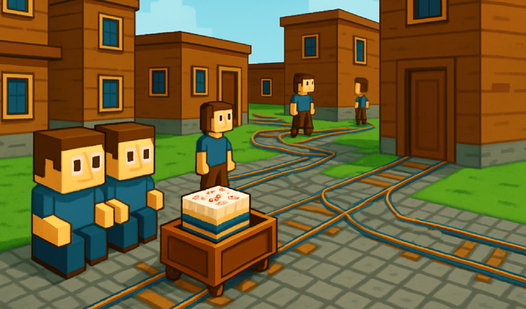
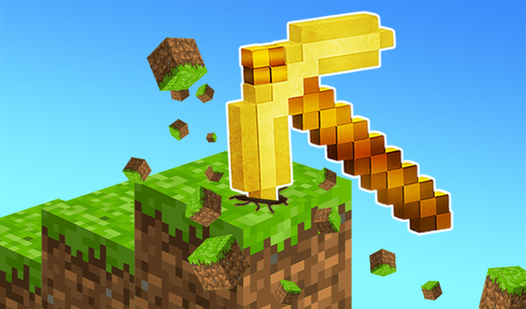
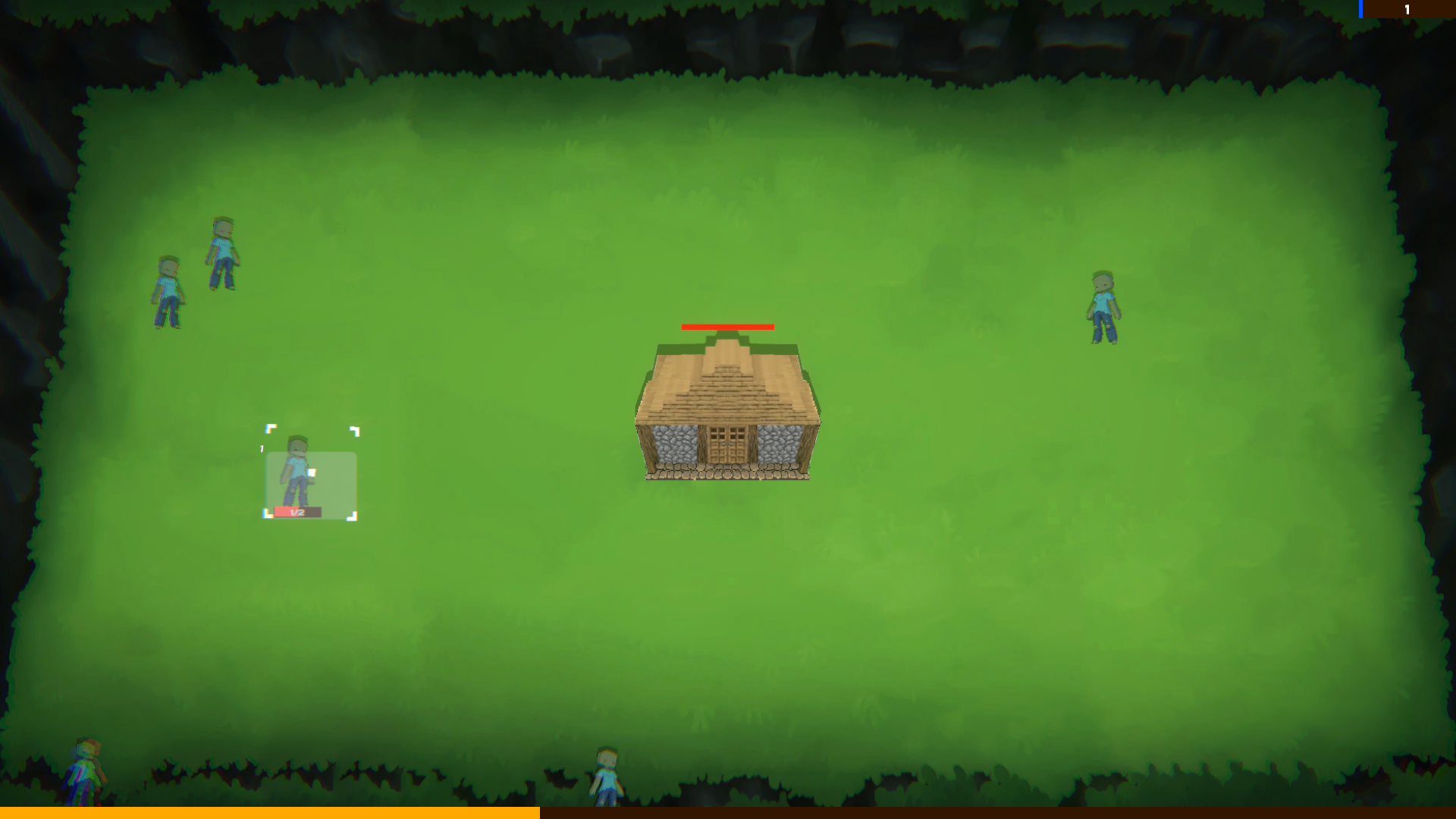
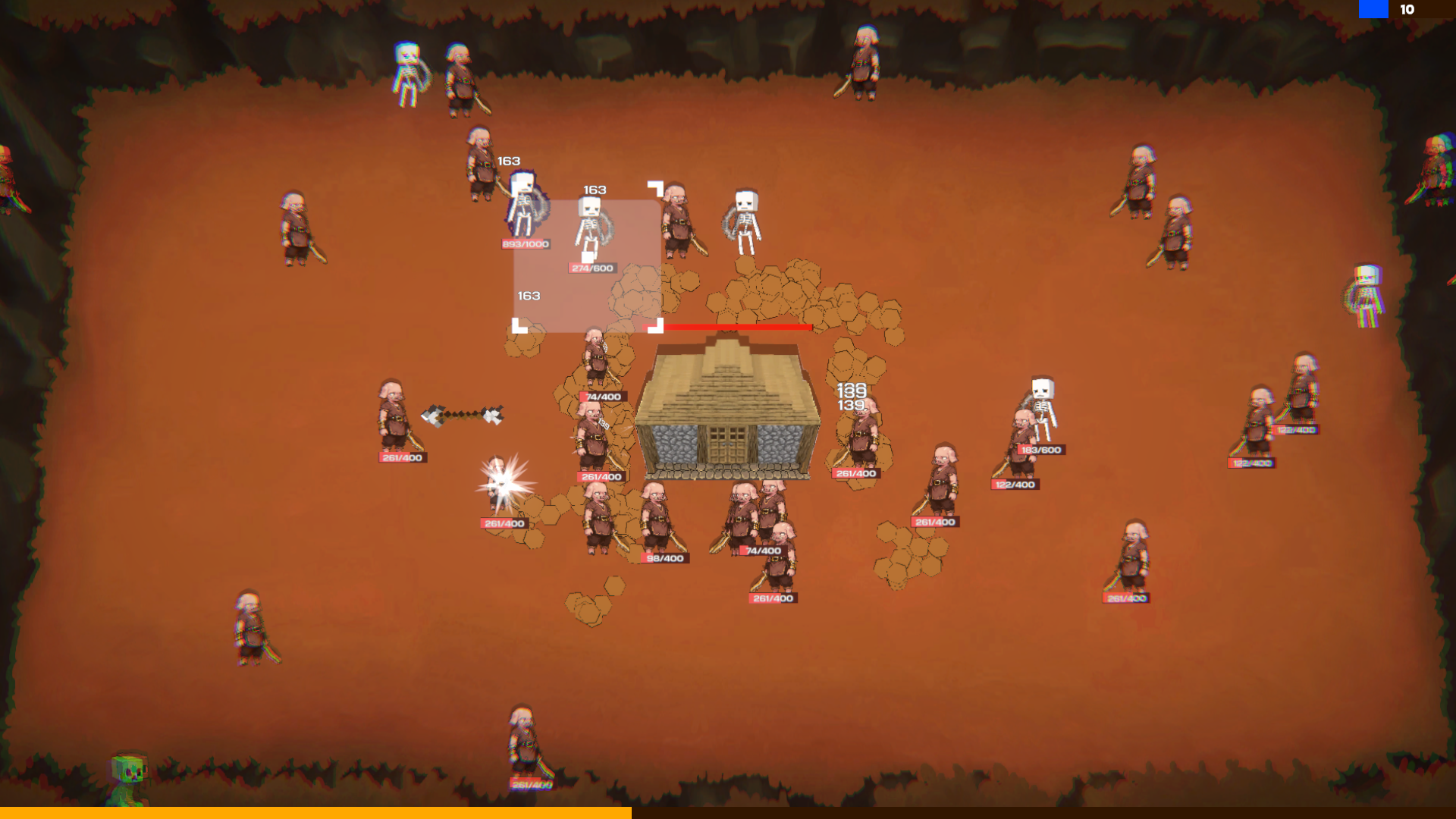
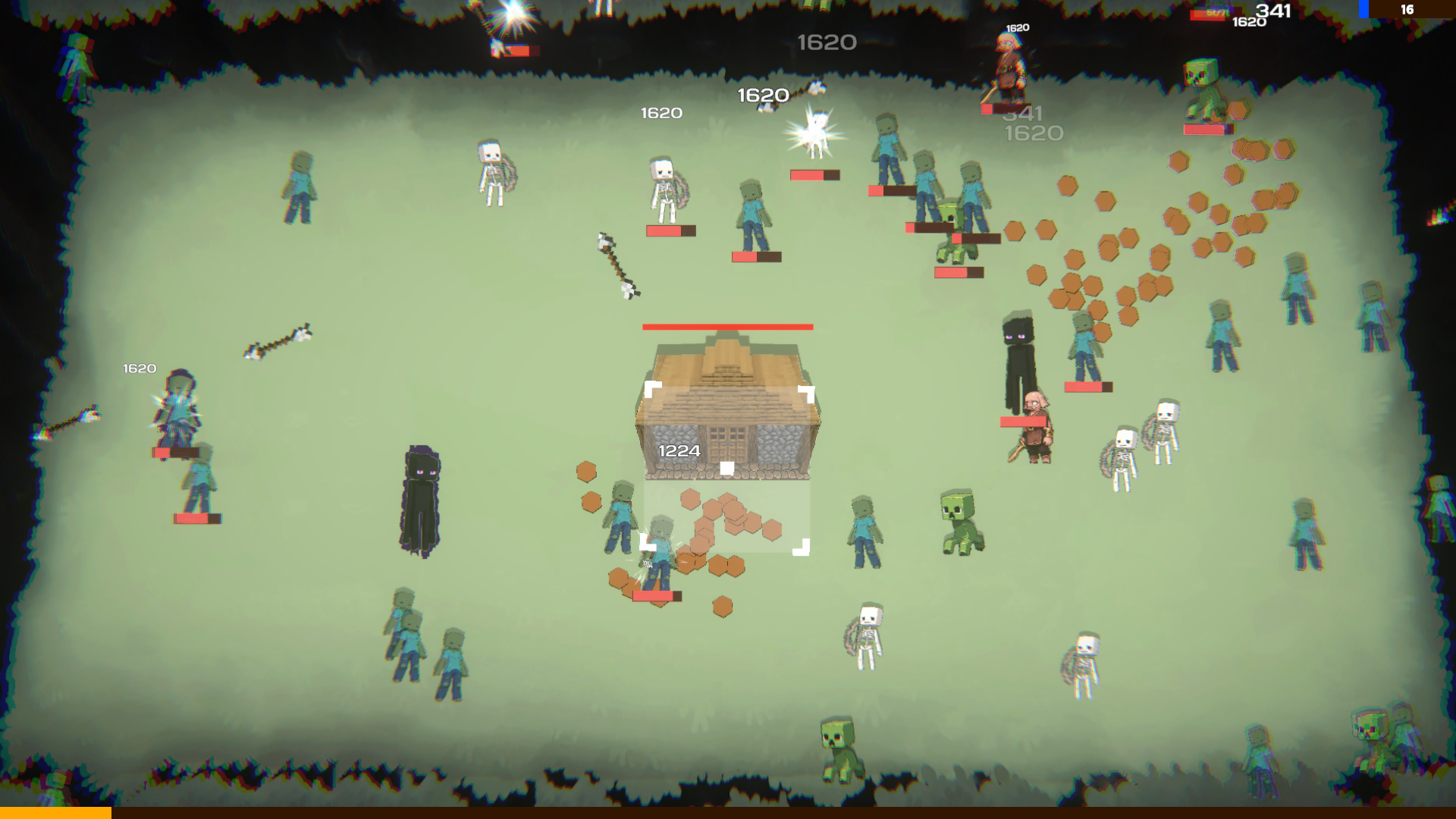
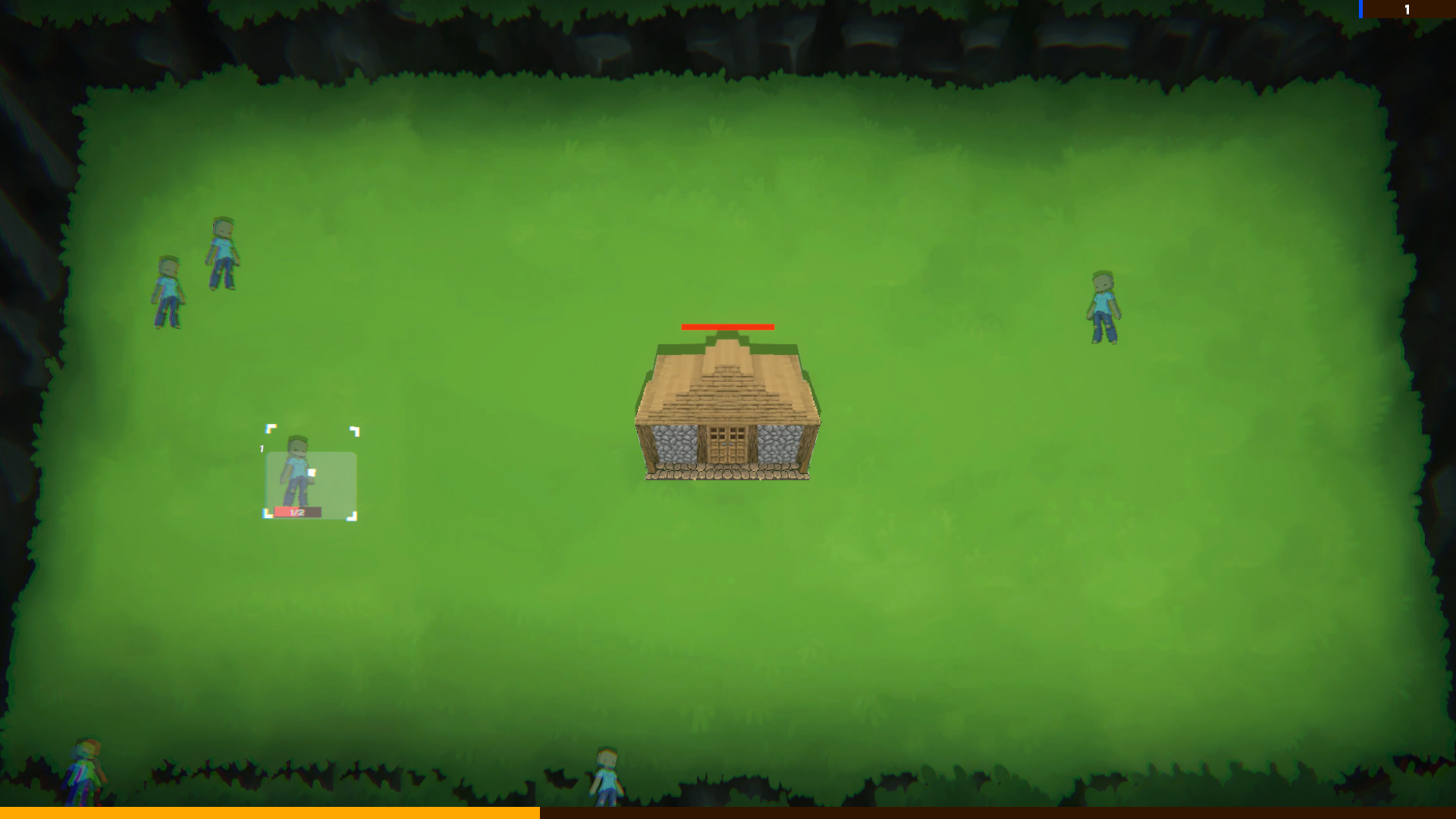
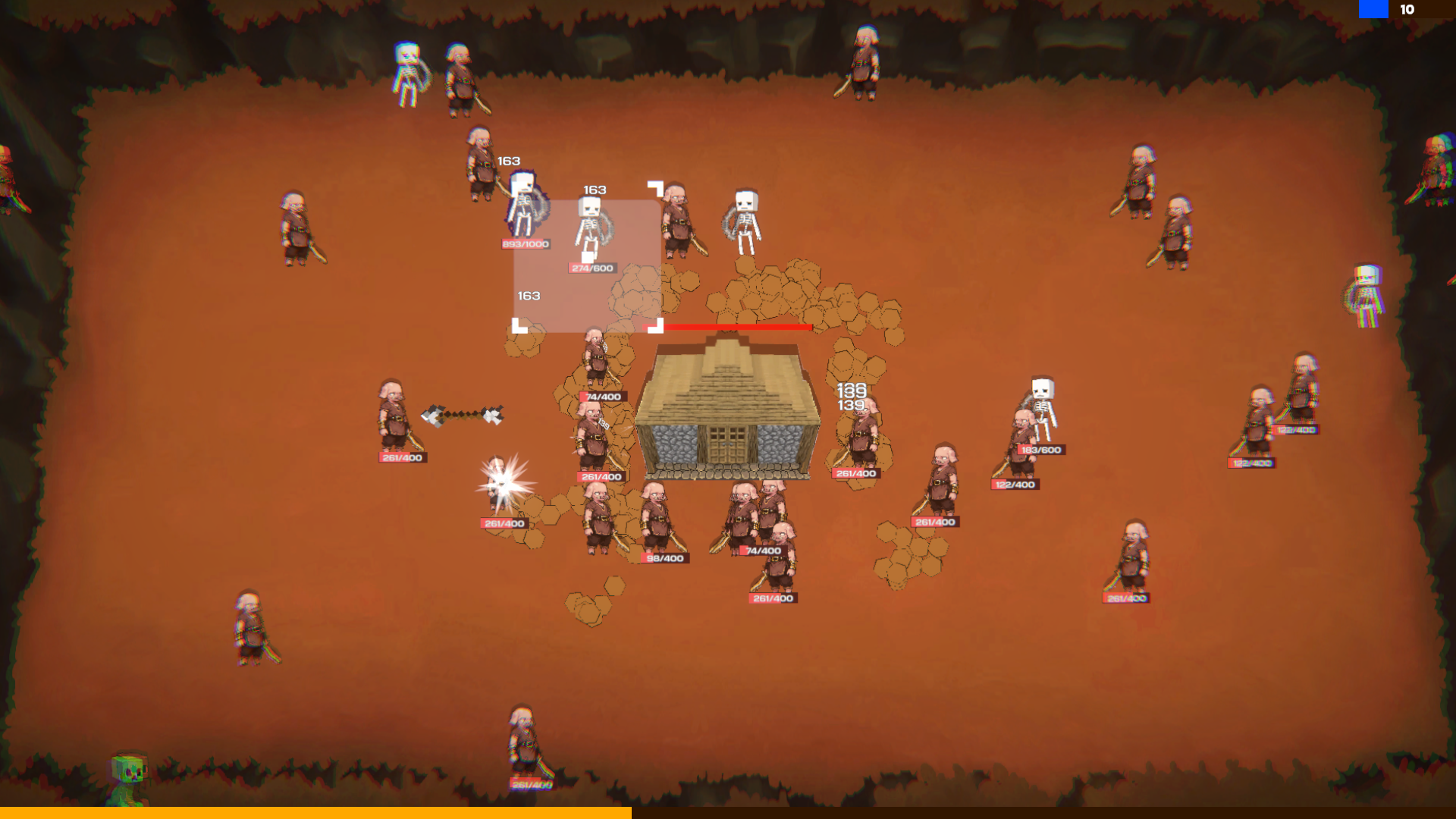
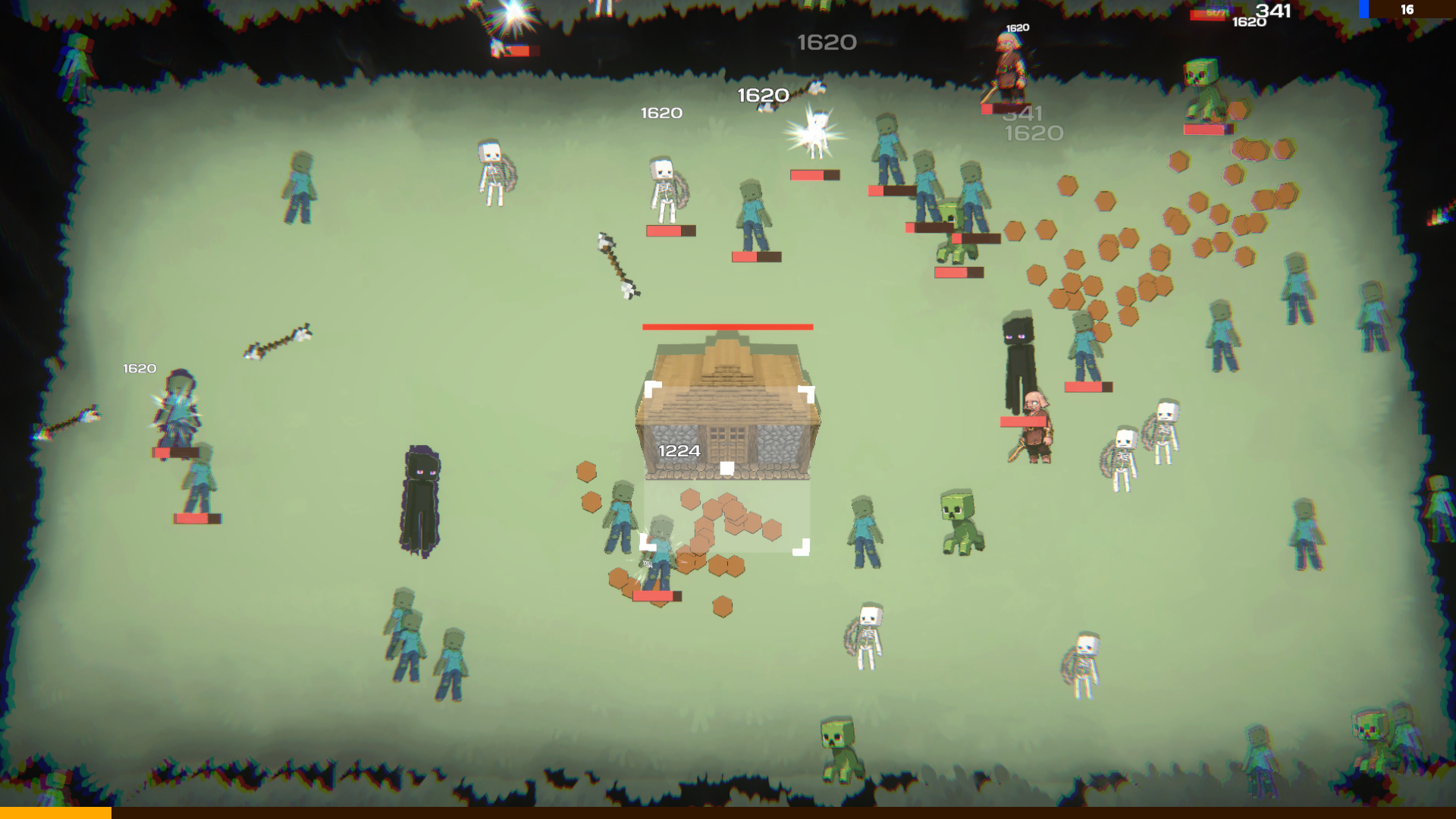
Clicker games often turn simple tasks into obsession, but Cursor-Square vs Mine: Home Defense takes this to another level with relentless action. You control a combat cursor that uses automatic attacks to shred pixelated monsters before they breach your perimeter. Managing your resources is the key to victory as you harvest copper, silver, and gold from every fallen foe to fortify your defenses. You must strategically hire passive miners to accumulate wealth while you focus on upgrading your weapon damage and fire rate. The gameplay loop demands constant decision-making as you unlock new biomes and face off against tricky enemies like teleporting mobs and kamikazes. With over 150 unique upgrades and a robust prestige system, the sense of progression feels incredibly rewarding. Whether you love the blocky aesthetic of games like Minecraft or simply enjoy a solid idle game, this title offers endless tactical depth. Experience all the frantic defense action for free directly in your browser without any downloads required.
How to play
Defeated enemies drop Copper, Silver, Gold, and Diamonds.
Level up through the upgrades menu!
Hire miners - Spend Silver on passive workers!
Trade currency - Unlock trading (100 Gold) to convert excess currencies.
Prestige levels - Complete levels to unlock challenging prestiges with better rewards!
Controls:
Left mouse button - click interface buttons.
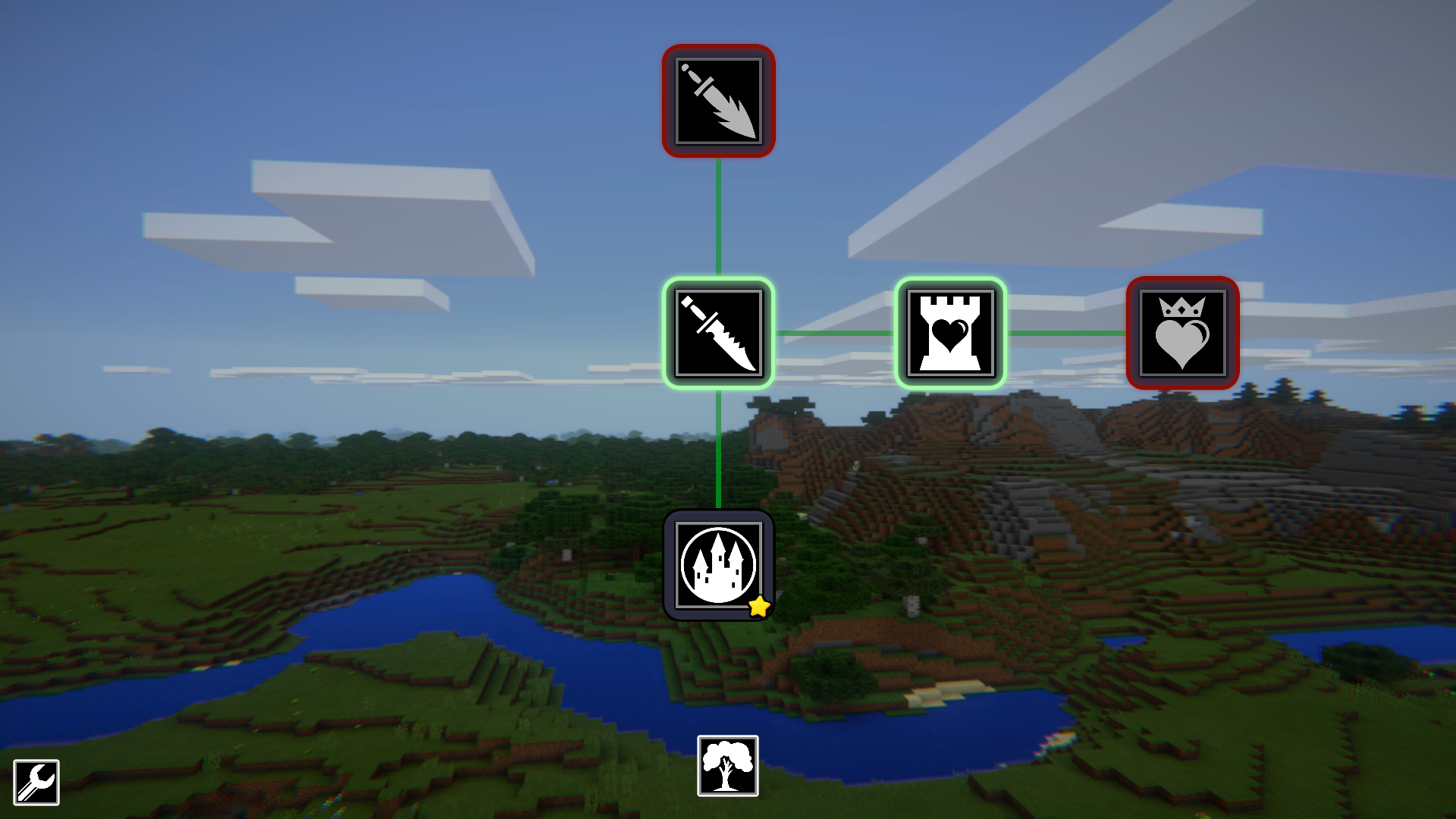
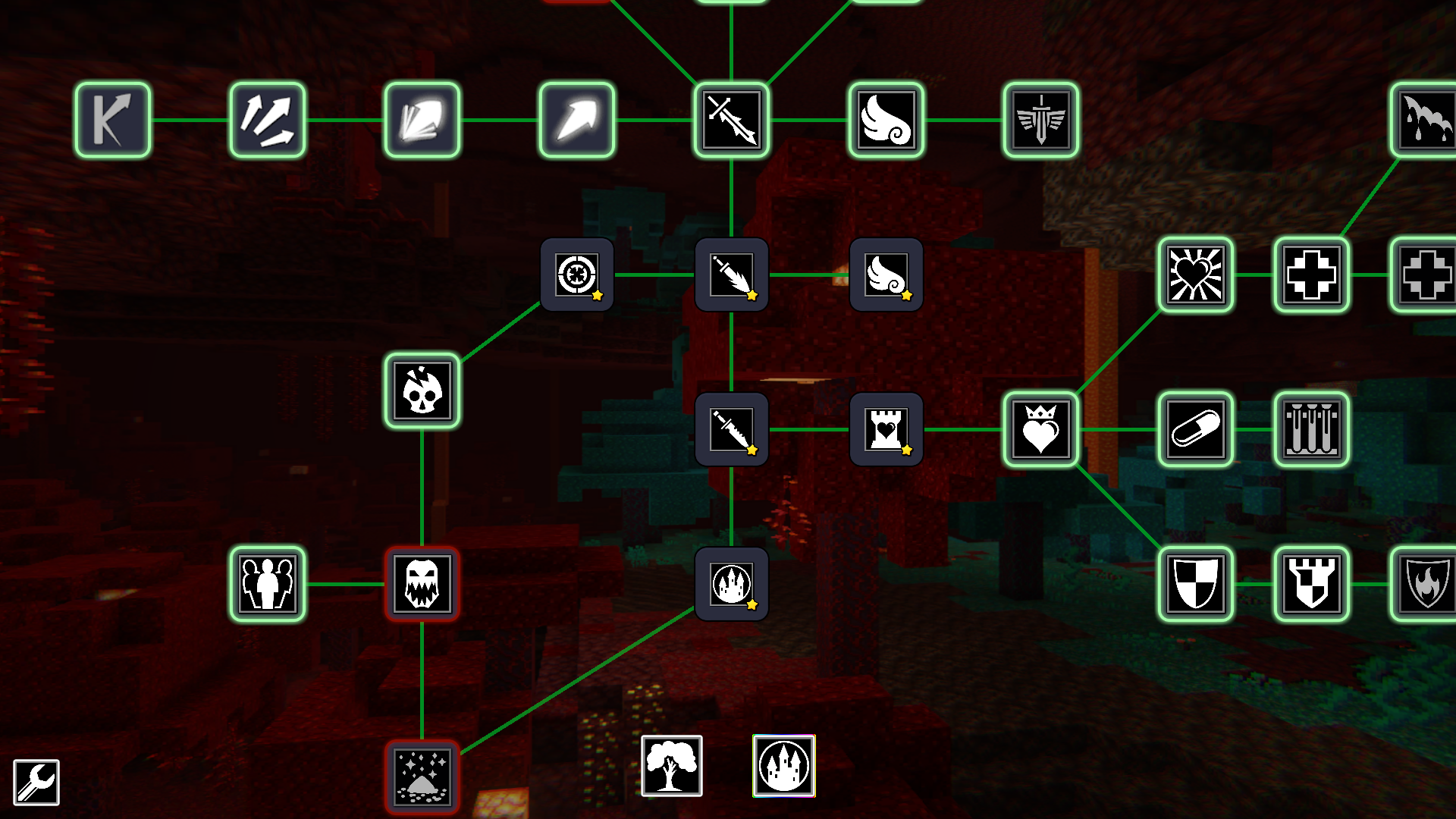
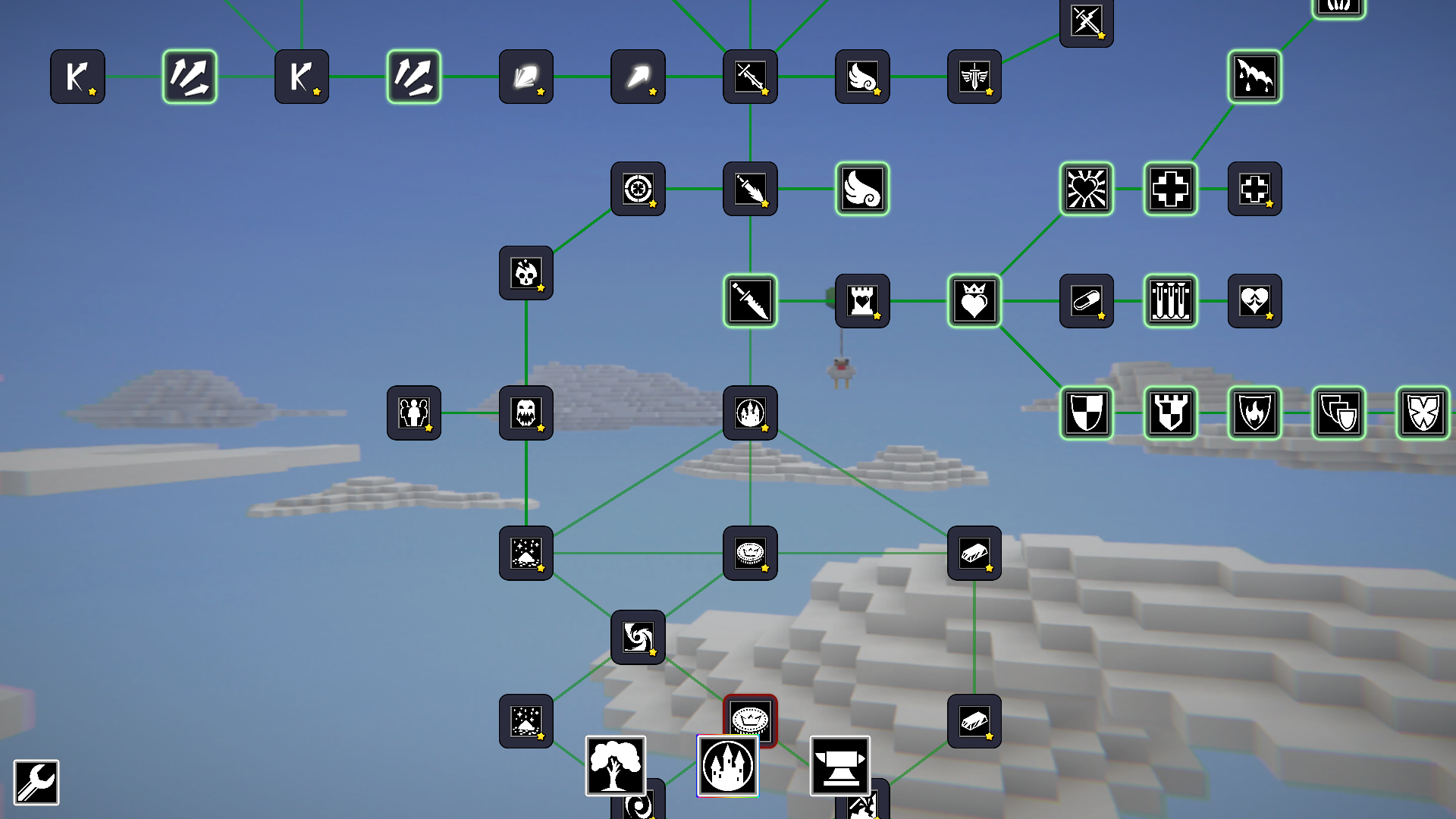
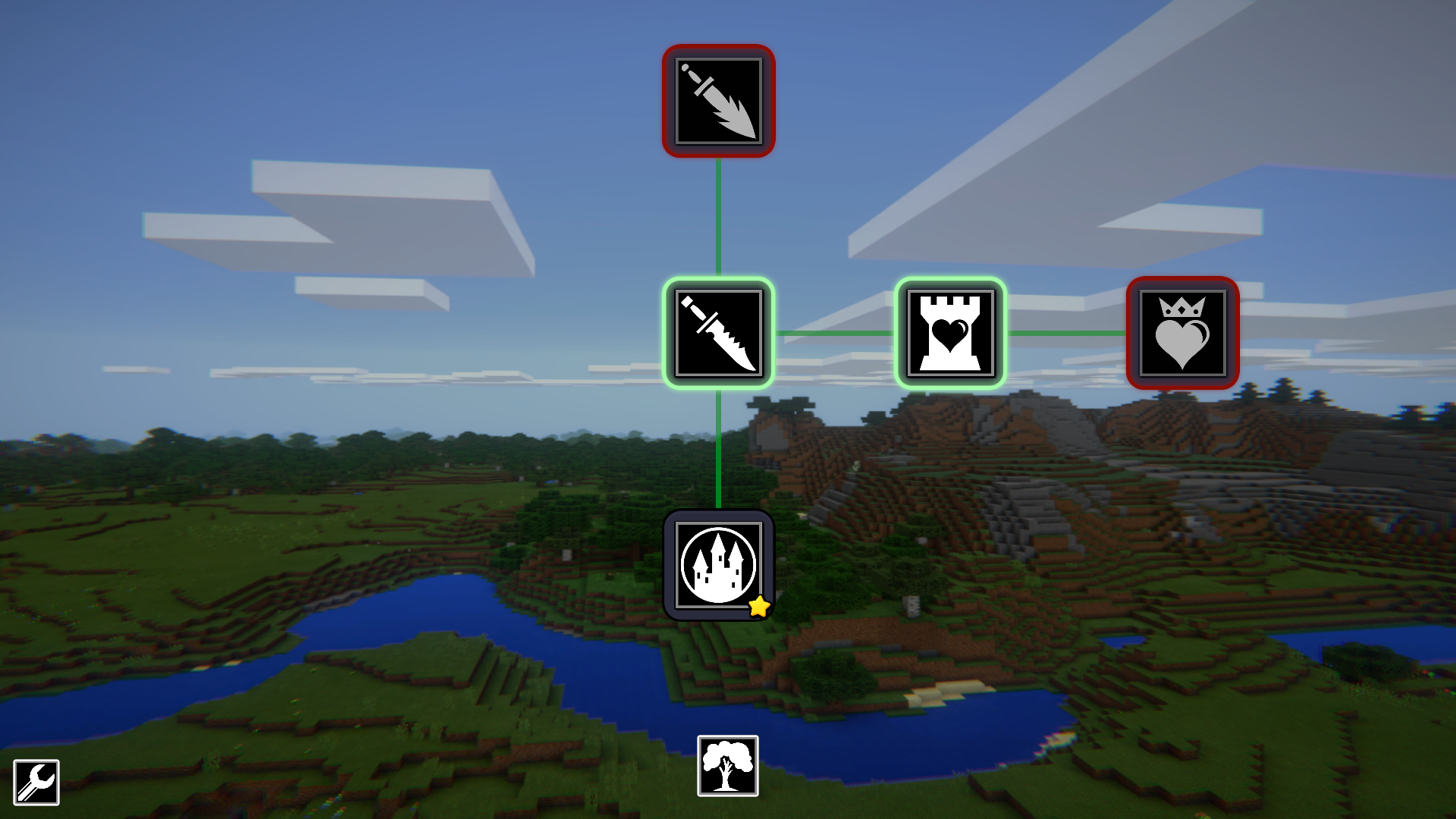
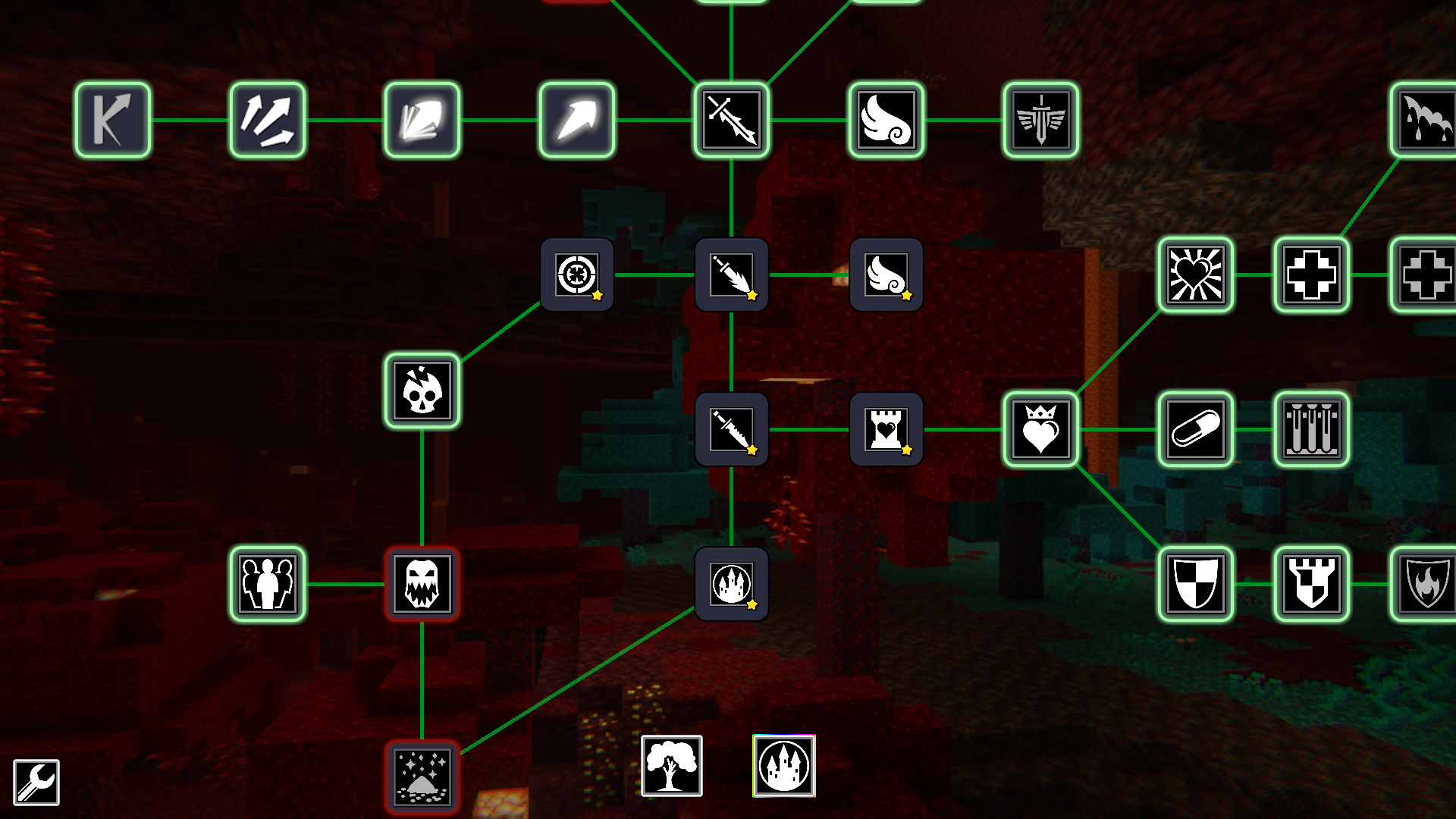
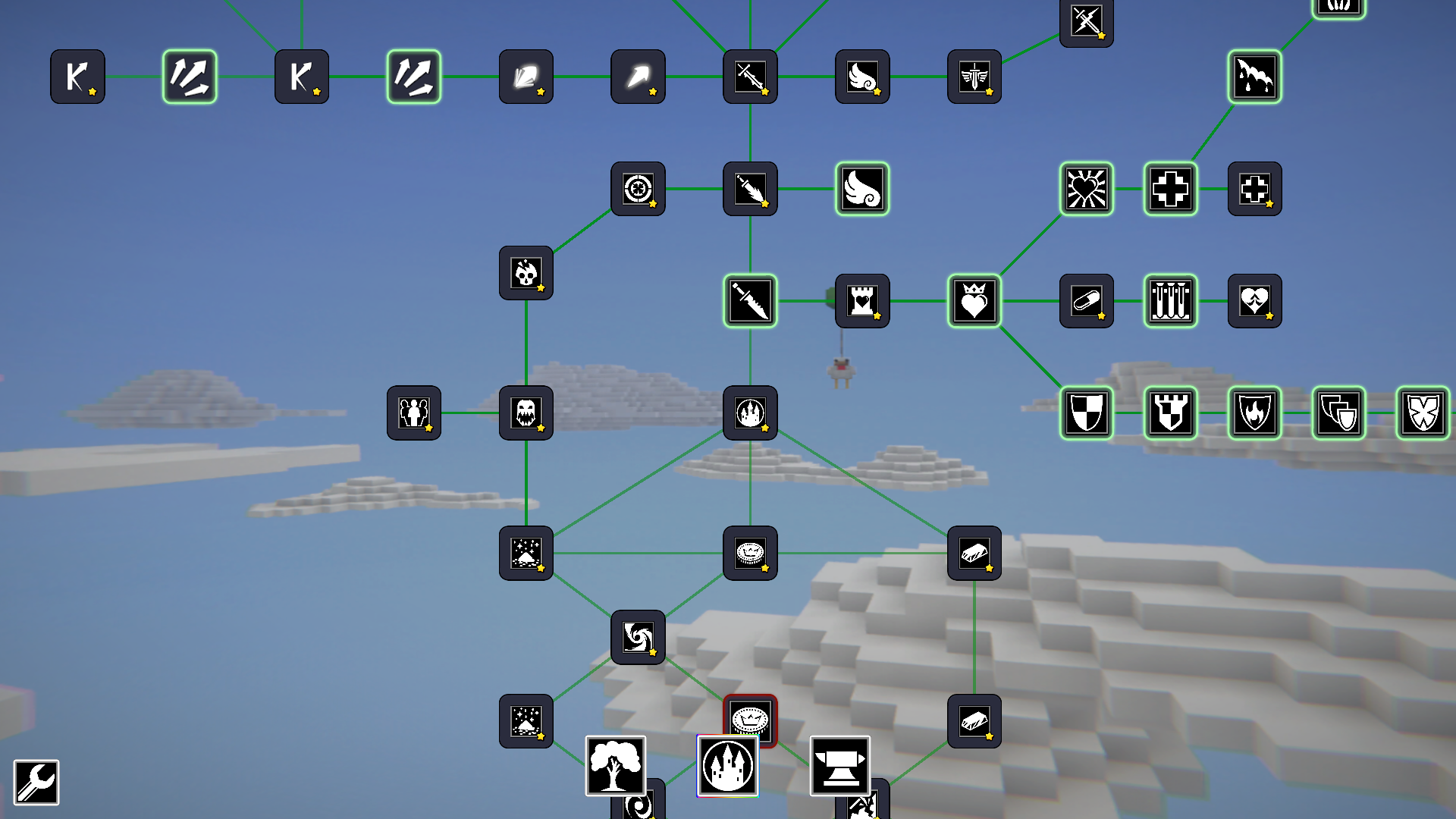
Hold left mouse button and drag - navigate the upgrade tree.
Scroll mouse wheel - zoom in and out of the upgrade tree.
Features
- Dynamic Enemies: Face six unique creature types including kamikazes that explode on impact and teleporting mobs that bypass static defenses.
- Currency Exchange: Utilize the trading system to convert your excess resources into precious materials once you unlock the 100 Gold threshold.
- Fortress Upgrades: Strengthen your home base with defensive arrow towers and structural improvements to survive waves of increasing difficulty.
- Ascension System: Reset your progress to gain powerful permanent bonuses, allowing you to smash through previously impossible difficulty spikes.
- Vertical Progression: Navigate a massive upgrade tree that allows you to tailor your cursor stats and mining efficiency to your specific playstyle.
Who is it for
Idle game enthusiasts and fans of incremental mechanics who enjoy watching numbers grow. Players who appreciate tower defense strategy and retro pixel art will find the progression loop satisfying. Those looking for a quick, browser-based distraction without the need for registration or complex installations will love this experience.
Controls
Attack
Your cursor attacks automatically when enemies are in range.
Navigate Upgrades
Hold left mouse button and drag across the upgrade tree.
Zoom
Use the mouse wheel to zoom in and out of menus.
Mobile Interaction
Tap interface buttons and swipe to scroll through the upgrade menus.
FAQ
How do I increase my stats in Cursor-Square vs Mine: Home Defense?
›
You must collect resources dropped by enemies and spend them in the upgrade menu to boost your damage, fire rate, and mining speed.
Can I play Cursor-Square vs Mine: Home Defense on my mobile device?
›
Yes, the game is optimized for browser play, allowing you to use touch controls to navigate menus and manage your defenses on the go.
What is the benefit of the prestige system in Cursor-Square vs Mine: Home Defense?
›
Prestige levels allow you to reset your current run in exchange for powerful permanent upgrades that make subsequent attempts significantly easier and more rewarding.