About game
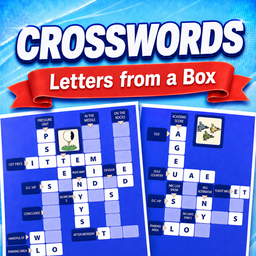
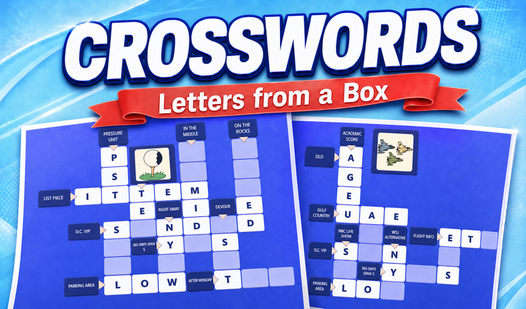
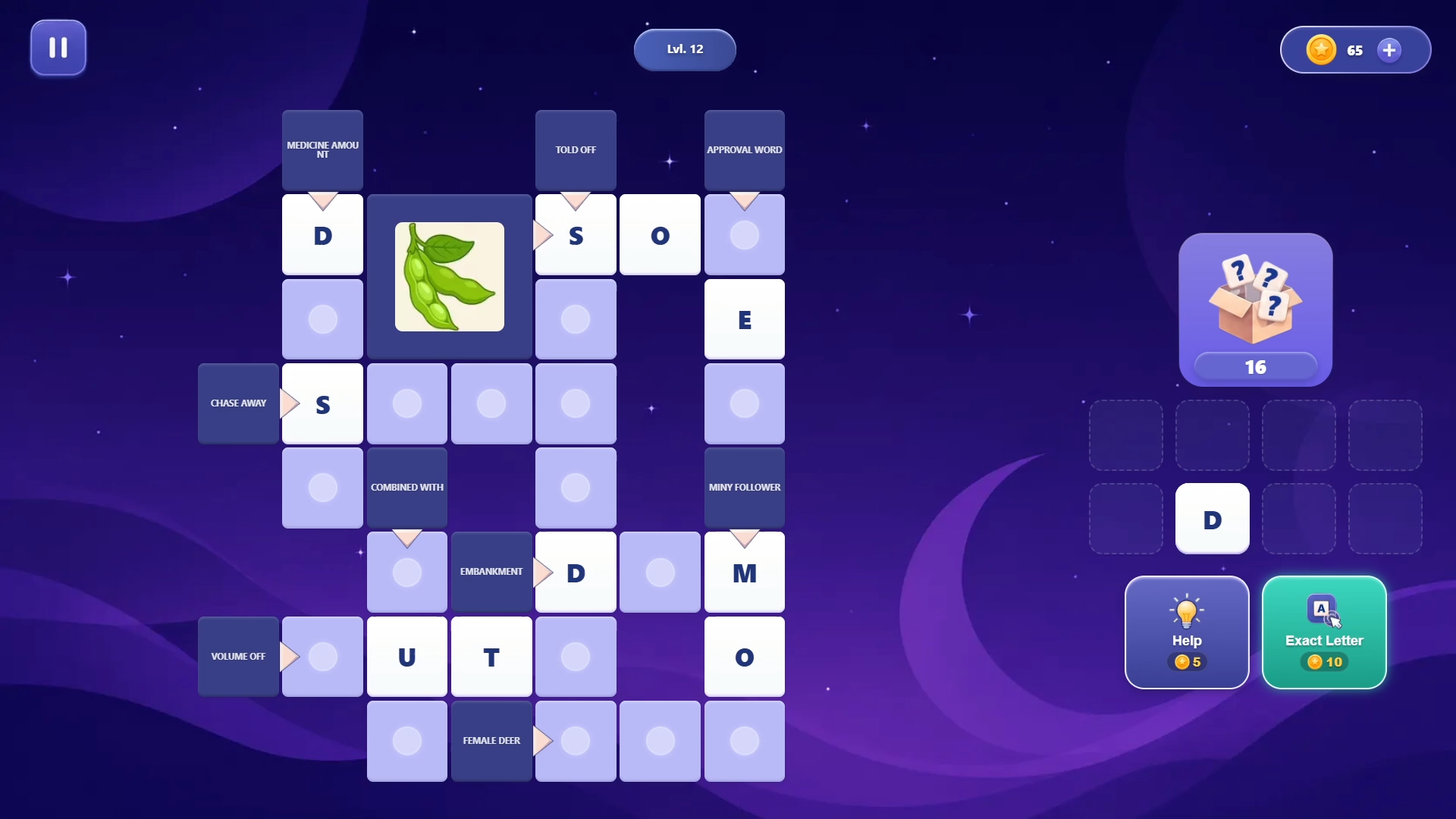
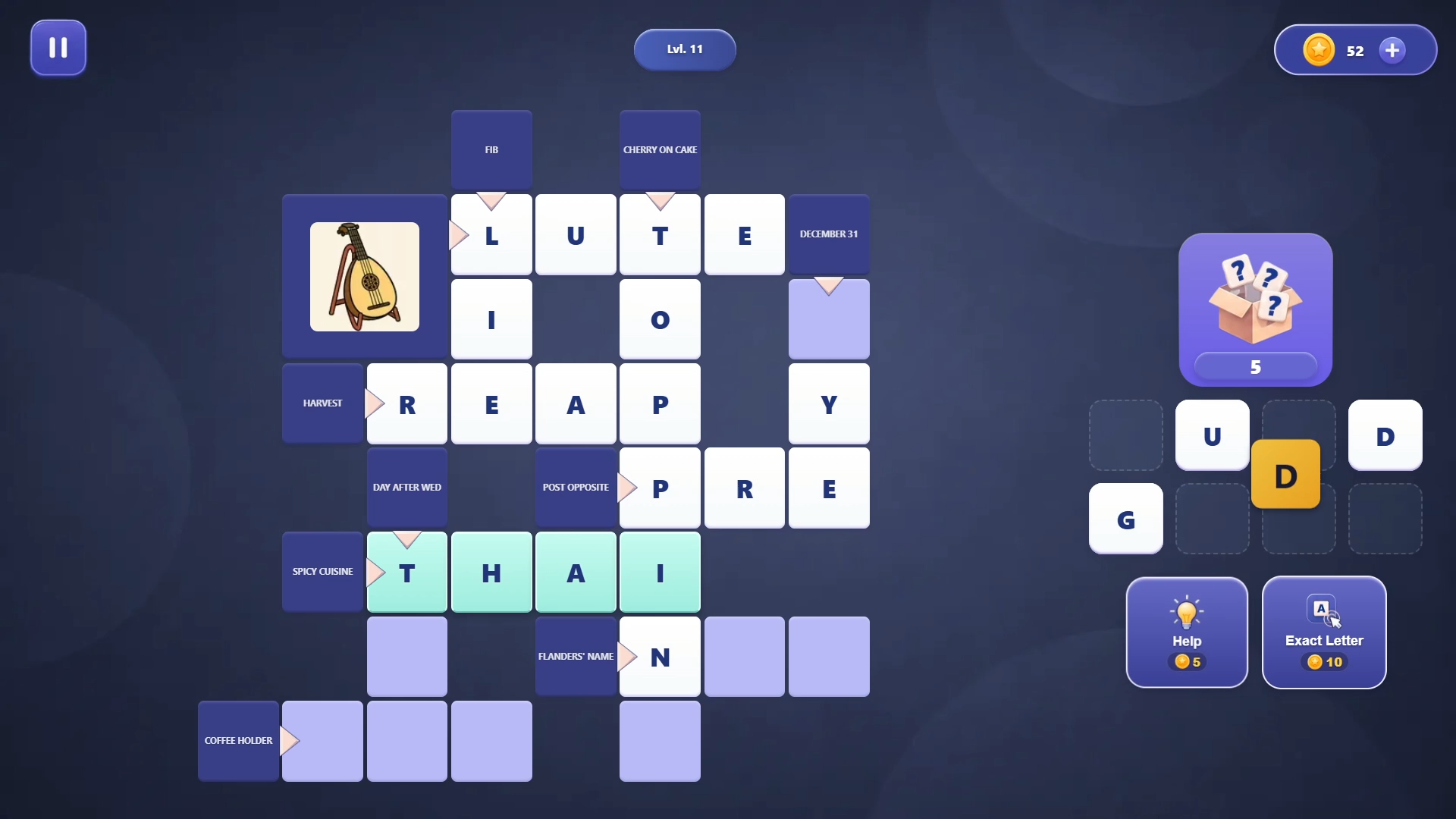
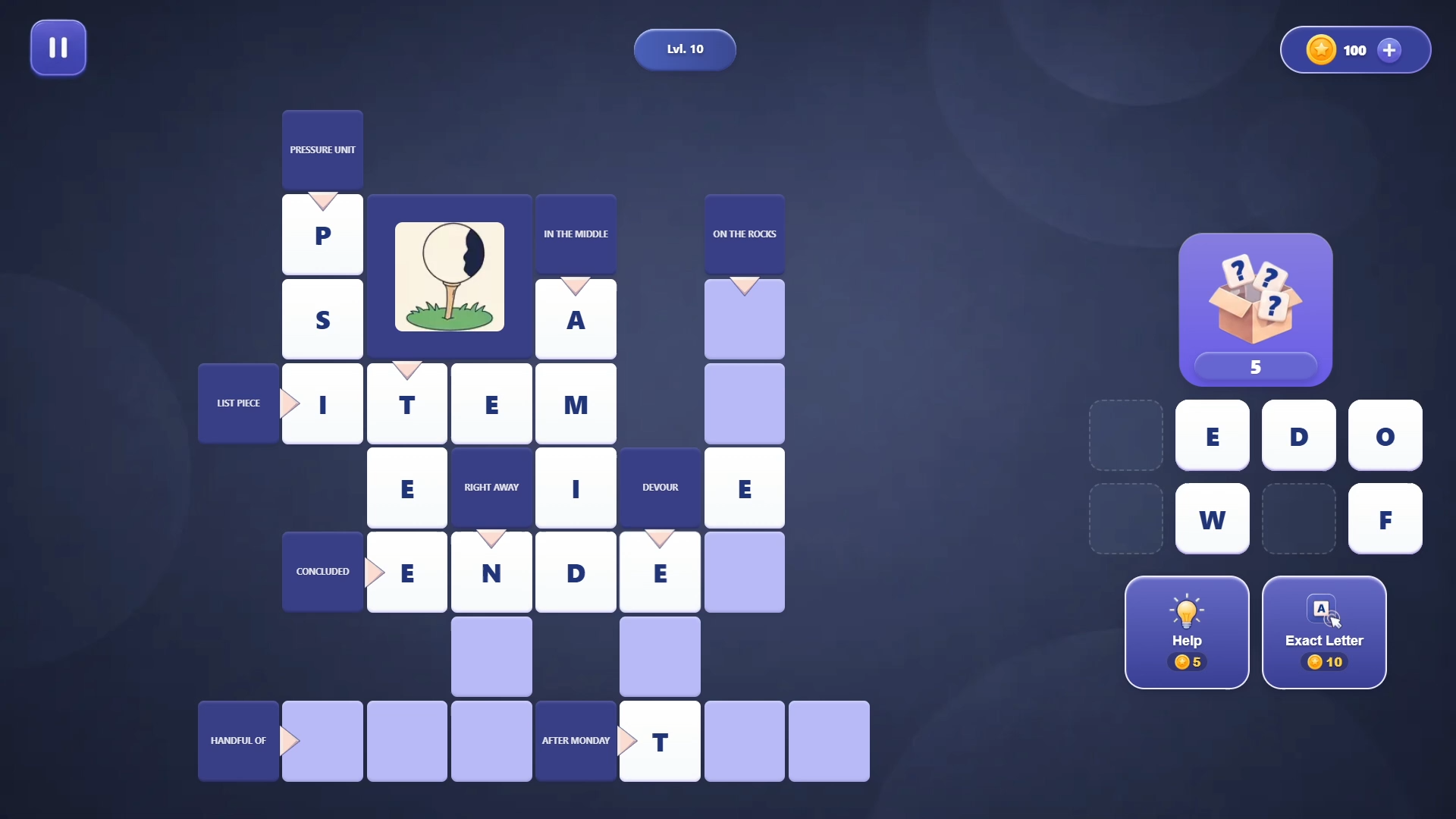
Word game enthusiasts will appreciate the mental workout found in Crosswords: Letters from a Box. You fill the grid by pulling characters from a palette to form words from letters hidden in your box. Each level tasks you with deciphering clues to complete the board before your supply runs dry. Puzzles range from simple morning warm-ups to complex challenges that test your vocabulary. You tap or drag letters to lock them into place, making every move feel tactile and satisfying. The game keeps things fresh with daily rewards and progress tracking that celebrates your growing skill. Customizing the background allows you to change the aesthetic to fit your personal style. You can play Crosswords: Letters from a Box directly in your browser without any annoying downloads.
How to play
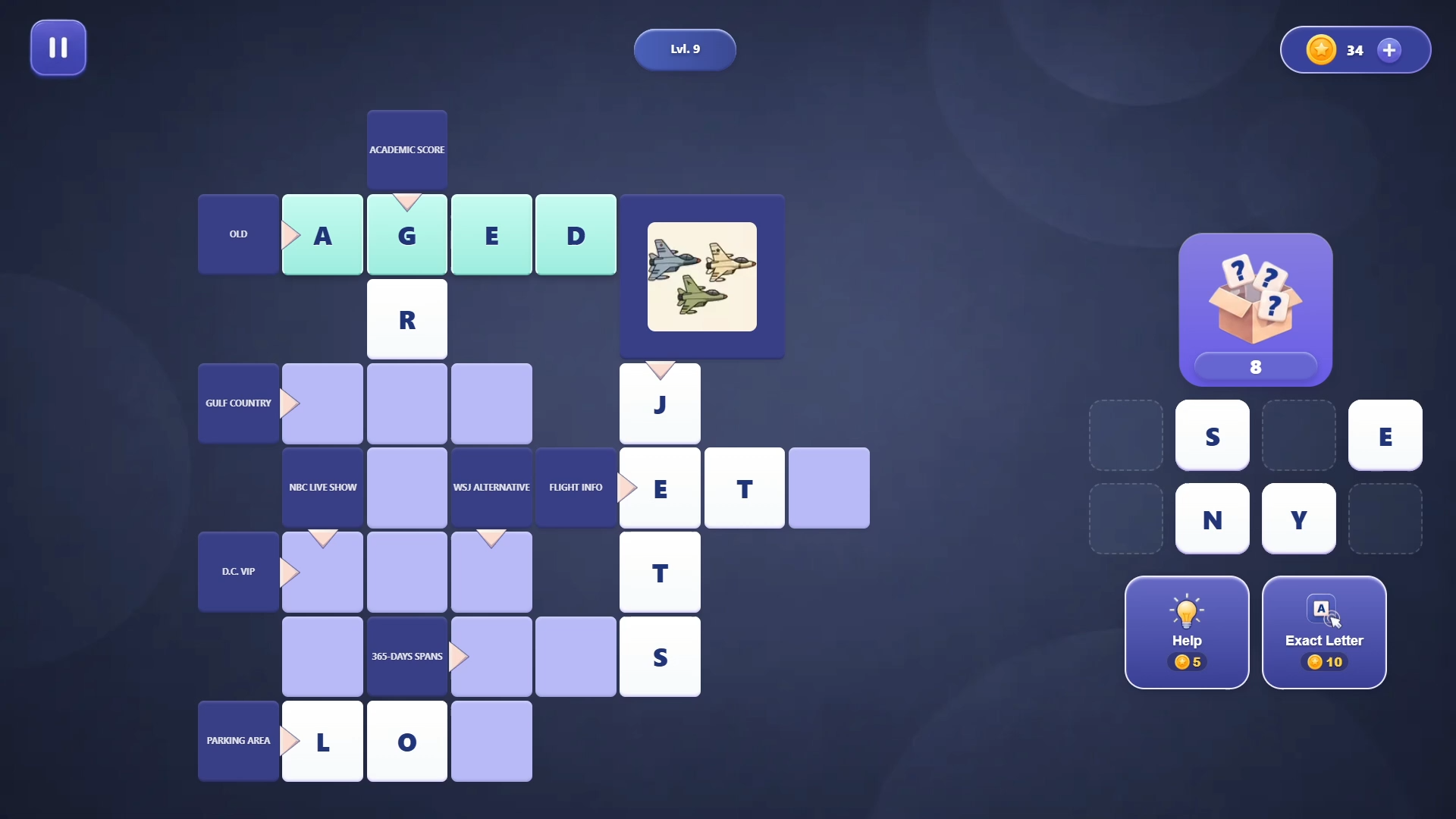
1. Tap any question cell (with an arrow) to zoom in on the text or image clue to read it clearly.
2. You will find a letter palette and a magic box on the screen (at the bottom in portrait mode, or on the right in landscape mode).
3. Tap a letter in the palette to select it, then tap the target cell on the crossword. If the letter is correct, it will snap into place.
4. You can also drag letters directly from the palette to the board using your finger or mouse.
5. Tap the box to draw new letters when there is space in your palette.
6. If you get stuck on a difficult word, use hints for coins or watch a quick ad.
Features
- Dynamic Palette: Manage your available characters carefully to ensure you have the right tiles for every connected word.
- Integrated Clues: Zoom into specific grid areas to read detailed text or image hints for tricky answers.
- Persistent Progress: Track your performance on global leaderboards to see how your word skills stack up against others.
- Visual Customization: Switch between multiple themes to keep the interface looking clean and comfortable during long sessions.
- Reward System: Build your streak by logging in daily to earn coins used for helpful hints.
Who is it for
Word game fans who enjoy challenging their logic and vocabulary will find this browser title satisfying. It suits puzzle enthusiasts looking for a quick brain training session during a coffee break, as well as those who prefer relaxing, slow-paced logic games available on any mobile or desktop screen.
Controls
Select letters
Tap a letter in the palette followed by the target cell on the board.
Place letters
Drag and drop letters from the palette directly onto the crossword grid.
Draw new letters
Tap the magic box icon to fill your palette when you run out of tiles.
View clues
Tap any cell with an arrow to zoom into the specific hint for that word.
FAQ
How do I earn hints in Crosswords: Letters from a Box?
›
You can earn hints by collecting daily bonuses or watching short ads to replenish your coin supply.
Can I play Crosswords: Letters from a Box on my phone?
›
Yes, the game is fully optimized for mobile browsers using touch controls like tapping and dragging.
Is it possible to track my progress in Crosswords: Letters from a Box?
›
You can monitor your performance and compete against others using the built-in leaderboard system.