About game
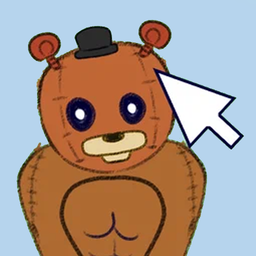
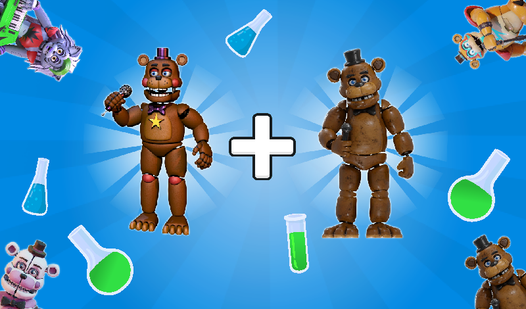
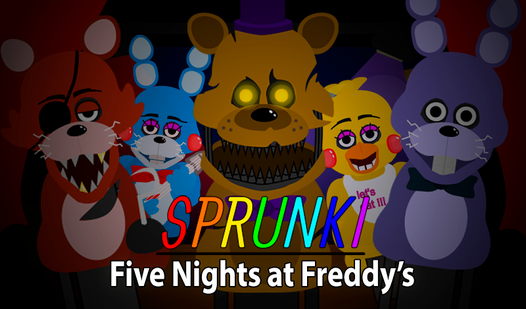
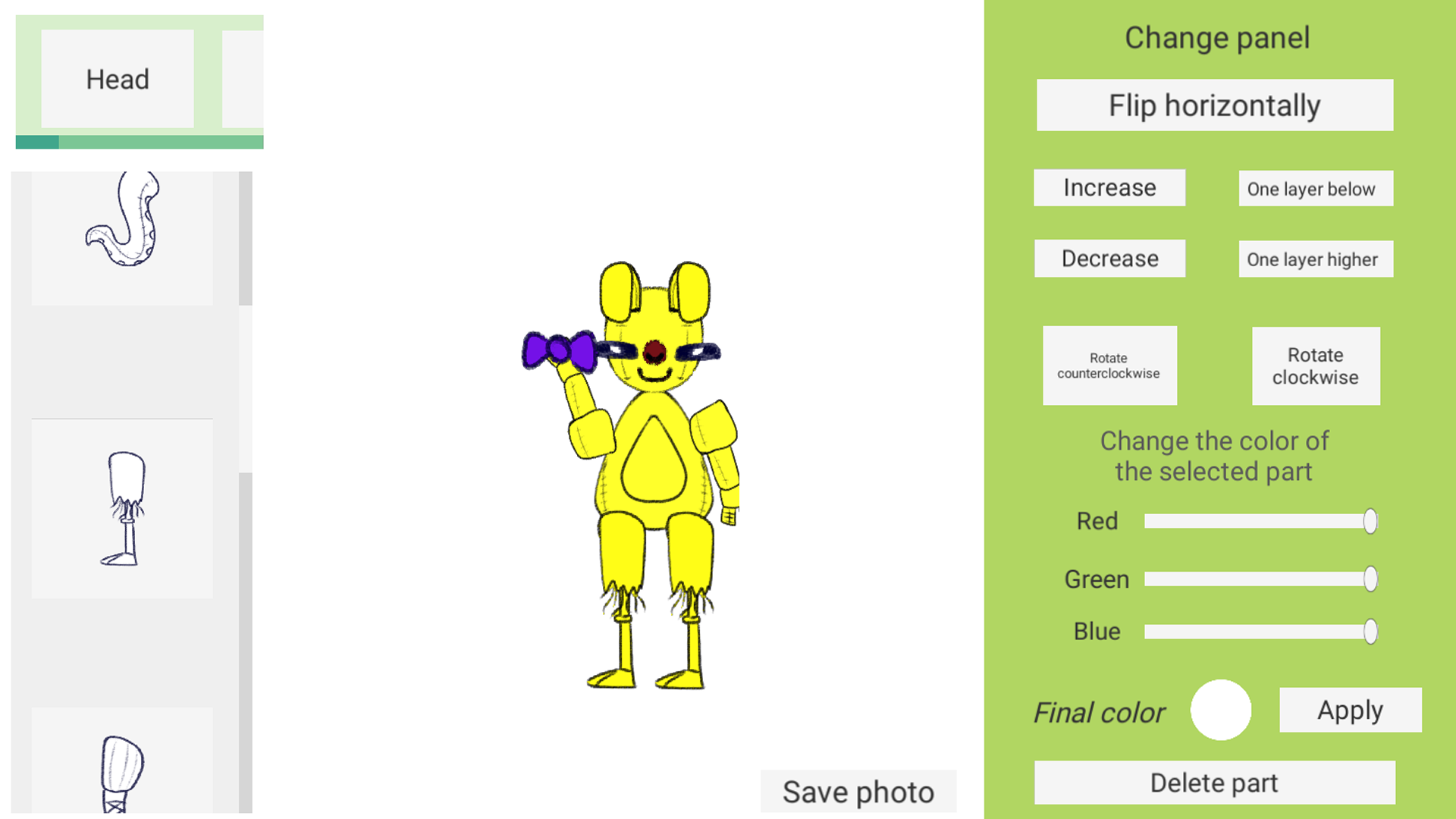
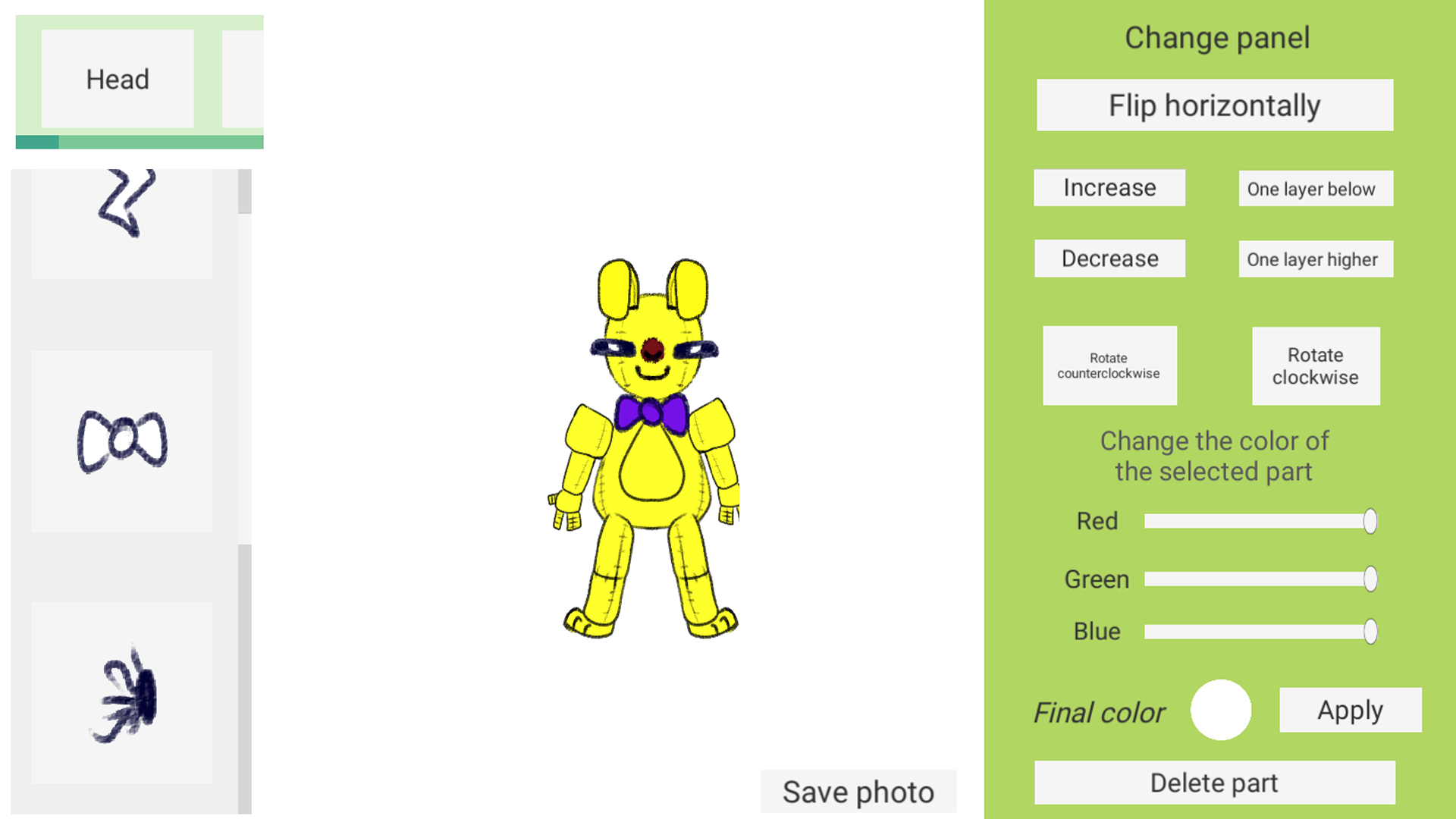
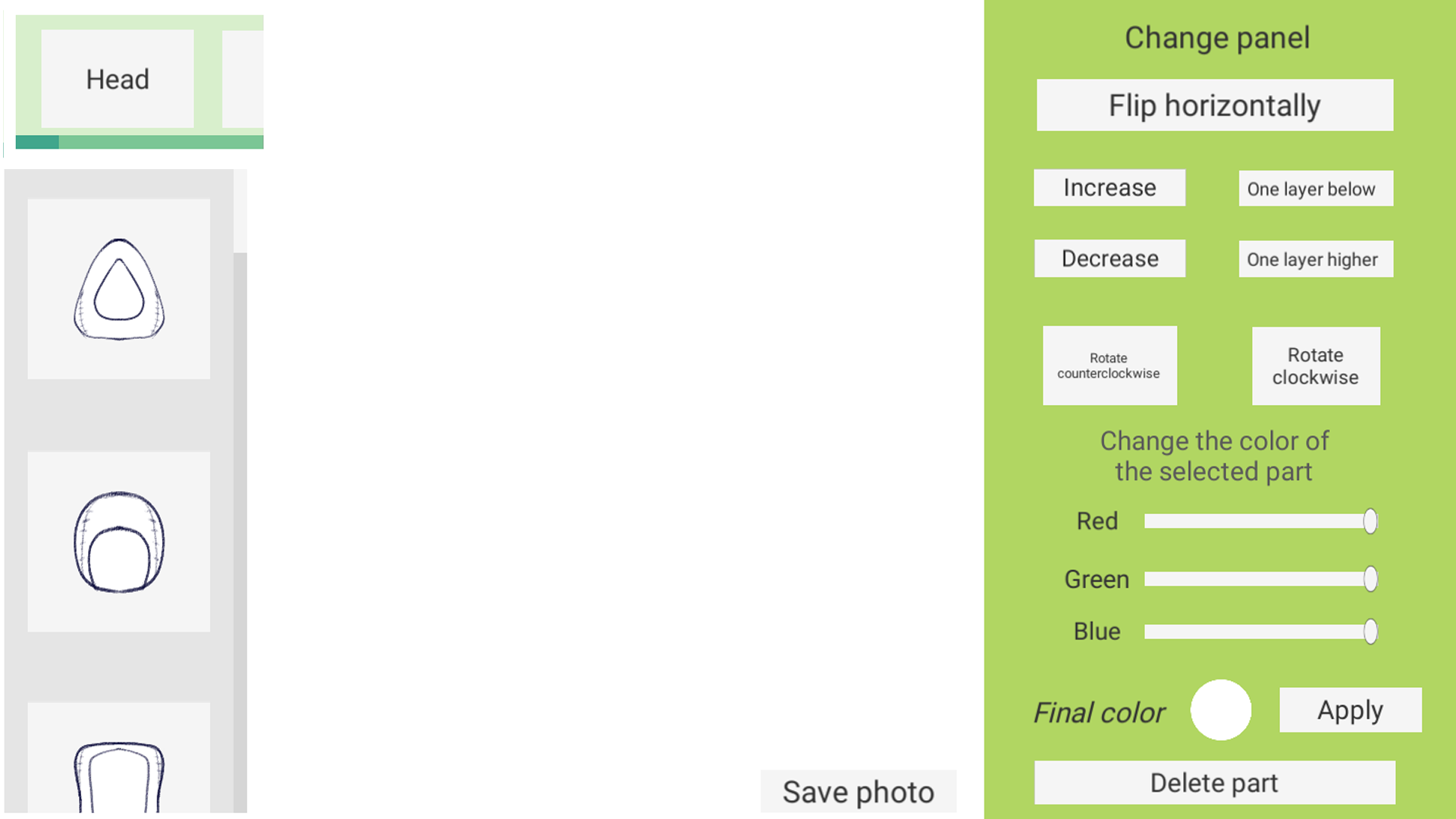
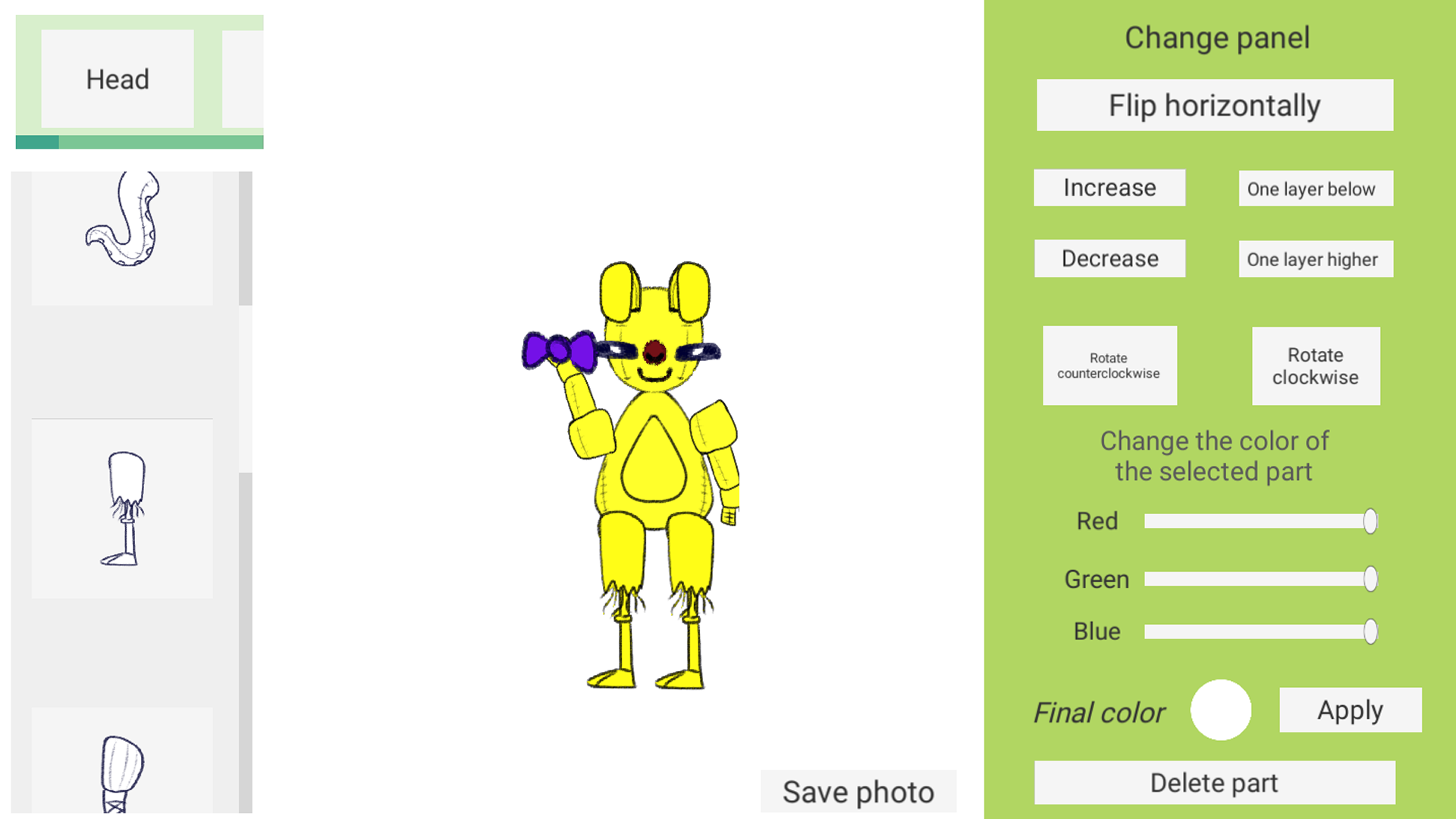
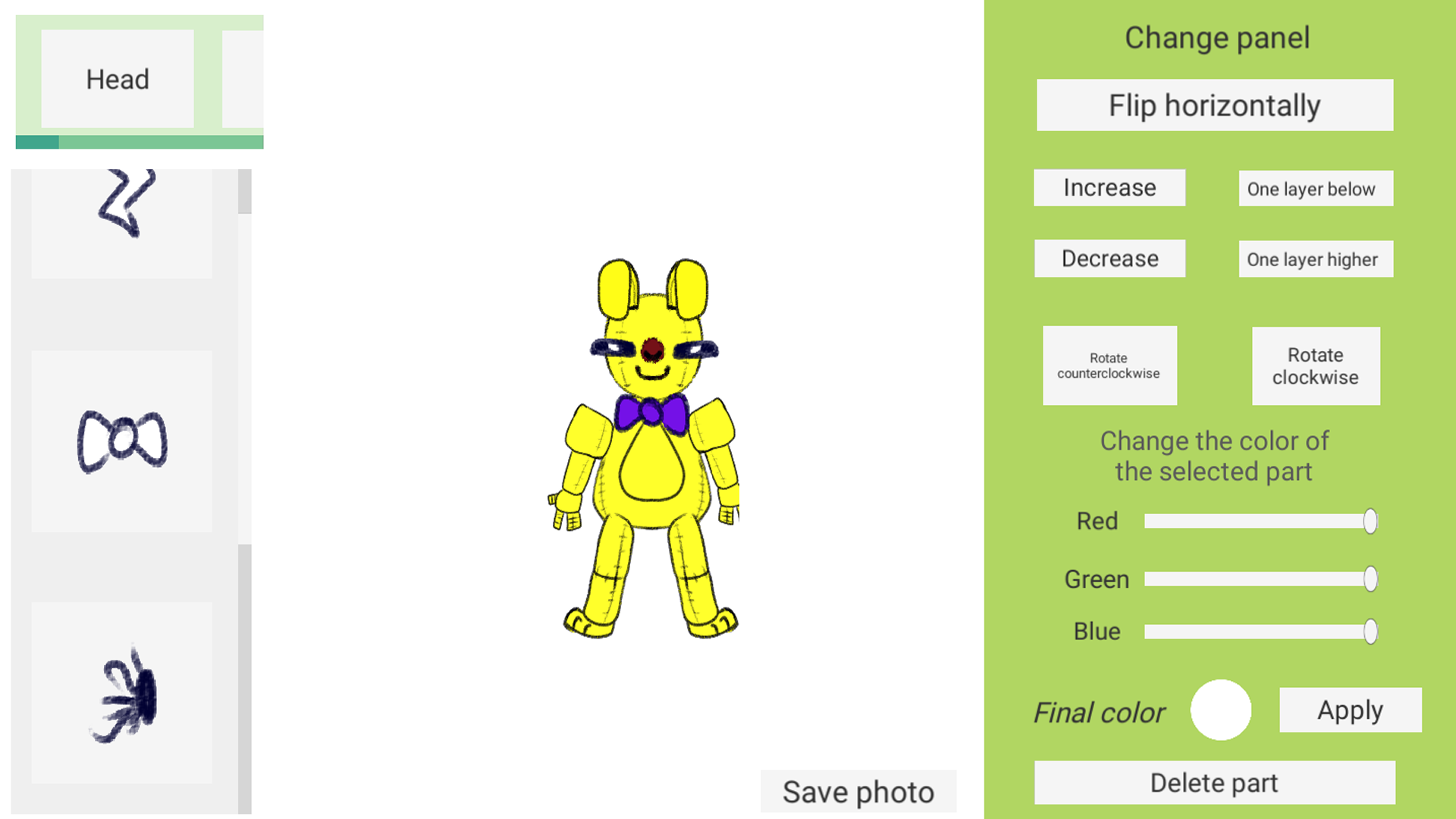
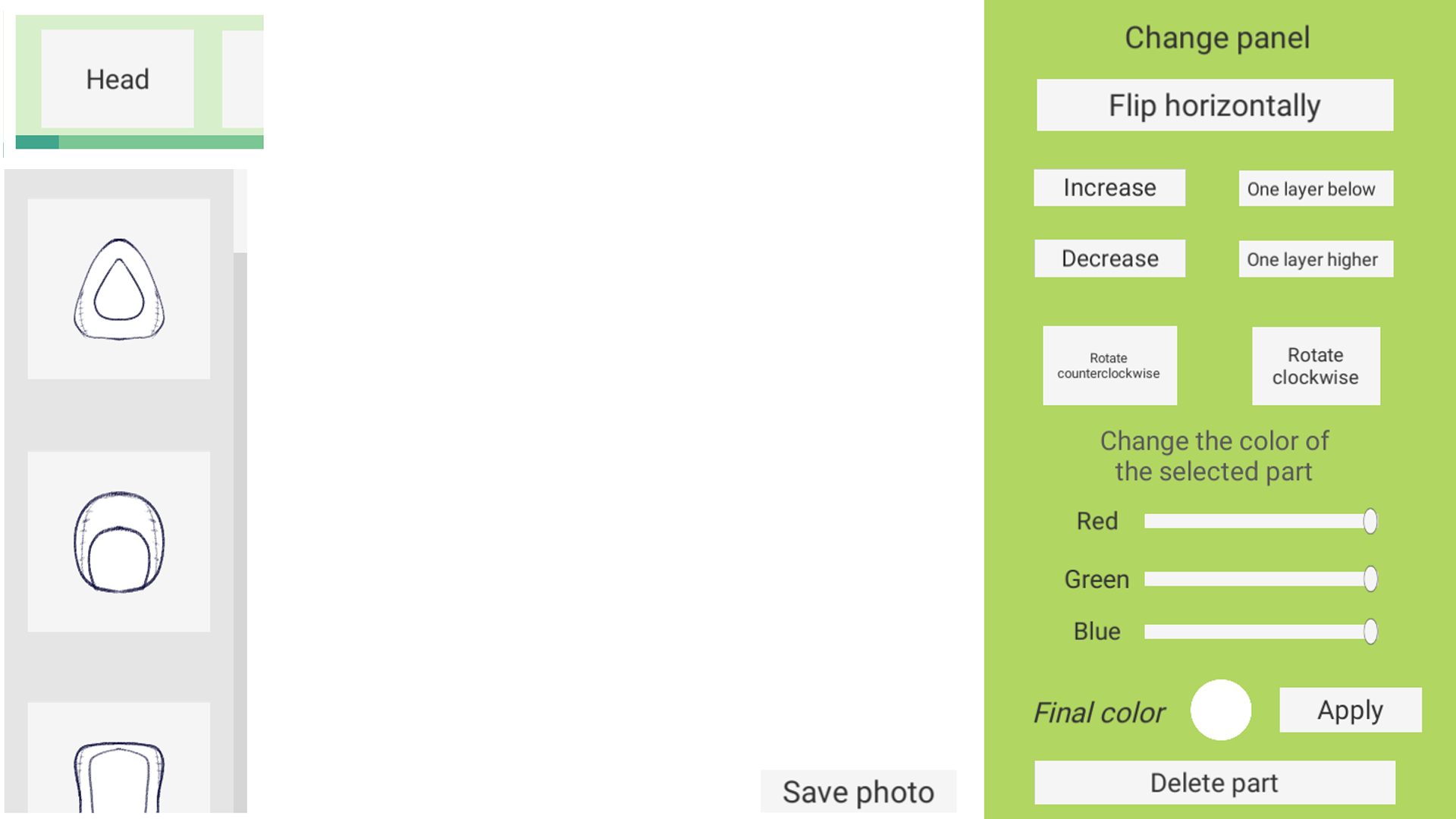
Staring at a blank screen during a coffee break is the worst, but you can turn that boredom into creativity in seconds. Creator of animatronics is the ultimate digital workshop where you build your own mechanical monsters from the ground up. You get access to a massive library of over 70 unique components including limbs, heads, and accessories to bring your wildest ideas to life. Simply drag and drop parts onto the stage to assemble your custom robot exactly how you envision it. You can tweak color schemes and positioning for every single element to ensure your creation stands out from the crowd. Since this fnaf style construction simulator offers endless combinations, you will never run out of ways to experiment with your designs. Once your masterpiece is finished, you can snap a photo and save it directly to your device as a trophy. Experience the best animatronic creator games right here in your browser without needing to download a single file.
How to play
All controls in the game work by tapping or clicking the left mouse button:
One click of the left mouse button or one tap on a part - its selection for change.
Left-click or tap to move a part around the stage.
You can change the color by selecting a part with one click of the left mouse button or tap, and then clicking the "Apply" button.
Changing the characteristics of parts occurs using buttons in the menu.
You can save your animatronic using the “Save photo” button; the finished image will be downloaded to your device.
Features
- Layering system: Place multiple copies of the same part to build complex, multi-limbed robot designs.
- Color customization: Use the intuitive menu buttons to apply unique hues to every individual component you select.
- Photo export: Capture your final creation with a built-in save tool that downloads a high-quality image file.
- Stage management: Arrange your robot parts freely across the workspace to test different poses and aesthetic profiles.
- Diverse inventory: Choose from a vast collection of muzzles, eyes, and torsos to define the personality of your creation.
Who is it for
Creative minds who love designing custom robotic characters will find endless fun here. Fans of the fnaf aesthetic who enjoy building their own terrifying or friendly machines will appreciate the deep customization. Casual players looking for a relaxing, artistic outlet will enjoy the straightforward drag-and-drop interface provided.
Controls
Select part
Single left click or tap on the desired component.
Move part
Click and drag or tap and slide the selected part across the stage.
Apply color
Select a part and then press the Apply button in the menu.
Save design
Tap or click the Save photo button to download your work.
FAQ
Can I create a classic bear animatronic in Creator of animatronics?
›
Yes, you can use the various heads, bodies, and limb parts to design a custom bear or any other character style you prefer.
Is Creator of animatronics available to play for free?
›
Absolutely, you can play this game for free directly in your web browser with no registration or downloads required.
Does Creator of animatronics allow me to save my creations?
›
Yes, the game includes a convenient save feature that lets you download a photo of your finished robot project to your device.