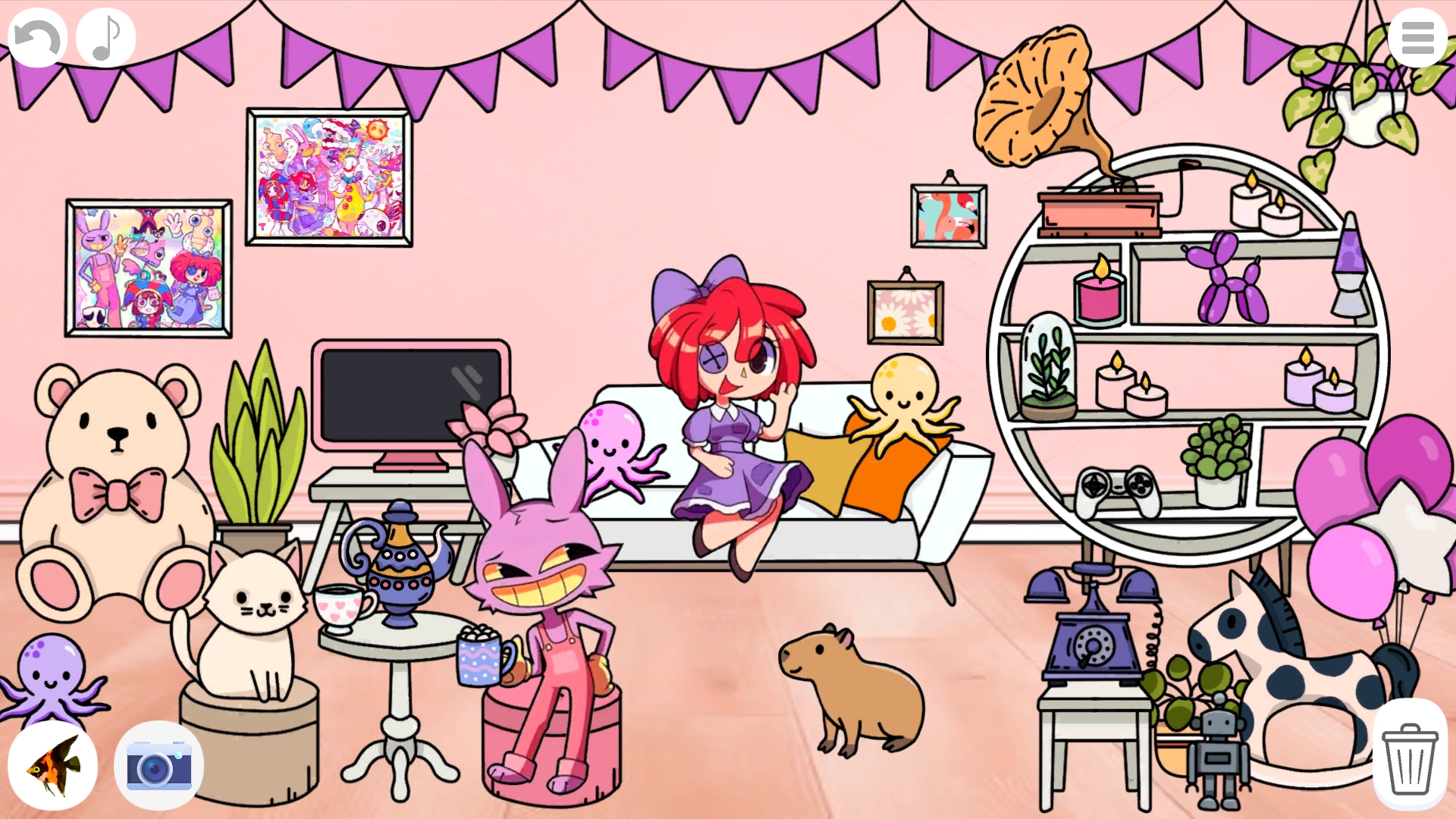
About game
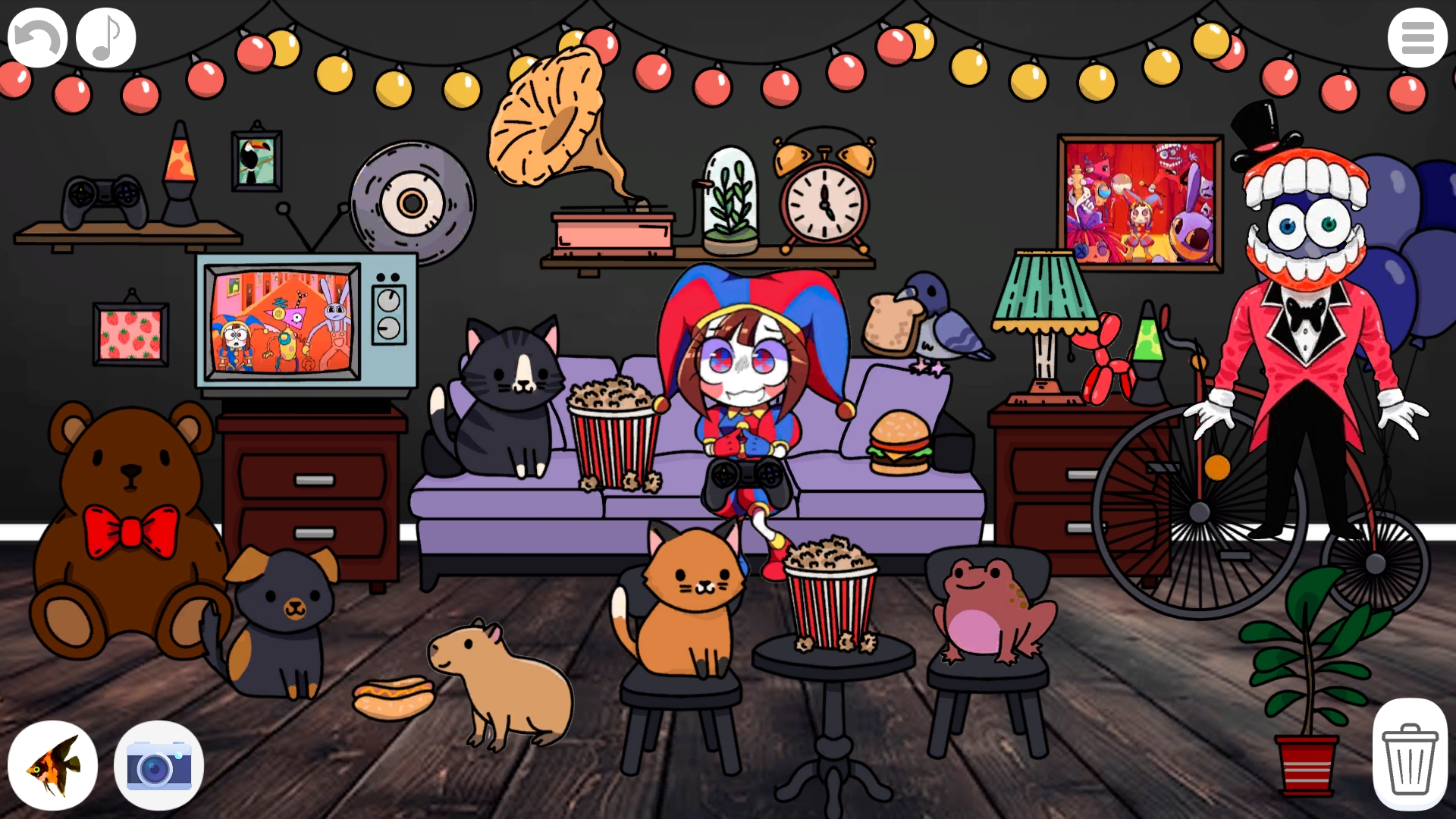
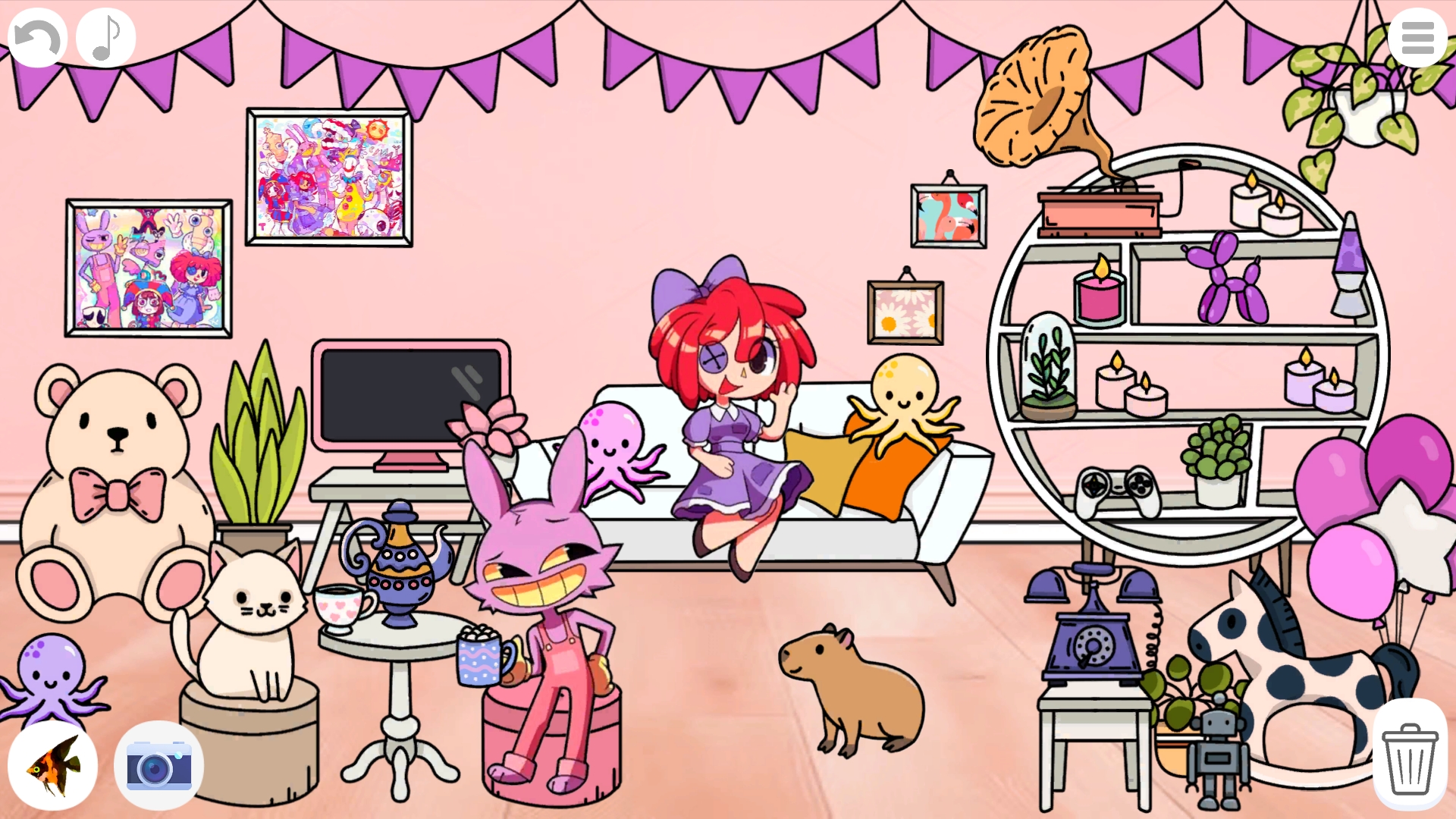
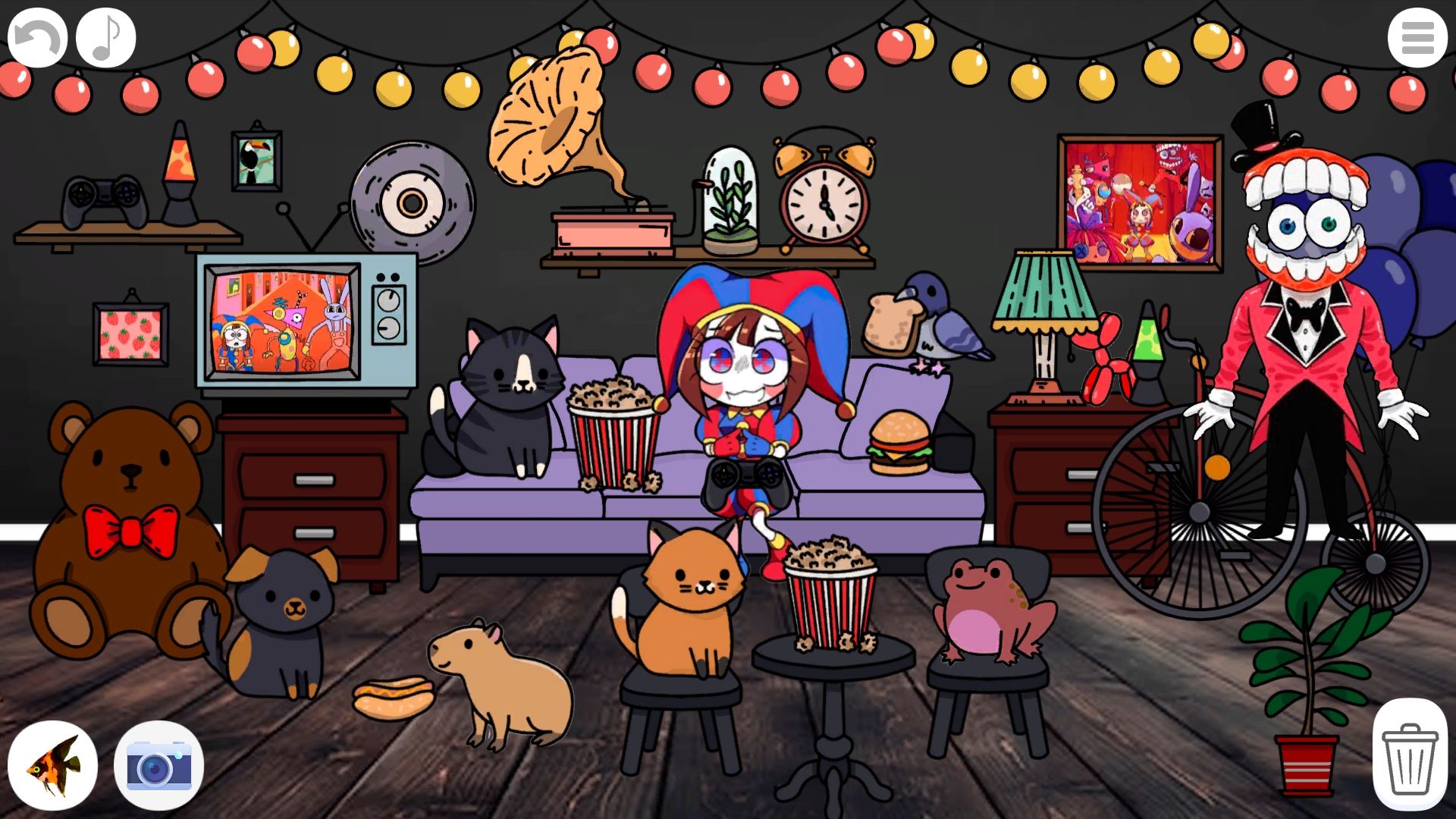
Fans of interior design and whimsical aesthetics will find their creative paradise in Create your own room in the Digital Circus. This delightful title lets you transform a blank canvas into a vibrant digital circus masterpiece using hundreds of unique items. You can drag and drop furniture, hang colorful garlands, and place adorable pets wherever your heart desires. Managing your layout is simple as you swap out decorations, adjust the sorting order of layers, and curate every detail of your personal space. With over 200 elements available, the combinations for your digital circus room are practically endless. The intuitive interface keeps the focus on fun, allowing you to quickly undo mistakes or wipe the slate clean with the handy trash tool. Once your masterpiece is complete, capture the moment with the built-in screenshot feature to share your design with friends. Experience the joy of building a dream space directly in your browser without any annoying downloads or registrations.
How to play
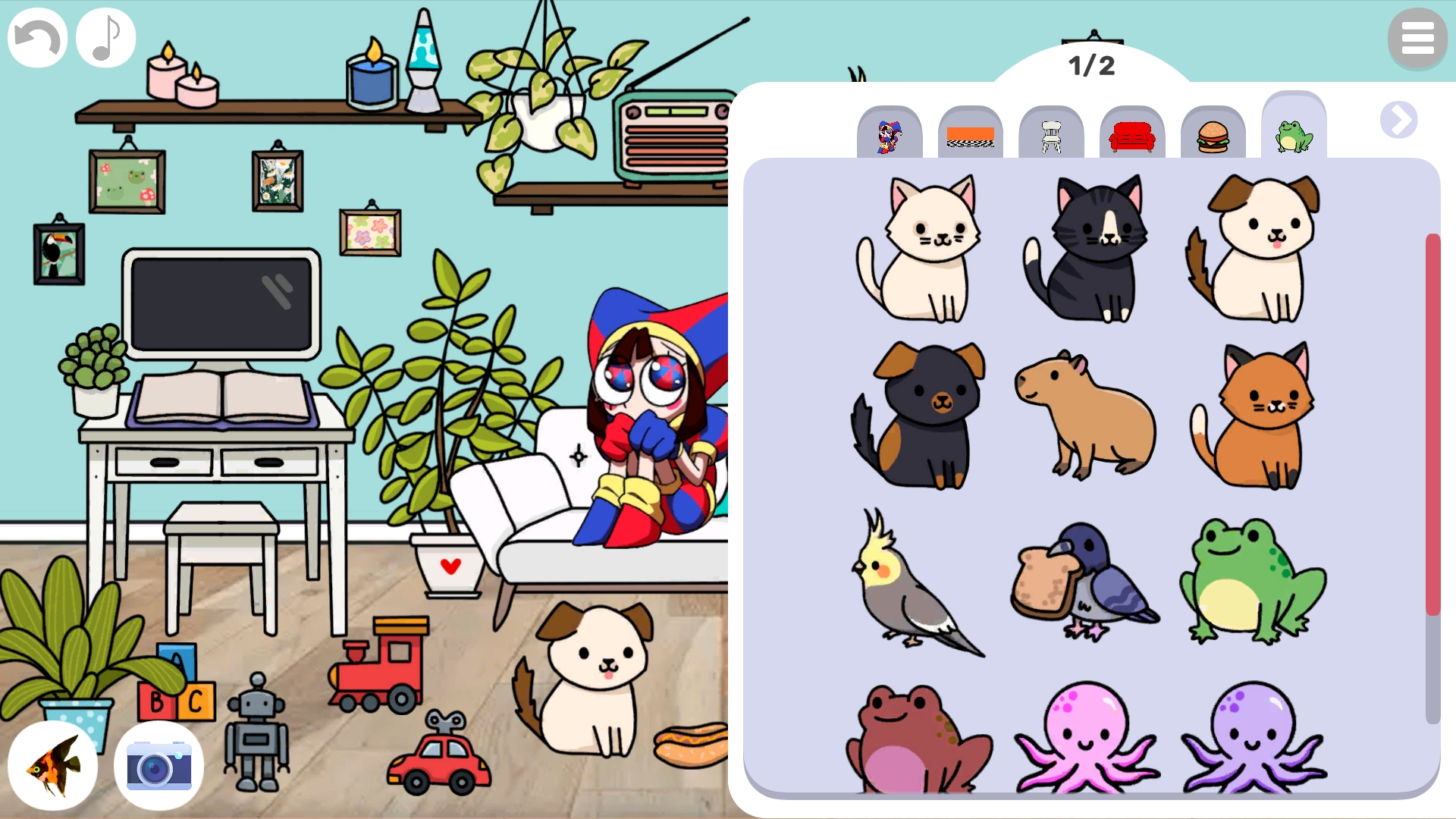
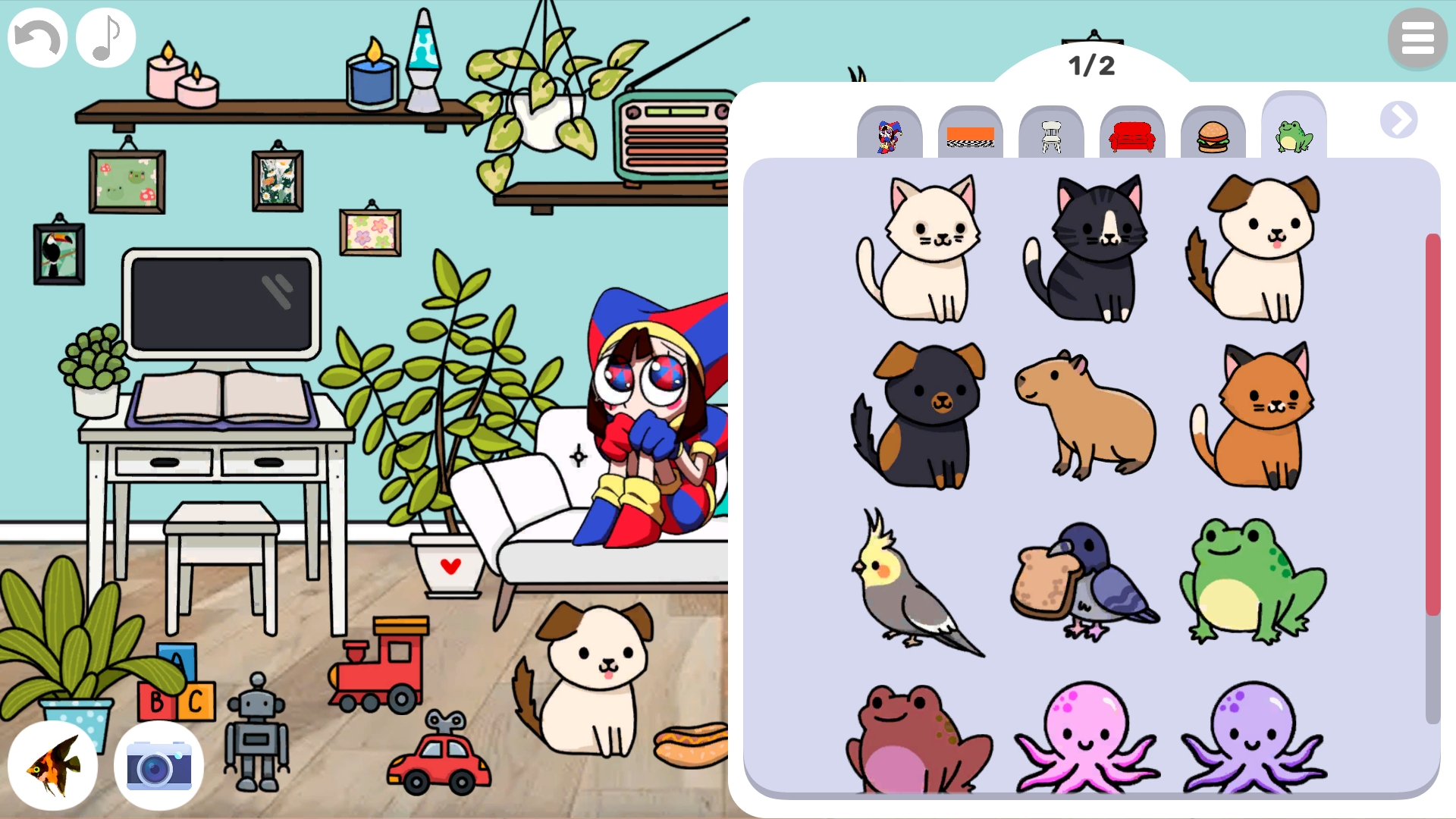
The button in the upper right corner opens and closes the menu. In the menu, click on the category labels to see another category, clicking on the arrows will open new category pages. Click on items in the menu to add them to the room. Click on the menu button again to close it.
Click on an element with a background to replace it.
Place elements in the room using drag. Click on them to change their sorting order.
Click on the trash can in the lower right corner to turn it on. In this mode, clicking on elements will delete them. Click on the trash can again to turn off this mode.
Click on the arrow button to undo the last action (20 actions are stored). Click on the note button to turn off the sounds.
Click on the camera button to take a screenshot!
Click on the fish button to play even more cool games!
Features
- Layering System: Easily adjust the depth of items to create complex scenes with perfect foreground and background placements.
- Extensive Library: Browse through massive collections of furniture, food, and digital circus themed decorations to fully personalize your setup.
- Screenshot Utility: Save your final room design instantly using the dedicated camera button for easy sharing on social media.
- Action History: Utilize the undo button to track back up to 20 recent changes if you decide to rearrange your layout.
- Interactive Pets: Populate your custom room with various animals that bring extra life and character to your digital circus creation.
Who is it for
Creative kids and teens who love designing virtual spaces will enjoy this interactive sandbox. Puzzle lovers and fans of digital circus themes can spend hours rearranging furniture and decorations. It is a relaxing experience for anyone looking to express their artistic flair through a fun, digital dollhouse simulator.
Controls
Open menu
Tap or click the button in the upper right corner to browse items.
Place items
Click and drag objects from the menu to position them anywhere on screen.
Delete items
Activate the trash can icon then click on any object to remove it from the room.
Adjust layers
Click on an already placed element to move it to the front or back of the layer stack.
Take screenshot
Click the camera icon to save your current room design.
FAQ
Can I save my progress in Create your own room in the Digital Circus?
›
While you cannot save a permanent game file, you can use the built-in camera button in Create your own room in the Digital Circus to save a high-quality image of your design.
Is Create your own room in the Digital Circus free to play?
›
Yes, you can play Create your own room in the Digital Circus for free directly in your web browser with no download required.
How many items can I use in Create your own room in the Digital Circus?
›
There are over 200 unique elements available in Create your own room in the Digital Circus, including furniture, characters, and food items.