About game
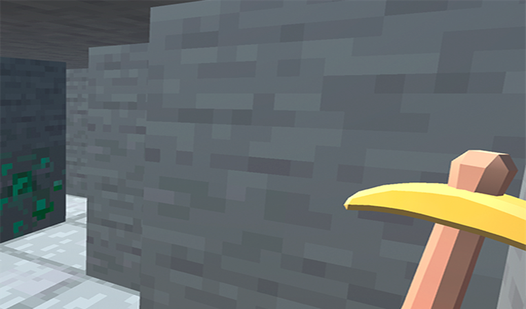
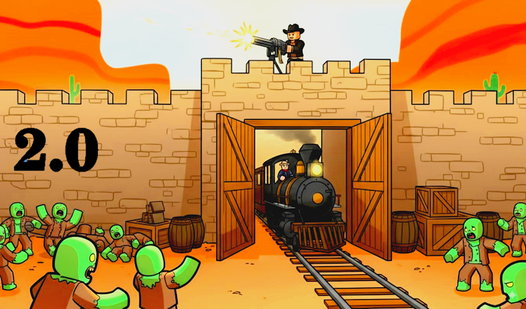
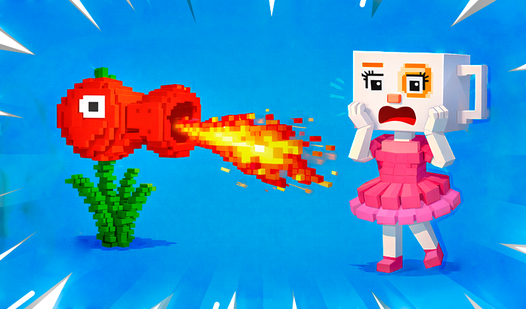
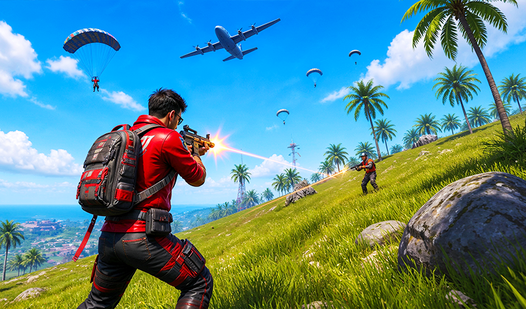
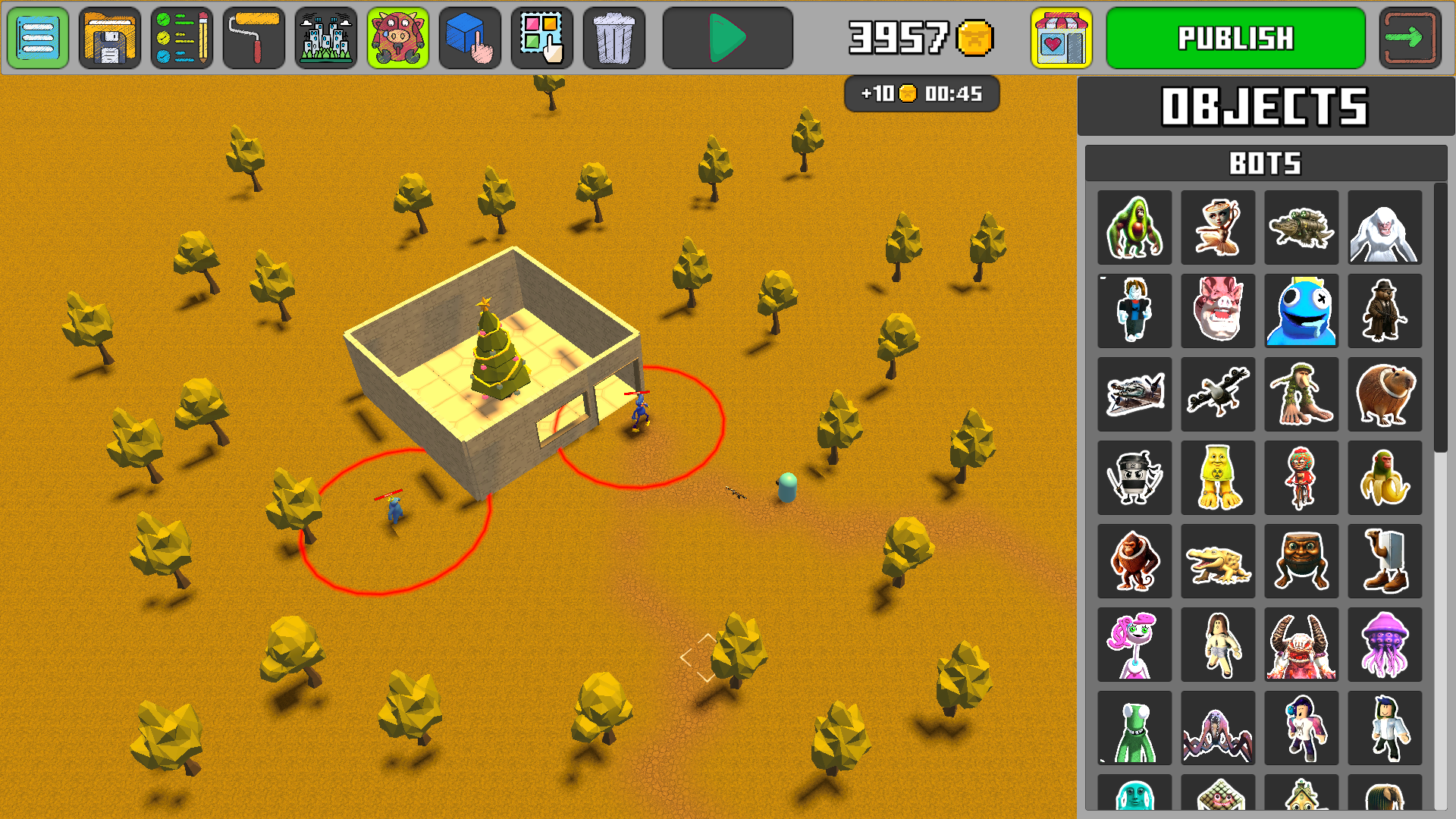
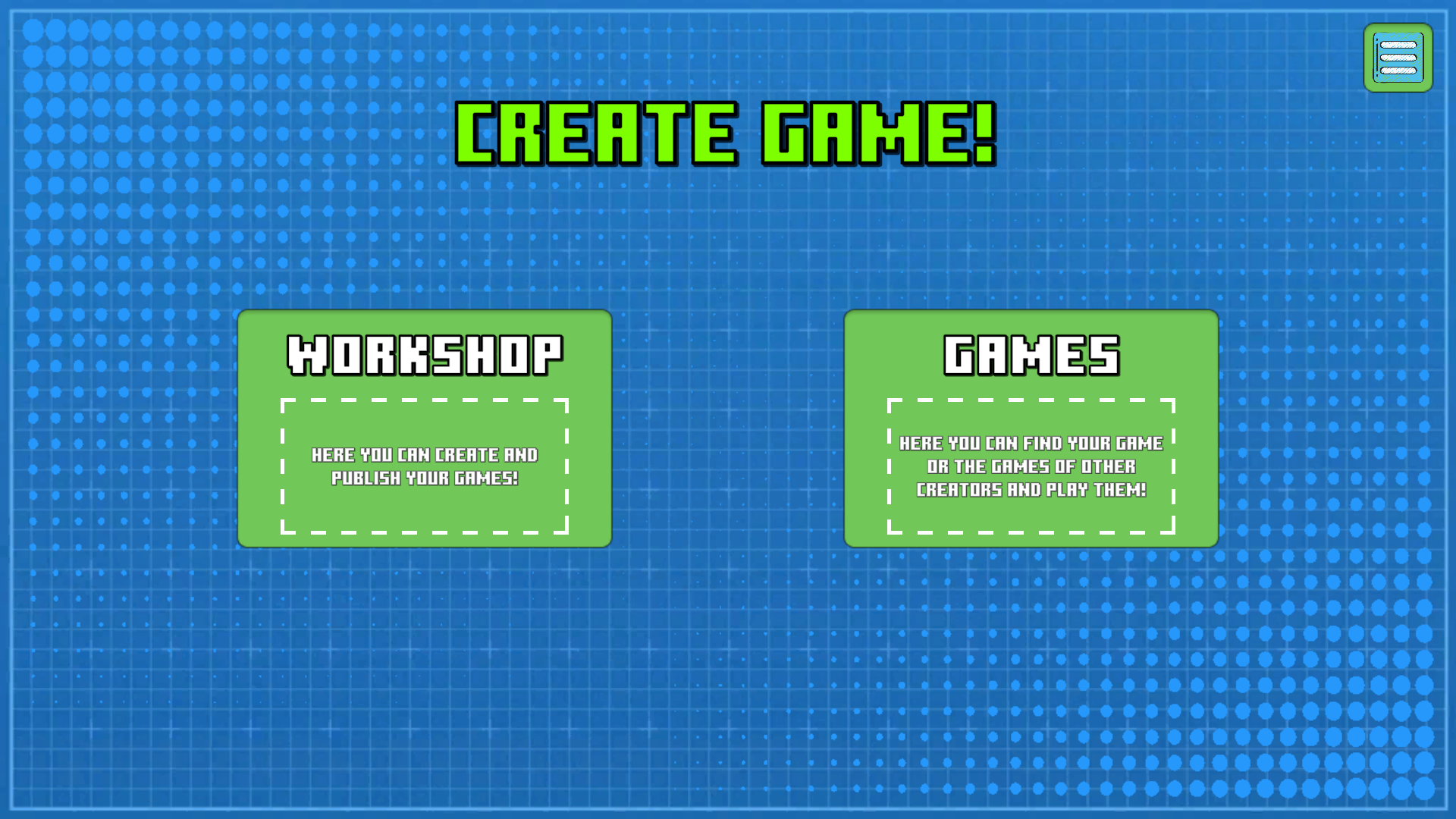
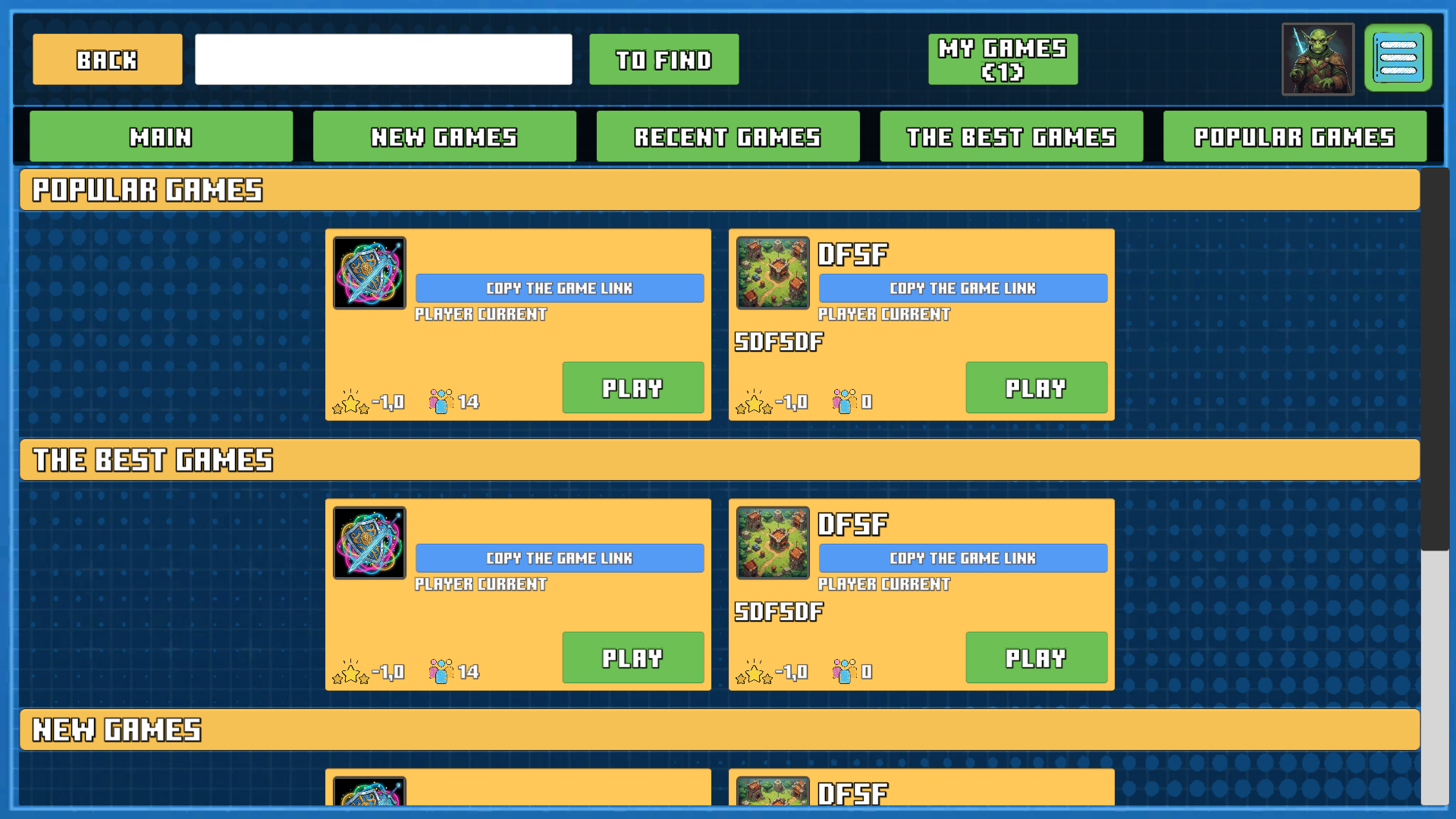
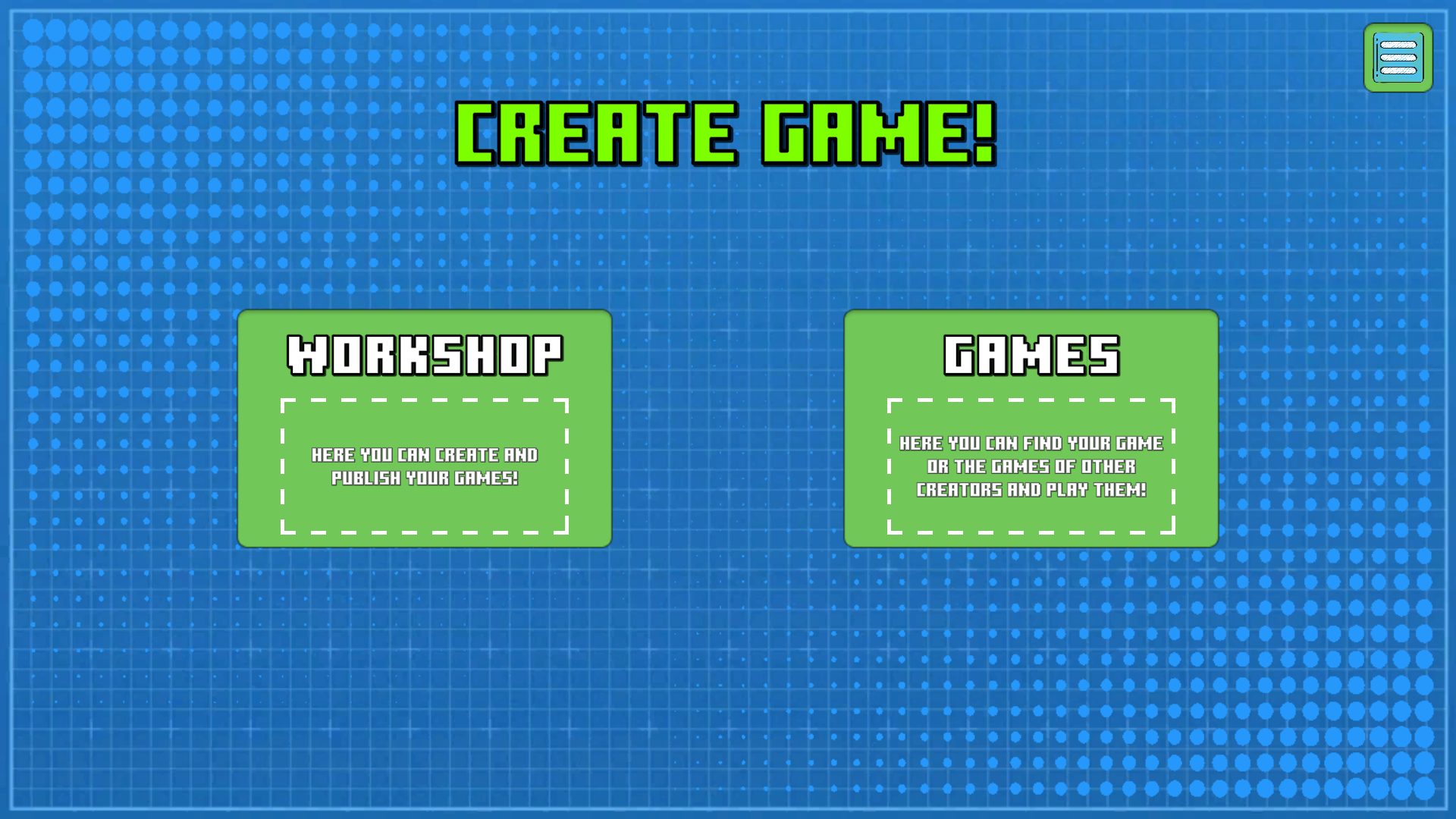
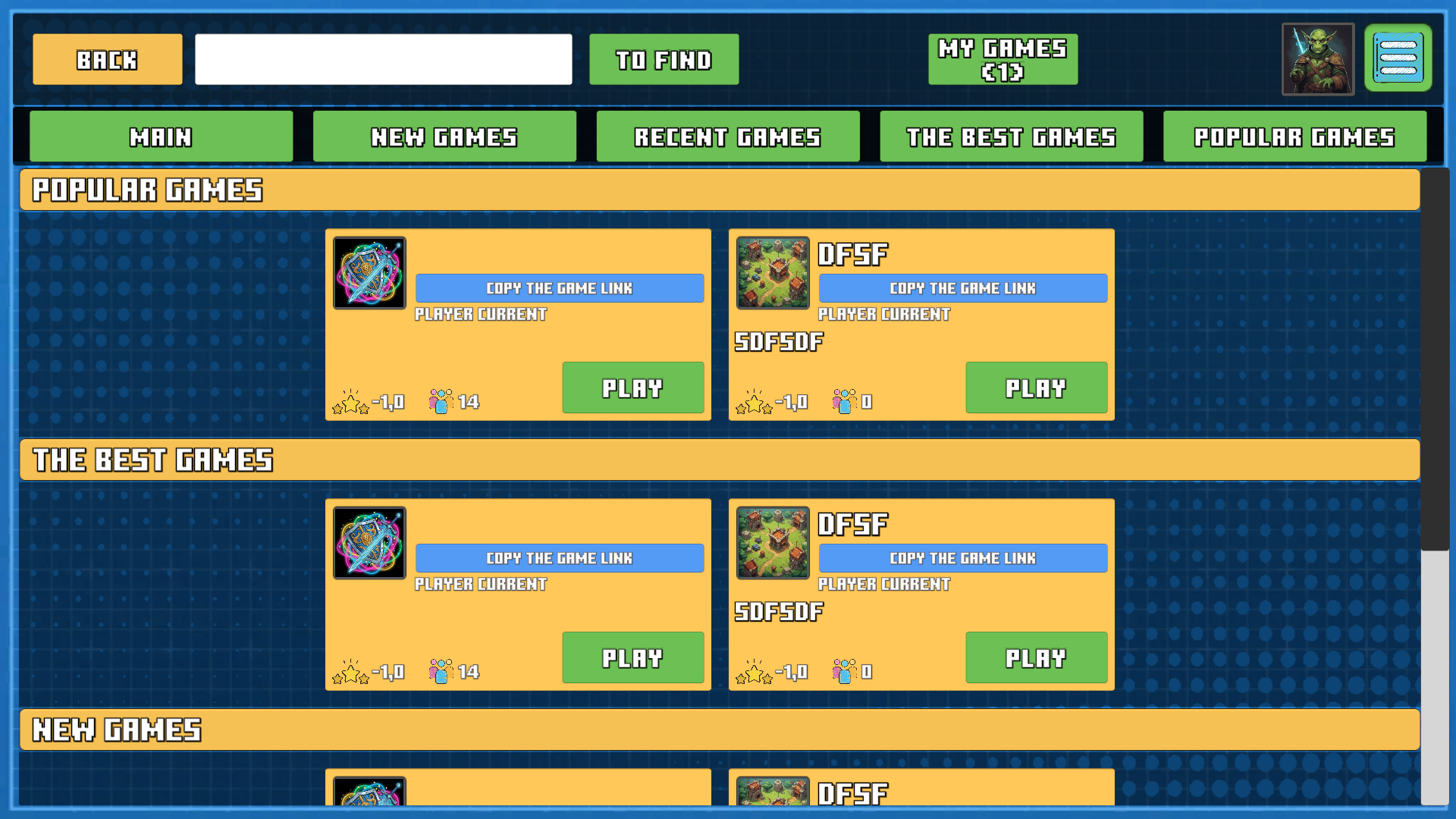
Build your dream projects from scratch using simple drag and drop tools in Create game. You turn raw ideas into fully functional 3D worlds without writing a single line of code. Designing levels feels fast because you have access to thousands of pre-made assets right at your fingertips. Construct intricate obstacle courses or complex survival arenas by clicking through the intuitive visual editor. Sharing your creations takes only a second as you send custom links to friends or post them on social media channels. Climbing the leaderboards helps you gain fame while checking out projects from other developers gives you fresh inspiration for your next update. This platform changes how you approach game development by removing all technical barriers. Hop into your web browser and start building your own universe today without any downloads.
How to play
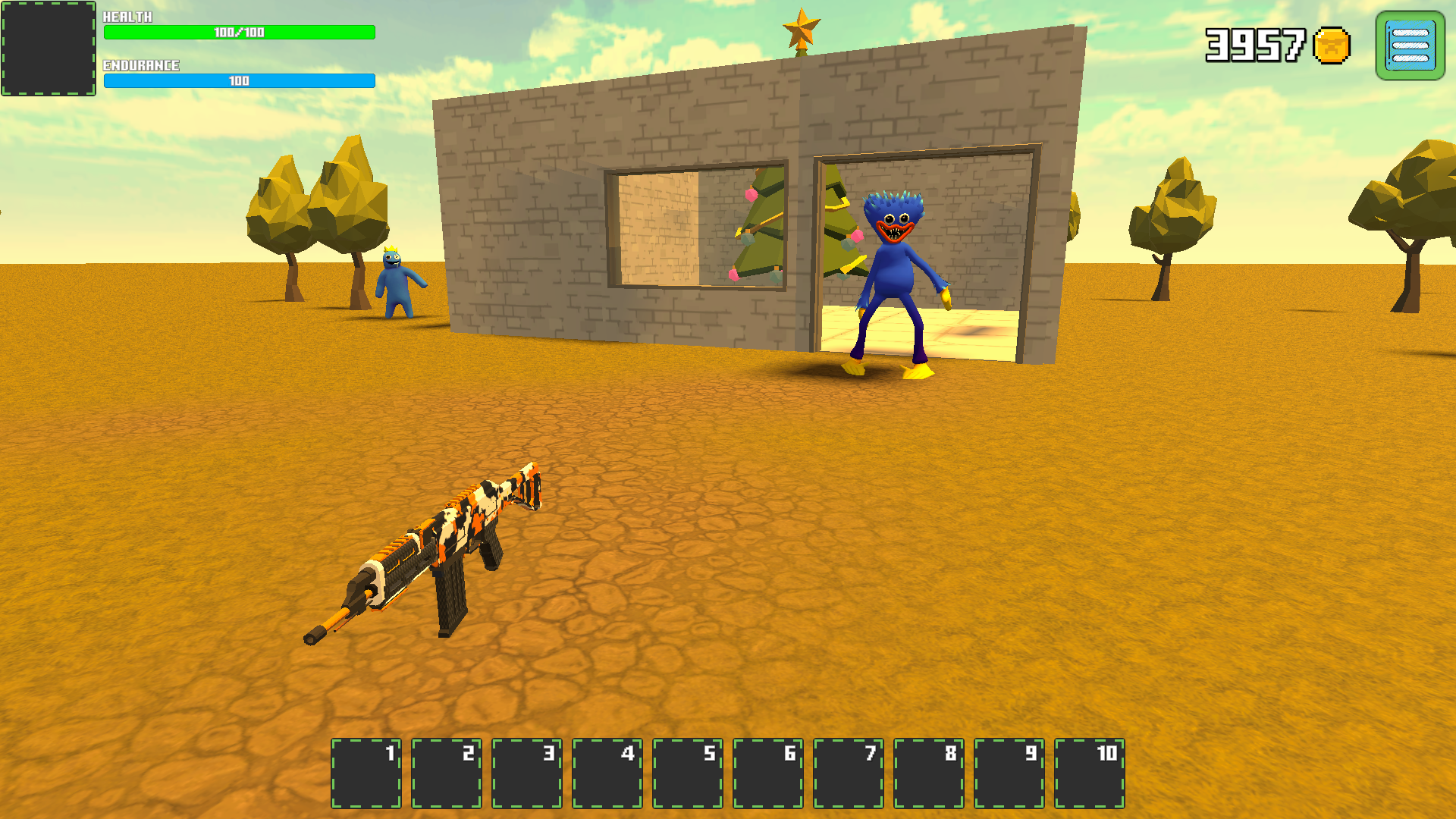
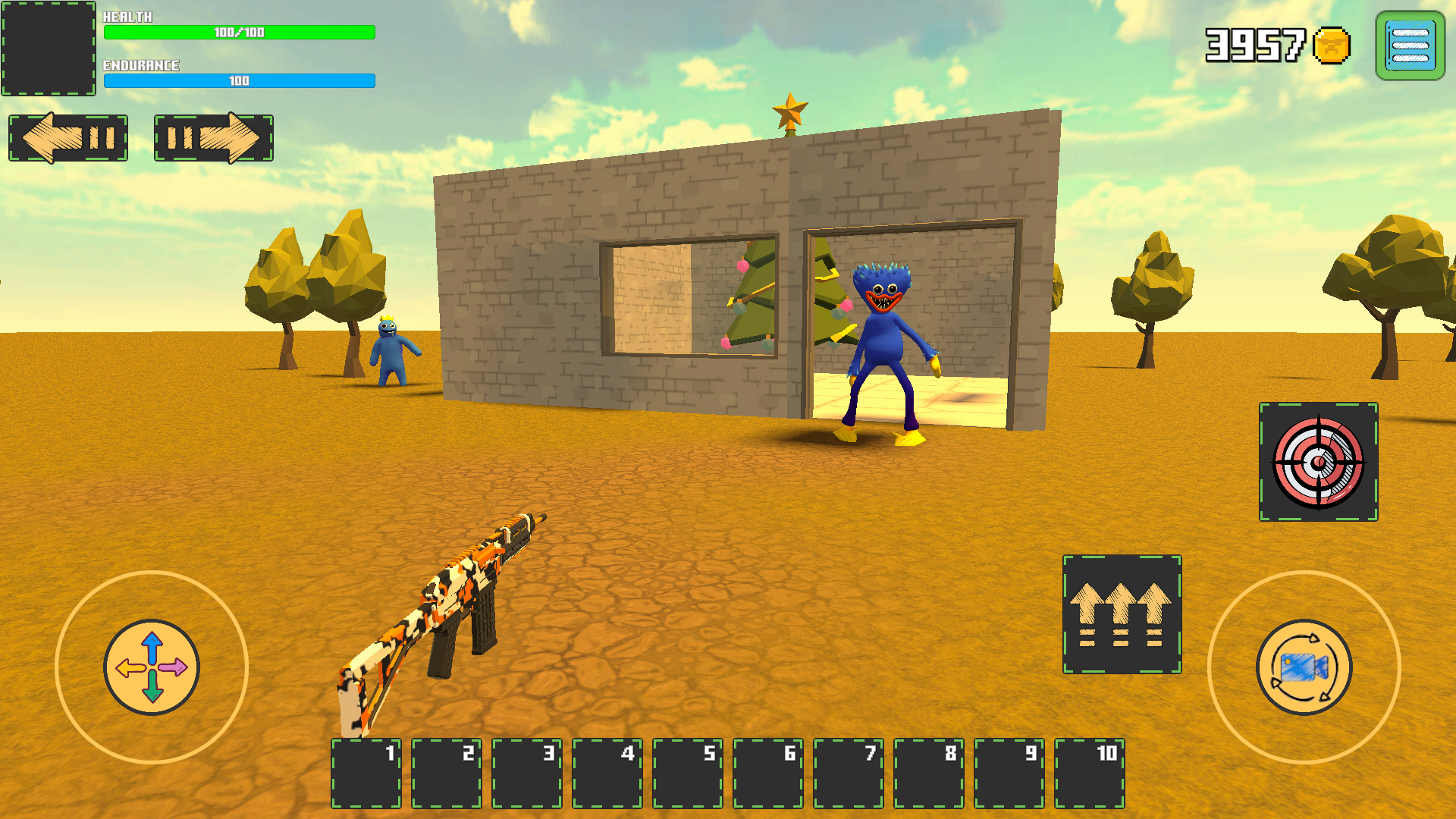
In game mode, control :
Walk - the WASD keys.
Jump - press the Space bar.
Shoot with the left mouse button.
To change weapons, use the mouse wheel or the keys Q, E.
1...0 to use the item in the inventory cell.
Esc - pause.
The mobile control is carried out by virtual buttons and joysticks
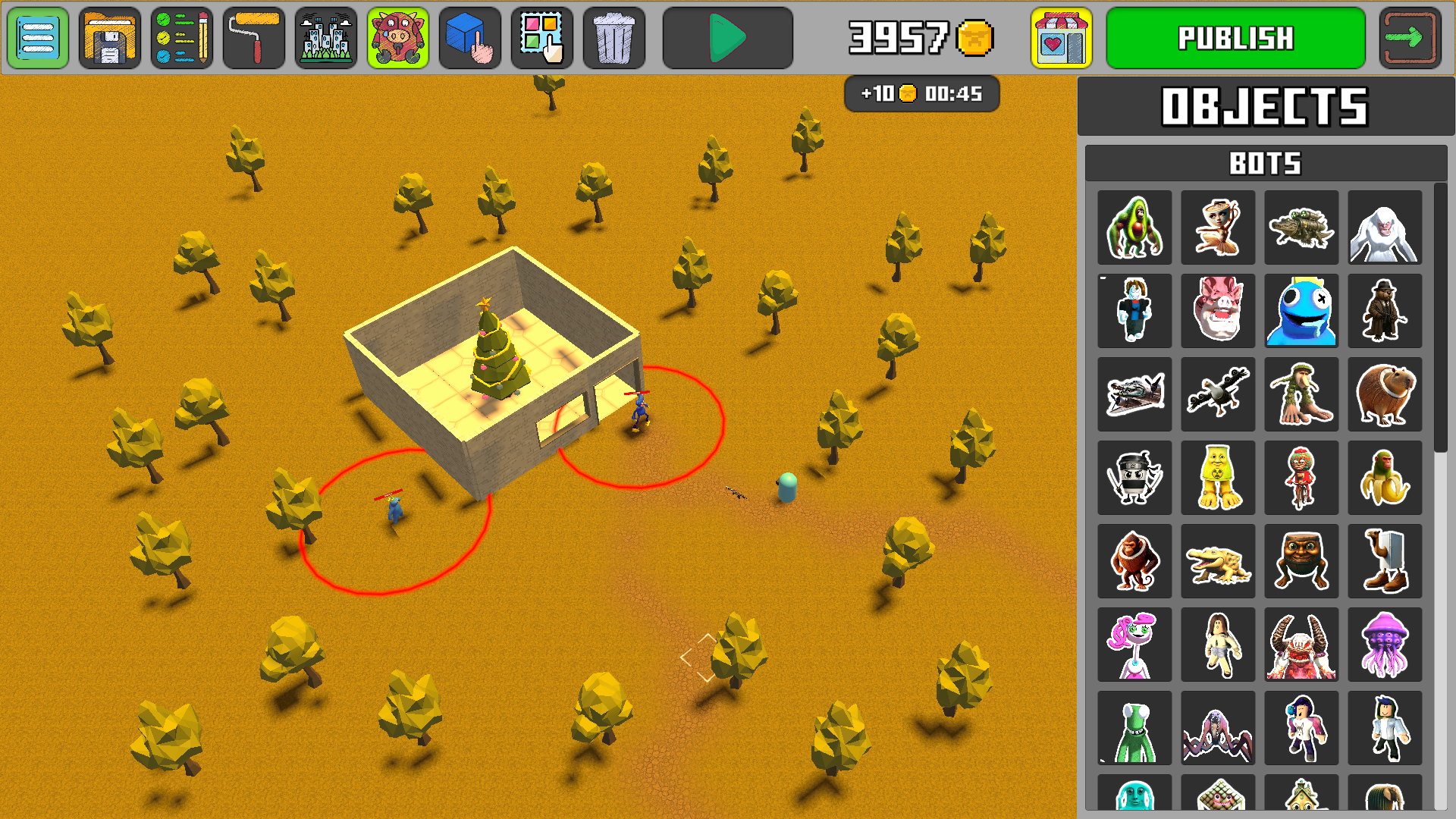
In editor mode:
To move the camera is to move the mouse with the right mouse button held down.
Use the mouse wheel to zoom in/out of the camera.
Build - left mouse button.
To reset the element is the right mouse button.
To rotate an object during construction, click on the wheel.
Features
- Visual Editor: Drag and drop items directly into your scene to build layouts in real-time.
- Asset Library: Choose from thousands of textures, characters, and environmental objects to populate your map.
- Multiplayer Integration: Host your finished projects so others can jump in and test your mechanics.
- Community Rankings: Compete for the top spot on global charts to showcase your design skills.
- Inventory System: Manage your tools and items during gameplay using quick-access hotkeys.
Who is it for
Creative minds who love designing virtual spaces and teens looking to express their imagination through interactive media. Fans of sandbox building titles will find the interface familiar and accessible. People who want to test their developer skills without complex programming knowledge will enjoy this open platform.
Controls
Movement
Use WASD keys on desktop or the virtual left joystick on mobile devices.
Building
Click the left mouse button or tap the screen to place objects in the editor grid.
Camera Control
Hold the right mouse button to pan or use pinch gestures on mobile to zoom.
Combat
Press the left mouse button to shoot or tap the fire icon during active game mode.
FAQ
Can I play Create game on my phone?
›
Yes, Create game runs smoothly in mobile browsers using virtual joysticks and touch controls.
Do I need to install anything to run Create game?
›
No, you play directly in your browser without any downloads or heavy software installations.
How do I share my project in Create game?
›
You can publish your work to generate a unique link that you can send to your friends instantly.