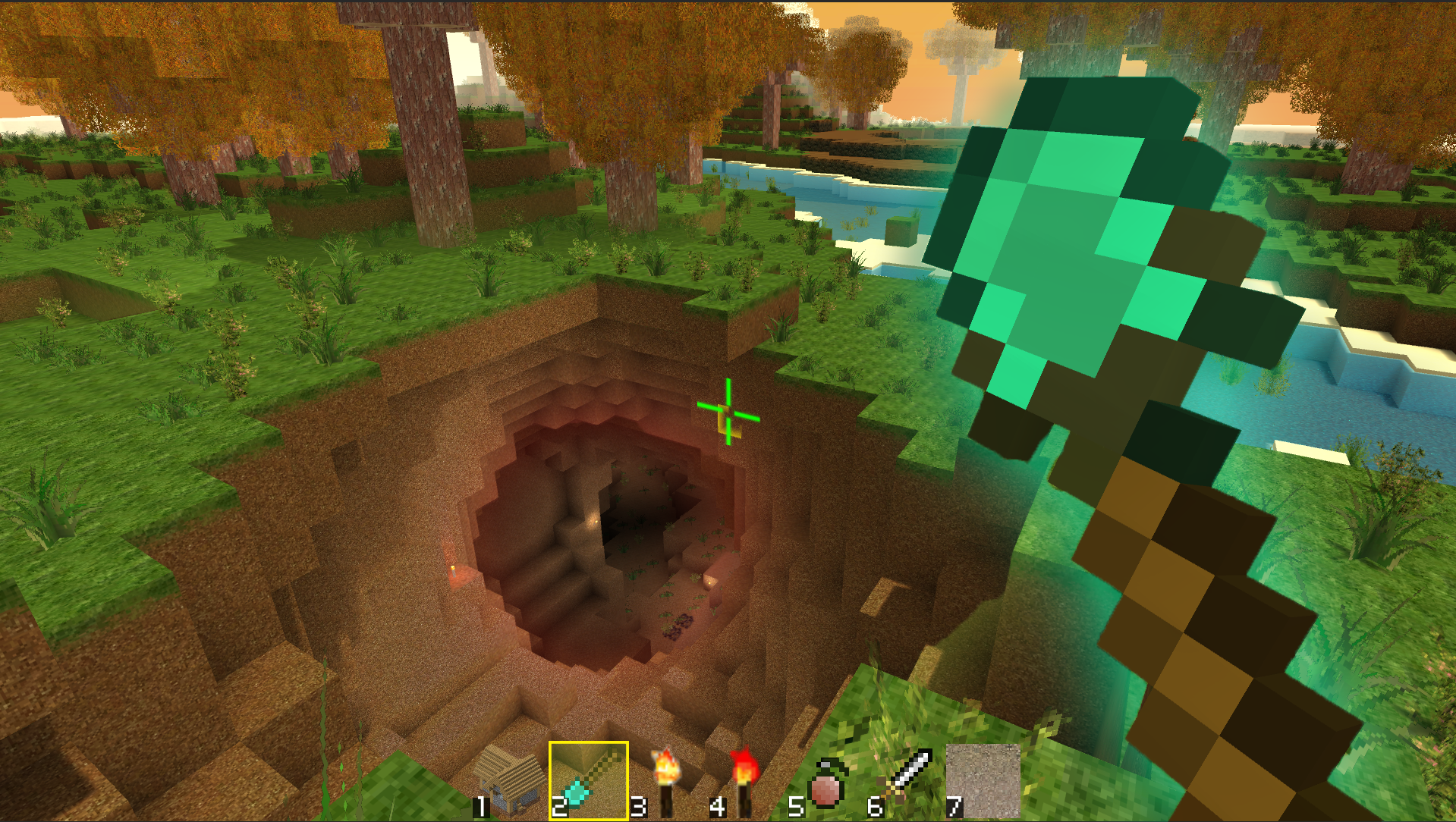
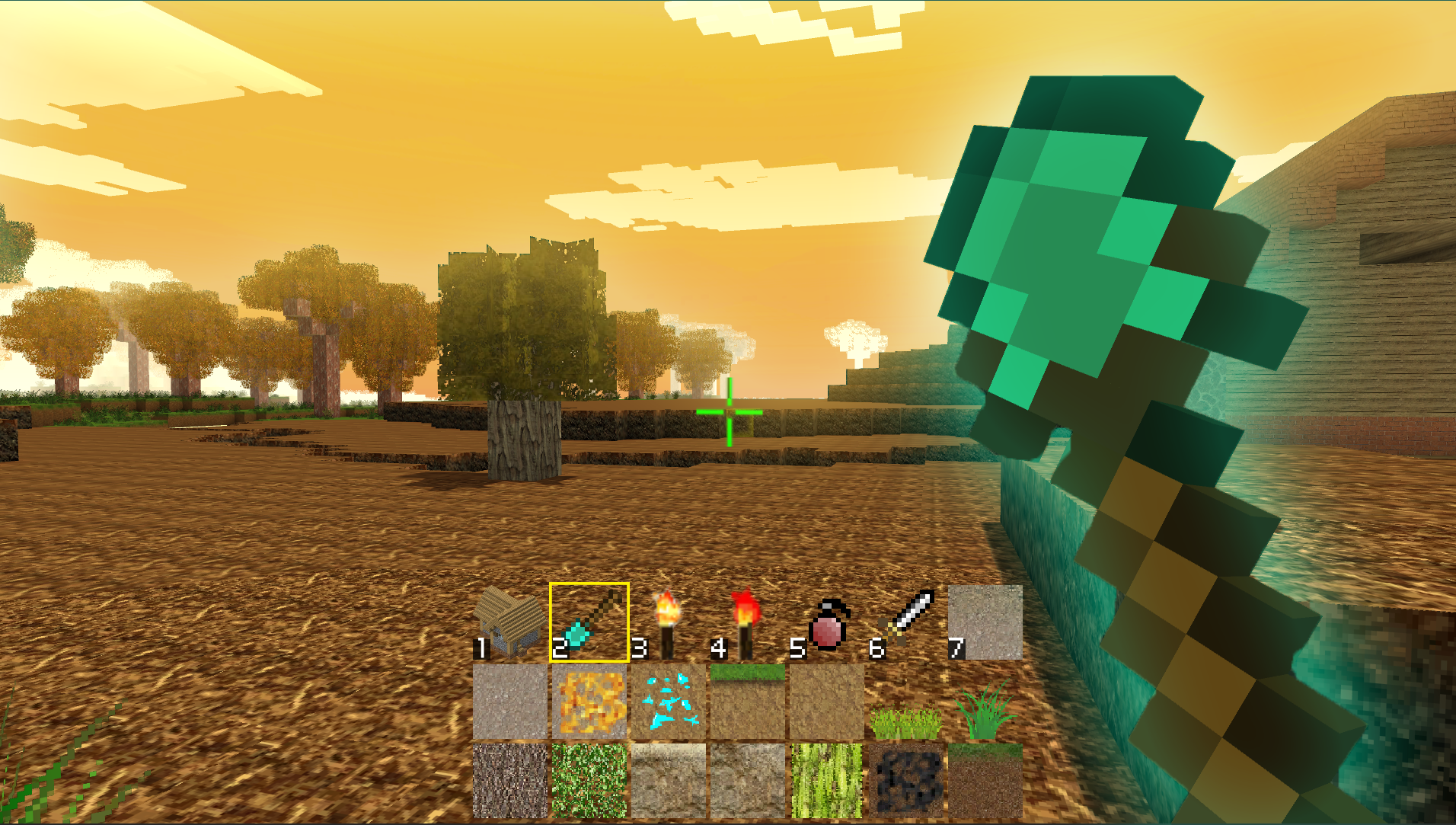
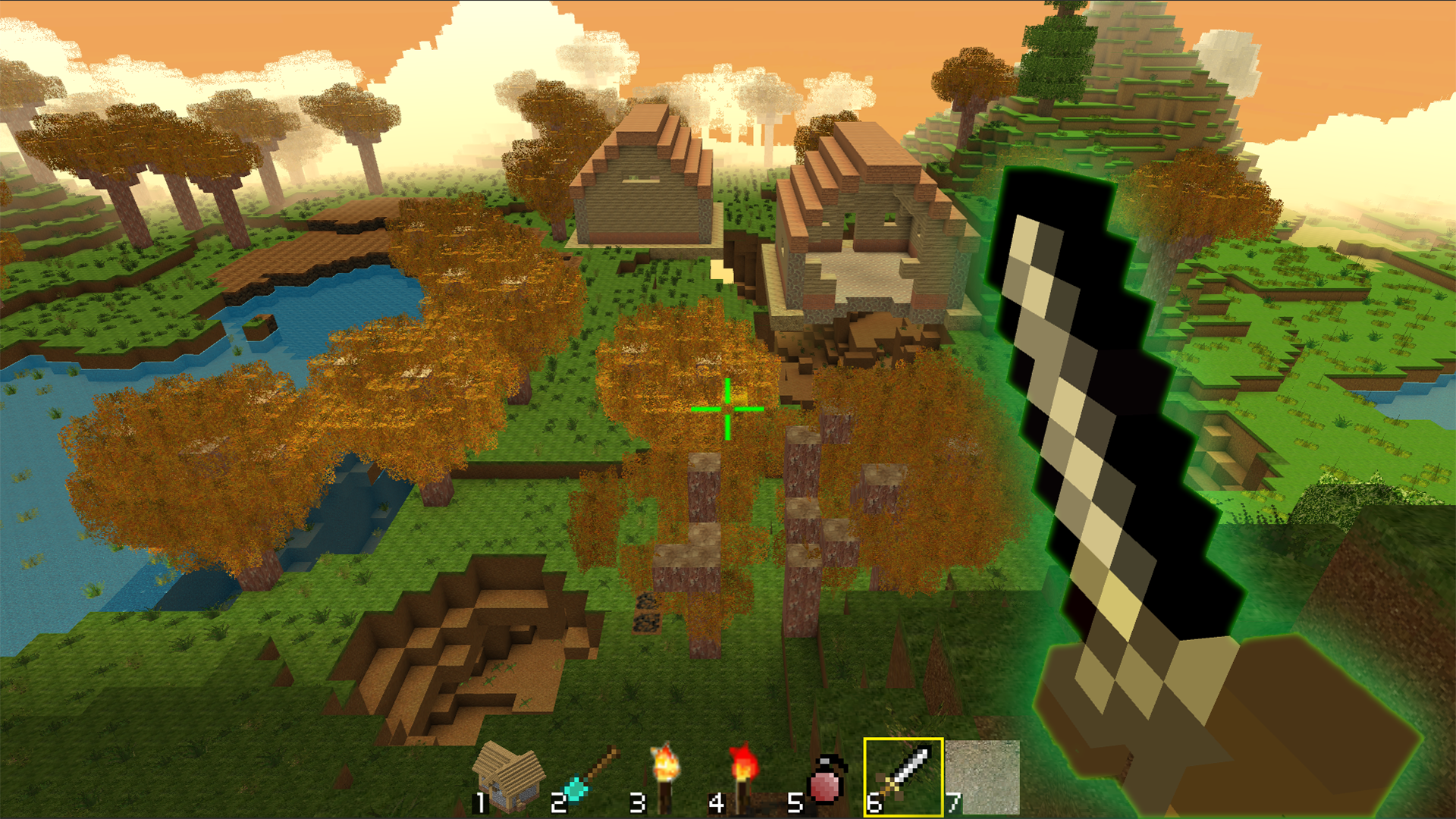
About game
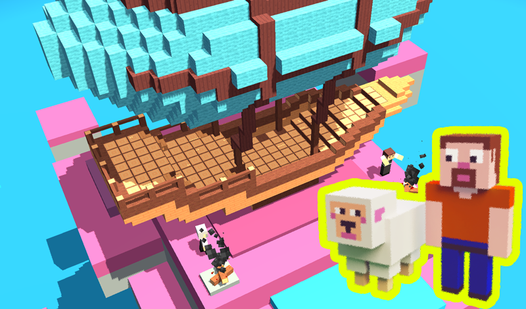
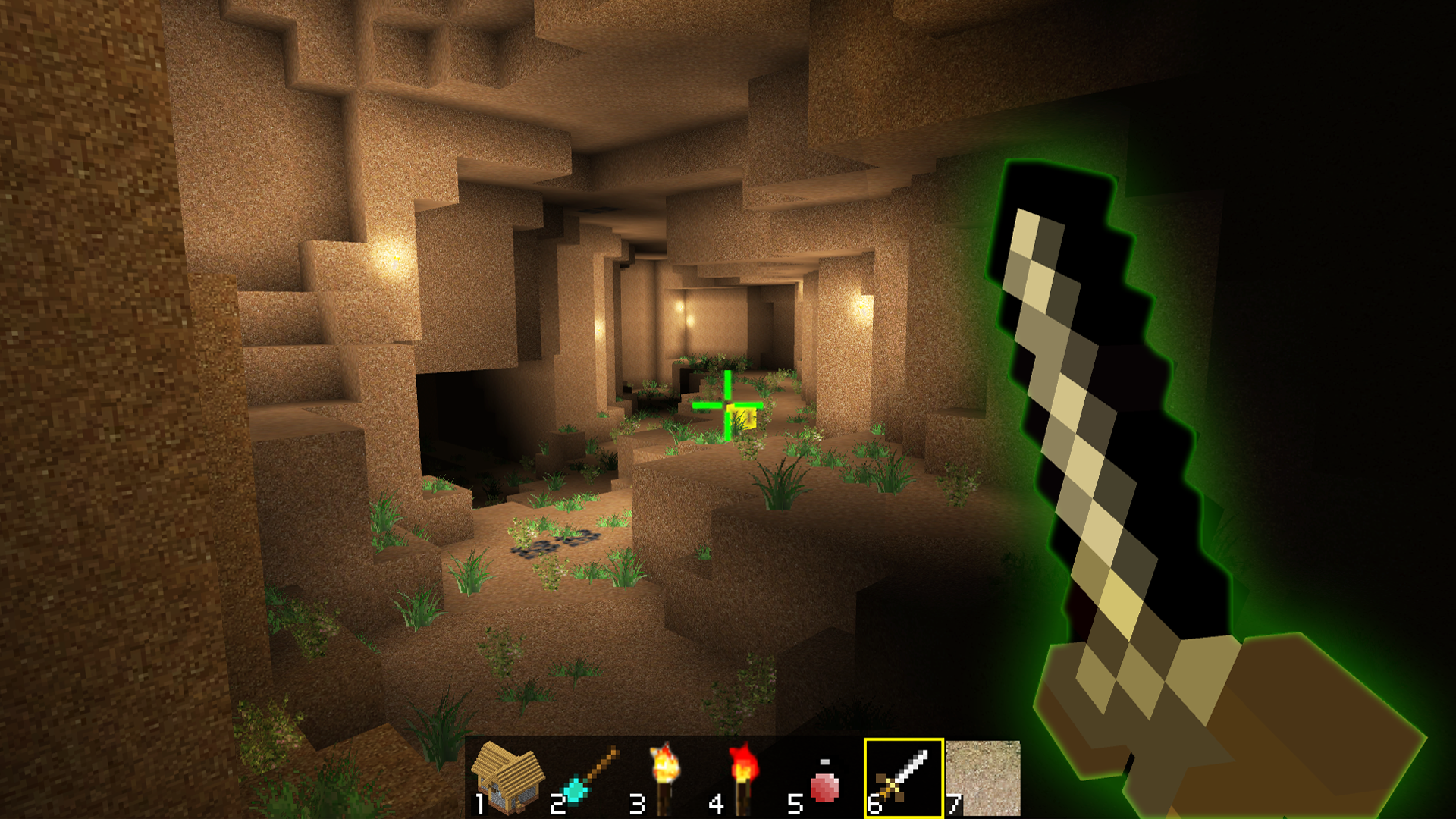
Place blocks and shape an expansive landscape to bring your wildest architectural visions to life. Crafty World Build lets you manipulate the environment with ease, turning empty terrain into a sprawling metropolis or a hidden mountain fortress. Navigate the expansive open world using unique flying modes to get the perfect perspective for your next construction project. You can access an extensive menu of materials to customize every structure down to the smallest detail. The freedom to build without limits makes this title a standout choice for those who love creative freedom and endless crafting possibilities. With acceleration modes available, you can zip across your map to manage multiple projects at once. Unleash your inner architect and start showing off your construction skills in this relaxing virtual sandbox. Jump into the action right now for free in your browser with no download required.
How to play
MOVE: "W, A, S, D"
RUN: "LEFT SHIFT"
OPEN THE BLOCKS PANEL: "Q"
CHANGE THE BLOCKS ROW: "TAB"
SELECT BLOCKS:"1, 2, 3, 4, 5, 6, 7, 8"
HIT BLOCK: "Mouse Left-Click"
ROTATE BLOCK: "R"
PLACE BRICK: "X"
CREATE BLOCK: "Mouse Right-Click"
INTERACT: "T"
THROW: "G"
PAUSE: “ESC”
MUSIC ON / OFF: "O"
Features
- Creative Tools: Use the dedicated blocks panel to toggle between various textures and materials for your designs.
- Mobility Options: Activate flying mode to reach high altitudes or speed up your traversal to explore the entire map quickly.
- Interaction System: Utilize the throw and interact commands to manipulate objects within your created environment.
- Customization Settings: Toggle your music or pause the game instantly to maintain the perfect atmosphere while you build.
- Progressive Building: Rotate your blocks precisely to create complex shapes and intricate structural patterns.
Who is it for
Creative minds and sandbox enthusiasts who enjoy unrestricted building games will find endless joy here. Fans of cubic construction titles seeking a relaxing time killer will appreciate the freedom to design at their own pace. It serves as an excellent creative outlet for players who value high quality browser gaming.
Controls
Movement
Use WASD keys to walk and Left Shift to run across the map.
Building
Right-click to place blocks and left-click to remove them, using Q and Tab to navigate the inventory.
Mobile Interaction
Tap the screen to place or remove blocks and swipe to look around your environment.
Advanced Tools
Press R to rotate items or G to throw objects you are currently holding.
FAQ
Is Crafty World Build free to play on browsers?
›
Yes, Crafty World Build is completely free and runs directly in your browser without any registration or download.
Can I save my progress in Crafty World Build?
›
The game is designed for free style creative sessions; while it does not save persistent files, you can build as much as you want during your current session.
How do I change blocks in Crafty World Build?
›
You can open the blocks panel by pressing Q and then use the number keys 1 through 8 to select your preferred materials.