About game
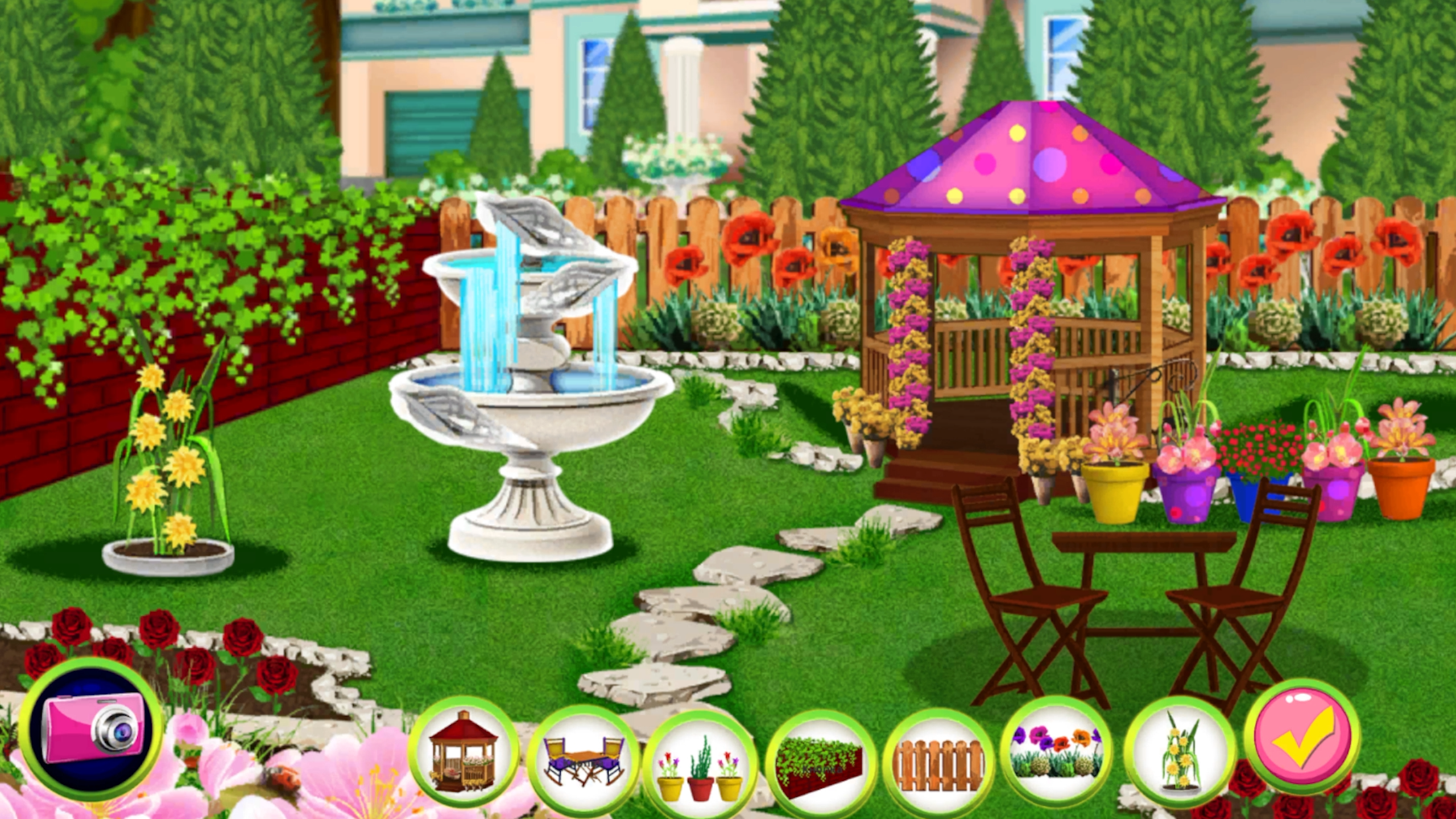
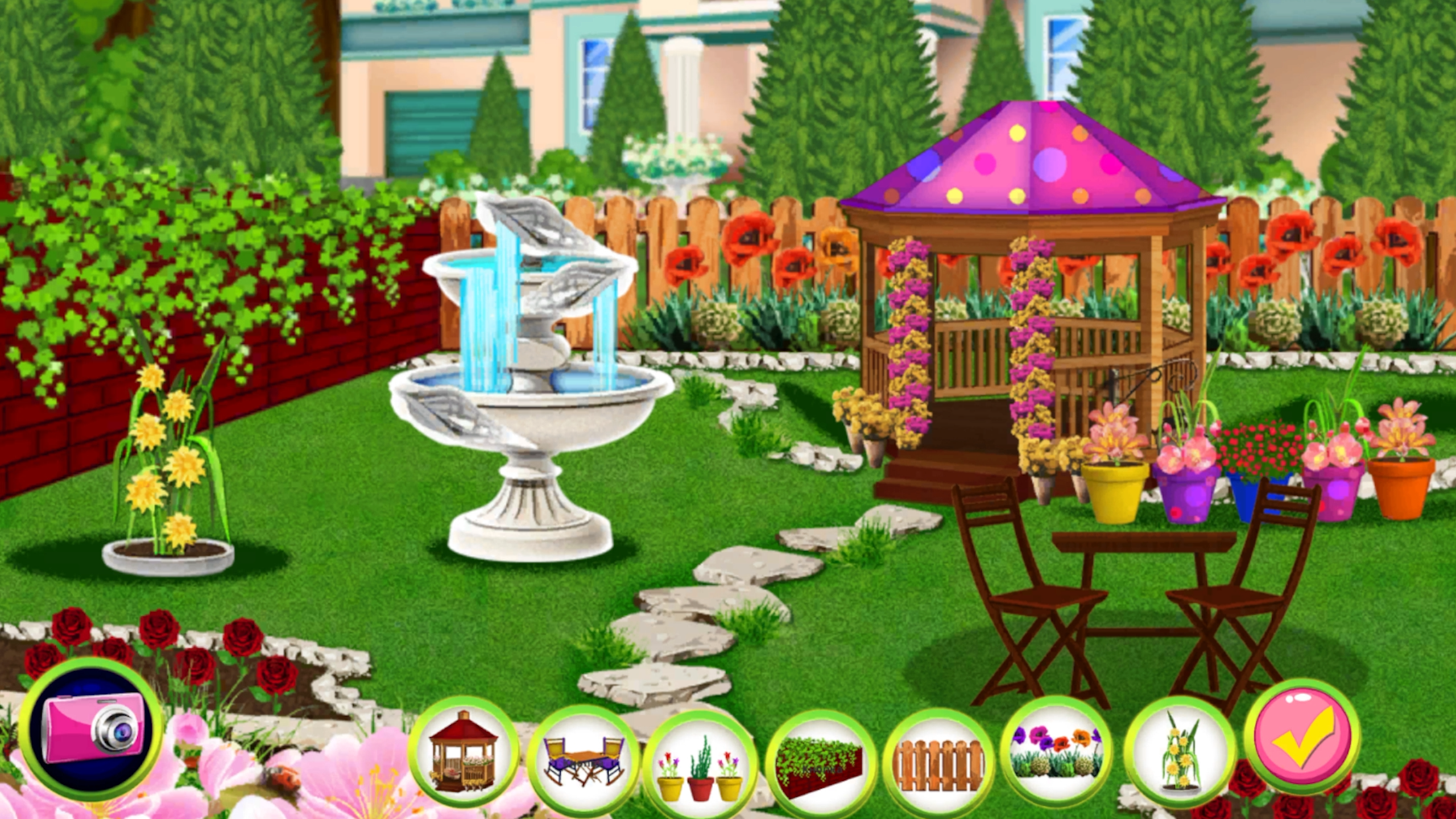
Garden enthusiasts who enjoy relaxing tasks will find their happy place in Cozy Garden. You begin by transforming messy, neglected outdoor spaces into vibrant havens through thorough cleaning and restoration. Dragging trash into bins and clearing paths feels satisfying as you watch the landscape evolve. Once the area shines, you plant beautiful flowers and select custom decor to match your personal aesthetic. Completing these assignments unlocks fresh locations that need your green thumb and creative touch. You can even take breaks from gardening to play quick mini-games that test your memory and reaction speed. These bite-sized challenges keep the experience fresh while you build your dream oasis. Jump into the browser version now to start your garden transformation without any downloads.
How to play
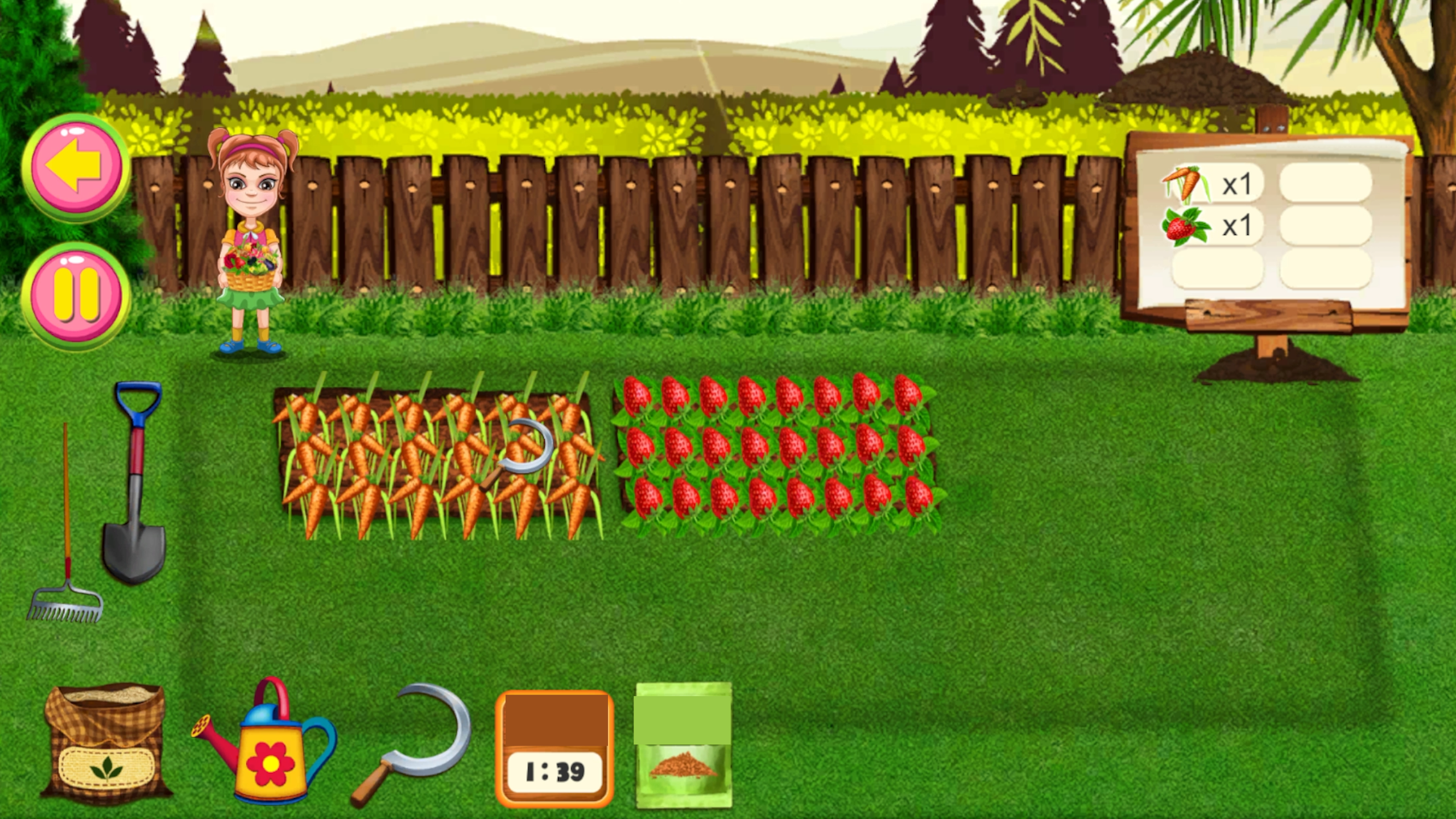
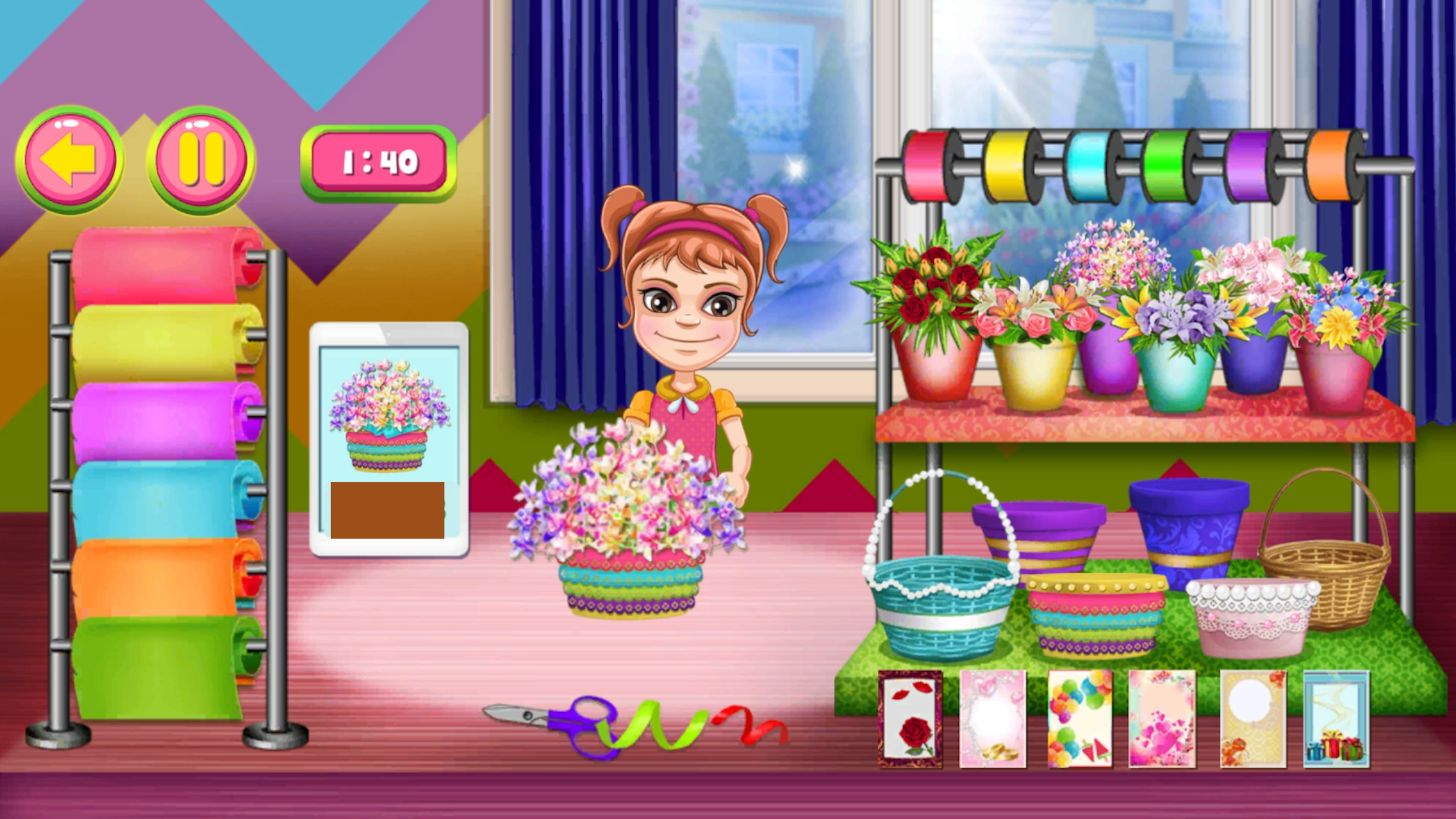
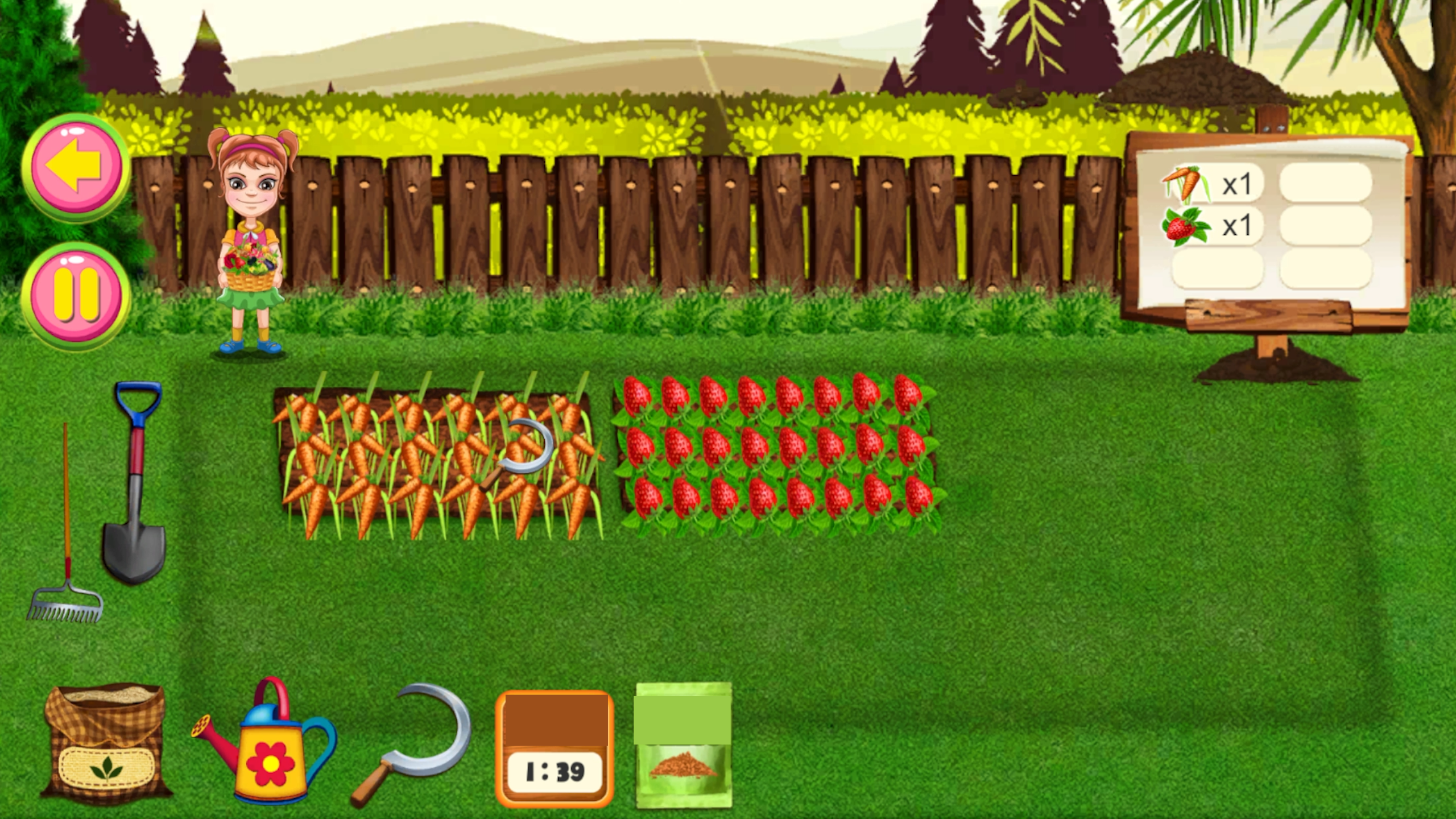
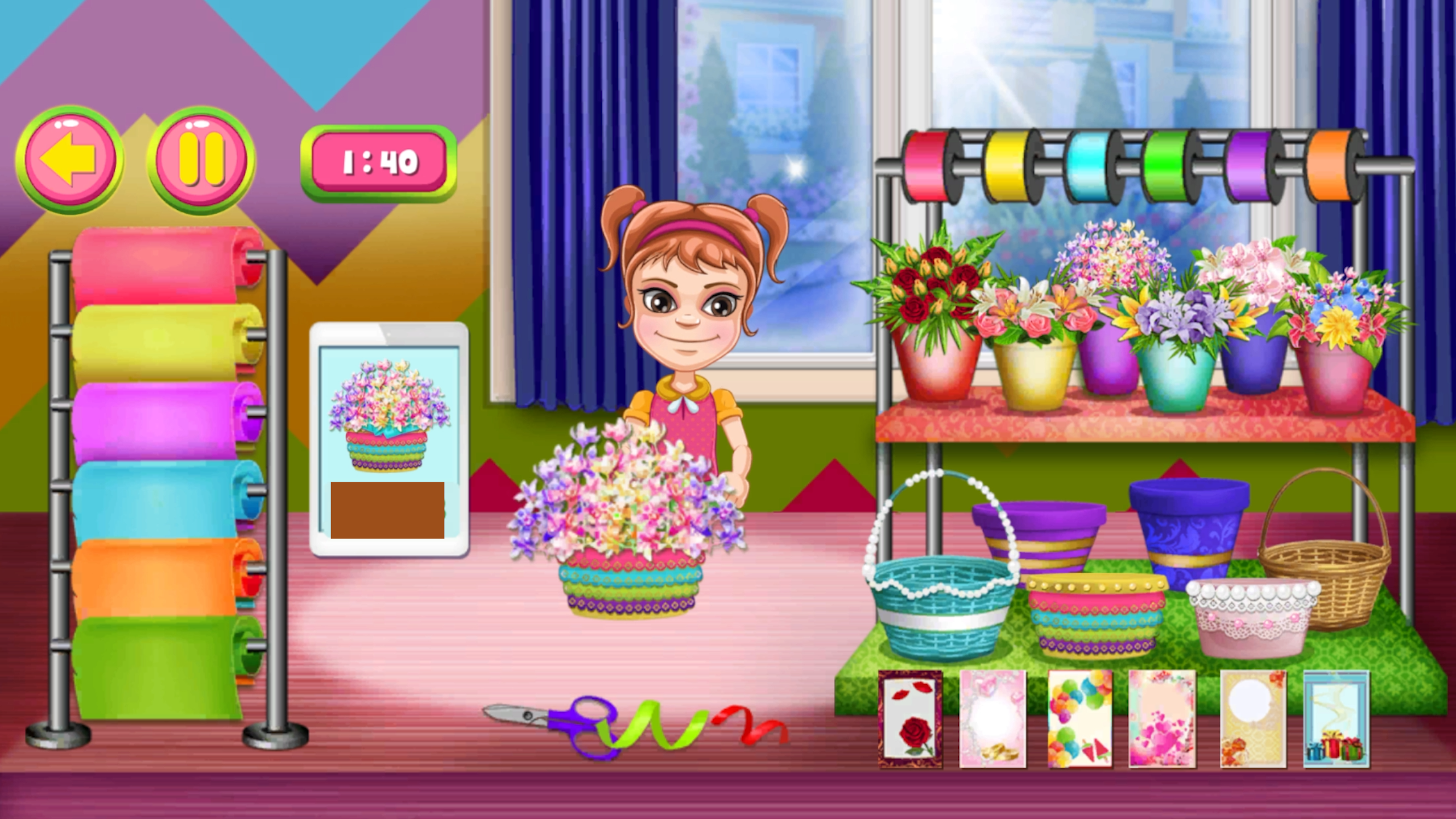
Choose an available level on the map. Follow the on-screen hints: drag trash into the bin and use the correct tools for each cleaning task. To grow plants, select seeds and perform the shown actions. In decoration tasks, tap different options and create a combination you like. At the flower shop, assemble each order from the required items. In the memory mini-game, reveal matching pairs of cards. In the fruit mini-game, slice fruit and avoid bombs. Complete levels to unlock new locations.
Features
- Tool Progression: Unlock specialized equipment as you clear more zones to handle tougher debris efficiently.
- Custom Arrangement: Use an extensive collection of pots, ornaments, and garden furniture to personalize every corner.
- Flower Shop Challenges: Complete specific floral orders to earn currency and progress through the map.
- Fruit Slicing: Test your reflexes in a fast-paced mini-game where you slice produce while dodging hazards.
- Memory Match: Sharpen your brain by revealing hidden pairs of cards during relaxing breaks between landscaping tasks.
Who is it for
Casual gamers who enjoy relaxing home design simulators and light puzzle challenges. People looking for a stress-free environment to practice creativity and organization will love the loop of cleaning and decorating. It suits those who appreciate low-pressure tasks and satisfying visual progress in short play sessions.
Controls
Clean and Decorate
Drag and drop items or tap on tools to interact with objects
Navigate Map
Tap on available levels to begin a new task
Mini-game Action
Swipe across the screen to slice fruit or tap cards to flip them
FAQ
Is Cozy Garden free to play on my browser?
›
Yes, you can play Cozy Garden directly in your web browser with no download or registration required.
Can I customize the decor in Cozy Garden?
›
Absolutely, you choose from various items and styles to decorate your garden exactly how you like it.
Are there different types of mini-games in Cozy Garden?
›
Cozy Garden includes several mini-games such as memory matching and fruit slicing to keep the gameplay varied.