About game
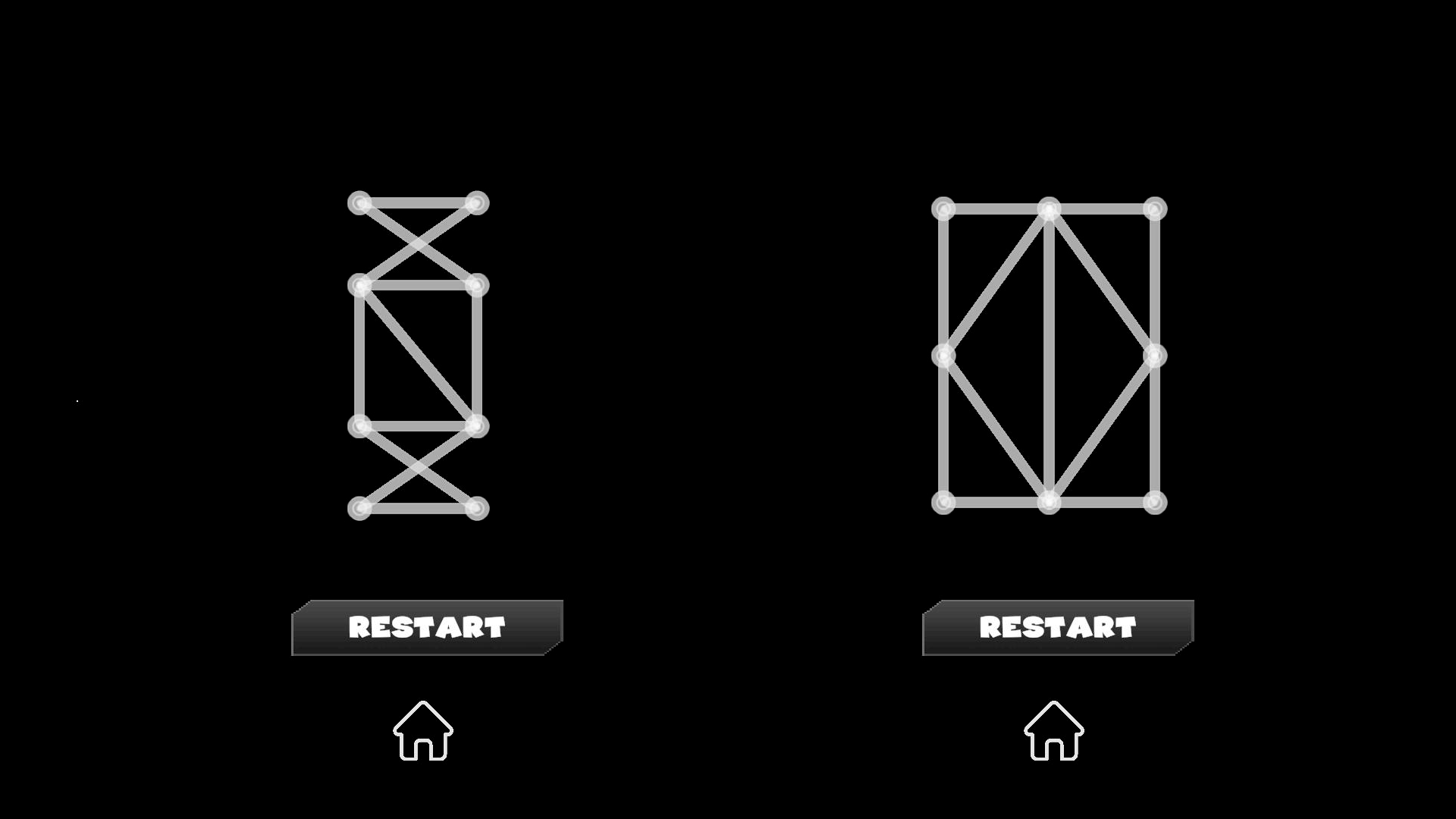
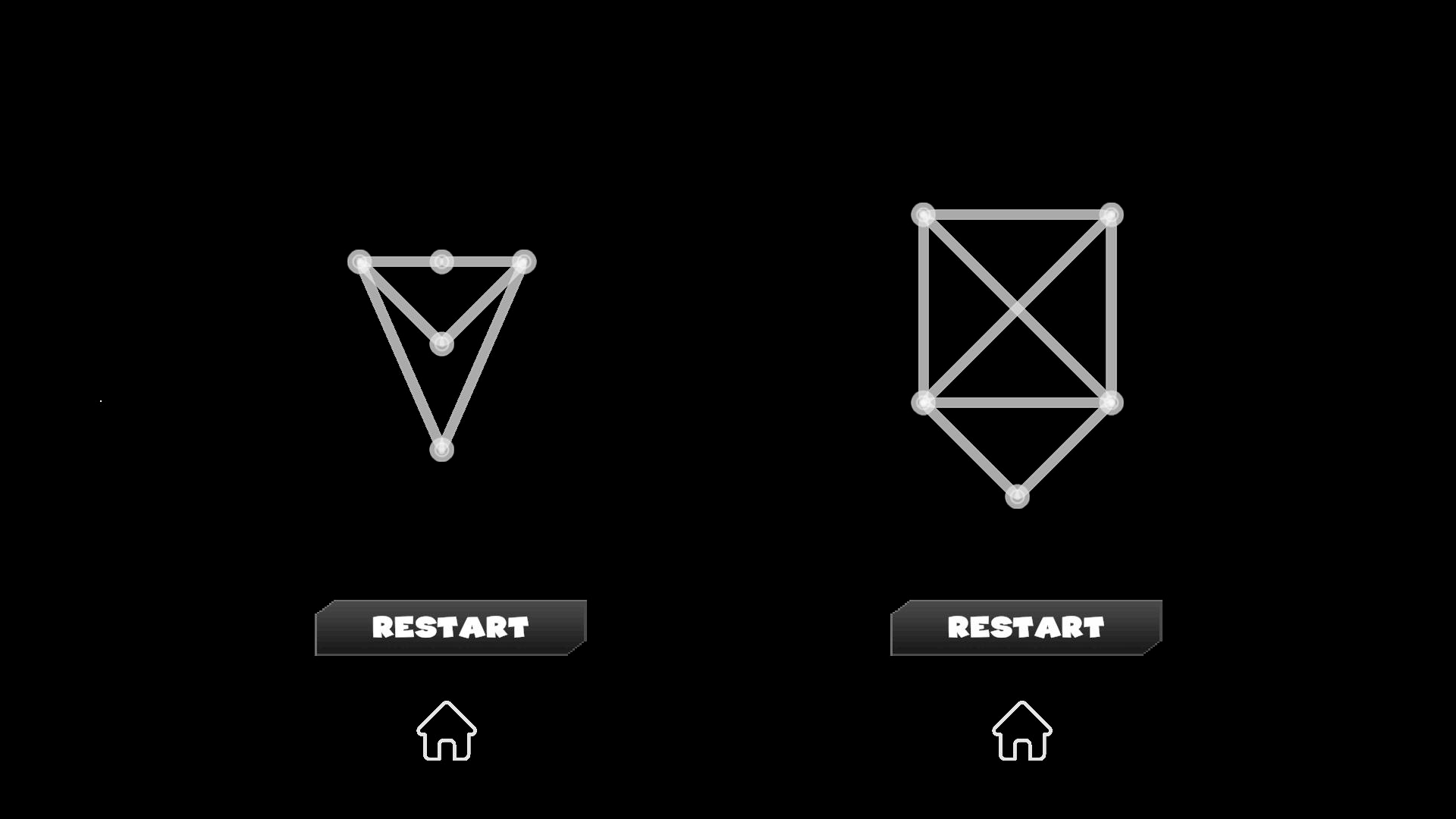
Logic enthusiasts will love testing their brainpower with Connect Lines: Build Shapes! Because it turns simple dot connections into a complex mental workout. Your main task involves drawing lines between dots to form patterns without crossing the same path twice. Every move requires careful planning since you cannot reuse edges, though you are free to revisit nodes whenever necessary. Strategic thinking remains your best tool as you navigate grids that grow trickier with every success. You will find over 100 levels waiting for you, making this logical game a solid choice for sharpening your focus. Each new stage introduces fresh shapes that force you to reconsider your approach to line connection. Progressing through these challenges helps you refine your spatial awareness and problem-solving speed. Stop by FreeJoy.games to play this free browser puzzle instantly without any annoying downloads.
How to play
The controls are simple and intuitive. Use your mouse or touch to draw lines between the dots. Click on a dot and drag to the next one to connect them.
Each edge can be used only once, so plan your path carefully. If you make a mistake, restart the level and try a different route.
The game is fully optimized for both desktop and mobile devices. On PC, use the left mouse button; on mobile, simply swipe across the screen.
Features
- Single Path Logic: Trace every line exactly once to clear the board without hitting dead ends.
- Node Flexibility: Visit the same dot multiple times to weave intricate paths through dense clusters.
- Dynamic Difficulty: Encounter expanding grids that introduce obstacles and complex geometric layouts.
- Progress Tracking: Monitor your completion rate across 100+ stages that demand increasing precision.
- Instant Reset: Quickly restart any attempt when your path leads to a cornered position.
Who is it for
Puzzle lovers who enjoy minimalist brain training and logic enthusiasts seeking a clean, satisfying mental challenge. Casual players will appreciate the easy-to-learn mechanics, while fans of geometric design will find the progression of shapes engaging and rewarding for short sessions during breaks or long gaming evenings.
Controls
Connect dots
Click and drag with your mouse on desktop or swipe your finger across the screen on mobile.
Restart level
Tap the reset button located in the corner of the game interface.
FAQ
How many levels are in Connect Lines: Build Shapes?
›
You can currently play through over 100 levels, with new content being added to the game regularly.
Can I play Connect Lines: Build Shapes on my phone?
›
Yes, the game is fully optimized for mobile browsers so you can swipe to connect lines on any touchscreen device.
Is it possible to reuse a line in Connect Lines: Build Shapes?
›
No, you must use each edge only once, although you are allowed to revisit dots as many times as you like.