About game
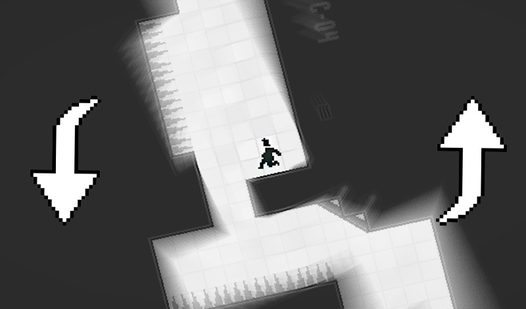
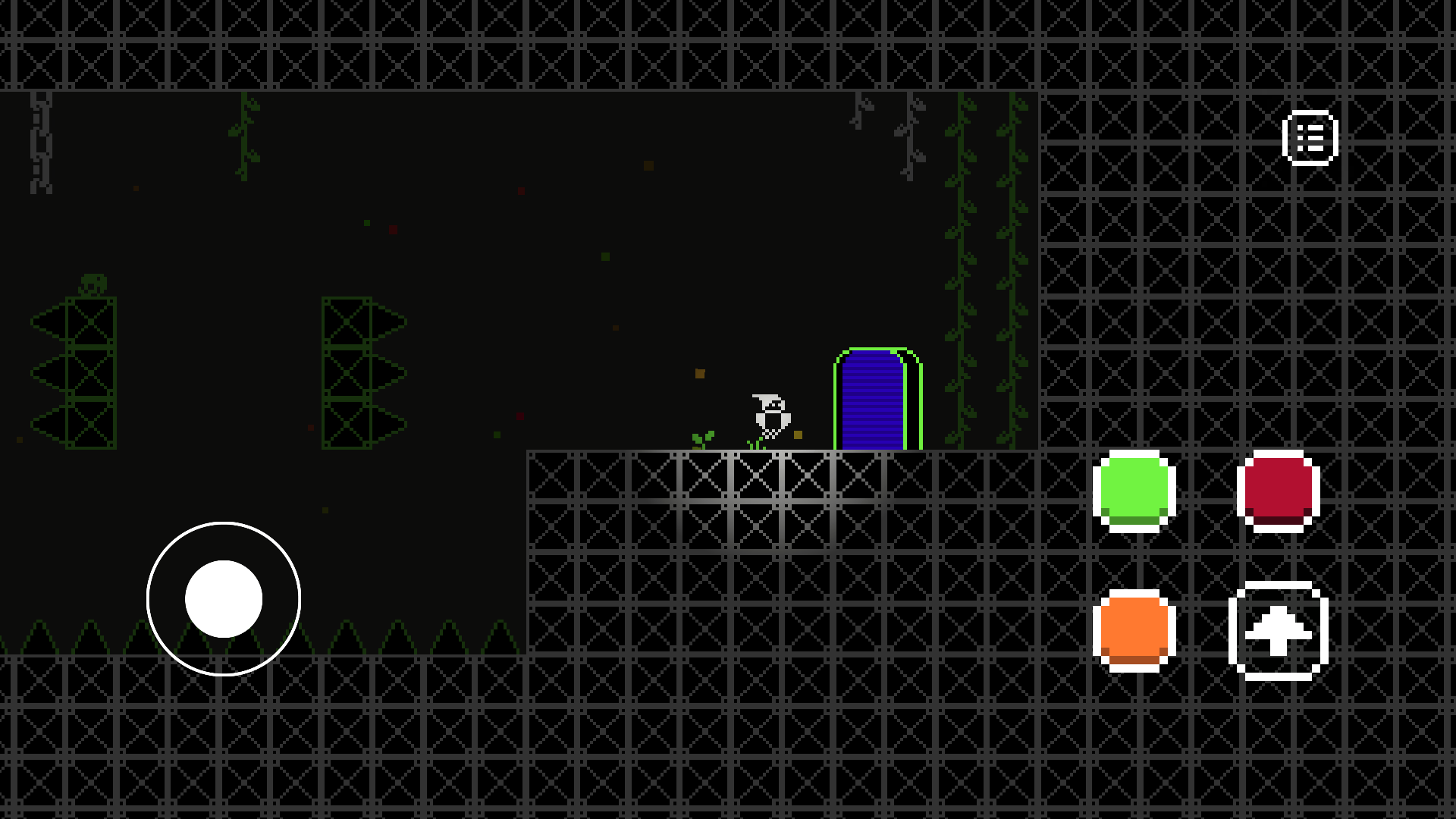
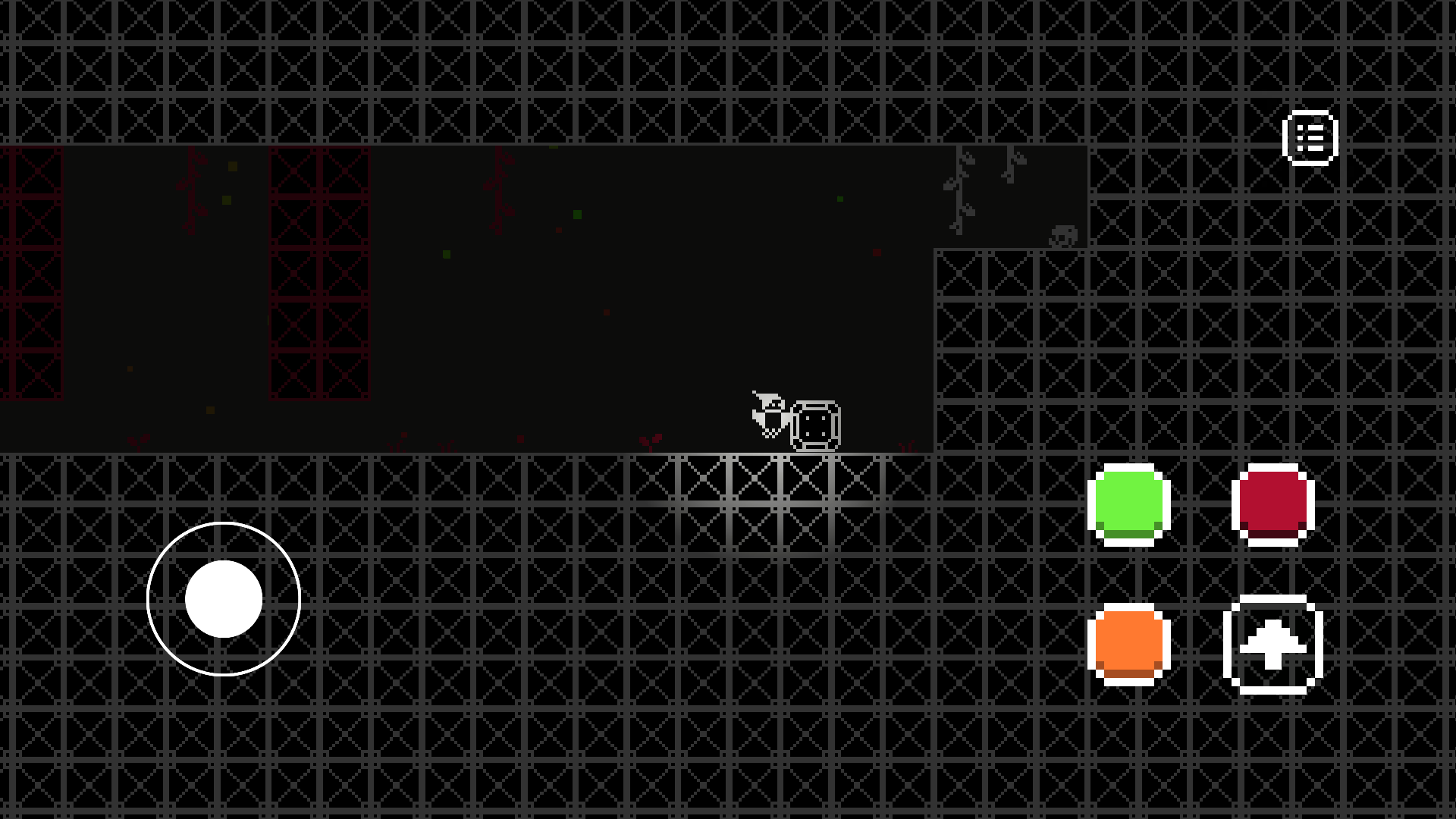
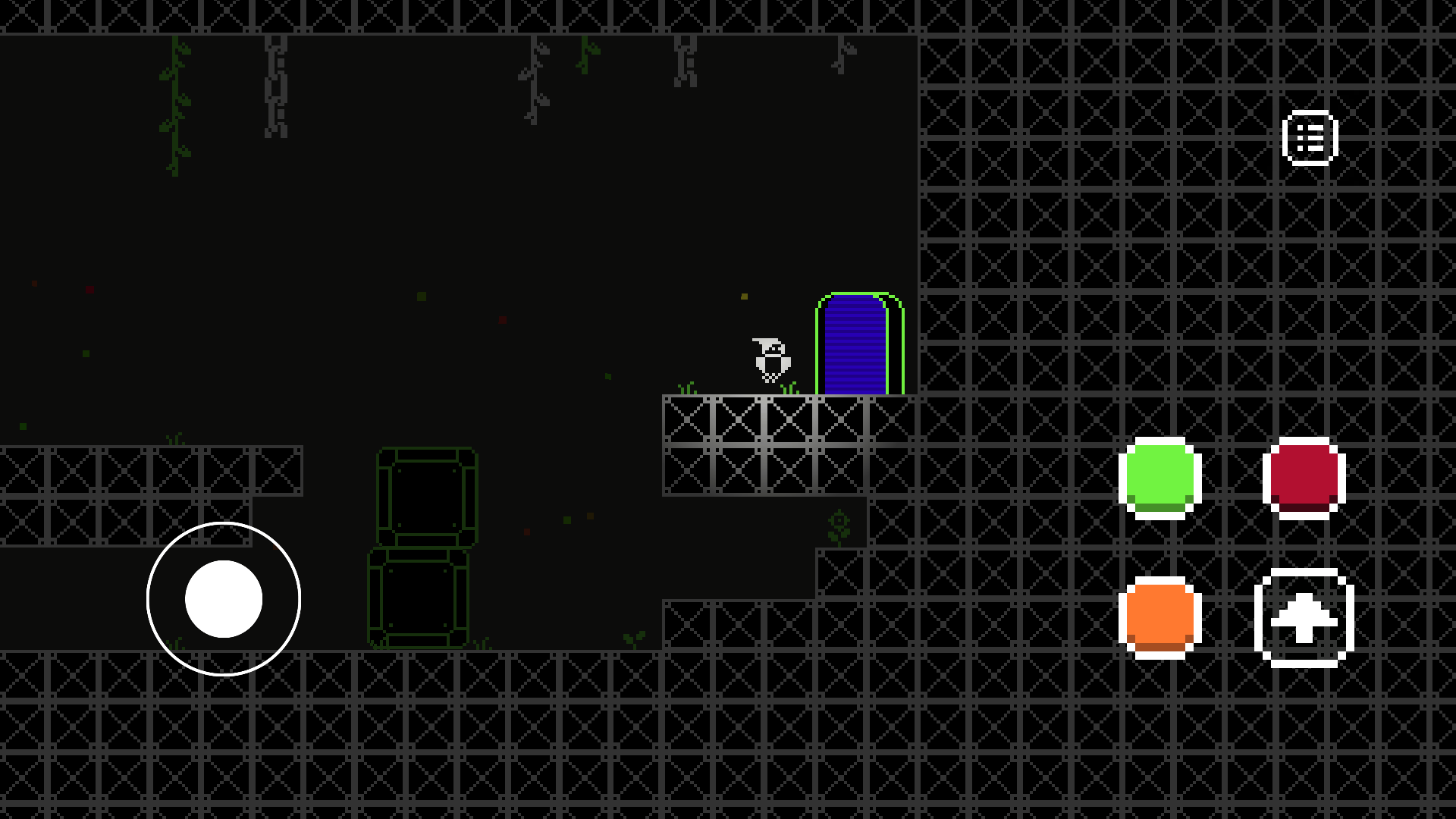
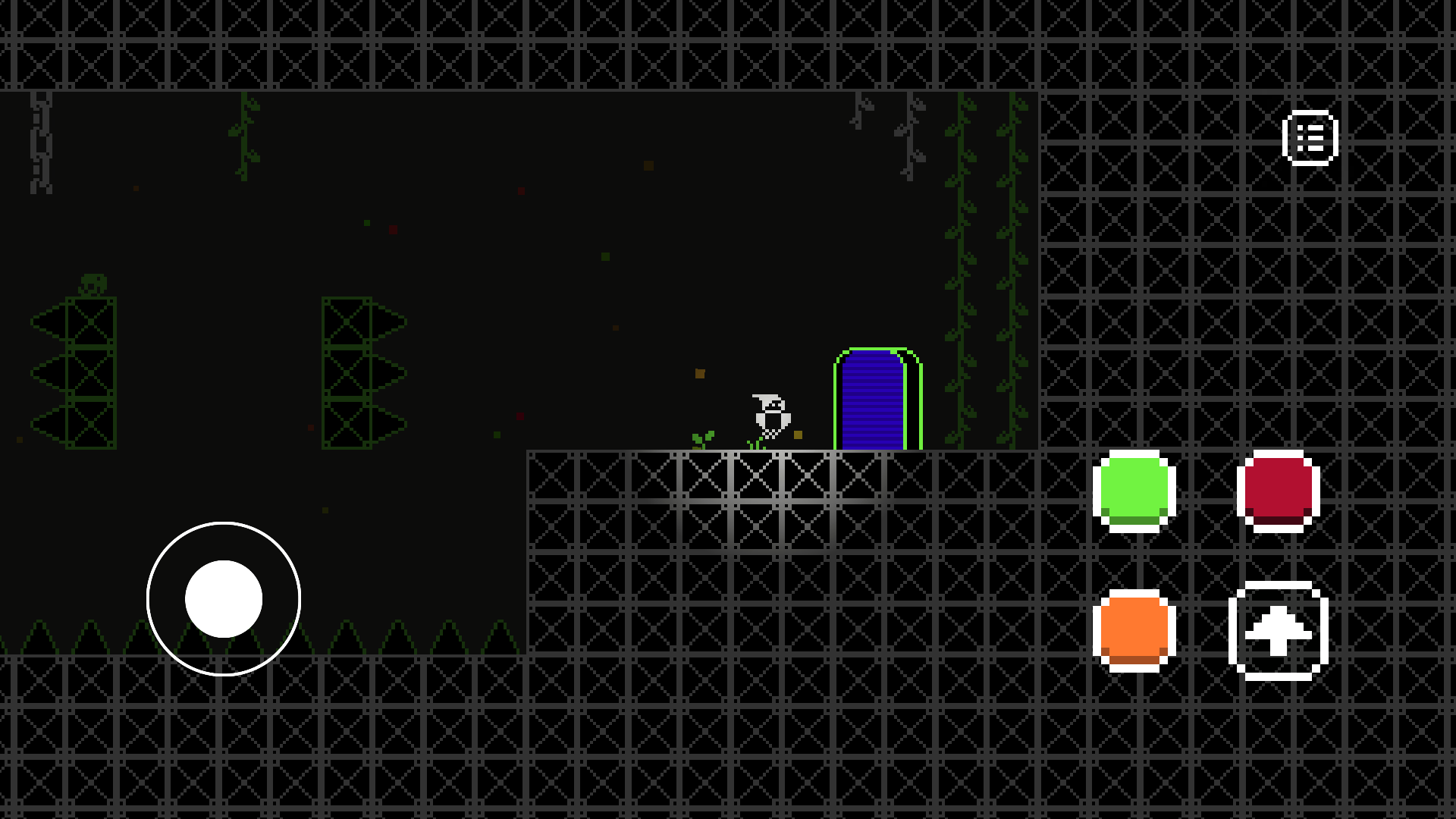
Shift your perspective and rewrite the environment in ColorMania by mastering the color spectrum. You manipulate the world around you to dissolve barriers and reveal hidden paths just by altering the background hue. Everything matching your current choice vanishes from sight, forcing you to think fast while you navigate complex platforms. This clever puzzle mechanic keeps you guessing as you toggle between shades to clear your way forward. You will encounter obstacles that require precise timing and a sharp mind to bypass successfully. The game rewards creative problem-solving as you experiment with different combinations to reach the goal. Playing this atmospheric platformer in your browser feels snappy and responsive without any software installation required. Grab your mouse and test your logic against these vibrant, shifting levels right now on FreeJoy.games.
How to play
HOW TO CONTROL THE WORLD OF FLOWERS:
This game is based on a unique mechanic: by changing the background color, you make objects of the same color disappear, opening new paths and solving puzzles. Here's how to control the palette and character.
Choosing the color of the world:
Using the mouse: Hold down the left or right mouse button and move the cursor — a circular panel with colors will open. Hover over the desired shade and simply release the button to activate it.
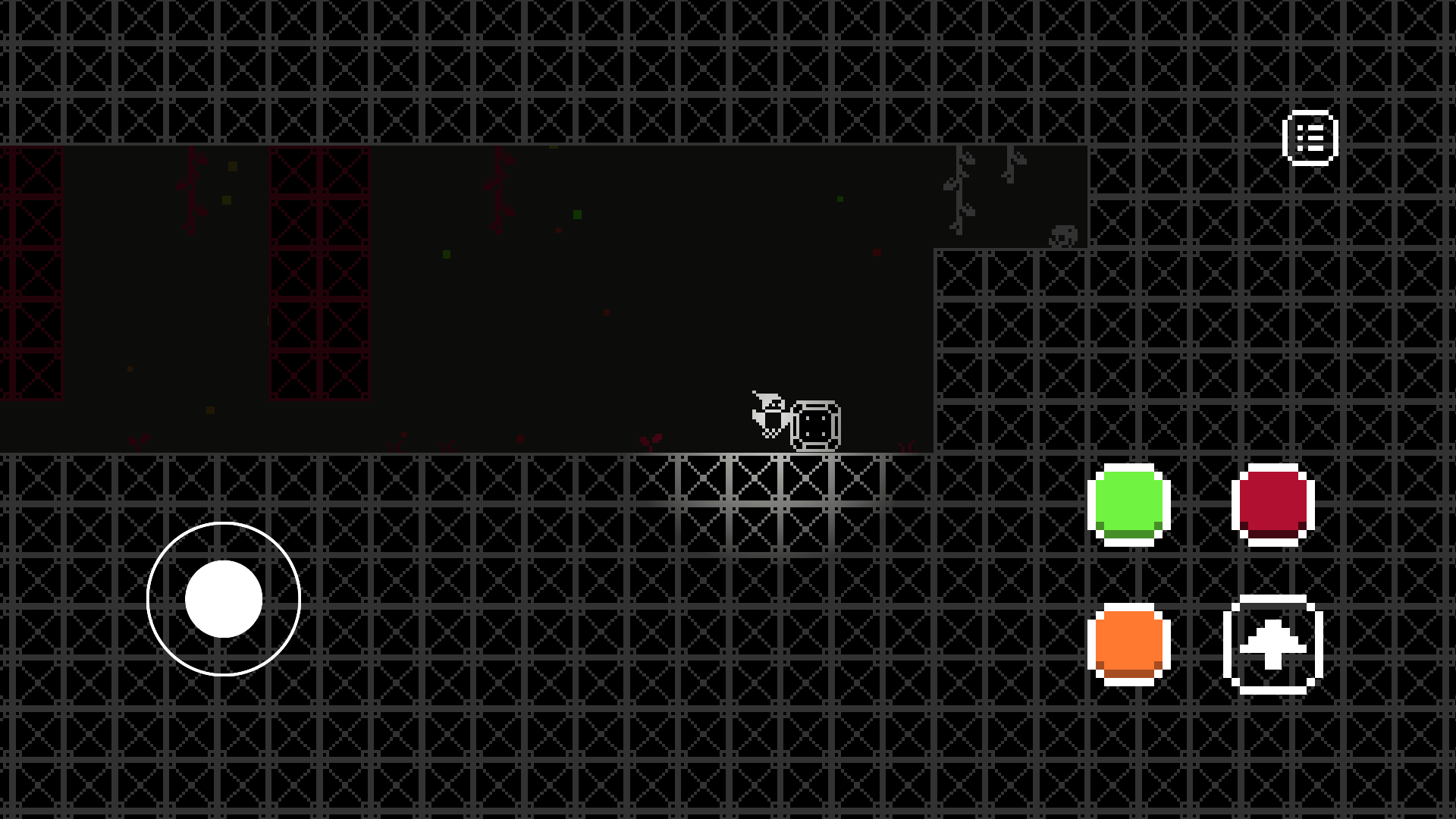
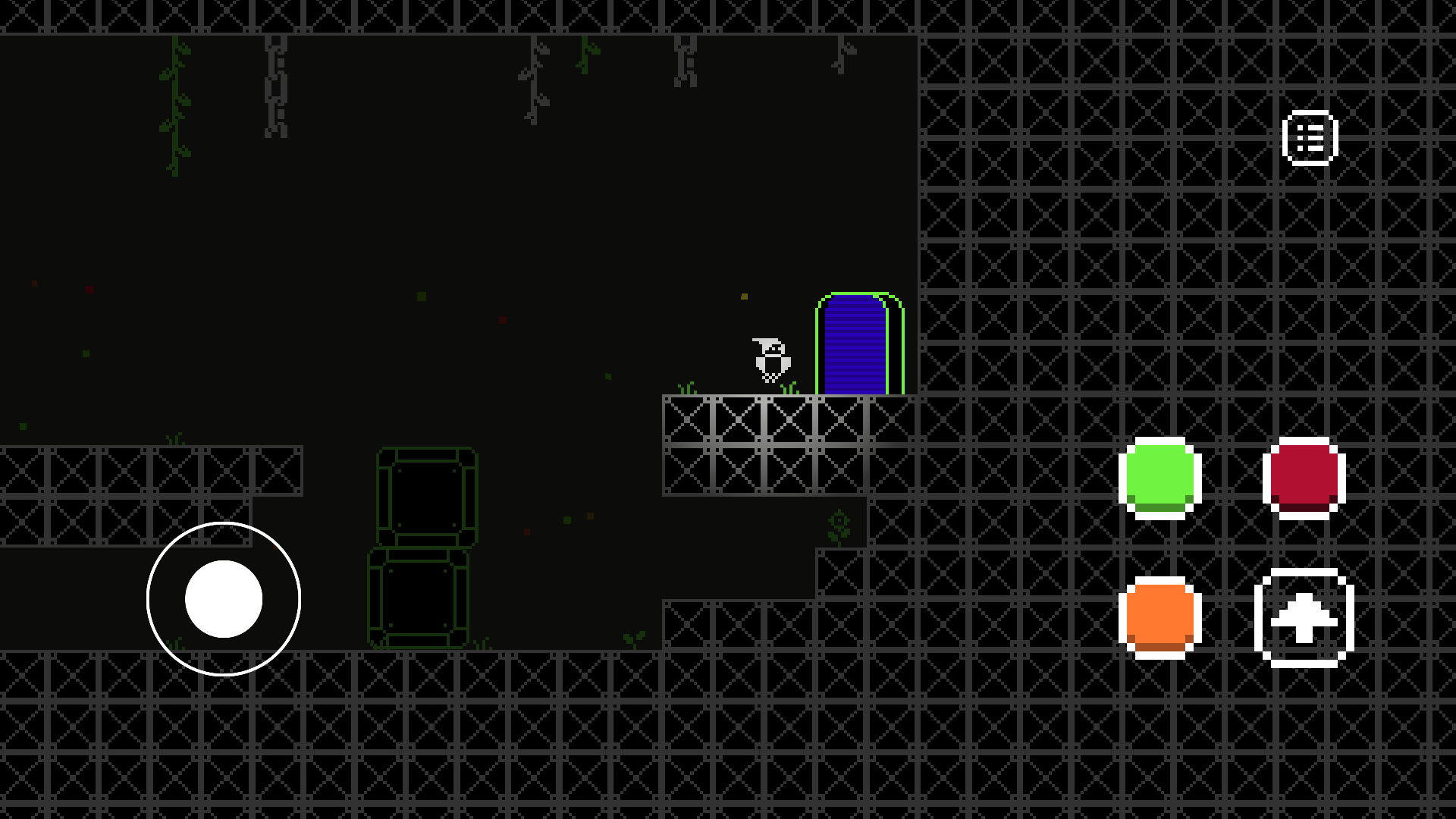
Using on-screen buttons: If it is more convenient for you to play without pressing, just click on the colored buttons in the game interface. The current active color is always highlighted.
CHARACTER ACTIONS:
Move: Use the A (left) and D (right) keys.
Jump: Press the Space Bar
Interaction: The E key is used to turn the levers on and off.
Pause: To stop the game and open the menu, press the P key.
Features
- Spectrum Shifting: Toggle between distinct background colors to interact with environment layers that react differently to your active shade.
- Spatial Logic: Master the art of disappearing platforms to reach high ledges or drop through floors that seem solid at first glance.
- Mechanical Puzzles: Engage with interactable levers and triggers that change state only when you isolate them with the correct color filter.
- Responsive Controls: Use smooth input methods designed for both desktop clicks and mobile taps to switch your active palette instantly.
- Dynamic Progression: Navigate increasingly difficult segments where color-coded traps require rapid transitions to survive.
Who is it for
Puzzle lovers who enjoy testing their spatial reasoning and logic skills. Fans of retro platformers looking for a fresh twist on classic level design will appreciate the challenge. Anyone seeking a brain-teasing break during their workday finds this browser-based experience accessible and engaging for quick sessions.
Controls
Move character
Use A and D keys on keyboard or swipe left and right on mobile
Jump
Press the Space Bar or tap the jump icon on your screen
Change color
Hold mouse button to open palette or click directly on on-screen color buttons
Interact
Press the E key or tap the interaction button to flip levers
FAQ
How do I clear obstacles in ColorMania?
›
You must select the background color that matches the obstacle you want to remove. Once the colors align, the object will vanish, allowing you to pass through the space.
Can I play ColorMania on my phone?
›
Yes, ColorMania is fully compatible with mobile browsers. You can switch colors using the on-screen buttons and control movement with simple touch gestures.
Is ColorMania free to play?
›
Absolutely, ColorMania is completely free on FreeJoy.games. You can play directly in your browser without any registration or downloads required.