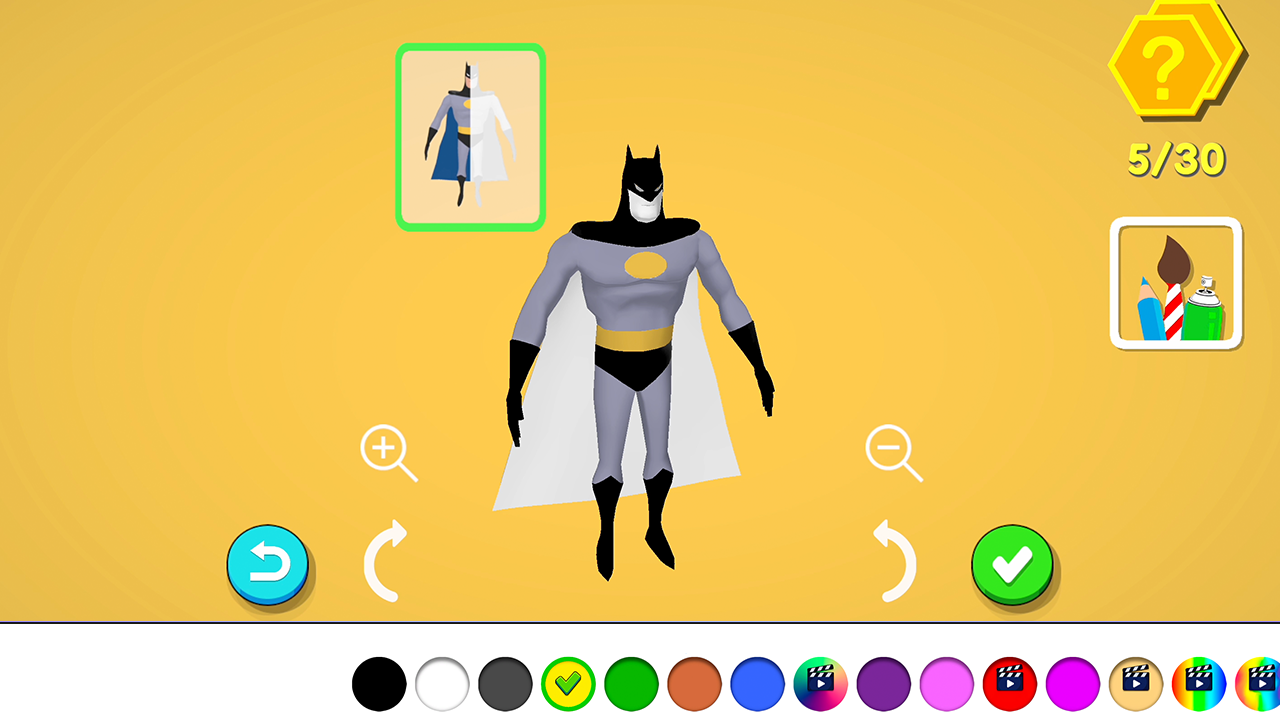
About game
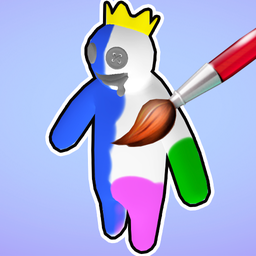
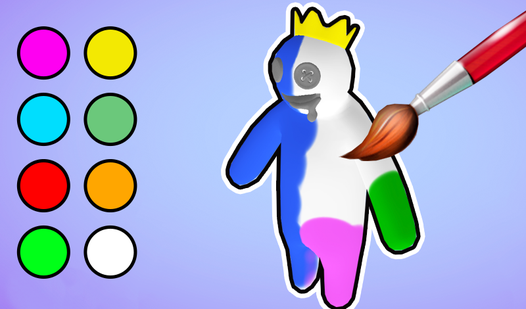
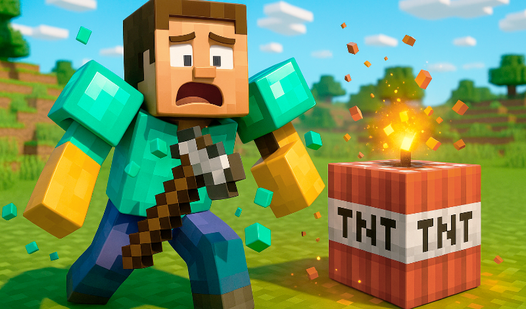
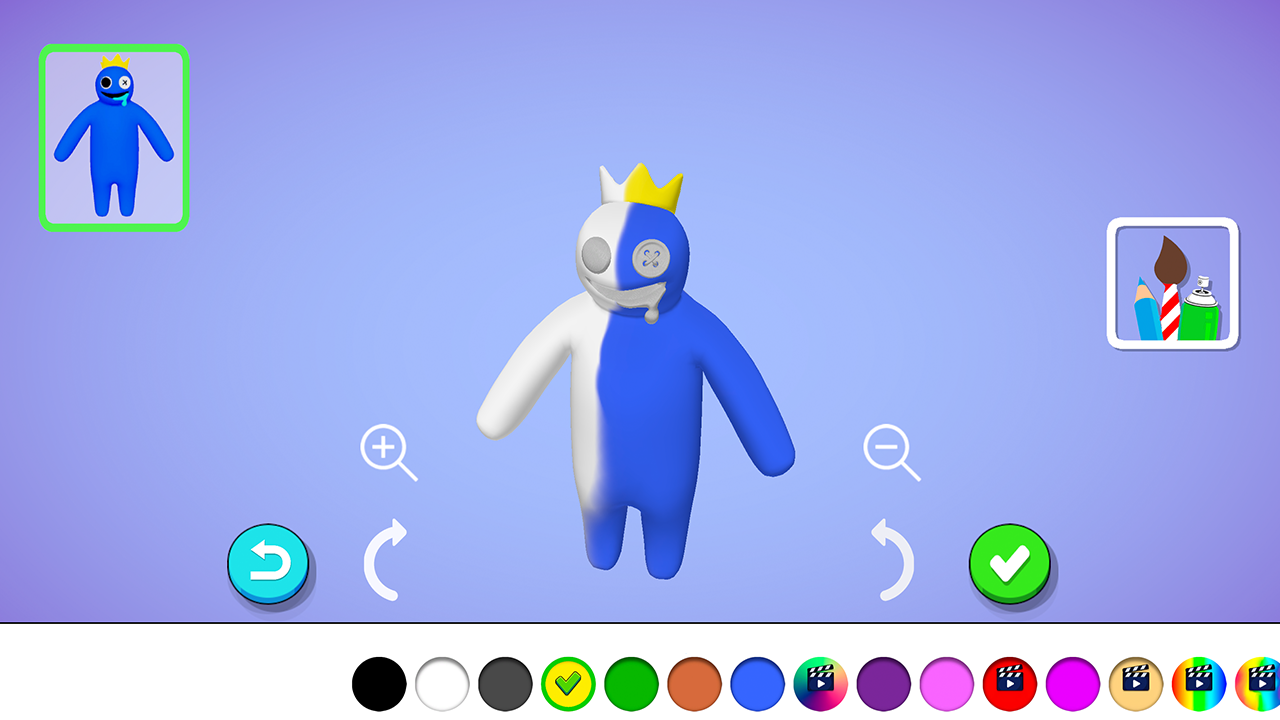
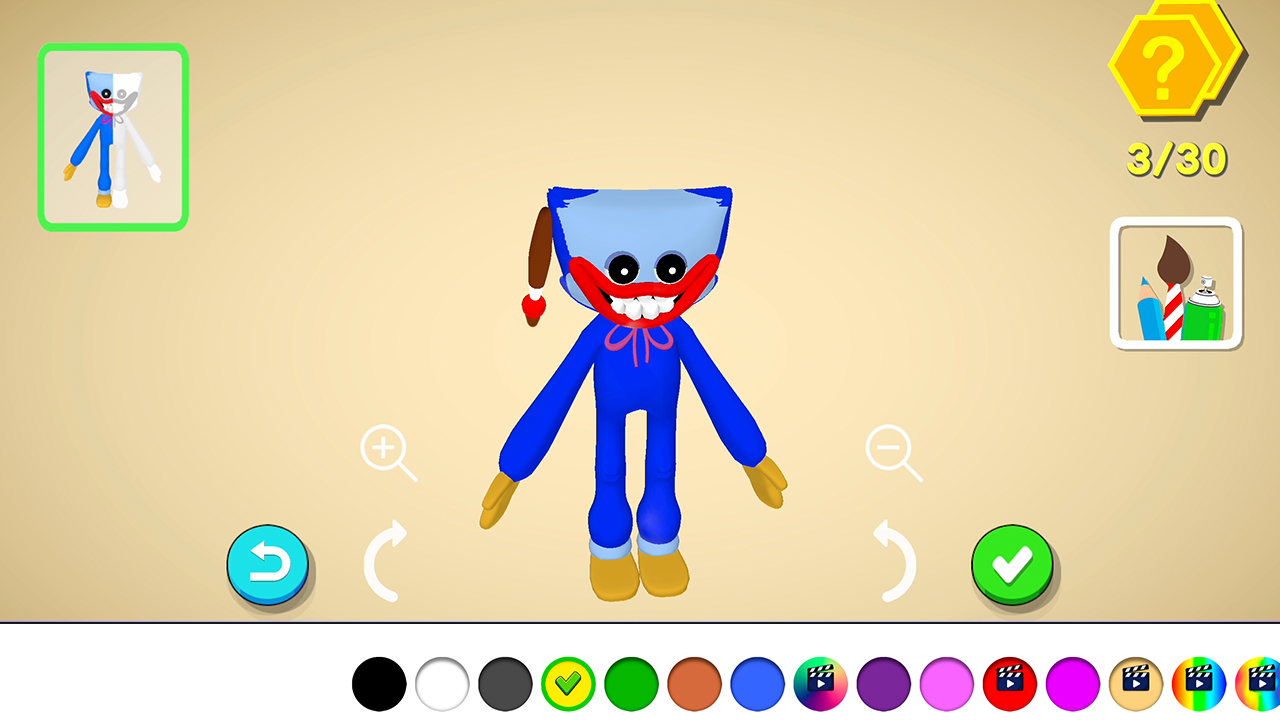
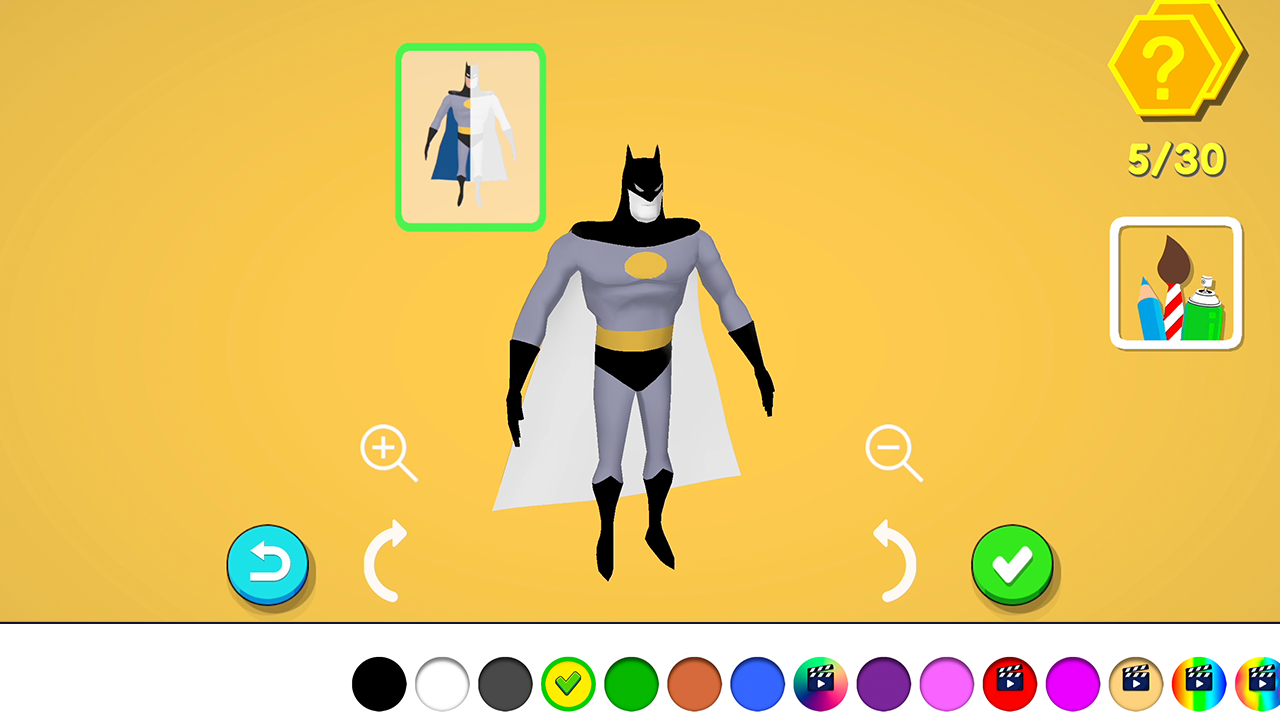
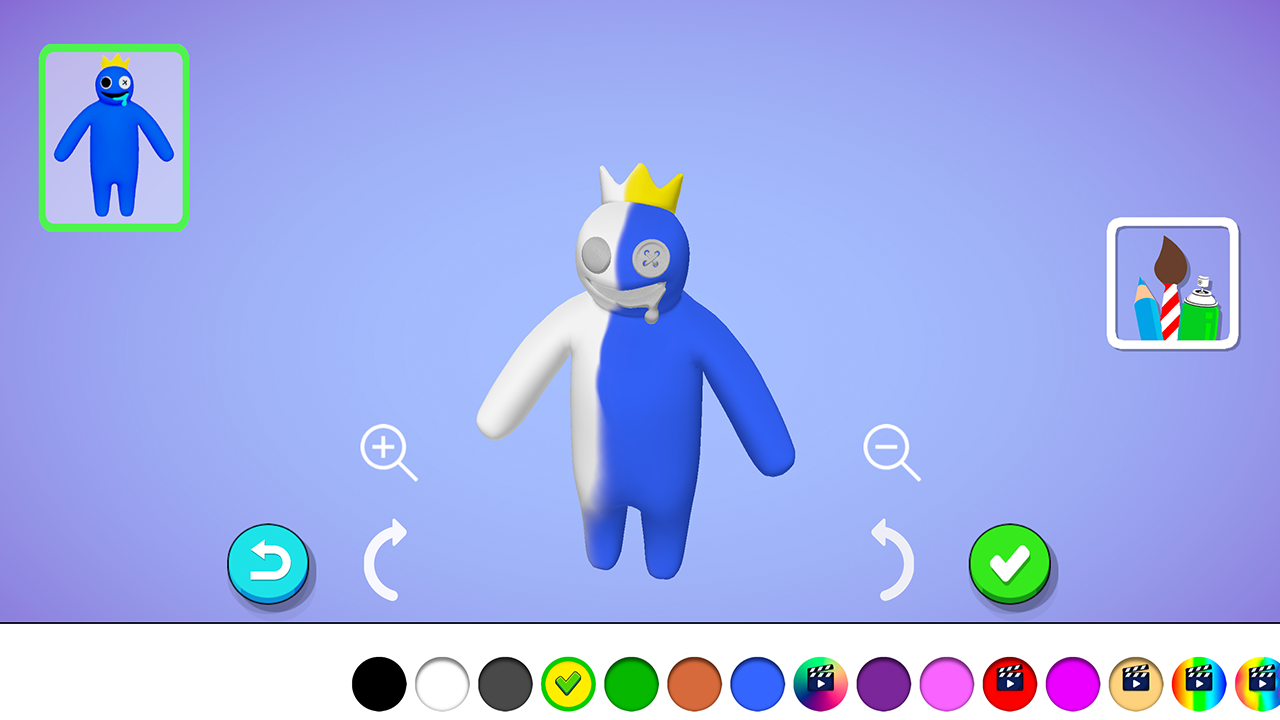
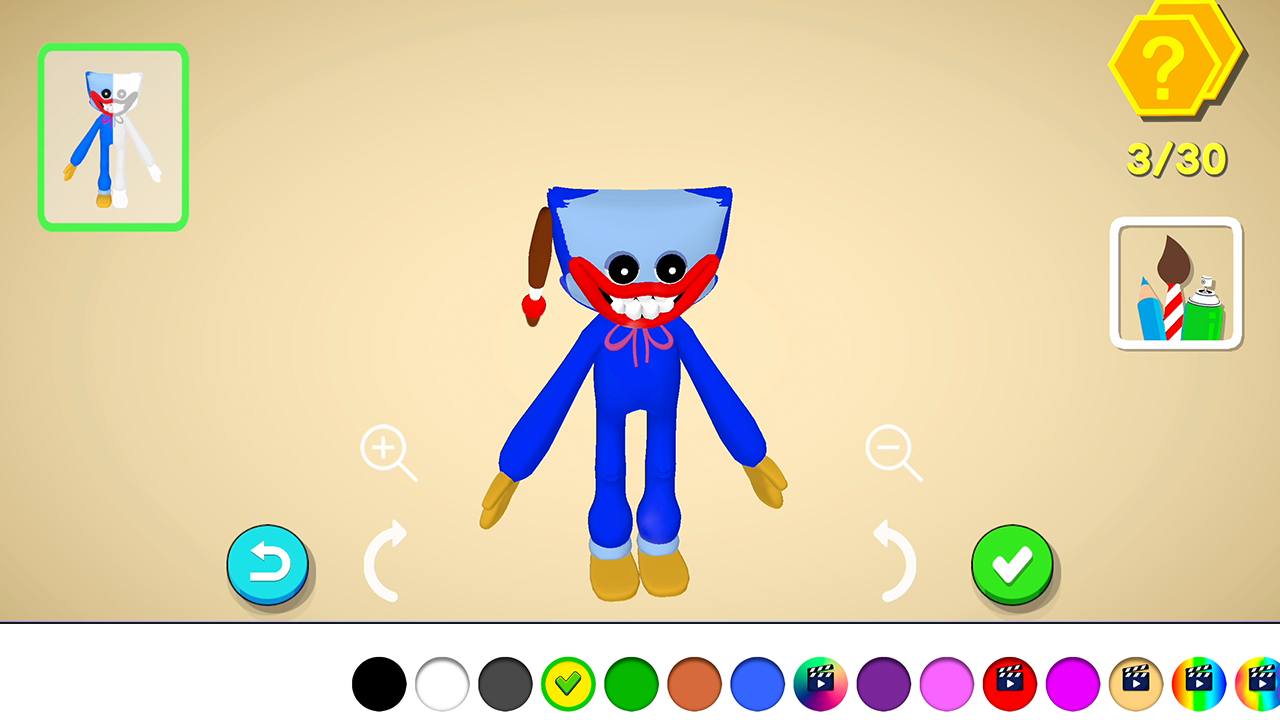
Staring at a blank screen during a coffee break often feels like a missed opportunity to unleash your inner artist. Color It in 3D bridges the gap between boredom and creativity by letting you transform plain figurines into vibrant masterpieces. You select from a massive library of 3D models and apply textures or shades to bring them to life instantly. Navigating the 3D space is intuitive, allowing you to rotate and zoom into every corner to ensure your color palette looks perfect. The process is incredibly satisfying, almost like a digital form of ASMR that keeps your hands busy and your mind calm. You can build a vast gallery of completed work, ranging from cute anime figures to iconic characters that fans of popular block-based games will recognize. This high quality coloring experience provides endless creative freedom without the mess of real paints or brushes. Experience the joy of these 3d projects right here in your browser with no download required.
How to play
The goal of the game is to paint all 3D figures in colors. The figures are collected in your personal collections.
Control on a mobile device - a long-tap on the object to start drawing, a swipe for coloring, buttons with a magnifying glass for zoom, arrow buttons for rotating a 3D object.
Features
- Collection gallery: Save all your finished creations into a personal library to showcase your artistic progress over time.
- Model variety: Access a diverse range of templates including fantasy creatures, cartoon icons, and stylized anime figures.
- Precision tools: Use the zoom and rotation functions to reach hidden surfaces on complex models for a professional finish.
- Relaxation focus: Enjoy a stress-free environment designed to help you unwind through repetitive, soothing coloring motions.
- Dynamic shading: Apply different color gradients to give your 3D models depth and a realistic virtual look.
Who is it for
Creative minds who enjoy relaxing artistic outlets will find this experience deeply rewarding. Fans of digital art apps and parents looking for engaging, non-violent activities for younger children will appreciate the intuitive interface. It serves as a perfect creative escape for anyone wanting to build a virtual collection.
Controls
Select and Draw
Long-tap on any part of the 3D model to begin applying color.
Apply Color
Swipe your finger or mouse cursor across the surface to paint the area.
Rotate Object
Use the on-screen arrow buttons to turn the model and access different sides.
Zoom View
Use the magnifying glass buttons to focus on specific details of the character.
FAQ
Is Color It in 3D completely free to play?
›
Yes, Color It in 3D is free to play directly in your web browser with no registration required.
Can I save my progress in Color It in 3D?
›
The game allows you to build a personal collection of your finished works within your current session.
Does Color It in 3D require any special software to run?
›
No, Color It in 3D runs in your browser, meaning you do not need to download or install anything to start coloring.