About game
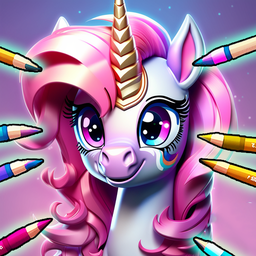
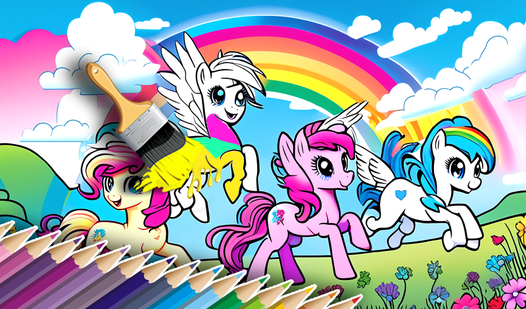
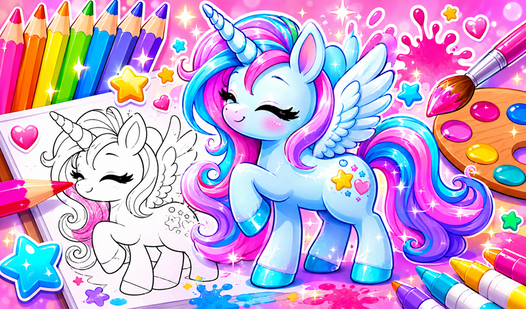
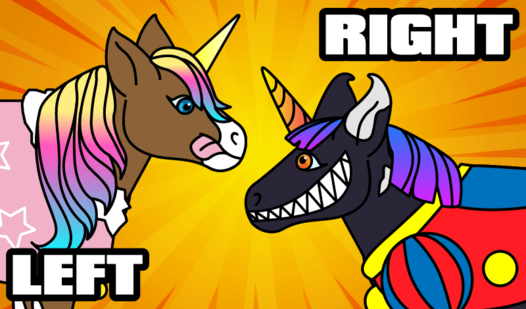
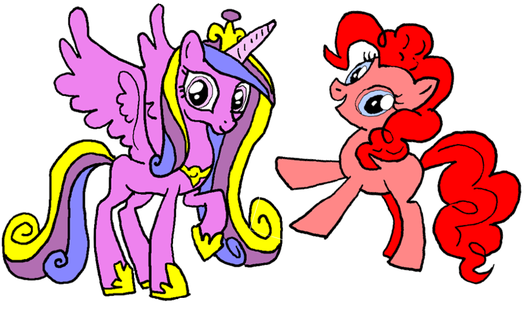
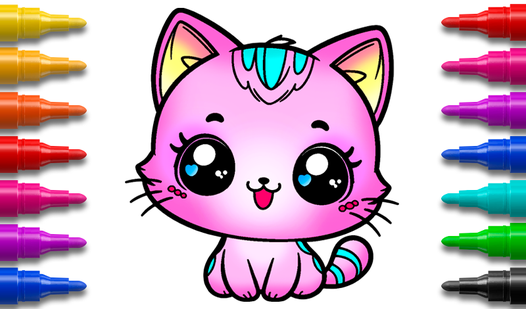
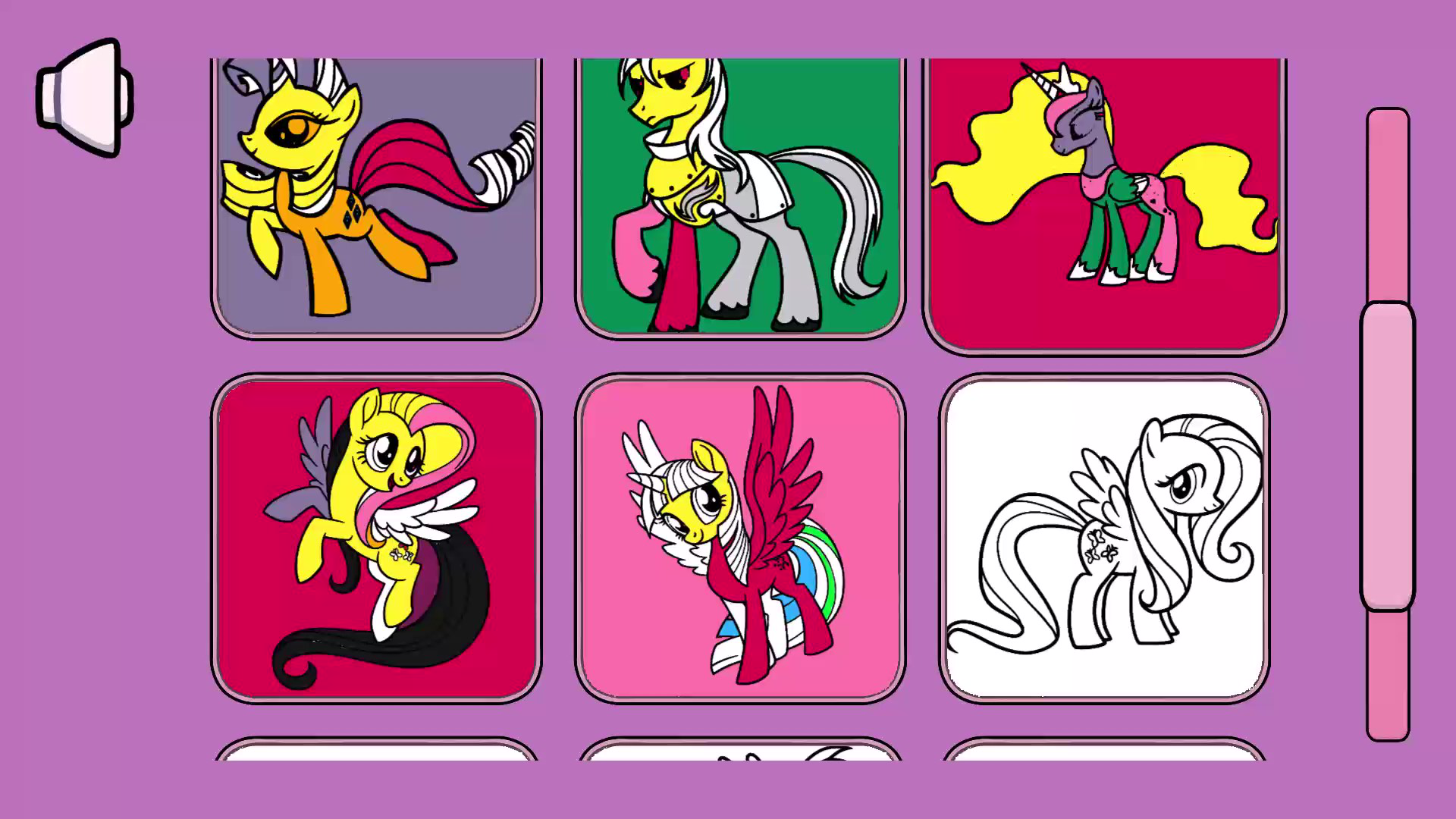
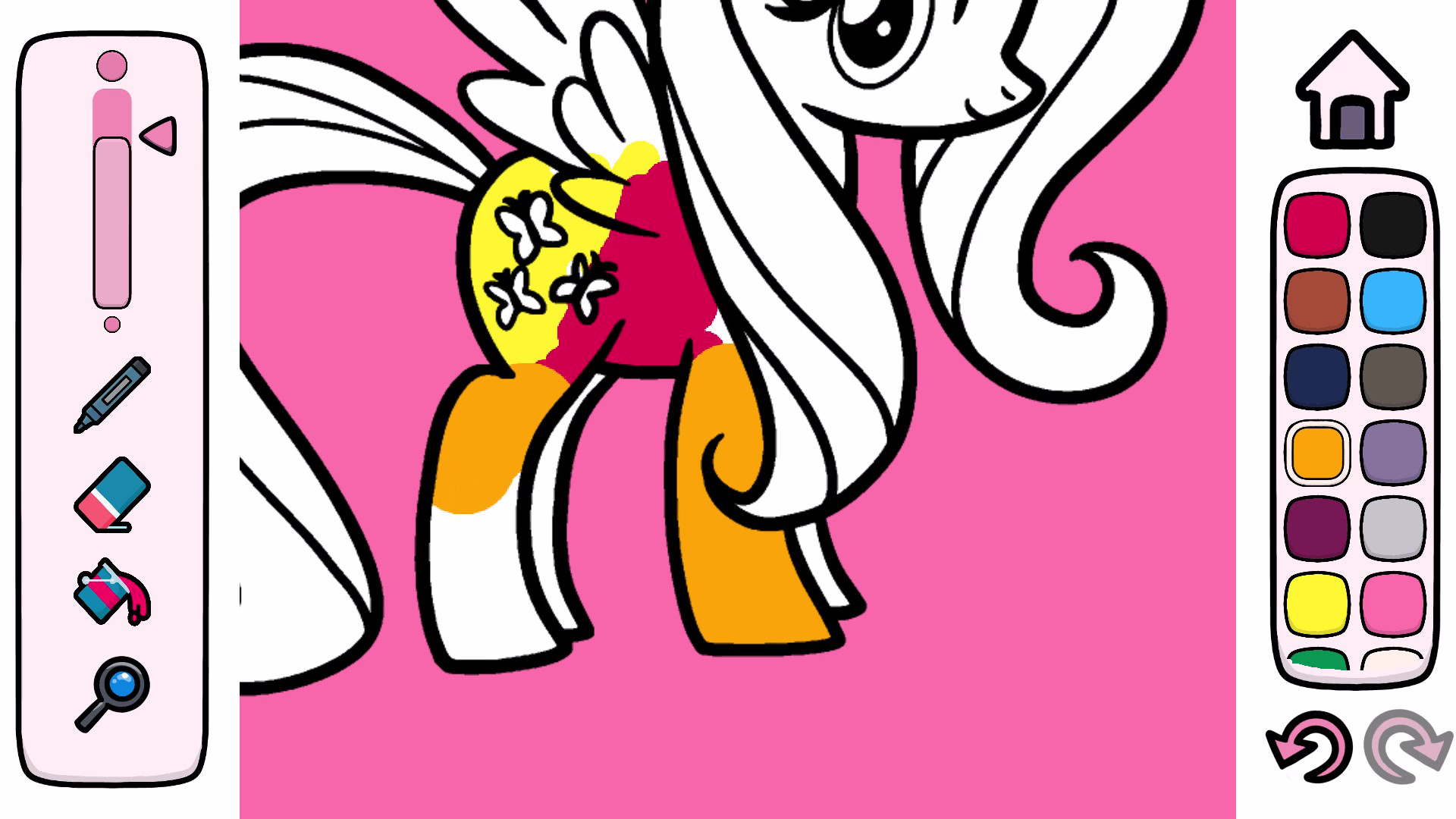
Fans of colorful adventures and artistic expression will love spending time with Color Game - My little pony, for kids. This charming digital canvas brings your favorite magical creatures to life through a relaxing and creative experience perfect for any afternoon. You start by choosing a unicorn image from a diverse collection and then use a digital marker to bring them to life. The intuitive mechanics ensure you always color perfectly inside the lines, making every creation look like a professional masterpiece. Players can utilize a handy fill tool to instantly paint large areas, while the adjustable marker thickness helps add fine details to every pony. If you make a mistake, a quick eraser tool keeps the creative flow going without any frustration. You can easily zoom in to focus on tricky sections or use a wide palette of vibrant shades to make your artwork pop. This browser-based рисовалка offers a simple yet deeply satisfying way to create beautiful пони art without any messy cleanup. Play this creative game for free in your browser right now with no download required.
How to play
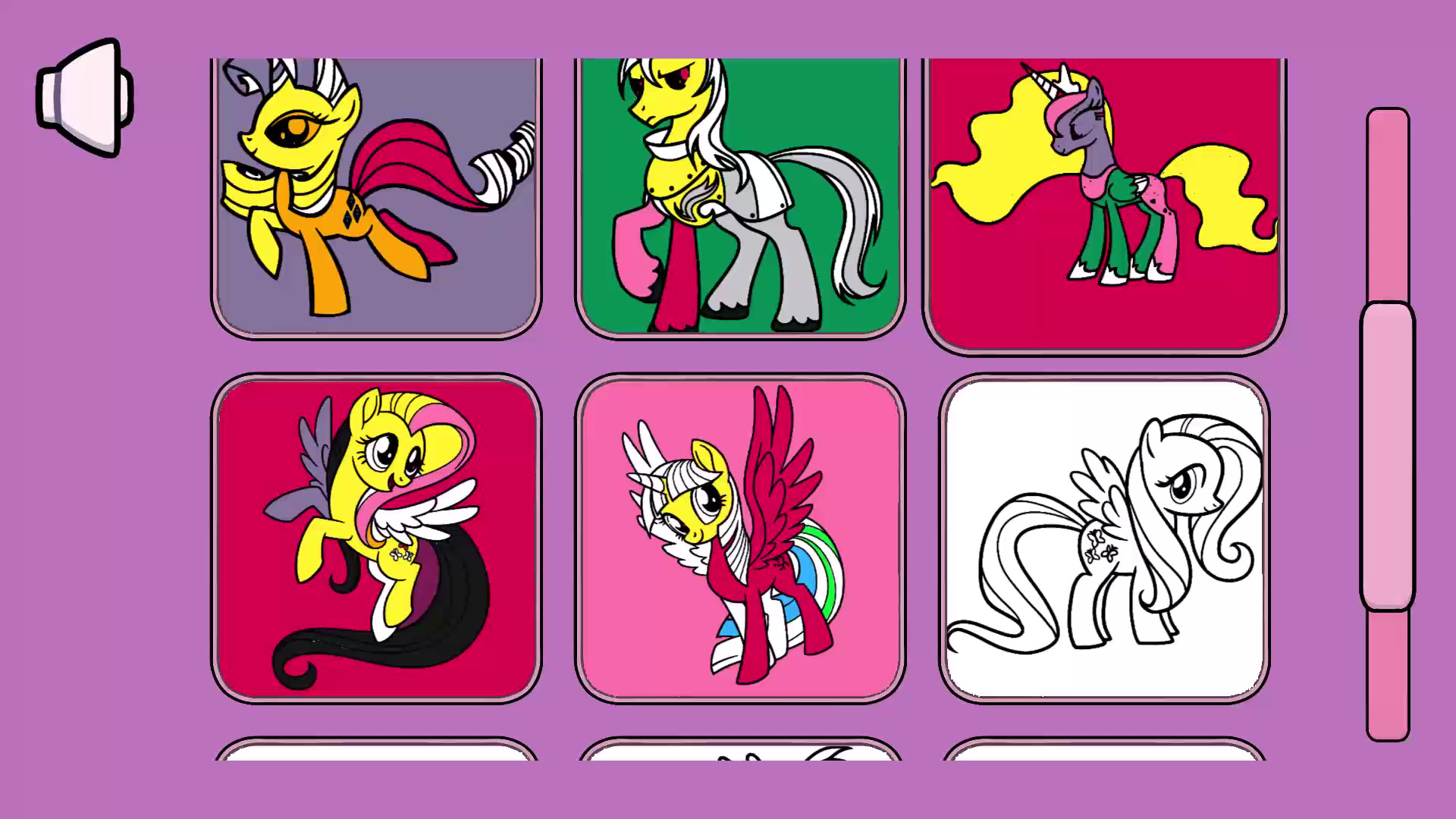
1) Select a unicorn image you like.
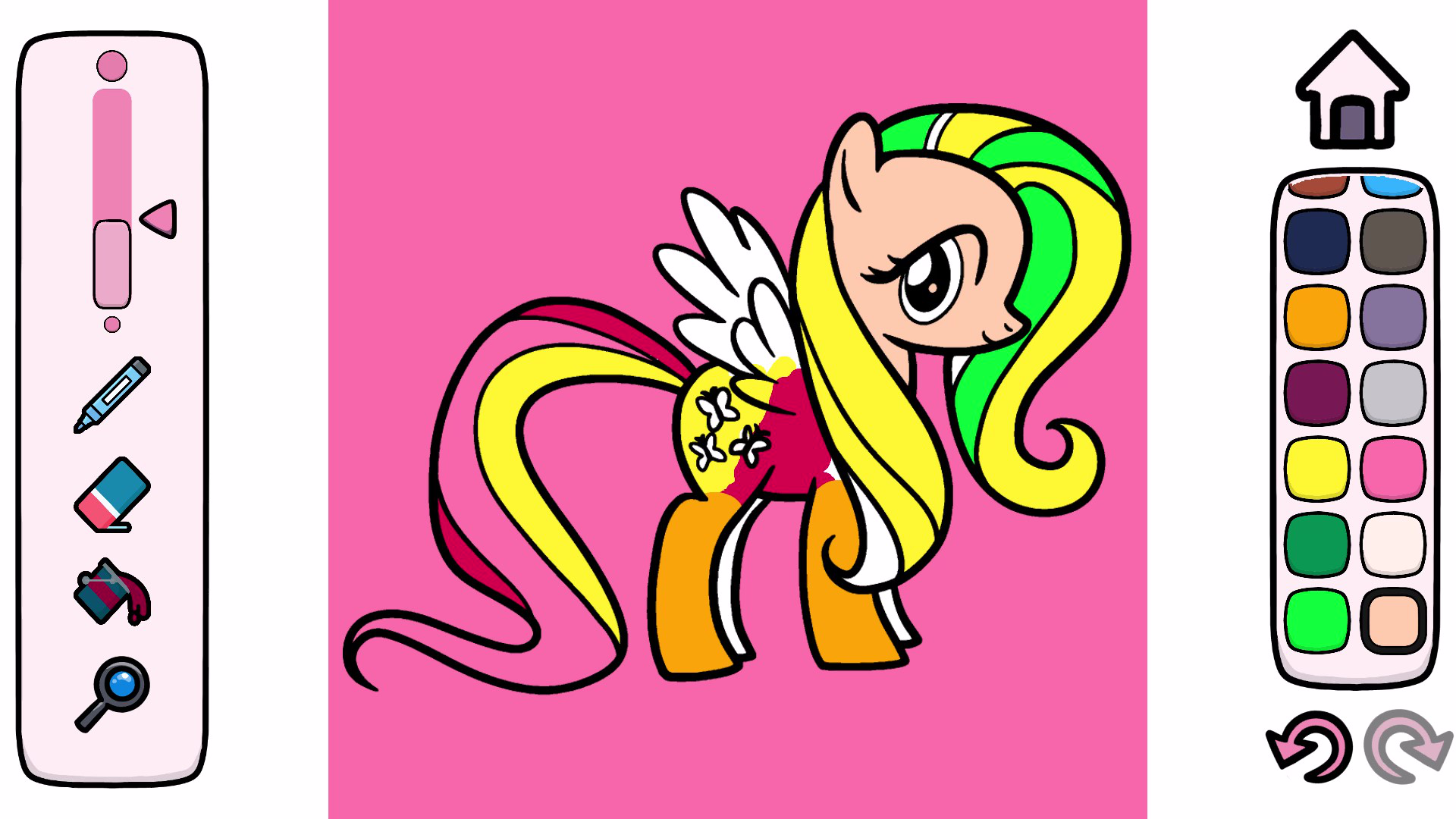
2) Open the drawing and start coloring inside the lines.
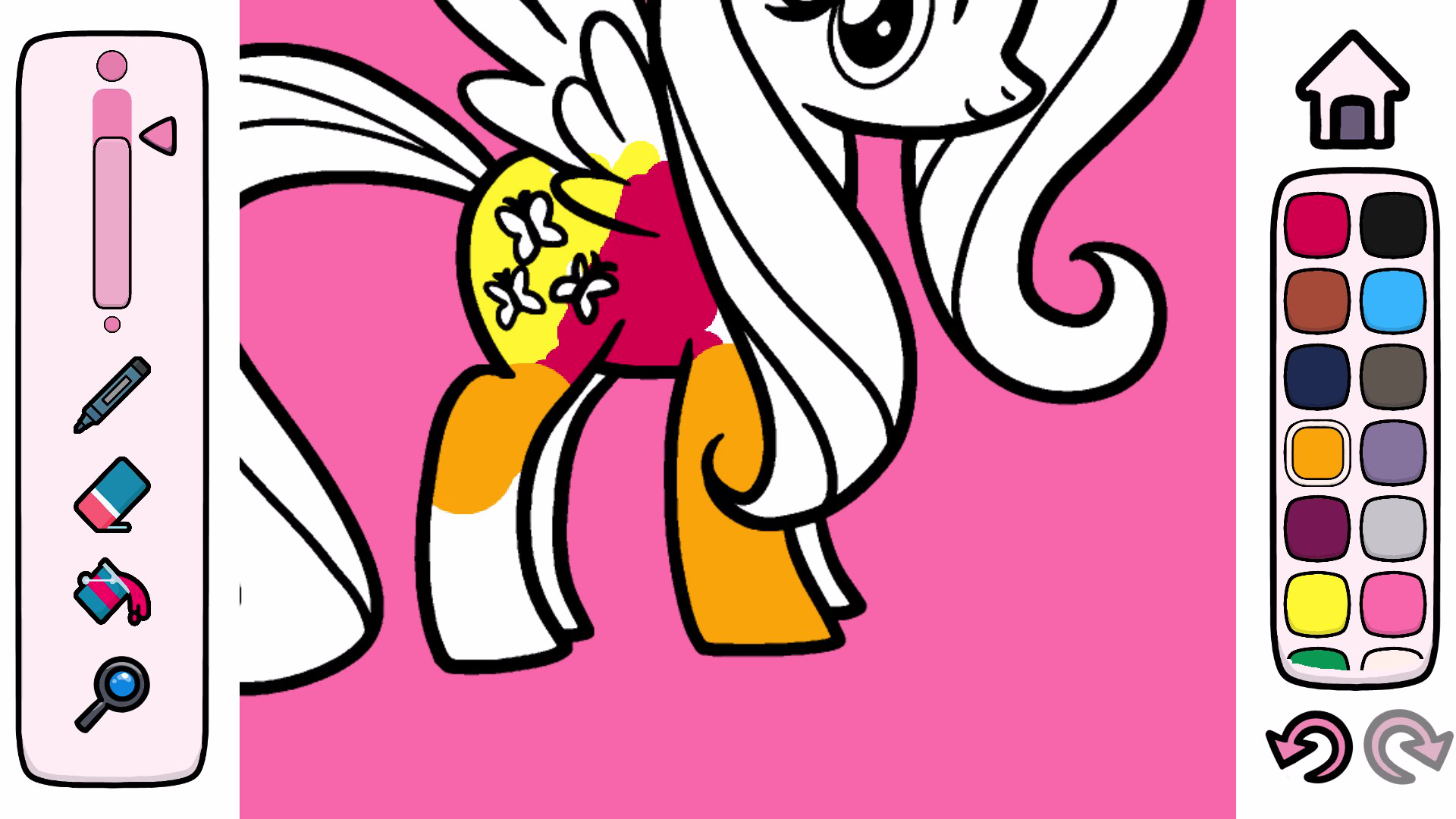
3) Use fill to quickly and accurately paint areas.
4) Control the thickness and color of the marker to create unique effects.
5) Zoom in and move around the image by selecting the magnifying glass tool.
6) If you make a mistake, use the eraser to fix it.
7) Enjoy the vibrant, detailed drawings!
Features
- Smart Boundary System: Advanced software ensures your strokes automatically stay inside the lines for a polished finish.
- Precision Zoom Tool: Use the magnifying glass icon to focus on intricate details of the pony wings and manes.
- Dynamic Fill Bucket: Quickly apply your favorite shades to specific segments with a single click or tap.
- Customizable Brush Settings: Toggle between thin and thick markers to alternate between fine lines and bold color blocks.
- Error Correction: Access the eraser tool at any time to instantly remove unwanted marks or experiment with new color palettes.
Who is it for
Young artists and creative children who enjoy drawing will find this digital art studio highly engaging. It is an excellent choice for fans of ponies seeking a relaxing pastime that encourages focus and color recognition while providing a frustration-free environment that builds confidence in young users.
Controls
Select Tool
Tap or click on the desired tool icon in the sidebar.
Color Area
Tap, click, or swipe your finger to apply paint to the selected section.
Zoom View
Select the magnifying glass icon and pinch or drag to navigate the image.
Adjust Thickness
Use the slider menu to change the marker size before drawing.
FAQ
Is Color Game - My little pony, for kids safe for children?
›
Yes, the game is designed with a simple and child-friendly interface that ensures a positive experience for all ages.
Can I play Color Game - My little pony, for kids on my tablet?
›
Absolutely, the game is fully optimized for mobile browsers so you can enjoy coloring on any device with a touch screen.
Do I need to pay to unlock all images in Color Game - My little pony, for kids?
›
No, all drawings and coloring tools are completely free to access directly in your web browser.