About game
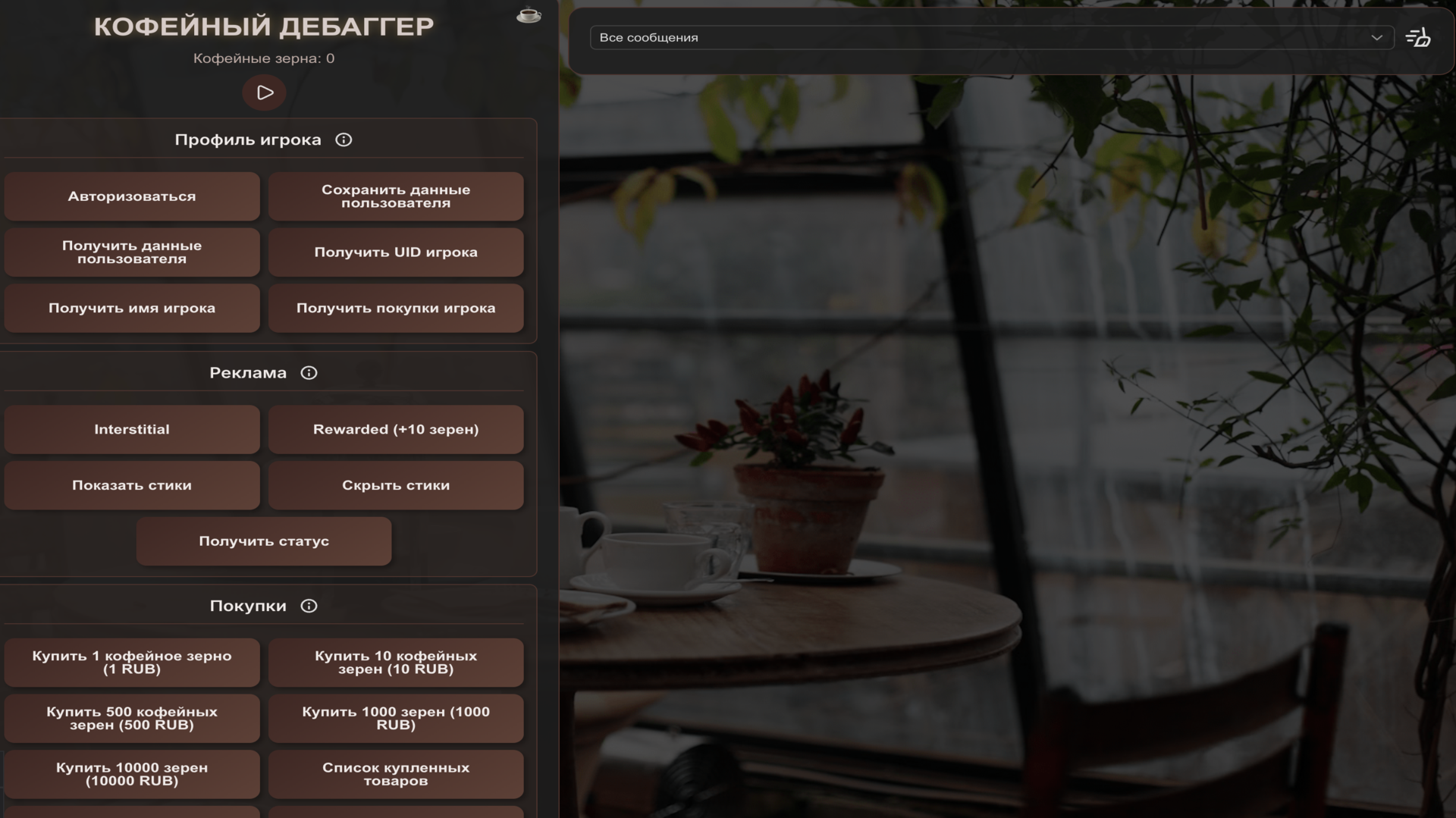
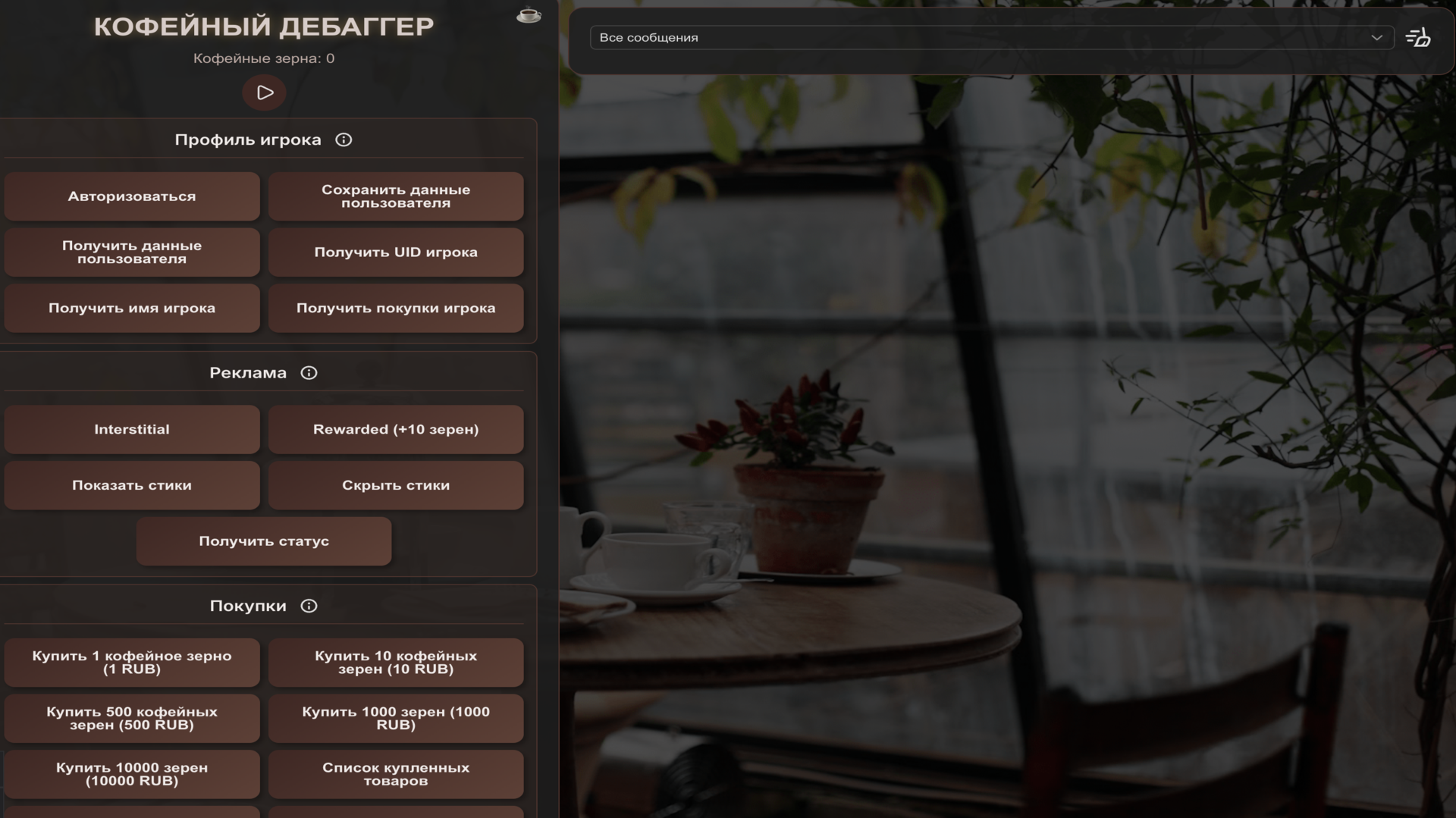
Tech enthusiasts and curious developers will love Coffee for its straightforward approach to testing digital systems. This simple simulator acts as a functional sandbox where you interact with various modules to verify that everything performs exactly as intended. You navigate through a minimalist interface filled with interactive buttons that trigger specific SDK methods instantly. Each action generates a result displayed on your screen, allowing you to monitor event handling and integration success in real time. The core loop revolves around testing these individual triggers to ensure seamless connectivity and reliable performance. Beyond standard debugging, Coffee offers a clean environment for stress-testing game components without any unnecessary bloat or complex graphics. It is a fantastic utility for those who need to confirm that their technical implementations are firing off correctly. You can try this testing tool for free right here in your browser without any downloads required.
How to play
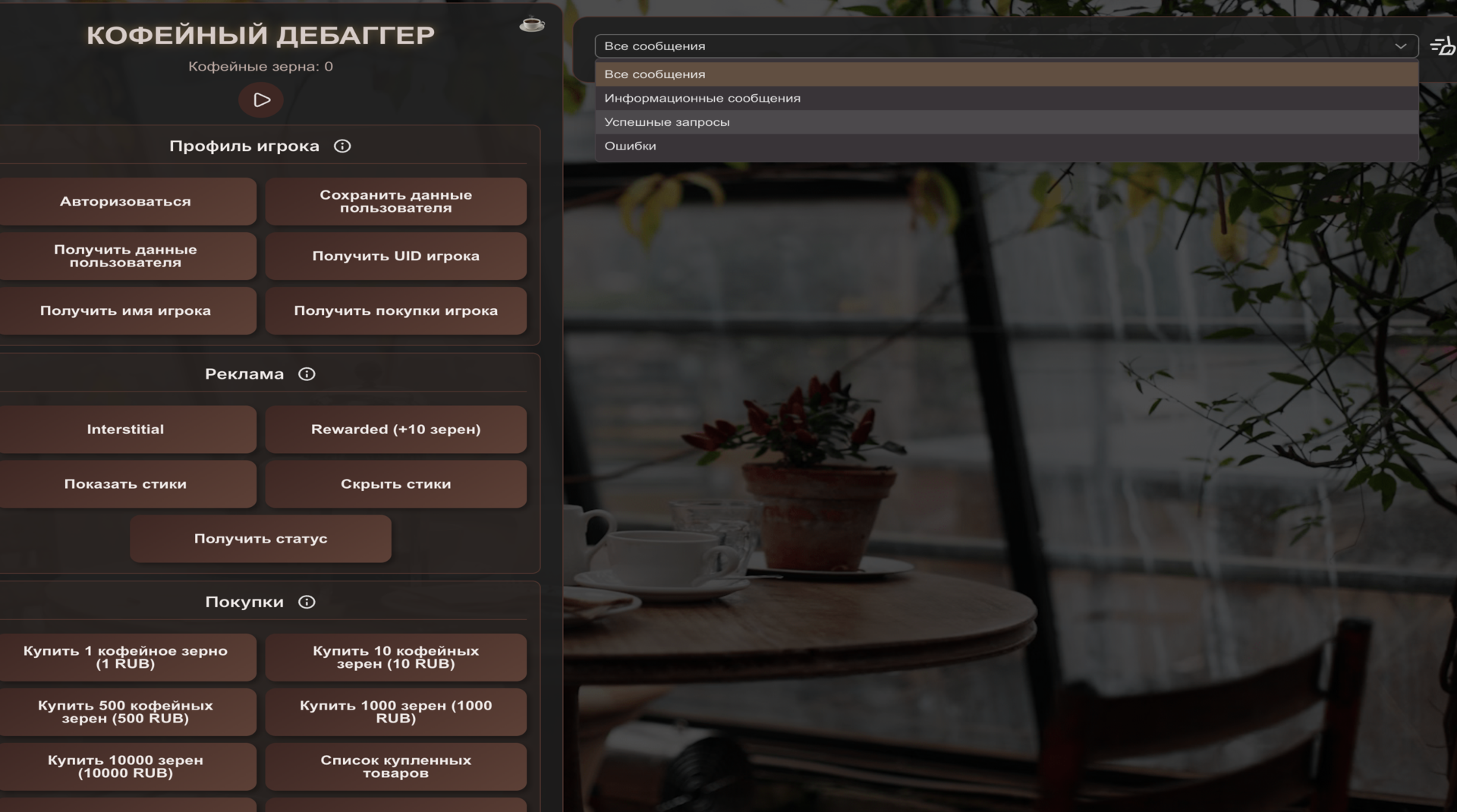
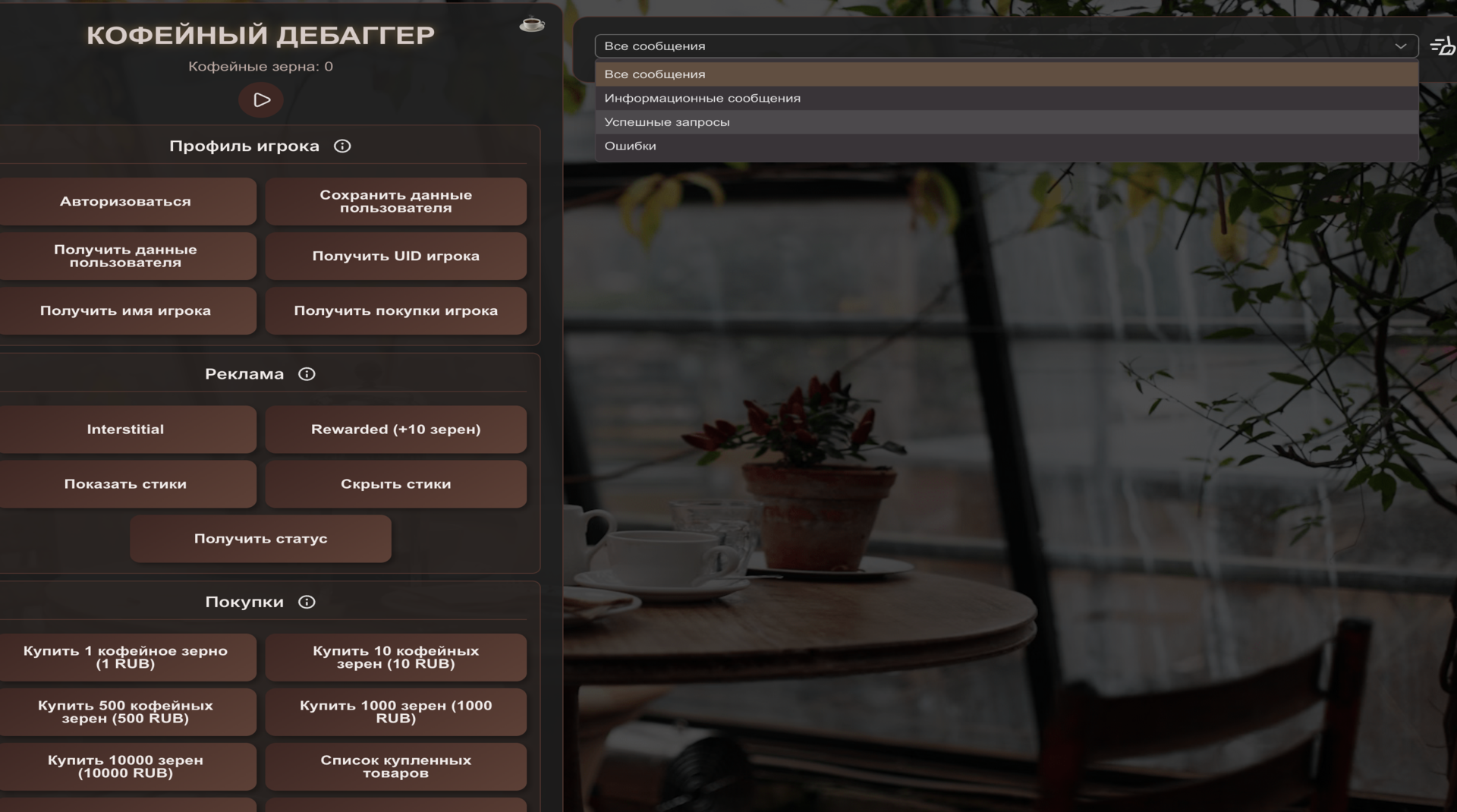
The game includes several SDK modules. Each module contains buttons that trigger the corresponding SDK methods when pressed. Press the buttons to verify correct method calls, event handling, and integration functionality. The execution results are displayed in the application interface.
Features
- Module Testing: Access dedicated sections designed to isolate and verify individual SDK components for accuracy.
- Event Logs: Monitor real-time feedback and response data directly within the application interface to track internal events.
- Interface Interaction: Utilize a responsive button layout that maps directly to core system triggers for instant verification.
- Debugging Sandbox: Experiment with integration flows in a controlled environment to identify potential issues before deployment.
- Cross-Platform Performance: Test how specific methods behave across different system states to ensure stability.
Who is it for
Developers and technical testers who need a reliable tool for verifying SDK integrations and event triggers. It is also suitable for students learning about software architecture and debugging processes who want a hands-on way to interact with backend code structures through a simplified and intuitive visual dashboard.
Controls
Activate module
Tap the button on your screen
Navigate menu
Swipe up or down to view different SDK modules
Trigger event
Single tap on the designated action button
FAQ
Is Coffee safe to use for testing my own plugins?
›
Coffee is a dedicated environment meant for verifying standard SDK behaviors and integration results.
Does Coffee require a high-end device to run?
›
No, Coffee is lightweight and optimized to run smoothly on any mobile browser or desktop system.
Can I save my results in Coffee?
›
The app displays results in the current session interface, making Coffee perfect for immediate debugging and live observation.