About game
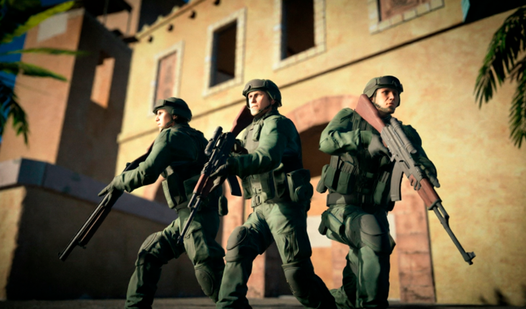
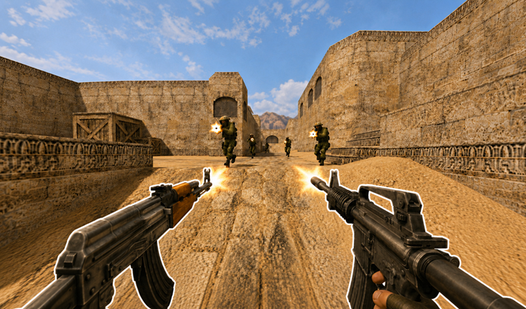
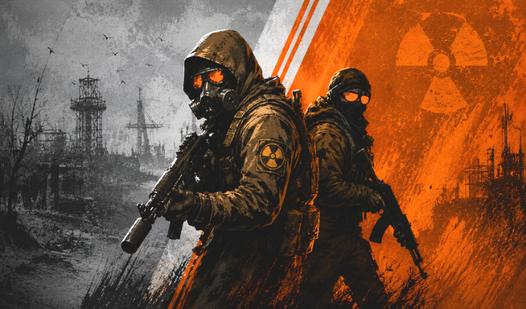
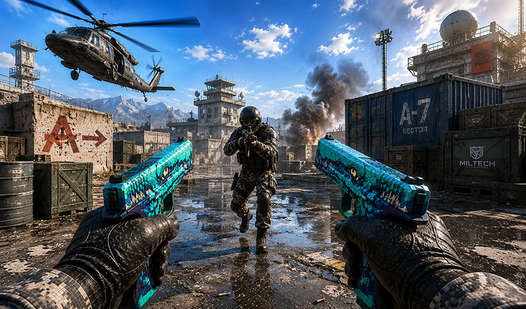
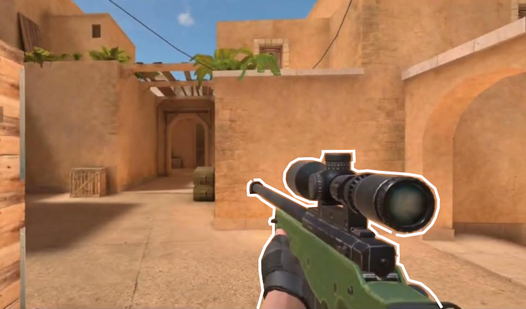
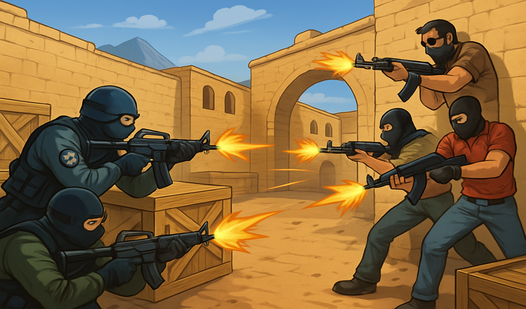
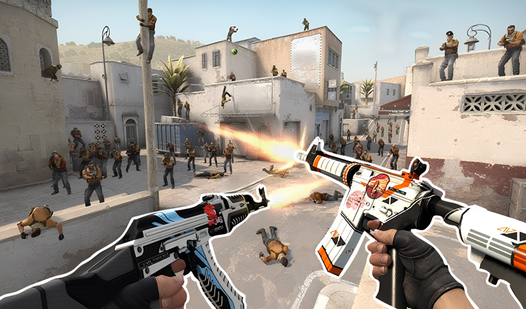
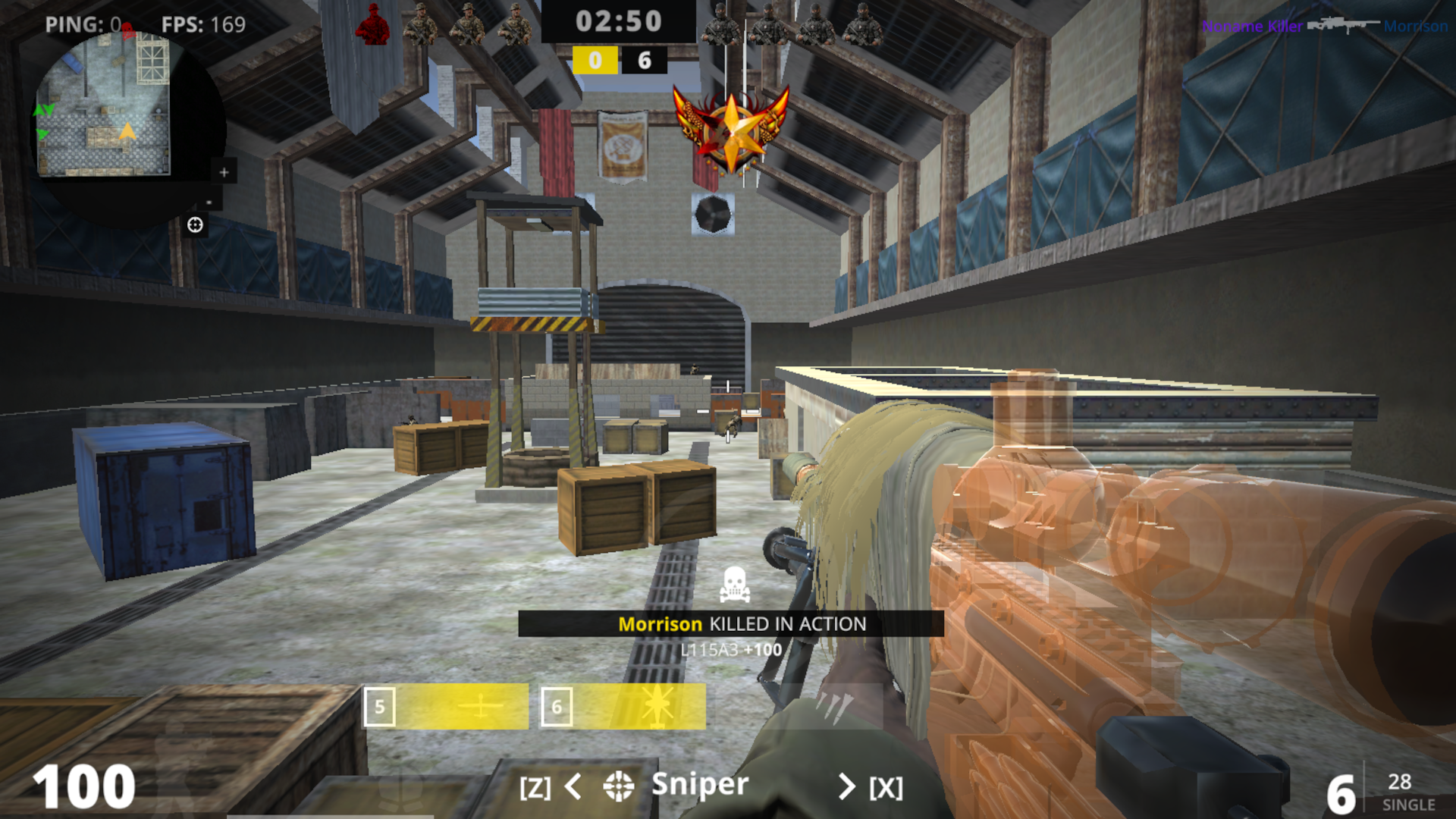
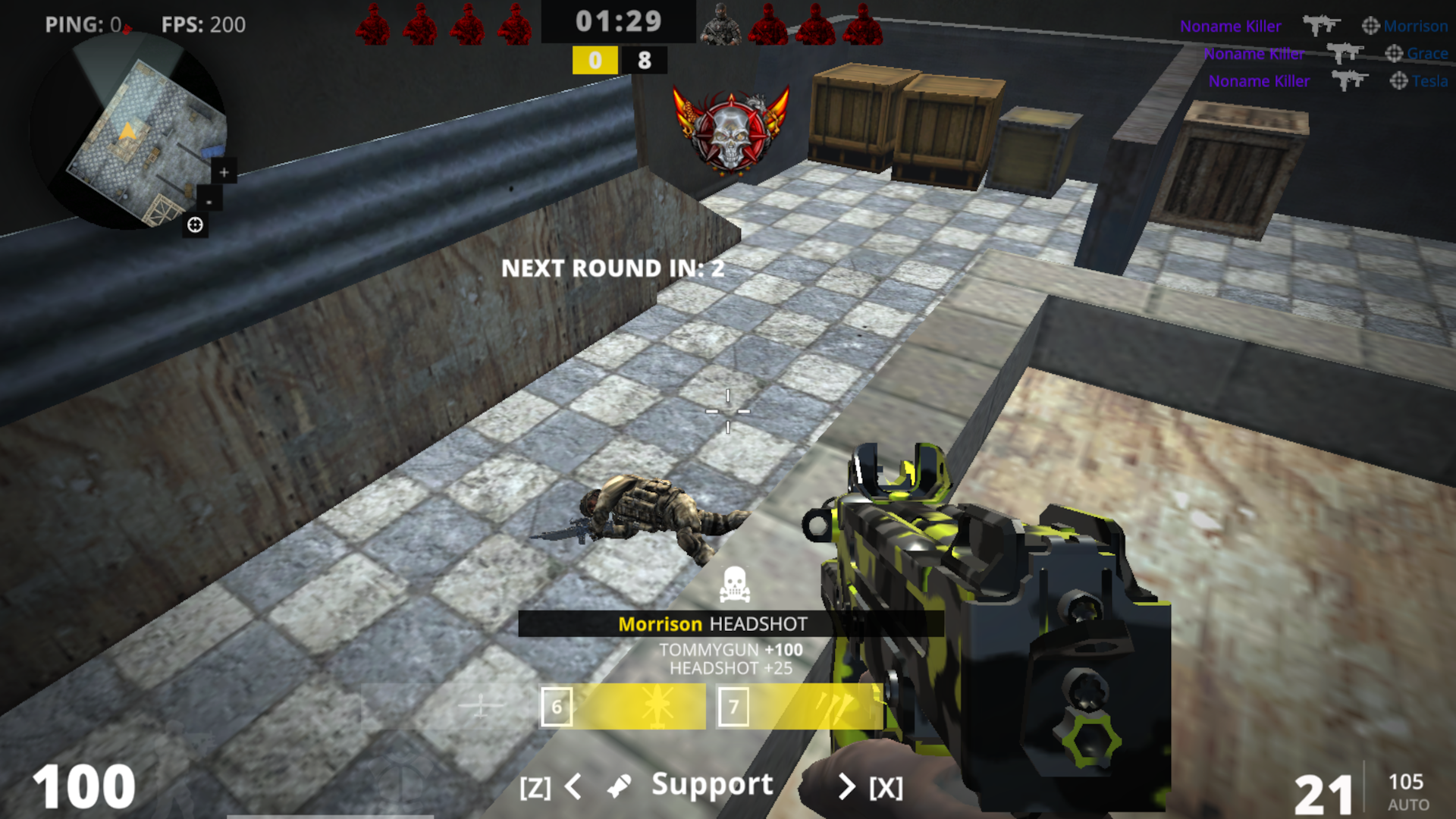
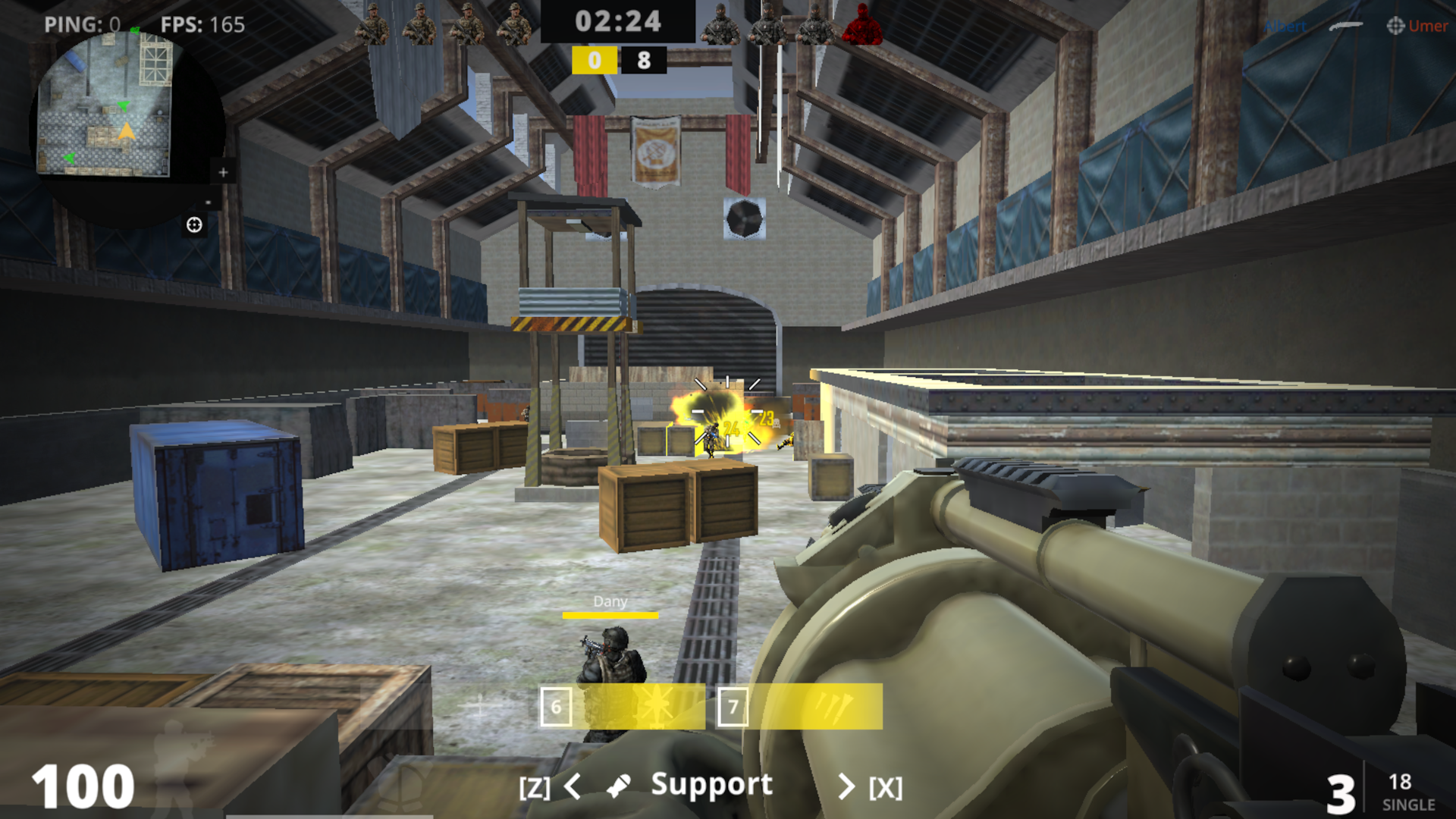
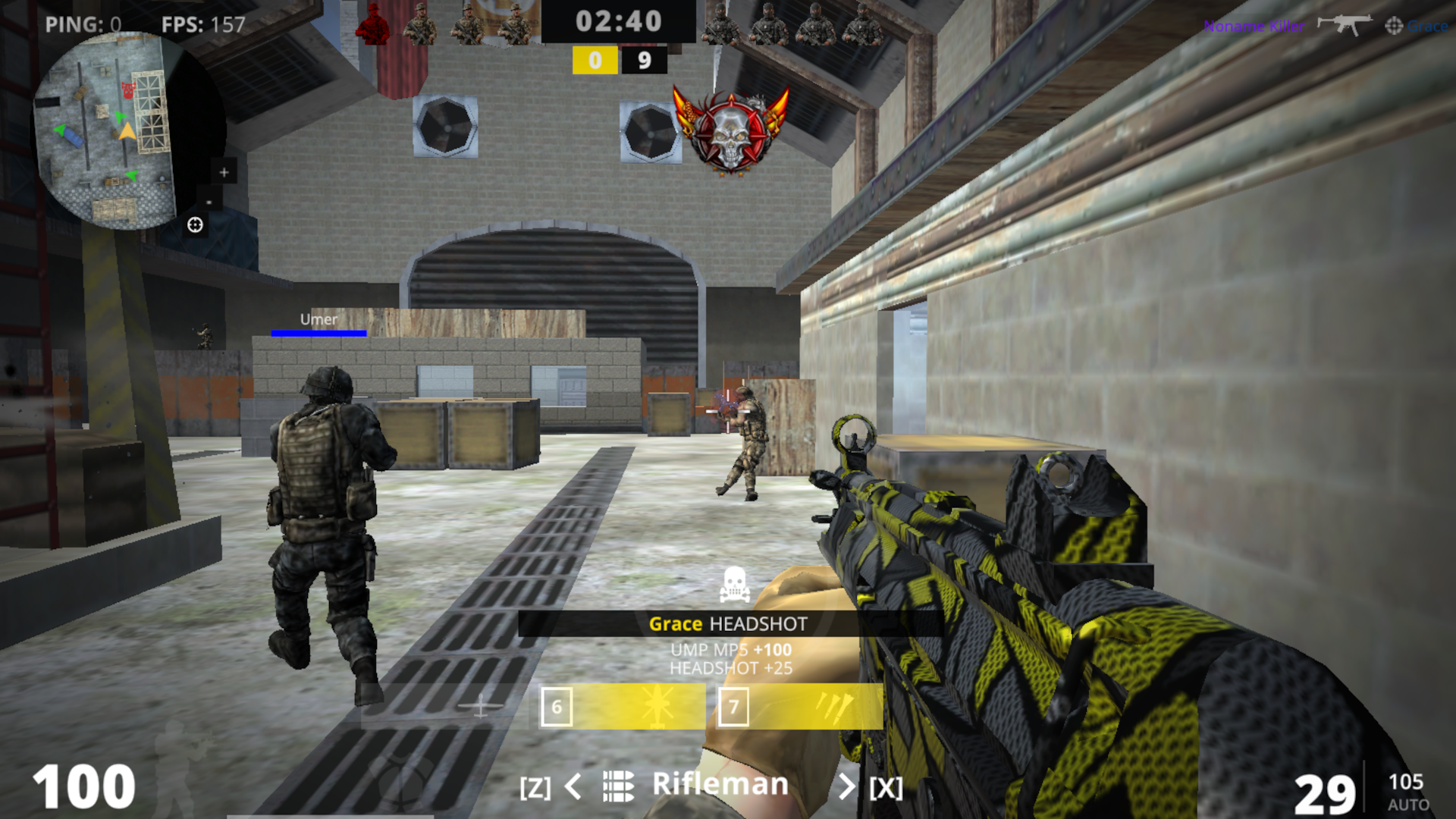
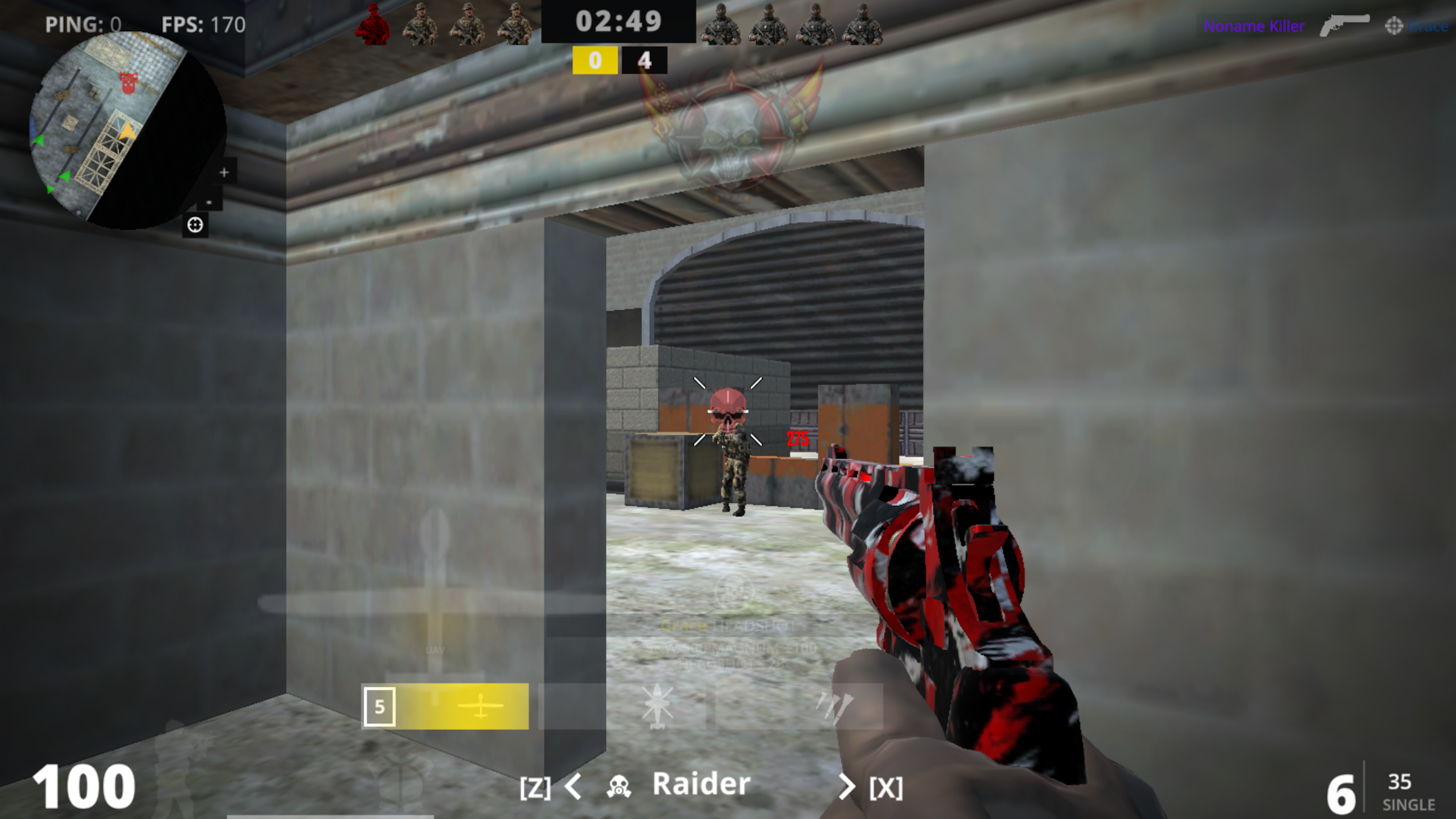
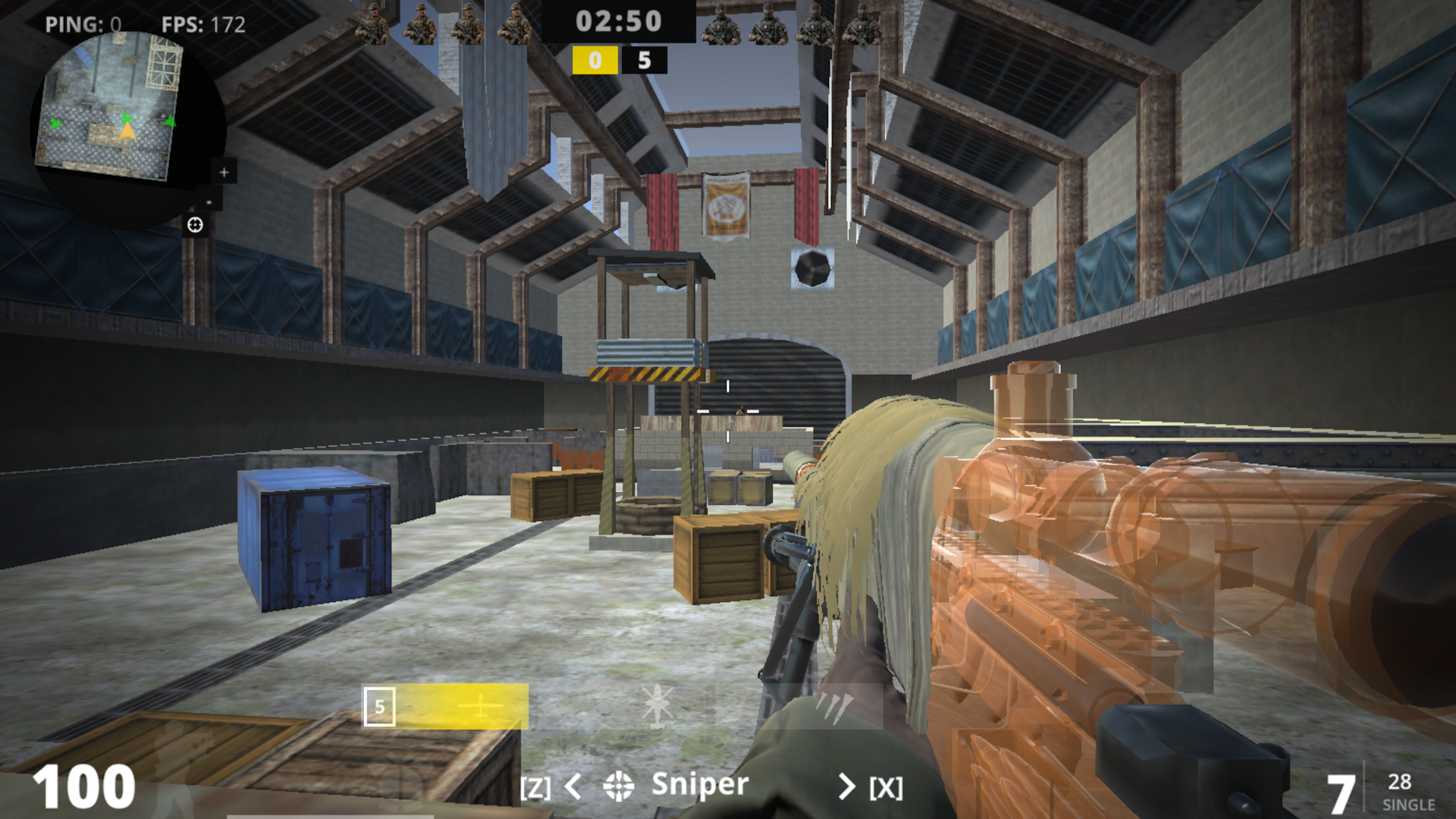
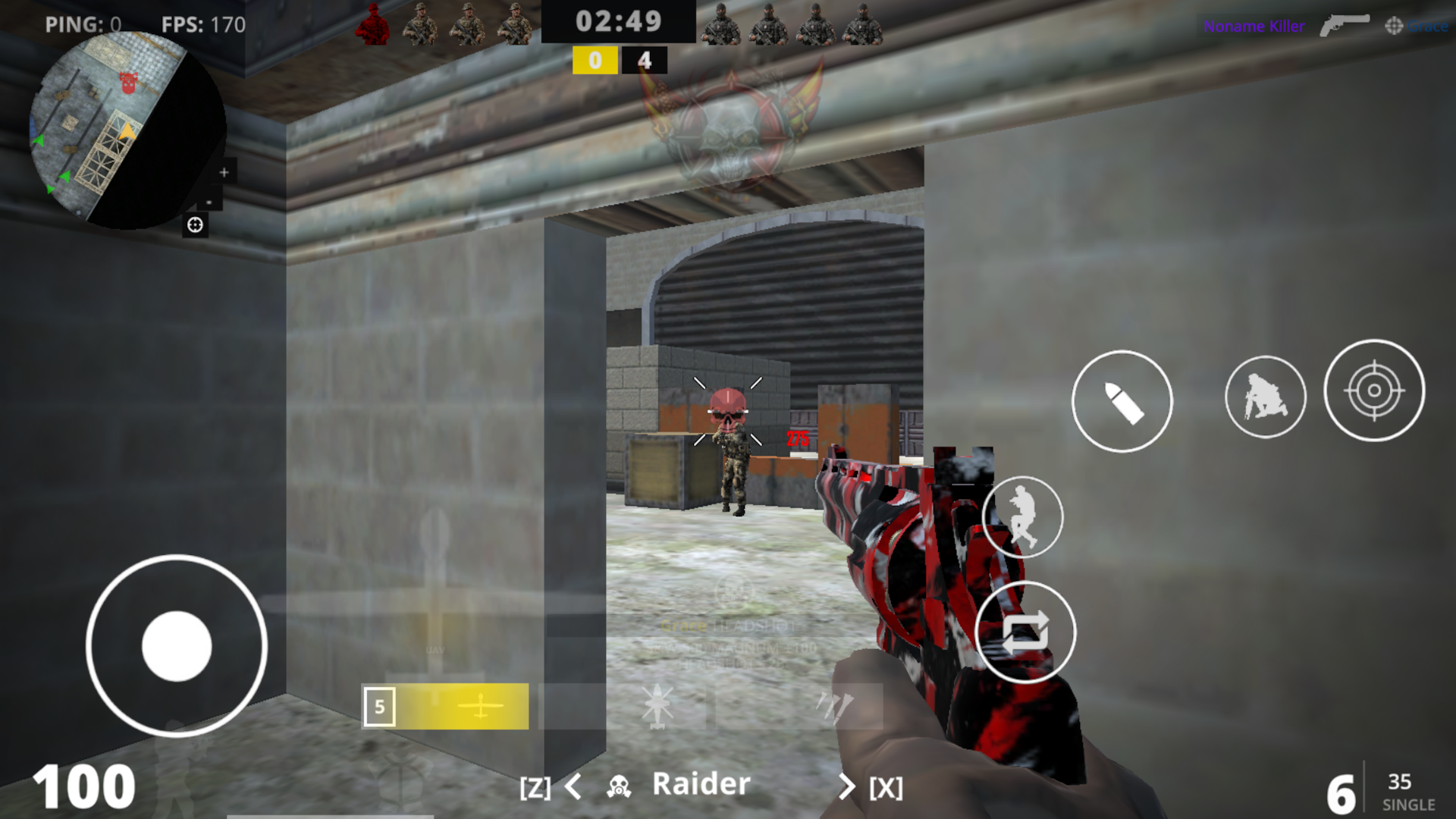
Tactical shooter fans looking for a quick thrill will feel right at home with CoD. You jump straight into intense firefights that channel the spirit of modern warfare classics. Every match requires sharp reflexes as you navigate maps and engage opponents in rapid combat. You move through tight corridors using lean mechanics to secure clean headshots before your rivals spot you. Customizing your loadout allows you to adapt your strategy for every round on the battlefield. Mastering your aim remains the key to climbing the ranks in this competitive environment. CoD brings high-stakes action to your screen without any complicated downloads or installations. Browser play makes it simple to start a session whenever you have a few free minutes. Launch the game for free today to test your skills against the best marksmen online.
How to play
Controls:
PC:
- WASD - walk;
- E — lean to the right;
- Q — lean to the left;
- Left shift - run;
- Space - jump;
- C - sit down;
- Left mouse button – shoot;
- Right mouse button – aim;
- R — reload;
- You can change weapons using keys 1, 2, 3, 4;
- X — switch to the next specialization;
- Z — switch to the previous specialization;
- Esc - menu;
- Tab - score;
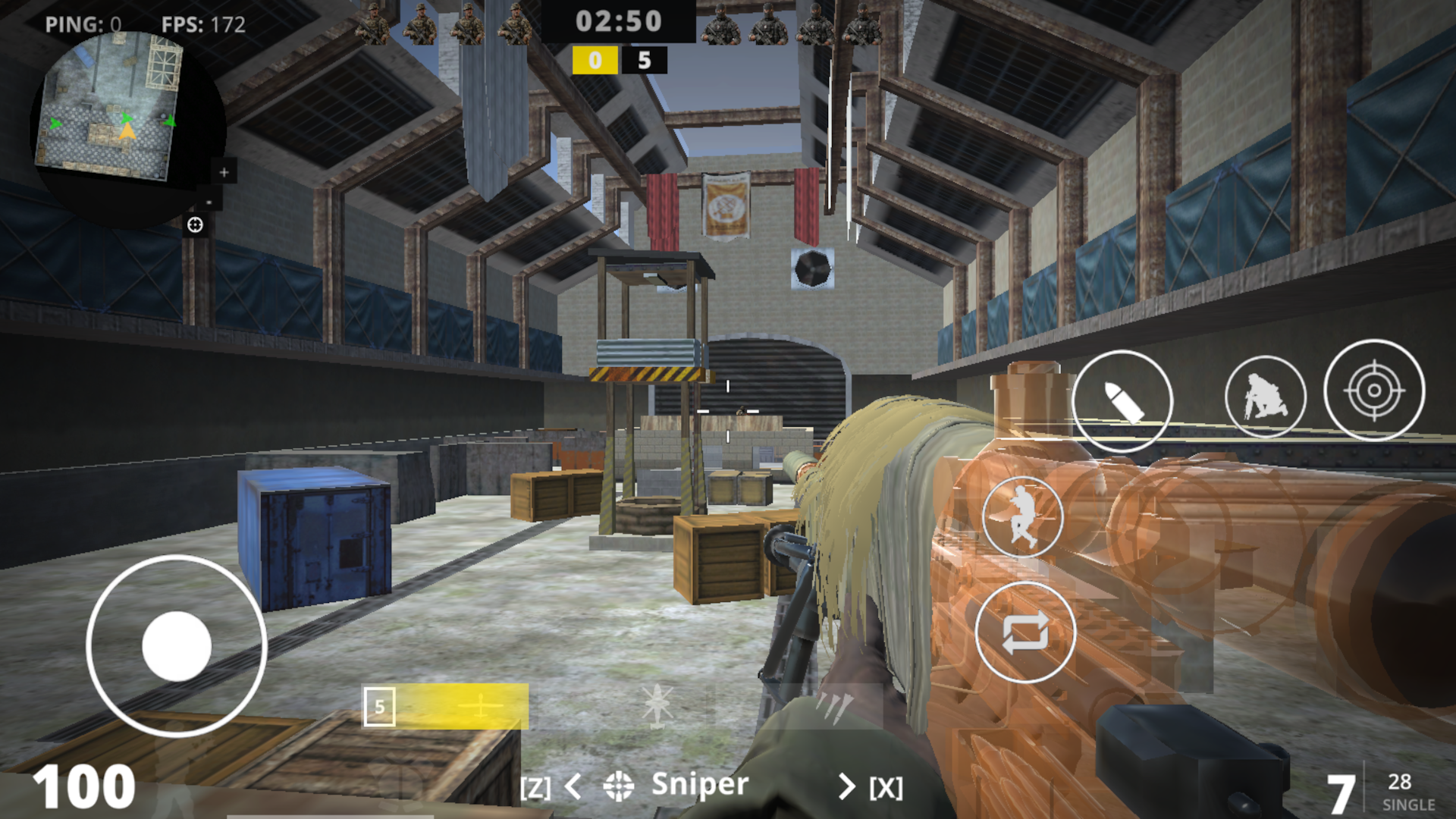
Phone\Tablet:
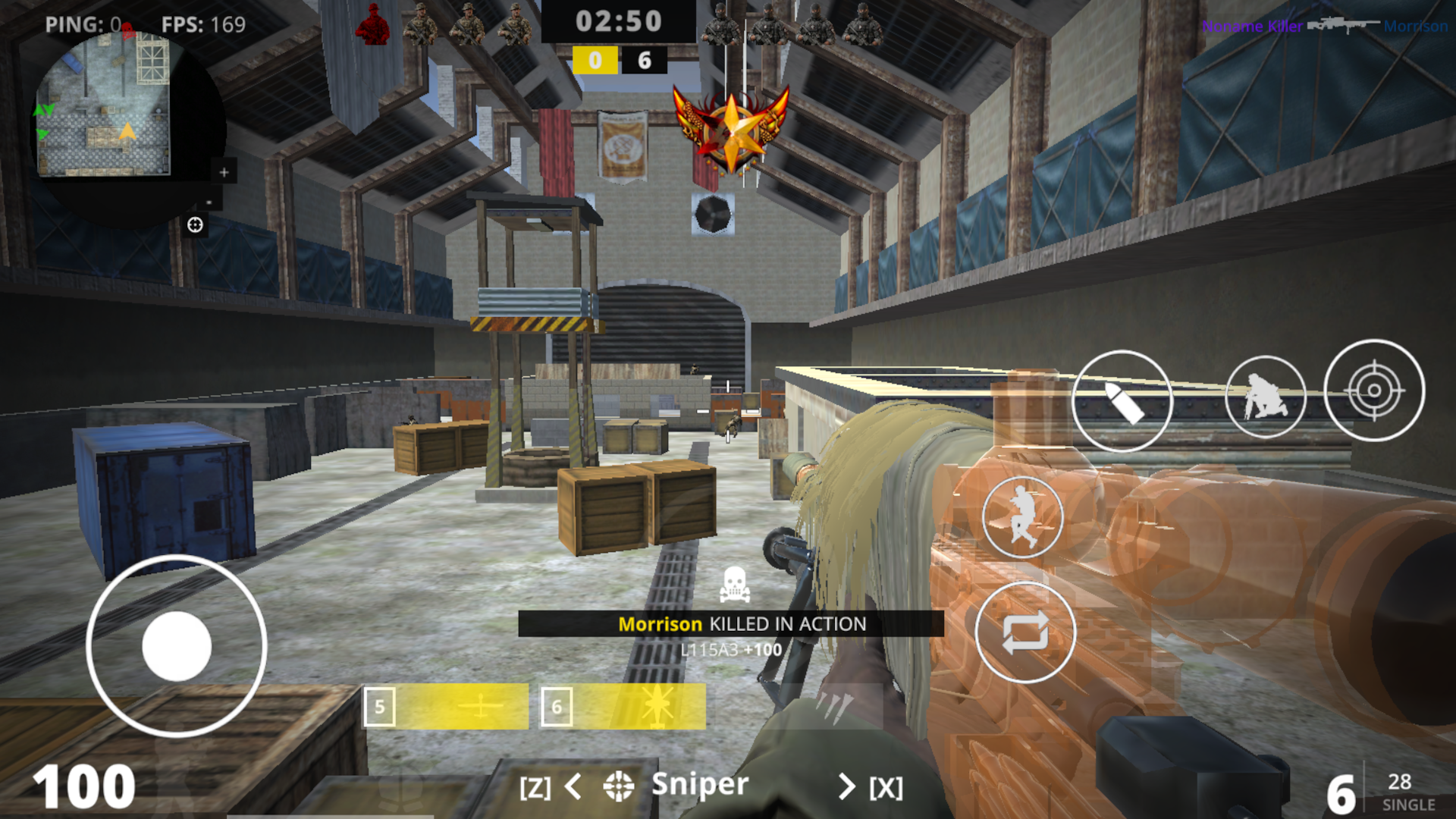
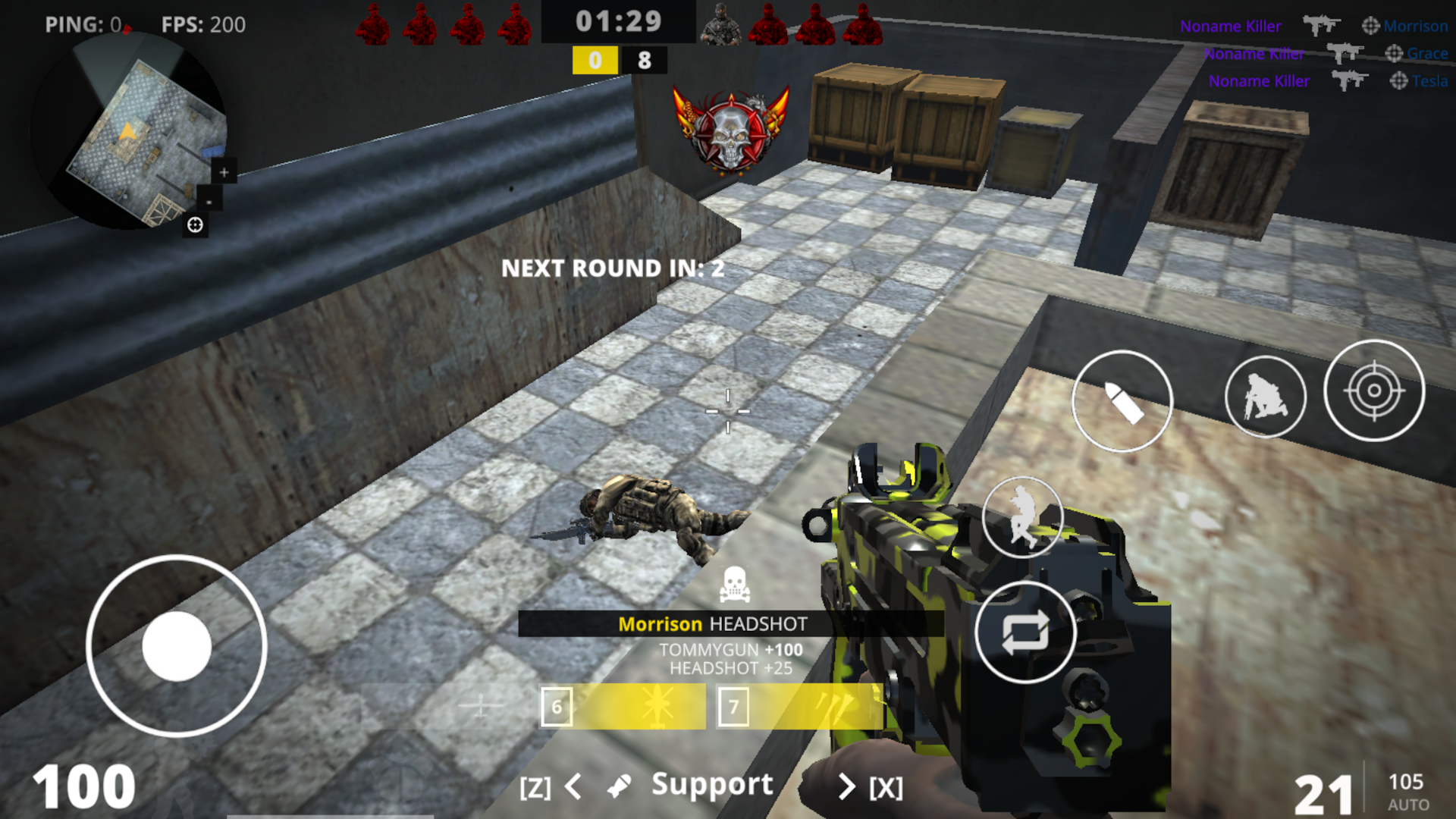
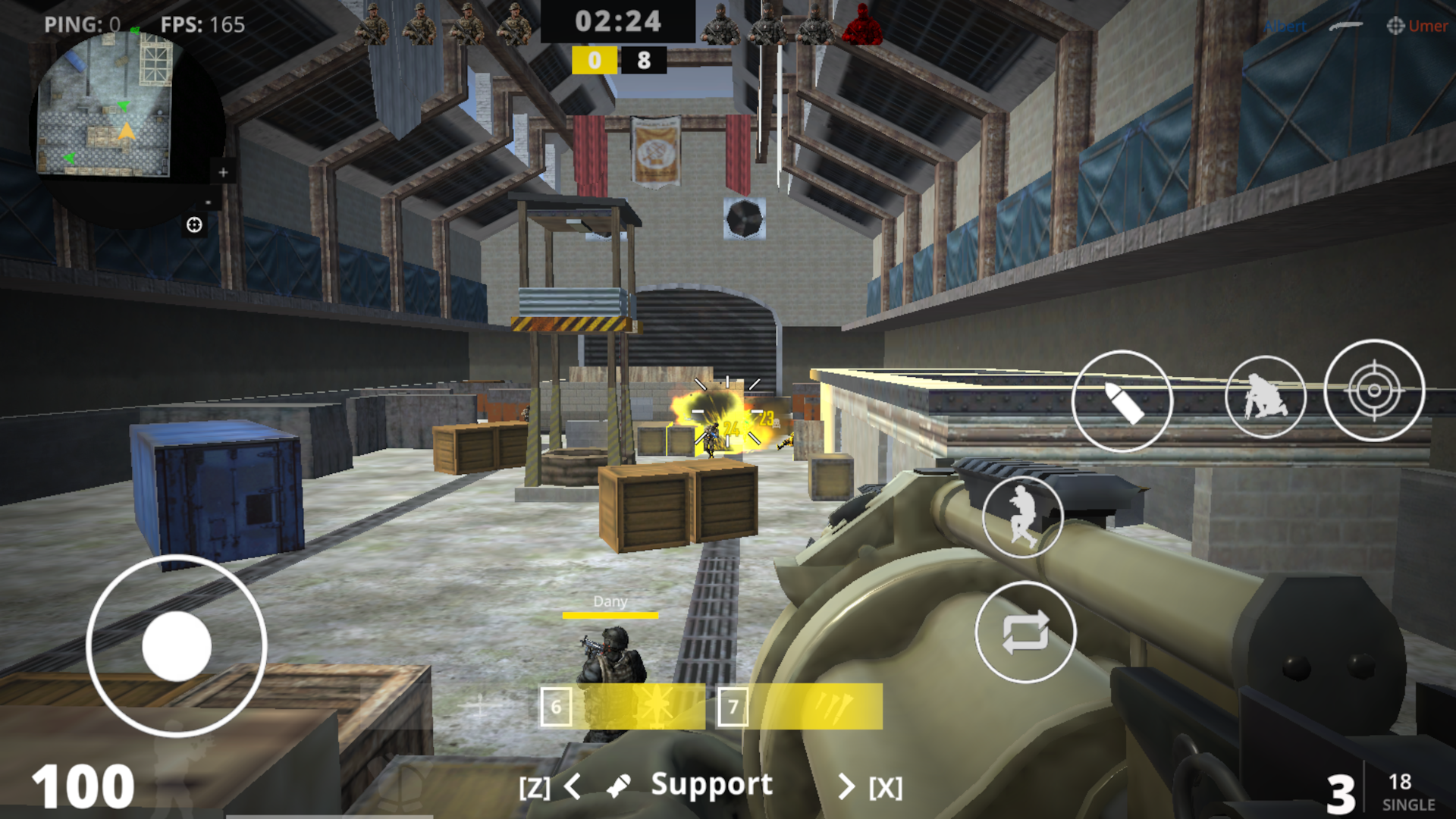
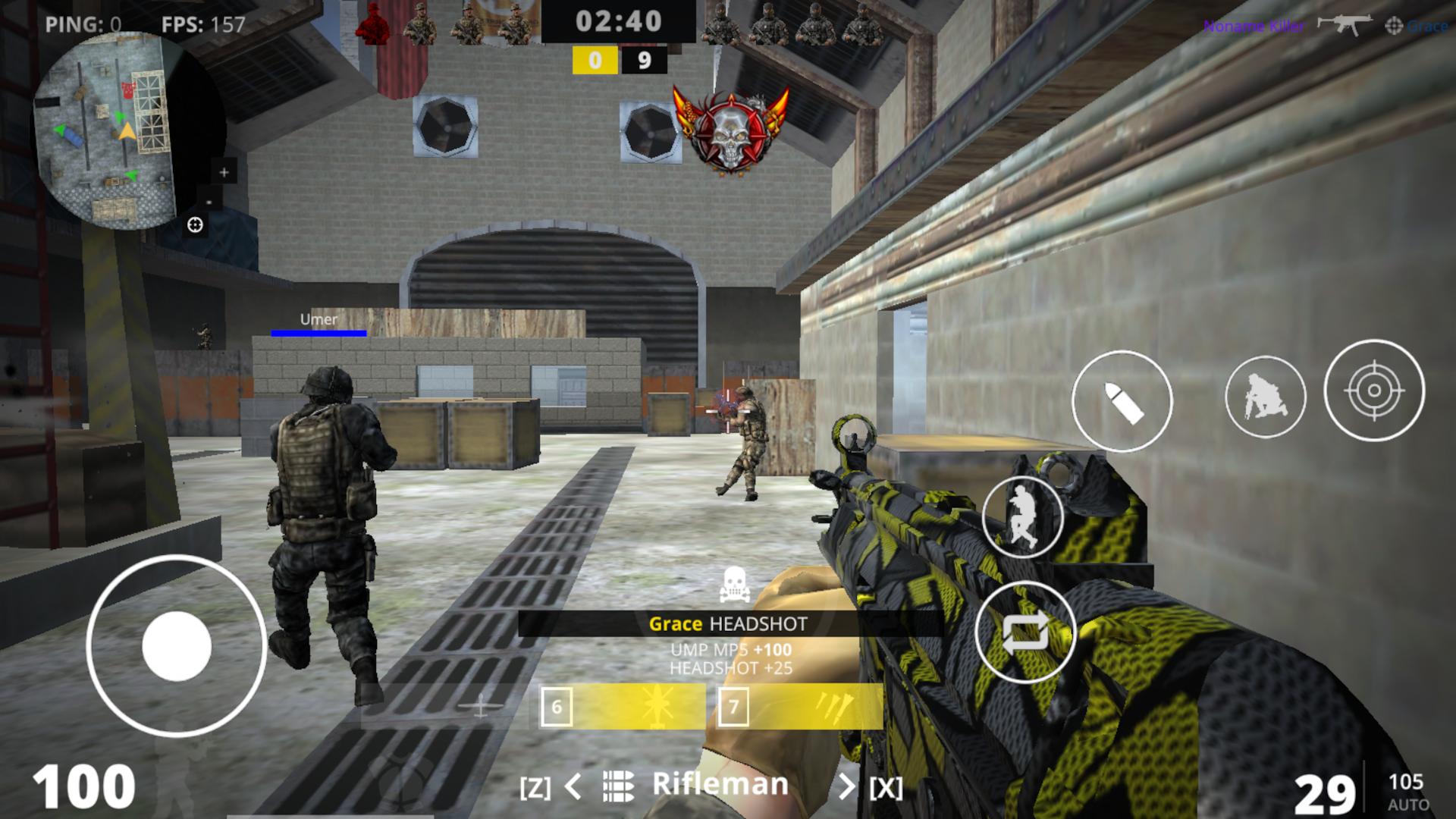
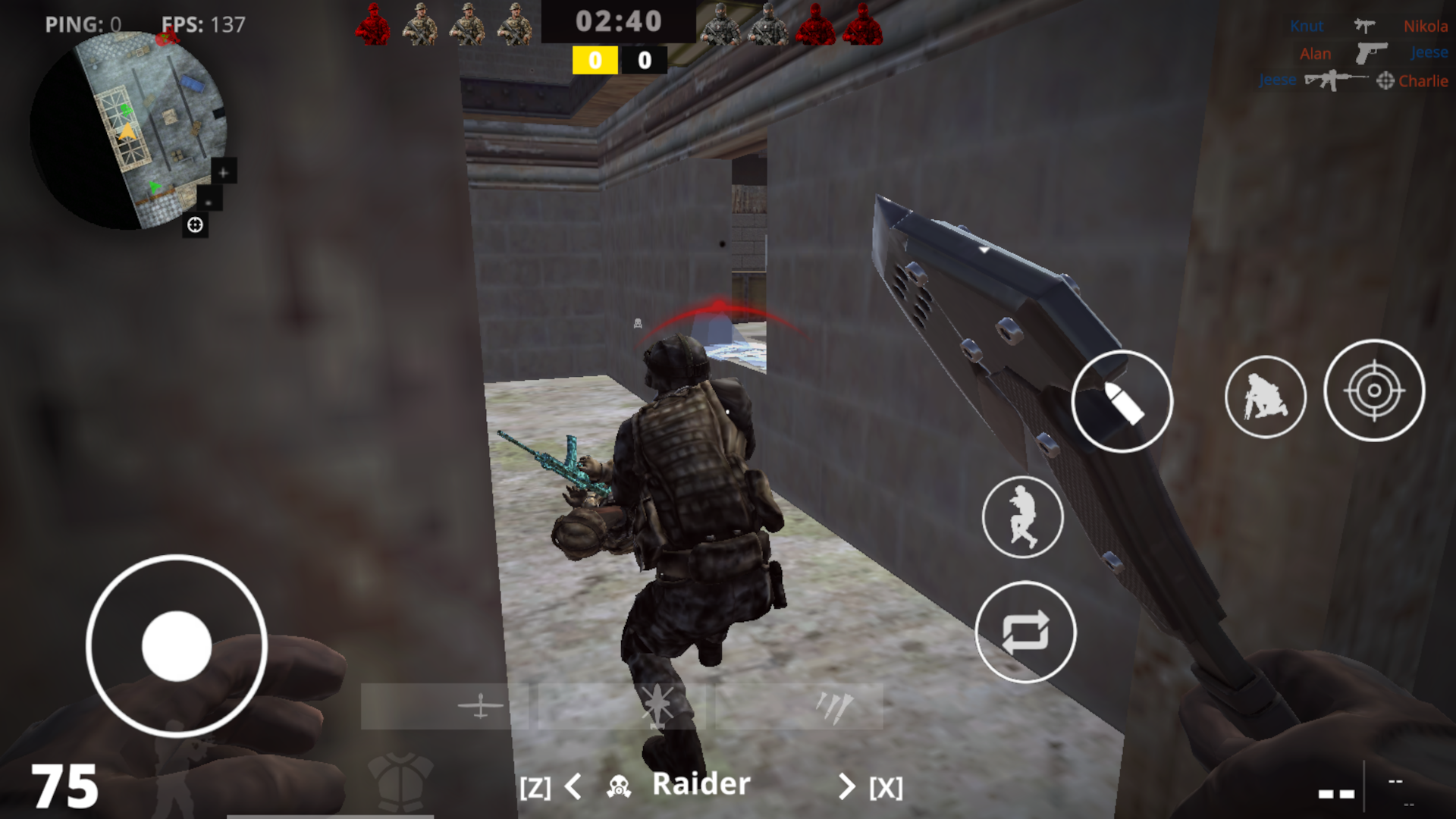
- Left joystick - walk;
- There are buttons above the left joystick to bend over;
- Hold the left joystick forward - run;
- Virtual button with the image of a jumping person - jump;
- Virtual button with the image of a crouching person - sit down;
- Point at an enemy or press the button with the image of a bullet - shoot;
- Button with a picture of an aim - take aim;
- Button on the right with two arrows - reload;
- You can change weapons and specialization using the arrows at the bottom;
- Pause button on top - menu and score;
Features
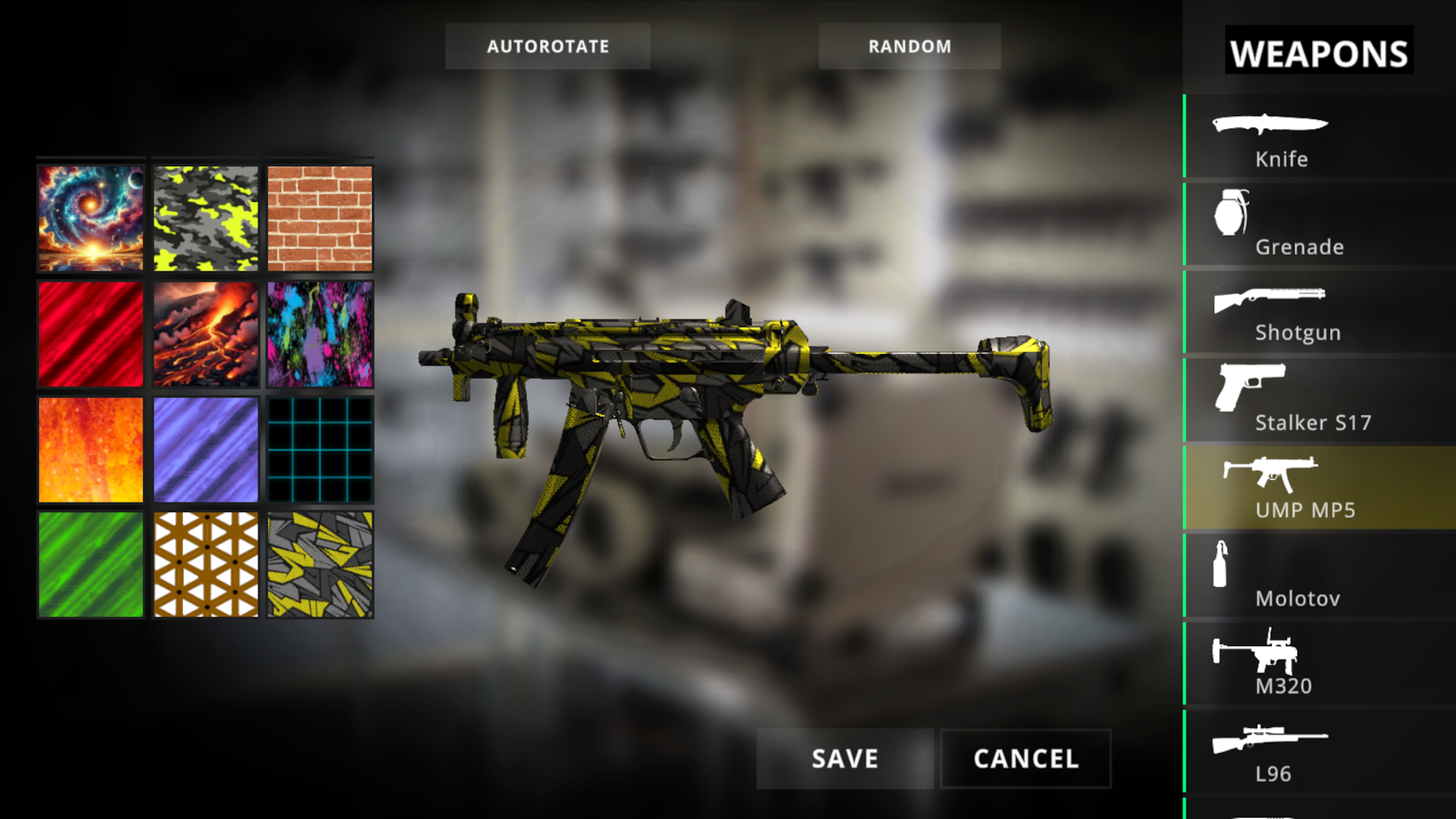
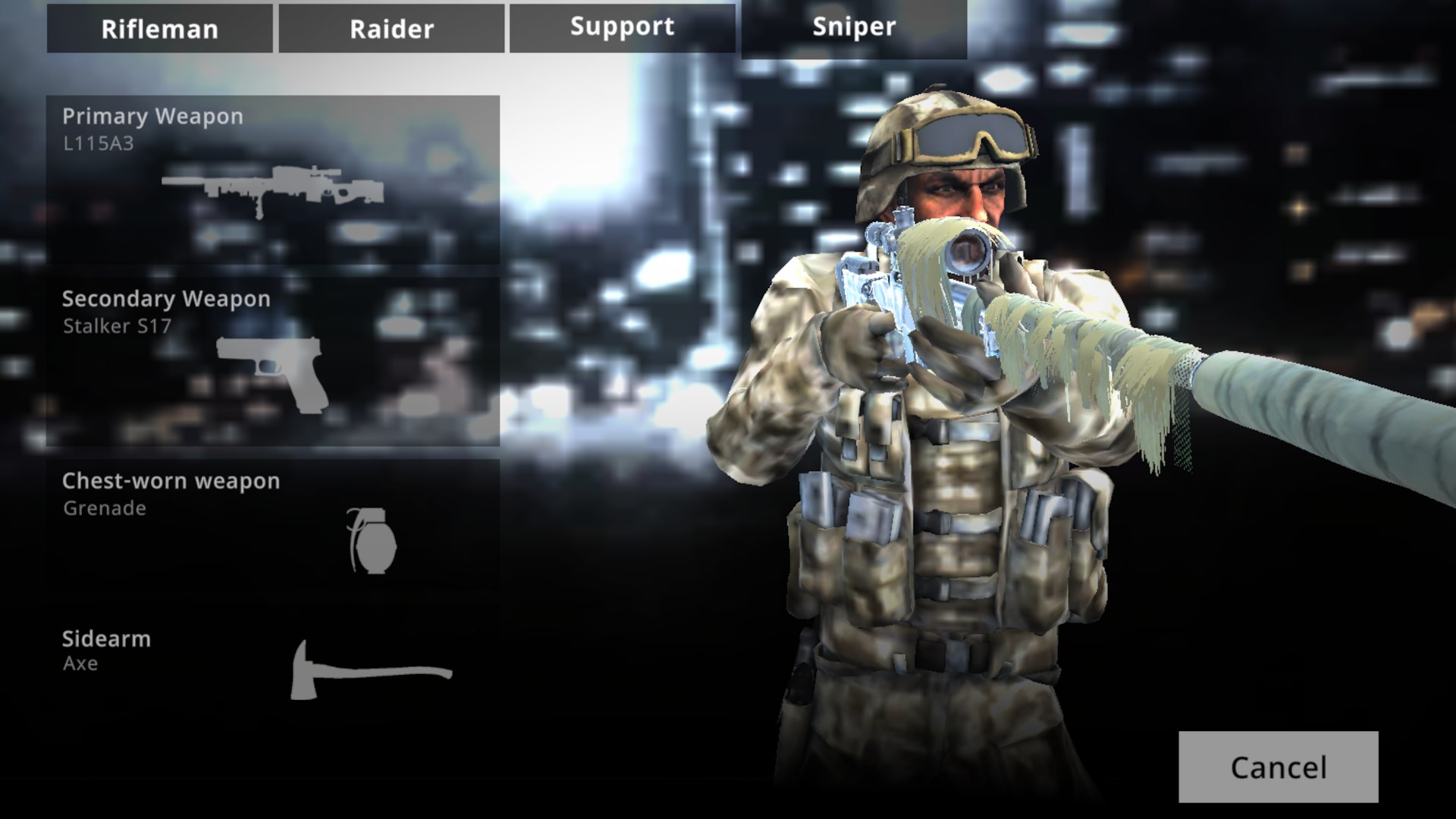
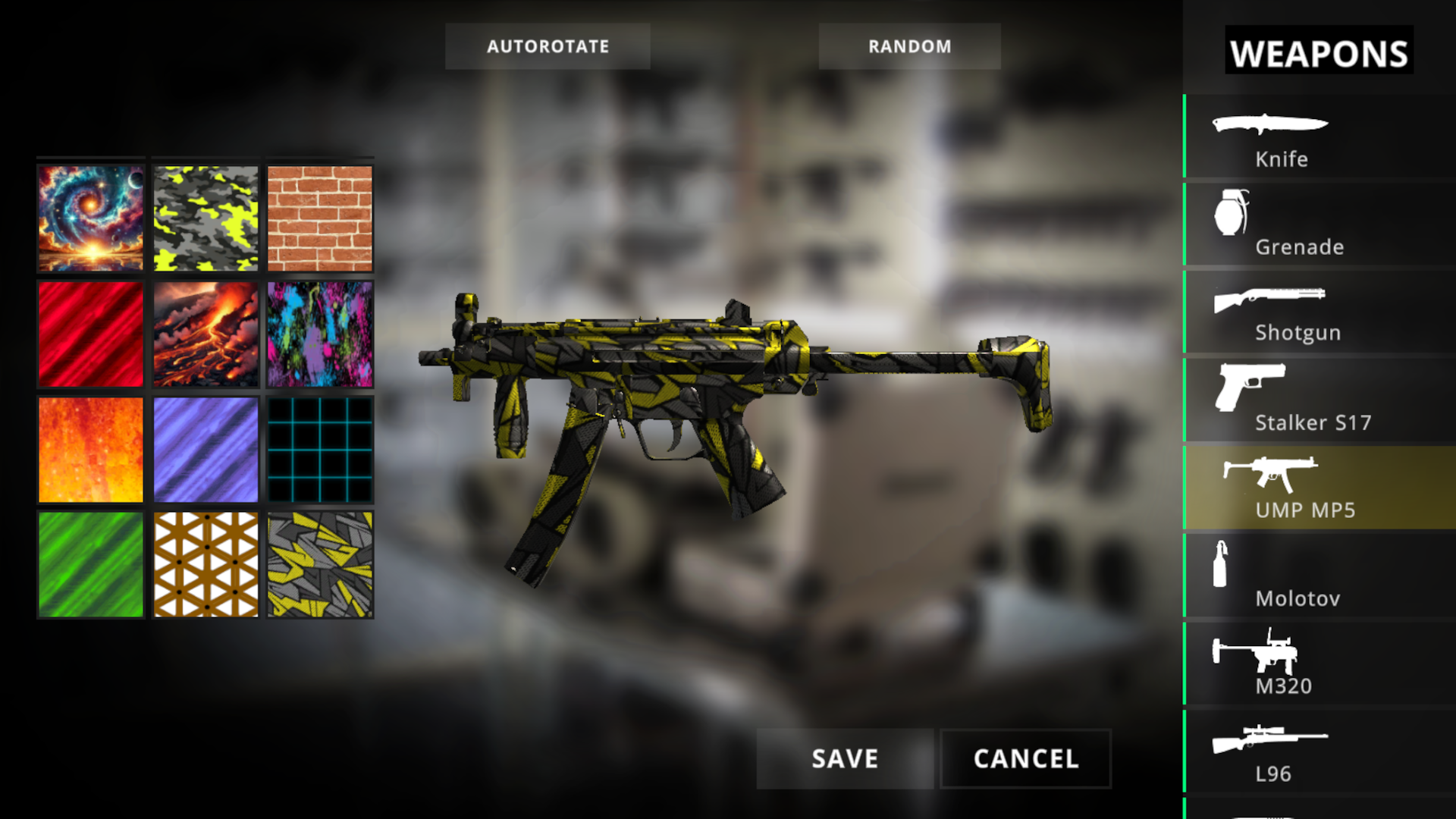
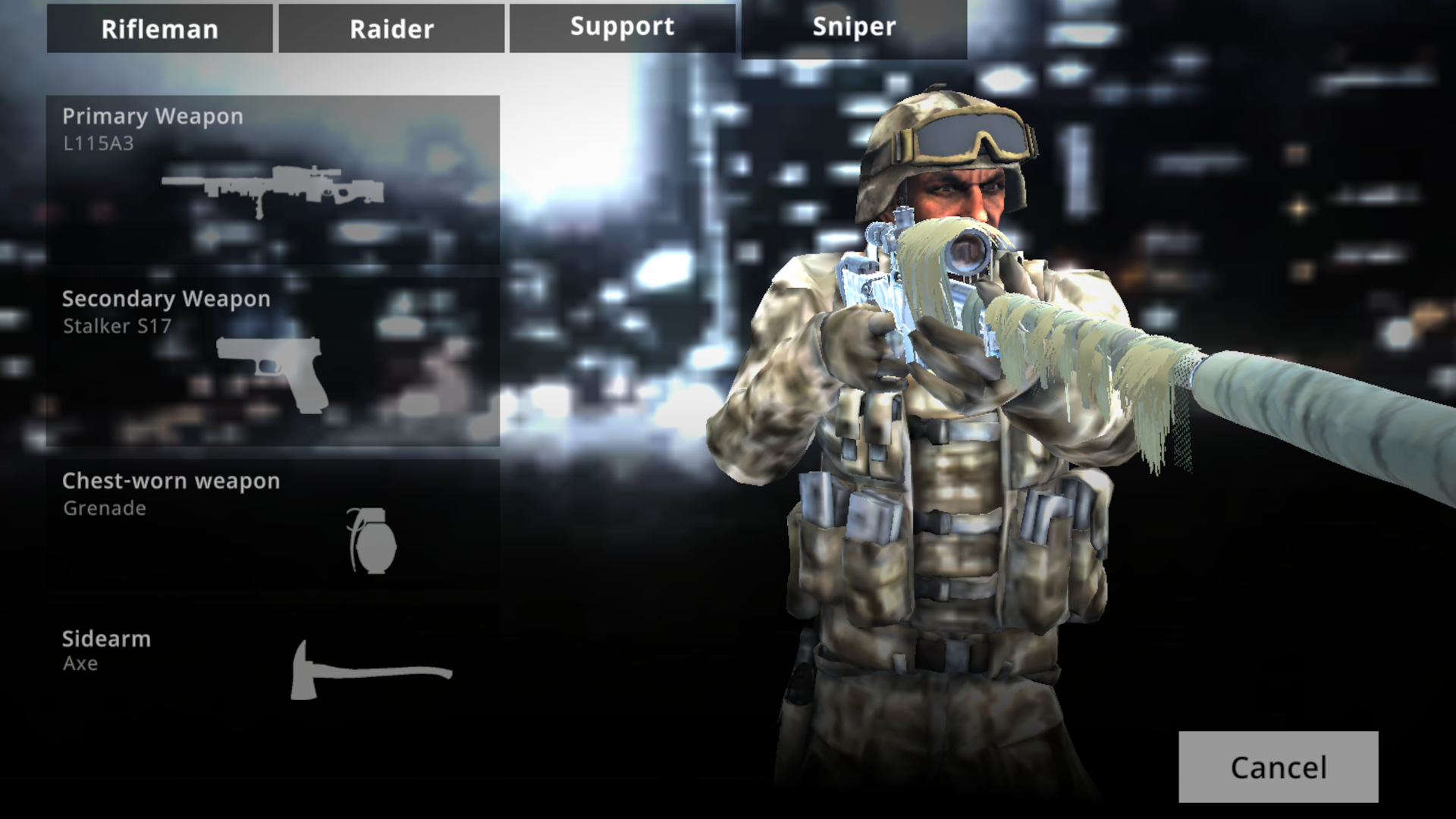
- Loadout customization: Select different weapon classes and tactical gear to suit your personal combat style before each match begins.
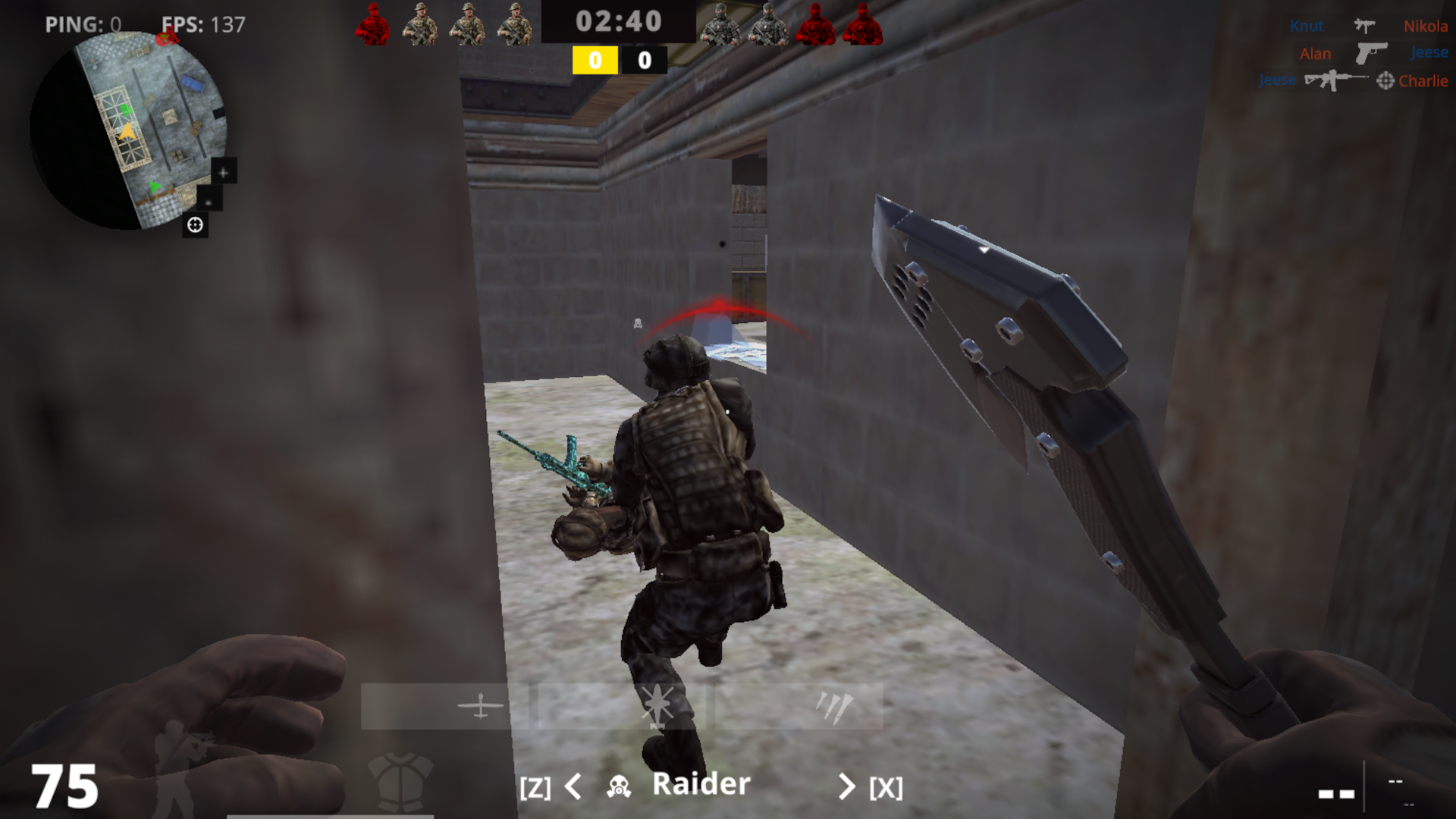
- Lean mechanics: Use specific keys to peek around corners and gain a tactical advantage during peek-and-fire engagements.
- Specialization switching: Toggle between different combat roles mid-match to counter enemy tactics or fill gaps in your team composition.
- Esports progression: Monitor your performance through the live score tab and climb the ladder to prove your status among top-tier shooters.
Who is it for
Competitive shooter enthusiasts who enjoy fast-paced tactical action on the go. If you appreciate the mechanical depth of modern warfare titles and want a browser-based experience that demands precision, quick decision-making, and consistent aim training, this arena environment will keep you occupied for hours on end.
Controls
Movement and Aim
Use WASD or the left joystick to move and your mouse or touchscreen to aim your weapon.
Combat Actions
Press the left mouse button or tap the bullet icon to fire and use the right mouse button or aim button to look down sights.
Tactical Maneuvers
Use Q or E keys, or the on-screen lean buttons, to peak around corners without exposing your full body.
Reload and Switch
Press R or the reload button, and use number keys or bottom arrows to swap between primary, secondary, and specialty weapons.
FAQ
Can I play CoD on my smartphone without downloading an app?
›
Yes, CoD runs directly in your mobile browser, allowing you to enjoy the full shooter experience without any downloads.
Does CoD require a high-end PC to run smoothly?
›
CoD is optimized for web browsers, so it runs efficiently on most modern devices with a stable internet connection.
How do I improve my aim in CoD?
›
Practice your movement using WASD and spend time adjusting your sensitivity settings in the menu to find what works best for your mouse or touchscreen control.