Game Title
Loading...
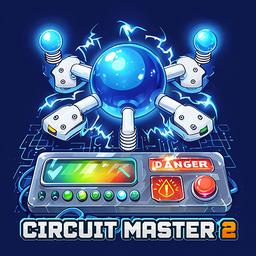
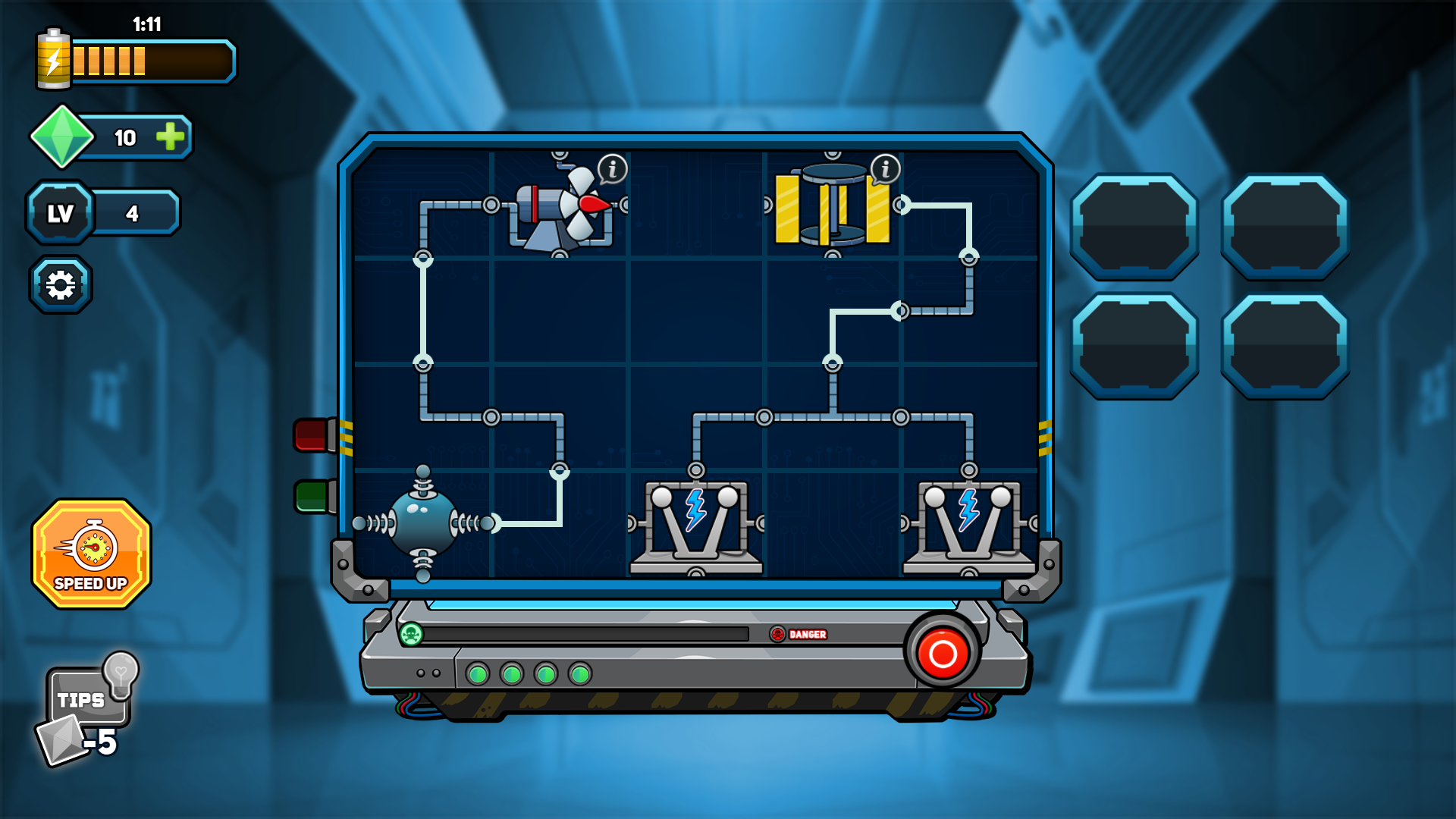
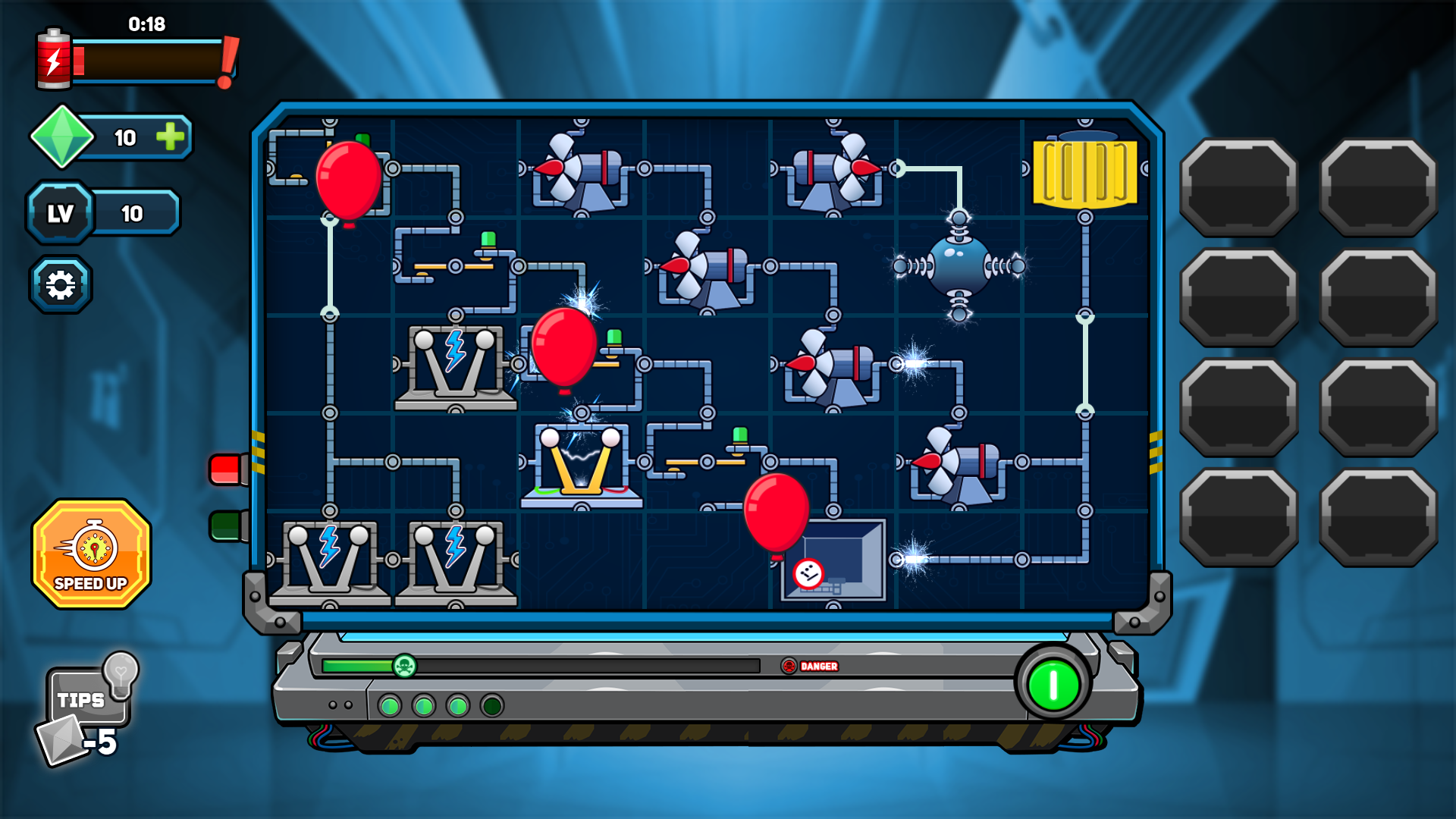
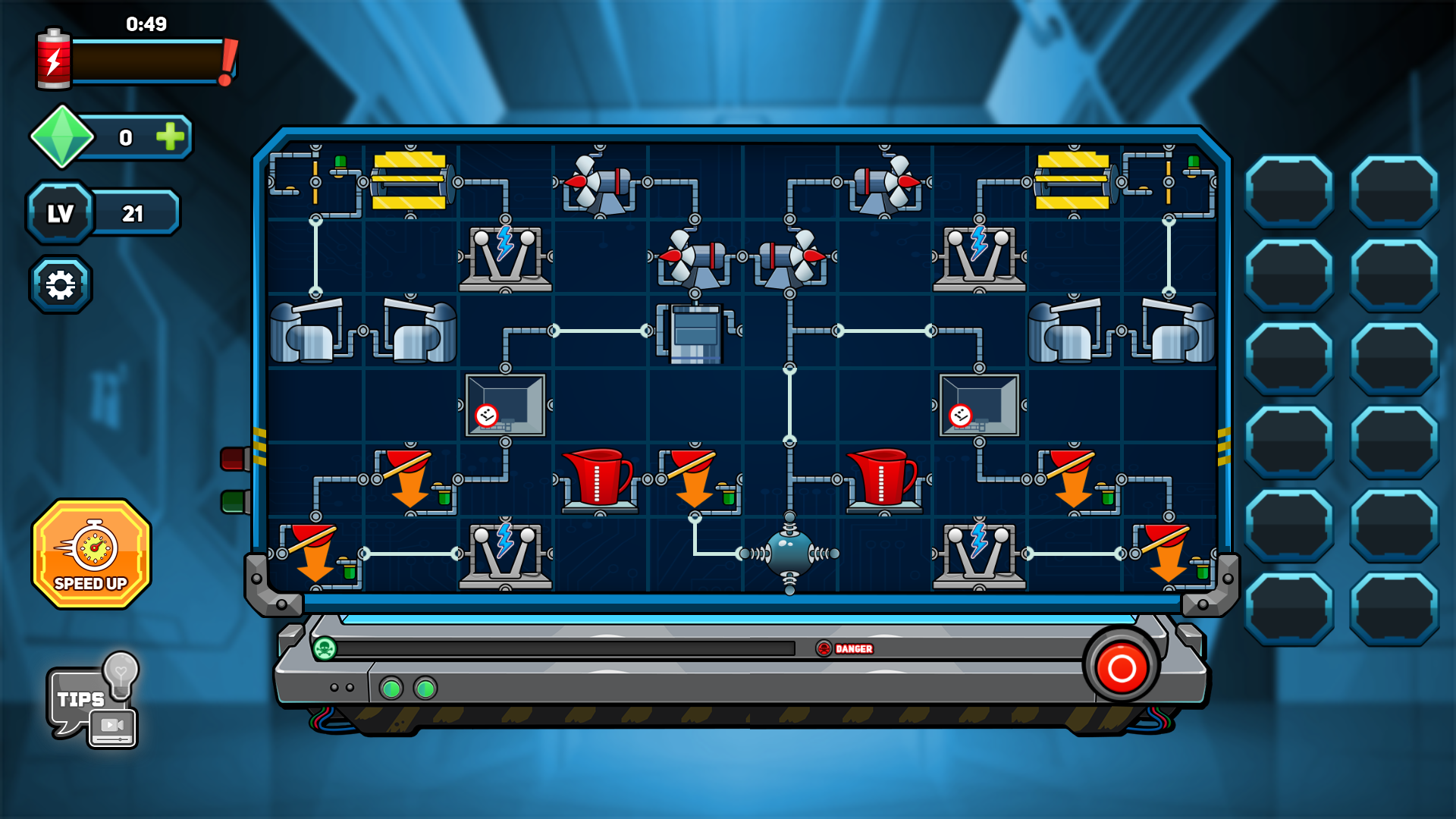
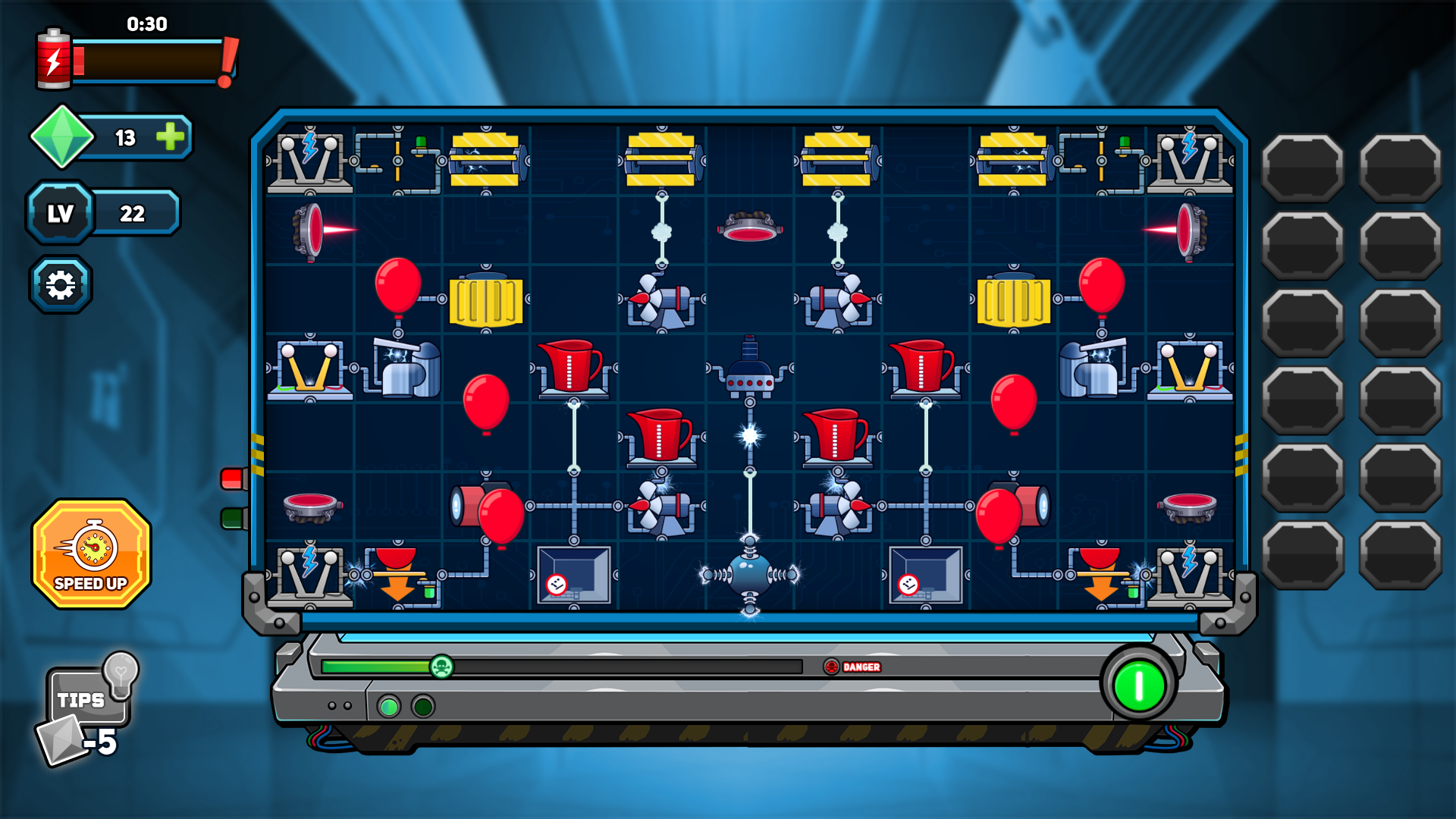
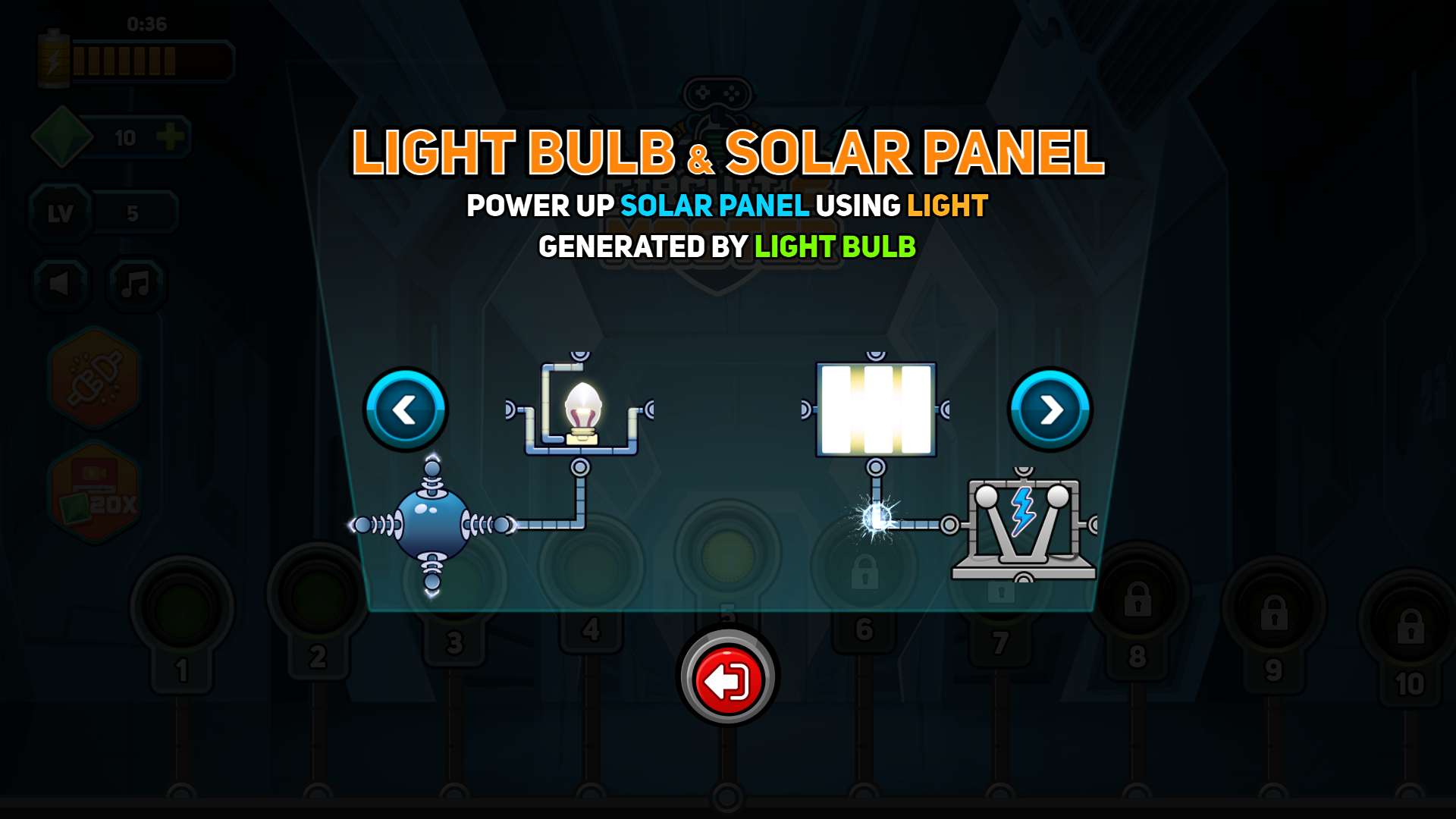
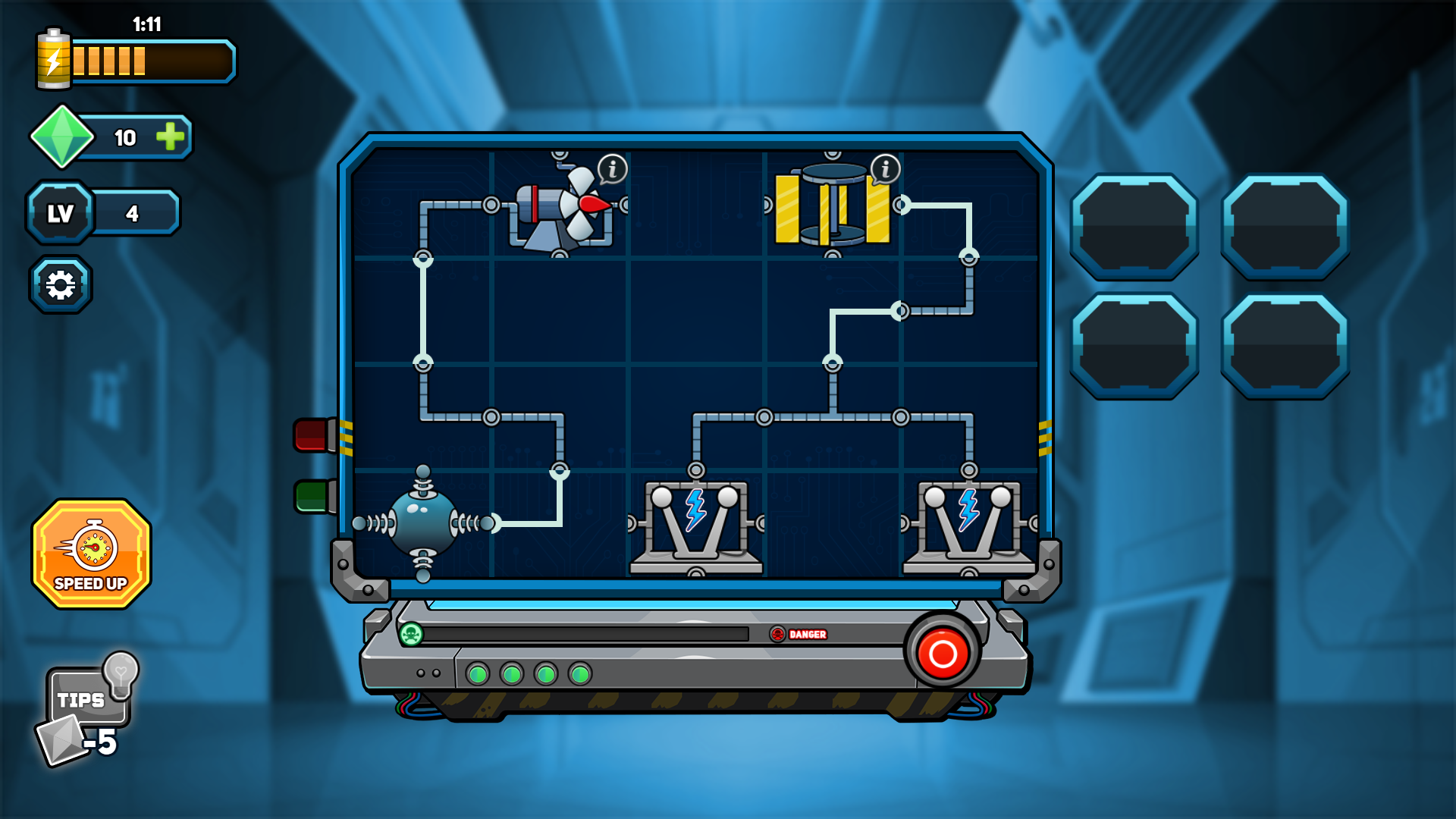
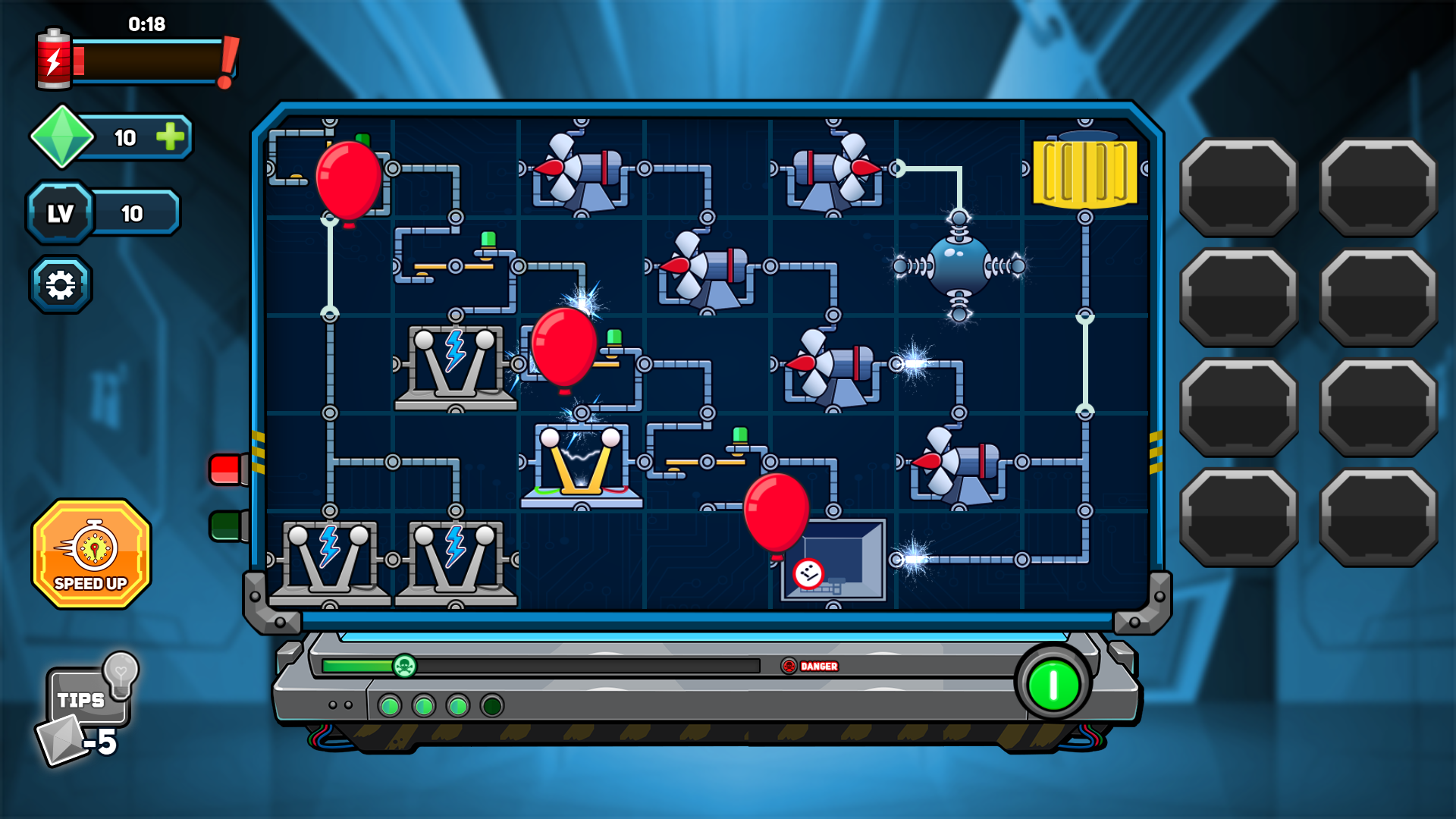
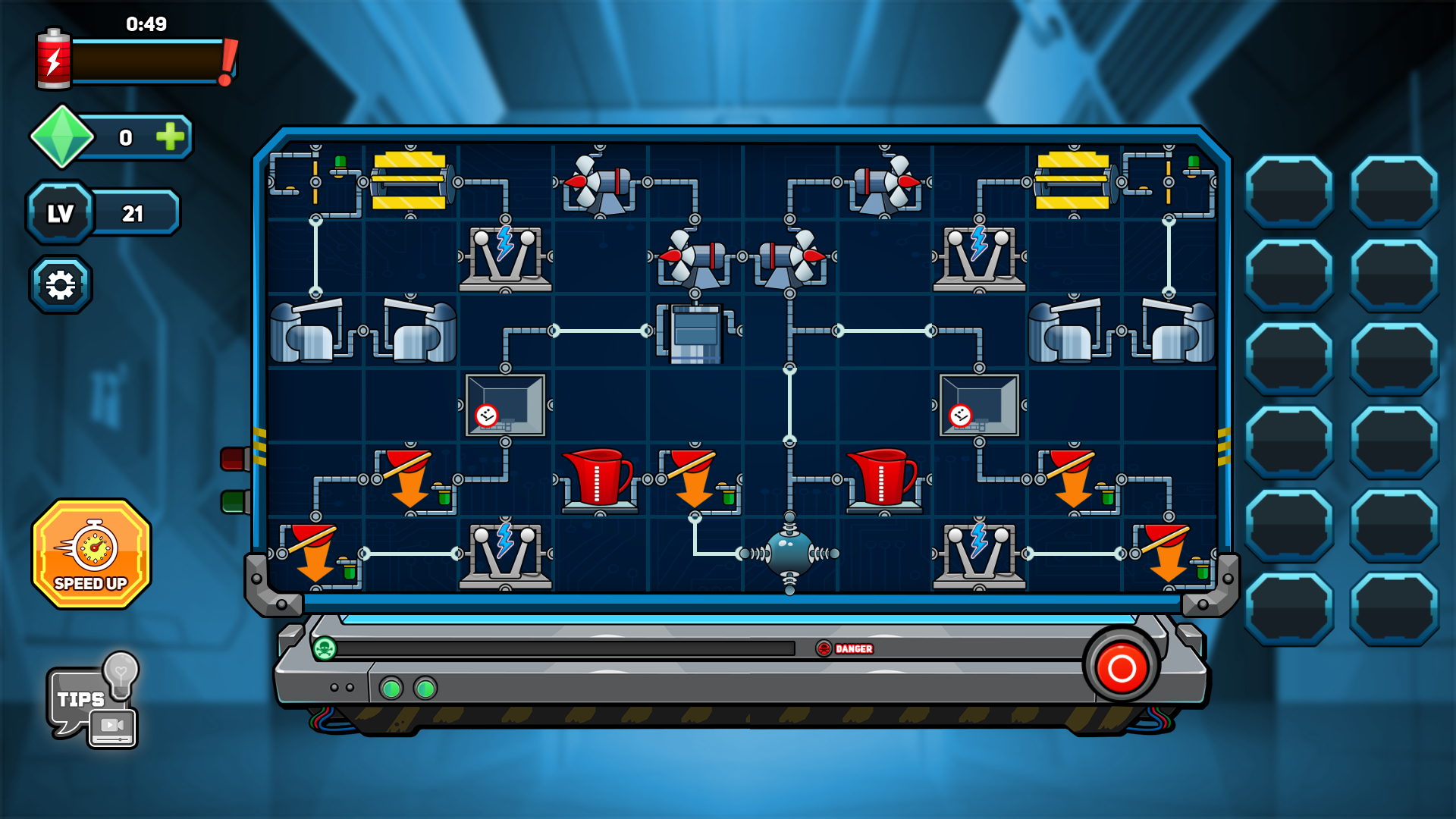
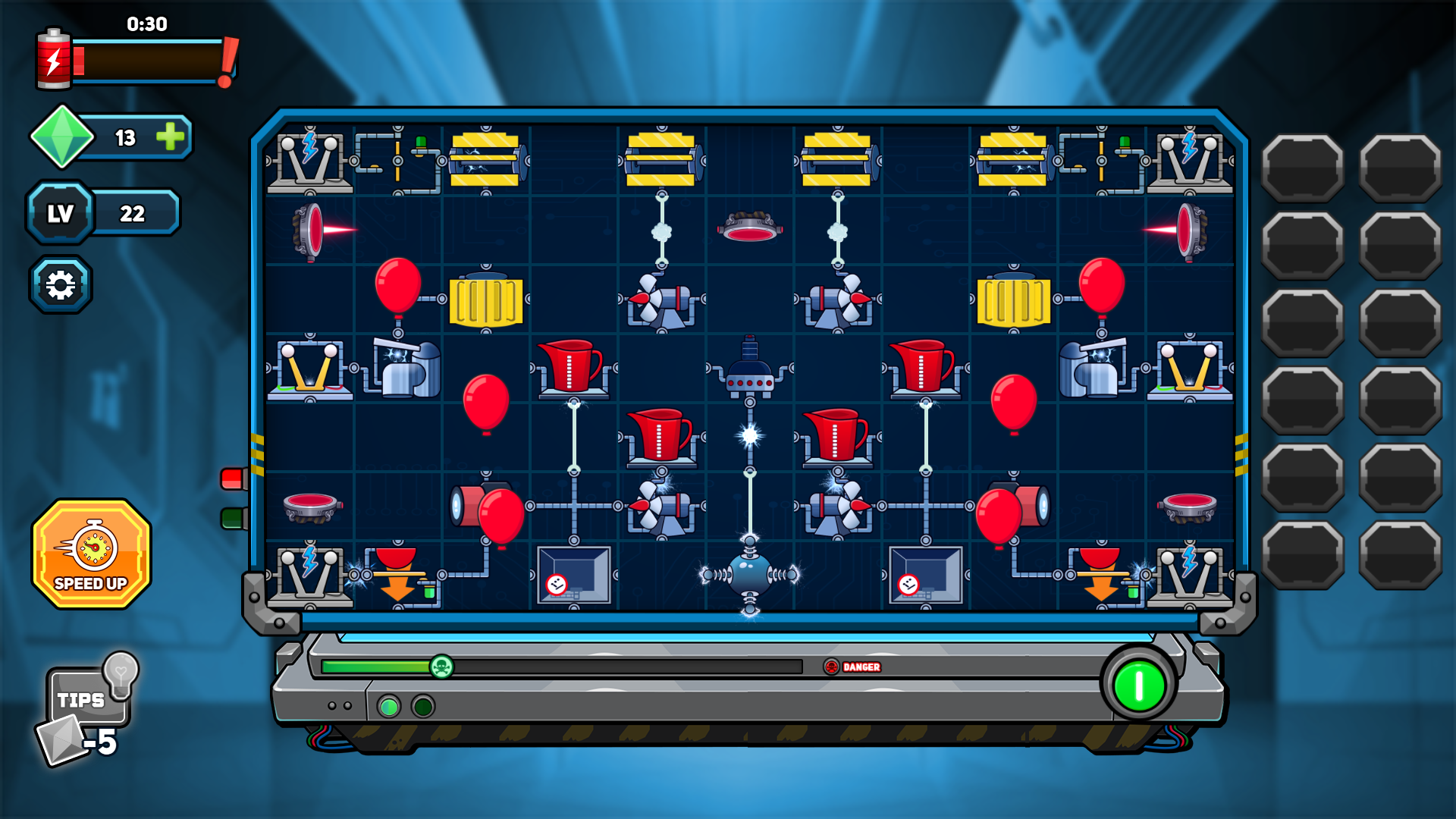
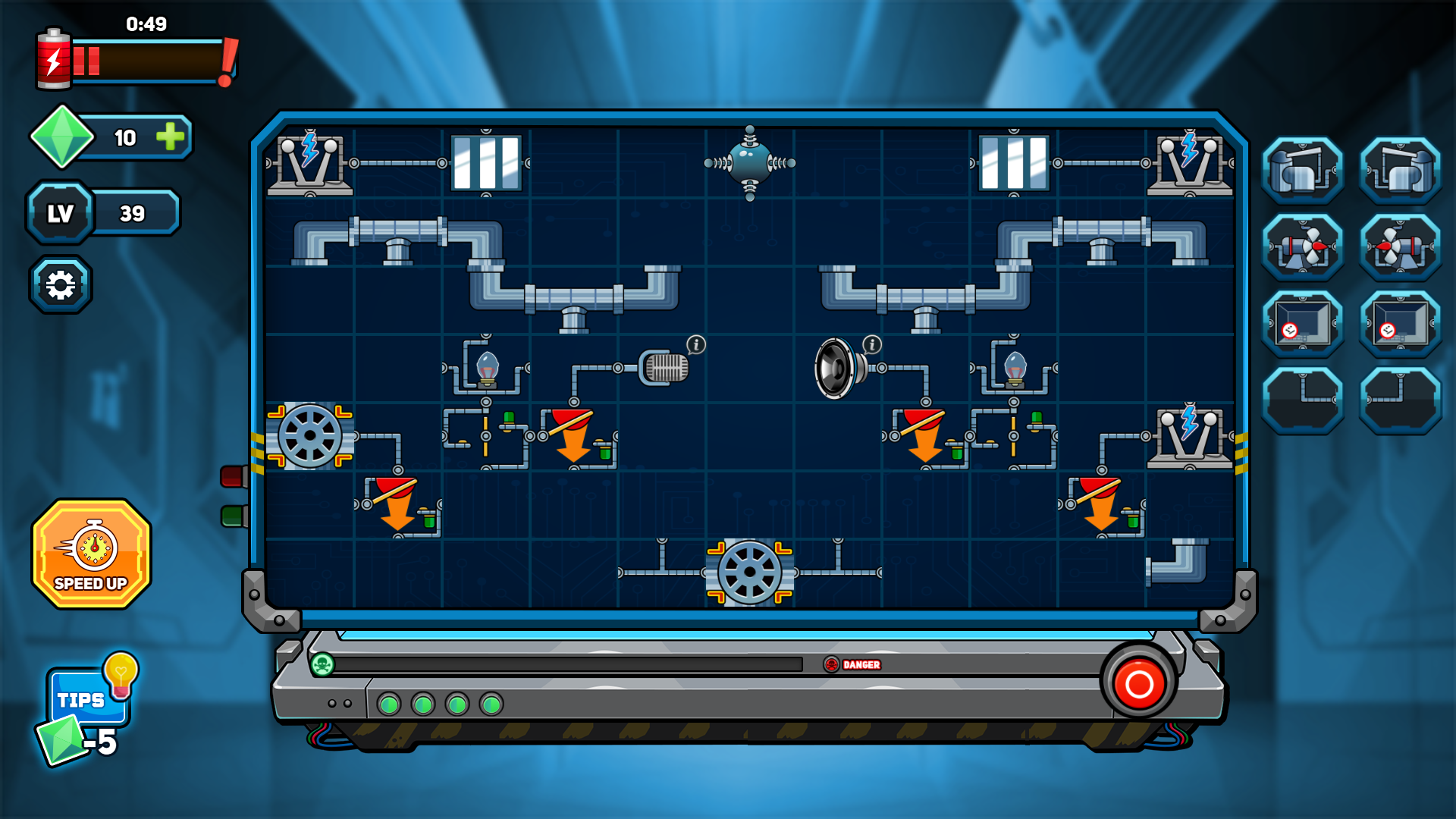
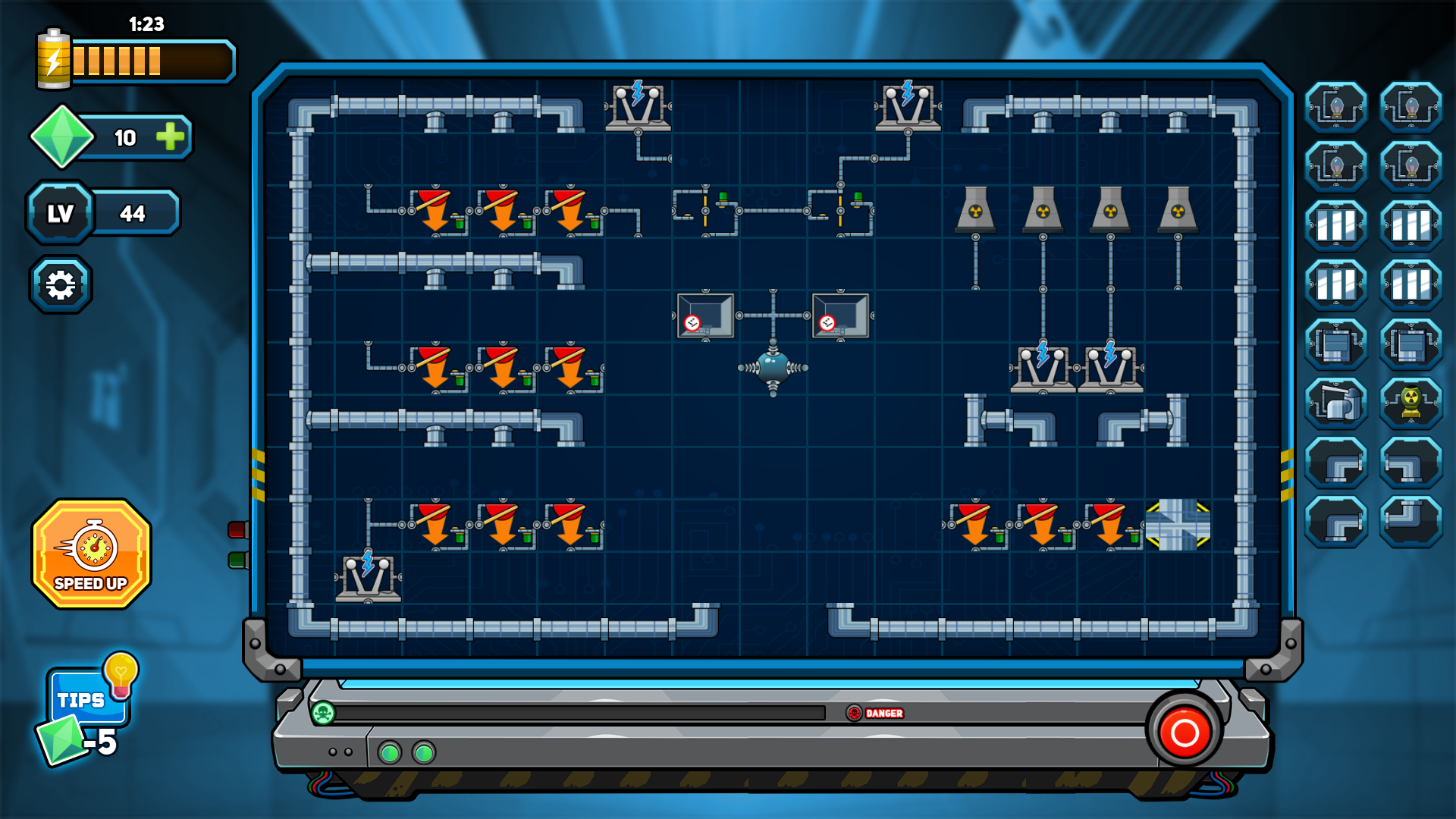
Wiring complex systems feels like solving a secret code where every connection counts. Circuit Master 2 turns your browser into a digital workbench for electrical engineering puzzles. You drag components onto a grid, snapping fans and machines into their intended slots. Turning the power button is the moment of truth because only a perfect setup triggers that satisfying green light. Logic keeps you moving since every piece possesses unique properties that dictate its placement. Getting stuck happens to the best of us, but a helpful hint button keeps your momentum going. Mastering the flow of electricity requires patience plus a sharp eye for placement details. You can run this brain training challenge right here in your browser with zero downloads required.
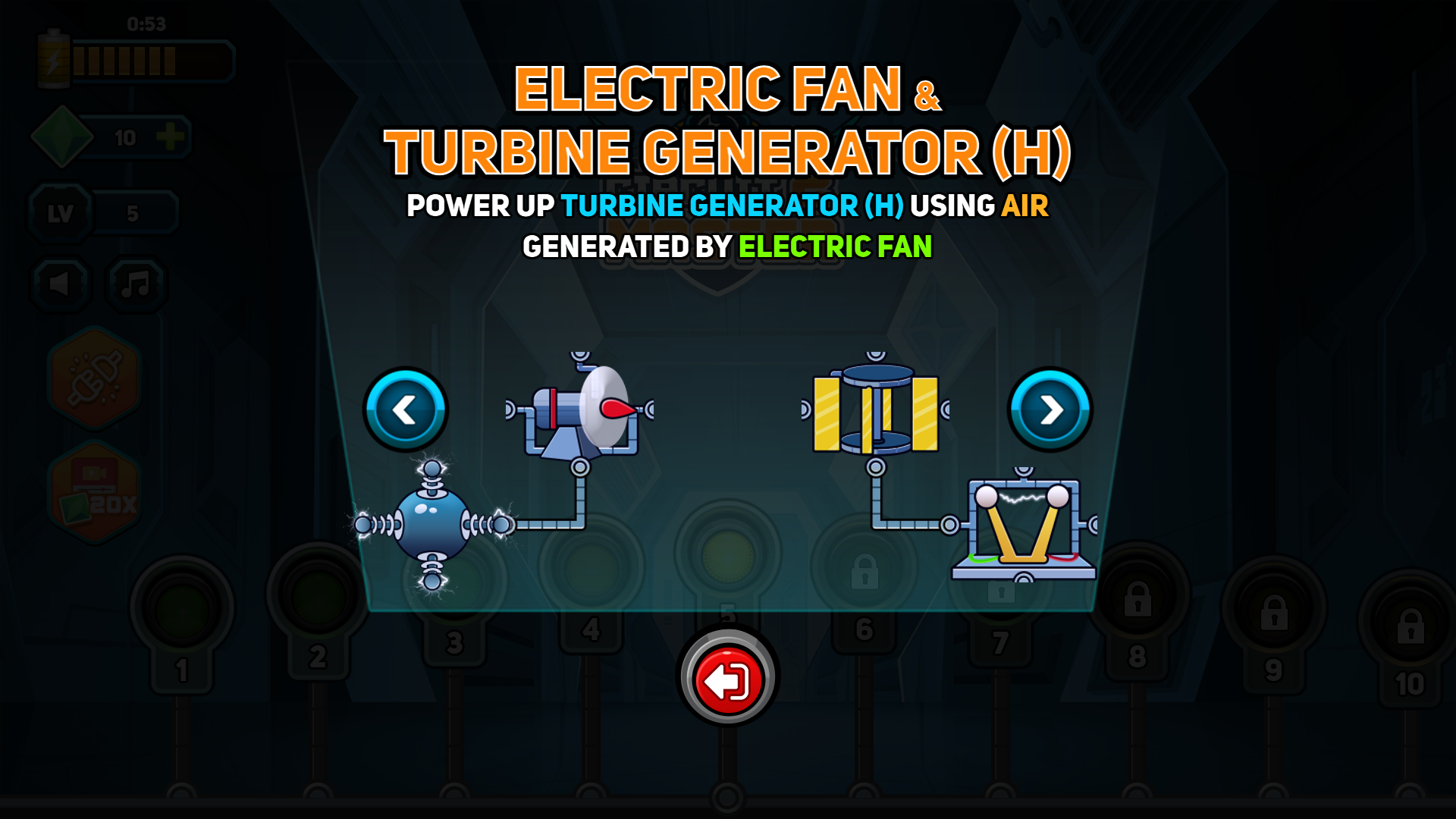
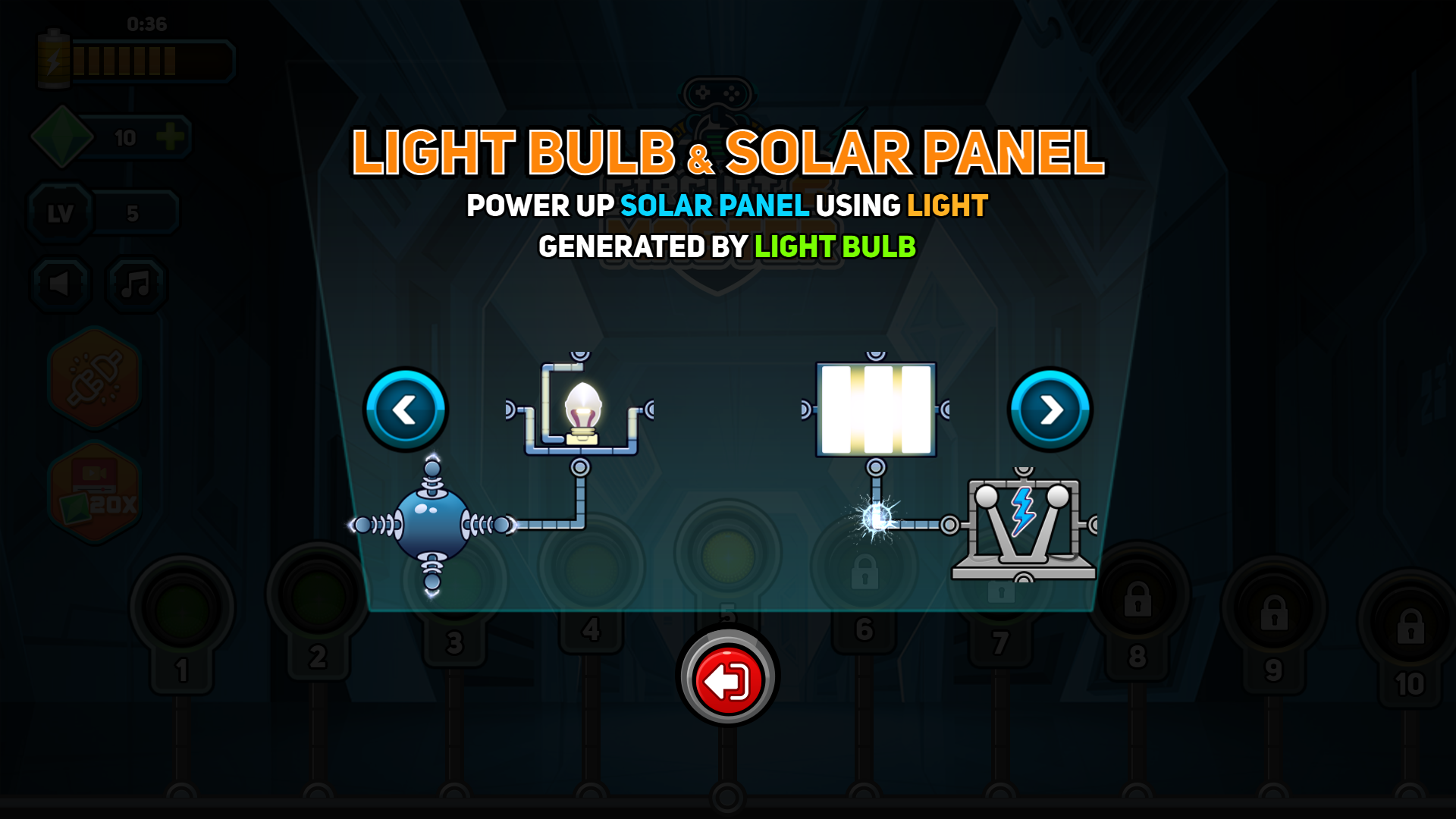
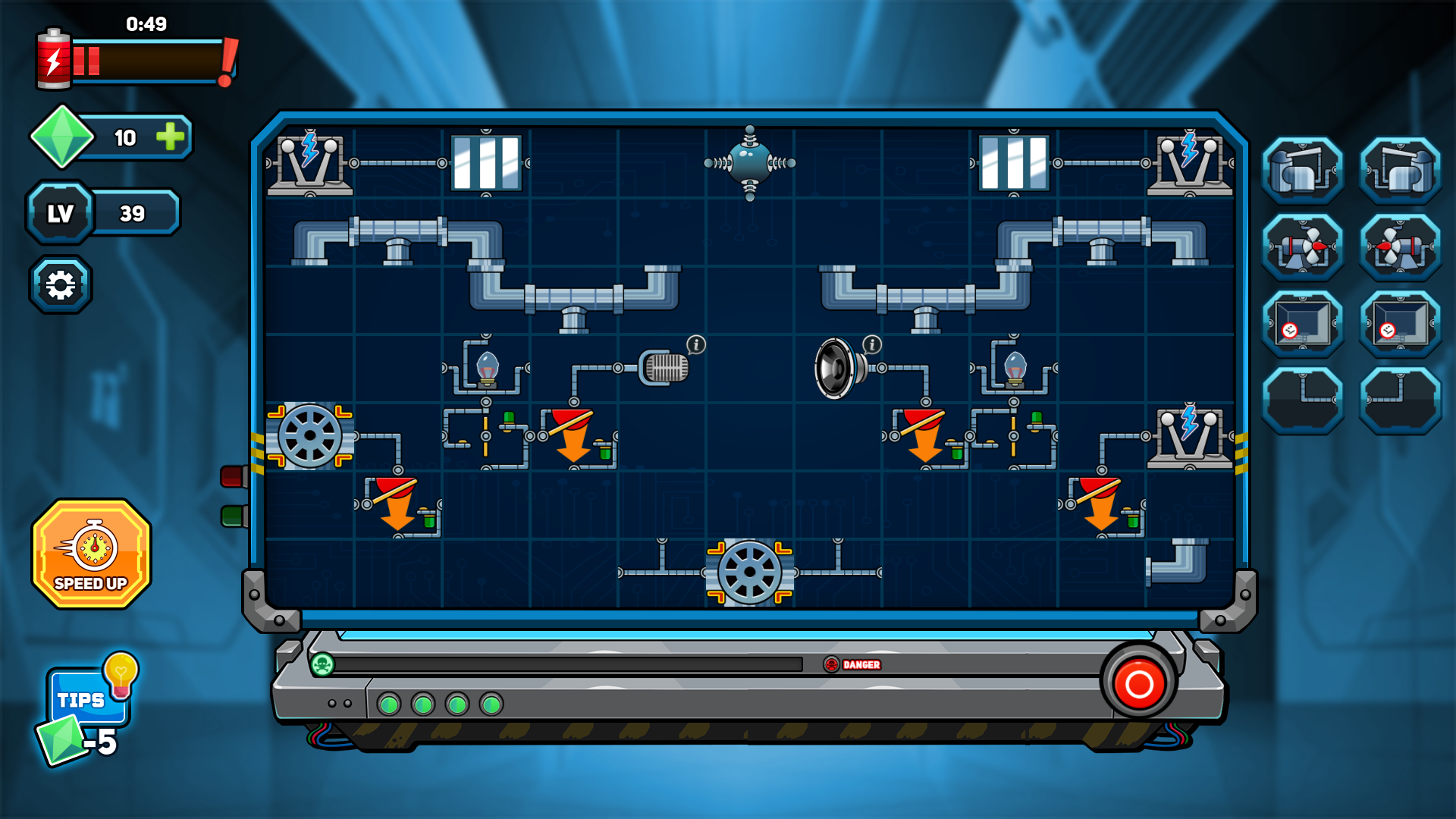
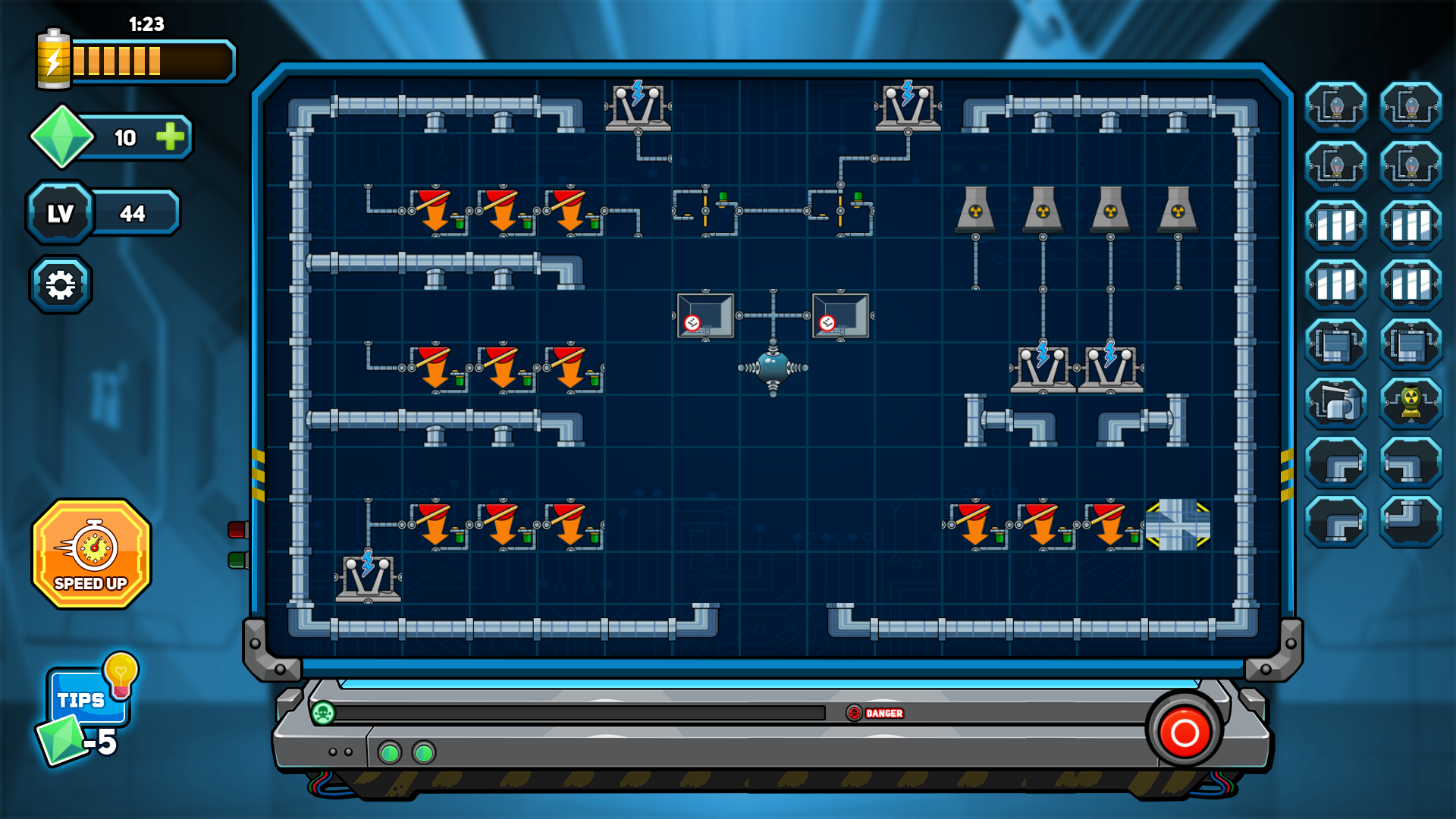
Place all components at the right places on grid, each component has unique properties and it is needed to be placed where it is supposed to be. Use hint for additional help
Desktop:
Use mouse to drag and drop the components on to the grid and then click on red power button to power up the circuit.
Mobile:
Use screen touch to drag and drop the components on to the grid and then tap on red power button to power up the circuit.
Puzzle lovers who enjoy logic-heavy brain training exercises. Fans of engineering simulations will appreciate the methodical nature of connecting components. Casual players seeking a quick mental workout will find the interface easy to navigate while still providing enough difficulty to keep the mind sharp during short breaks.
You win by placing every component in its correct position so that the electrical current flows through the entire system, causing the green light to shine.
Yes, Circuit Master 2 works directly in your mobile browser using simple touch controls to drag and drop pieces.
Use the hint button located within the game interface to receive a nudge in the right direction when you cannot figure out where a component goes.