About game
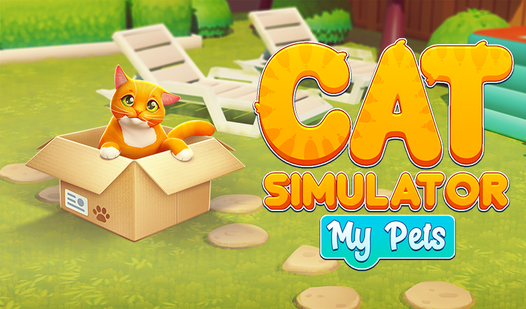
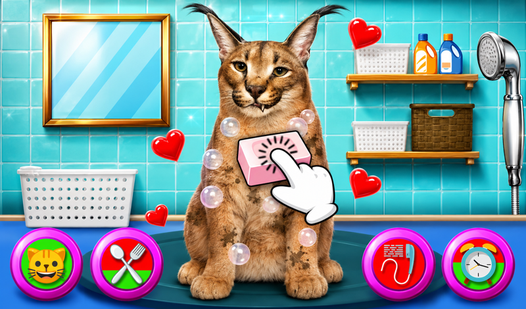
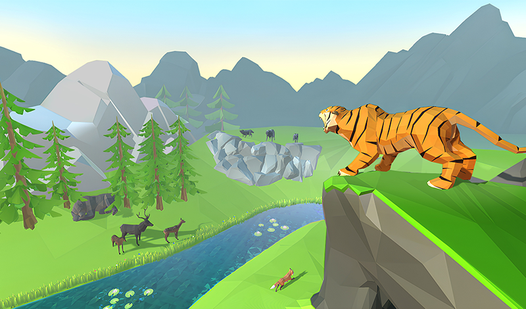
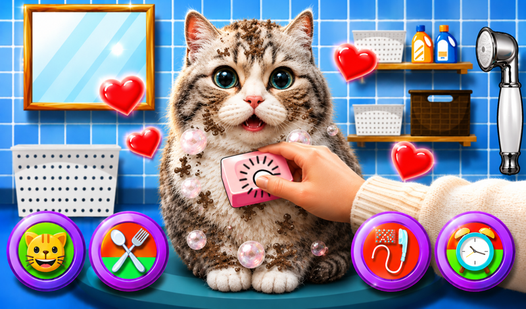
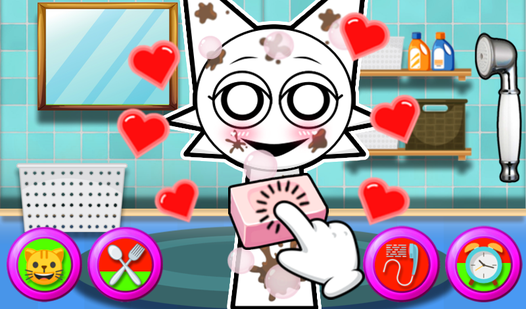
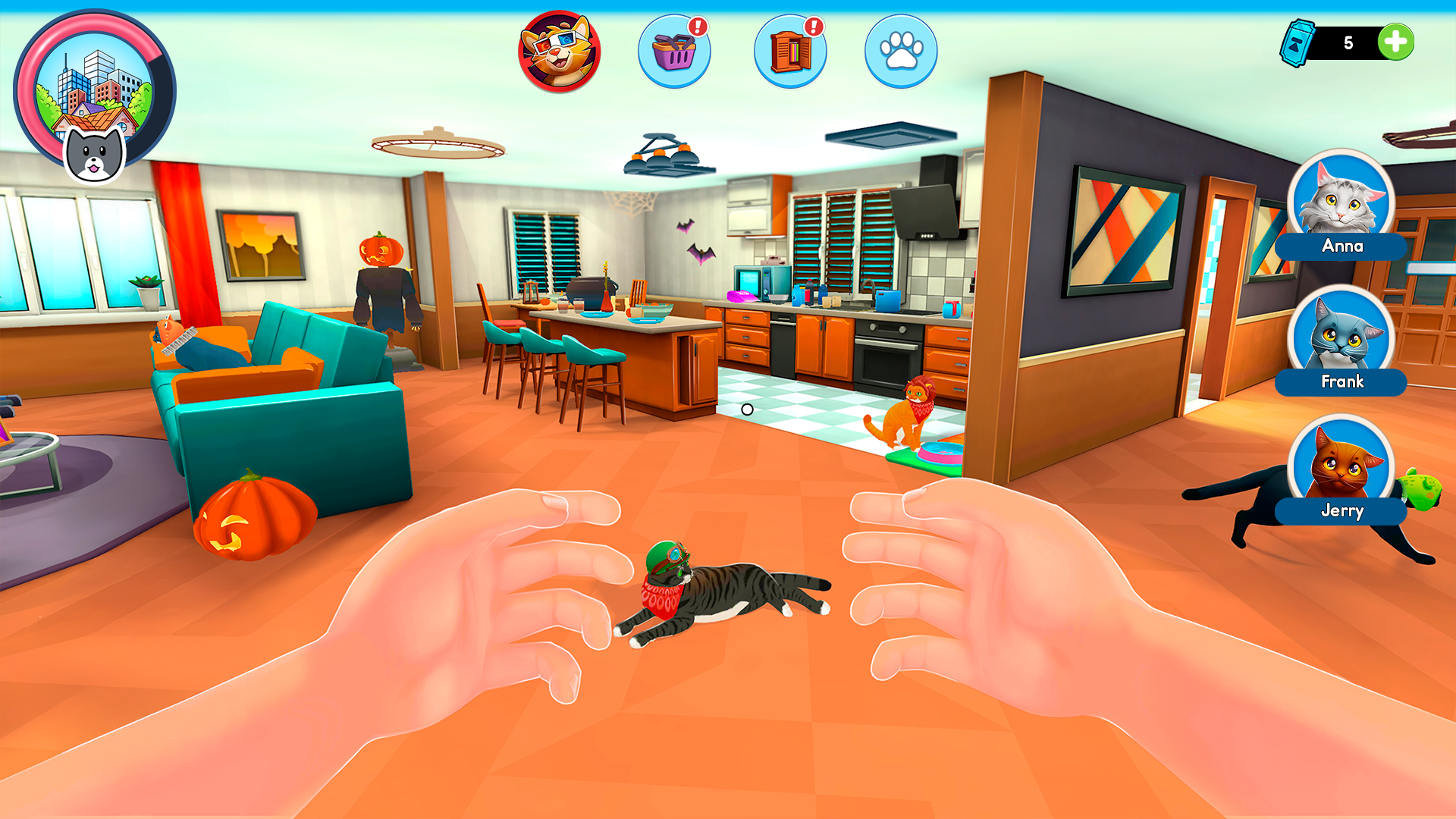
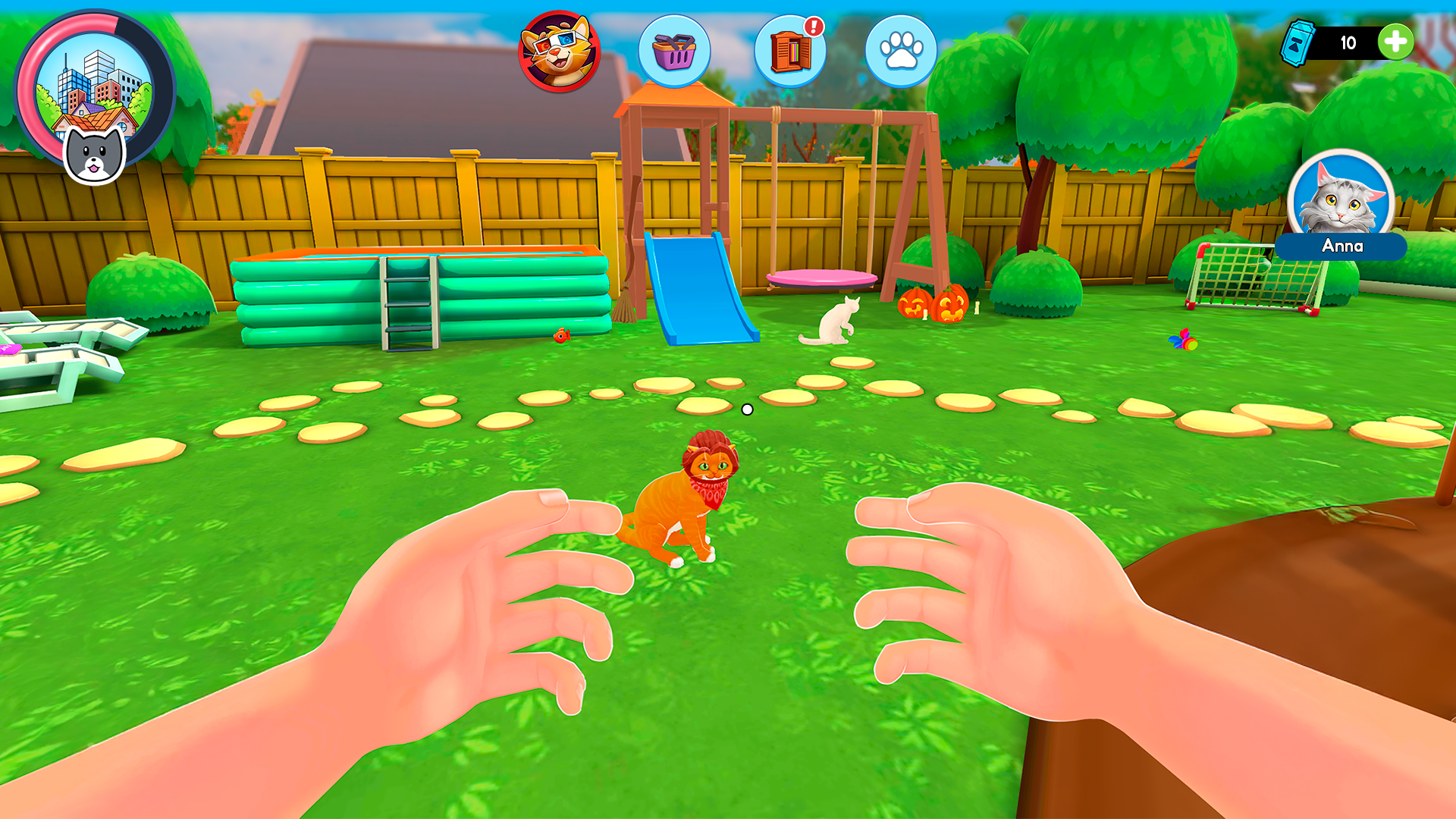
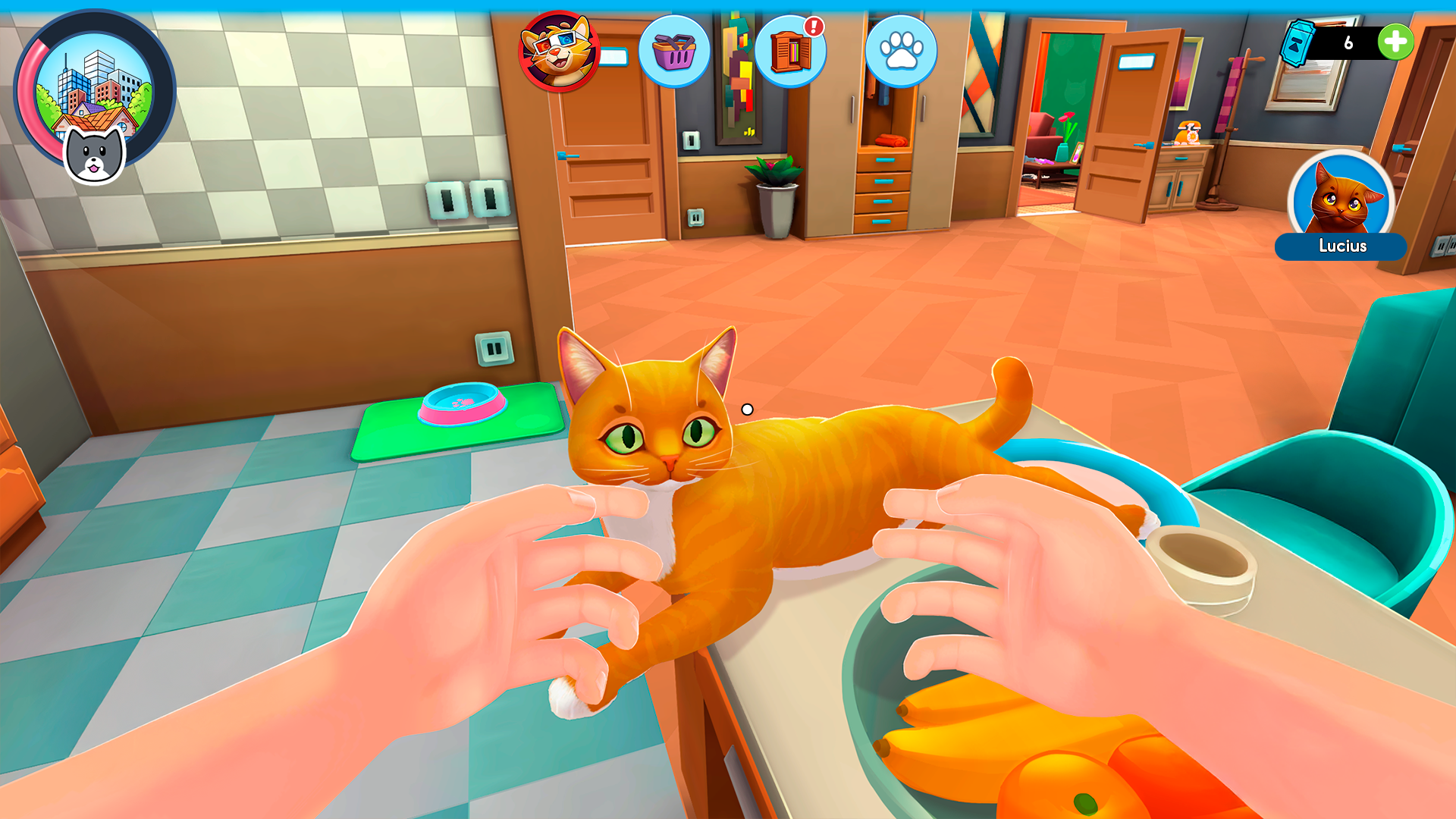
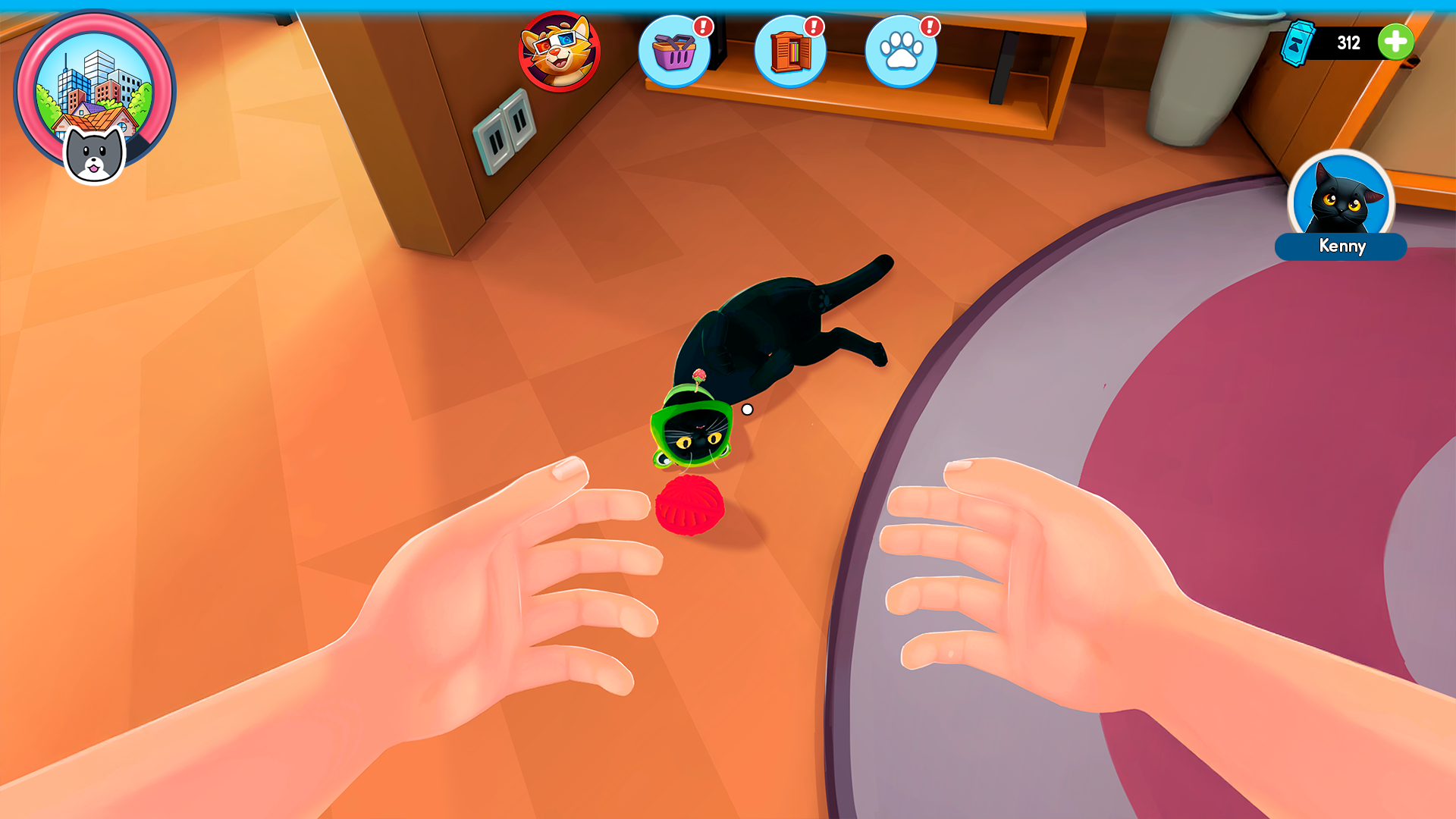
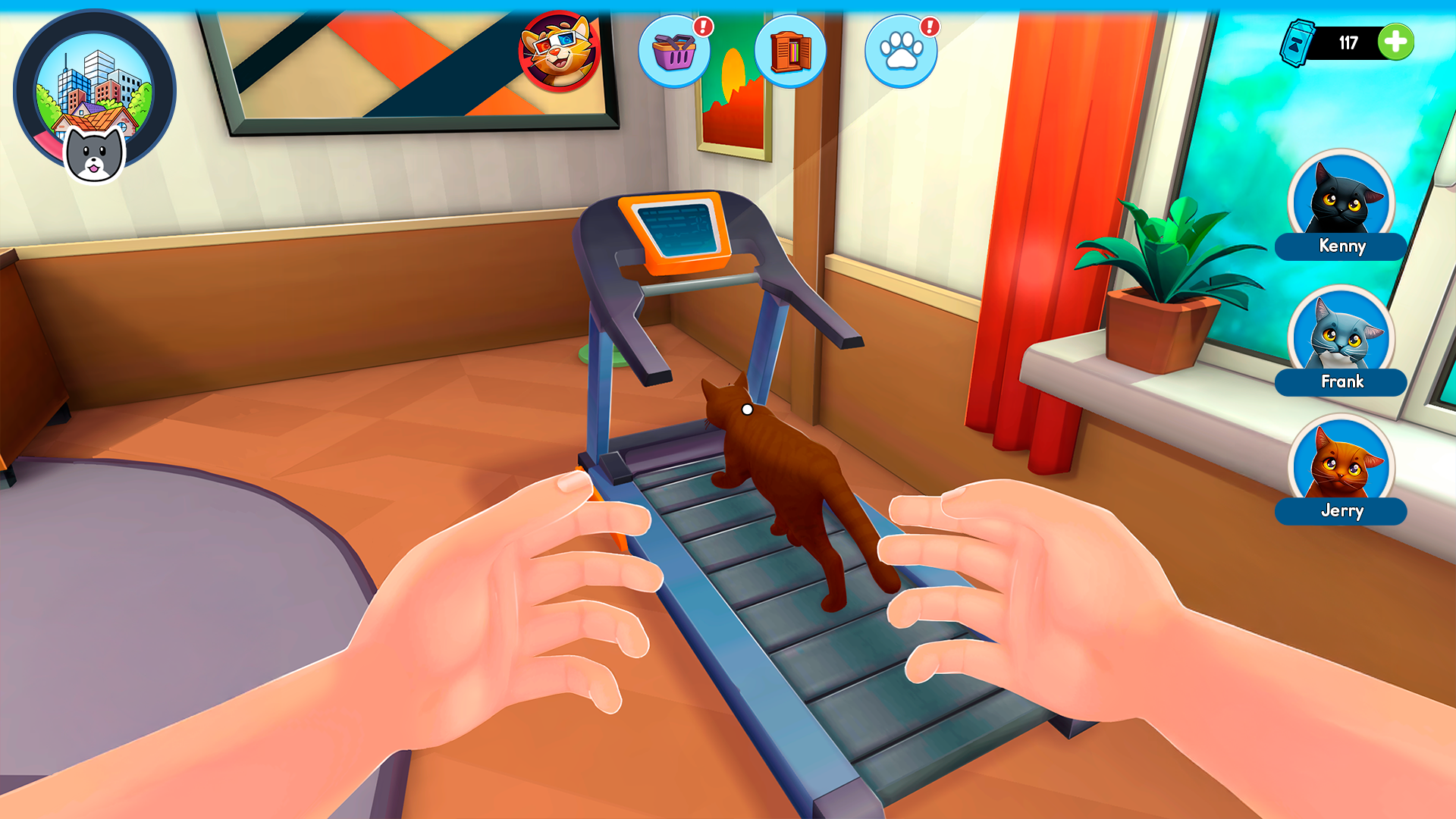
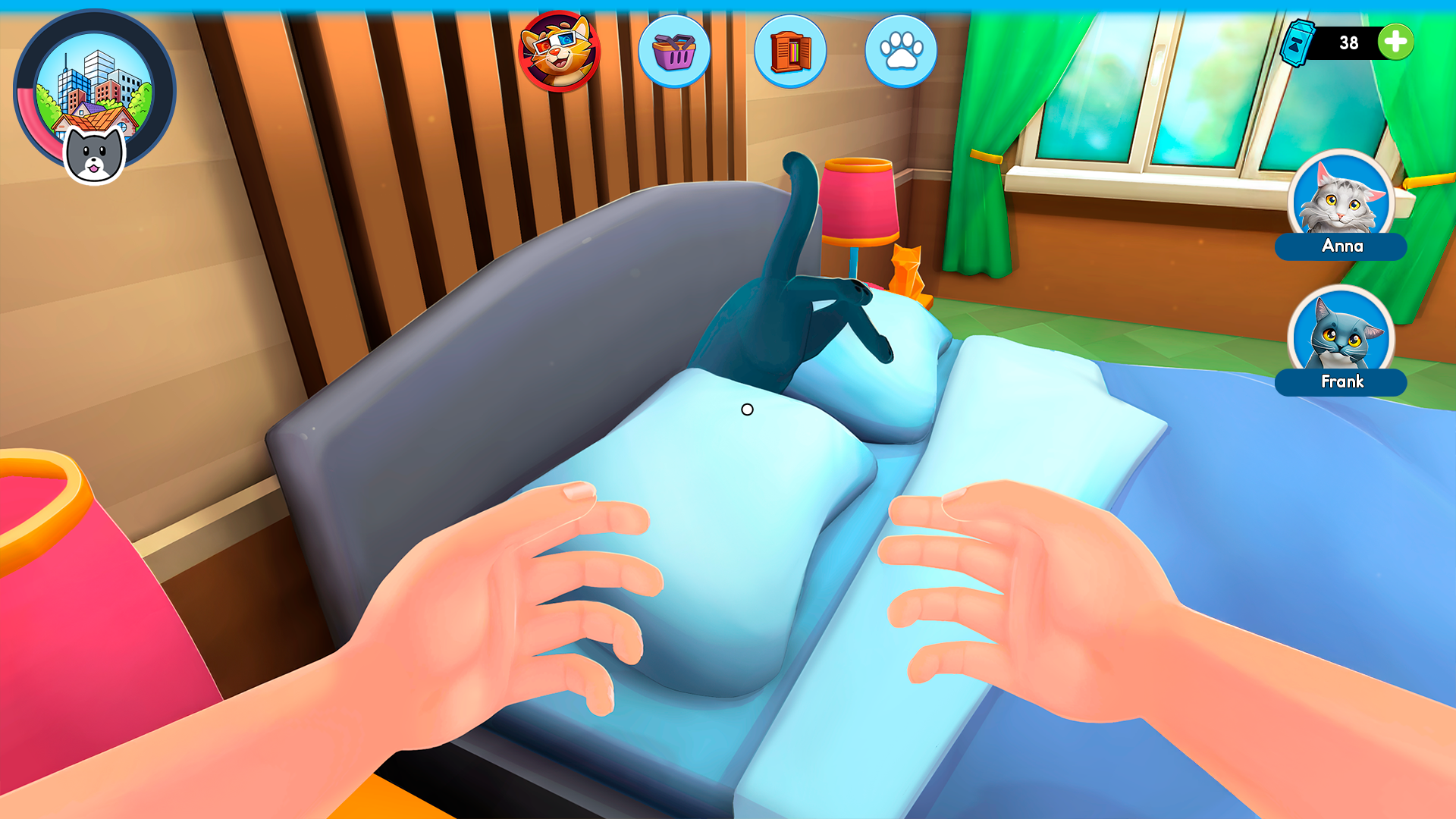
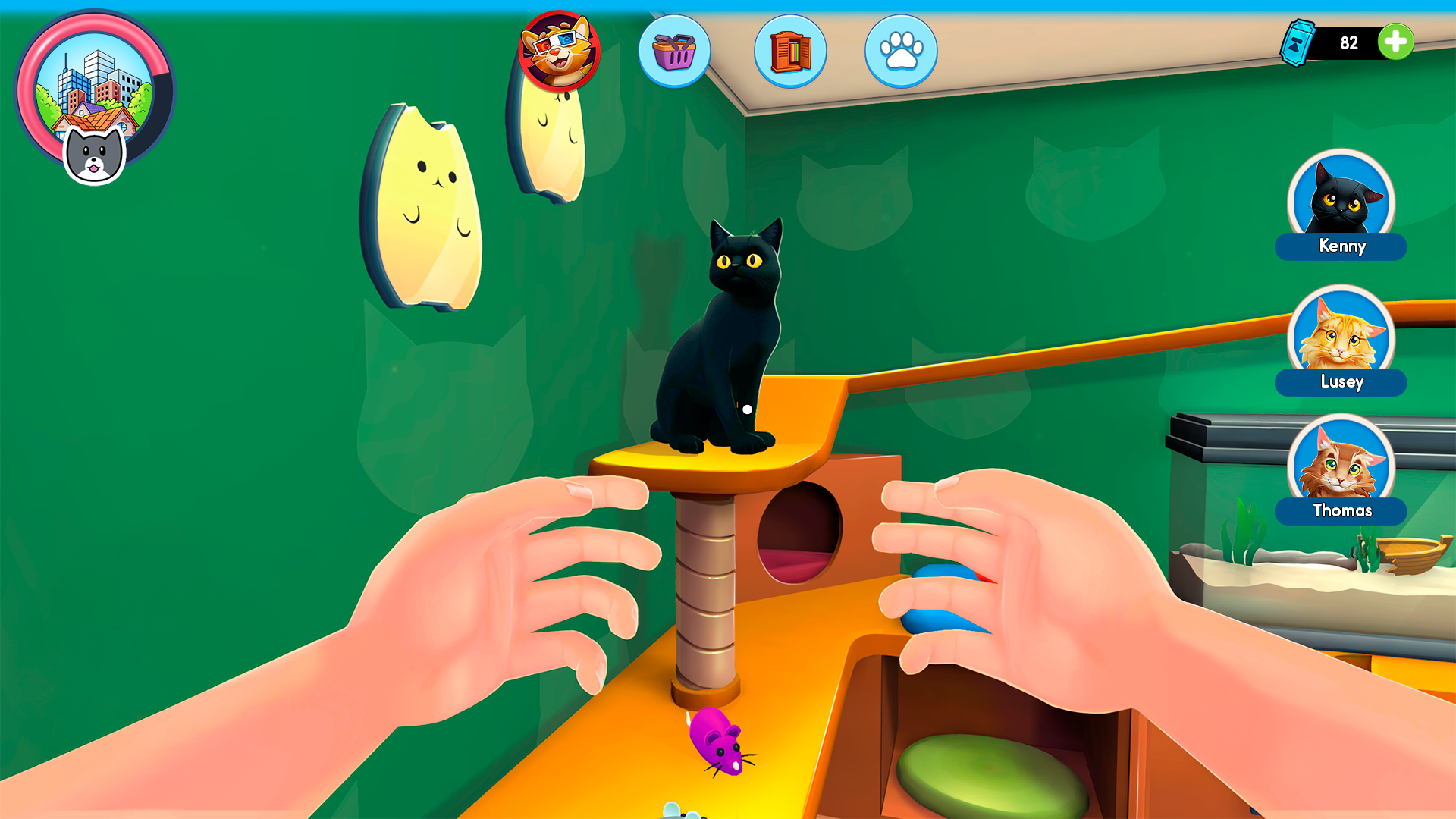
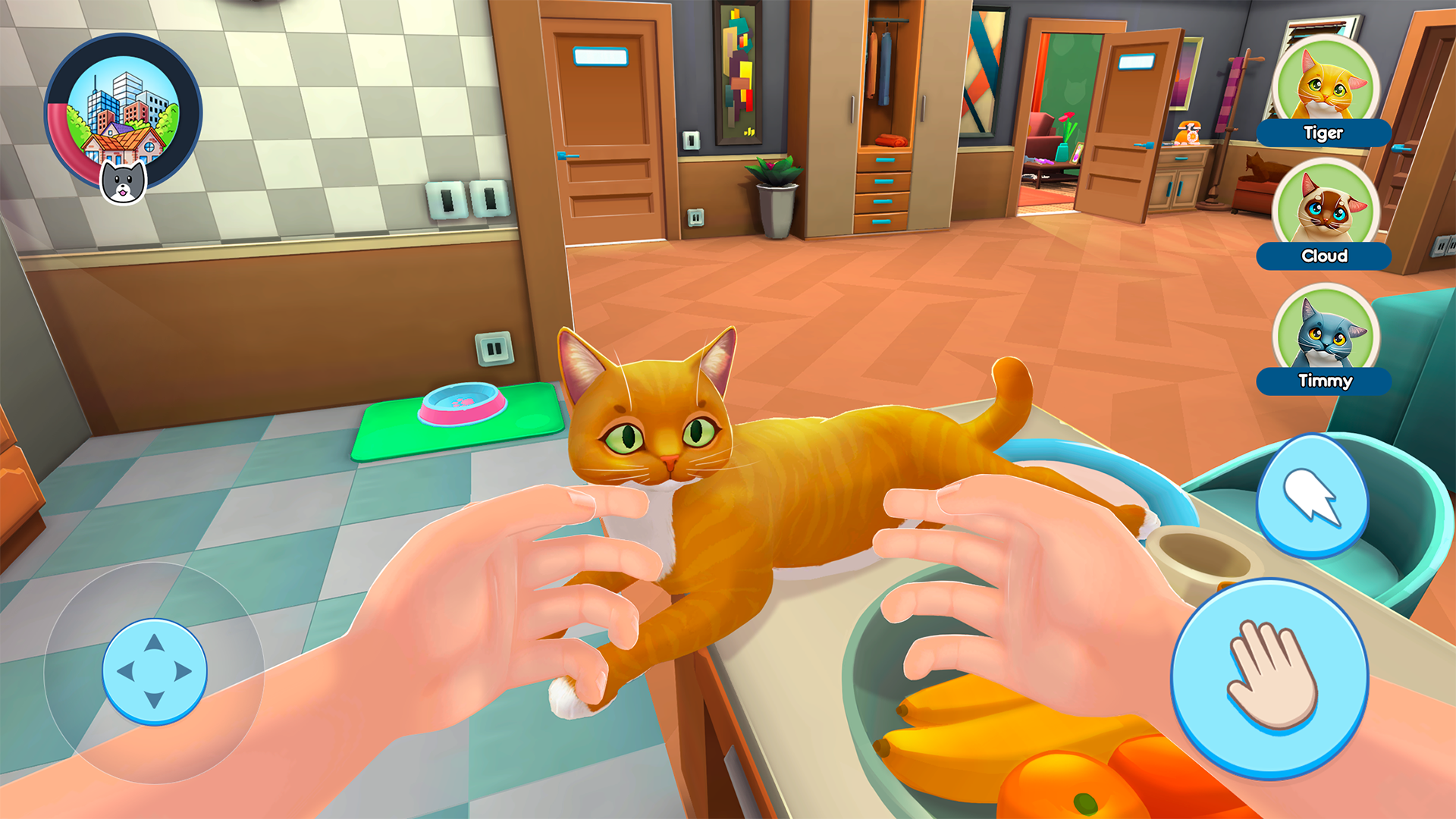
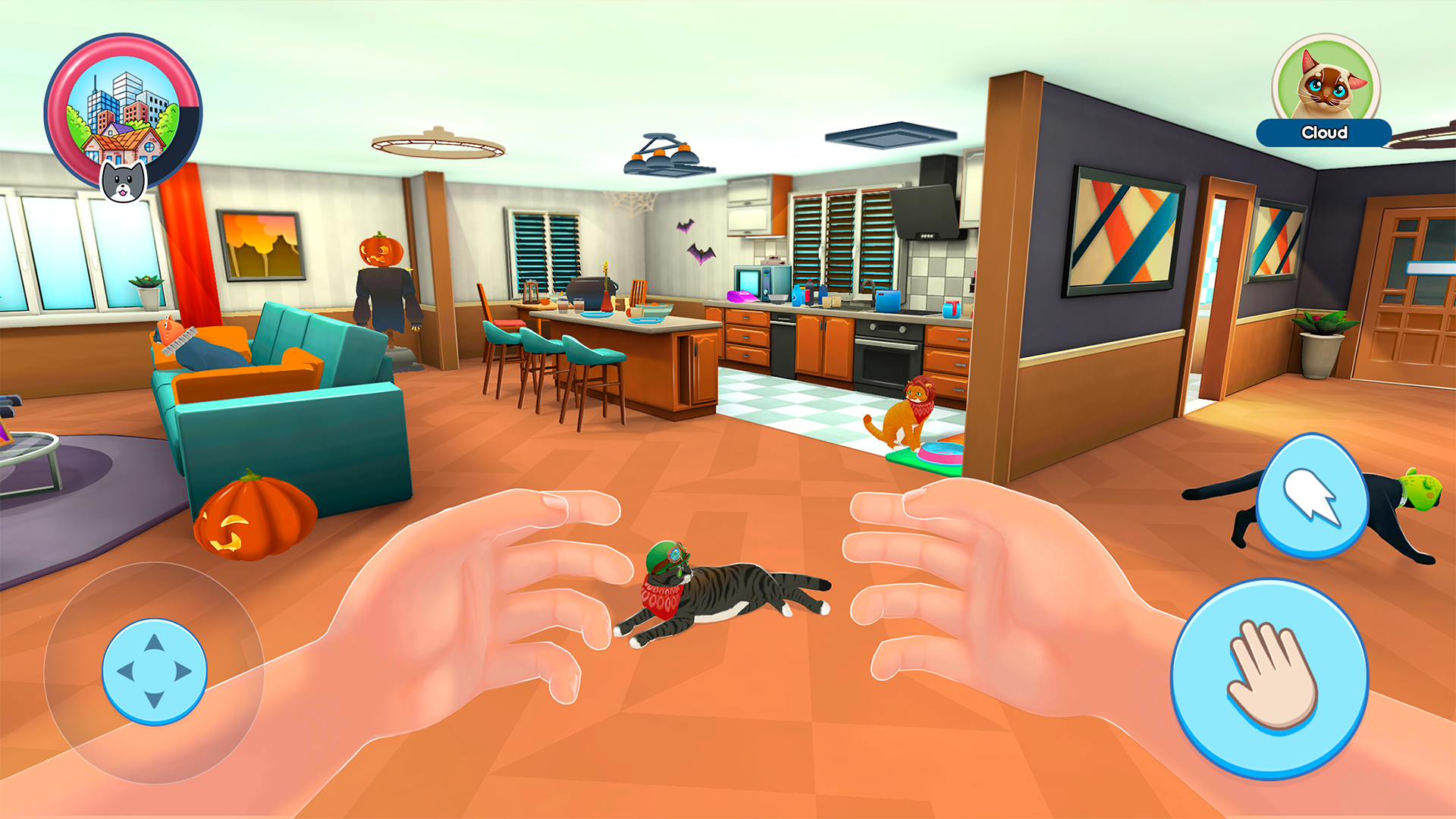
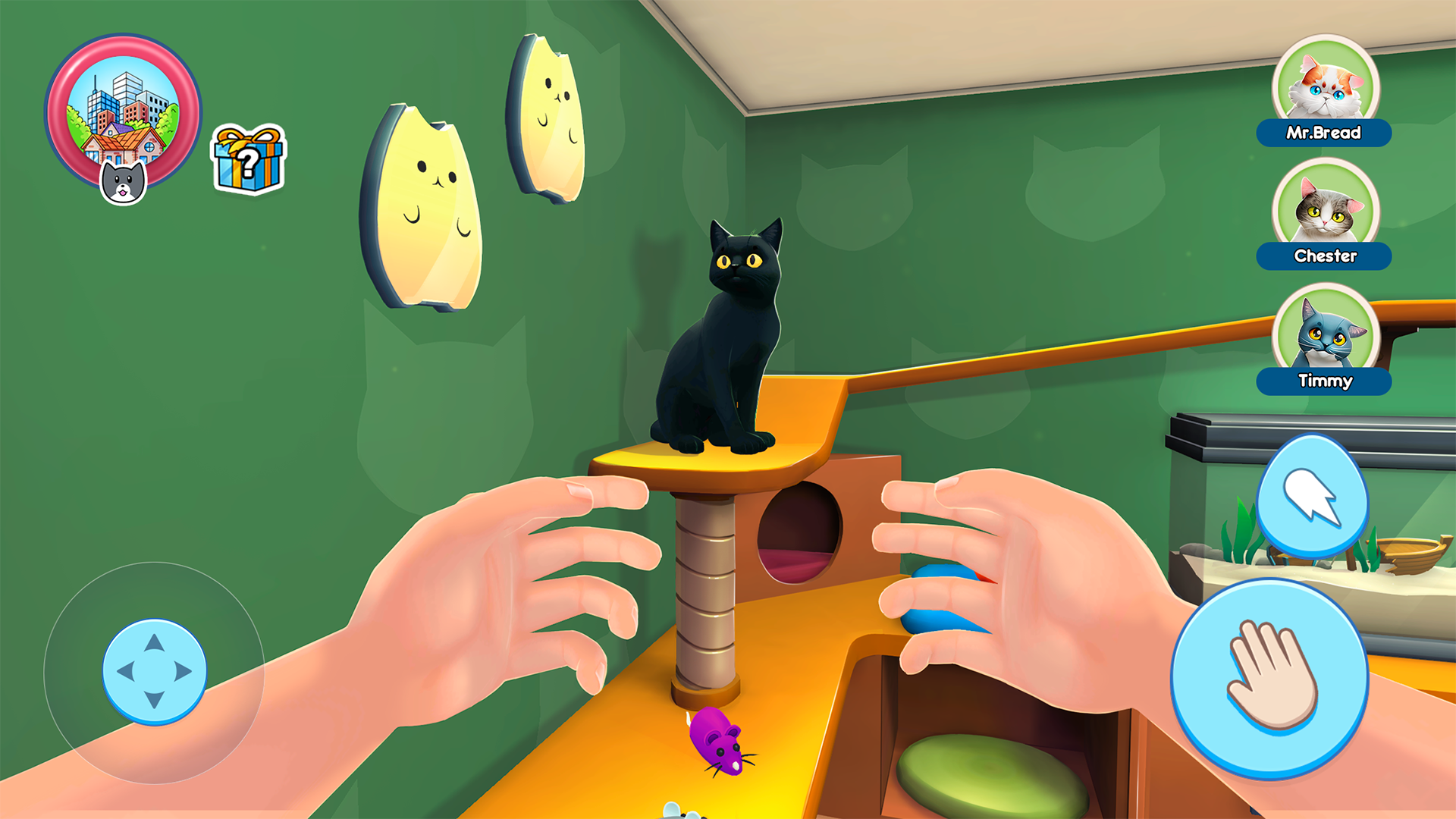
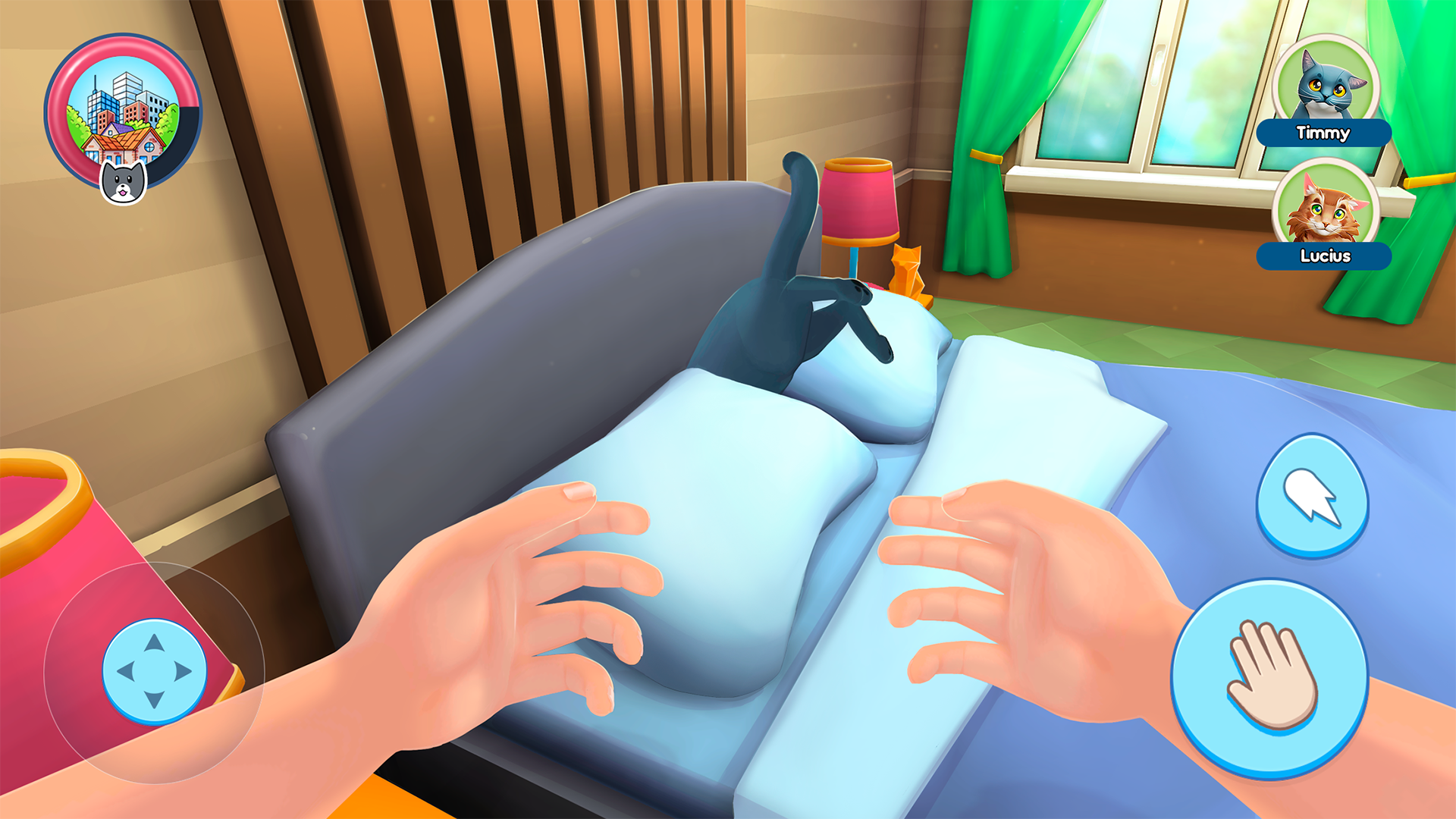
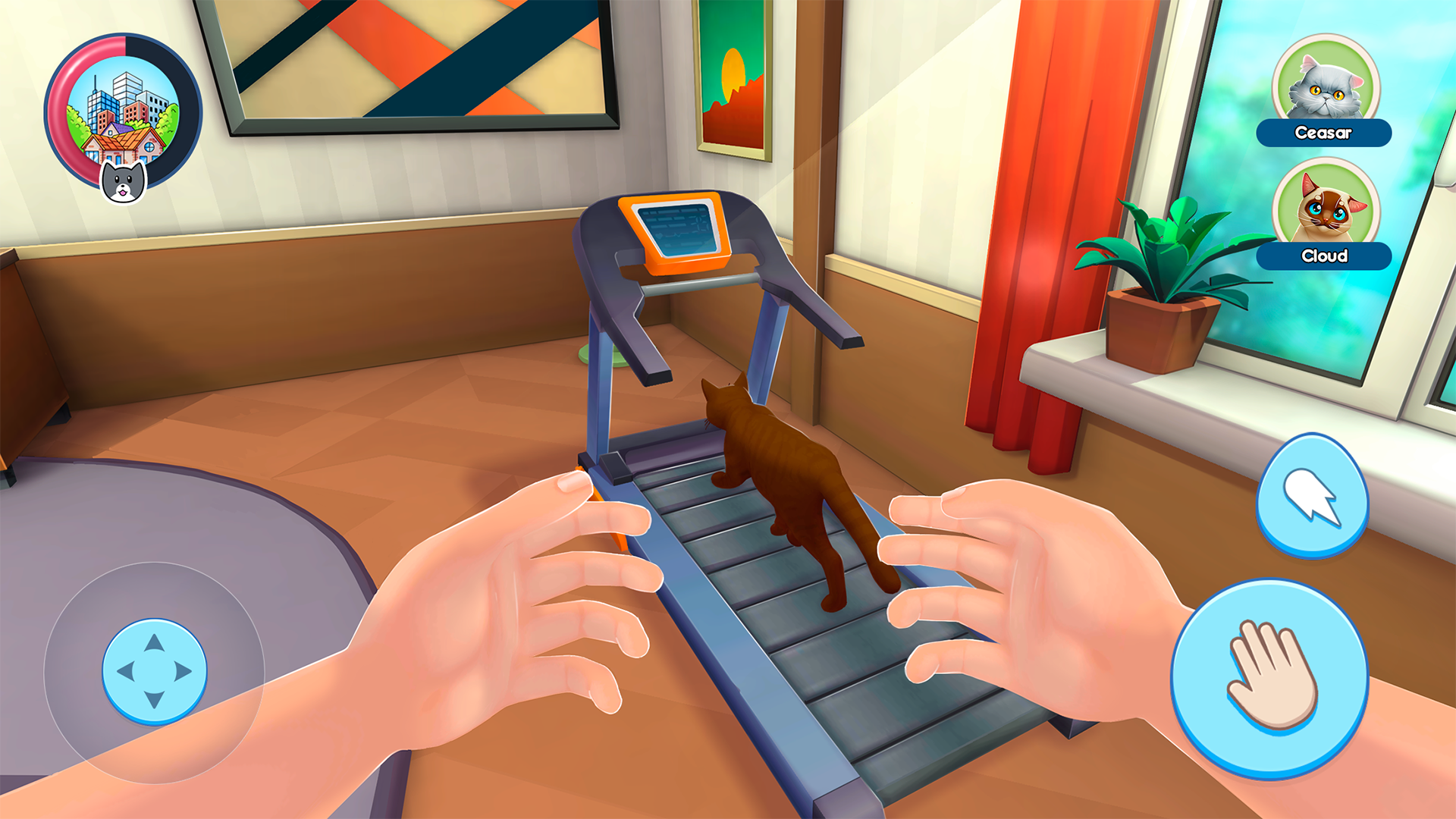
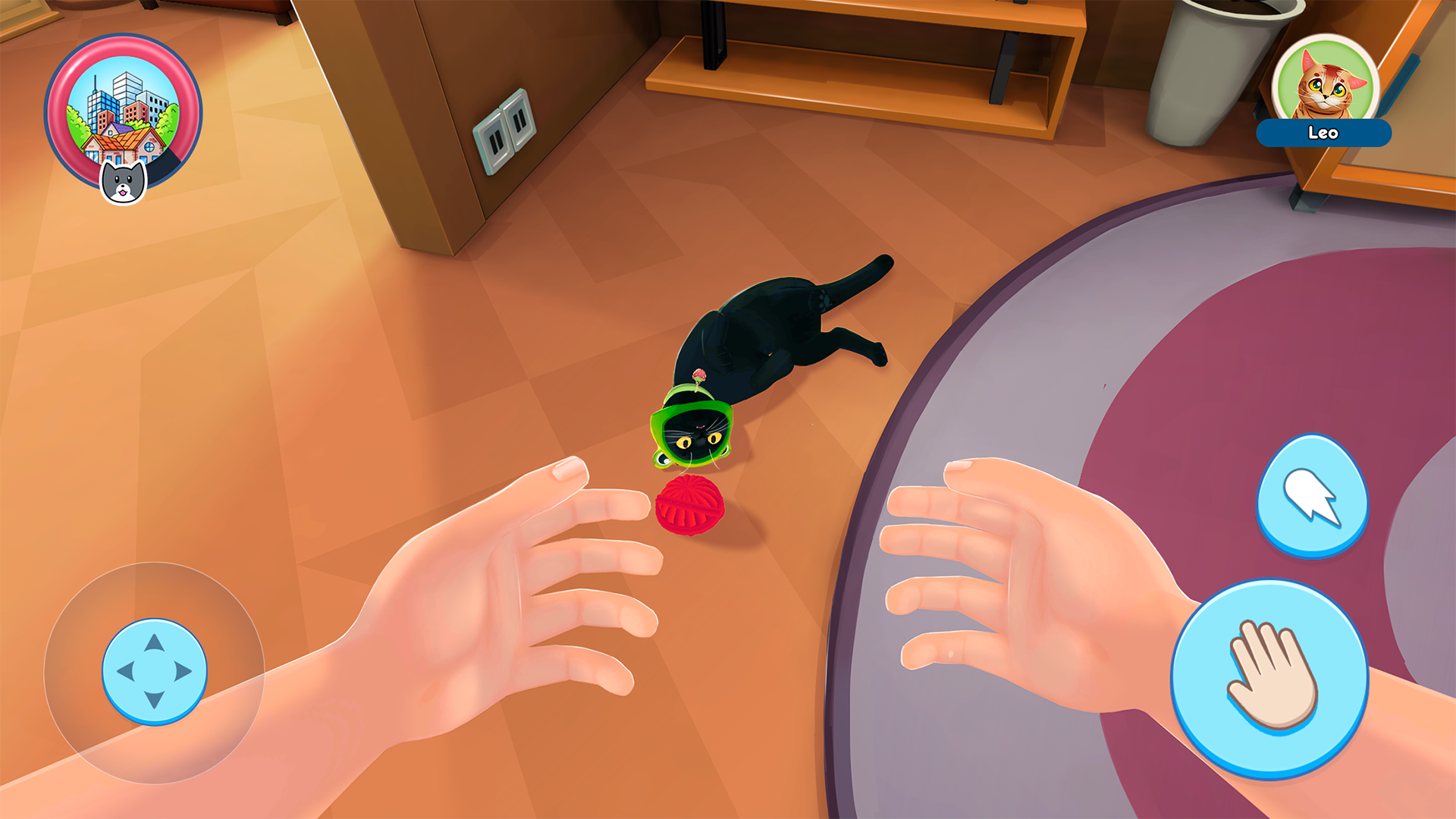
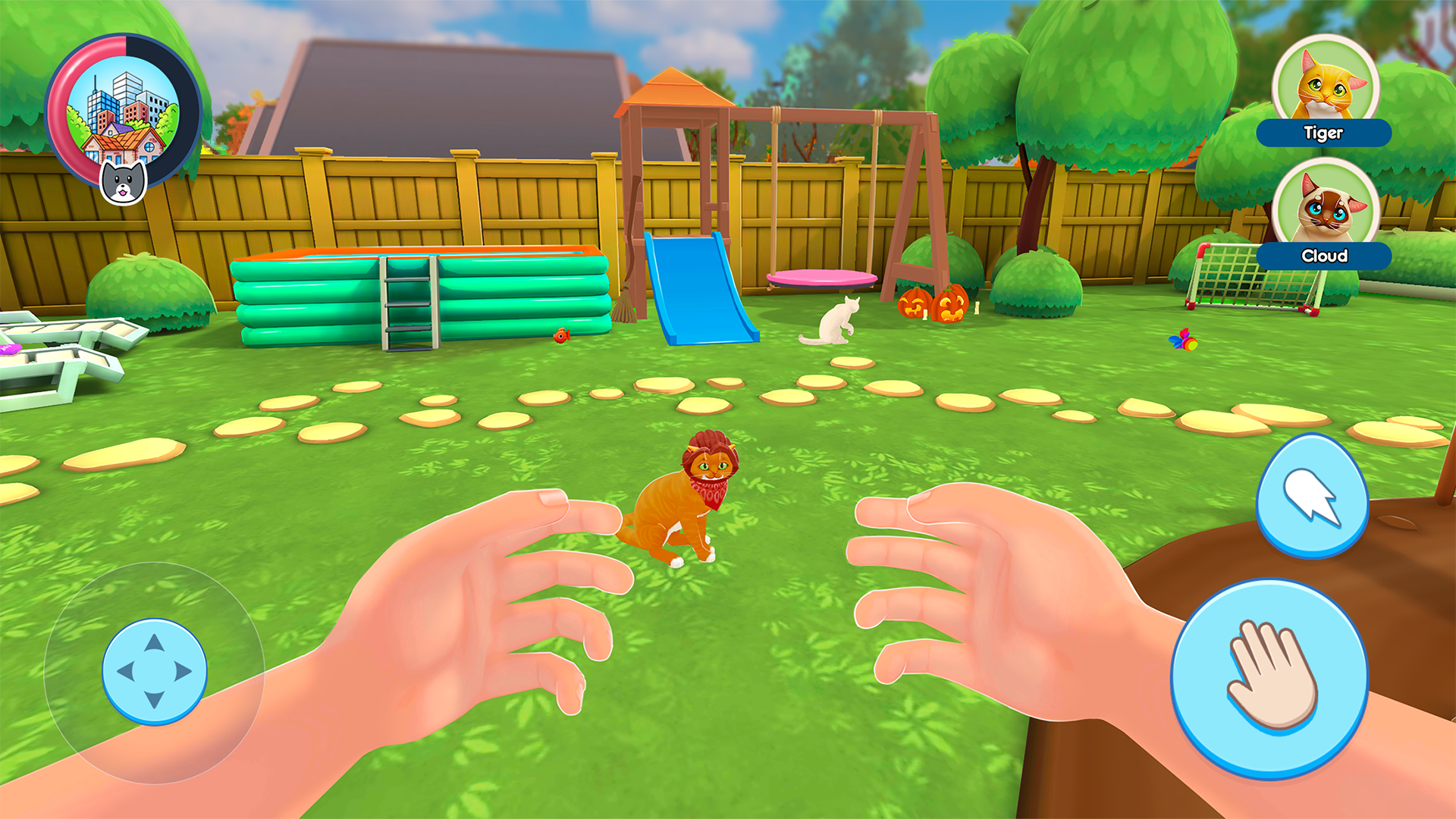
Navigate a vibrant world through the eyes of a nimble feline in Cat Simulator: My Pets. You spend your days patrolling your cozy home, tossing toys, and interacting with household objects to keep your playful kitten entertained. This cat simulator lets you explore every corner of your environment from a unique first-person perspective. Whether you are knocking items off tables or pouncing on virtual laser pointers, the gameplay feels incredibly immersive and responsive. You can nurture your furry companion, manage their needs, and customize your living space to create the ultimate feline paradise. Watching your kitten grow and thrive provides a satisfying sense of progression that keeps you coming back for more. Every interaction creates a new memory, making this game a standout choice for those who love animal-focused sandbox adventures. Experience all the fun of owning a pet directly in your browser without any downloads required.
How to play
🎮 Movement – WASD
🖱️ Pick up an item – Left Mouse Button
🎯 Throw an item – Right Mouse Button
📜 Menu – TAB
Explore the world, interact with objects, and enjoy the game! 🚀
Features
- First-person perspective: View the world from the low-to-the-ground vantage point of your pet for a truly immersive experience.
- Dynamic physics: Interact with various household objects like balls and yarn that react realistically to your pouncing and batting.
- Pet customization: Unlock different breeds and colors to ensure your kitten matches your personal style.
- Interactive environment: Discover hidden spots and secret areas within the home that your kitten can climb or hide in.
- Happiness meter: Keep your companion satisfied by balancing play, rest, and exploration throughout the day.
Who is it for
Casual players who enjoy relaxing animal-themed simulations and sandbox games. Kids and teens who love cute pets will find the environment particularly charming, while anyone seeking a low-stress interactive experience will appreciate the freedom to explore at their own pace without strict time limits or competition.
Controls
Movement
Use WASD keys or swipe on your mobile screen to move around.
Pick up item
Click the left mouse button or tap the screen on the desired object.
Throw item
Click the right mouse button or use a long press on mobile to launch objects.
Open menu
Press the TAB key or tap the menu icon on your smartphone.
FAQ
How do I unlock new items in Cat Simulator: My Pets?
›
You earn points by completing daily challenges and keeping your kitten happy, which can then be spent to unlock toys and furniture.
Is Cat Simulator: My Pets available on mobile devices?
›
Yes, you can play this game directly in your mobile browser without needing to install an app.
Can I change the look of my kitten in Cat Simulator: My Pets?
›
Yes, the game features a collection system where you can choose and swap between different kittens as you progress.