About game
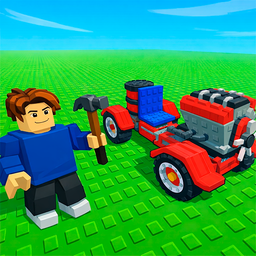
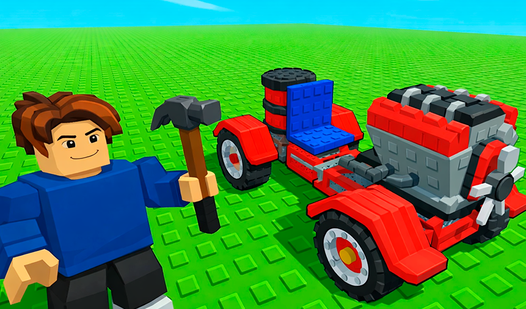
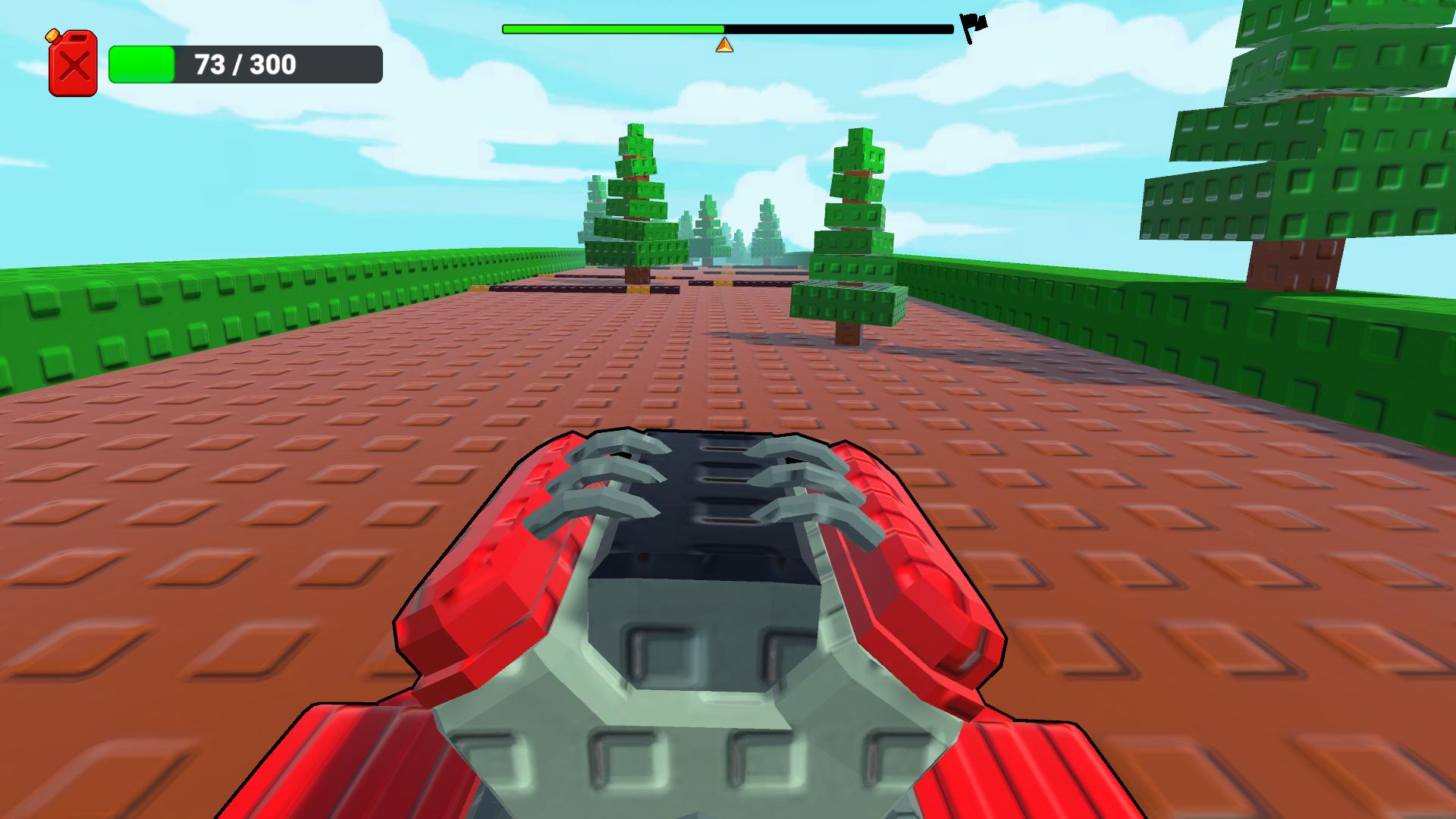
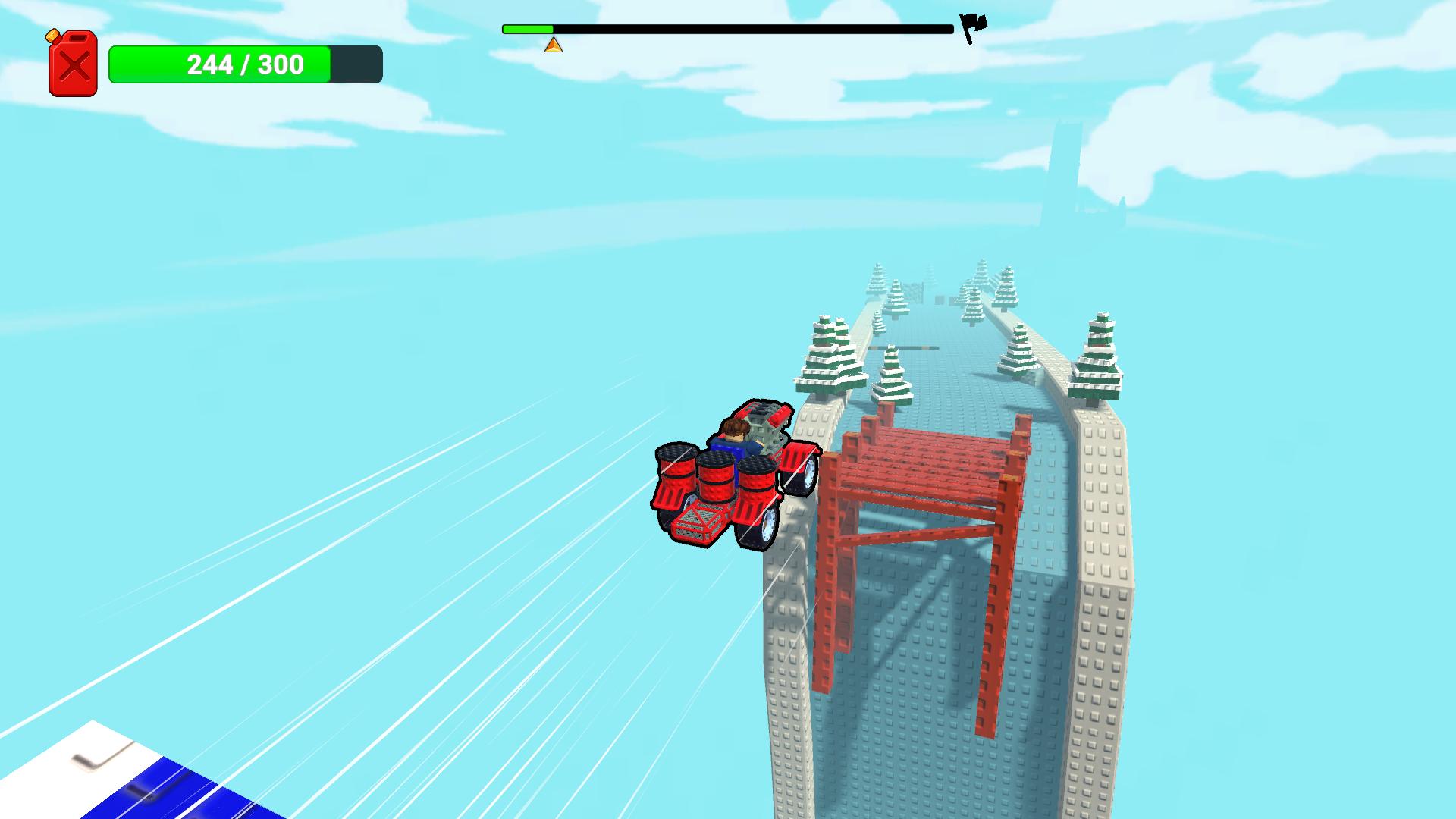
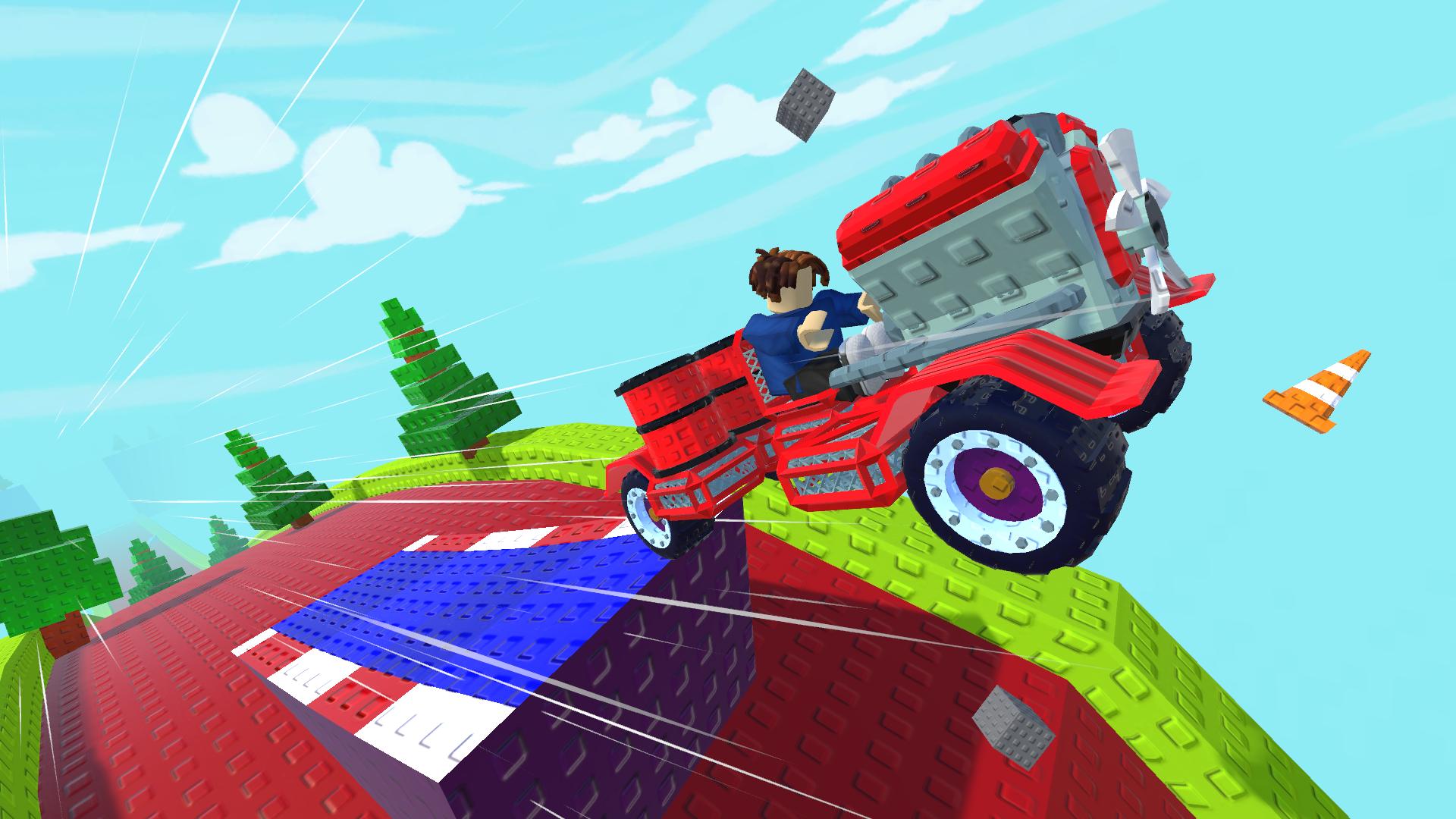
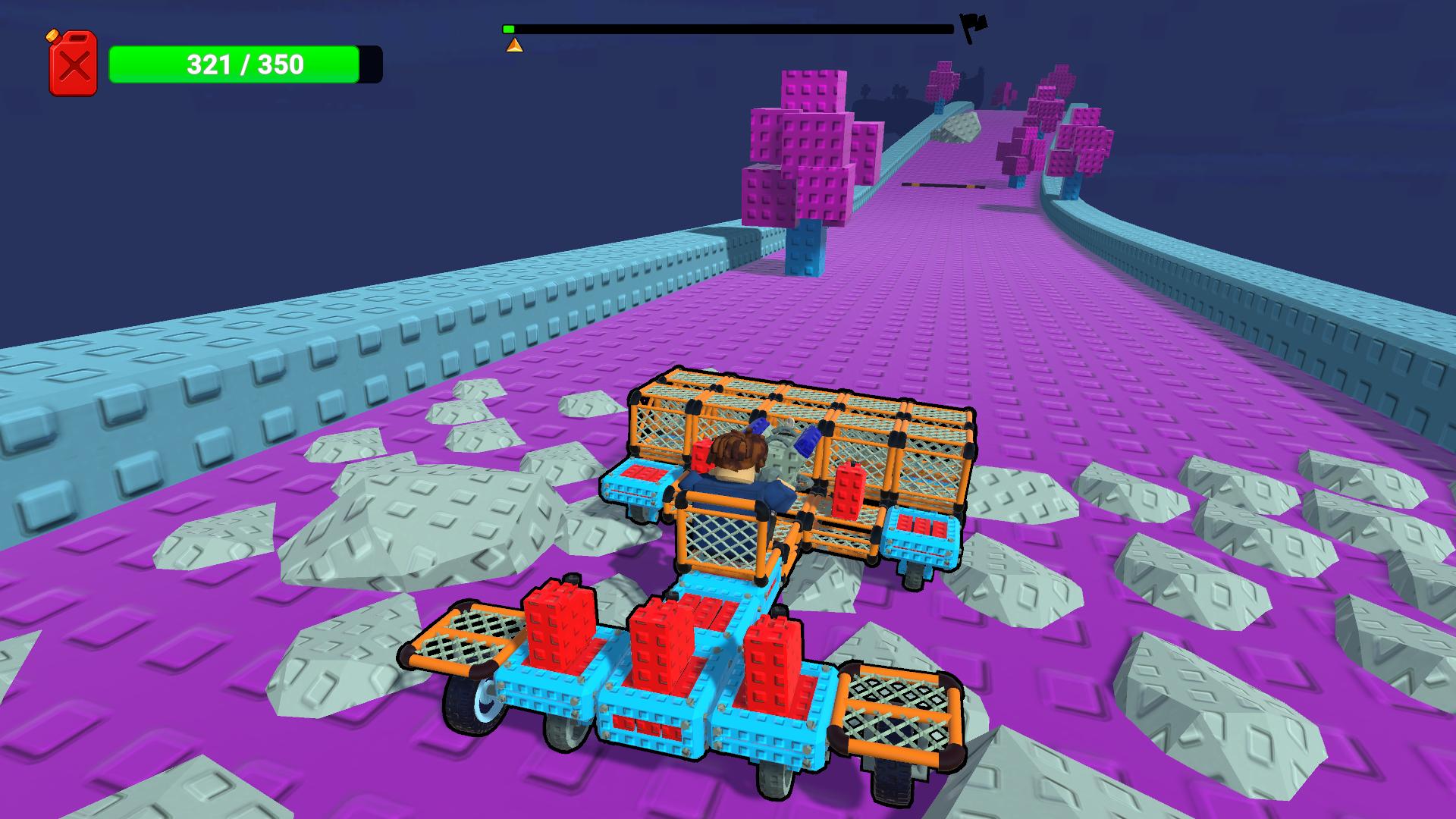
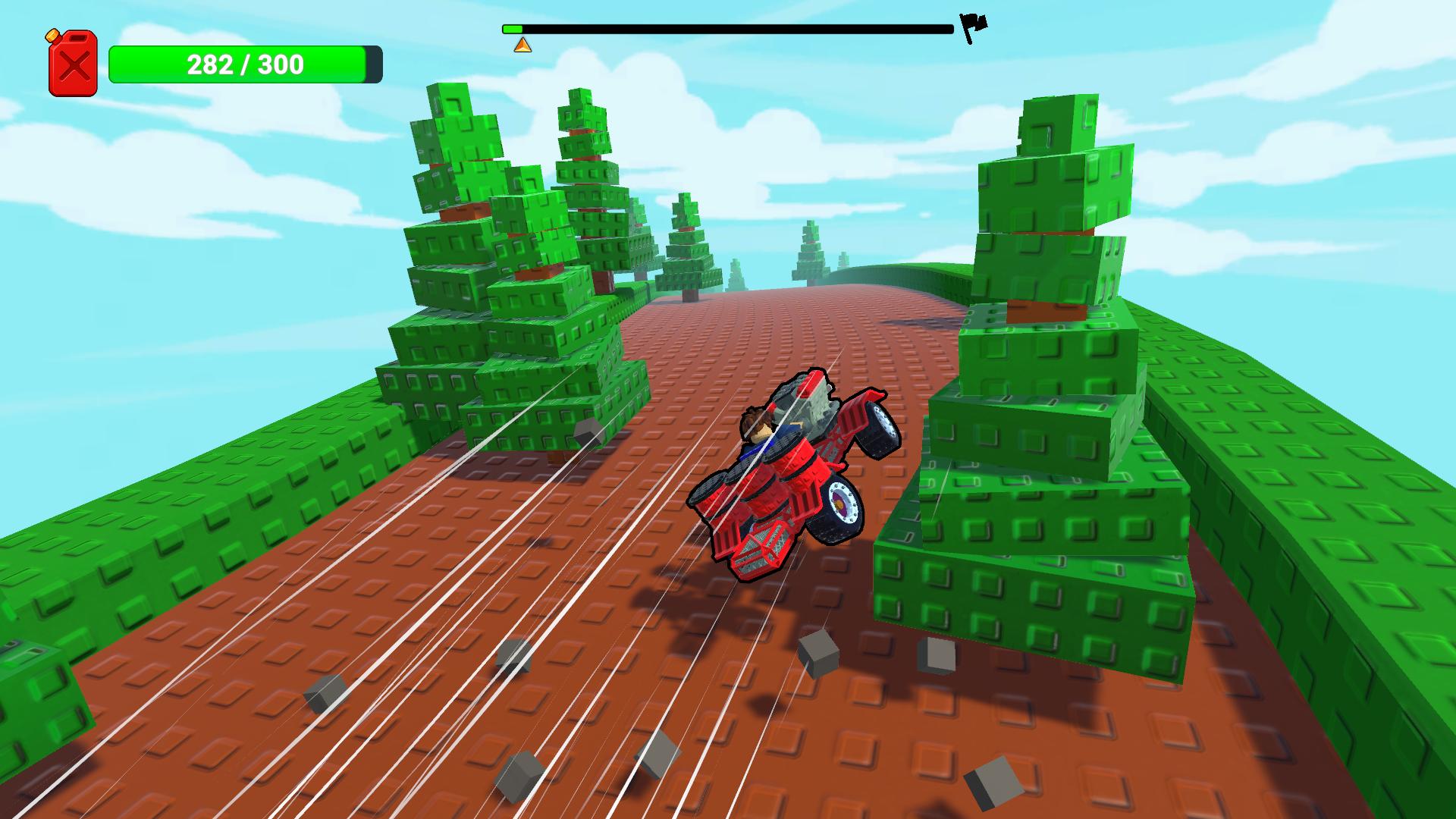
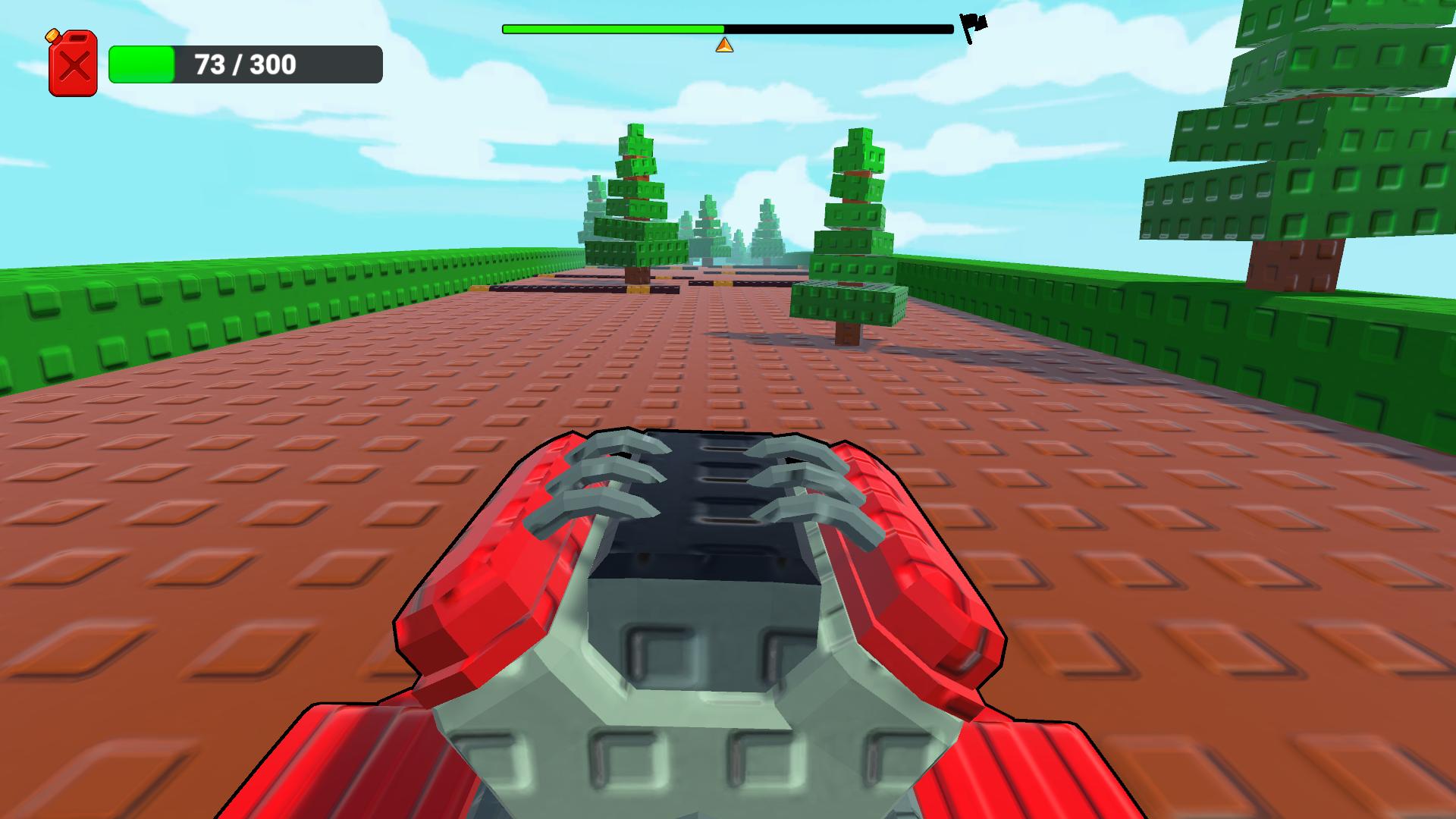
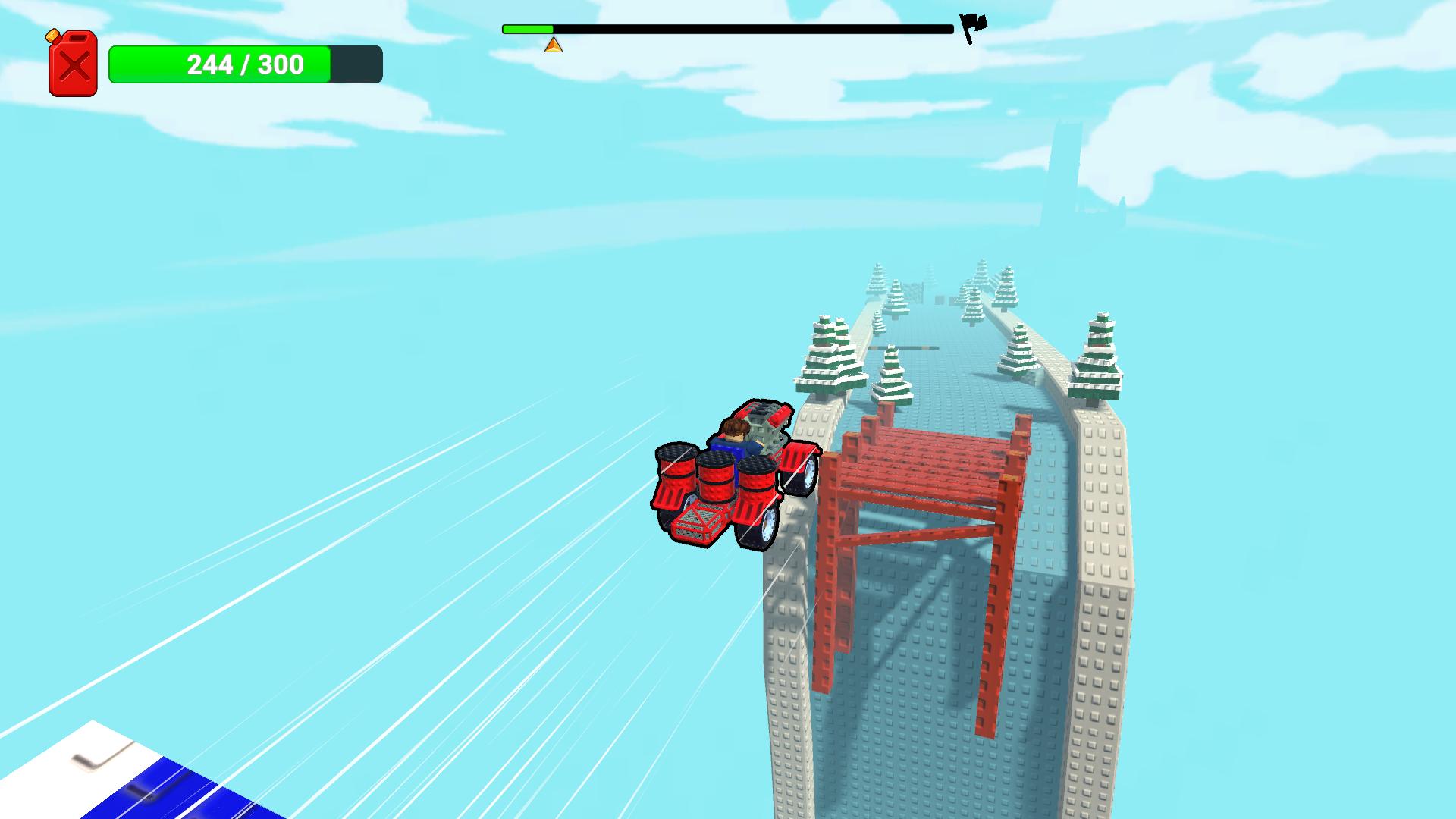
Staring at a blank screen while your motivation slowly fades away is a classic sign that you need a creative distraction. Build a Car is the perfect remedy for those moments when you want to channel your inner engineer without the headache of real-world mechanics. You start by selecting various components to assemble a unique vehicle from scratch, turning a simple chassis into a high-performance machine. Each part you choose directly influences how your creation handles, so you must carefully balance power and stability to conquer the rugged terrain ahead. As you progress, the game becomes a complex конструктор машин where every bolt and wheel placement matters for your success. You will need to put your custom design to the test across challenging obstacle courses that demand precision driving and smart construction. Since you can собрать машину using endless combinations, the replay value remains incredibly high for any aspiring mechanic. Experience the satisfaction of building, upgrading, and racing your own custom ride for free directly in your browser without any downloads required.
How to play
W, A, S, D — Move / drive the vehicle
Space — Jump
Enter — Start the run
E — Interact
F — Pick up an item
Hold Right Mouse Button — Control the camera
Mouse Wheel — Zoom the camera in/out
Number Keys — Switch items in the inventory
X — Enable part deletion mode
Building:
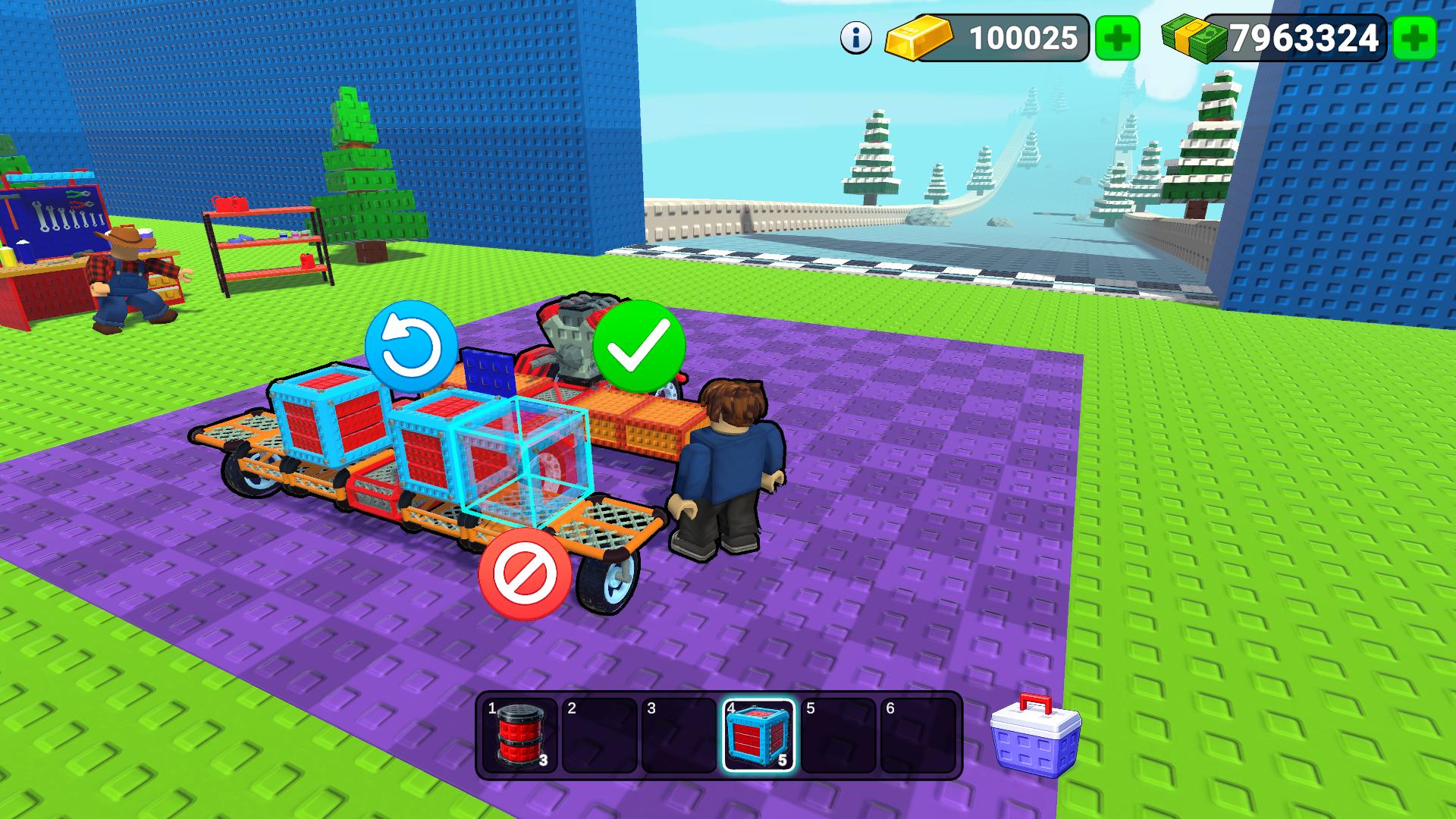
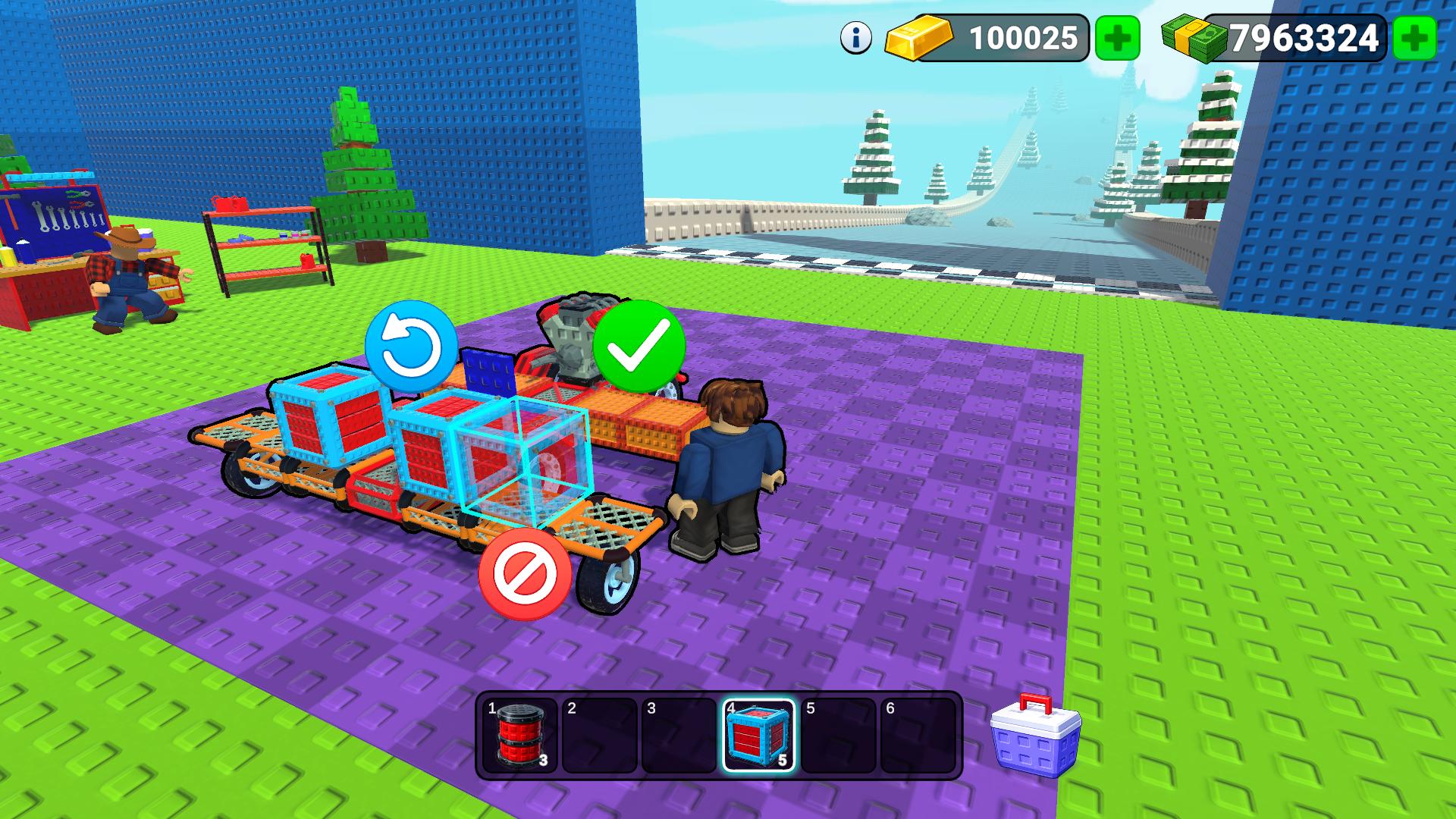
Click on the building grid to place a part, then confirm the placement.
Removing parts:
Press X to enable deletion mode. Then click on the block you want to remove and confirm the deletion.
Features
- Modular Assembly: Attach engines, specialized wheels, and structural blocks to a central frame to test physics-based handling.
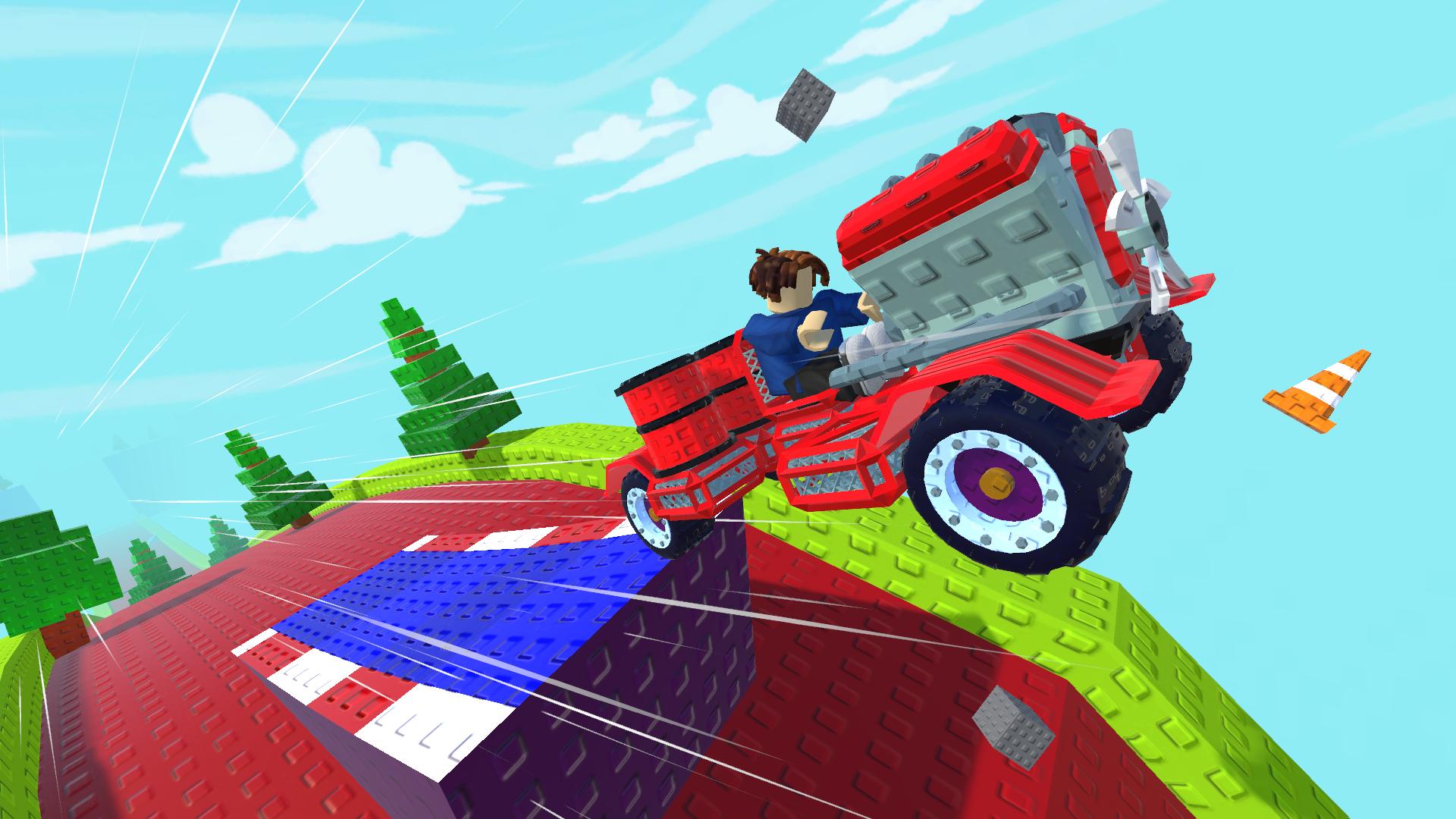
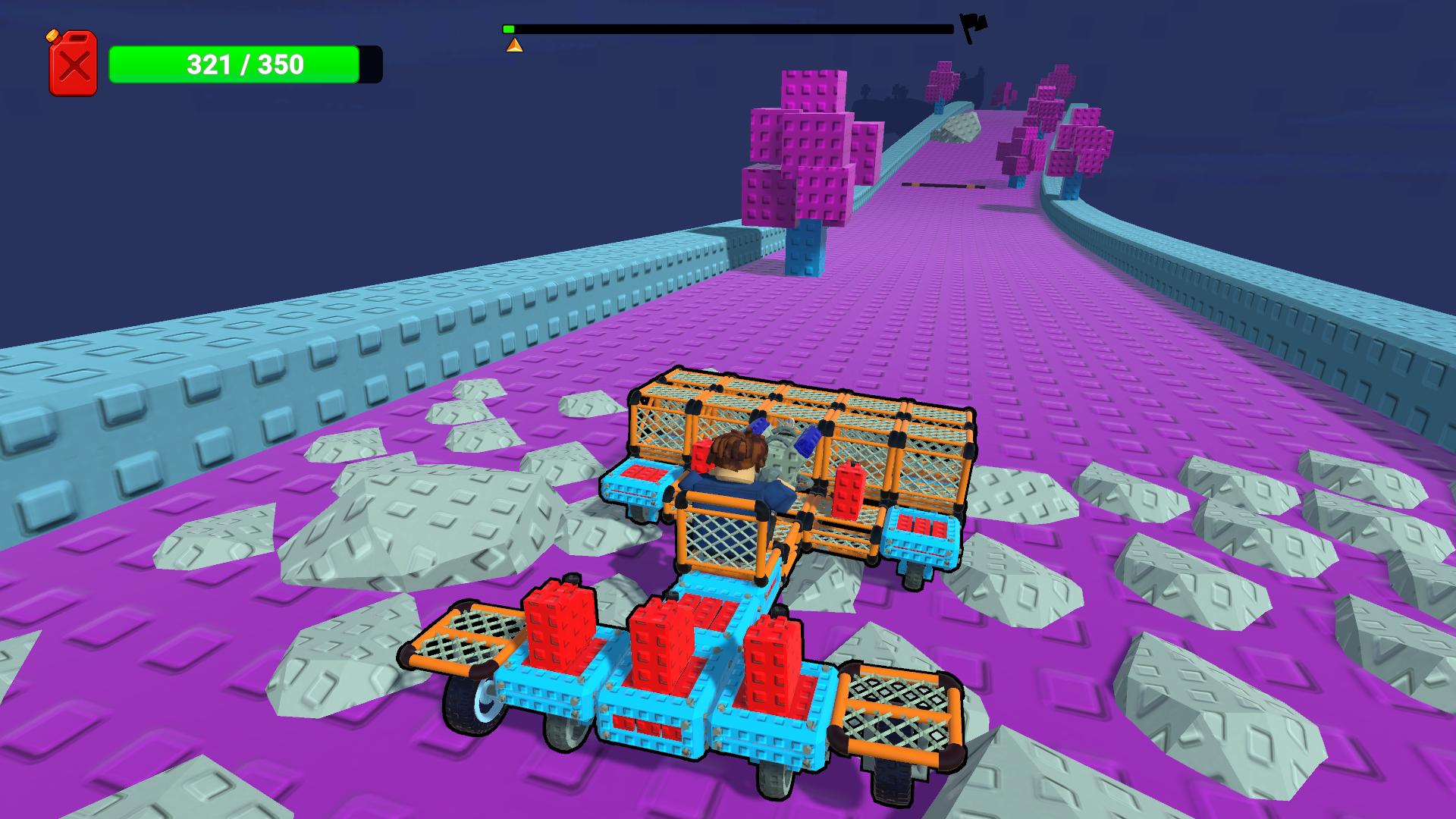
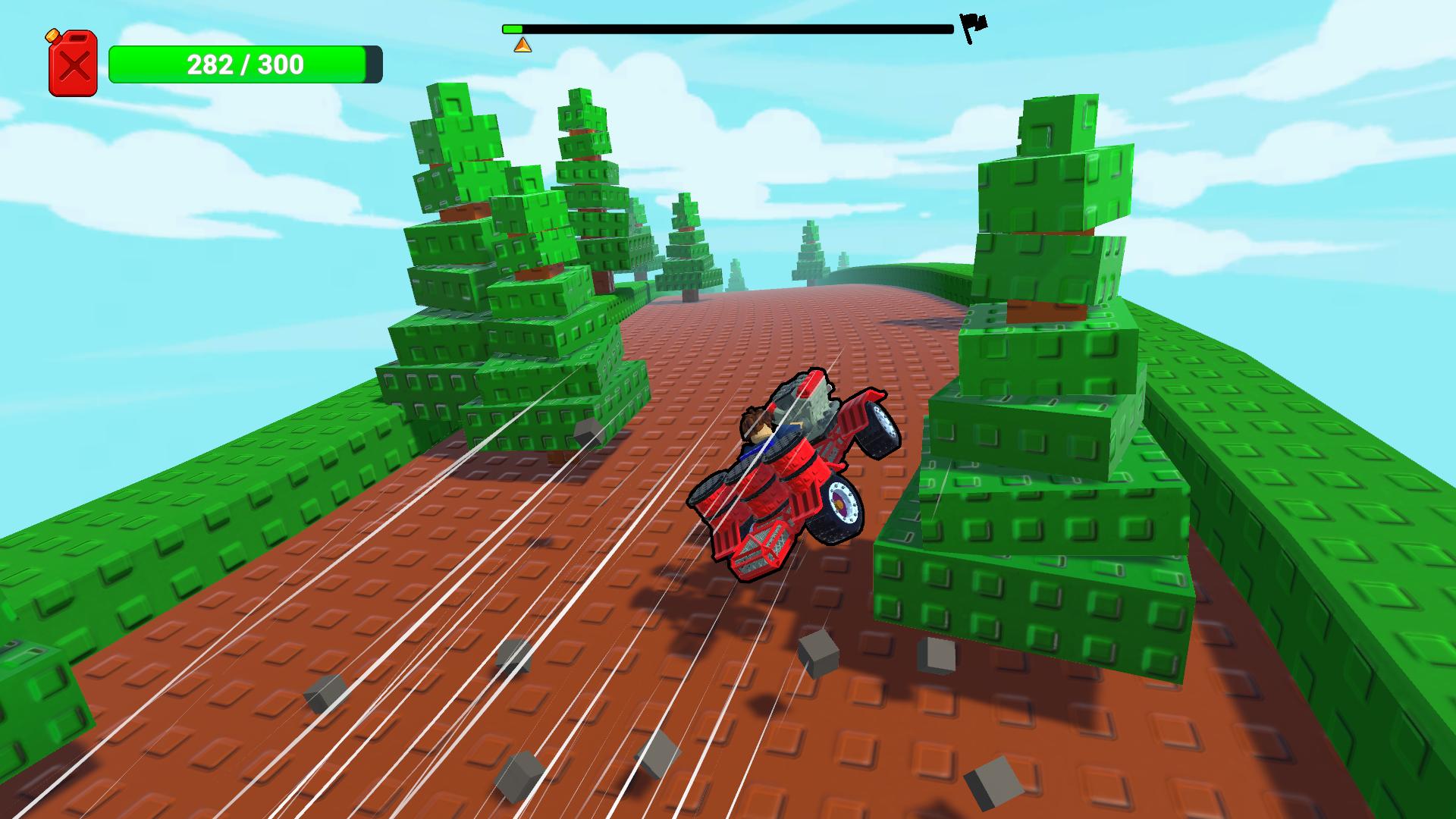
- Terrain Challenges: Navigate tracks filled with steep ramps, deep pits, and jagged loops that test your vehicle's structural integrity.
- Upgrade System: Earn currency throughout your runs to purchase advanced components for better speed and terrain adaptability.
- Camera Control: Utilize full mouse support to inspect your vehicle from every angle while building or driving.
- Destruction Mechanics: Toggle the deletion mode to easily swap out underperforming parts and refine your build on the fly.
Who is it for
Casual players who enjoy hands-on engineering challenges and fans of physics-based simulations will find this highly engaging. It is best suited for desktop users seeking a creative outlet that combines thoughtful vehicle construction with high-stakes obstacle course driving in a relaxed, browser-based environment.
Controls
Drive
Use W, A, S, D keys or swipe on mobile to navigate your vehicle.
Jump
Press the Space bar or tap the jump icon on your touchscreen.
Build and Interact
Click on the building grid to place parts or use E to interact with objects.
Delete Mode
Press X on your keyboard or select the delete tool icon to remove unwanted blocks.
Camera View
Hold the Right Mouse Button or pinch to zoom to adjust your perspective.
FAQ
Is Build a Car free to play?
›
Yes, Build a Car is completely free to play directly in your web browser with no registration or downloads required.
Can I customize my vehicle in Build a Car?
›
Absolutely, you can build a car by selecting various engines, wheels, and parts to create a unique machine tailored to specific track obstacles.
Does Build a Car work on mobile devices?
›
While Build a Car is optimized for desktop play, the browser interface allows for mobile access using touch controls for building and driving.