About game
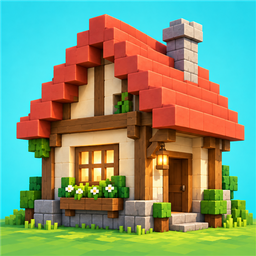
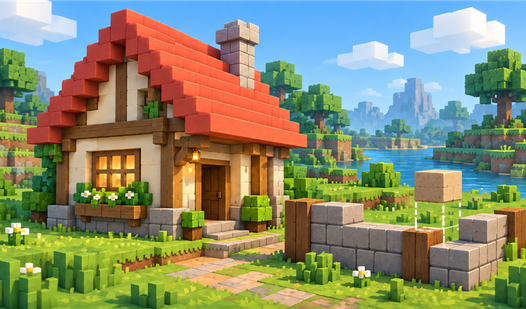
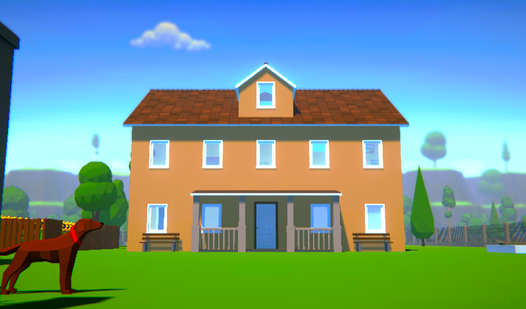
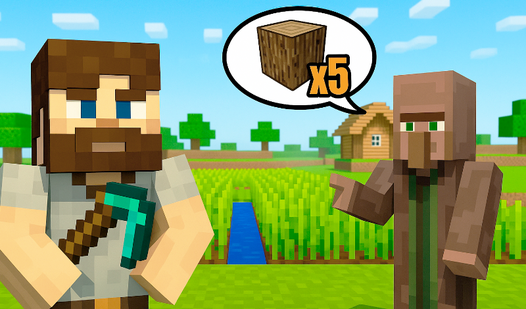
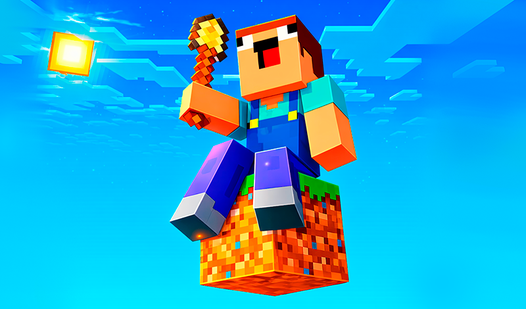
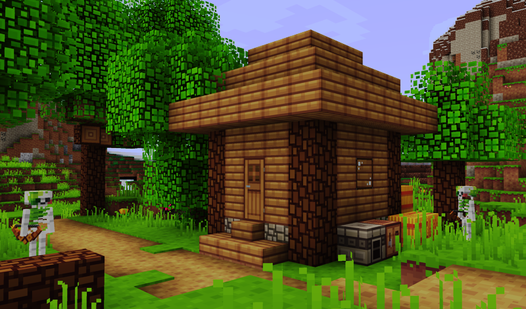
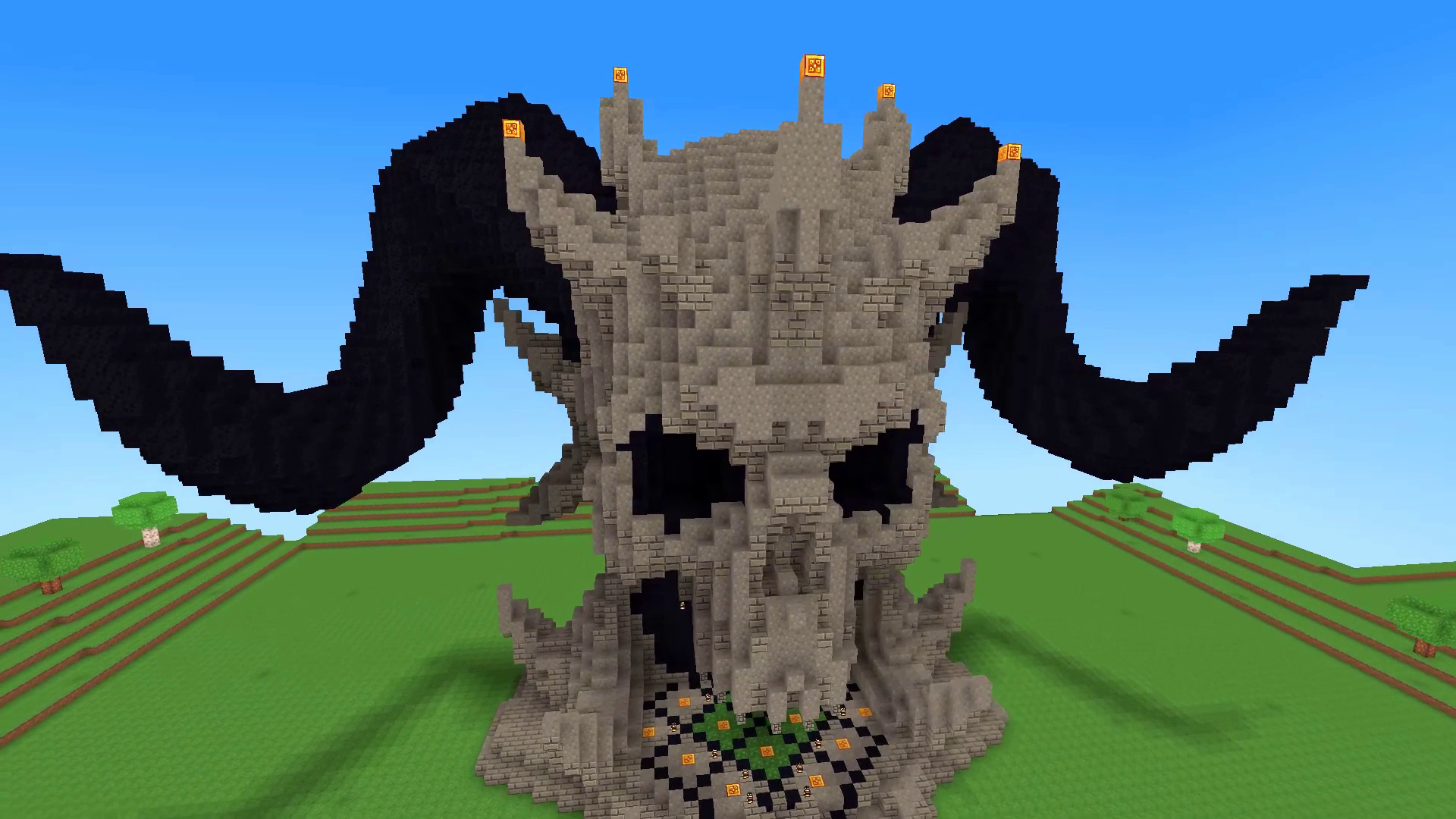
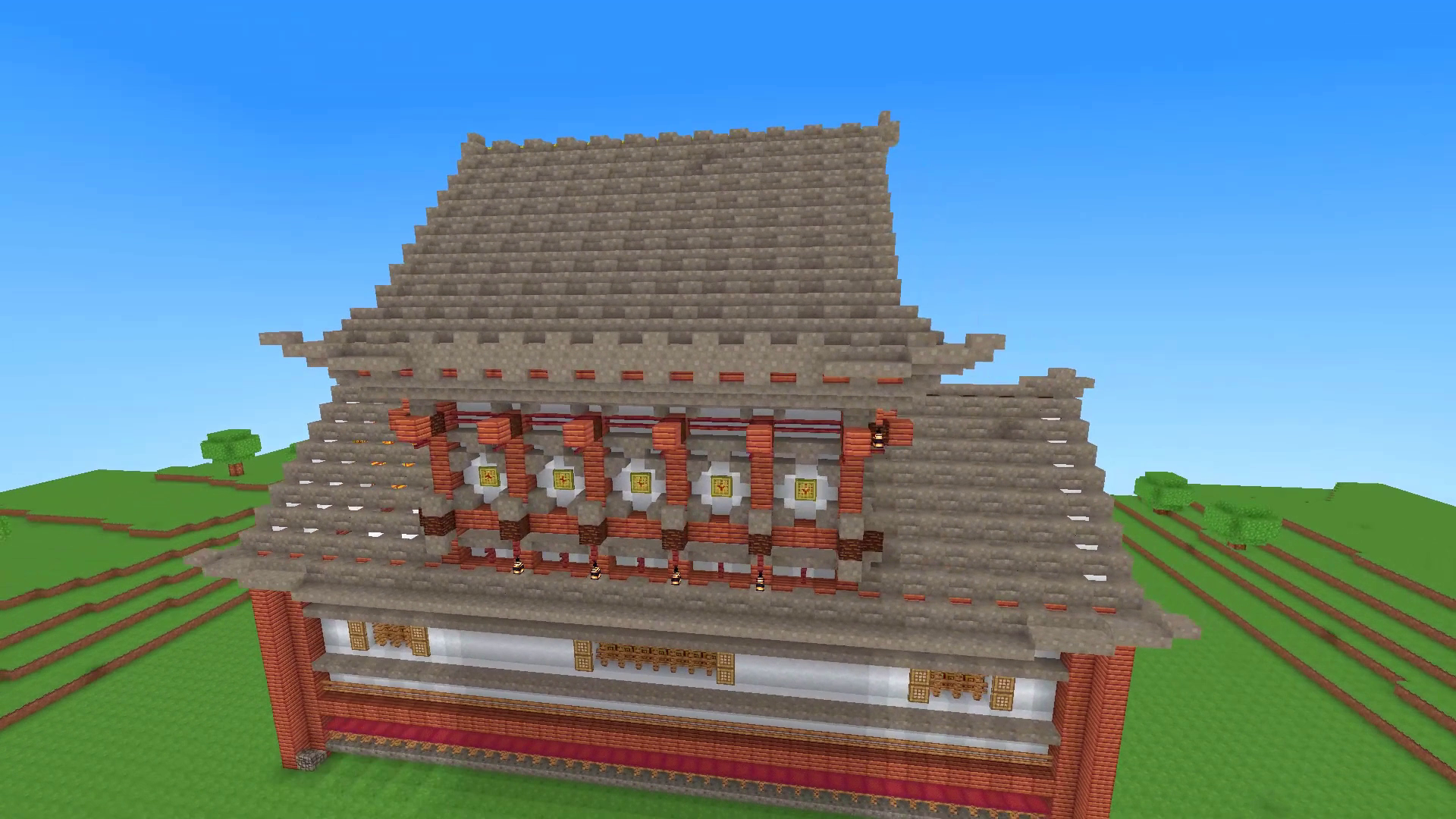
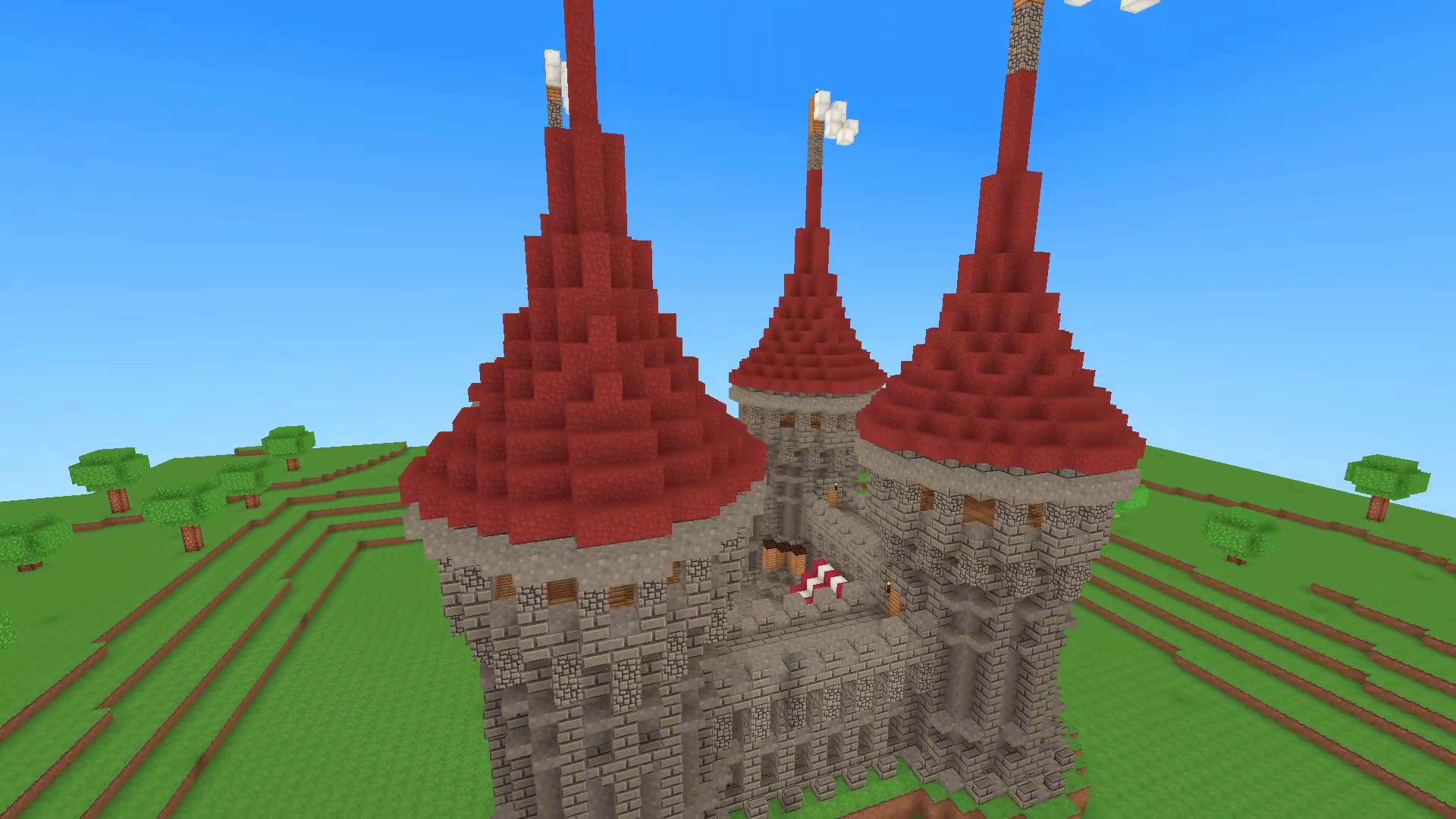
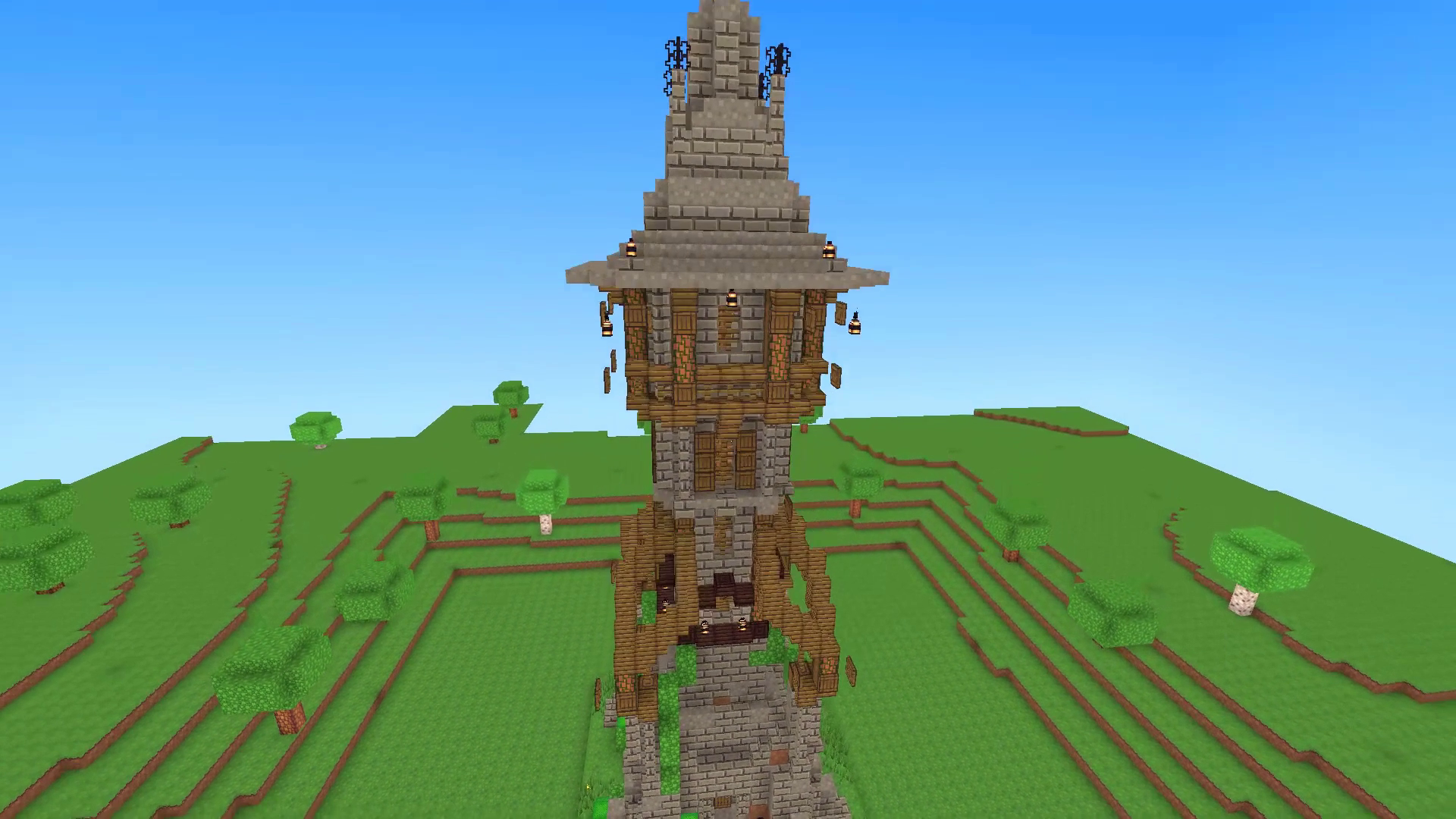
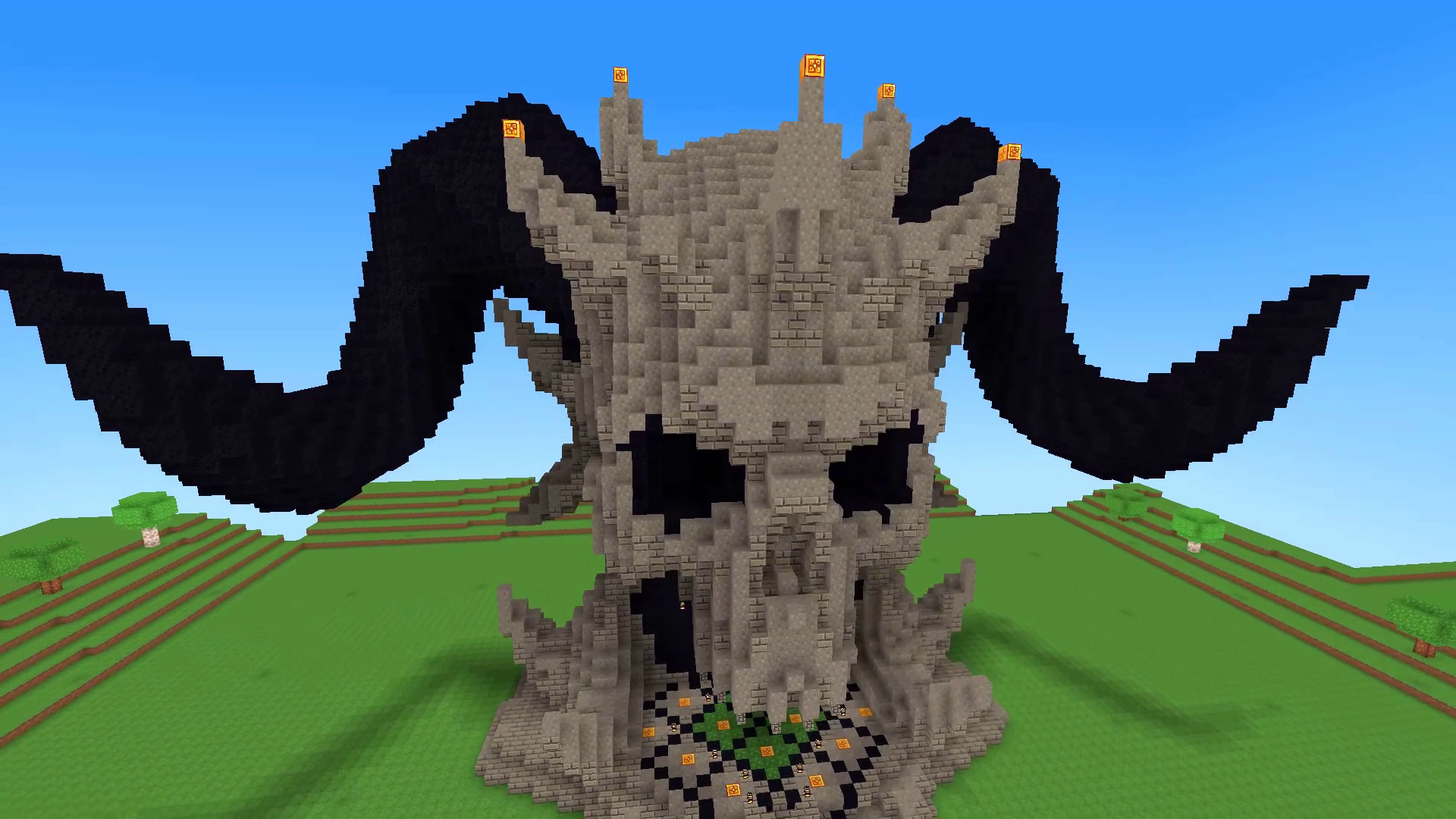
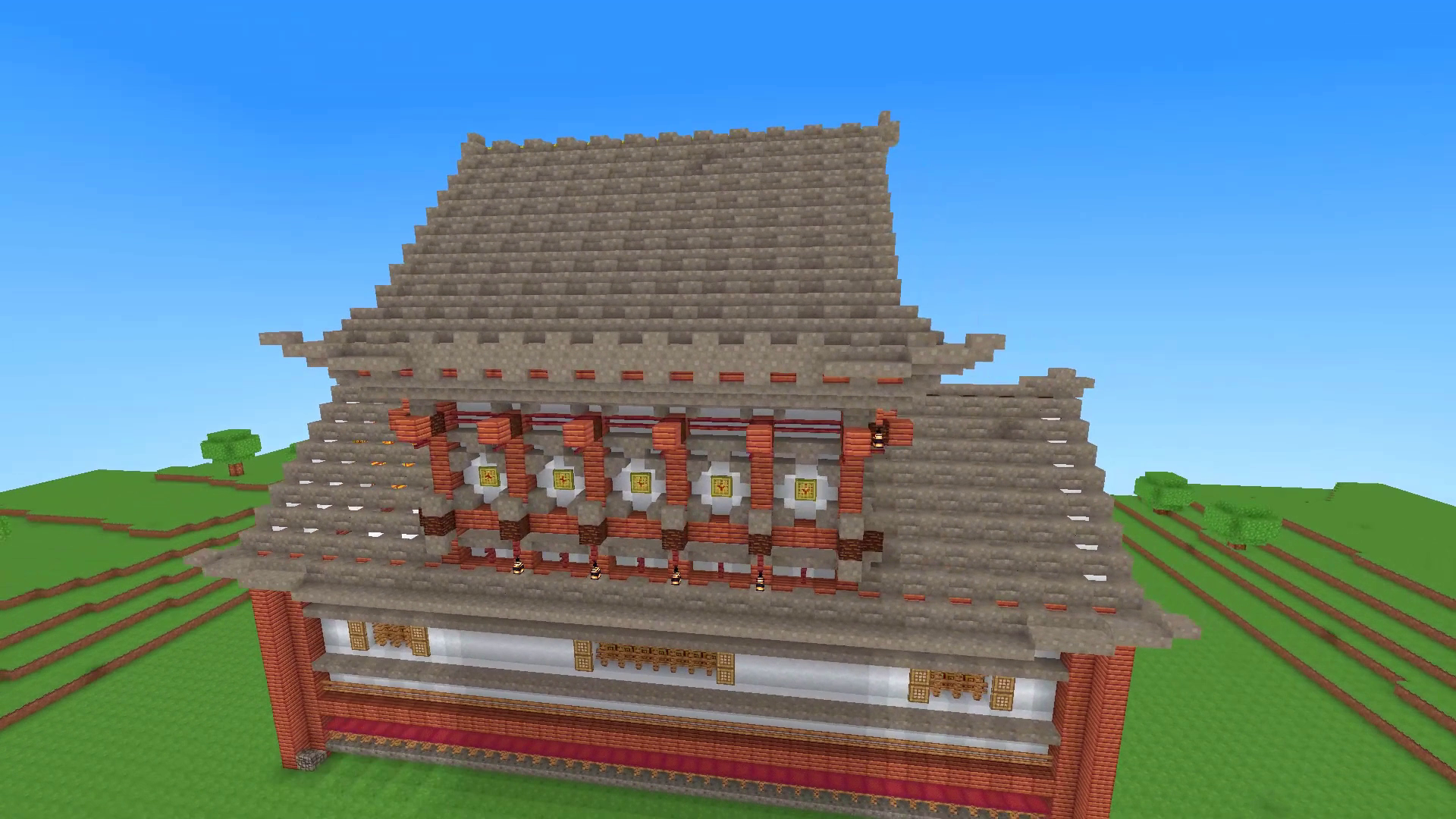
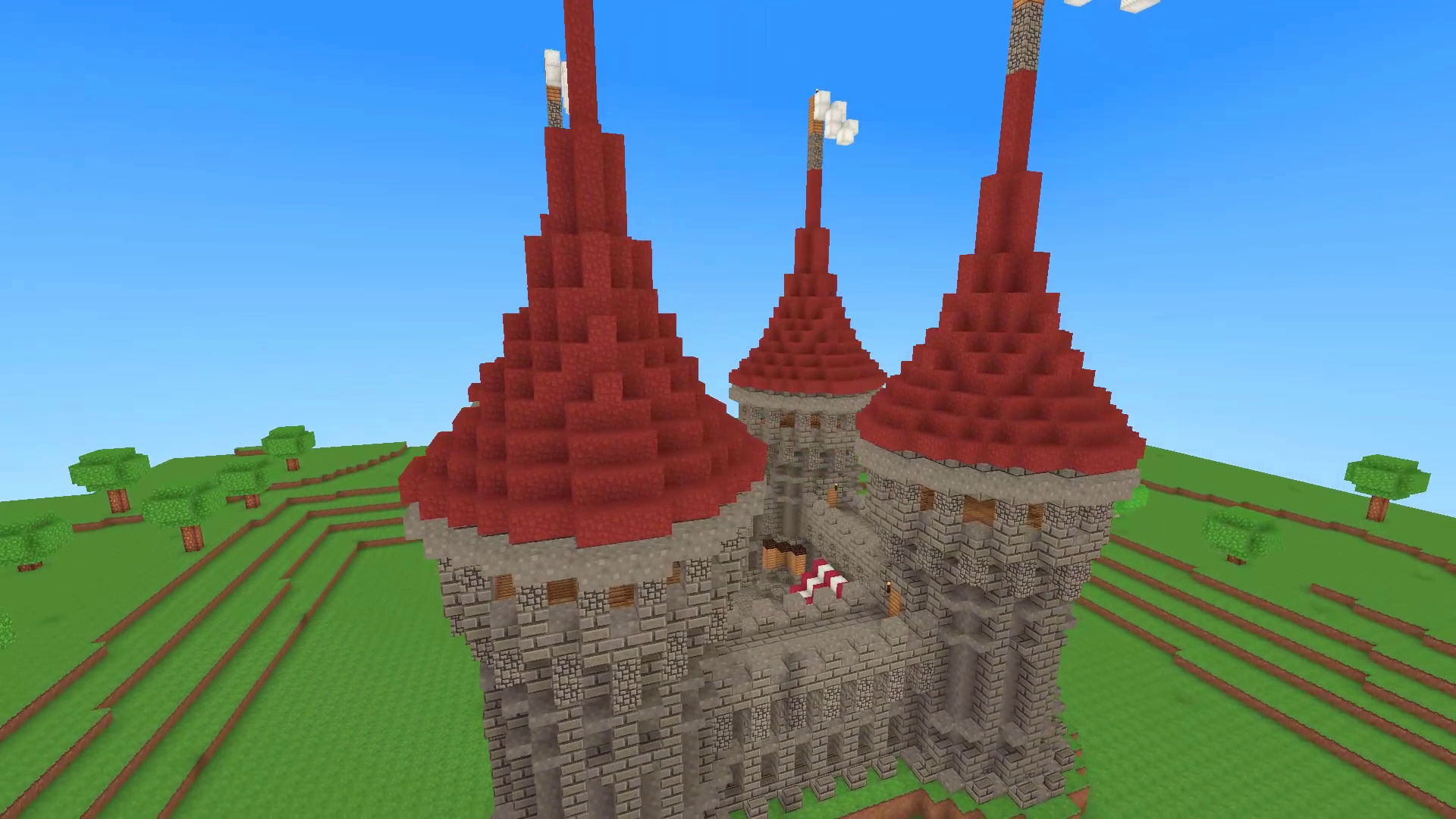
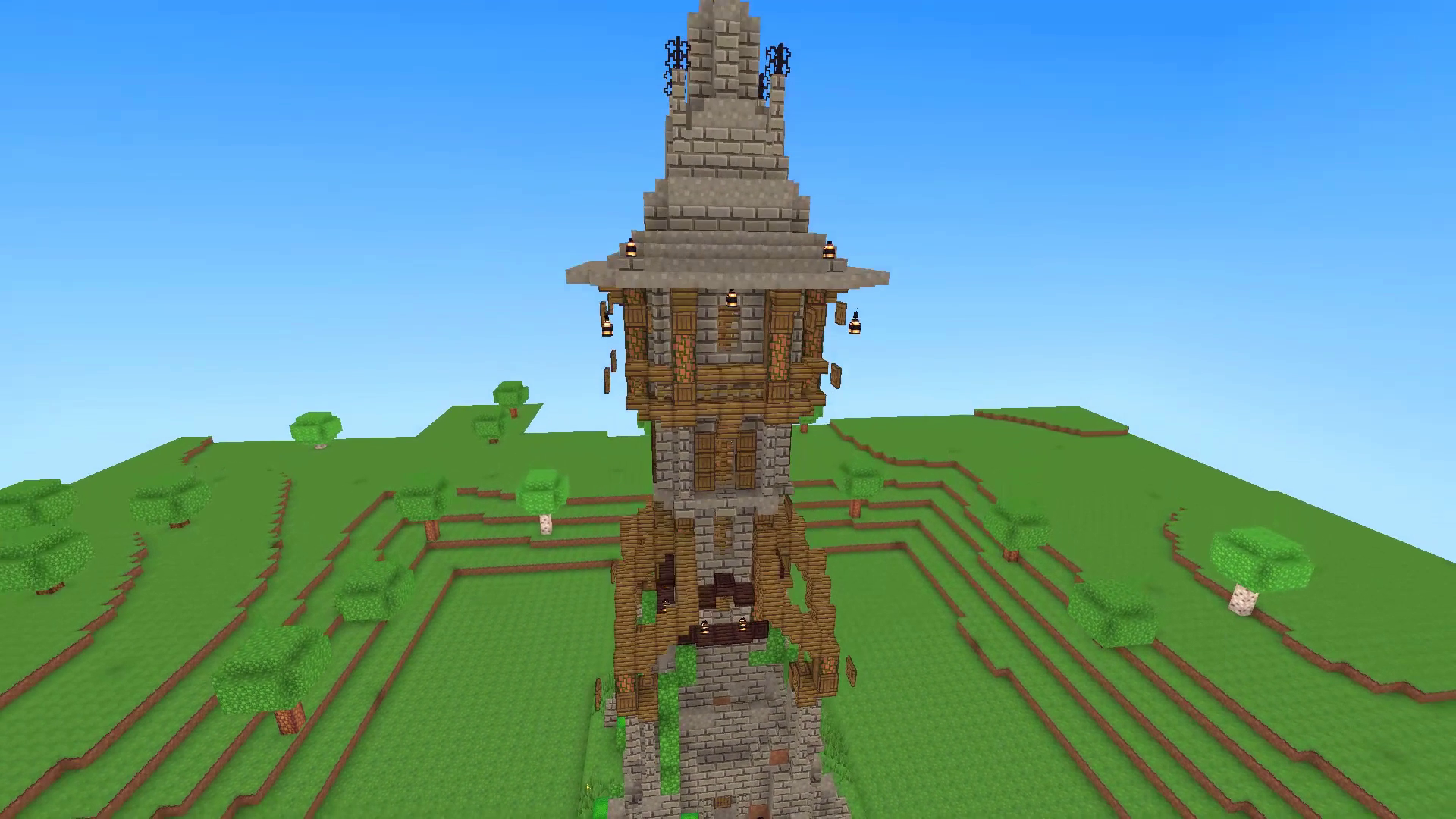
Staring at a blank screen while your coffee gets cold is the perfect sign you need a creative escape. BlockMine Craft 3D: Building turns your idle minutes into a massive construction project where you shape the world block by block. You pick a blueprint for a windmill or a castle and then snap individual pieces into place until your creation stands tall. Every successful project grants you coins and experience points, helping you level up to unlock bigger structures. Creative freedom is yours if you prefer to ditch the guides and build a sprawling city from scratch. You can fly over your domain to get a better view of your growing kingdom. Crafting your own 3D masterpiece has never been this accessible or satisfying. Jump into the sandbox right now in your browser without any annoying downloads or registrations.
How to play
Choose a project and place it on an open plot. Transparent guides will appear on the ground. Place the right blocks and finish the whole building. Completed projects give you Coins and XP. Level up and unlock new projects. Want to build freely? Open the inventory and create anything you like.
On desktop:
WASD — move.
Mouse — look around.
Space — jump.
Shift — sprint.
Hold the left mouse button — break a block.
Right mouse button — place a block.
E or I — open the inventory.
Number keys 1–9 — choose a block from the hotbar.
B — open Buildings.
F — turn flight on or off.
Esc — open pause and settings.
On mobile:
Use the joystick and on-screen buttons to move, look around, jump, place and break blocks, open the inventory, choose projects, and fly.
Features
- Blueprint System: Follow transparent guides on the ground to build complex structures like towers and temples piece by piece.
- Creative Sandbox: Access a full inventory of materials to construct custom buildings or landscapes exactly how you imagine them.
- Flight Mode: Use the dedicated flight toggle to navigate your world from above and place blocks in hard-to-reach spots.
- Progression Loop: Collect coins and XP by finishing pre-set builds to unlock more advanced architectural projects.
- Hotbar Mechanics: Switch between different block types instantly using number keys for a faster building experience.
Who is it for
Creative souls who enjoy sandbox games love BlockMine Craft 3D: Building for its relaxing pace. Fans of 3d construction simulators will appreciate the ability to build houses and massive kingdoms. Anyone needing a quick, stress-free gaming session during a busy day finds this experience highly rewarding and accessible.
Controls
Movement and View
Use WASD on desktop or the on-screen joystick on mobile to navigate and move your camera.
Place and Break
Hold the left mouse button or tap the screen to break blocks, and use the right mouse button or the dedicated place icon to add blocks.
Fly and Inventory
Press F on your keyboard or use the flying icon on your mobile screen to toggle flight mode and access your inventory.
FAQ
Can I play BlockMine Craft 3D: Building on my phone?
›
Yes, BlockMine Craft 3D: Building runs directly in your mobile browser with intuitive touch controls for movement and construction.
Is BlockMine Craft 3D: Building free to play?
›
You can enjoy BlockMine Craft 3D: Building completely free with no downloads or mandatory registrations required.
How do I unlock new structures in BlockMine Craft 3D: Building?
›
Complete the guided projects to earn XP and coins, which allows you to level up and gain access to advanced building blueprints.