About game
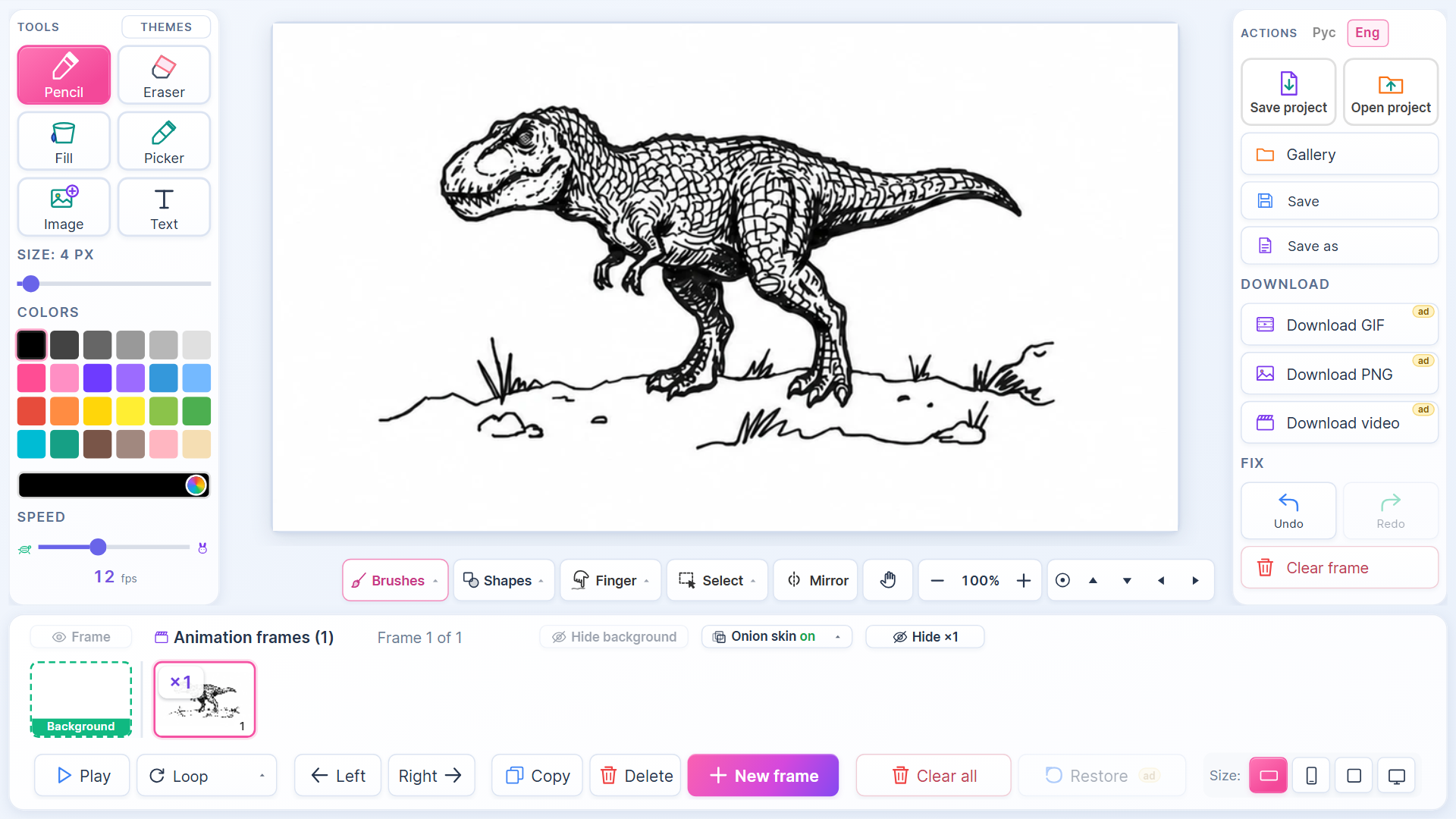
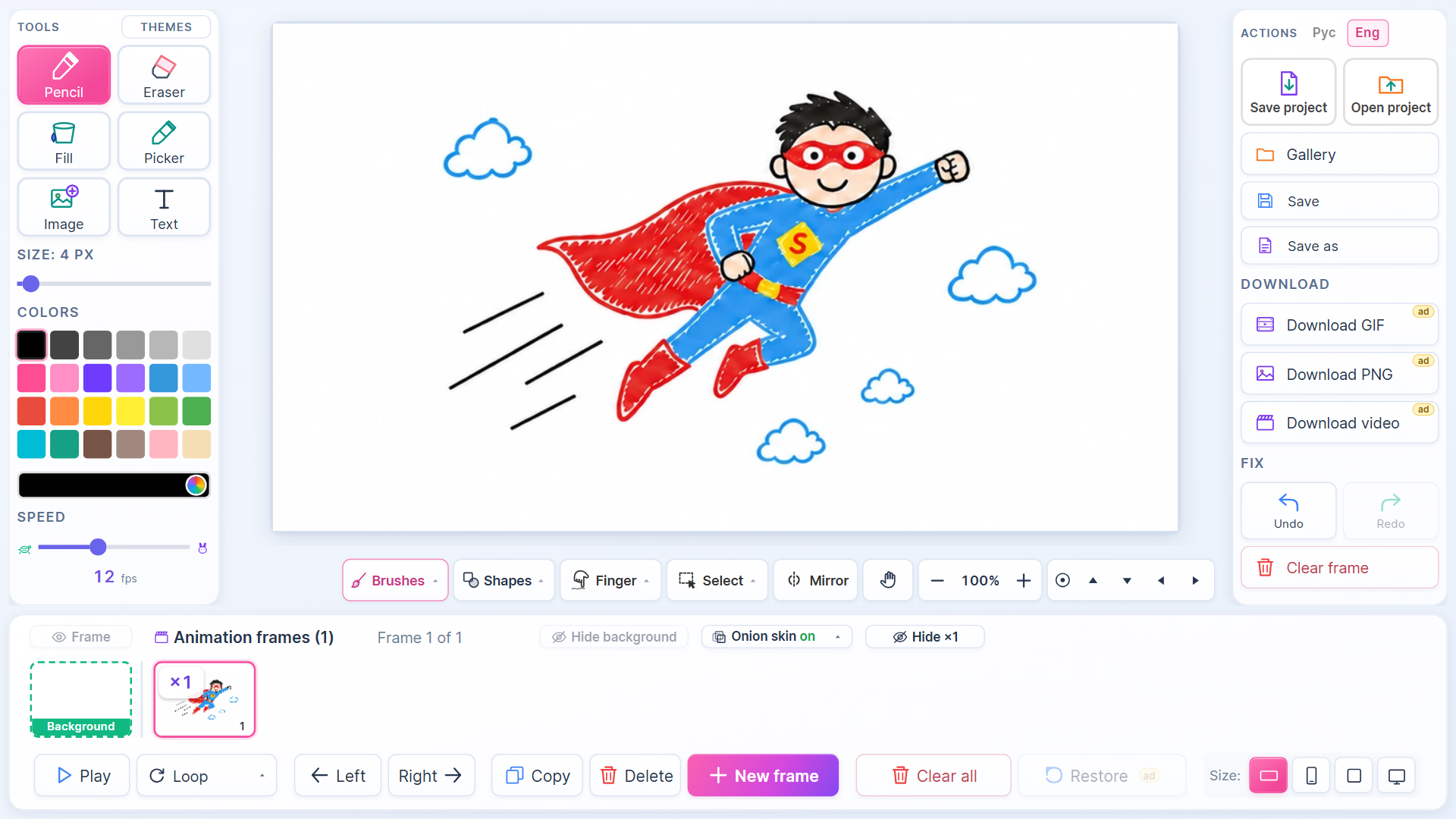
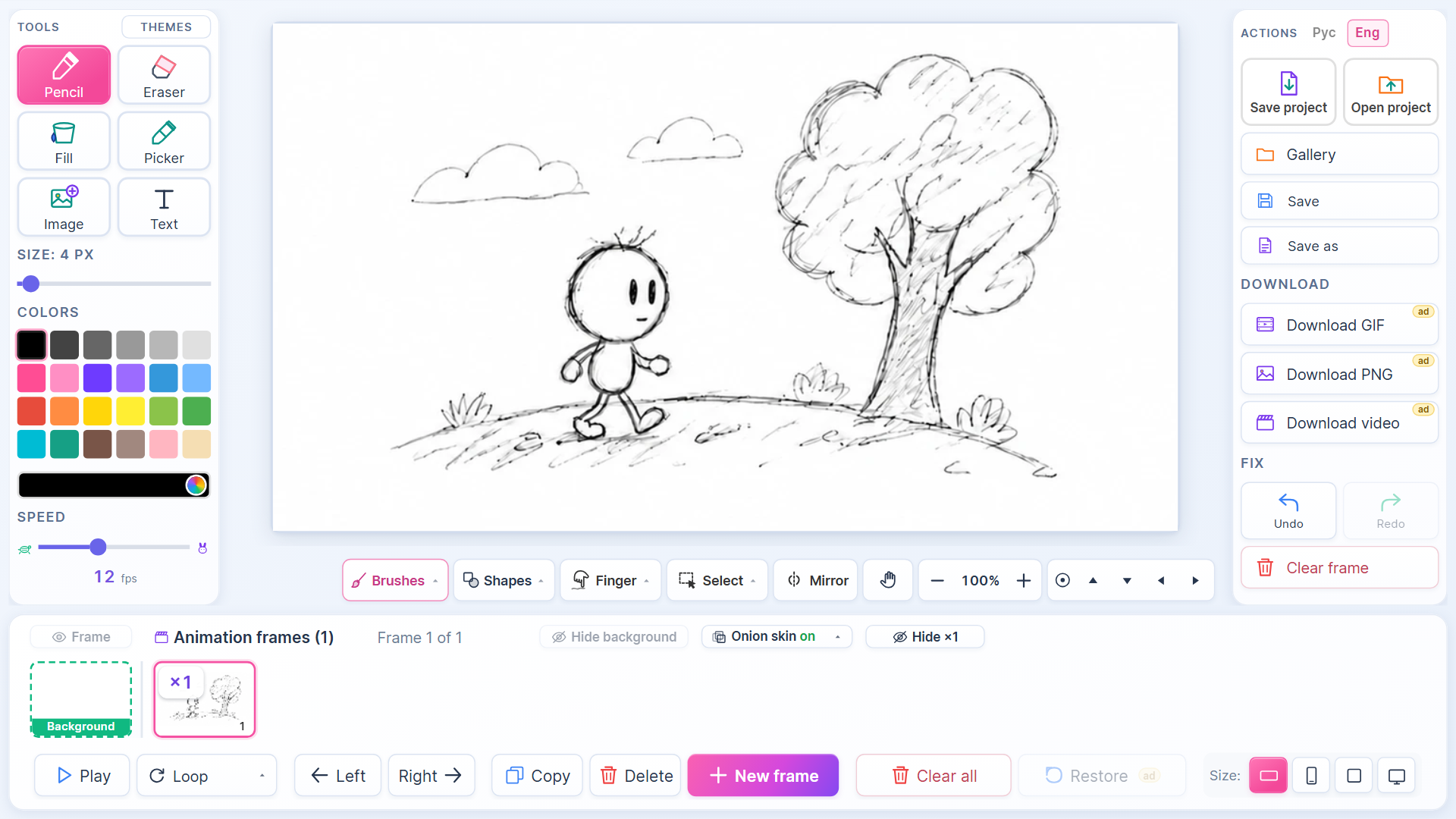
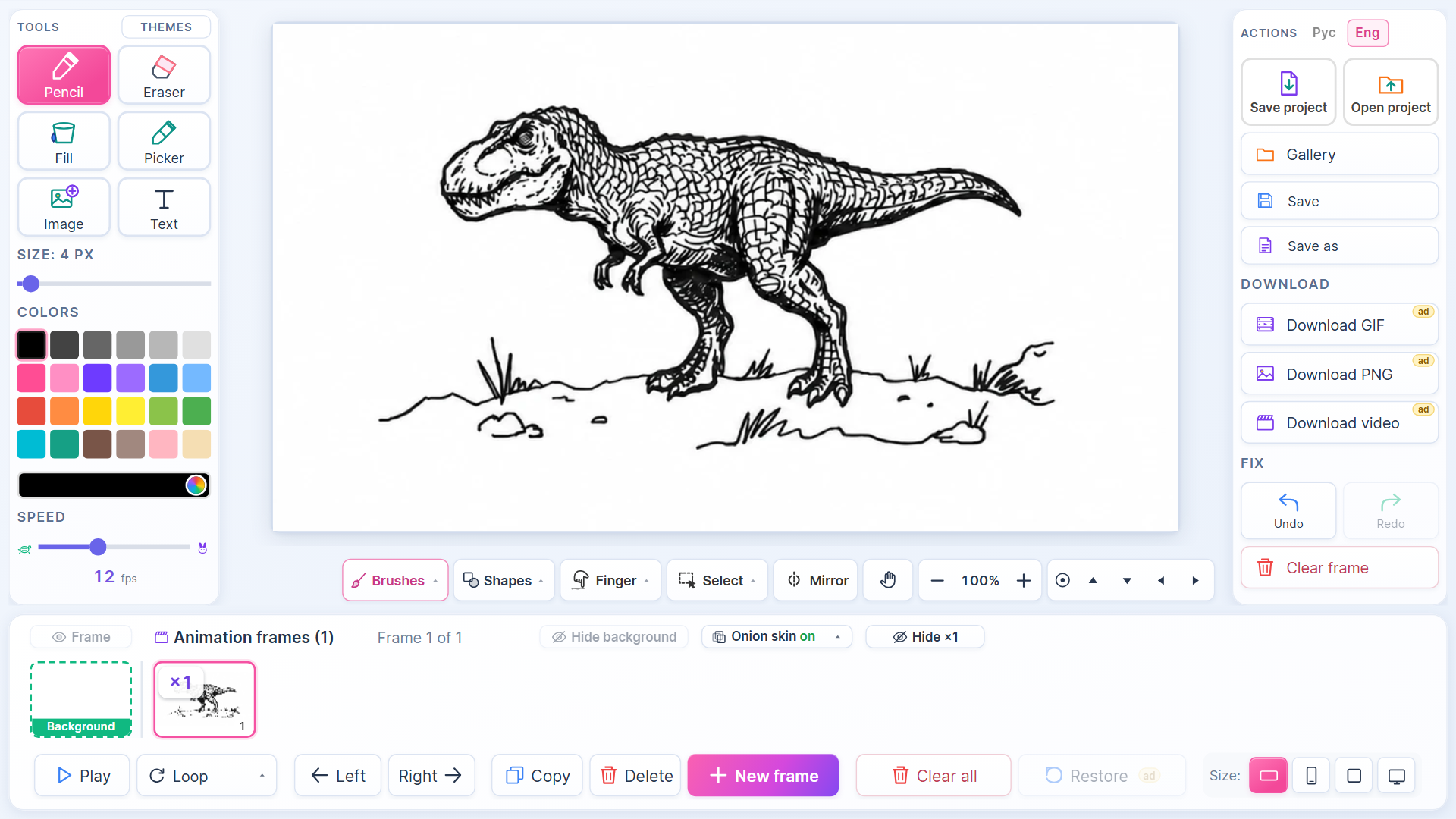
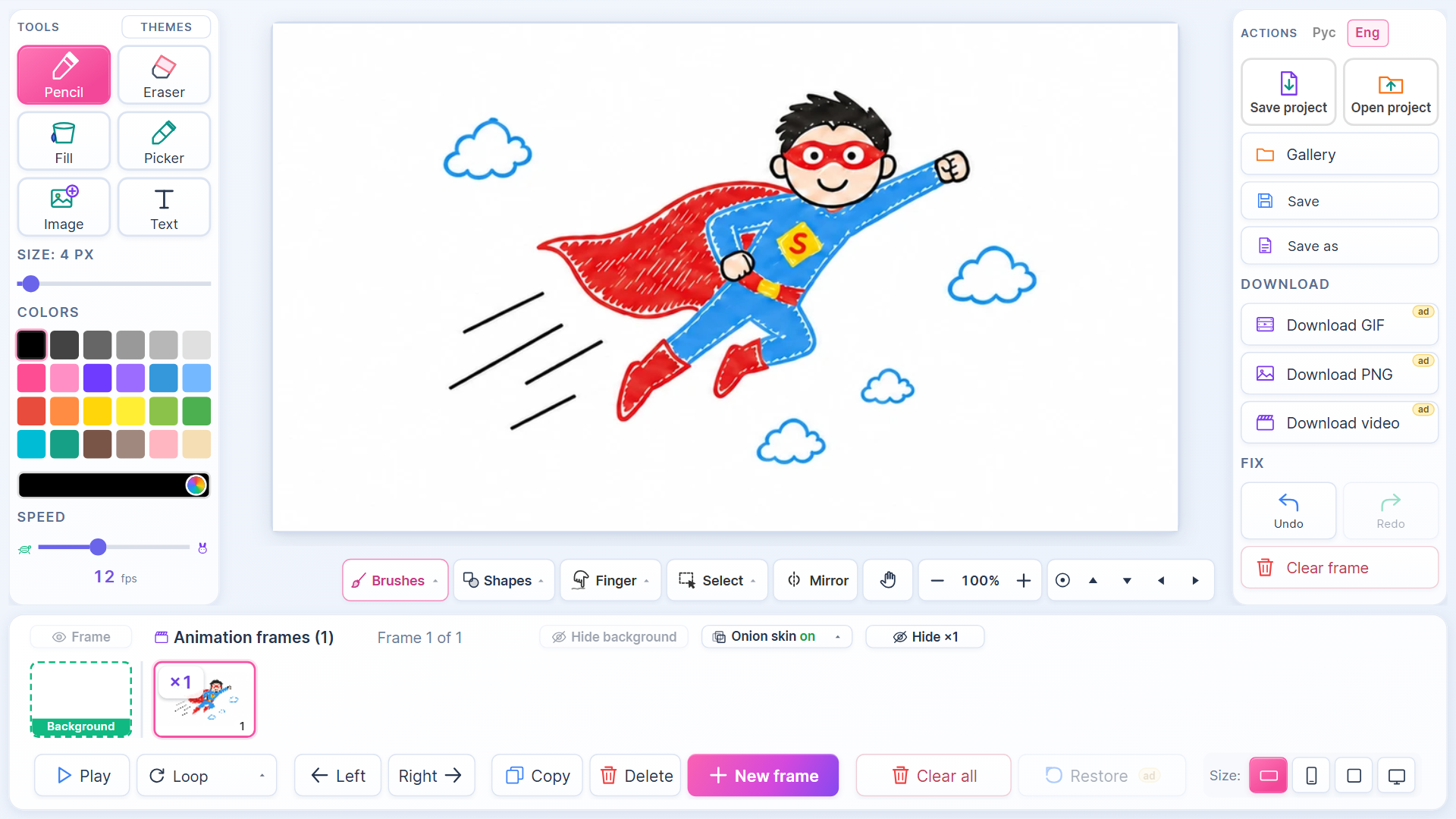
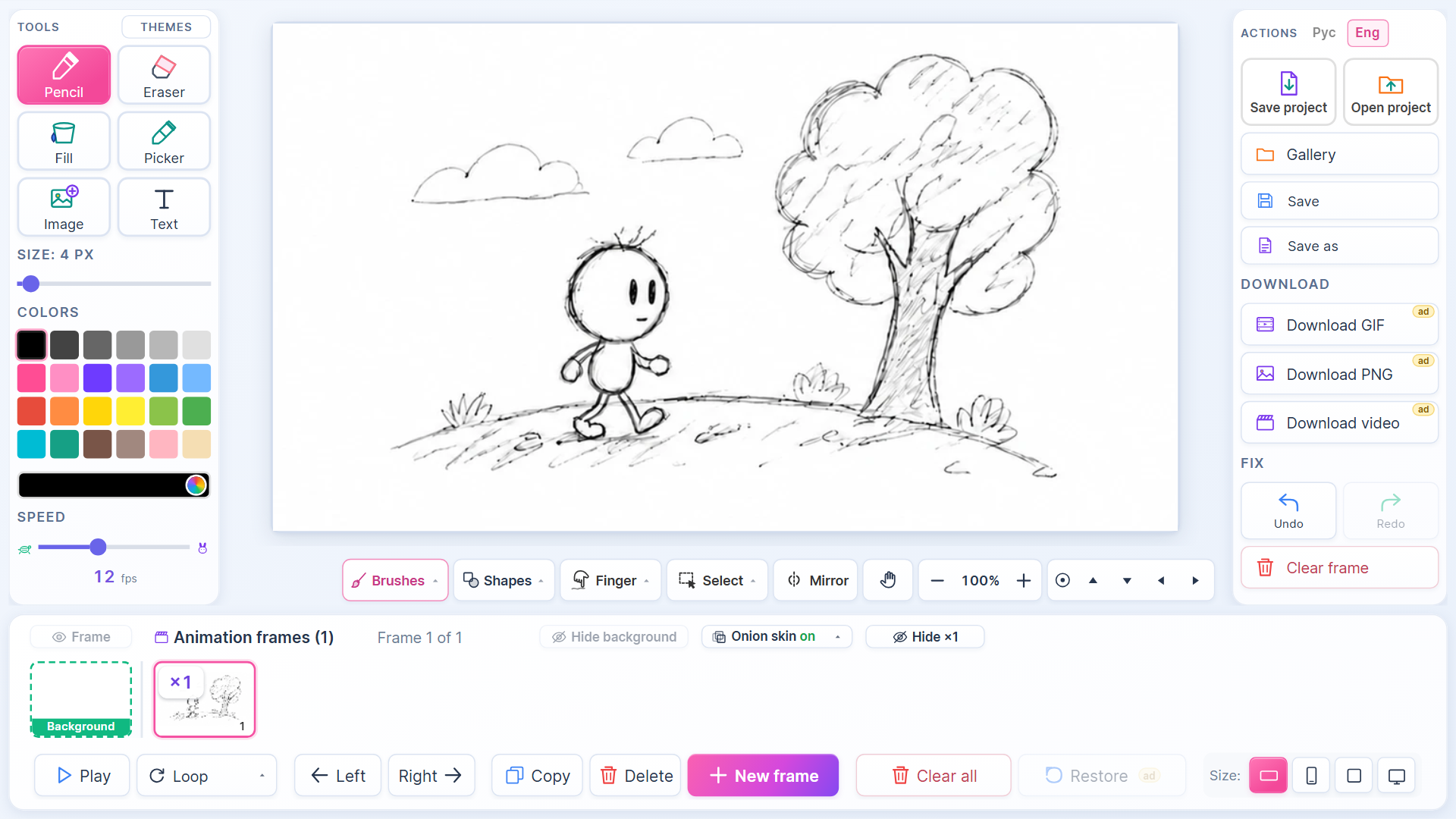
Sketch your own characters and bring them to life using a simple frame-by-frame workflow. Animator: Cartoon Studio gives you the digital tools to turn basic drawings into fluid motion right in your web browser. You control every brushstroke, from the initial pencil outline to the final splash of color. Onion skin technology keeps your proportions consistent as you swap between frames to build complex movements. Animator: Cartoon Studio lets you pick your preferred canvas shape to match modern social media standards or classic television ratios. Adjusting playback speed changes how fast your story unfolds on screen. Saving your creations to a personal gallery helps track your progress as you master the timing of each scene. Exporting your work as a GIF file makes it simple to share funny memes with friends later. Try this creative drawing tool for free in your browser without any annoying downloads.
How to play
1. Choose a tool: pencil 🖊, eraser 🧹, fill bucket 🪣, or color picker 💧
2. Adjust brush size and pick a color from the palette
3. Draw your first frame on the canvas
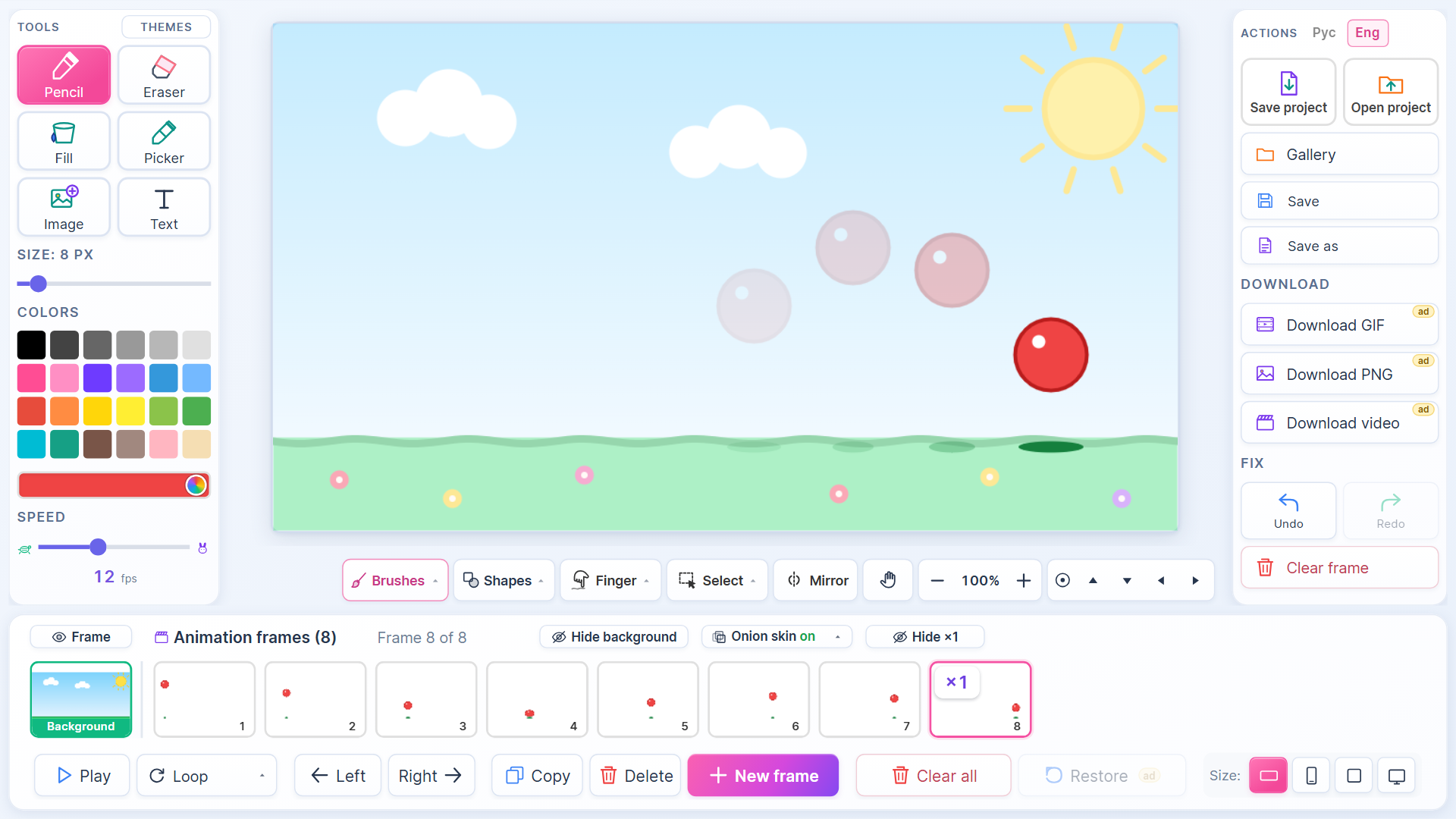
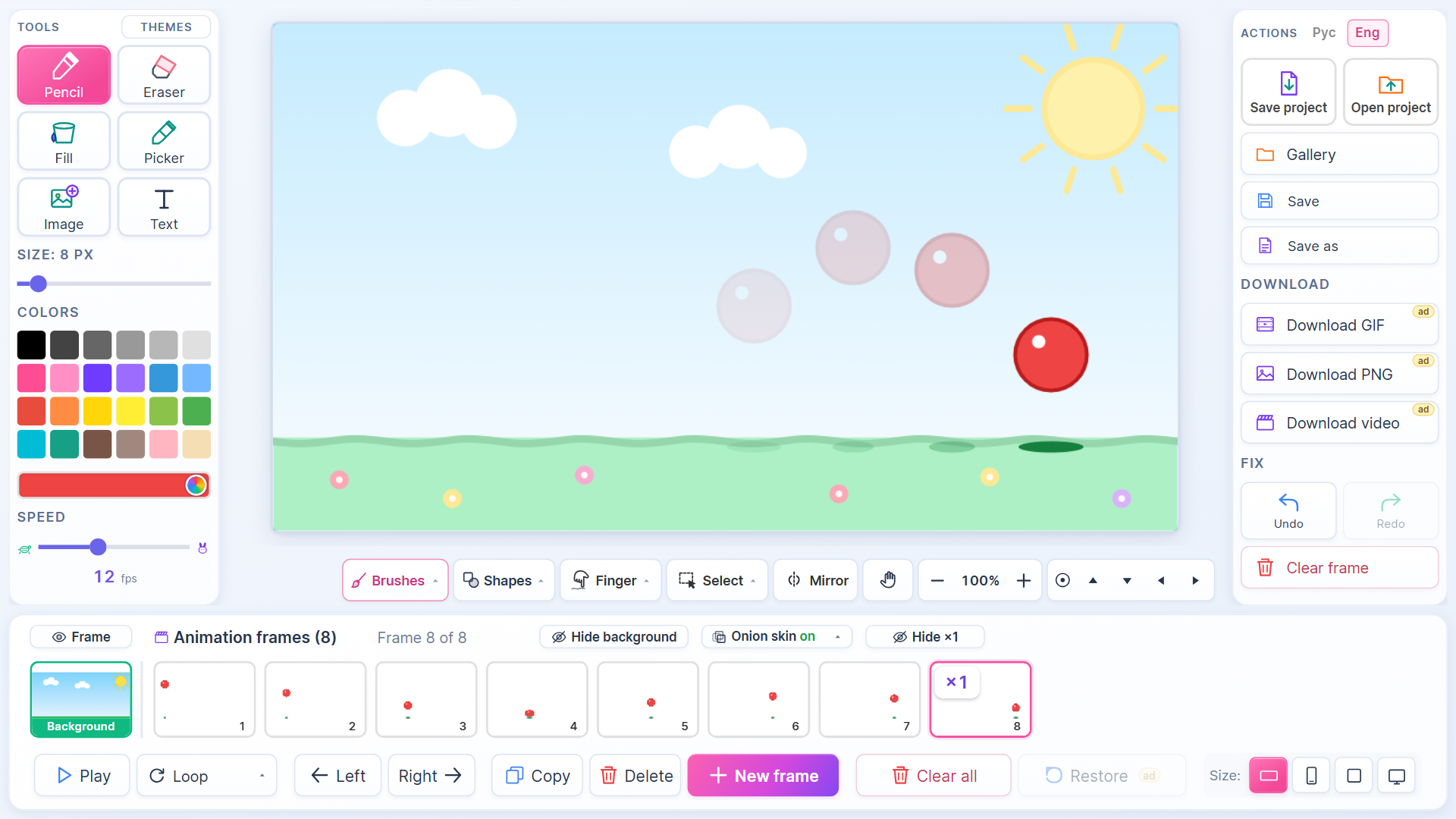
4. Click "➕ New Frame" — a blank sheet appears with a faded shadow of the previous drawing (onion skin)
5. Keep drawing frame by frame to create motion
6. Click "▶ Play" to see your animation in action!
7. Save your cartoon to the gallery or download it as GIF/video to share with friends
💡 Tip: the more frames, the smoother the animation. Start with 5-10 frames for simple movement.
Features
- Onion Skin tool: See a faint outline of your previous frame to ensure smooth movement transitions.
- Canvas flexibility: Select between 4:3, 16:9, or 9:16 aspect ratios for your project.
- Variable frame rate: Set your playback speed anywhere from 1 to 30 frames per second.
- Custom palettes: Utilize a wide selection of 24 preset colors or define your own custom shades.
- Export options: Save your finished projects as GIF, PNG, or video files for easy sharing.
Who is it for
Creative minds who love digital art and storytelling. Aspiring artists, cartoon enthusiasts, and casual doodlers will find this platform simple enough for quick sketches but deep enough for detailed narratives. Anyone wanting to experiment with frame-by-frame animation techniques will enjoy the intuitive interface and flexible creative controls.
Controls
Draw and paint
Click and drag your mouse or tap and swipe on your touchscreen to use the pencil and fill tools.
Navigate frames
Tap the plus button to add a new frame or click existing frames in the timeline to edit them.
Playback
Press the play button to preview your animation in real time.
FAQ
Can I save my work in Animator: Cartoon Studio?
›
Yes, you can save your cartoons to your personal gallery within Animator: Cartoon Studio and export them as GIF or video files.
Is Animator: Cartoon Studio free to use?
›
The entire experience in Animator: Cartoon Studio is free to play directly in your browser without needing to download anything.
How do I make my movement look smooth in Animator: Cartoon Studio?
›
Increase the number of frames you draw for each action to create smoother motion in Animator: Cartoon Studio.