About game
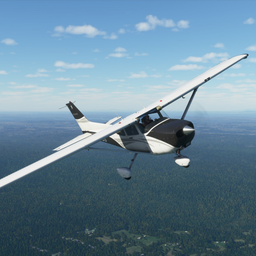
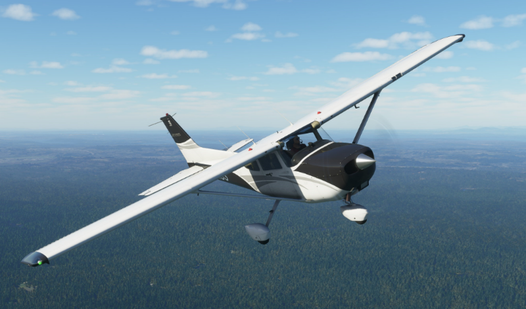
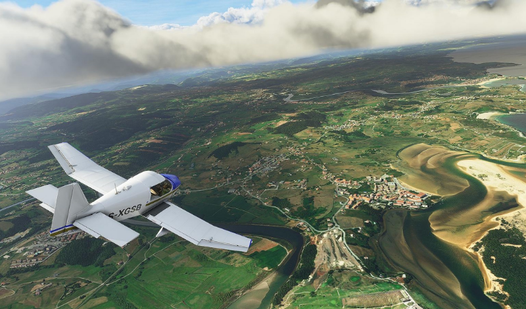
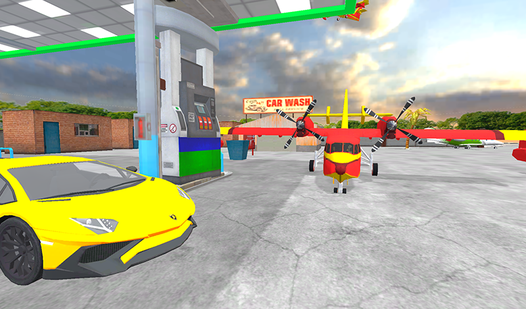
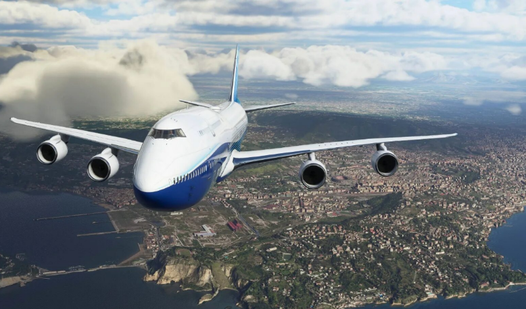
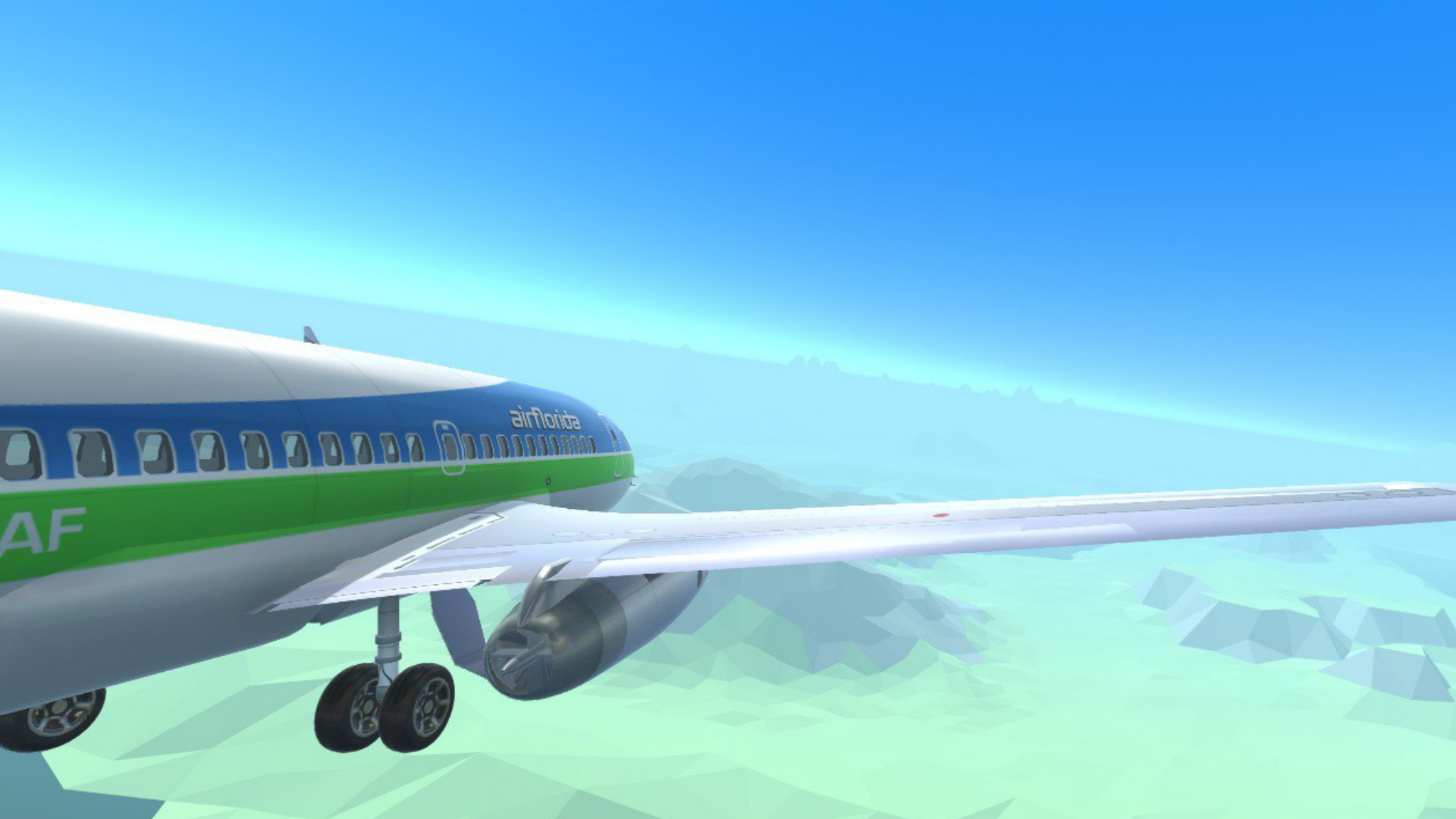
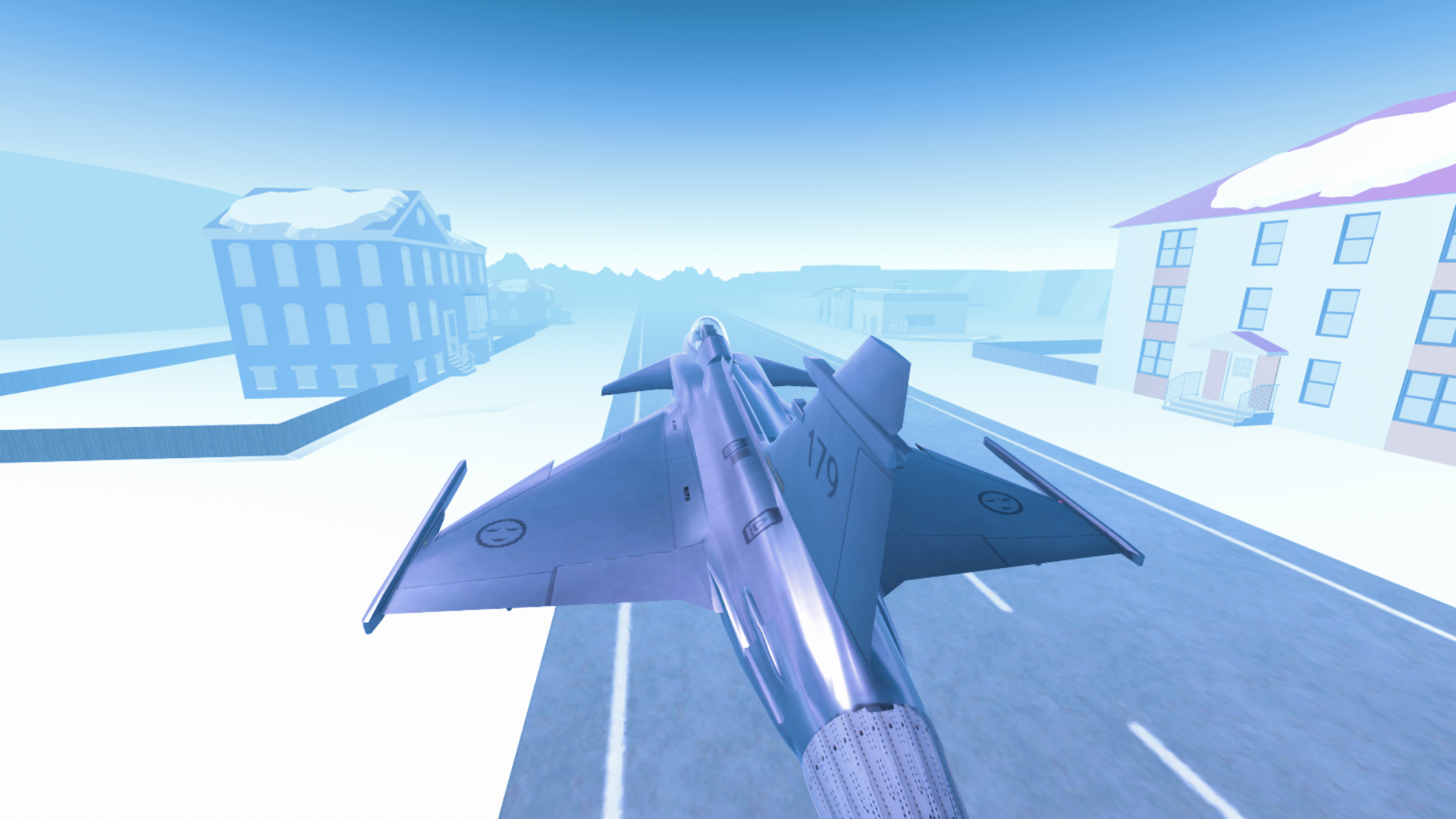
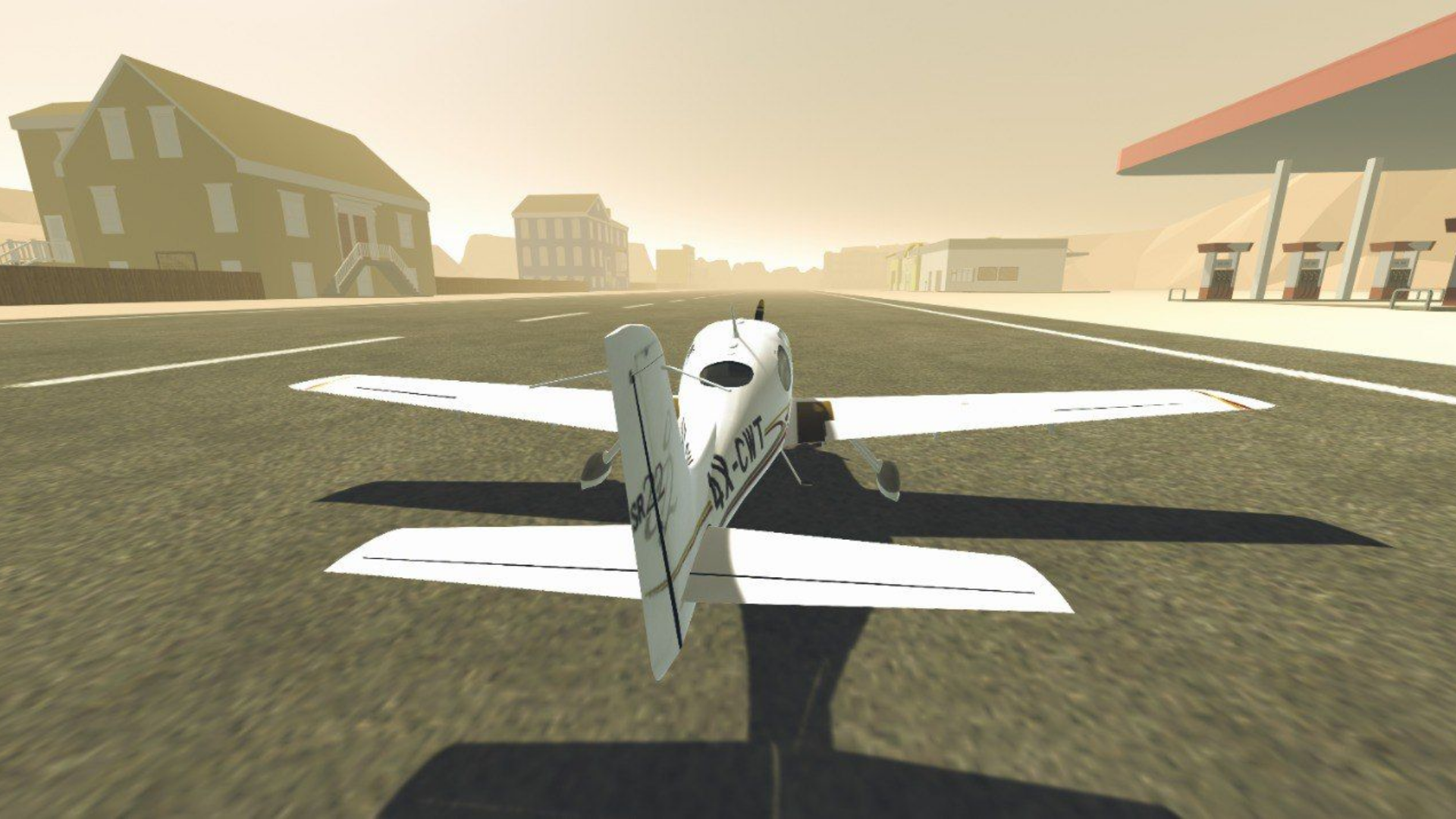
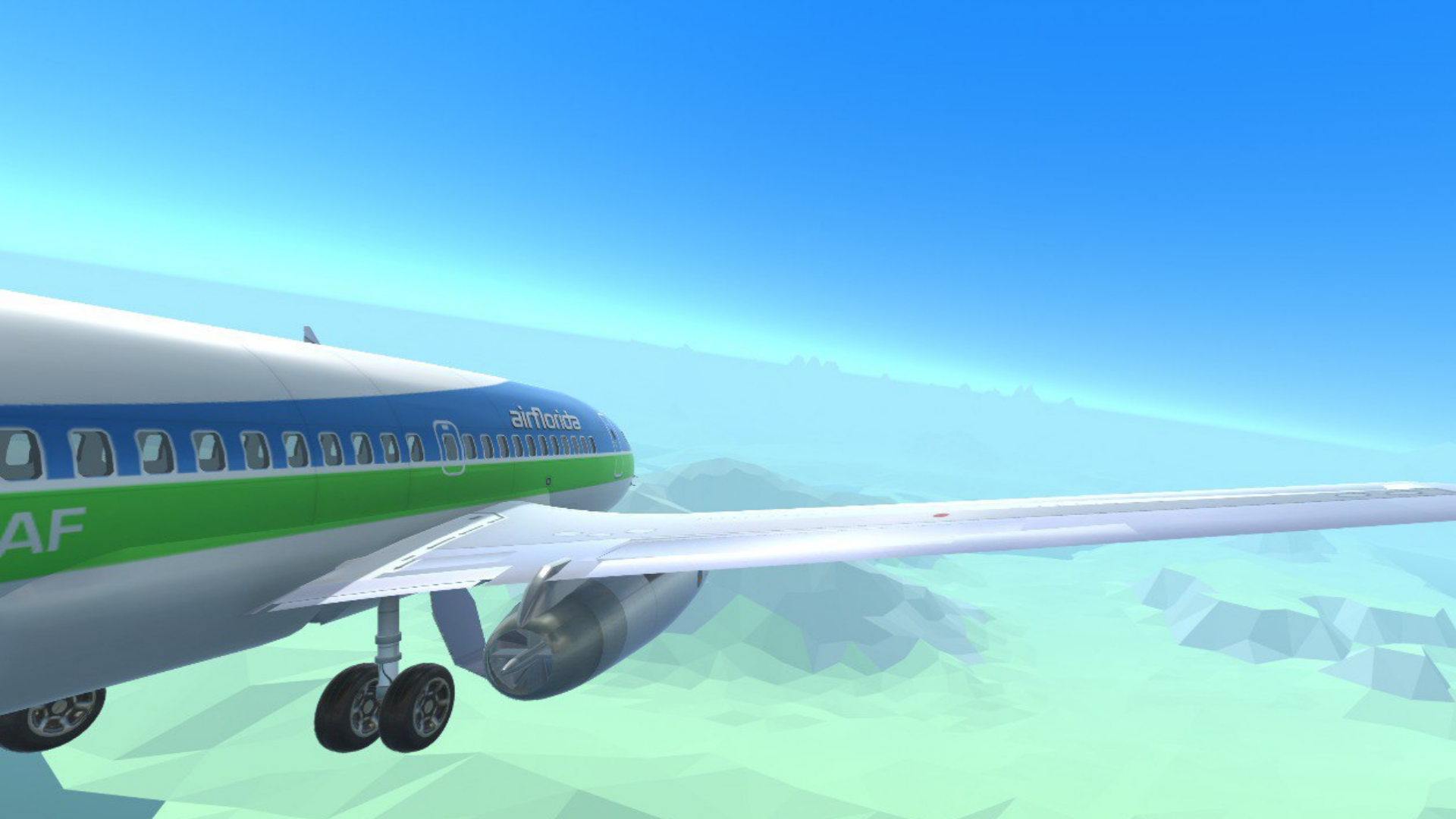
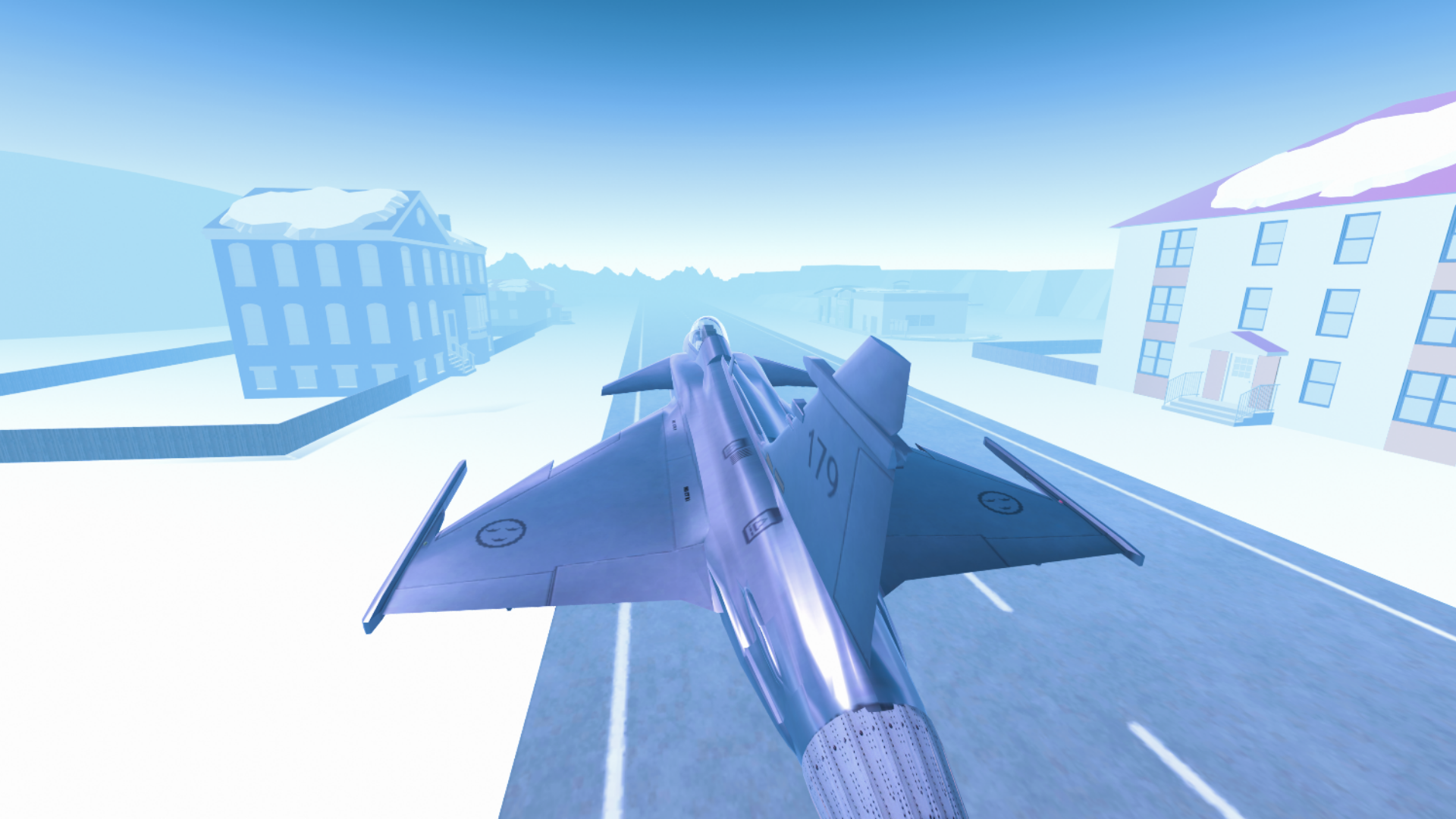
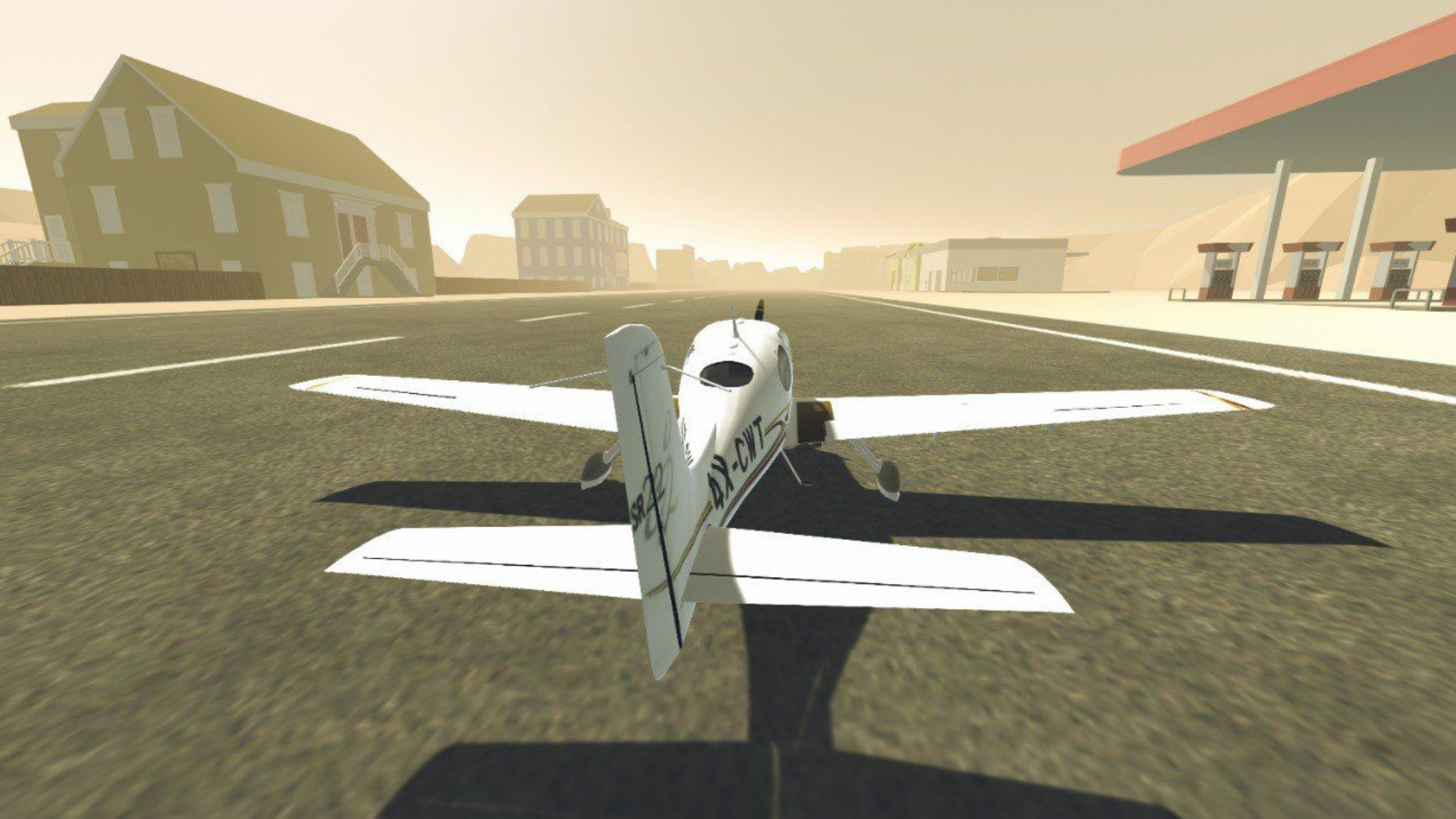
Take control of the cockpit and master the skies as you navigate through challenging weather conditions in Aircraft Simulator 3D. Every flight simulator enthusiast will appreciate the precision required to handle everything from nimble fighter jets to massive passenger liners. You will soar over diverse landscapes ranging from icy Arctic deserts to lush European mountain peaks while completing high-stakes missions. Successfully finishing your assignments allows you to unlock new aircraft and expand your hangar with more powerful machines. The stunning post-processing effects and realistic lighting engines ensure that every moment in the air feels truly immersive. Even if you have played games like ace combat, you will find a fresh challenge in perfecting your landing and takeoff techniques. Whether you prefer calm cruising or high-speed maneuvers, the deep customization options keep the experience engaging for hours. Start your journey today and play Aircraft Simulator 3D directly in your browser with no download required.
How to play
Management
On computers:
WASD steering wheel
Q/E - steering wheel
F - air/ground braking
Shift - full throttle
Up/down arrow - Increase/decrease the gas
"1"/"2" - Flaps
Y - parking brake (handbrake)
T - engine start
U - engine stop
G - chassis
C - camera change
LMB - camera rotation
PCM - moving the camera
SCM - zoom in and out of the camera
To control the plane on your phone, use the screen and the corresponding buttons.
On the gamepad (using the playstation dualshock 4 as an example):
L3 steering wheel
L2/R2 - steering
wheel "square" - engine start
"right arrow button" - engine stop
"cross" - increase throttle
"circle" - decrease throttle
"left arrow button" - handbrake
"triangle" - brakes
L1/L2 - flaps
"Options" - camera change
R3 + Hold and direct - rotate the camera
"upper and lower arrow buttons" - increase and decrease the camera distance.
Have a nice game!
Features
- Aircraft Diversity: Pilot a wide range of machines from vintage propeller planes to cutting-edge modern jets with unique handling characteristics.
- Dynamic Environments: Explore expansive maps featuring realistic weather patterns and atmospheric changes that impact your flight stability.
- Mission Progression: Complete structured flying assignments to earn rewards and unlock hidden content throughout the game world.
- High Fidelity Visuals: Experience console-quality graphics with detailed cockpit interiors and breathtaking scenic landscapes.
- Versatile Inputs: Supports full keyboard, mouse, and gamepad connectivity for a tailored flight experience.
Who is it for
Aviation enthusiasts, flight simulator fans, and casual gamers who enjoy realistic vehicle control. Anyone interested in exploring vast 3D landscapes from a bird's eye view or those looking to test their piloting skills against challenging weather and complex flight mechanics will find plenty of excitement here.
Controls
Steering
Use WASD keys or L3 on gamepad, or swipe on mobile screen buttons.
Throttle Control
Shift key or Up/Down arrows on keyboard or cross/circle buttons on gamepad.
Camera Adjustment
Use LMB/PCM/SCM on desktop or R3/D-pad on controller or tap screen controls on mobile.
Flight Systems
Use T/U for engines, F for brakes, or specific on-screen icons for mobile users.
FAQ
How do I start the engine in Aircraft Simulator 3D?
›
You can start the engine by pressing the T key on your keyboard or the square button on your gamepad.
Can I change the camera view in Aircraft Simulator 3D?
›
Yes, simply press the C key on your keyboard or the Options button on your controller to cycle through different camera angles.
Is Aircraft Simulator 3D available on mobile devices?
›
Absolutely, you can play the game directly in your mobile browser using the intuitive on-screen touch controls.