Game Title
Loading...
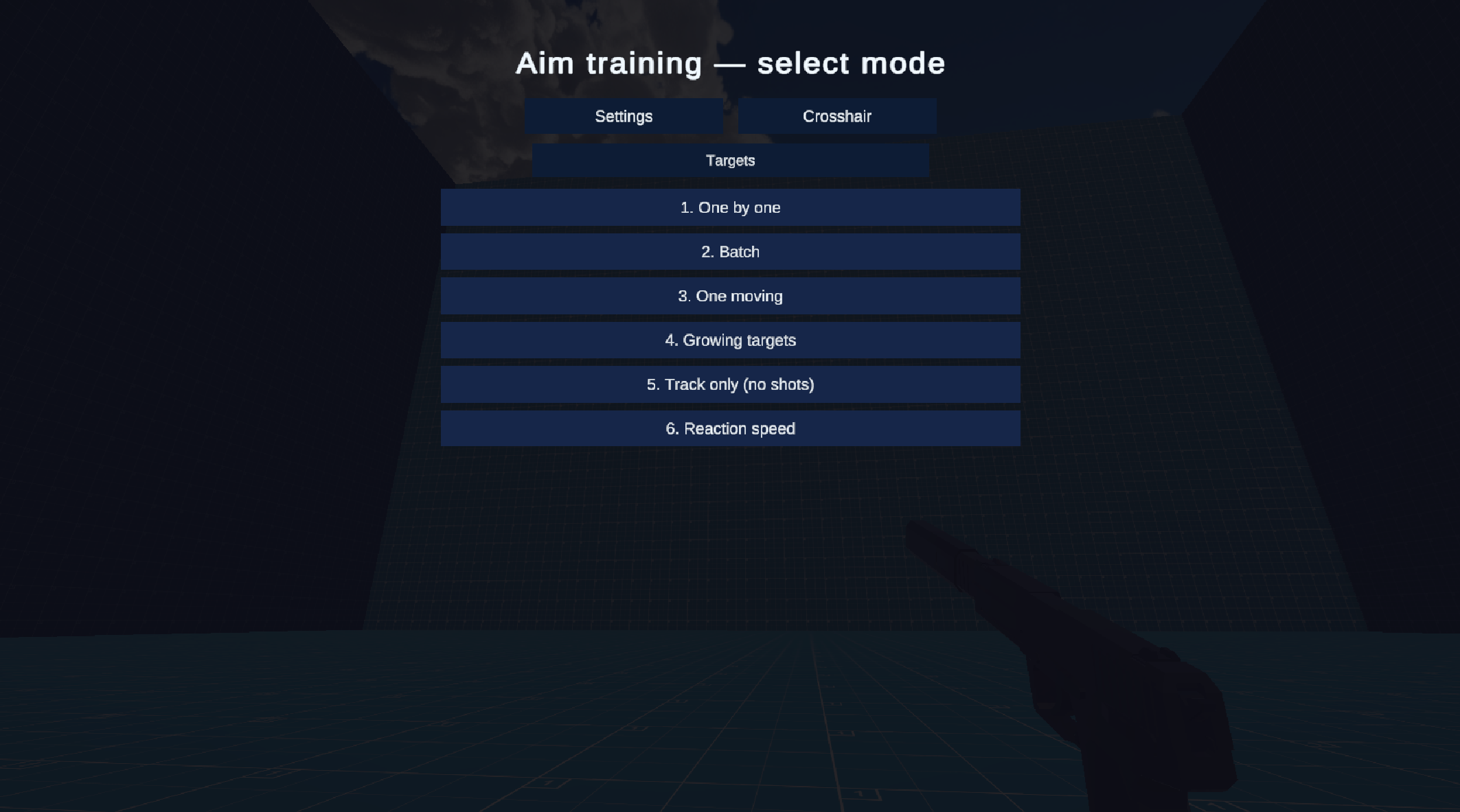
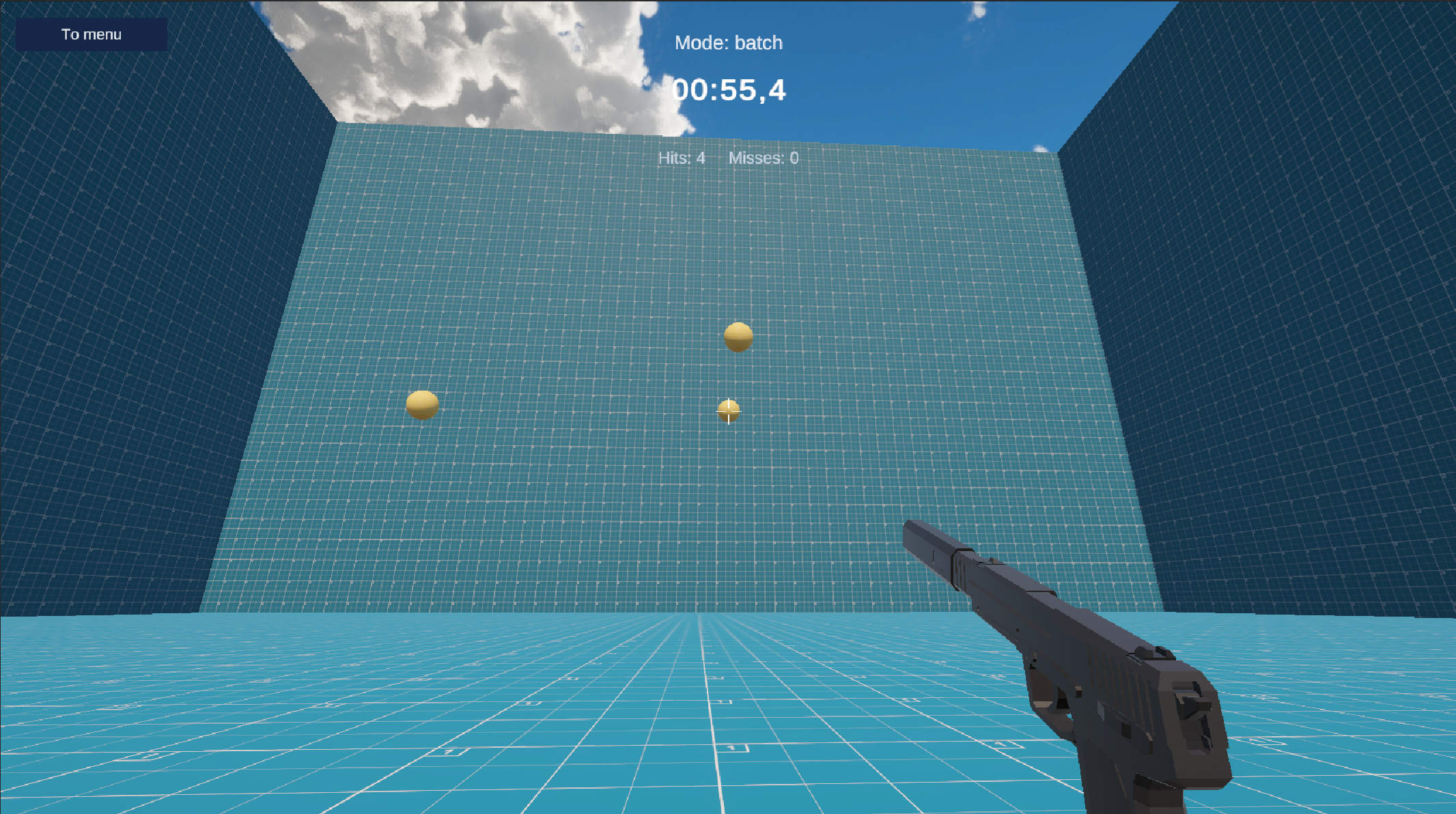
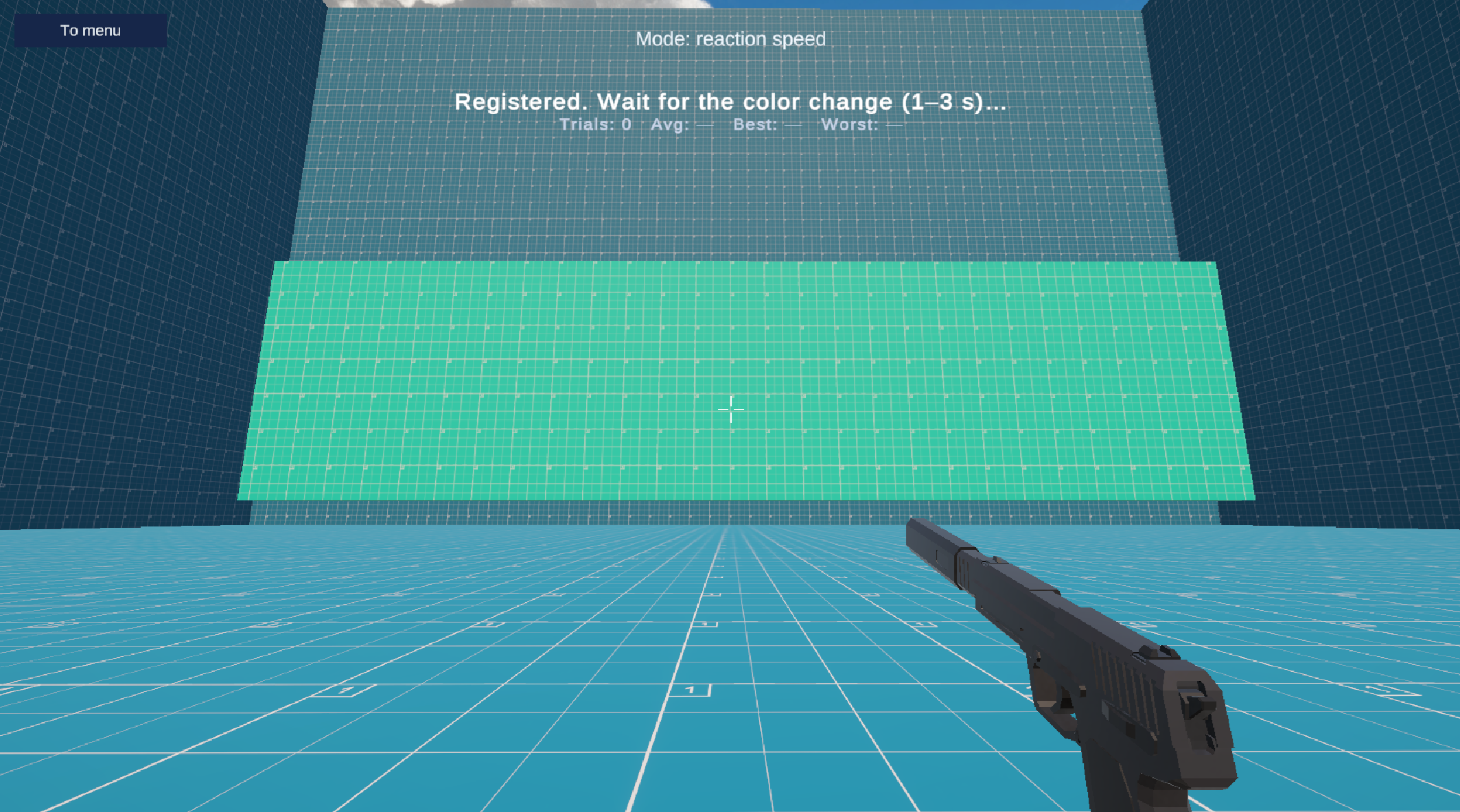
Staring at a blank screen during a coffee break usually feels like a waste of time. Accuracy Camp turns those idle minutes into a productive session for sharpening your reflexes. You select a training mode to start hitting moving targets or locking your crosshair onto shifting objects. Each round gives you raw data on your performance, showing exactly where you missed. Adjusting your mouse sensitivity helps you find that sweet spot for your favorite shooter titles. Tracking drills push your smooth aim to the limit while reaction tests measure speed in milliseconds. You can tweak how many balloons appear or how fast they zip across the screen to keep the challenge fresh. Tracking your progress over time makes every session feel worthwhile. Jump into Accuracy Camp for free in your browser right now without downloading a single file.
From the main menu, choose a training mode and wait for the 3–2–1 countdown. In ball modes, aim and shoot with the left mouse button (or your configured fire action). In the tracking mode there is no shooting—keep the crosshair on the target. Move the camera with the mouse. Press Esc to pause; from pause you can restart the round, open target settings, or return to the menu. Adjust sensitivity in settings if needed. When the round timer ends, read the report to see accuracy and, in reaction mode, how fast you responded.
FPS fans looking to sharpen their mechanical skill during short breaks. Competitive shooters needing a quick aim warm-up before ranked matches. Casual gamers who enjoy testing their reaction speed against the clock. Anyone wanting to improve mouse control without committing to a full-scale training software suite.
Yes, Accuracy Camp is completely free and runs directly in your web browser.
No installation is required as Accuracy Camp works instantly in any modern web browser.
You can open the target settings menu to change the number of targets and their movement speed to suit your training needs.