About game
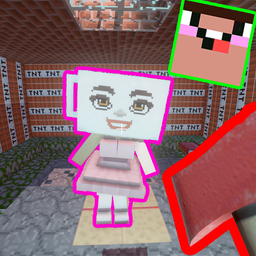
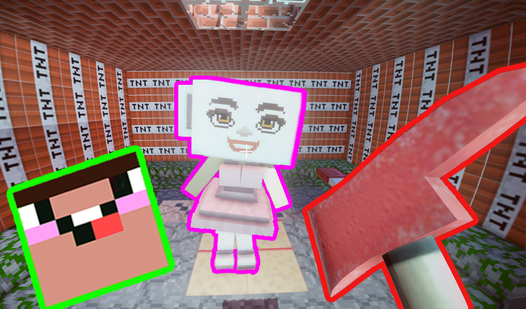
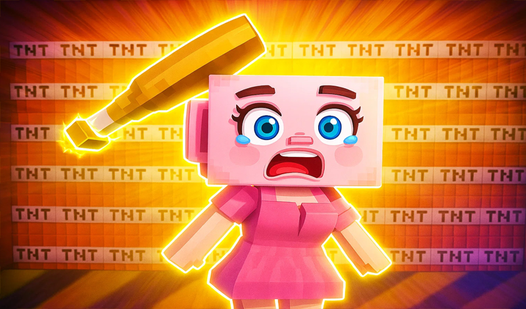
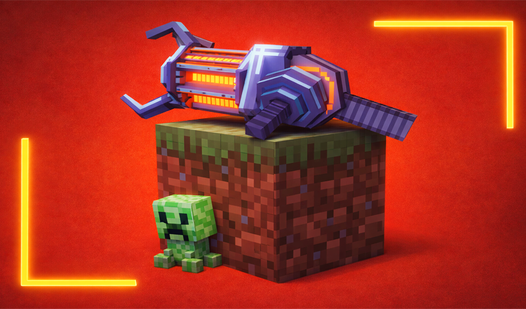
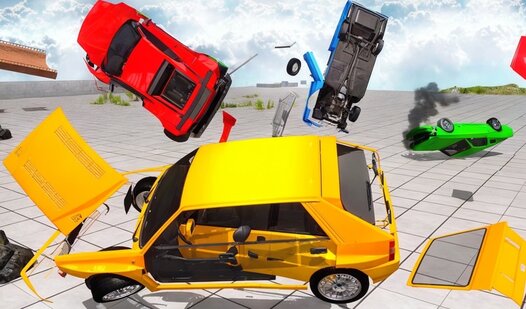
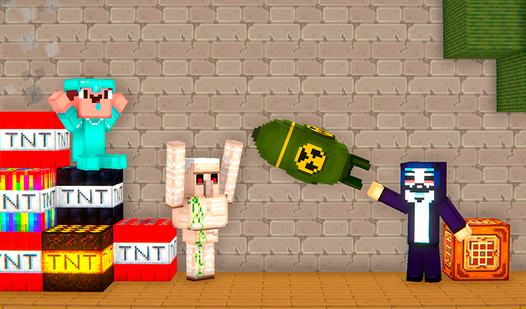
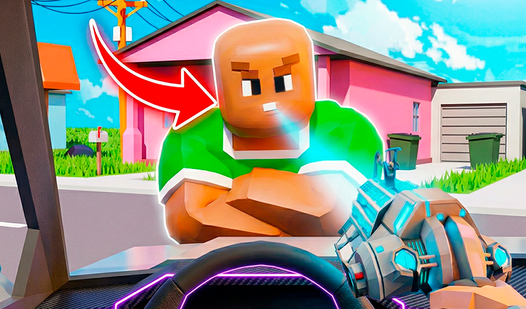
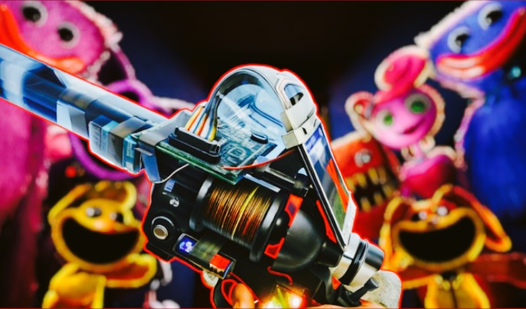
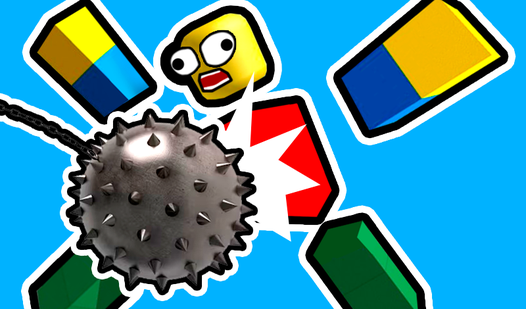
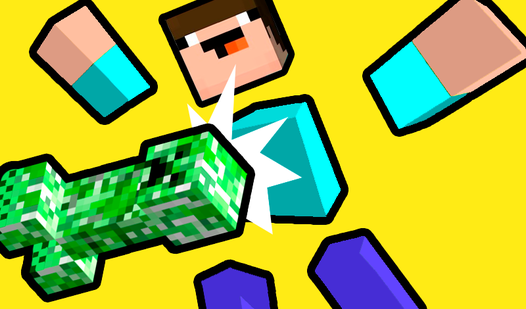
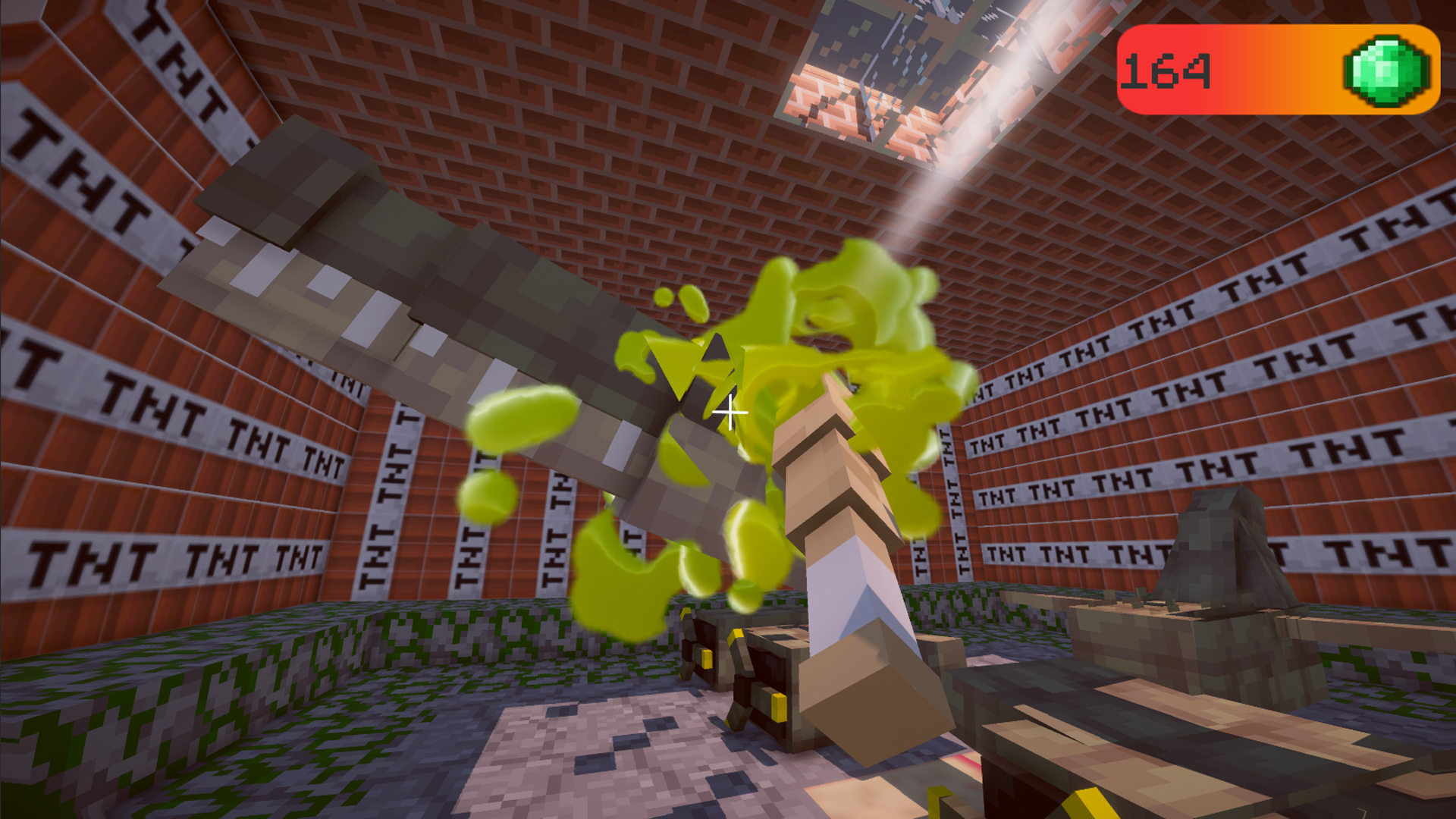
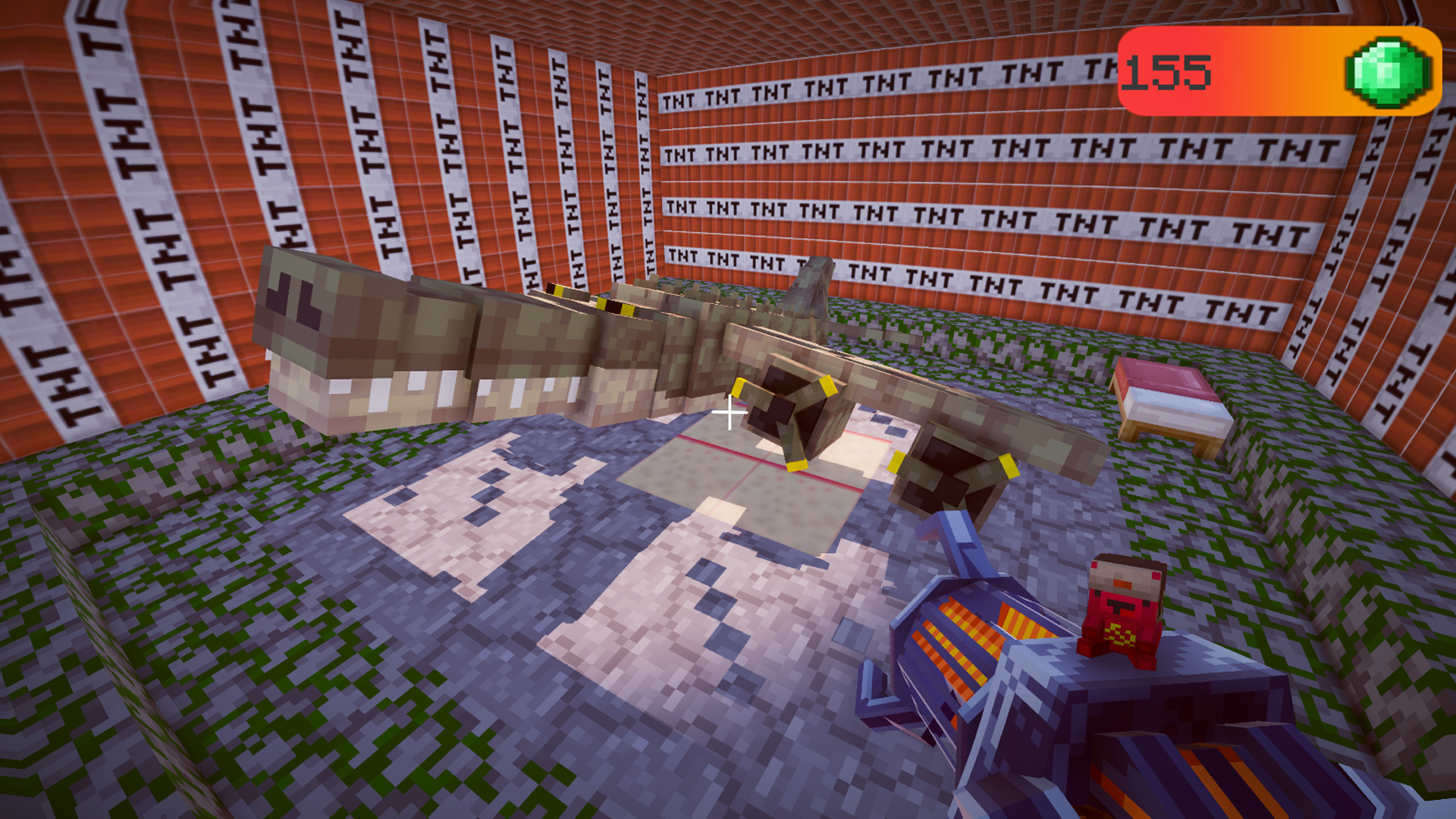
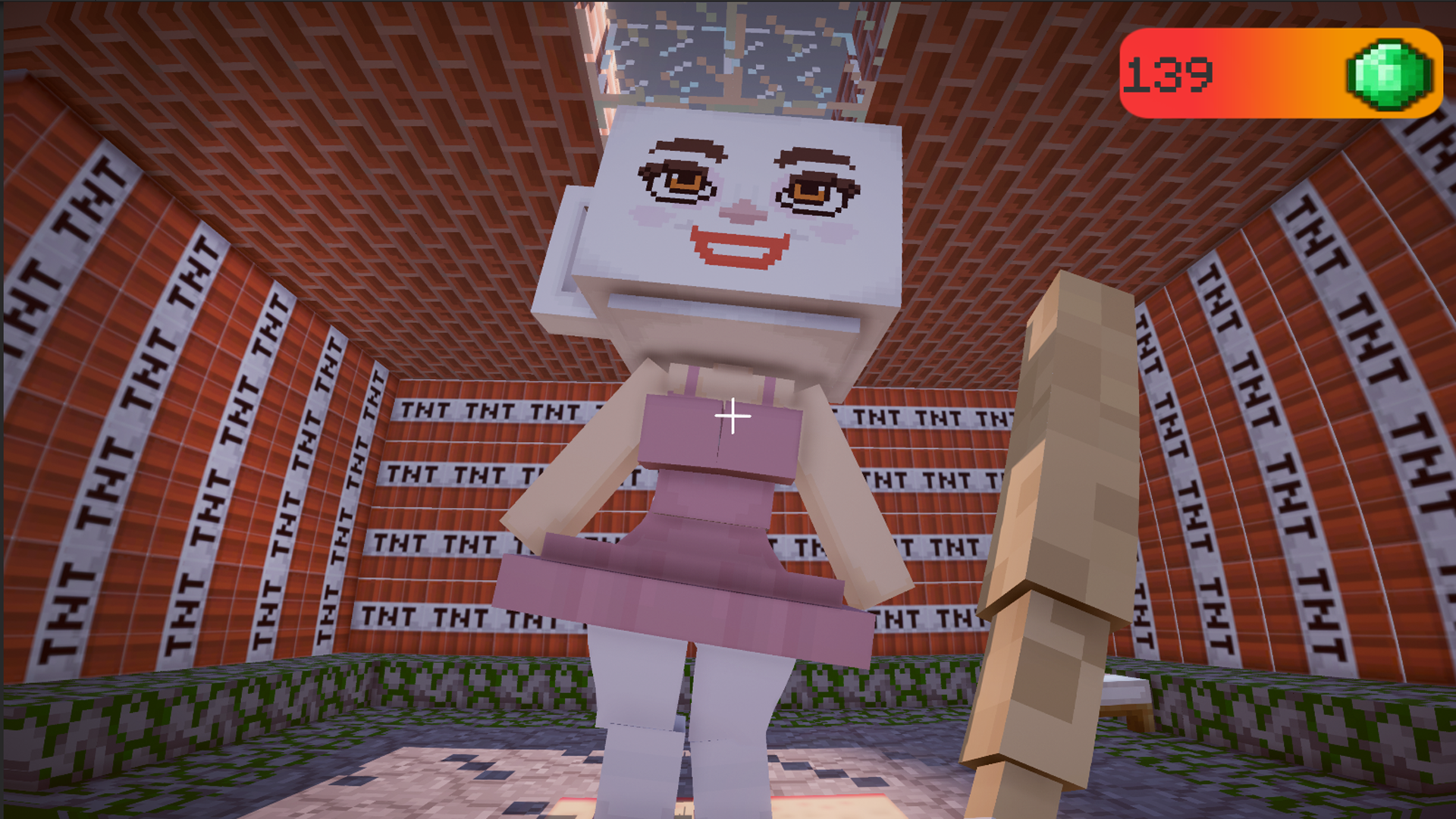
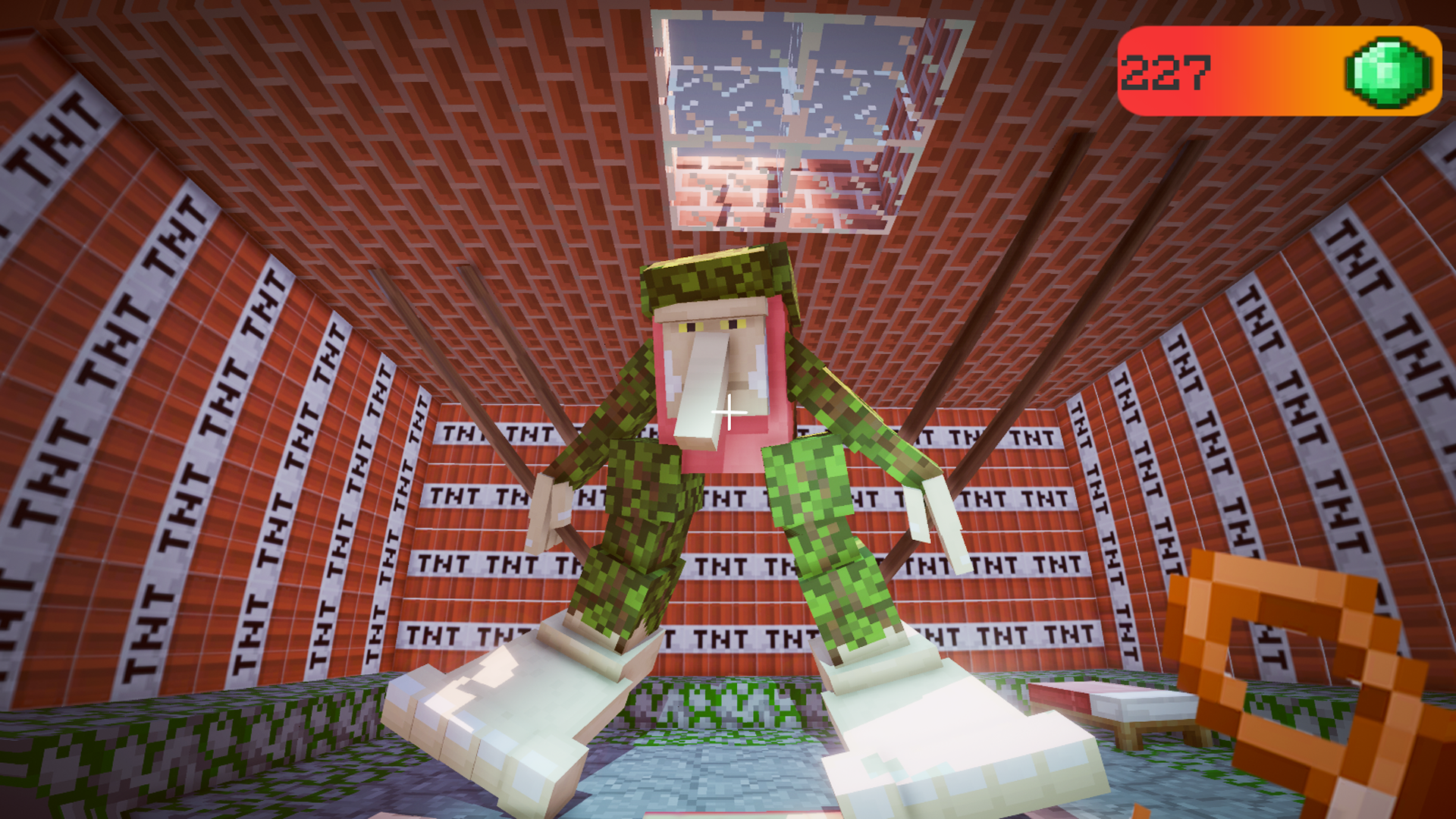
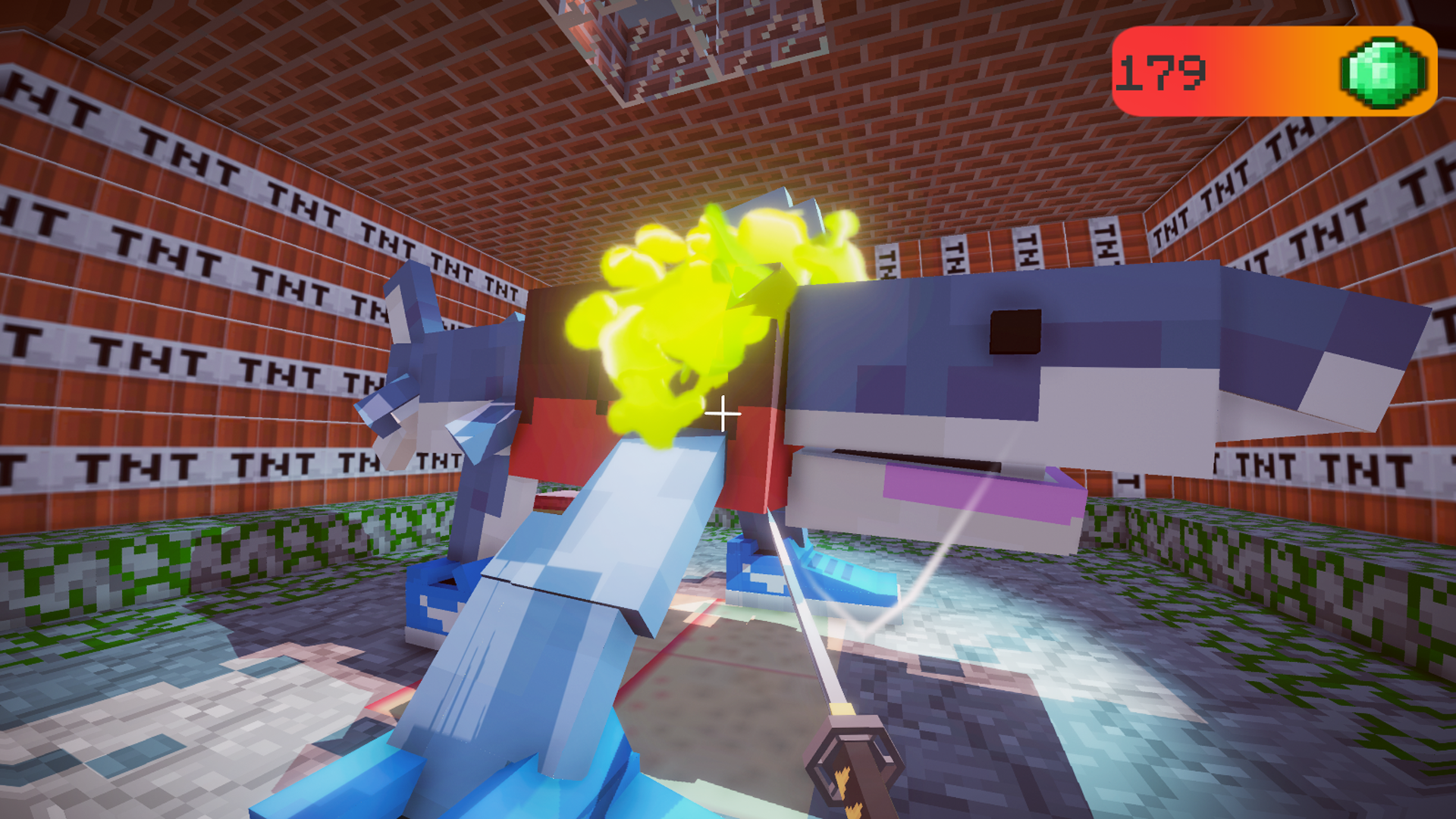
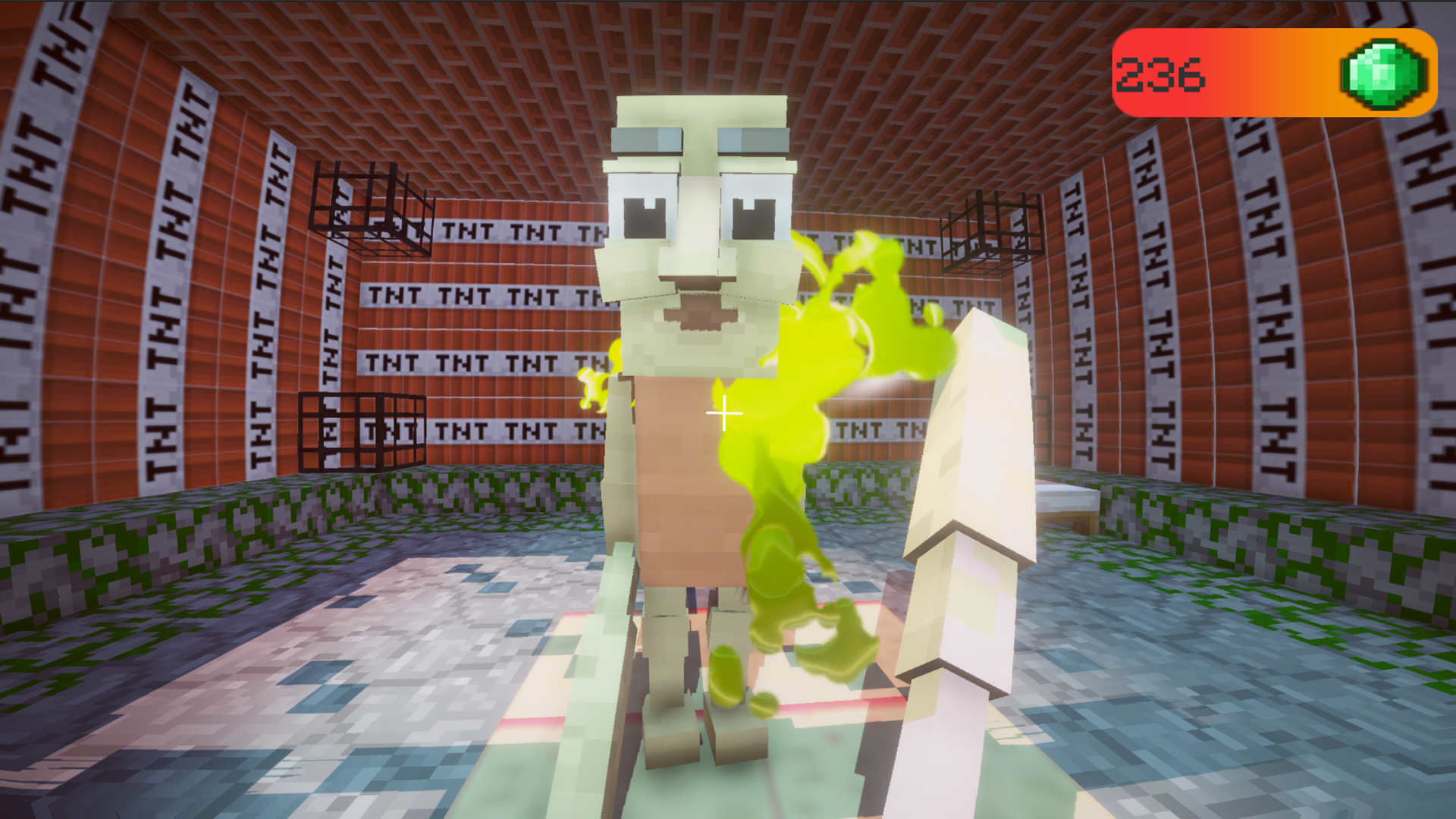
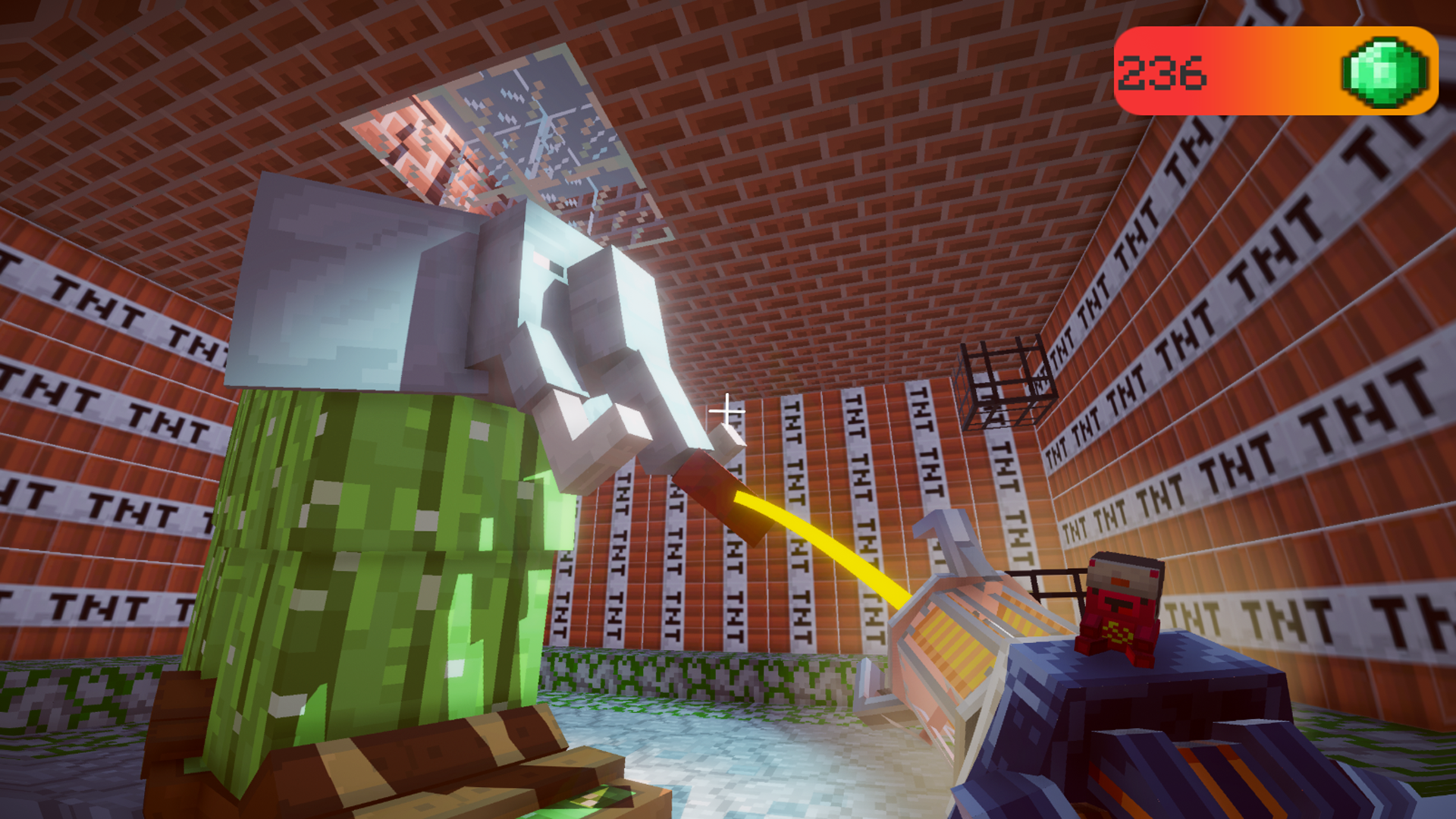
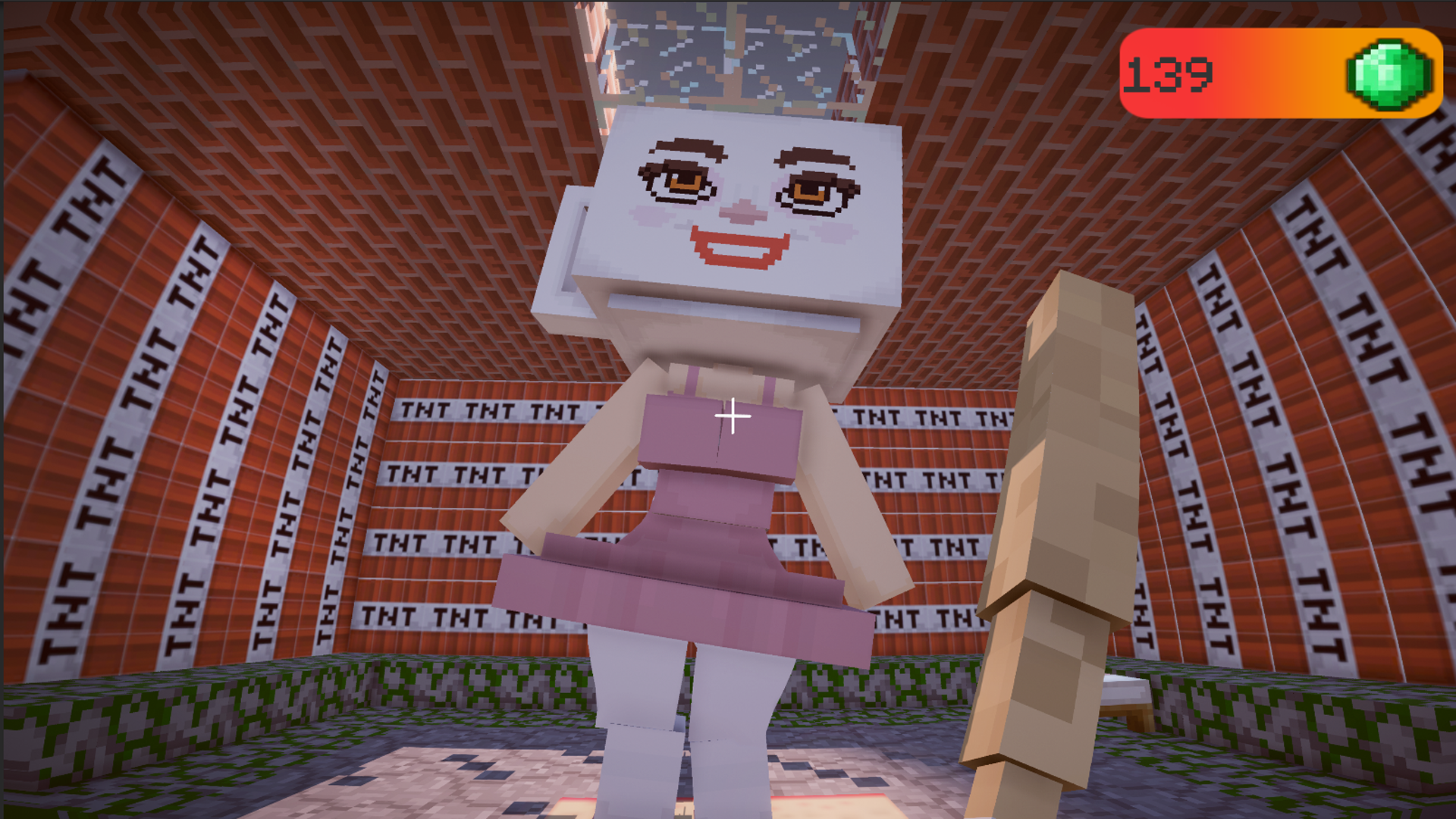
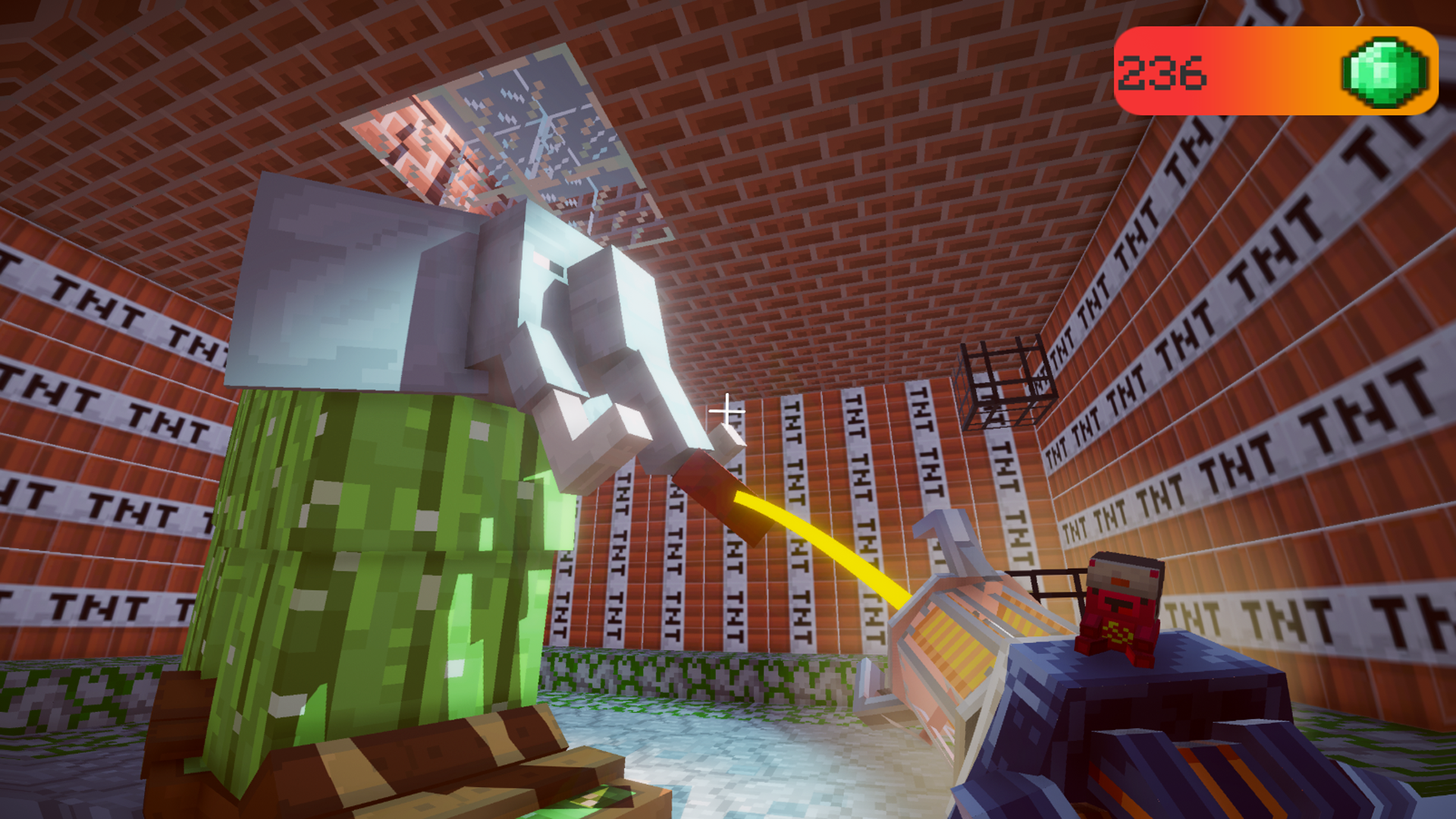
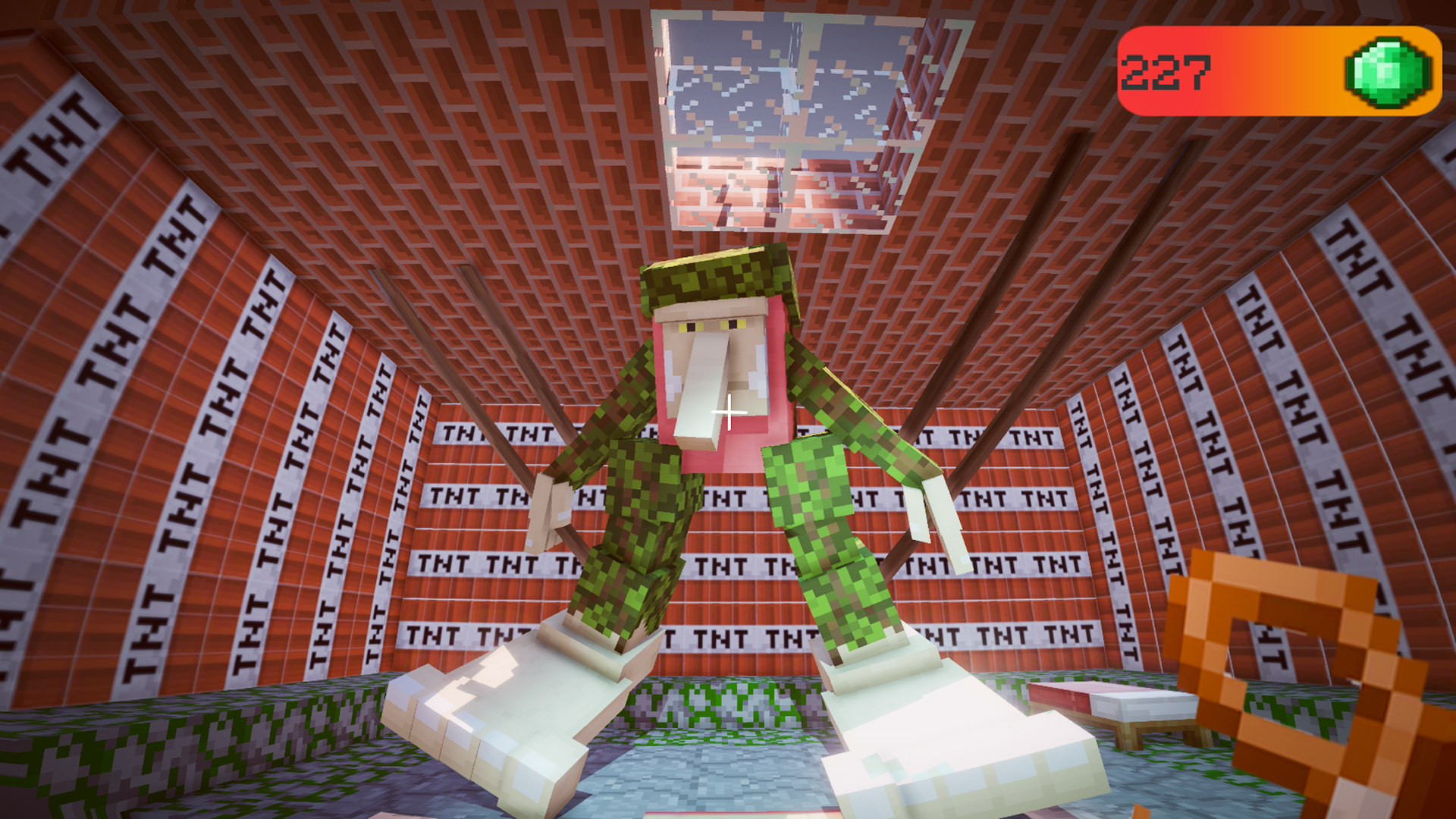
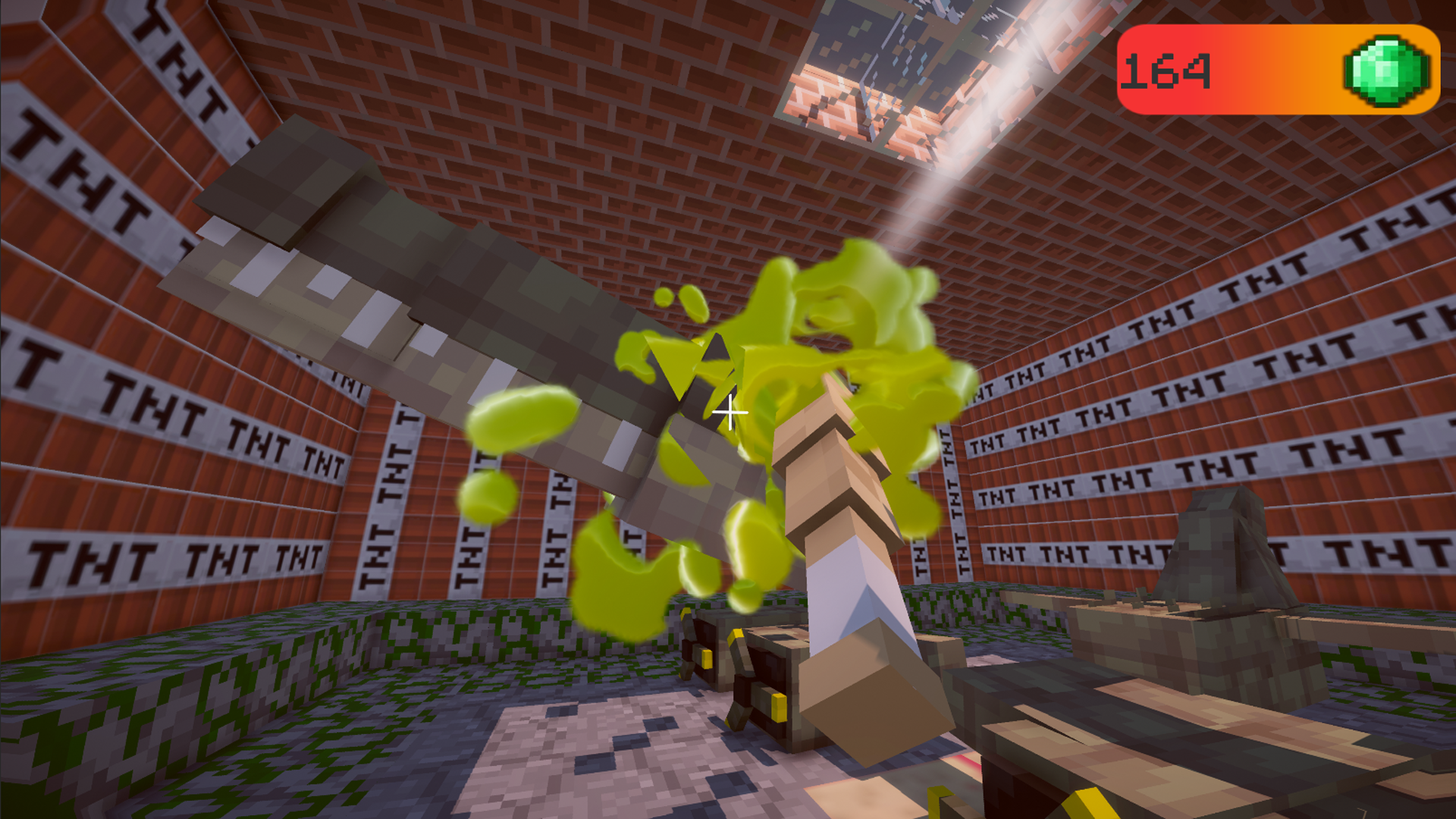
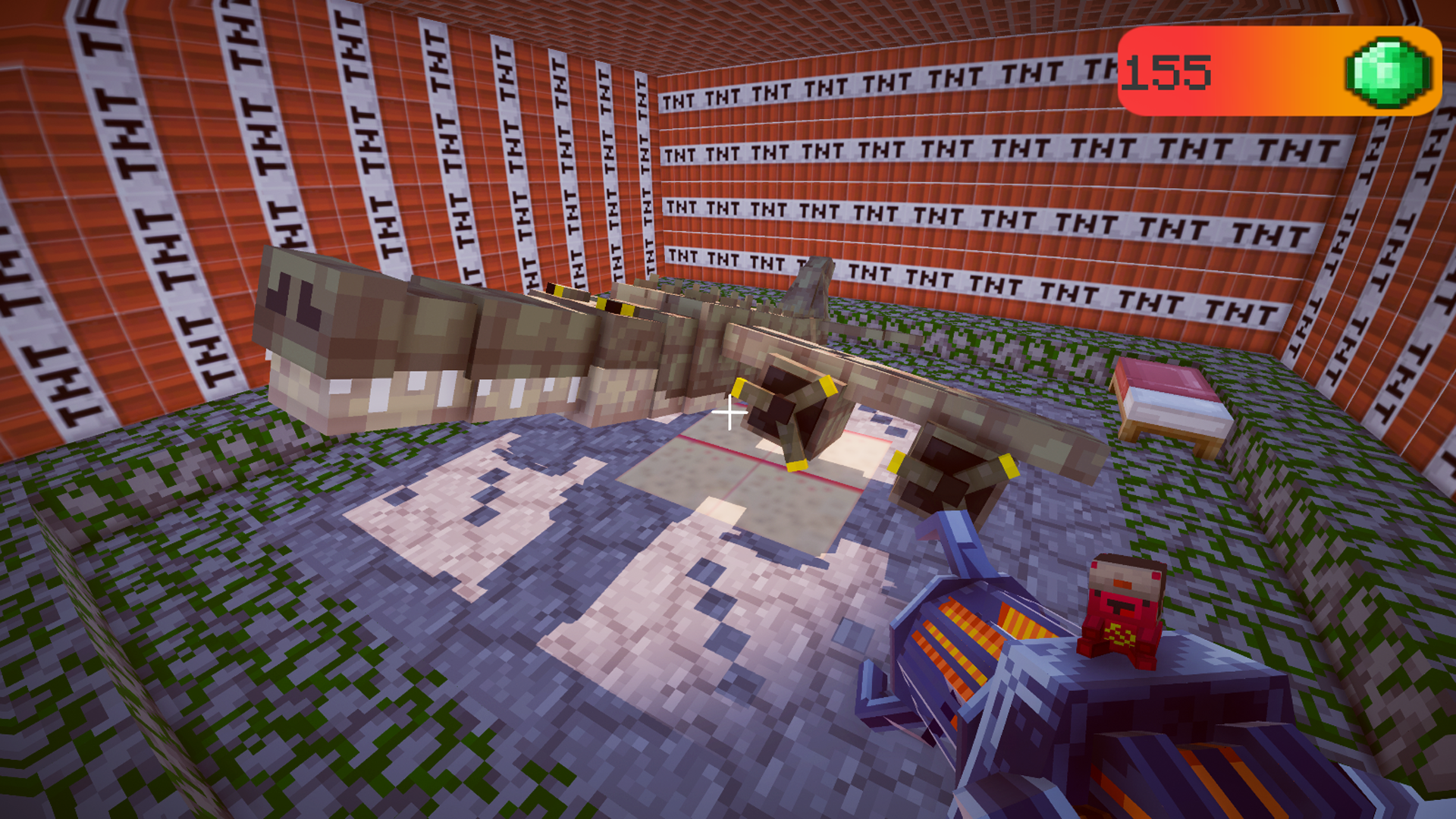
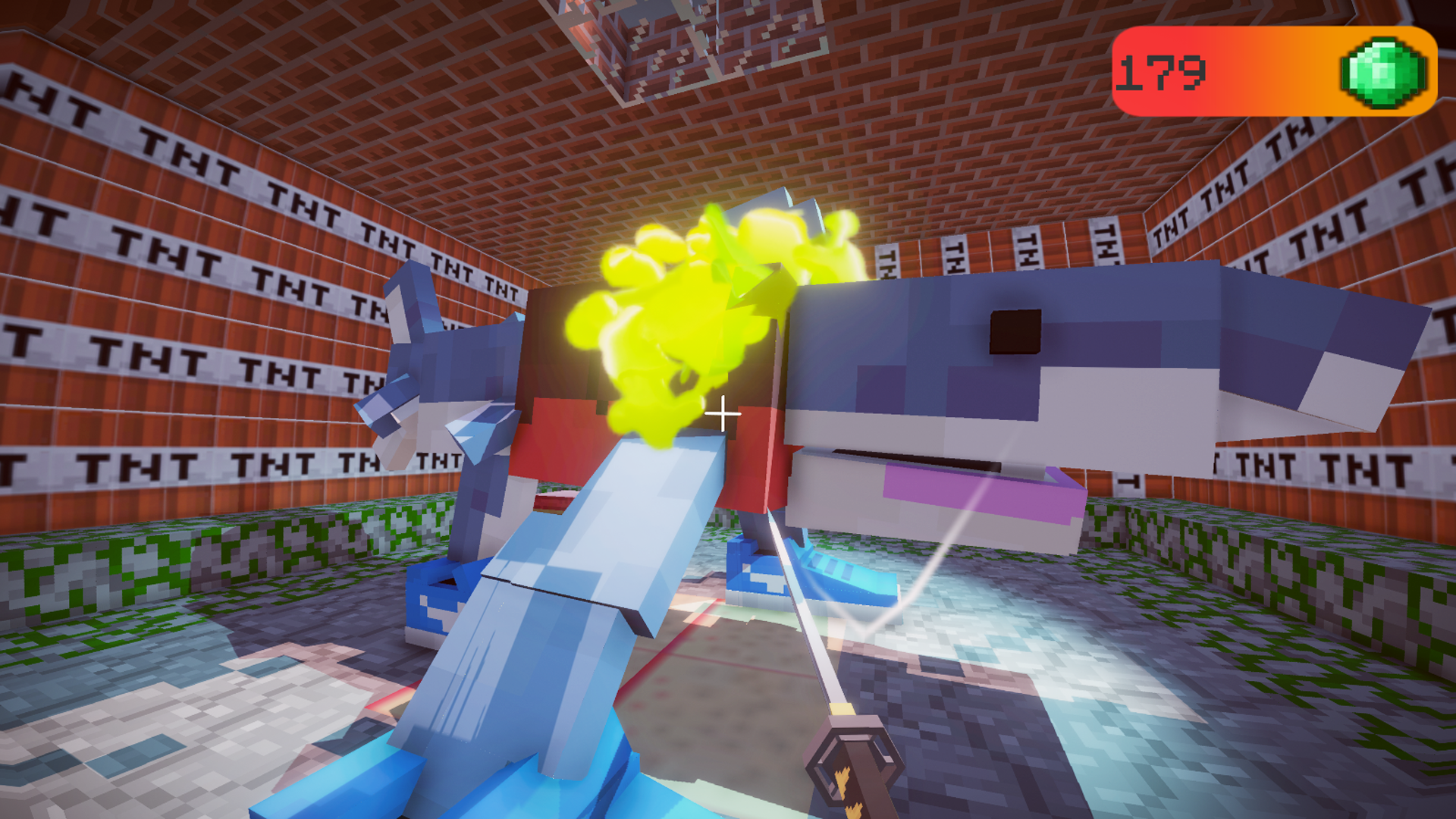
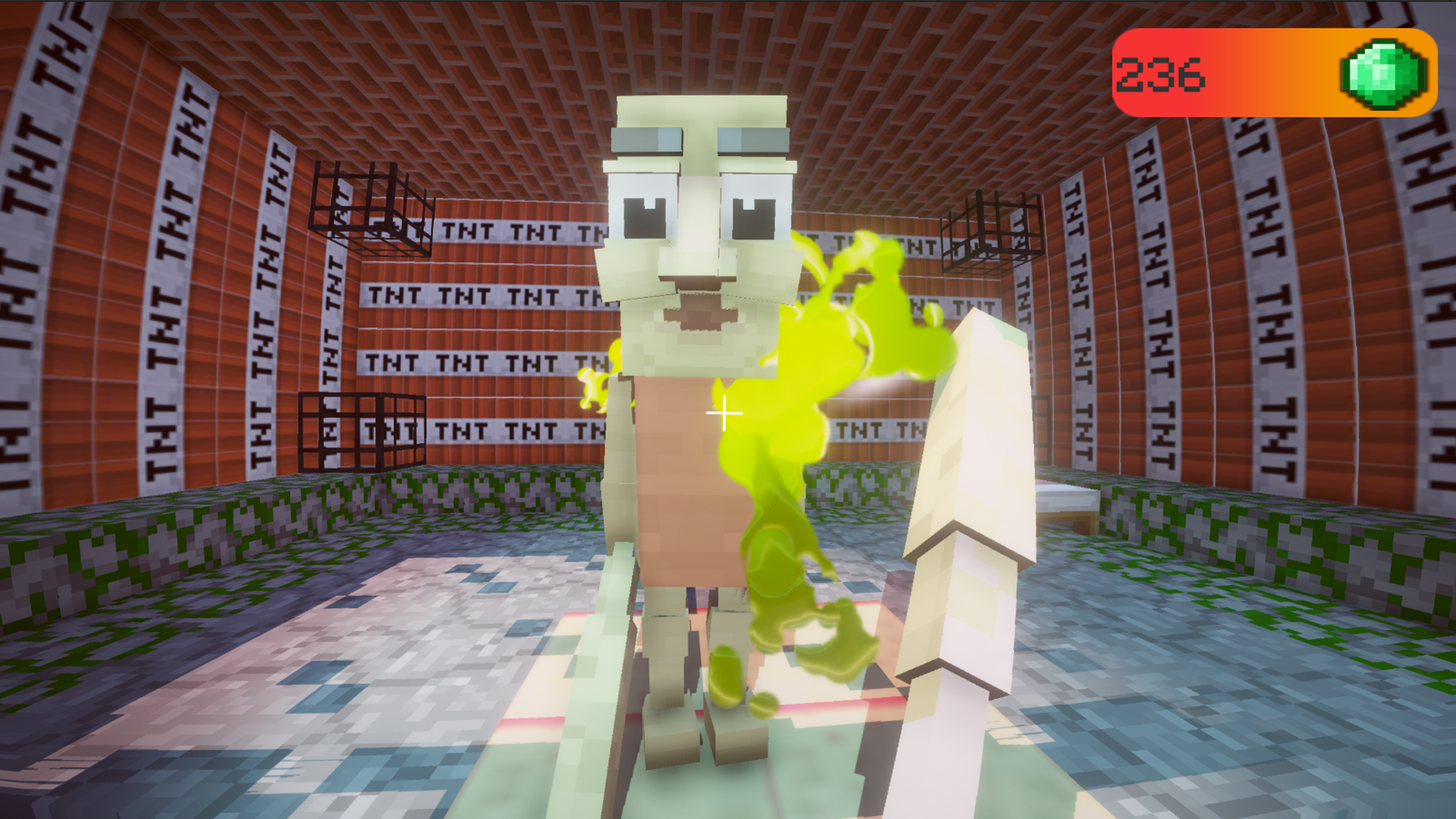
Tear apart hilarious meme-inspired characters using creative physics in 3D Tear Brainrot - Ragdoll Playground Sandbox. You navigate a chaotic environment where destruction is the main objective and ragdoll physics provide endless entertainment. Wield an arsenal of weapons including axes and clubs to dismantle your targets with tactile feedback. Use the physics gun to grab objects from a distance or connect items with a leash to create bizarre contraptions. Earn emeralds as you shatter objects and wreak havoc to unlock powerful new gear that keeps the carnage fresh. This interactive playground is essentially a high-energy sandbox where you have total freedom to experiment with the environment. Whether you are launching characters across the screen or setting up complex trap sequences, the absurd visuals keep things lighthearted. Every action leads to satisfying results, making it the perfect way to unwind after a long day of work or study. Experience the ultimate destruction simulator for free directly in your browser without any downloads required.
How to play
Controls:
WASD / Arrows — move
Mouse — look
LMB — hit / action
Weapons:
Cudgel / Sword / Axe — LMB: hit
PhysGun:
LMB — gravity gun
RMB (press) — grab
RMB (release) — throw
Leash:
Aim and press LMB — Point 1
Select the second point and press LMB again — the objects will connect
Game Objective:
Destroy ragdolls, earn emeralds and unlock new items and weapons!
Features
- Physics-based ragdolls: Each character reacts realistically to every impact, ensuring that no two chaotic collisions ever look exactly the same.
- Weapon collection: Switch between melee tools and specialized equipment like the leash to manipulate the environment in unique, creative ways.
- Progression system: Gather emeralds from successful destructions to expand your inventory and unlock more powerful tools for your sandbox.
- Destructible environment: Interact with various objects throughout the map that react and break apart based on the force of your attacks.
- Visual variety: Enjoy a bright and quirky aesthetic that complements the absurd humor of the meme characters scattered throughout the level.
Who is it for
Meme enthusiasts and physics-game fans looking for a stress-relieving playground. Casual players who enjoy creative sandbox destruction and ragdoll humor will find this experience addictive. It is particularly great for users who love exploring absurd, brainrot-inspired internet culture through high-quality, interactive browser-based gaming sessions.
Controls
Movement
Use WASD or arrow keys to navigate the 3D environment.
Camera look
Move the mouse to aim and look around.
Interaction
LMB to hit, use weapons, or attach points with the leash.
Mobile play
Tap and swipe on the screen to move, look, and interact with objects.
FAQ
How do I unlock new weapons in 3D Tear Brainrot - Ragdoll Playground Sandbox?
›
You need to destroy ragdolls and interact with the environment to earn emeralds, which can then be spent to unlock new items and gear.
Is 3D Tear Brainrot - Ragdoll Playground Sandbox free to play?
›
Yes, you can play this game for free directly in your web browser with no registration or downloads required.
Can I use the leash to attach objects together in 3D Tear Brainrot - Ragdoll Playground Sandbox?
›
Absolutely, just aim and press LMB to select your first point, then repeat the process on a second object to connect them.