About game
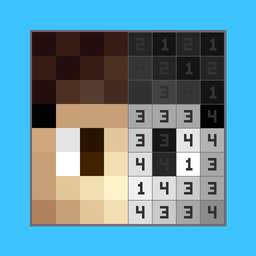
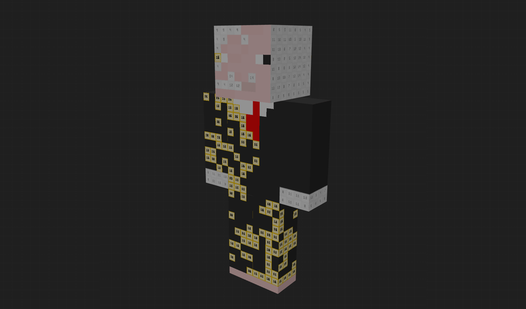
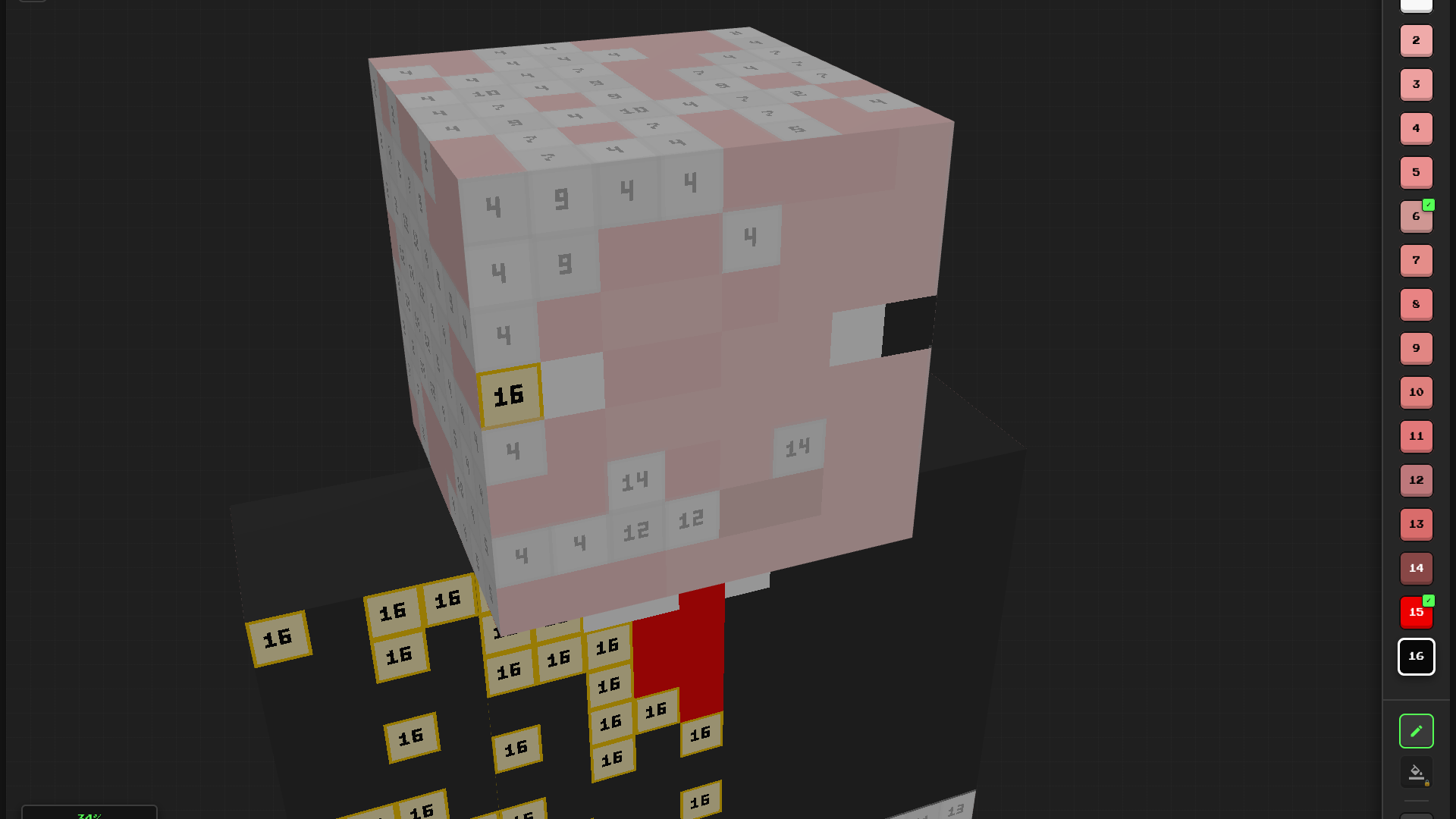
Tap numbers to fill voxels and watch your favorite characters transform into colorful masterpieces. 3D Skin Coloring by Number strips away the stress of daily life through simple, satisfying pixel painting. You rotate complex models to find hidden spots, ensuring every side gets a fresh coat of paint. Managing your palette requires focus, but the result is a vibrant custom design straight from a blocky universe. Completing a full model earns you tickets to unlock exclusive characters in the gacha system. Toggle the flat layout view to see the skin unfold if you get stuck on a tiny detail. Using the bucket tool allows for instant progress when you want to speed through large segments. Jump into the action right inside your browser window without any downloads required.
How to play
- Rotate 3D model: Hold down the left mouse button and move it sideways.
- Coloring: Select a color from the palette on the right and click on the blocks with the corresponding numbers.
- "Bucket" tool: Instantly fills all blocks of the selected color on the model (unlock by watching an ad).
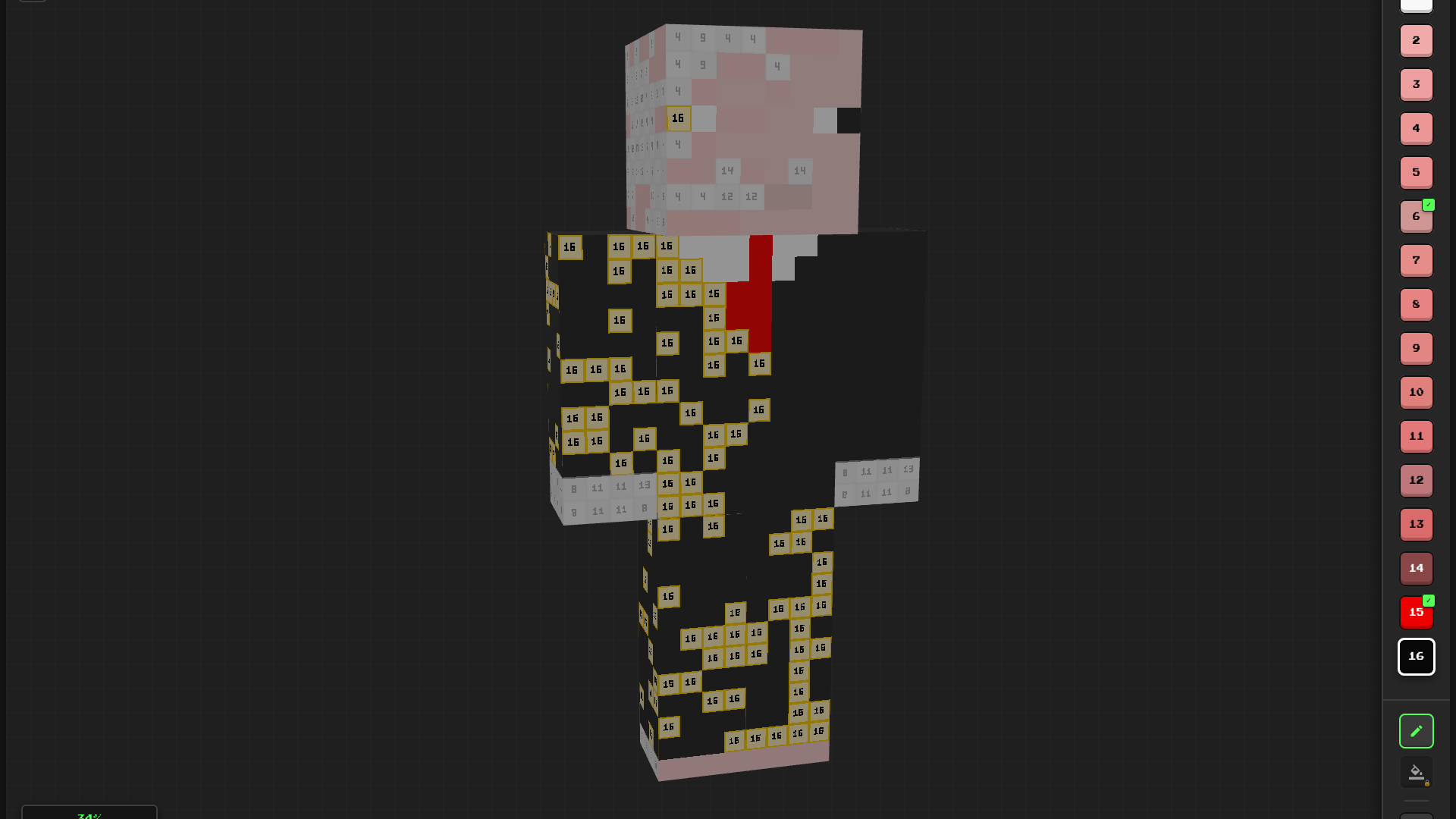
- 2D mode: Click the "2D" button in the bottom-right corner to view the skin's flat layout.
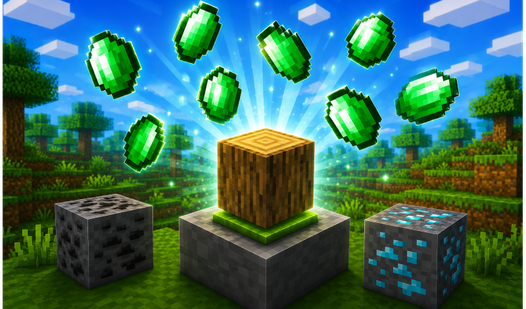
- Gacha cases: Color skins 100% to earn tickets. Spend tickets in the main menu to spin the wheel and win new characters!
Features
- Gacha rewards: Spin the prize wheel using tickets earned from finished projects to collect rare skins.
- 2D layout view: Switch perspectives to inspect the flat texture map of your character models.
- Bucket tool assistance: Fill every instance of a specific color across the model with one quick action.
- Progression tracking: See your completion percentage update in real time as you fill in individual blocks.
Who is it for
Casual gamers who enjoy relaxing painting tasks love this pixel art experience. Fans of blocky sandbox aesthetics find joy in customizing their favorite characters through number matching. Anyone seeking a chill creative outlet to unwind after a long day will find plenty of satisfying content to keep them busy.
Controls
Rotate model
Hold left mouse button or tap and drag on your screen.
Apply color
Select a hue from the right sidebar and tap the corresponding numbered blocks.
Toggle view
Press the 2D button in the bottom corner to flatten the skin layout.
FAQ
How do I unlock new characters in 3D Skin Coloring by Number?
›
You earn tickets by completing models to 100% and spend them on the prize wheel in the main menu to win new skins.
Can I play 3D Skin Coloring by Number on my phone?
›
Yes, the game is fully optimized for mobile browsers using simple touch controls for rotation and coloring.
What is the easiest way to finish a model in 3D Skin Coloring by Number?
›
Use the bucket tool to fill all matching numbers at once, or switch to the 2D view to find missed spots.