Game Title
Loading...

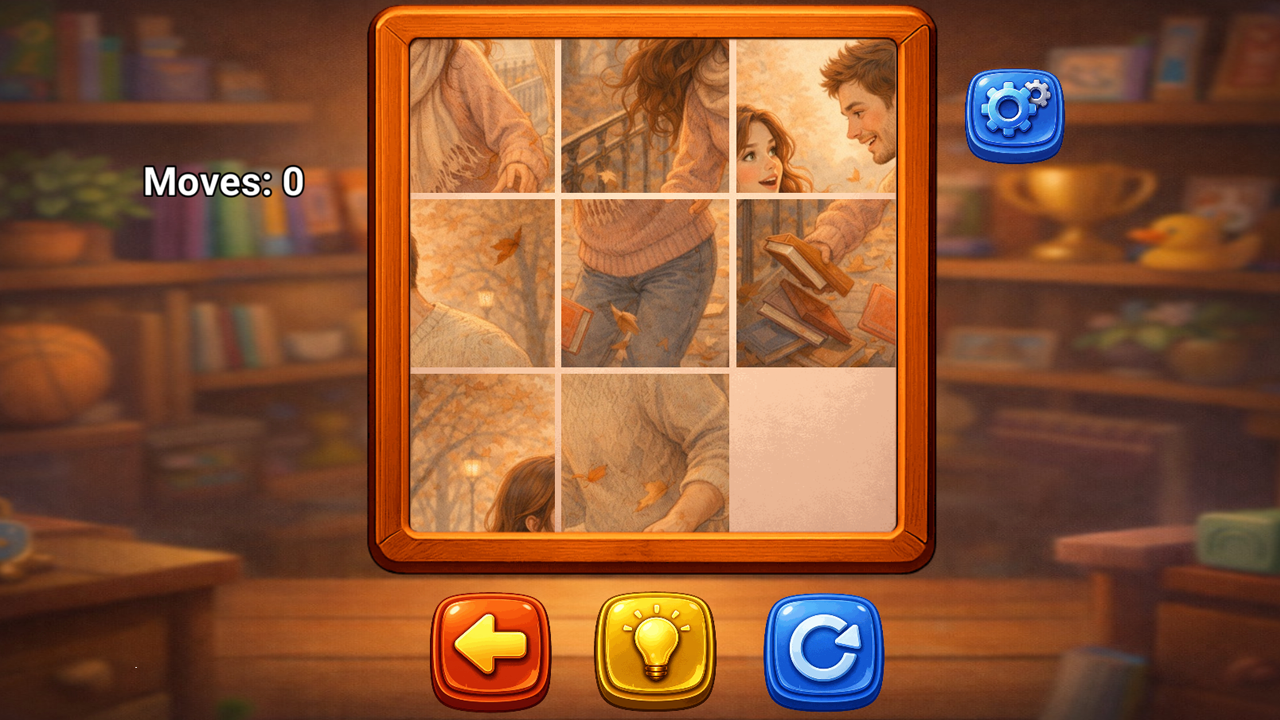
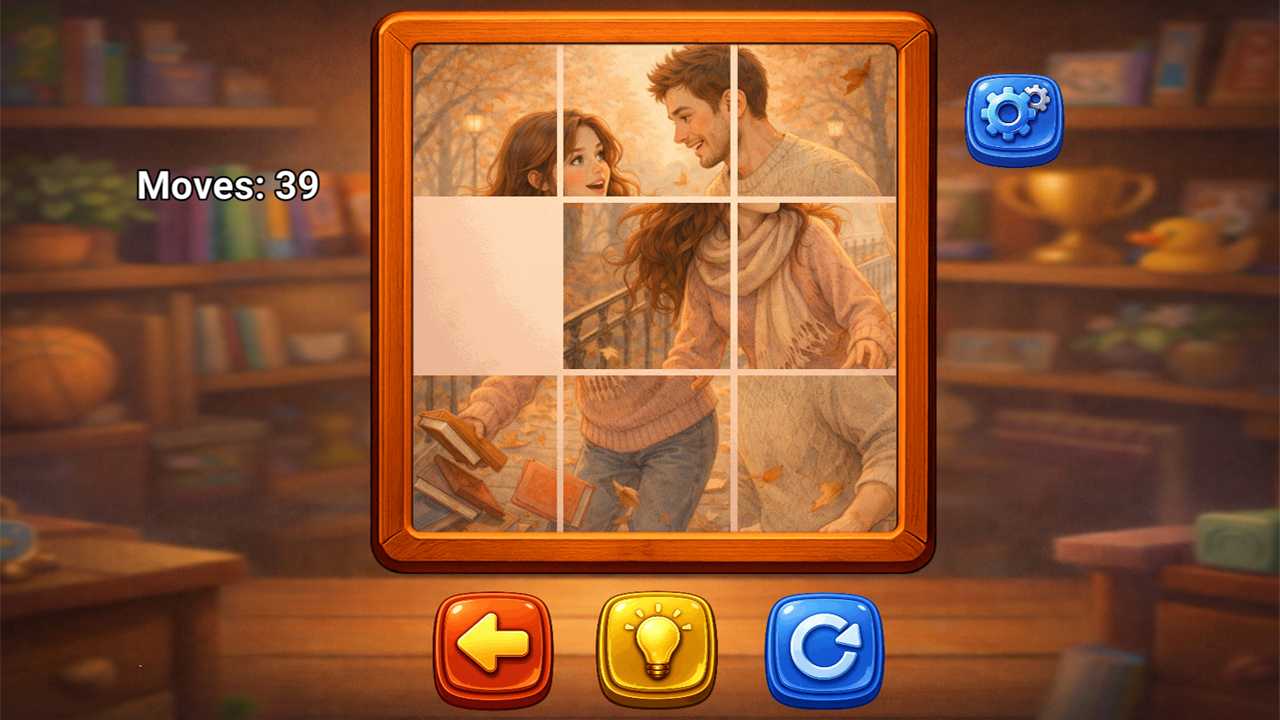
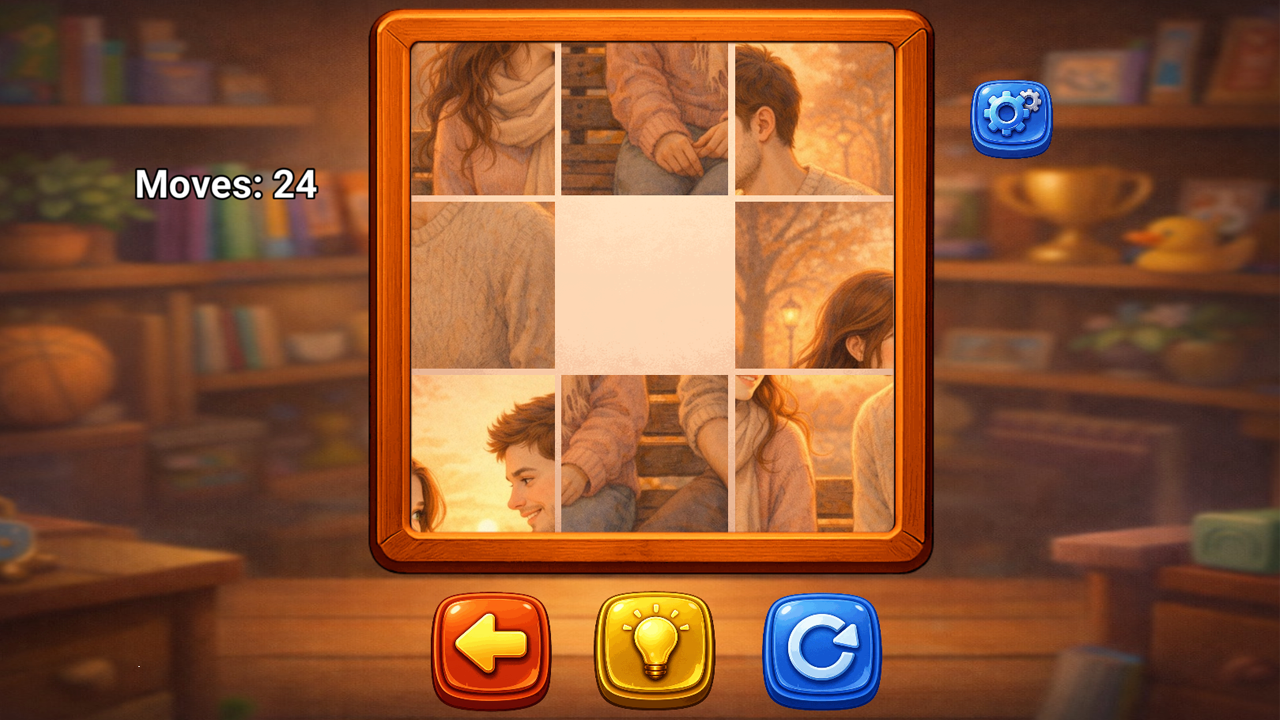
Shift tiles across the board until a hidden picture emerges from the scattered fragments. Sliding these numbered pieces feels strangely satisfying because every successful move reveals a deeper narrative layer of the scene. You need to manipulate the board carefully to restore beautiful illustrations that depict life events and cozy memories. This relaxing puzzle game turns a classic brain teaser into a meaningful journey through personal stories. Each level challenges your logic while rewarding your patience with artistic snapshots of human experience. You can enjoy this 15 Puzzle Stories experience right in your browser without dealing with annoying downloads or long installations. Mastering these classic пятнашки requires focus, but the gentle pacing keeps things stress-free. Every completed image unlocks a new chapter, which means the satisfaction of progress keeps you coming back for just one more round.
15 Puzzle Stories uses the classic sliding puzzle mechanic. Your task is to assemble the picture by moving tiles on the board.
1. Look at the board
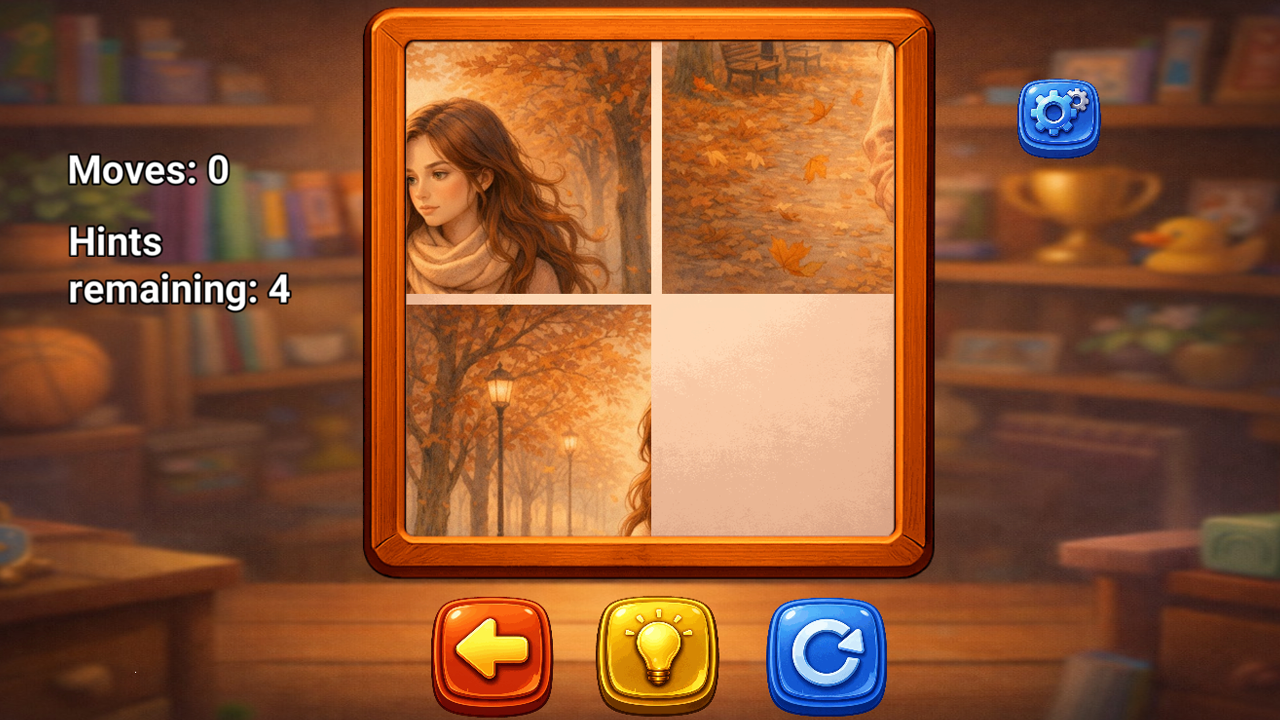
The picture is divided into tiles and shuffled. There is always one empty space that allows neighboring tiles to move.
2. Move the tiles
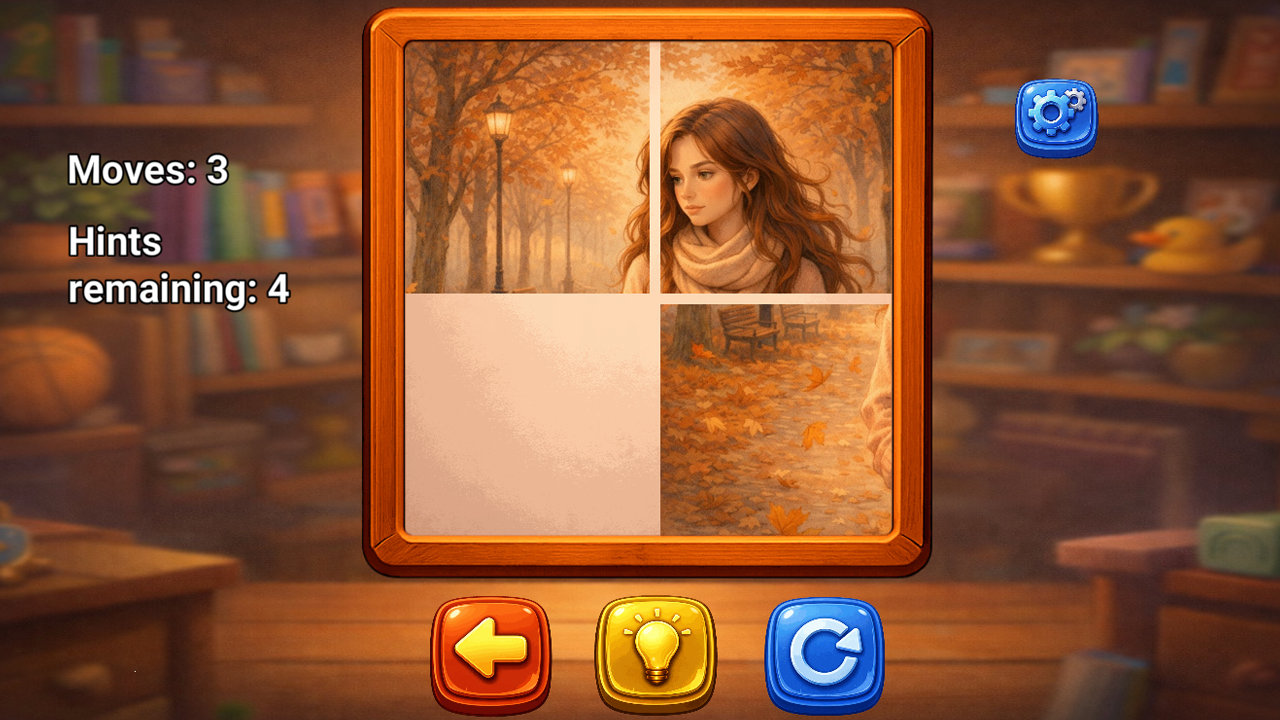
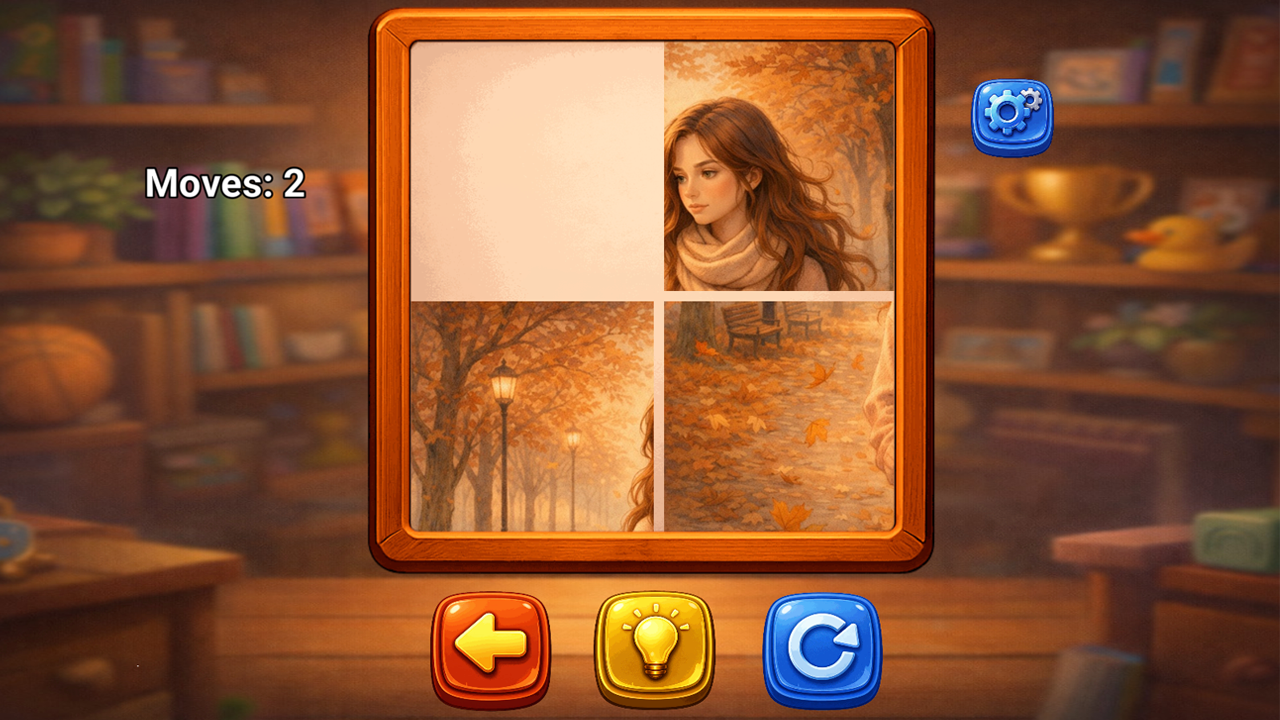
Tap a tile next to the empty space. It will slide into the free spot.
3. Restore the image
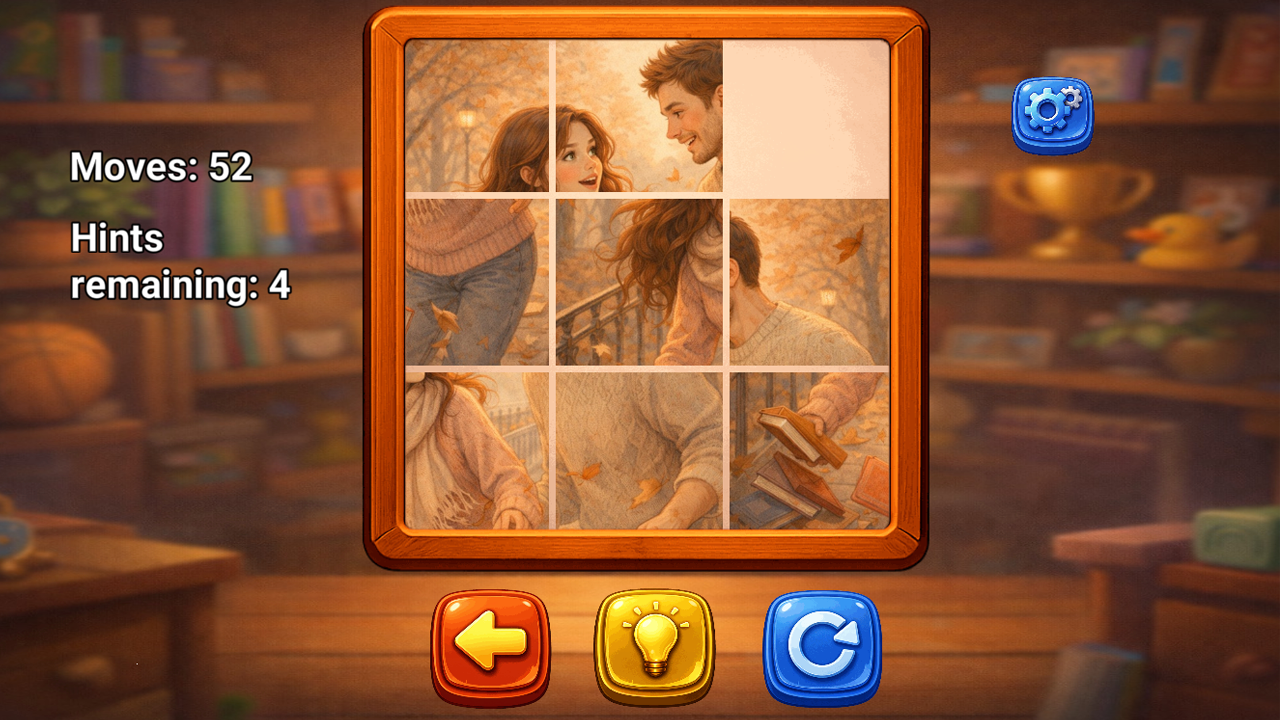
Move the tiles to gradually rebuild the complete picture.
4. Complete the picture
When all tiles are in the correct places, the level is complete, and a new story scene unlocks.
Tip
Try assembling the top part of the image first, then work your way downward. Planning your moves will help you solve the puzzle faster
Puzzle lovers who enjoy slow-paced brain games and fans of visual storytelling. Casual players seeking a relaxing mental break will appreciate the simple mechanics, while those who enjoy classic tile-sliding challenges will find the narrative twist a refreshing way to experience the traditional puzzle genre.
You simply complete the current sliding puzzle to unlock the next illustrated scene in the sequence.
Yes, you can play directly on your phone or tablet by tapping the tiles to slide them into place.
No, you can jump straight into the action immediately without creating an account or downloading any software.