About game
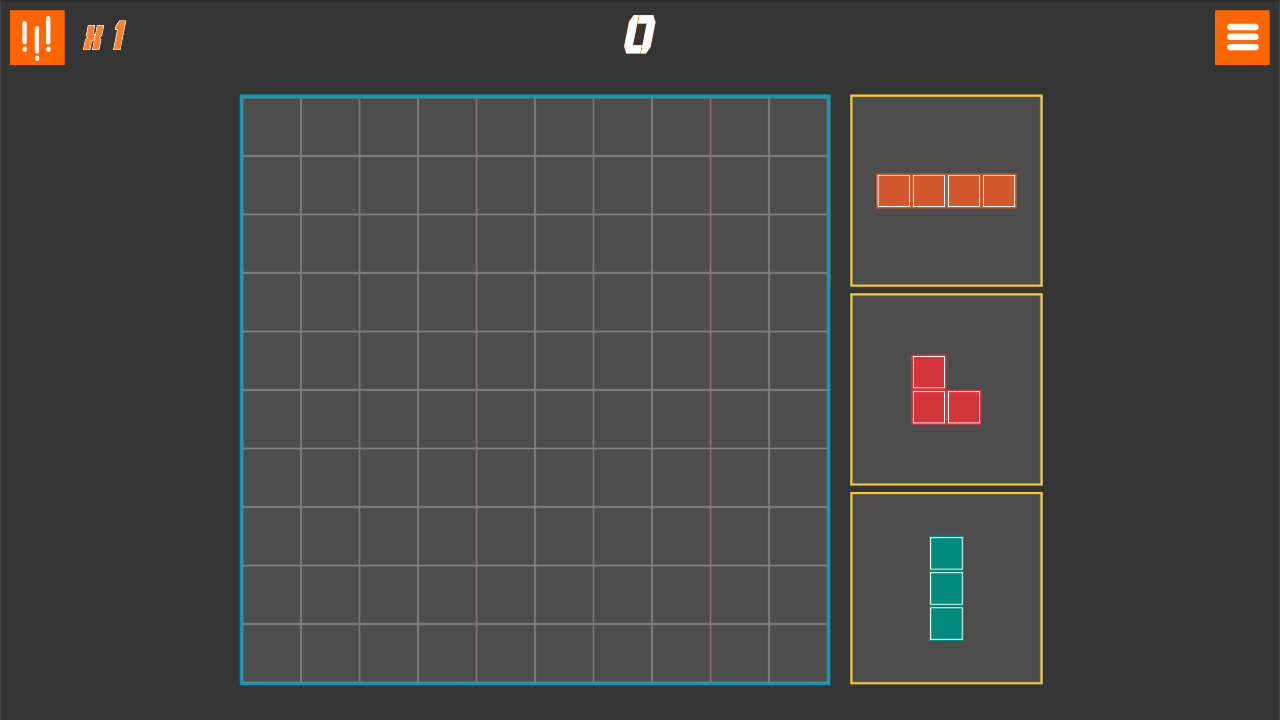
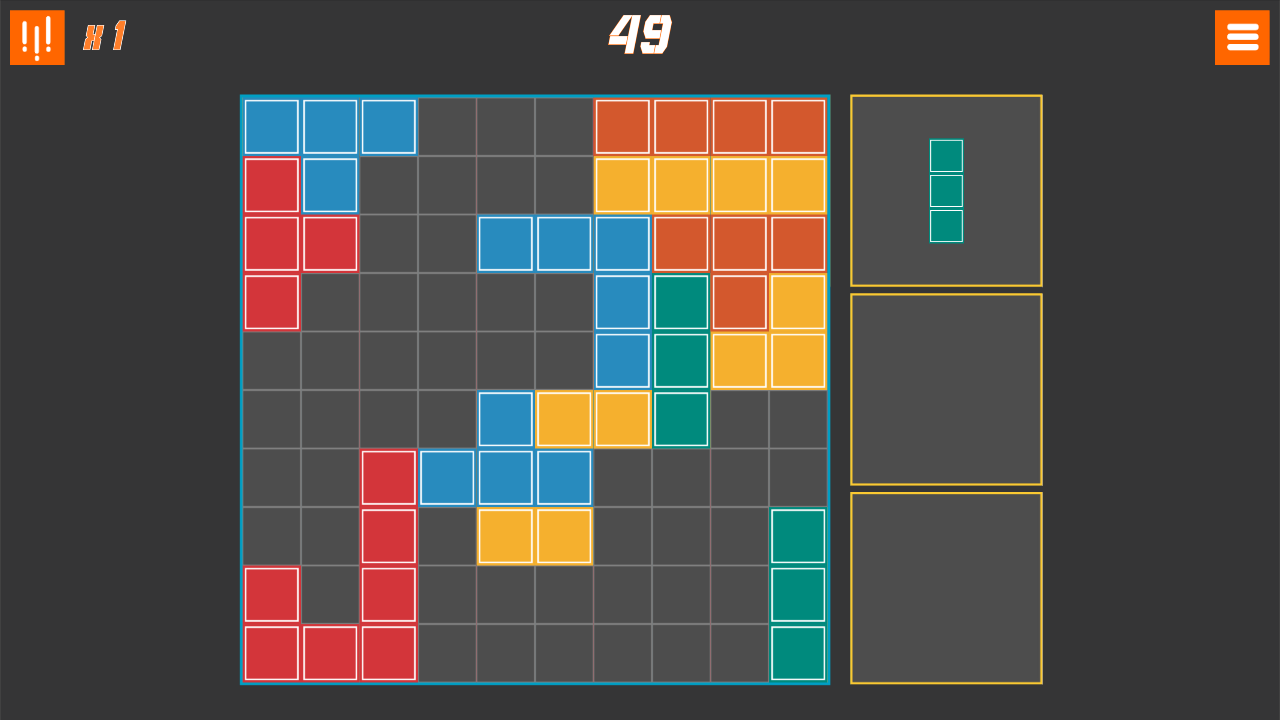
Strategic placement is the only way to master the grid when every move feels like a high-stakes chess match. 10 Blocks reinvents the classic 10x10 puzzle experience by forcing you to manage limited space while clearing rows and columns with precision. You drag various geometric shapes onto the board, aiming to complete full horizontal or vertical lines to clear them and score big points. If the grid becomes too crowded and you find yourself trapped, a single-use gravity button acts as your ultimate lifeline to shift the momentum. Success relies on your ability to look several turns ahead because a careless placement can end your run in seconds. This blocks puzzle game tests your spatial awareness and foresight in every session. Progression is simple yet addictive as you chase high scores and attempt to keep the board clear for as long as possible. You can play this engaging 10x10 game directly in your browser without any downloads or registration required.
How to play
Place blocks on the grid. Once you fill in a full vertical or horizontal line, it will disappear.
Be careful - the game ends if you run out of space to place any of the blocks.
Features
- Line Clearing: Complete any vertical or horizontal row to remove blocks and gain valuable empty space.
- Gravity Button: Utilize a powerful one-time ability to rearrange the board when no legal moves remain.
- Dynamic Difficulty: The game progressively introduces more complex shapes that challenge your planning skills.
- Infinite Mode: Keep playing as long as you have space on the grid to maximize your high score.
- Brain Training: Improve your logic and spatial reasoning skills through consistent practice sessions.
Who is it for
Puzzle lovers who enjoy minimalist design and strategic challenges will find this title highly engaging. Fans of logic-based brain training sessions will appreciate the fast-paced gameplay loop. Casual players searching for a quick, stimulating mental break will find this browser-based experience perfectly suited for short gaming bursts during the day.
Controls
Move blocks
Click and drag the piece onto the grid using your mouse.
Mobile placement
Tap and drag the block to your desired location on the screen.
Activate gravity
Tap or click the gravity button once when you are stuck.
FAQ
How do I earn a high score in 10 Blocks?
›
Focus on clearing multiple rows at once and keeping the center of the grid open to accommodate larger shapes.
Can I use the gravity button more than once in 10 Blocks?
›
No, the gravity button is a limited power-up that can only be used one time per game session.
Is 10 Blocks free to play online?
›
Yes, 10 Blocks is completely free to play directly in your web browser with no download or registration needed.