Play Makeup Games for Kids: A Fun Guide
If you've been looking for a fun, creative way to keep your little one entertained, play makeup games for kids is one of the best ideas out there. These games let children express themselves through color, style, and imagination — all without the mess of actual makeup! From giving fictional characters a full glam makeover to coloring and designing outfits, kids' beauty games cover a huge range of activities that spark creativity and help develop fine motor skills at the same time.
Whether your child is 3 years old or 10, there's something in the world of online beauty and styling games that will make their eyes light up. The best part? Everything runs right in the browser — no downloads, no installs, no app stores, just pure fun. And since most of these games are completely free, you can try a dozen different ones before finding the perfect fit for your child's taste.
What Are Makeup Games for Kids
Makeup games for kids are online browser games where children can apply virtual makeup, style hair, pick outfits, color characters, and create unique looks for fictional characters or dolls. They sit at the intersection of art, fashion, and play — giving kids a safe, pressure-free space to experiment with creativity and self-expression.
These games come in several flavors:
- Makeover games — apply eyeshadow, lipstick, blush, and foundation to a character
- Coloring games — fill in characters, scenes, or objects using a digital paint palette
- Doll creators — build a custom character and style them from scratch
- Dress-up games — mix and match clothing, accessories, hairstyles, and makeup looks
- Nail art games — design patterns, colors, and decorations for virtual nails
Most of these games share one key feature: there's no right or wrong answer. Kids get to be the artist and make every single decision. That freedom is what makes them so engaging and genuinely educational — kids practice decision-making, color theory, and creative thinking without even realizing it.
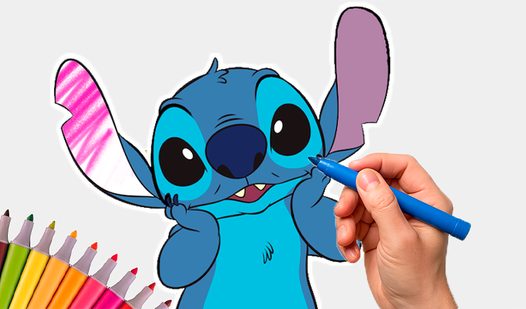
One popular style of creative game that fits perfectly alongside makeup games is digital coloring. The classic coloring book experience has gone online — and kids absolutely love it. Take Lilo & Stitch: Coloring Book for Kids as a great example. Children can color their favorite Lilo & Stitch characters using a bright, easy-to-use digital palette, experimenting with different color combinations and making each character uniquely their own. It's the same imaginative freedom as a makeup game, just applied to beloved characters.

Lilo & Stitch: Coloring Book for Kids
Unleash your inner artist with Lilo & Stitch: Coloring Book for Kids, a delightful browser game where you bring your favorite Disney characters to lif...
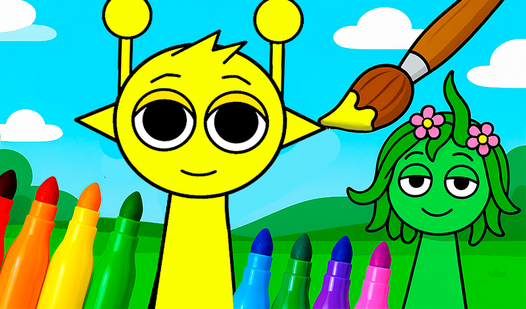
▶ Play FreeAnother fantastic option for younger players is Sprunki - Coloring Book for Kids. With big, clear shapes and a cheerful color palette, it's designed specifically so even the smallest hands can get creative without frustration. The controls are intentionally simple — easy enough for toddlers to pick up in about thirty seconds flat. Both of these games capture the same spirit as makeup games: the joy of choosing colors, making things beautiful, and seeing your creative choices come to life on screen.
Sprunki - Coloring Book for Kids
Artistic expression is a vital part of child development, and coloring remains one of the most effective ways to nurture early imagination. Sprunki - ...
▶ Play FreeHow to Play — Controls and Gameplay Basics
One of the best things about makeup games for kids is how approachable the controls are. Game designers know their audience is young, so these games are built to be as intuitive as possible. Here's a quick breakdown of what kids can typically expect when they sit down to play:
Mouse or touchscreen: Most makeup and beauty games are point-and-click. You hover over a color or tool, click it, then click on the area you want to change. On tablets and phones, you just tap instead — and that often feels even more natural for small children.
Tool bars: Look for a toolbar along the side or bottom of the screen. This is where makeup items, brushes, color swatches, and accessories live. Kids select a tool, then "apply" it to the character or canvas. In coloring games, the toolbar usually shows all available colors in one place.
Undo button: Almost every good kids' game has one, and it's worth pointing it out early. Mistakes are completely no big deal — just hit undo and try a different color or approach. This removes any anxiety about "ruining" something.
Color palettes: Displayed as a row or grid of colored circles or squares. Kids click or tap the color they want before painting, applying makeup, or filling in a section. The best games display this prominently so kids don't have to hunt for it.
Save or share: Many games let kids save their finished look as an image or take a screenshot. This is a wonderful feature — kids love showing off their creations to parents and siblings.
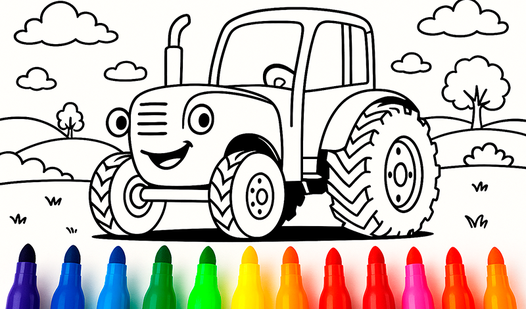
For games that involve coloring rather than makeup directly, the mechanics are nearly identical. Blue Tractor: Coloring Book for Kids is a perfect example — it uses the same tap-to-color mechanics that kids will recognize from any digital coloring or beauty game, with the addition of charming characters. Children color the Blue Tractor and his friends, picking shades and experimenting freely with different combinations.
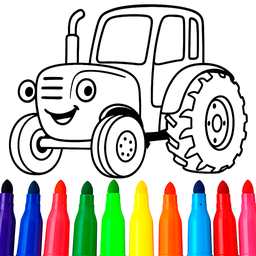
Blue Tractor: Coloring book for kids
Bring your favorite characters to life as you splash vibrant hues across every scene. Blue Tractor: Coloring book for kids offers a digital canvas whe...
▶ Play FreeIt's worth spending just a minute with your child the first time they try a new game — point out where the tools live and show them the undo button. After that brief introduction, most kids take off completely on their own.
Age-appropriate difficulty: Most kids' creative games scale nicely across age groups:
- Ages 2–4: Large tap targets, very simple controls, a small palette of bright primary colors
- Ages 5–7: More tool options, slightly more complex scenes, expanded color choices, basic accessory menus
- Ages 8–10: Full makeover suites, multi-step design processes, layered accessory and clothing options
No timers, no pressure: The best kids' creative games don't have fail states. There's nothing to lose and nothing to "win" — only things to create. This makes them genuinely relaxing for kids who might get frustrated or anxious with competitive games.
Best Makeup Games for Younger Kids
Younger children — especially those in the 2–6 age range — need games that are designed with tiny hands and short attention spans in mind. The best games for this crowd share a few key qualities: big buttons and large tap zones, bright and high-contrast colors, instant visual feedback, simple single-screen layouts, and no complex menus or long loading screens between steps.
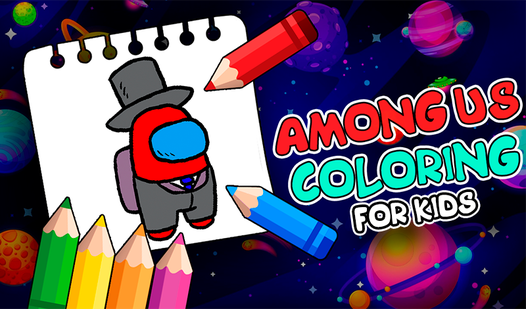
Among Us Coloring for Kids is a perfect example of a game that nails all of this. Based on the wildly popular Among Us characters, kids can color the little crewmates in whatever wild, creative combinations they dream up. The shapes are simple and deeply satisfying to fill in, and the Among Us brand gives older kids who already love the franchise extra motivation to sit down and play. It's a great bridge between gaming culture and creative play.
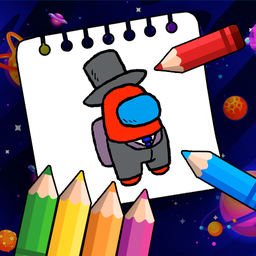
Among Us Coloring For Kids
Young fans of the impostor craze will adore spending time with Among Us Coloring For Kids. This creative digital art studio brings your favorite space...
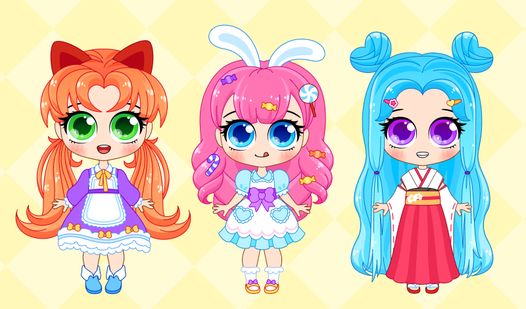
▶ Play FreeFor something with a bit more character customization — much closer to a true dress-up and makeup game experience — Chibi Maker: Anime Dolls for Little Kids 2-5 is a genuine standout. Children create their own chibi-style anime doll, choosing hair color and style, outfits, accessories, and of course facial features including eyes and expressions. The anime art style is soft and colorful, and kids can spend surprisingly long stretches of time tweaking their character's look, changing one thing, then another.
This kind of game — where you're building a character's appearance entirely from scratch — is essentially a digital makeover experience. Kids make all the same choices they'd make in a dedicated makeup game (colors, styles, combinations, what goes together) but with the added excitement of dressing up a character they've created and named themselves.

Chibi Maker - Anime Dolls for Little Kids 2-5
Designing adorable anime characters is a breeze with Chibi Maker - Anime Dolls for Little Kids 2-5, your go-to creative hub for endless fun. You act a...
▶ Play FreeTips for playing with younger kids:
- Sit alongside them for the first few minutes and casually point out where the tools and colors are
- Let them lead entirely — even if the look they create seems chaotic, the point is their creative freedom
- Talk about the colors they're picking: "Oh, you chose purple for the hair! That's so cool, why that one?"
- If they get frustrated, switch to a simpler game or take a short break — creative play should always feel fun, not forced
Coloring book for young kids rounds out the younger player toolkit beautifully — it's designed specifically for the youngest users, with oversized areas to color and a very forgiving tap detection.
Safety Tips for Kids Playing Online
Online safety is something every parent thinks about, and rightly so. Even games that seem completely harmless can have risks if kids accidentally wander beyond the game itself. Here are the key things to keep in mind when your child is playing makeup games or any creative browser games online:
Stick to trusted sites: Not all game sites are equal in quality or safety. Look for platforms with clear privacy policies and content clearly aimed at children. Sites that specialize in kids' games tend to be significantly safer than general gaming portals that host content for all ages mixed together.
Check for ads: Some game sites display advertising, and not all ads are child-appropriate. Preview a site yourself before handing it to your child, and consider using a browser with a built-in ad blocker or a kid-safe browser mode.
No chat features needed: Most browser-based kids' coloring and dress-up games don't include any chat or social features whatsoever — which makes them much safer than multiplayer or social games. If a game asks your child to create an account or chat with other players, that's worth investigating before allowing it for younger children.
Watch the URL bar occasionally: Kids sometimes click "play more games" links and end up on unfamiliar sites without realizing it. A quick glance at the address bar can tell you immediately if they've moved somewhere unexpected.
Set time limits before starting: Agree on a play time before handing over the device. Knowing there's a defined endpoint prevents the "just five more minutes" negotiation — and helps kids transition out of game mode more smoothly when it's time to stop.
Talk about what they made: Ask your child to show you their creation. What colors did they use? What's the character's name? This keeps you connected to their play experience and turns a solo activity into a shared one.

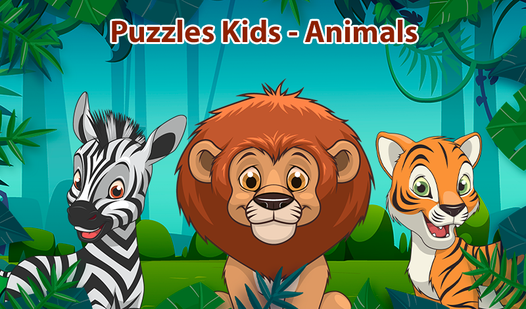
Puzzles Kids - Animals
Drag and drop colorful shapes to assemble adorable creatures in Puzzles Kids - Animals. This browser-based experience makes learning animal names a br...
▶ Play FreeGames like Puzzles Kids - Animals are great for supervised or independent play because they're purely educational and creative, with zero social or communication elements and no external links to worry about.
One more thing: if your child wants to save or share their finished makeup look or coloring page, help them with that step. Avoid any site that asks for a child's email address or personal information just to save a creative file.
Makeup Games That Work on Tablets and Phones
Many parents want to let their kids play makeup games for kids on tablets or smartphones — and the good news is that most modern browser games are fully touch-compatible. You don't need to find a special mobile app; the browser versions play beautifully on touchscreens.
Touch-optimized controls: The best kids' games were built with touchscreens in mind from the start. Buttons are large, color palettes are spread out with plenty of spacing, and tap zones are forgiving. Even if a game was originally designed for mouse use, most work excellently with touch as well.
Works in mobile browsers: No installation required at all. Open Chrome, Safari, or Firefox on your tablet or phone, go to the game site, and start playing immediately. This keeps your device clutter-free and means there's never anything to update or uninstall.
Performance on older devices: Simple coloring and dress-up games are not graphically demanding — they run smoothly on even older tablets and budget phones. You don't need a high-end device to enjoy them.
Landscape vs. portrait mode: Most creative games for kids work best in landscape orientation on a tablet, since the wider view gives more room for the character and the tool palette simultaneously. If a game looks stretched or buttons are cut off, rotating the device usually fixes it instantly.
Volume control: Most kids' beauty and coloring games have upbeat background music, which children love. Before you hand over the tablet, set the volume at a comfortable level — or find the in-game mute button if you need some quiet.
Coloring Pages for Kids 6-7 Years Old is a particularly strong pick for tablet play. The pages feature clear, bold outlines that are easy to tap accurately on a touchscreen, and the color palette has generous spacing designed specifically for young fingers rather than mouse cursors.
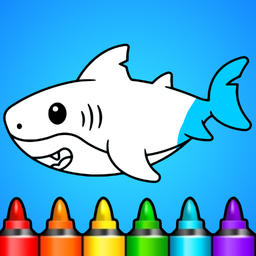
Coloring Pages for Kids 6-7 Years Old
Staring at a blank screen while waiting for the day to pick up speed is a total mood killer. Coloring Pages for Kids 6-7 Years Old turns those dull mo...
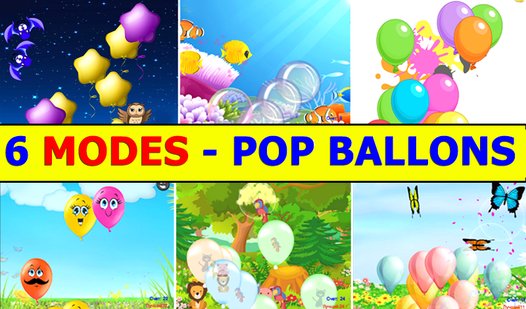
▶ Play FreeAnd for something a little different — a game that gives small fingers a satisfying workout between creative sessions — Pop Balloon Kids is an absolute hit on touchscreens. Tapping to pop balloons feels incredibly natural on a touchscreen, and kids can play it in tiny, joyful bursts between rounds of coloring or dress-up games.

Pop ballon kids
Staring at the screen while the minutes crawl by is never fun, especially when you need a quick mood booster to brighten your afternoon. Pop ballon ki...
▶ Play FreeA few final tablet tips:
- Battery: Creative games aren't big battery drains, but any screen time will deplete a tablet over time. Start with a full charge or keep the charger handy for longer sessions.
- Screen brightness: Kids often play with screens turned up too bright, which isn't comfortable for extended use. Around 50–60% brightness is generally good for creative play.
- Screen protectors: If your child plays energetically or uses a stylus, a screen protector is a smart addition. It prevents scratches and can actually improve touch sensitivity for smaller hands.
Most kids figure out touch controls almost immediately. In many ways, dragging a finger to apply virtual eyeshadow or fill in a coloring page with a tap is more intuitive than using a mouse — especially for very young players who haven't yet developed the fine motor control for precise mouse movement.