How to Play Unblocked Games at School
If you've ever searched how to play unblocked games at school, you already know the frustration — you find a game, click play, and get slapped with a "this site is blocked" message. It's practically a universal school experience at this point. The good news is there are browser games that work perfectly fine on school networks and Chromebooks without any sketchy workarounds. They're hosted on platforms that haven't been flagged by content filters, they run directly in your browser tab, and they require zero installation.
This guide covers why games get blocked in the first place, how to find ones that actually work, and a curated list of genuinely fun school-themed games you can start playing right now — from point-and-click adventures to rhythm games and visual novels.
Why Are Games Blocked at School?
Schools filter internet content for a handful of practical reasons, and understanding the system makes it easier to find what actually slips through.
Most school districts use web filtering software — tools like GoGuardian, Securly, or Lightspeed — that categorizes websites and blocks whole categories automatically. "Gaming" is one of the most commonly blocked categories, and the categorization happens at scale. That means entire domains get flagged, not individual pages. A gaming platform can land on a blocklist and suddenly every game on it becomes inaccessible, even ones that are completely harmless or even educational.
There's also a bandwidth argument. Large game assets, constant refreshing, video streaming, and multiplayer connections can strain school networks that were sized for documents and video calls, not heavy media traffic. IT departments prioritize stability for actual classwork, so gaming traffic is an easy thing to deprioritize.
Content concerns play a role too. Schools are legally responsible for keeping minors away from certain types of content, and a broad blocklist is the lowest-effort way to do that. A game with any kind of violence rating — even cartoon-style — can get flagged by the same algorithm that catches genuinely inappropriate content.
The result: you get blocked from things you weren't planning to abuse. That's frustrating but understandable.
The workaround isn't a technical trick. It's finding games that were never on the blocklist to begin with — browser-based HTML5 games hosted on smaller platforms that the filtering software either hasn't categorized yet or has categorized differently (as "creative" or "educational" tools).
How to Play Unblocked Games at School
The simplest answer to how to play unblocked games at school is: find games that are already accessible, not blocked ones you're trying to unlock. Sites like FreeJoy.games host HTML5 browser games that don't rely on Flash (schools blocked that years ago), don't require plugins, and don't appear on major gaming blocklists.
Here's what makes a game reliably accessible on a school network:
- Pure HTML5, no plugins — runs in any modern browser without downloads or extensions
- Low bandwidth usage — doesn't hammer the school's Wi-Fi
- Hosted on a smaller domain — hasn't been mass-flagged by content filters yet
- No account required — no login walls that trigger additional security layers
- School-appropriate content — not categorized under violence, gambling, or adult content
School-themed games are particularly well-suited for break time. They're short-session by design, easy to tab away from, and usually don't require audio — great for playing without headphones in a library or common area.
Brainrot School Quest is a great starting point. It's a point-and-click adventure set entirely inside a school environment — you explore classrooms, interact with chaotic characters, and work through puzzles in a meme-fueled universe that keeps the energy high even in short sessions. The gameplay loop is designed for exactly the kind of 10–15 minute break between classes where you want to be entertained without committing to anything long.
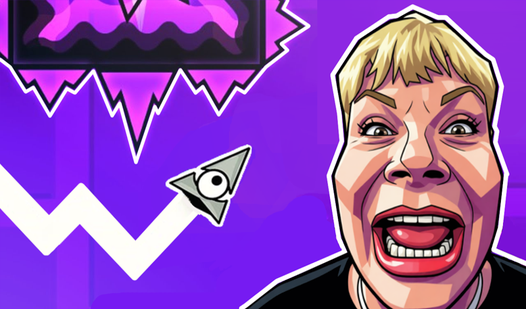
For something with more slapstick energy, Geometry School: Fight With Russian Teachers turns the universal fantasy of having your teachers as cartoonish antagonists into an actual game mechanic. It's fast-paced, clearly absurdist, and genuinely funny in the way that only school-context humor can land. The art keeps everything safely cartoonish throughout.

Geometry School: Fight With Russian Teachers
Navigate through a notebook universe where dodging projectiles from stern educators is the only way to earn top marks. Geometry School: Fight With Rus...
▶ Play FreeBest Unblocked Games for School Chromebooks
Chromebooks dominate classrooms across the US, and they come with specific constraints: no executable downloads, Chrome as the only browser, and locked-down settings that prevent most system-level changes. Figuring out how to play unblocked games on school Chromebook means finding games built specifically for this environment — and HTML5 games are basically tailor-made for it.
The key test: if you open a game page and can click "Play" without any pop-up asking to install something or enable an extension, it'll work on a Chromebook. Everything listed in this guide passes that test.
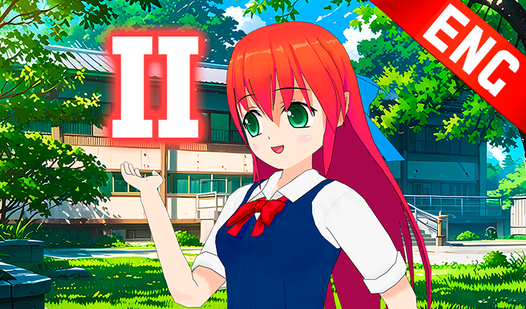
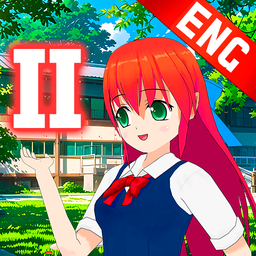
School Love Story # 2 is one of the smoothest Chromebook experiences in the catalog. It's a visual novel structured around school life drama — you make choices that branch the story in different directions, interact with characters, and follow an engaging narrative arc. The format is text and image-based, which means it uses almost no resources and works perfectly with a trackpad. Easy to pick up at the start of a free period and put down the moment class starts.
School Love Story # 2
Fans of interactive narratives and romantic drama will find themselves completely swept away by the sun-drenched atmosphere of School Love Story # 2. ...
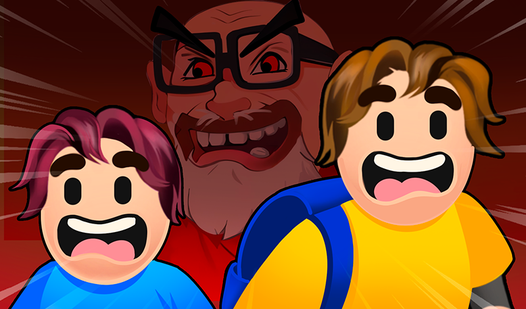
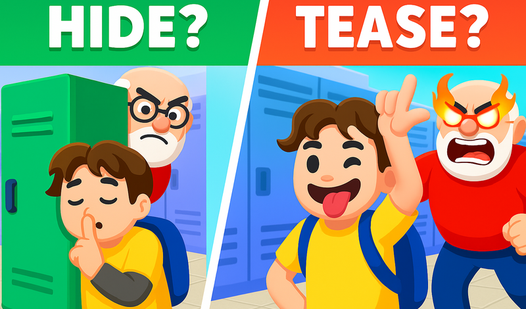
▶ Play FreeHide from School takes a stealth hide-and-seek concept and turns it into something genuinely tense. You're navigating a school building trying to avoid teachers and staff — think of it as a low-stakes stealth game where the consequences are detention rather than anything dramatic. The tension-to-resource ratio is excellent for a browser game, and Chromebook users will have zero performance issues.
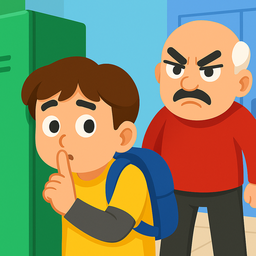
Hide from School
Staring at the clock during a long afternoon and wishing you were anywhere else is a feeling every student knows all too well. Hide from School turns ...
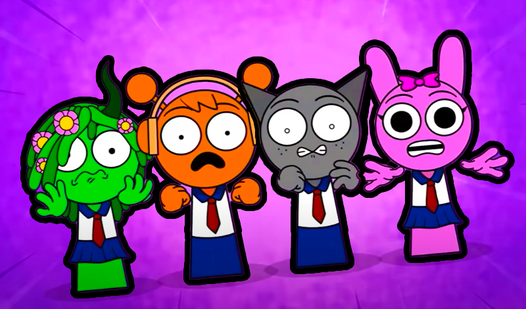
▶ Play FreeMeme Music! Chill Guy, Boo Scared, Schoolboy is a rhythm and music experience built around recognizable internet meme characters. The game is satisfying to tap through, the visual feedback is strong enough that you don't strictly need audio to follow the beat, and the reference humor lands well if you've spent any time online recently. Low resource usage makes it ideal for older Chromebook hardware.

Meme Music! Chill Guy, Boo Scared, Schoolboy
Staring at a blank screen during a midday slump is the worst, but finding the perfect rhythm to break the monotony has never been easier. Meme Music! ...
▶ Play FreeHere are more school-themed games worth having in your rotation:
Paper School FPE wraps action platformer mechanics in a hand-drawn paper-and-pencil aesthetic. The lo-fi visual style is charming, the gameplay is snappy, and it runs smoothly on any device without needing a beefy GPU.

Paper school FPE
Staring at a blank screen during your lunch break is a recipe for boredom when you just need a quick mental reset. Paper school FPE is the perfect dig...
▶ Play FreeSprunki: School Merge Evolution combines merge-puzzle mechanics with a school theme — drag and combine items to unlock new ones and progress through the game. It's the kind of idle-lite format that's satisfying in short bursts without needing to track a complex story or series of quests.
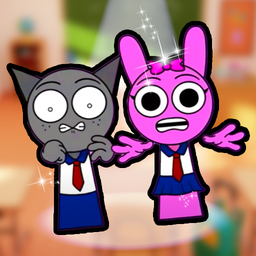
Sprunki: School Merge Evolution
Casual gamers who enjoy satisfying progression loops will find their new obsession in Sprunki: School Merge Evolution. This quirky simulation challeng...
▶ Play FreeSchoolboy Escape! Hide & Seek in School takes the hide-and-seek formula and expands it with more levels and tighter mechanics. The cat-and-mouse dynamic keeps you engaged, and the school setting gives the whole thing a relatable frame.
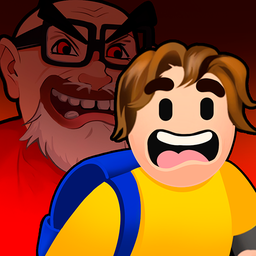
Schoolboy Escape! Hide & Seek in School
Fans of adrenaline-pumping stealth challenges will find themselves addicted to the tense corridors of Schoolboy Escape! Hide & Seek in School immediat...
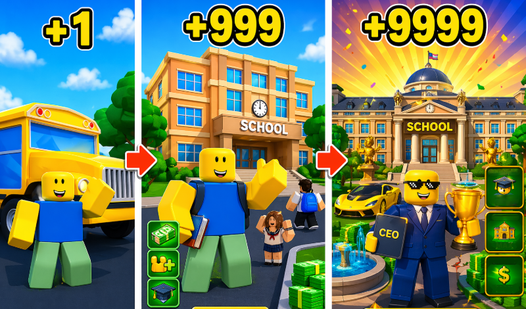
▶ Play FreeNubik Obbik: School Tycoon flips the script — instead of being a student, you're running the school. Build classrooms, hire staff, and manage the chaos of an entire student body. Management sims are great for break time because you can make meaningful decisions in 5 minutes and leave the rest for later.
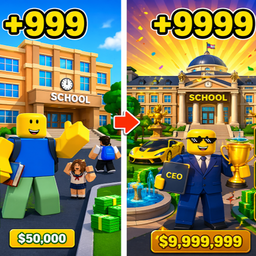
Nubik Obbik: School Tycoon.
Fans of creative management simulators and roblox style adventures will find their new obsession here. Nubik Obbik: School Tycoon challenges you to tr...
▶ Play FreeClicker Schoolboy Runaway is a pure clicker game built around a schoolboy trying to escape class. Tap-based mechanics make it equally good with a mouse or touchscreen, and the escalating upgrade loop gives you something to aim toward even in short sessions.
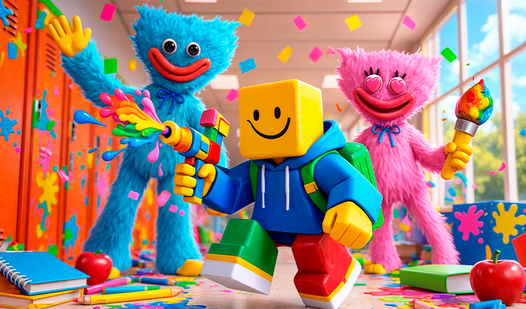
Poppy Playtime at School moves the horror-adjacent Poppy Playtime characters into a school setting. It leans more into spooky atmosphere than genuine fright — the tone is more fun-scary than disturbing, and the production quality is solid for a browser game.
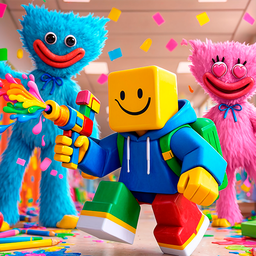
Poppy Playtime at School
Surviving a school day has never felt this intense, especially when your teachers are monsters and the hallways are filled with traps. Poppy Playtime ...
▶ Play FreeYour Messenger: Chats at the Moon School is structured like a messaging app — you're reading and responding to texts from characters at a space-themed school. It's a story-first format that plays completely silently, making it one of the most discreet options in the catalog. Nobody looking over your shoulder will see anything other than a chat window.
Fun Art and Puzzle Games for School Breaks
One angle that often gets overlooked: art games unblocked for school tend to slip through content filters more reliably than action games. Games built around drawing, creating, building, or music get categorized differently by filtering software — "creative tool" or "educational" rather than "gaming" — which means they're less likely to be on a blocklist in the first place.
They also tend to be lower-profile on the network. No physics engines, no heavy animation loops, no multiplayer traffic — just a lightweight UI running in your browser tab. That's ideal for school hardware, which is often older and shared among multiple users.
Visual novels and story games are probably the safest category. They're essentially interactive fiction — text, still images, and simple choice mechanics. File sizes are tiny, GPU usage is negligible, and the interface is a simple click-through. School Love Story # 2 fits this perfectly. From across a classroom, it looks like someone reading a document.
Merge and idle games are excellent for multitasking. You can have them open in a tab, check in every few minutes to make a decision or collect a reward, and still feel like you're making progress. Sprunki: School Merge Evolution and Nubik Obbik: School Tycoon both follow this pattern — they reward short check-ins without demanding sustained attention.
Music and rhythm games work surprisingly well even without headphones in a noisy environment. The visual feedback in games like Meme Music! Chill Guy, Boo Scared, Schoolboy is strong enough that you can follow the rhythm from the animations alone. Tap when things flash, watch the screen respond — sound is a bonus, not a requirement.
Point-and-click adventures like Brainrot School Quest are also solid picks. They're slow enough that you won't accidentally slam a key and make noise, engaging enough to hold your attention during a longer break, and usually completely self-contained — no leaderboards, no notifications, no external connections that might trigger a filter alert.
If your school uses a whitelist instead of a blocklist — meaning only pre-approved sites are accessible — your options narrow significantly. In that case, look for games embedded directly in platforms your school already approves, or check whether your school has any sanctioned free-time resources. Some learning platforms include game-like elements in their approved content library.
For everyone else on a standard blocklist setup: the games in this guide are your starting point. They're all hosted on FreeJoy.games, they're all HTML5, and they're all designed for exactly the kind of quick-session play that fits into a school schedule.
Tips for Responsible Gaming During Breaks
Most people reading about how to play unblocked games at school just want a bit of fun during lunch or a free period. That's completely reasonable. Here's how to keep it from becoming a problem.
Play during actual breaks, not class time. This is obvious, but it's easy to let a game run a few minutes longer than intended. The best strategy is to decide upfront — "I'm playing during lunch, not during class" — and stick to it. Games with natural stopping points (like visual novels or turn-based puzzles) are easier to close on time than ones with continuous momentum.
Keep the volume off. Most school-themed browser games are designed to be playable without sound, and playing audio in a shared space draws attention fast. Headphones are ideal if you have them; otherwise, mute the tab.
Use a regular browser tab, not your school platform. Don't load games through your school's learning management system or any platform where a teacher has visibility into your activity. A new browser tab is the right approach, and it's also the easiest to close quickly if needed.
Pay attention to what's on screen. A game with intense visuals or controversial themes can create a problem even if it's technically accessible. School-themed games are the safer default — they're specifically designed around environments and scenarios that aren't going to raise flags on a quick glance.
Know your school's actual policy. Some schools explicitly allow recreational browsing during lunch. Others have a strict no-games rule regardless of timing. Knowing the real rule lets you make an informed call rather than getting surprised. If it's genuinely a grey area, keep games low-key and easy to close.
Don't share workarounds with everyone. If you find a game that works on your network, that's great. Actively promoting methods to access blocked content is a different thing — it tends to get entire domains flagged for everyone, and it turns a personal choice into a network-wide issue.
The goal is an enjoyable break, not a situation that requires explaining yourself to an administrator. The school-themed games on FreeJoy.games are designed exactly for this context — short sessions, appropriate content, and nothing that'll look alarming from across a room.