Card Games Unblocked at School
So you're sitting in the computer lab, study hall is dragging on forever, and all you want is a quick game of solitaire — but the school filter has other ideas. If you've been hunting for card games unblocked at school, you're in the right place. This guide covers the best free card games you can actually play from a school network, no downloads, no installs, no drama.
Whether you have five minutes between classes or a full free period, card games are the perfect low-key entertainment. They're quiet, they look pretty innocent on screen, and they genuinely sharpen your mind. Schools that block gaming sites often miss browser-based card games entirely — especially on platforms like FreeJoy that don't trigger the usual keyword filters.
Let's get into it.
Why Card Games Get Blocked at School
Before we talk about what you can play, it's worth understanding why so many games get blocked in the first place. School IT departments use content filtering software — tools like Securly, GoGuardian, or Lightspeed — that scan website categories and block anything tagged as "games," "entertainment," or "social media."
The filtering is blunt by design. A site that hosts thousands of games gets the whole domain blocked, even if half of those games are genuinely educational. Card games, puzzle games, and strategy games often teach real skills — pattern recognition, probability thinking, memory, and planning — but the filters don't care about nuance.
Here's the thing: not all game sites get caught in the same net. Platforms that use clean URLs, minimal ad tracking, and don't rely on Flash (which most schools have disabled anyway) tend to slip through more often. Sites that load fast over HTTPS and don't have "game" plastered all over the domain name do better too.
That's why FreeJoy.games works at many schools where other gaming sites don't. The games are browser-based HTML5, they load instantly, and most of the card games look, at first glance, more like productivity tools than gaming. Solitaire on a school computer? Teachers have been ignoring that since Windows 95.
Card games also score well because they're single-tab, no-sound-by-default experiences. You won't accidentally blast audio across the library. You won't need to plug in a controller. Just click, think, and play.
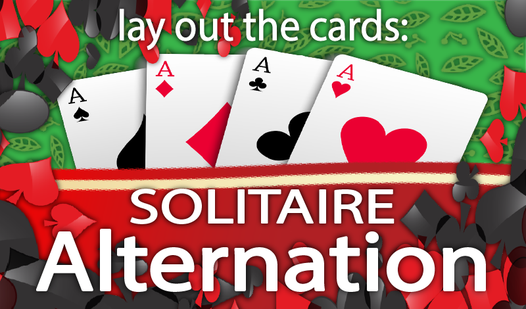
Speaking of which — one great warm-up game that tends to fly under the radar is Lay out the cards: Solitaire Alternation. It's a twist on classic solitaire where you alternate card colors to build sequences. Looks totally harmless, plays really smoothly in a browser window.
Lay out the cards: Solitaire Alternation
Fans of classic card puzzles will find their new obsession with Lay out the cards: Solitaire Alternation. This brain-teasing experience offers a refre...
▶ Play FreeBest Card Games Unblocked at School: Solitaire Edition
Solitaire is basically the original unblocked game. It shipped with every version of Windows for decades, and schools have largely given up trying to fight it. Browser versions of solitaire are usually invisible to content filters because they don't look like "gaming" — they look like someone organized some cards on screen.
Here are the best ones available right now:
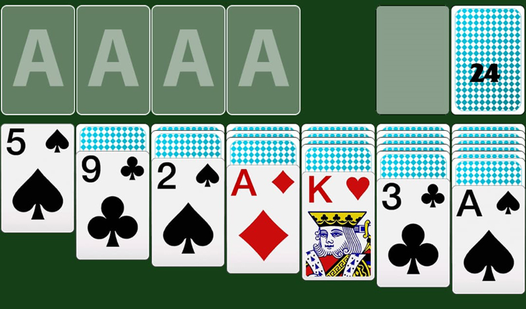
Solitaire for 1 and 3 Cards
This is the classic Klondike solitaire experience, and it gives you two modes right out of the gate: flip one card at a time for a more relaxed game, or flip three cards at once when you want a proper challenge. The three-card mode is genuinely hard — you have to plan several moves ahead and think carefully about what you're burying in the deck.
The interface is clean, the cards are crisp, and there's no loading screen to sit through. Perfect for a quick session when you have 10-15 minutes. The game tracks your time and moves if you're competitive, but there's no pressure if you just want to zone out and click cards.
Solitaire for 1 and 3 cards
Staring at a blank screen during a midday slump is the worst, but a quick round of Solitaire for 1 and 3 cards is the perfect mental reset. This class...
▶ Play FreeKlondike Classic (1 or 3 Cards)
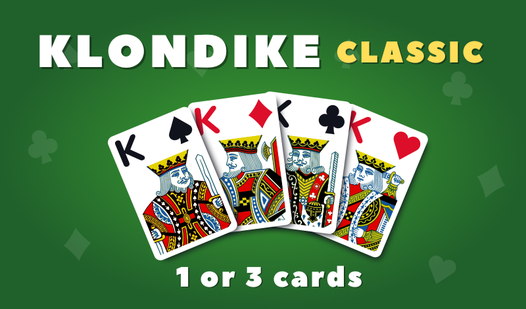
Another excellent Klondike build, this one has a slightly different visual style and card physics that some players prefer. Same core rules — sort cards into four foundation piles by suit, from Ace to King — but the pacing feels a little smoother. If the first solitaire game doesn't quite click for you, try this one. Some people have a strong preference for one card style over another, and it really does matter when you're staring at the screen for 20 minutes.
The three-card draw mode here is particularly satisfying when you pull off a long chain of moves. There's a distinct rhythm to it once you get going.
Klondike Classic (1 or 3 cards)
Stack cards in descending order by alternating colors to clear the board and master the art of Klondike Classic strategy. You organize the deck into f...
▶ Play FreeSpider Solitaire Cards
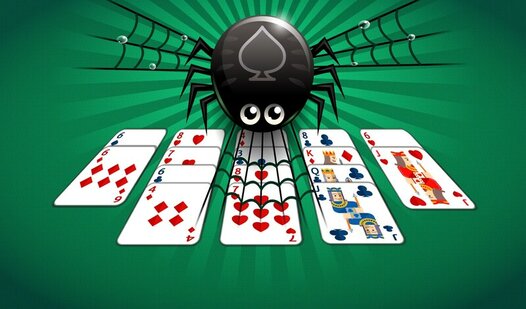
Spider Solitaire is where things get seriously strategic. Instead of one suit, you're working with two suits (or four in the harder modes), and the goal is to build complete sequences from King down to Ace within the same suit before removing them from the tableau. It's significantly harder than Klondike and will absolutely keep your brain occupied.
The browser version here handles the card dealing and animations well — no jank, no lag. You can undo moves, which is essential in Spider since one bad decision can cascade into an unwinnable position. This game is genuinely great for building logical thinking skills, which is an argument you can make to any teacher who catches you playing it.
Spider Solitaire Cards
Staring at a blank screen during a midday slump is the worst, but a quick mental reset can change your entire outlook. Spider Solitaire Cards serves a...
▶ Play FreeMultiplayer Card Games for School Breaks
Not everything has to be solo. Some of the best card game experiences at school happen when you and a friend are on adjacent computers. Even single-player card games can become competitive — who finishes faster, who gets a higher score, who can beat Spider Solitaire on four-suit mode first.
But there are also games built around the card format that work beautifully for quick competitive sessions.
Remember the Cards
This one is deceptively simple and absolutely brutal once you get a few rounds in. Remember the Cards is a memory game where cards are laid face-down and you flip them to find matching pairs. The challenge ramps up quickly — more cards, shorter viewing windows, trickier patterns.
Memory games like this one are legitimately good for you. Studies on working memory training show that even short sessions of concentration-style games can improve recall and attention span. So if anyone asks, you're studying.

Remember the cards
Brain training enthusiasts who want to sharpen their focus will find Remember the cards the perfect challenge for their daily routine. Players begin e...
▶ Play FreeScorpion Solitaire — Big Cards
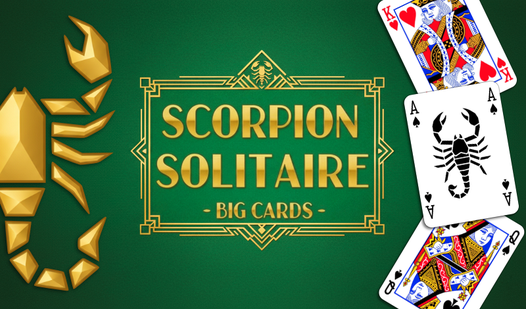
Scorpion Solitaire is one of those games that seems impossible the first time you play it, then suddenly clicks and becomes deeply addictive. The rules are similar to Spider but with a different layout and a unique draw mechanic that can either rescue you or completely ruin your game.
The "Big Cards" version is particularly good for school — larger card faces mean less eye strain, easier to read at a distance, and less squinting at tiny symbols. If you're sharing a screen or playing on a monitor that's not the closest thing to you, the big card format makes a real difference.
This is also a great spectator game. When you're deep in a Scorpion session and making a series of smooth moves, it actually looks impressive from across the room.
Scorpion Solitaire - Big Cards
Solitaire fans who crave a brain-teasing challenge will find Scorpion Solitaire - Big Cards the ultimate test of their tactical patience. This version...
▶ Play FreeCard Monsters: The War of Evolutions
This one steps away from solitaire into something more like a card battle game. Card Monsters: The War of Evolutions has you building a deck and using it to fight opponents. It's got RPG elements — cards level up, evolve, and gain new abilities. If you're into games like Hearthstone or Pokémon TCG and want something that scratches that same itch in a browser window, this is it.
The game is complex enough to keep you engaged for a longer session, but the match structure means you can pause between rounds without losing progress. Good for a study hall where you might get interrupted.
How to Access Card Games Unblocked at School
Here's the practical side of things. Even if you find the right platform, there are still a few things worth knowing to make sure your sessions go smoothly.
Use HTTPS. Most school filters are stricter about HTTP sites or sites with mixed content. A platform that runs entirely over HTTPS is less likely to trigger warnings or blocks. FreeJoy uses HTTPS by default, so that's covered.
Try during free periods or lunch. Some schools apply stricter filtering during class hours through scheduled policies and loosen them during designated free time. It's worth noticing whether access changes throughout the day.
Browser matters. Chrome and Firefox have different behavior with certain extension-based filters. If one browser is giving you trouble, try the other. School-managed Chromebooks often have filters baked in at the OS level, which is harder to work around — but regular PCs and Firefox tend to have fewer restrictions.
Keep it quiet. Card games don't make noise by default, but double-check that the sound is off before you open a game. A sudden card-flipping sound effect in a silent library will get you noticed immediately.
Don't draw attention. This sounds obvious, but the bigger risk to your gaming session isn't the content filter — it's someone looking over your shoulder. Card games help here because they genuinely look like work at a glance. A solitaire board could be a spreadsheet from across the room.
One game that occupies that sweet spot between "looks like a puzzle" and "is actually fun" is Jigsaw — Card Puzzle. It combines the jigsaw puzzle format with card game elements, so it looks studious even when you're fully invested in it.

Jigsaw - Card Puzzle
Fans of relaxing brain training games will find their new favorite obsession with Jigsaw - Card Puzzle. This clever twist on the classic logic puzzle ...
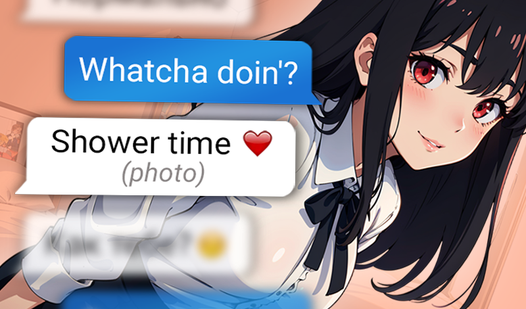
▶ Play FreeSome students also enjoy narrative card games during breaks — games that feel more like interactive stories. Texts with Your Crushes is a light card-based game built around messaging and choices. It's relaxed, story-driven, and looks completely harmless on screen.

Texts with Your Crushes
Craft the perfect response to charm your way into the hearts of three unique characters in this immersive texting simulator. You will navigate complex...
▶ Play FreeAnd if you want something that genuinely blurs the line between game and puzzle, Magic School Merge is a merge-style game with a school theme — which is the most on-the-nose unblocked game choice possible. Cards, merging, school setting. Teachers will practically give you extra credit.
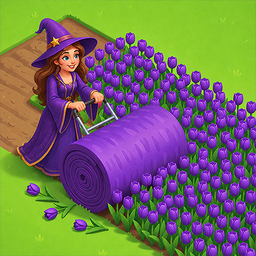
Magic School Merge
Staring at the clock waiting for your shift to end or just need a mental escape from a long day? Magic School Merge is the perfect cozy distraction th...
▶ Play FreeWhat to Do If a Site Gets Blocked
If FreeJoy or any card game site gets blocked at your school, the first step is to check whether it's a category block or a specific URL block. Category blocks hit whole domains; URL blocks are more targeted.
If it's a category block, there's not much to do without VPN access — which most schools also block and which you should only use if it's allowed by your school's acceptable use policy. Trying to actively circumvent school security systems is a different situation from just finding a site the filter missed.
The honest answer is that FreeJoy is accessible at most schools precisely because it doesn't look like a traditional gaming site. If it does happen to be blocked at yours, you can try:
- Accessing via mobile data on your phone instead of school Wi-Fi
- Asking your IT department to whitelist specific educational games (this works more often than you'd think, especially if you frame it as brain training)
- Using it at home and saving your progress for when you're off the school network
The best unblocked card games are the ones you find naturally, not the ones you have to fight the system to reach.
Tips for Making the Most of Card Game Sessions
Card games at school aren't just time-killers — they're actually pretty good brain workouts if you play them intentionally.
Set a goal for each session. Instead of just clicking through solitaire mindlessly, try to beat your previous time, or attempt a harder mode, or see if you can win three games in a row. Having a micro-goal makes the session more satisfying and keeps your brain more engaged.
Try something new each session. The games on FreeJoy cover a wide range of card game styles — classic solitaire, spider variants, memory games, card battles. Rotating through different types of card games works different cognitive skills. Solitaire builds planning and sequence recognition. Memory games work short-term recall. Card battle games involve probability and resource management.
Play with a friend. Even single-player games become social when you compare scores, swap strategies, or race each other. "I cleared Spider Solitaire in 18 minutes — beat that" is a perfectly good way to make a 20-minute break more interesting.
Use it as a reset. If you've been deep in a tough assignment and your brain is fried, 10 minutes of solitaire can actually help. It keeps your hands and eyes busy while letting the thinking part of your brain rest. It's a form of productive daydreaming — and there's real cognitive science behind taking short breaks to improve focus afterward.