How to Play Soccer for Kids — Free Online Games Guide
Learning how to play soccer for kids has never been more fun. You no longer need a big field, cleats, or even a sunny day to enjoy the beautiful game. Free browser-based soccer games let kids kick off anytime, right from a phone, tablet, or computer. No downloads, no sign-ups — just pick a game and start playing.
This guide walks through everything a young soccer fan needs to know: how browser soccer games work, the best free titles to try right now, how controls work across different games, and tips to actually win. Whether your kid is five or twelve, there's a soccer game here that fits perfectly.
How Soccer Games Work in Your Browser
Browser games run entirely inside a web browser like Chrome, Firefox, or Safari. You visit the page, the game loads in a few seconds, and you're ready to play. No app stores, no installations, no waiting for updates. Most free soccer games for kids are built with HTML5, which means they run smoothly on almost any device — desktop, laptop, or mobile.
What makes browser soccer games great for kids?
- They're free. No purchases required, no hidden paywalls for the basic game.
- They start instantly. Attention spans are short — browser games respect that.
- They're safe. Reputable platforms like FreeJoy keep game content appropriate for children.
- They work on any screen. Got a tablet? A school laptop? An old phone? It all works.
The gameplay in browser soccer games varies a lot. Some games simulate real matches with passing, defending, and goalkeeping. Others zoom in on a single skill — penalty kicks, long-range shots, or ball juggling. For younger kids, the focused skill games are often better starting points because the rules are simpler and the feedback is immediate: you scored or you missed.
Most games use either the keyboard (arrow keys + spacebar) or mouse clicks for controls. Touch screens work too — on mobile, you tap and swipe instead. The control scheme is usually shown right on the game screen, so kids don't need to memorize anything before jumping in.
One common question parents ask: are these games appropriate for young children? The answer is yes — soccer games are sports games, so content is generally mild and positive. The focus is competition and fun, not violence. Always worth a quick look before handing the device over, but soccer games are among the safest game categories for kids.
Best Free Soccer Games for Kids Online
Here are the top picks for young players — each one teaches something different and works great in a browser with no downloads.
Soccer Sniper
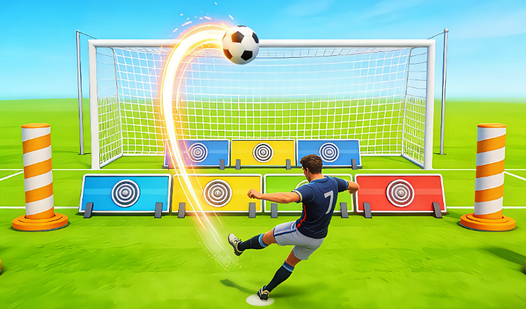
Soccer Sniper is all about accuracy. The goal is literally to snipe the ball into the net — players aim at specific targets inside the goal and try to hit them with precise shots. This game is fantastic for developing the kind of focused aiming skills that real goalkeepers and strikers need. Kids learn quickly that power alone doesn't score goals; placement does. The game ramps up in difficulty as you progress, so it stays challenging without becoming frustrating.
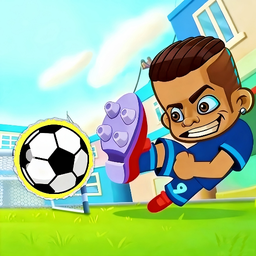
Soccer Sniper
Mastering the perfect arc is the difference between a legendary goal and missing the net entirely in the world of sports gaming. Soccer Sniper turns e...
▶ Play FreeKick Ups PRO
If there's one skill every soccer player should practice, it's ball control. Kick Ups PRO is the browser version of keepy-uppies — the classic challenge of keeping the ball in the air using only your feet (or head, or knees). In the game, you click or tap to keep the ball bouncing and try to rack up the highest combo you can without letting it hit the ground.
It sounds simple, but the timing gets tricky fast. Kids naturally want to beat their own high score, which means they'll play again and again — each round building a better sense of rhythm and timing. It's also one of the most relaxing soccer games in the lineup, which makes it a good wind-down option.
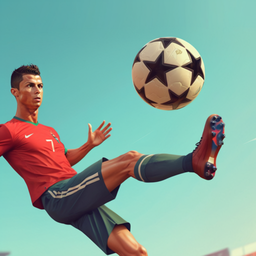
Kick Ups PRO
Master the art of ball control by landing perfect strikes in Kick Ups PRO, the ultimate test of coordination and rhythm. Every touch requires precisio...
▶ Play FreeSoccer League
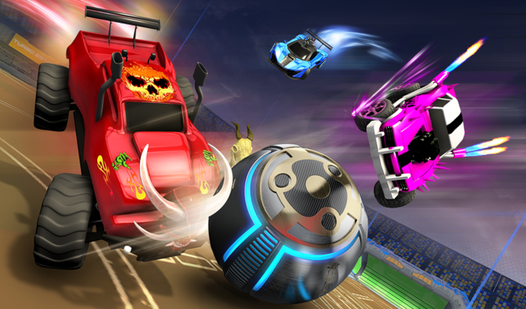
Soccer League takes a different approach — think soccer meets rocket-powered cars. Players control a vehicle instead of a human player, and the goal is still to get the ball into the opposing net. The car-based physics make the game feel wild and unpredictable, which kids absolutely love. Goals feel like massive accidents in the best possible way.
The game offers different match modes, and the AI opponents scale in difficulty so beginners aren't immediately outmatched. It's a great choice for kids who want more chaos and less simulation.
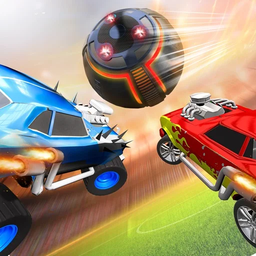
Soccer League
Combining high-speed motorized vehicles with the intensity of professional football creates an adrenaline rush that few sports games can match. Soccer...
▶ Play FreePROCareer: Football Career Simulator
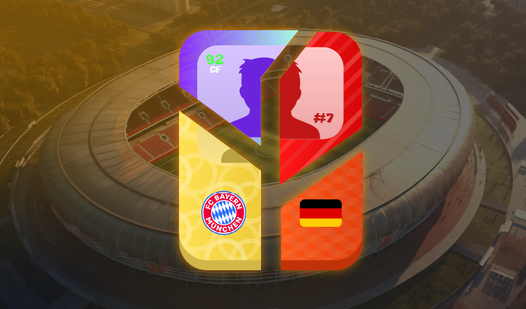
For older kids (around 9 and up) who are interested in more than just kicking the ball, PROCareer: Football Career Simulator is something special. Instead of playing individual matches, kids manage and develop a football career — making choices about training, competitions, and progression. It teaches long-term thinking, decision-making, and the idea that becoming good at something takes consistent effort.
This one has more text and menus than the action games above, so it works best for kids who enjoy reading and making choices. It's closer to a lite RPG than an arcade game, but the soccer theme keeps it relevant for football fans.
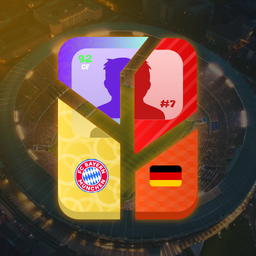
PROCareer: Football Career Simulator
Staring at the screen during a dull afternoon, you crave a challenge that puts you in the driver seat of a massive sports journey. PROCareer: Football...
▶ Play FreeColoring Pages for Kids (Ages 6–7)
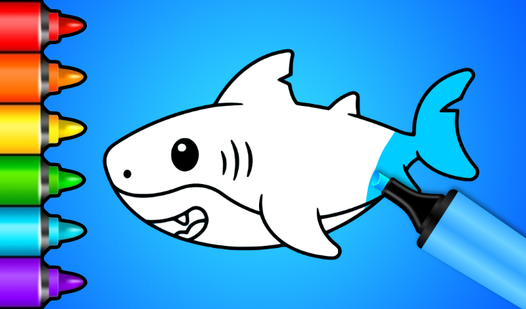
Every kid needs a break from the action sometimes. This coloring game gives younger players (especially ages 6 and 7) a calm, creative activity to balance out the excitement of soccer games. Kids can color pre-made illustrations using digital brushes and a full color palette. It's great for hand-eye coordination with a mouse or stylus, and gives parents a moment to breathe too.
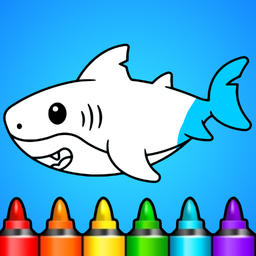
Coloring Pages for Kids 6-7 Years Old
Staring at a blank screen while waiting for the day to pick up speed is a total mood killer. Coloring Pages for Kids 6-7 Years Old turns those dull mo...
▶ Play FreeGame Controls — How to Score Goals
One of the biggest things kids struggle with when they first start playing browser soccer games is figuring out the controls. Every game is a little different, but here's a general breakdown of what you'll usually find.
Keyboard Controls (most common on desktop)
| Action | Common Key |
|---|---|
| Move player | Arrow keys or WASD |
| Shoot / kick | Spacebar or Z |
| Pass | X or Enter |
| Sprint | Shift |
| Header | Up arrow (when near ball) |
Mouse Controls
In aiming-based games like Soccer Sniper, the mouse controls the direction of your shot. You click to kick, and how long you hold the click sometimes determines power. Some games show a power meter — fill it to the right level, then release.
Touch Controls (mobile/tablet)
On touchscreens, the game usually displays virtual buttons on screen — a direction pad on the left, action buttons on the right. Swiping can also work in some games to aim shots.
How to learn controls fast
The best trick is to just start playing and make mistakes. Most browser games let you retry instantly, so there's no penalty for messing up early. Most games also show a tutorial the first time you play — if one appears, take 60 seconds to read it. That alone cuts the learning curve in half.
For kids learning the controls, encourage them to:
- Start slow, don't rush into matches against hard AI opponents.
- Play through the tutorial or practice mode if available.
- Watch what happens when they press different keys — experimentation teaches faster than memorization.
Timing is usually the hardest skill. In penalty shootout games, there's often a moving power bar and kids want to click too early. Teach them to wait, watch the bar, and release at the right moment. It feels terrible to miss a penalty because of bad timing — but it's a fantastic lesson in patience.
Tips and Tricks for Winning Soccer Games
Every game has tricks that separate beginners from players who consistently score. Here are the most useful ones for kids.
1. Aim for the corners
In any penalty or shooting game, the corners of the goal are hardest for the goalkeeper to reach. High left, high right, low left, low right — pick one corner and commit to it. Don't just blast the ball down the middle; that's the first place the goalkeeper covers.
2. Vary your shots
If you keep shooting the same way, the game's AI will start to predict you. Mix up the power levels and angles. Sometimes a slow, placed shot sneaks in when the keeper expects power.
3. In Kick Ups PRO, find your rhythm
Don't mash the click button randomly. There's a natural rhythm to juggling — click a beat before the ball drops too low. Players who keep the ball high in the air actually have more control than players who let it bounce near the ground.
4. In Soccer League, use the walls
Because Soccer League uses car physics, the sides of the arena act like walls you can bounce the ball off. Advanced players use bank shots — hitting the ball off the side wall to angle it into the goal from a direction the opponent doesn't expect.
5. Patience beats aggression
In simulation-style soccer games, rushing forward every time you get the ball leads to turnovers. Passing to a teammate, waiting for a gap to open, and then driving forward works much better. This mirrors real soccer strategy and is a great lesson for kids who play the actual sport.
6. Read the goalkeeper's movement
In games where the goalkeeper moves before you shoot (like a diving animation on a timer), wait until they commit to one side and then shoot the other. Penalty shootouts in games almost always have this mechanic.
7. Practice in easy mode first
There's no pride in losing on Hard difficulty your first time. Start on Easy, get comfortable with the controls and game feel, then move up. Winning builds confidence, which makes the game more fun, which means kids play more.
Multiplayer Soccer — Play With Friends
One of the most exciting things about browser soccer games is that some of them support two players on the same device. This is called local multiplayer or split-screen play. One kid uses WASD + a shoot key, and another uses the arrow keys + a different shoot key. It's chaotic, it's hilarious, and it leads to some of the most fun gaming sessions kids can have.
How to play together at home
- Find a game with 2-player mode (the game's title screen or description usually mentions it).
- Decide who takes which keyboard side before starting.
- Keep some distance from the screen — multiplayer games get loud fast.
For games that are single-player only, kids can still take turns and keep score themselves. One plays, the other watches and learns, then they swap. This self-organized competition works especially well for games with clear scores and rounds, like Soccer Sniper.
Online multiplayer
Most free browser soccer games for kids are single-player or local multiplayer. True online multiplayer (playing against someone across the internet) is less common in free browser games, but it does exist. For kids, local multiplayer is usually safer and easier to manage — no strangers, no chat, no unexpected content.
Making it more fun together
- Set up a tournament bracket with 4+ players.
- Keep a paper scoreboard on the wall.
- Give silly trophies for categories like "Most Goals Scored" or "Most Creative Miss."
- Let kids alternate between active games (Soccer Sniper, Soccer League) and calm games (Kick Ups PRO, Coloring Pages) to keep energy balanced.
More Games for Kids
Looking for more fun beyond soccer? FreeJoy has a huge collection of games for kids of all ages. Here are some popular picks:

Lilo & Stitch: Coloring Book for Kids
Unleash your inner artist with Lilo & Stitch: Coloring Book for Kids, a delightful browser game where you bring your favorite Disney characters to lif...
▶ Play Free
Sprunki Kids
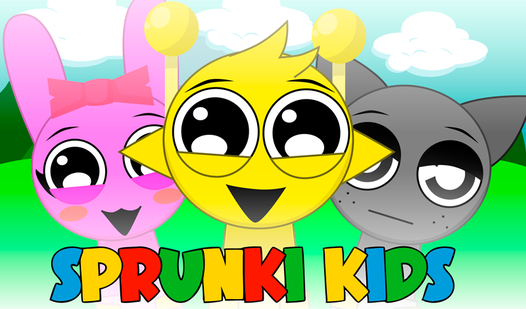
Staring at the clock and waiting for a long meeting or class to end is the ultimate boredom test. Sprunki Kids turns those idle minutes into a creativ...
▶ Play Free
Animals for kids and their sounds
Learning about the natural world is a fundamental milestone for every curious toddler. Animals for kids and their sounds brings the vast wilderness to...
▶ Play Free
Save the Kitten: Games for Kids & Girls
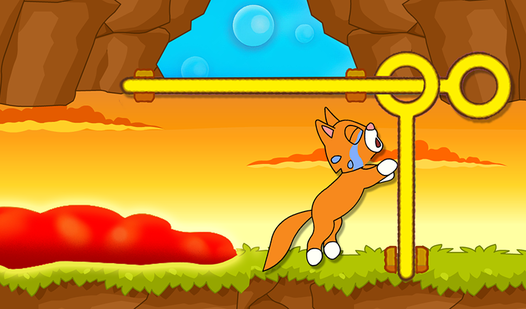
Rescuing adorable kittens from the clutches of a mischievous cat requires lightning-fast reflexes and a steady hand. Save the Kitten: Games for Kids &...
▶ Play Free
Sprunki - Coloring Book for Kids
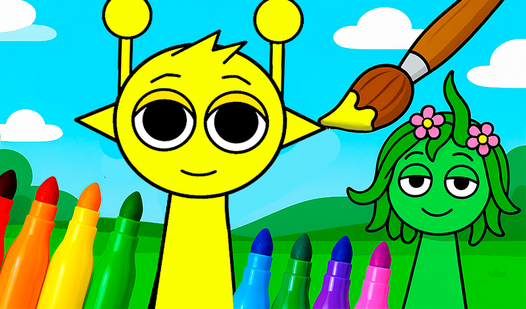
Artistic expression is a vital part of child development, and coloring remains one of the most effective ways to nurture early imagination. Sprunki - ...
▶ Play Free
Blue Tractor: Coloring book for kids
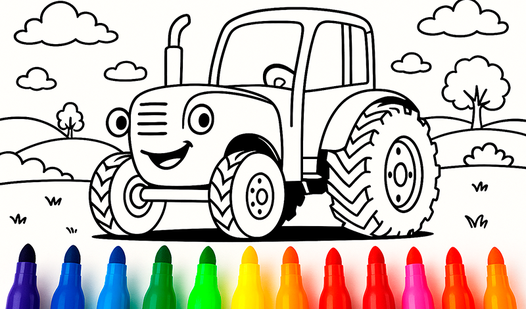
Bring your favorite characters to life as you splash vibrant hues across every scene. Blue Tractor: Coloring book for kids offers a digital canvas whe...
▶ Play Free