How to Play Shooter Games: Controls, Tips & Strategies
Shooter games are one of the most popular genres on the planet, and for good reason — they're fast, satisfying, and rewarding the moment skills start clicking. But if you're new to the genre, the first few sessions can feel chaotic. Bullets flying everywhere, your crosshair refusing to track anything useful, and you keep dying before understanding what happened. This guide breaks down how to play shooter games from the ground up: controls, aiming mechanics, movement principles, and which games are perfect for building your skills.
Whether you're jumping into a free browser shooter or looking to sharpen your fundamentals, these tips apply across the board.
Basic Controls for Browser Shooter Games
The control scheme is the foundation of everything. Once your fingers know where to go without thinking, your brain can focus on actual gameplay decisions instead of hunting for keys.
The Standard Setup
Most browser and PC shooter games use the WASD + mouse layout:
- W — Move forward
- A — Strafe left
- S — Move backward
- D — Strafe right
- Mouse movement — Aim
- Left click — Shoot
- Right click — Aim down sights (ADS) / zoom
- Space — Jump
- Shift — Sprint or walk quietly (depending on the game)
- Ctrl — Crouch
- R — Reload
- 1, 2, 3... — Switch weapons
- E or F — Interact / pick up items
This layout isn't arbitrary — it evolved over decades because it lets you move with one hand while aiming with the other simultaneously. Your ring finger on A, index finger on D, thumb near the spacebar. The middle finger naturally sits on W.
Sensitivity Settings
Mouse sensitivity is one of the most personal and important settings in any shooter. Too high, and your crosshair flies past targets. Too low, and you can't react quickly enough to enemies coming from the sides.
A common starting point: set sensitivity so that moving the mouse across your full mousepad rotates your character about 180 degrees. This gives you enough range for fast turns without sacrificing precision on close-up shots. Adjust from there based on comfort.
ADS vs. Hip-fire
Hip-fire means shooting without aiming down sights — faster, better for close range, less accurate at distance. ADS gives you more precision but slows movement. Knowing when to use each is a fundamental skill. Close-quarters? Hip-fire. Enemy spotted at medium-to-long range? ADS.
Now let's look at a game that puts these fundamentals to work immediately:
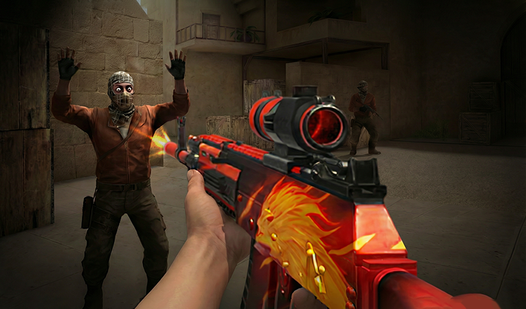
CS: Shooter drops you into a format that will feel instantly familiar if you've ever seen Counter-Strike footage. Classic 5v5 gunplay with a focus on crisp shooting mechanics, making it an ideal starting point for learning how controls translate to actual kills.
CS: Shooter
Tactical shooters define the peak of competitive gaming, and CS: Shooter captures that high-stakes intensity perfectly. You will find yourself constan...
▶ Play FreeHow to Improve Your Aim
Aiming is a motor skill. It improves through repetition, not through reading — but understanding the principles behind good aim speeds up the learning curve dramatically.
Crosshair Placement
This is the single highest-impact aiming habit you can build: keep your crosshair at head height, at the spots where enemies are likely to appear. Experienced players don't aim at enemies — they place their crosshair where an enemy will be, so they only need a small micro-adjustment to land the shot.
If your crosshair is pointed at the floor when you round a corner, you'll miss the first shot and lose the exchange almost every time. Train yourself to walk around with your aim pre-positioned.
Flicking vs. Tracking
There are two broad categories of aiming mechanics that come up constantly:
- Flicking — rapid movement of your crosshair to a target, used in games with fast TTK (time to kill) like CS-style games
- Tracking — keeping your crosshair on a moving target continuously, more relevant in games with longer gunfights or moving enemies
Most shooter games require both. Single-tap rifles reward flicking; SMGs and fast-moving targets reward tracking.
Burst Firing and Recoil Control
Every automatic weapon has recoil — the crosshair climbs upward as you hold down the trigger. Burst firing (short controlled bursts instead of holding fire) keeps shots on target at medium range. For longer ranges, stop firing entirely between shots and let your crosshair reset.
Some games have predictable recoil patterns you can actively counter by pulling the mouse downward. In CS-style games this is called spray control and it's a learnable, repeatable technique.
Warm-Up Routine
Before jumping into competitive matches or hard levels, spend 5-10 minutes in a casual mode just taking shots. Many experienced players do this every session. The goal is to wake up your muscle memory before the stakes are high.
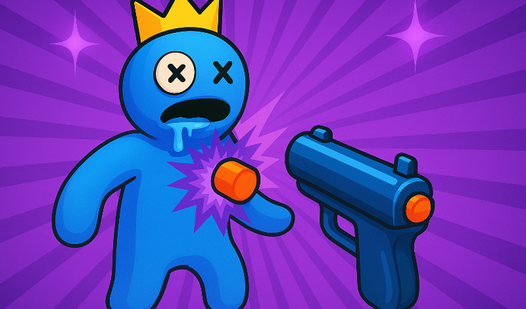
Rainbow Friends: Playground Shooter offers exactly this kind of chaotic warm-up environment — enemies moving unpredictably, forcing you to practice tracking aim under real pressure without the frustration of ranked consequences.
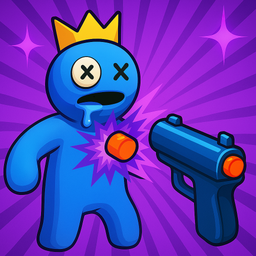
Rainbow Friends: Playground Shooter
Unleash pure mayhem by targeting colorful characters in the most explosive sandbox experience available today. Rainbow Friends: Playground Shooter tur...
▶ Play FreeThe "Pre-aim" Habit
Before peeking a corner, position your crosshair at the edge where an enemy could be standing. This is called pre-aiming or pre-fire positioning. Combined with crosshair placement, it dramatically reduces the reaction time required to land your first shot.
Even in casual browser games, pre-aiming corners turns you from someone who reacts to enemies into someone who expects them.
Movement and Positioning Tips
Aiming gets all the glory, but movement is what keeps you alive long enough to use it. Bad positioning gets you killed by players with worse aim than you. Good positioning lets you win fights you have no business winning.
Never Stand Still
A stationary target is easy to hit. Keep moving — not randomly, but with intention. Side-to-side strafing while shooting makes you significantly harder to hit. The trick is stopping your strafe for a split second when you fire (in games with movement accuracy penalties) then continuing to move.
Use Cover Properly
Cover is your best friend. Peeking from cover means exposing as little of your hitbox as possible while still being able to aim at the enemy. The classic mistake beginners make is standing in the middle of an open area while shooting at someone behind a wall — you're fully exposed, they're protected.
Peek, shoot, retreat. Don't linger exposed.
High Ground Advantage
Elevation gives you visibility over enemies and often forces them to aim upward at awkward angles. In most shooter games, taking the high ground early in an encounter is worth spending a second or two to achieve.
Map Awareness
Knowing the map means knowing where enemies are likely to come from. You'll stop getting surprised by players appearing from behind you because you'll have been mentally tracking the likely positions all along. In every new game you try, take a few rounds just to learn the layout without worrying about your kill/death ratio.
Imposter and Noob: Shooters is perfect for this phase of learning — the blocky, open layouts make movement patterns readable, and you can practice positioning without the environment overwhelming you.
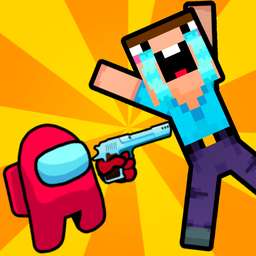
Imposter and Noob: Shooters
Eliminate every blocky enemy in sight as you navigate chaotic battlefields as the ultimate impostor. Each mission requires precision aiming and strate...
▶ Play FreeStrafing and Counter-Strafing
Strafing is moving left and right while engaging. Counter-strafing is the technique of pressing the opposite direction key briefly to stop your momentum before shooting — important in games where accuracy drops when moving. It's a micro-technique, but it separates players who understand the physics from those who don't.
Sound as a Tool
In many shooters, footsteps, reloads, and other sounds give away position. If the game has audio cues, use headphones or pay attention to sound direction. Equally, be aware of the noise you're making — sometimes slower movement or crouching is worth sacrificing speed to avoid telegraphing your approach.
Best Shooter Games for Beginners
The best way to learn is to play games that teach the right fundamentals without overwhelming you. Here are great options across different shooter sub-genres — all free, all playable in the browser.
CS-Style and Tactical Shooters
If you want to build serious aiming mechanics, CS-style games are where to start. They tend to reward precision over spray-and-pray, which forces you to develop actual aim skills.
Ragdoll Gun Shooter! Cannon Spinner Playground might look silly with its physics-based ragdoll targets, but it's genuinely one of the best tools for training precision aiming. Hitting moving, unpredictable targets teaches your hands to track and adjust faster than any static target range.
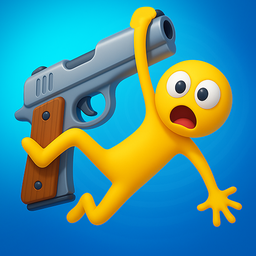
Ragdoll Gun Shooter! Cannon Spinner Playground
Ragdoll physics create comedy gold when you combine them with high-stakes shooting challenges. Ragdoll Gun Shooter! Cannon Spinner Playground turns ev...
▶ Play FreeCS - DeathMatch is another excellent choice for direct combat practice — pure gunfights, no objectives to distract you, just repeated aim training in a competitive setting.
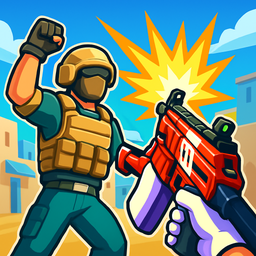
CS - DeathMatch
Fans of fast-paced tactical action will find their new obsession in CS - DeathMatch. This high-octane fps delivers the adrenaline of a classic shooter...
▶ Play FreeSpace and Scrolling Shooters
Side-scrolling and space shooters focus heavily on reflexes and pattern recognition rather than aim. They train different skills — quick reaction times, threat prioritization, and staying calm under multiple simultaneous dangers.
Galaxy Invaders: Space Shooter is a clean example: waves of enemies approach in patterns, and your job is to identify and eliminate the highest threats while avoiding their fire. Playing games like this consistently improves your ability to process fast-moving information — a skill that transfers directly back to first-person shooters.
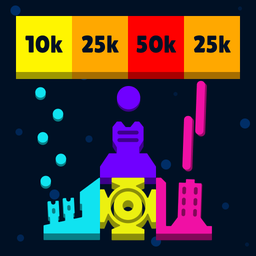
Galaxy Invaders: Space Shooter
Space combat creates an addictive adrenaline rush that keeps pilots glued to their screens for hours on end. Galaxy Invaders: Space Shooter delivers t...
▶ Play FreeAction-Platformer Shooters
These blend traditional shooter controls with platforming movement, which is great for developing 3D spatial awareness and learning to aim while managing complex movement.
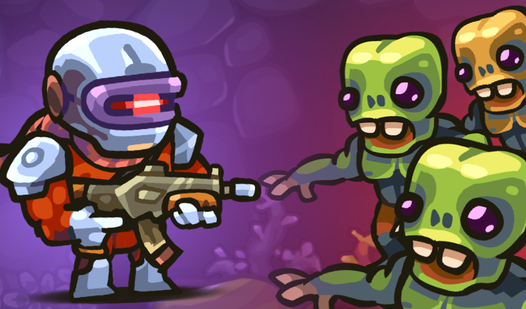
Zombotron Re-Boot is a fan-favorite in this category — physics-based, satisfying gunplay, and enough enemy variety to keep you adapting your approach constantly.
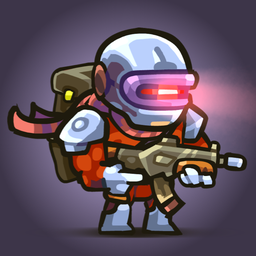
Zombotron Re-Boot
Blast through hordes of hostile creatures while navigating the treacherous terrain of a long-forgotten colony planet. Zombotron Re-Boot demands quick ...
▶ Play FreeSurvival and Wave-Based Shooters
Survival shooters teach resource management alongside combat — you have to prioritize targets, ration ammo, and plan your positioning across longer play sessions rather than just reacting moment-to-moment.
Path of Survivor drops you into escalating waves that force constant adaptation. The economy of which enemies to engage first and when to retreat is a genuine strategic layer on top of the shooting itself.
{{game-card slug="slug="path-of-survivor-398488"}}
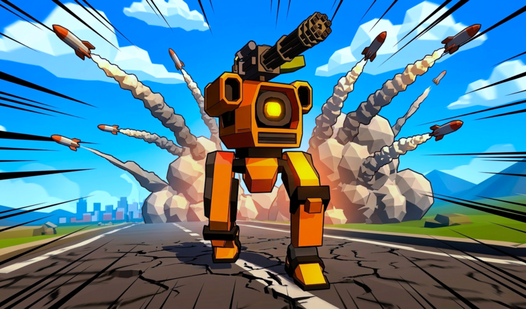
Battle Machines brings a vehicle-combat shooter angle that rewards different positioning instincts — predicting vehicle trajectories and leading shots on moving targets are skills that sharpen your tracking aim in general.
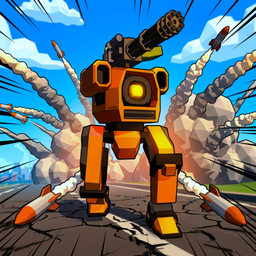
Battle Machines
Pilot heavy war machines across chaotic battlefields in this high-octane third-person shooter. You will customize your metallic juggernaut and engage ...
▶ Play FreeMultiplayer and Co-op Shooters
Playing with or against real humans is the fastest way to improve. Human opponents are unpredictable in ways AI never is, which forces genuine adaptation.
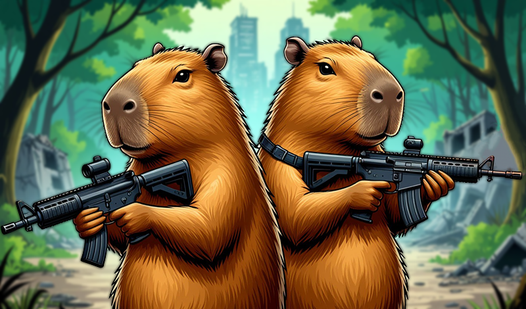
Capybaras with Guns 2 is a two-player game that turns this into immediate couch-style fun — chaotic, accessible, and great for understanding how human movement and decision-making differs from AI patterns.
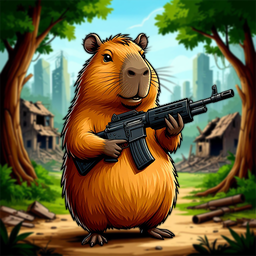
Capybaras with Guns 2. A Game for Two Players
Fans of local multiplayer mayhem will find their new obsession in Capybaras with Guns 2. This chaotic platformer turns adorable rodents into trigger-h...
▶ Play FreeSprunki Shooter adds a creative twist with Sprunki characters in a shooter format — a fresh take that keeps the genre feeling light and fun while still exercising core shooter mechanics.
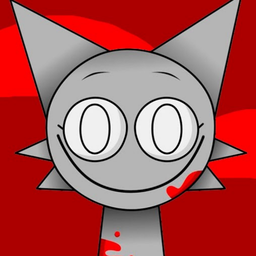
Sprunki Shooter
Top-down shooters demand precision and fast reflexes when facing hordes of chaotic enemies. Sprunki Shooter turns this intensity up a notch by pitting...
▶ Play FreePutting It All Together: A Beginner's Practice Plan
If you're starting from scratch, here's a practical approach to building skills quickly:
Week 1 — Controls and Basics Pick one game and stick to it. Don't worry about winning. Focus on: using WASD properly, keeping crosshair at head height, and not standing in the open. Play 30-minute sessions.
Week 2 — Aiming Fundamentals Start a session in a casual or training mode before going competitive. Try 5-10 minutes of deliberate aim practice — tracking moving targets, flicking to stationary ones. Notice whether you're over- or under-shooting.
Week 3 — Movement Integration Pay attention to where you die and why. Was it positioning? Were you standing still? Try practicing strafing while engaging. Consciously peek from cover instead of engaging in the open.
Week 4 — Game Sense Start thinking about what opponents are doing, not just reacting. Pre-aim corners. Think about where you'd be if you were the enemy. Listen for audio cues.
Progress in shooters is genuinely measurable — kill/death ratios, accuracy percentages, survival time in wave modes. Track these loosely across weeks and you'll see the improvement.