How to Play Roblox-Style Games Online — Beginner's Guide
If you've ever searched for how to play Roblox but didn't want to download anything, create an account, or deal with age restrictions — you're in exactly the right place. Roblox-style games have exploded in popularity, and now you can find dozens of them running straight in your browser, completely free. No installer, no sign-up, no waiting. Just click and play.
This guide covers everything a new player needs to know: what these games actually are, how the controls work, which game modes are worth trying first, and how to avoid the rookie mistakes that trip up most beginners. By the end, you'll know exactly where to start and which games to try based on what sounds fun to you.
What Are Roblox-Style Browser Games?
Roblox-style games borrow the visual language and design philosophy that made the original platform famous: blocky, colorful characters, physics-based obstacles, community-built worlds, and a huge variety of game modes under one umbrella. What sets the browser versions apart is accessibility — you don't need a launcher, a Robux wallet, or parental permissions. Everything runs in your tab.
The term "Roblox-style" covers a surprisingly wide range of experiences. Some games are straight-up platformers where you jump across platforms and avoid falling. Others are management simulators where you build businesses or farms. A few are pure sandbox experiences — design a character, mess around, see what happens. What ties them together is the aesthetic: simple geometry, bright colors, and a certain playful looseness to the physics that makes failure feel funny rather than frustrating.
These browser games also tend to be multiplayer by default. You're rarely playing in an empty world — there are usually other players running around, which adds a social layer that solo games can't replicate. For beginners, this is actually helpful: you can watch what other players are doing and learn by example without reading a single tutorial.
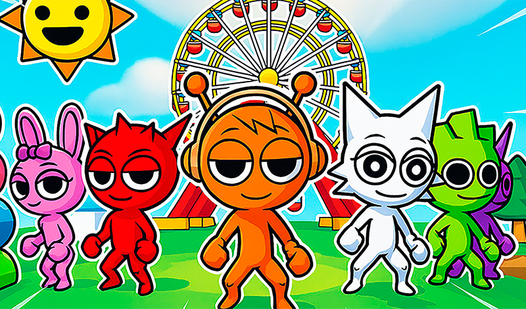
One of the best entry points for someone curious about this space is Sprunki Roblox, which combines classic Roblox aesthetics with music composition mechanics. You build sounds and beats using character-based instruments while exploring a world that feels instantly familiar if you've ever seen Roblox screenshots. It's a genuinely creative experience, and the learning curve is gentle enough that you can figure it out in minutes.
Sprunki Roblox
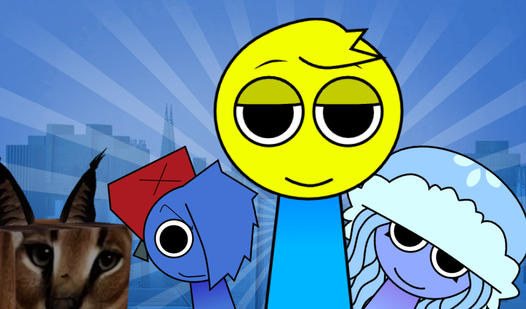
Drag and drop colorful characters onto the stage to build your own catchy musical masterpiece in Sprunki Roblox. This rhythmic playground lets you exp...
▶ Play FreeThe browser versions of these games are built to run on modest hardware. If your laptop can handle a YouTube video at 720p, it can handle these games. That low barrier to entry is a huge part of why Roblox-style games online free attract millions of players who would never bother downloading a dedicated gaming client.
Basic Controls and Navigation
Before you jump into your first game, it helps to know what to expect from the controls. Most Roblox-style browser games follow a fairly consistent layout, so once you learn one, the rest feel familiar almost immediately.
Movement is almost always handled with WASD or the arrow keys. W moves you forward, S moves you backward, A and D strafe left and right. This is the standard for 3D browser games and has been for years.
Jumping is the spacebar. In platformer-heavy games like Obbies, jumping is your primary tool, so get comfortable tapping and holding it for different jump heights. Some games also support double-jumping — press space once to jump, then again mid-air to get extra height. Not every game has this, but when it does, it dramatically changes how you approach obstacles.
Camera control is usually done with the mouse. Click and drag to rotate the camera around your character. Scroll wheel zooms in and out. Some games lock the camera to a specific perspective (top-down, side-scrolling), but most go for the classic third-person view that Roblox popularized.
Interacting with objects depends on the game. Most use E or F as the interaction key, or they use left-click directly on an object. If you're standing near something that should do something and nothing is happening, try E first — that solves it about 80% of the time.
Chat and emotes are usually accessible through a small icon or button on the HUD (heads-up display — the interface elements on screen). In multiplayer games, chatting with other players is part of the fun, and many games include emotes or dances you can trigger with a keybind.
The best way to actually learn controls is to just play. Roblox Obby: Color Platforms is ideal for this because it's a pure platformer — every mechanic is about movement. You jump across platforms, dodge obstacles, and reach checkpoints. There's no complex inventory or build system to worry about, just you and the physics. By the time you finish a few levels, WASD and spacebar will feel automatic.
One practical tip: always check if there's a controls screen or help button in the main menu before you start. Most games display a quick reference if you press Escape or click a gear icon. Reading it takes thirty seconds and saves you from spending ten minutes confused about why nothing is working.
Mobile controls are worth mentioning too. Many of these browser games include touch support, so if you're playing on a tablet or phone, you'll see virtual joystick buttons appear on screen. They're less precise than keyboard controls but functional enough for casual play.
How to Play Roblox Games Online Free — Popular Game Types
Understanding the main categories of Roblox-style games helps you find what you'll actually enjoy. There are three dominant modes that show up again and again across the browser gaming landscape.
Obby Games
"Obby" is short for obstacle course, and it's the genre most people associate with Roblox. The premise is simple: get from point A to point B without falling or dying. The execution ranges from laid-back and forgiving to genuinely difficult, with narrow platforms, moving obstacles, and cruel drop zones designed to punish impatience.
What makes Obbies satisfying is the immediate feedback loop. You fail, you respawn at the last checkpoint (usually), and you try again. There's no complex progression system to manage — you either make the jump or you don't. For complete beginners, this makes Obbies a great starting category because the goal is always clear.
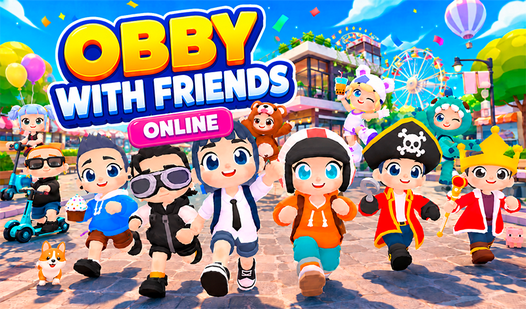
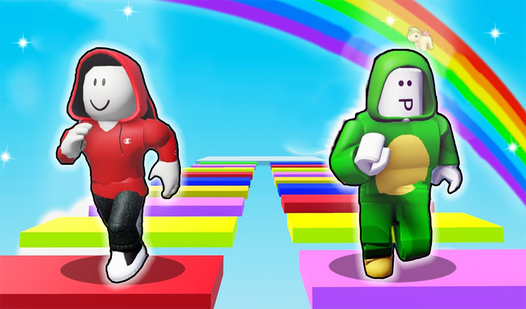
A great social Obby experience is Obby with Friends Online, which lets you run through courses alongside other players in real time. The multiplayer element changes the feel significantly — you're racing, watching others find the solution before you, and sometimes following someone else's lead to get past a section you're stuck on.

Obby with Friends Online
Stuck in a boring meeting or just need a quick escape from reality, Obby with Friends Online is the perfect digital playground to recharge. This vibra...
▶ Play FreeIf you want a creative twist on the Obby format, Obby: Build an Island! adds a construction element. You're not just completing courses — you're also shaping the world itself. It's a smart blend of parkour challenge and sandbox creativity.
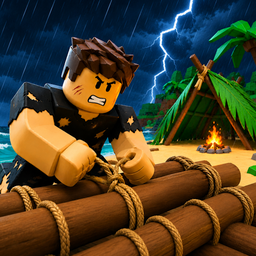
Obby: Build an Island!
Building a custom paradise from scratch is the ultimate dream for anyone who loves a good creator sim. Obby: Build an Island! lets you escape the dail...
▶ Play FreeAnd for pure variety, Obby: Mini Games with Friends packs multiple game modes into one package. If you're not sure which Obby style you prefer, this is a smart way to sample several in one session.
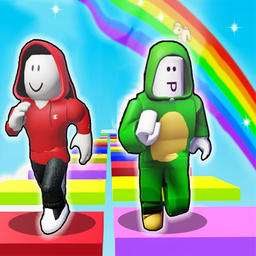
Obby: Mini Games with Friends
Obby: Mini Games with Friends is a must-play for fans of fast-paced platformers who crave endless variety. You will find yourself constantly hooked as...
▶ Play FreeTycoon Games
Tycoons are management and progression games. You start with almost nothing — a plot of land, a few resources, a basic structure — and systematically build it into something large and profitable. The satisfaction comes from watching your creation grow over time, with each new purchase or upgrade visibly expanding your empire.
In Roblox-style tycoon games, the progression is usually tied to in-game currency you earn automatically over time or by completing simple tasks. You spend that currency on new buildings, machines, or workers, which in turn generate more currency, which funds bigger upgrades. The loop is deliberately relaxing — tycoon games reward patience and occasional check-ins rather than constant intense play.
Robby Tycoon: RUSSIA is a standout example of this format, applying the tycoon formula to a Russian economic setting. You build and manage a business, expand your operations, and navigate a progression system that genuinely rewards smart resource management. It's more layered than most beginner tycoon games, but the mechanics are explained well enough that newcomers can pick it up quickly.
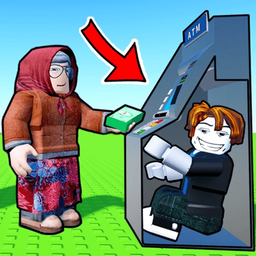
Robby Tycoon: RUSSIA
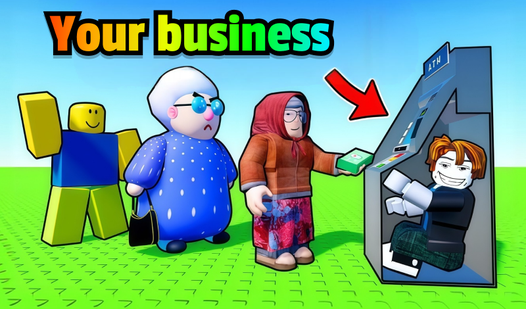
Construct your massive industrial empire in Robby Tycoon: RUSSIA by transforming humble garage setups into sprawling regional factories. You begin by ...
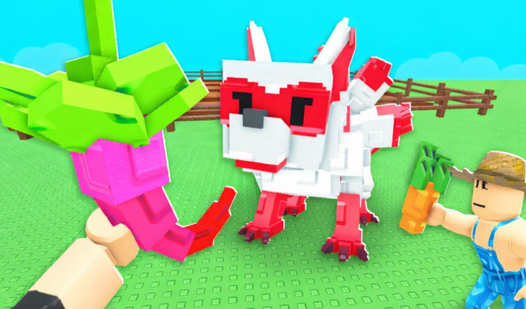
▶ Play FreeFor a more rural take on the tycoon concept, Obby Tycoon: Farming Simulator adds agricultural mechanics. You're managing a farm, growing crops, and scaling up your production. It combines the Obby movement style with the resource management of a classic tycoon, making it feel active in a way that typical idle-style tycoons don't.
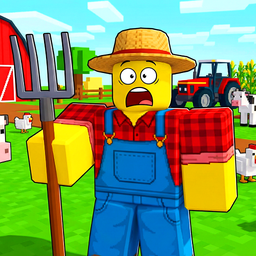
Obby Tycoon: Farming Simulator
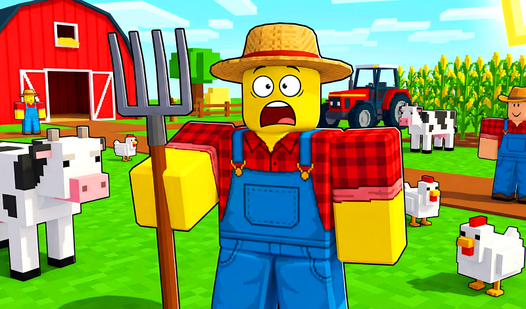
Stuck in a boring meeting or just waiting for your coffee to brew, you need a quick escape that keeps your hands busy and your mind sharp. Obby Tycoon...
▶ Play FreeTycoon games are particularly good for players who find action-heavy Obbies frustrating. The pace is slower, mistakes are less punishing, and there's always a clear next goal visible on screen.
Simulator Games
Simulator games in the Roblox-style space cover everything from pet care to world-building to social role-playing. The unifying thread is that you're simulating some kind of activity, usually with progression systems that let you level up, collect things, or grow your virtual world.
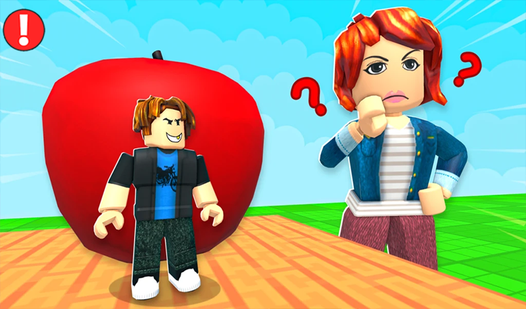
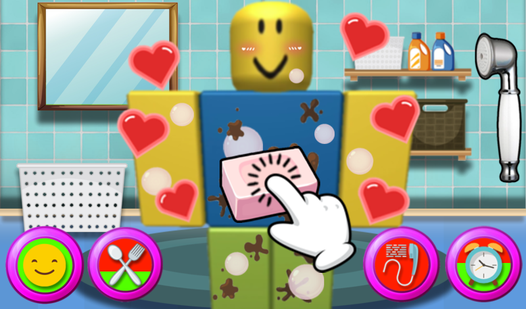
My Pet Robloxer is a standout simulator that introduces players to character interaction and management in an accessible way. You take care of a Roblox-style pet, managing its needs and growing your bond over time. It's a gentler entry into the simulator category — no intense mechanical skill required, just attention and care.
My pet Robloxer
Feed, groom, and pamper your favorite characters in My pet Robloxer while building a lasting bond with adorable digital companions. This addictive sim...
▶ Play FreeGrow a Garden: Play with Friends! shifts the simulator lens toward gardening and cooperative play. You and other players tend a shared garden, which teaches the basic loop of planting, waiting, and harvesting that underlies a surprising number of more complex games. The social element makes it feel alive even when the moment-to-moment gameplay is relatively calm.
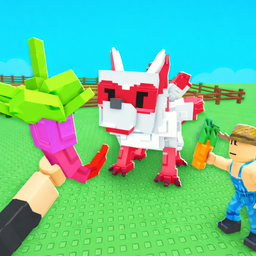
Grow a Garden: Play with Friends!
Staring at a blank screen during a lunch break feels like a missed opportunity for a little digital sunshine. Grow a Garden: Play with Friends! provid...
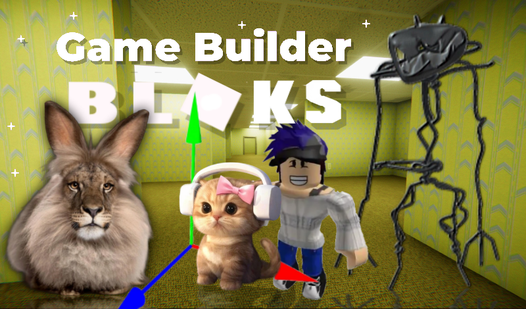
▶ Play FreeFor players who want to push the creative side of simulators, Game Builder takes the simulator concept to its logical extreme: you're building the game itself. It's a meta-experience that lets you understand how these worlds are constructed, which gives you a new appreciation for every other game on this list.
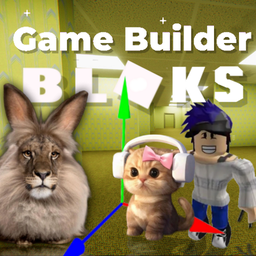
Game Builder
Construct your own virtual worlds and challenge your creative limits with Game Builder. You act as both the architect and the player, bringing custom ...
▶ Play FreeTips for New Players
Getting into Roblox-style games is easy. Getting good at them — and finding the ones that actually hold your attention — takes a little more intention. These tips come from patterns that most experienced players recognize in hindsight.
Start with what looks visually interesting. The thumbnail on a game card tells you a lot. Bright colors and obvious action suggest a fast-paced experience. More detailed environments suggest slower, more complex gameplay. Trust your instinct about what looks fun — the genre is broad enough that there's something for every taste.
Don't skip multiplayer games early on. It's tempting to play solo until you "get good," but multiplayer games are often more forgiving because you can watch other players navigate mechanics you haven't figured out yet. Hide and Seek Online, for instance, drops you into an instantly understandable game mode where watching opponents is literally part of the gameplay.
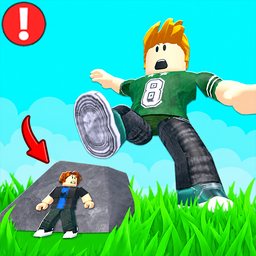
Hide and Seek Online
The classic childhood game of hide and seek gets a massive digital upgrade that turns every room into a high-stakes playground. Hide and Seek Online t...
▶ Play FreeUse the chat carefully. Most of these games have open chat with random players. In casual game modes, you'll find people happy to help a beginner. Just be aware that like any online space, the player base is mixed. If someone is being unhelpful, mute them and move on — the experience improves dramatically when you filter out the noise.
Learn one mechanic at a time. When you enter a new game mode, focus on understanding one system before trying to master everything simultaneously. In a tycoon game, just figure out how to earn your first batch of currency before thinking about what to spend it on. In an Obby, focus on consistent jumping before worrying about speed.
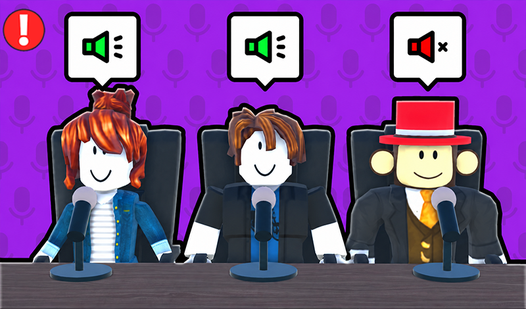
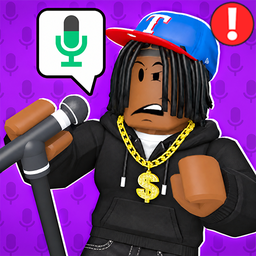
Explore the social side. Some of the most interesting browser Roblox-style experiences are primarily social. Voice Chat Online, for instance, centers the social interaction itself — it's a space for meeting other players and exploring a shared virtual environment through conversation.
Voice Chat Online
Social butterflies and those craving genuine connections will love Voice Chat Online for its stress-free approach to meeting new people. This platform...
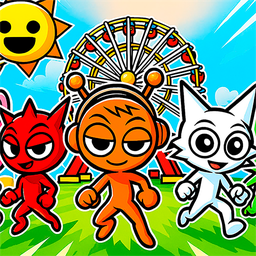
▶ Play FreeSimilarly, Sprunki World Online RP - Play with Friends! creates a whole roleplay environment where the story and social dynamics between players are the main draw. These games aren't about mechanical skill at all — they're about creativity and interaction.
Sprunki World Online RP - Play with Friends!
Navigate through vibrant landscapes and collect hidden characters across a vast map in Sprunki World Online RP - Play with Friends!. This engaging exp...
▶ Play FreeStick with games longer than five minutes before deciding. Almost every Roblox-style game has a slow first few minutes while it teaches you its rules. The good ones open up significantly once you understand the basics. Give each game at least one complete cycle — finish one Obby level, earn your first tycoon upgrade, take care of your pet through one full needs cycle — before deciding if it's for you.
Look for checkpoint systems. Good Obby games checkpoint you frequently, so dying sends you back a short distance rather than to the very beginning. If you're getting sent back to start every time you fail, that's a design choice that suits players who want a serious challenge. Nothing wrong with that, but if you're a beginner, seek out games with visible checkpoint markers — they make the learning curve much gentler.
Play in fullscreen. Most of these games have a fullscreen button that dramatically improves the experience. The wider field of view in platformer games makes it easier to see upcoming obstacles, and in social games it makes the world feel genuinely immersive. Hit F11 or click the fullscreen icon in the game's interface — you'll notice the difference immediately.