How to Play Bike Race: Tips, Tricks & Top Games
Learning how to play bike race games is easier than it looks — but getting truly good at them takes a bit of know-how. Whether you're picking up a phone-based racer for the first time or looking to crush the leaderboard in online tournaments, this guide has everything you need. From basic controls and physics tricks to tournament strategy and the best free bike racing games you can play right now in your browser, we've got you covered.
How to Play Bike Race — Controls and Basics
The core mechanic in any bike race game is deceptively simple: go fast, don't crash. But once you get past those first few levels, you quickly realize that speed alone won't cut it. Balance, timing, and terrain reading are what separate casual players from the ones dominating the track.
Basic controls (most bike race games):
- Left/Right arrows or A/D — accelerate and brake (often also used to tilt the bike forward or backward)
- Up arrow or W — accelerate (in some titles this is the only throttle key)
- Down arrow or S — brake or reverse
- Space bar — in some games, this triggers a boost or stunt
The exact layout varies by game, but the principle stays the same. Tilt forward going downhill to gain speed; tilt backward on steep climbs to avoid flipping over. This balance mechanic is the heart of how to play bike race — get it wrong, and you'll spend more time face-down in the dirt than crossing finish lines.
Physics tips that actually help:
- Don't hold full throttle everywhere. On bumpy terrain, releasing the throttle briefly just before a bump lets your bike settle and prevents a front-flip crash.
- Use momentum on hills. Build speed on the flat leading up to a slope — coasting partway up is more efficient than grinding against the incline.
- Lean into jumps. When launching off a ramp, tilt forward mid-air so your front wheel lands first (or simultaneously). Landing on the rear wheel first often causes a backward flip.
- Short, controlled taps beat holding buttons. On ice or slippery surfaces, tapping the brake gives you more control than locking the wheels.
The best way to internalize these mechanics is to just play. Start with easier levels, experiment with the controls, and you'll develop muscle memory faster than any tutorial can teach you.
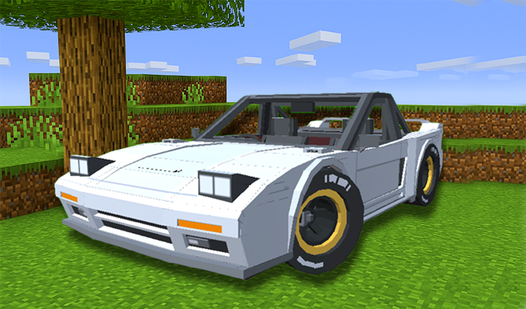
Speaking of getting into the action — Mine Racer: Noob Driver puts a brilliant Minecraft-style spin on the racing formula. You're driving through blocky underground mines with physics that reward the same balance instincts described above. It's a great starting point if you want to learn the feel of bike-style physics without the pressure of competitive racing.
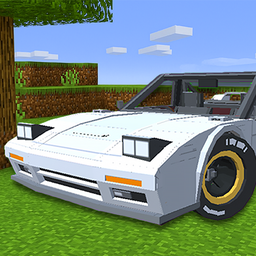
Mine Racer: Noob Driver
Staring at the clock waiting for your shift to end or just need a quick mental escape from a boring afternoon? Mine Racer: Noob Driver is the perfect ...
▶ Play FreeReading the track:
Good bike race players look two or three obstacles ahead, not just at what's right in front of them. Before a jump, scan what's beyond the ramp. Before a curve, note how tight it is. This predictive mindset lets you adjust your speed and lean angle early, instead of reacting too late and crashing.
Tracks in most bike racing games fall into a few categories:
- Flat street courses — speed is king, drafting matters
- Hilly/off-road terrain — balance and throttle control are everything
- Loop-heavy stunt tracks — momentum and commitment (don't slow down mid-loop)
- Obstacle courses — patience and precision over raw speed
Once you can identify the track type within the first few seconds, you'll know what style of play to prioritize.
How to Win Tournaments in Bike Race
Tournaments in bike race games change everything. It's not just about finishing fast on one track — it's about consistency across multiple rounds, managing upgrades, and sometimes playing a bit tactically depending on how scoring works.
Understand the tournament format first. Some bike race tournaments score by total time across all races. Others use a points-per-placement system (like F1: 1st = 25 points, 2nd = 18, etc.). Knowing which format you're in changes how you should play. In time-based formats, every second counts equally — go for perfection. In points-based formats, sometimes a safe 2nd is better than a risky crash chasing 1st.
Upgrade strategically. Most tournament-style bike race games let you improve your bike between rounds. Common upgrades include:
- Engine/speed — higher top speed, but can make the bike harder to control
- Suspension — smoother handling over rough terrain
- Fuel/boost — more or longer boost availability
- Tires — better grip, especially on curves
Early tournament stages reward speed upgrades. Later stages, especially on technical tracks, often favor handling improvements. Don't dump everything into raw speed and then wonder why you can't make it through the twisty forest section.
Practice the hard tracks before tournament day. If a game lets you free-play any track, spend time on the ones you struggle with before they show up in a tournament bracket. One DNF (did not finish) can tank an entire tournament run.
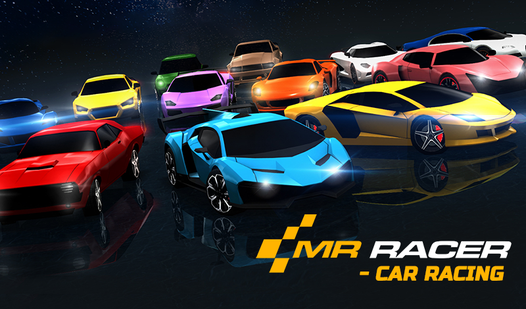
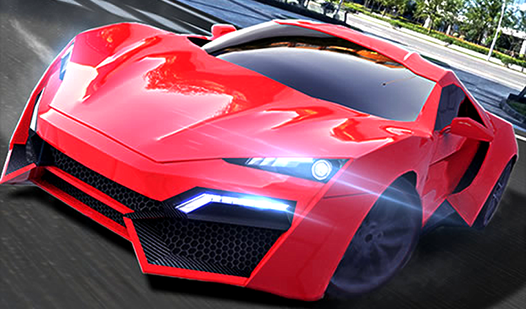
MR RACER - Car Racing is excellent for building tournament instincts. It features multiple race modes — including chase sequences that train you to think about positioning and risk management under pressure. The multi-level progression also gives you a solid feel for how upgrade paths work in a competitive racing context.
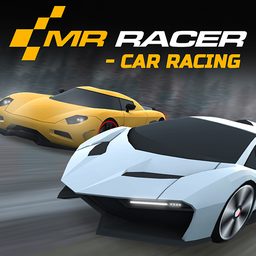
MR RACER - Car Racing
Stuck in a dull meeting or just waiting for your coffee to brew, you need a high-octane escape to kill some time. MR RACER - Car Racing is the ultimat...
▶ Play FreeDrafting and positioning: In multiplayer or AI-opponent tournaments, position matters beyond just the finish line. Staying close behind an opponent (drafting) reduces air resistance and lets you slingshot past them at the right moment. Time your overtake for a straight — attempting to pass on a corner usually ends badly.
Mental game during tournaments: Tournaments can be long, and a bad race early on can feel demoralizing. The key is not to overcorrect. If you crashed in race 2, don't take unnecessary risks in race 3 trying to make up for it. Race your race, not your opponent's.
For a totally different kind of tournament challenge, Merge Cyber Racers adds a strategic layer by combining merging mechanics with racing. You're building and upgrading your racer as part of the game loop, which means tournament success depends as much on your resource decisions between races as on your driving. It's a fresh angle on how to play bike race tournaments.
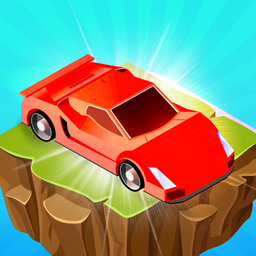
Merge Cyber Racers
Drag identical vehicles onto the track to merge them into powerful new models and watch your earnings skyrocket. Merge Cyber Racers turns the simple a...
▶ Play FreeCommon tournament mistakes:
- Over-upgrading top speed while ignoring handling
- Trying to finish 1st on every lap instead of playing safe for points
- Not restarting a clearly failed run early enough (sometimes cutting your losses saves time)
- Ignoring the course map before race start
Playing Bike Race on PC and iPad
One of the best things about modern bike racing games is that they're genuinely cross-platform. You don't need a gaming PC or a console — browser-based bike race games run smoothly on almost any hardware.
How to play bike race on PC:
Playing in a browser on PC gives you the most control options. You get a full keyboard, which means precise inputs for both acceleration and balance. Most browser bike race games use arrow keys by default, but many support WASD as well. On PC, you can also plug in a USB gamepad if you want analog control, which some players prefer for smoother throttle management.
For the best experience on PC:
- Use Google Chrome or Firefox (best WebGL support)
- Enable hardware acceleration in browser settings
- Full-screen mode (F11) eliminates distractions and gives you a bigger view of the track
- If the game feels slow, close other tabs — browser games can be RAM-hungry
How to play bike race on iPad or mobile:
Touch controls change the game significantly. Most mobile-optimized bike race games use on-screen buttons or tilt controls. A few tips:
- Tilt controls feel more intuitive for balance-heavy games but require you to hold your device steady as a baseline
- On-screen buttons are more precise but can obscure part of the screen
- Landscape orientation gives you a wider field of view — always play bike race in landscape
- Keep screen brightness up and battery above 20% — performance can throttle when the battery is low
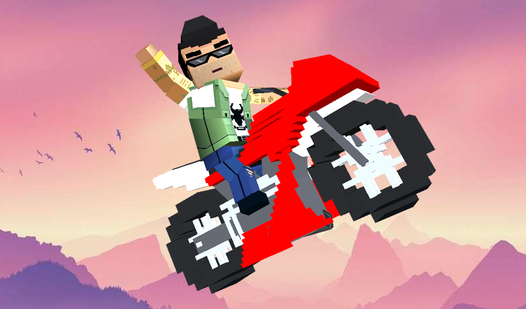
Blocky Bike Madness is worth highlighting here because it handles cross-platform play especially well. The blocky art style means it renders crisply on both PC monitors and iPad screens, and the controls translate cleanly between keyboard and touch. It's a great pick if you're switching between devices.
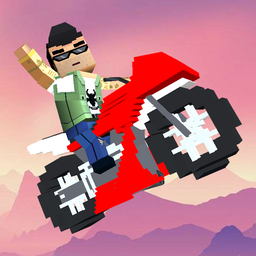
Blocky Bike Madness
Staring at a blank screen while your coffee cools down is the perfect cue to kick your day into high gear. Blocky Bike Madness delivers that instant a...
▶ Play FreeSyncing progress between devices: Most browser-based bike race games don't require an account, which means progress isn't saved between sessions by default. If a game offers a login or account system, use it — it's worth the 30 seconds to set up so you don't lose tournament progress.
Performance settings: Some bike race games include graphics quality options. On older iPads or budget laptops, dropping to medium or low quality makes the game noticeably smoother without affecting gameplay at all.
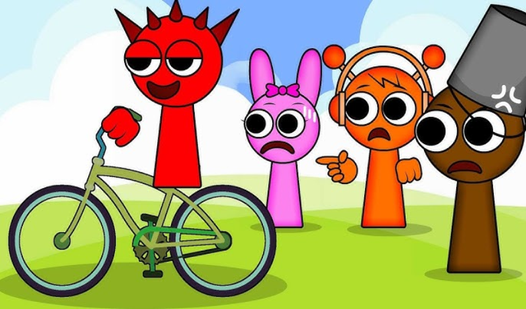
The slippery track physics in Sprunki Incredibox Slippery Slope on a Bike make it a particularly interesting challenge on both PC and touch devices. Managing a bike on ice-like surfaces teaches you fine motor control that transfers directly to harder levels in other racing games. It's chaotic in the best way.
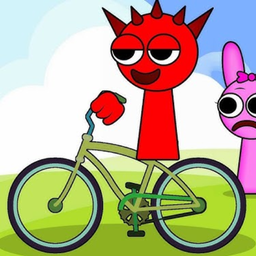
Sprunki Incredibox Slippery Slope on a Bike
Staring at the clock waiting for a break while the workday drags on is a common struggle. Sprunki Incredibox Slippery Slope on a Bike solves that bore...
▶ Play FreeBest Free Bike Racing Games Online
There's no shortage of free bike racing games online, but quality varies wildly. Here's a curated breakdown of the best ones you can play right now — no downloads, no subscriptions, just load and race.
What makes a bike race game actually good:
- Physics that feel responsive but not twitchy
- Track variety — you want hills, jumps, curves, and obstacles, not just flat loops
- A progression system that keeps you motivated
- Stable performance in the browser (no lag spikes mid-race)
- Controls that make sense within 30 seconds of picking them up
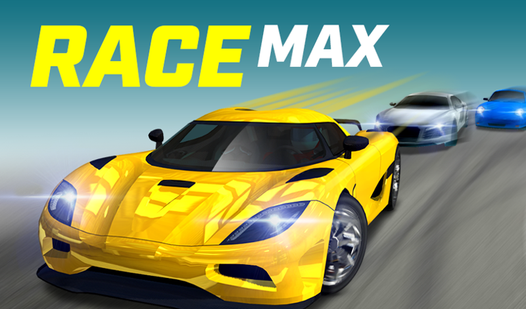
RaceMax checks all of those boxes and then some. It features sports cars and multiple challenge modes including sprint races and time trials. The sprint race mode in particular is an excellent pure test of speed and line-taking — exactly the kind of game you want when you're trying to sharpen your competitive instincts.
RaceMax
Push your limits behind the wheel and dominate the asphalt in this high-octane racing experience. You will master tight corners and execute perfect dr...
▶ Play FreeFor pure online racing with other players or AI, Unreal Race delivers a high-energy experience with bold visuals and tracks that feel genuinely exciting to navigate. The sense of speed is excellent, and the AI opponents are tuned to be competitive without feeling unfair.
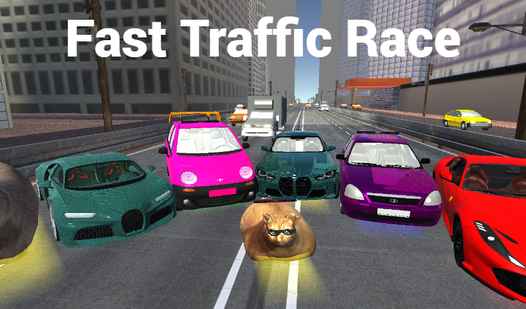
If you prefer city traffic racing — weaving through cars at high speed — Fast Traffic Race is one of the most satisfying browser options around. It captures the adrenaline of lane-splitting and close calls without requiring any installation.
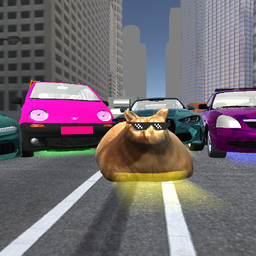
Fast Traffic Race
Speeding through busy lanes at breakneck velocity requires nerves of steel and perfect reflexes. Fast Traffic Race turns every commute into a high-sta...
▶ Play FreeFor players who love highway racing with a bit more aggression, Nitro Cars Highway Race brings nitro boosts and dense traffic into the mix. Managing when to use boost (and when to hold it for a clear stretch of road) adds a tactical layer that keeps races interesting past the first few runs.
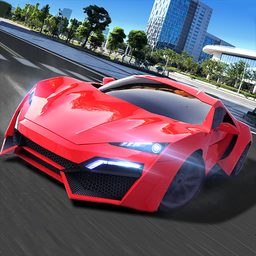
Nitro Cars Highway Race
Speed junkies and highway race enthusiasts will find their next obsession behind the wheel of Nitro Cars Highway Race. This high-octane car simulator ...
▶ Play FreeAnd if you want something that takes the racing formula vertical — literally — Sky Race 3D delivers aerial racing with a unique perspective. Learning how to play bike race-style mechanics in a 3D environment takes adjustment, but the payoff is a racing experience unlike anything else on this list.
How to choose the right bike race game for you:
| You want... | Play this |
|---|---|
| Classic bike physics and hill climbing | Blocky Bike Madness, Sprunki Slippery Slope |
| Competitive racing against opponents | MR RACER, RaceMax, Unreal Race |
| Strategic upgrade mechanics | Merge Cyber Racers, Mine Racer |
| Highway speed thrills | Fast Traffic Race, Nitro Cars Highway Race |
| Something totally different | Sky Race 3D |
Tips for getting good at any bike race game fast:
- Spend 5 minutes in free play before your first tournament. Learn the track layout, find the jumps, test the corners.
- Watch your crash replays. Most browser racers show you what went wrong — use it.
- Don't restart immediately after a crash. Sometimes recovering and finishing is better for tournament points than starting over.
- Play in short sessions. Fatigue leads to sloppy inputs. 20 focused minutes beats 2 hours of tilted rage-playing.
- Change up your games occasionally. Each bike race game has slightly different physics. Playing across multiple games builds adaptable instincts that help you in all of them.
The best part about free browser bike race games is that there's zero barrier to experimenting. Load something up, spend 10 minutes with it, and see if it clicks. If it doesn't, move on. With the games listed above, you've got a solid starting lineup that covers every major style of the genre.