War of the Worlds Review: Tips, Tricks & Game Guide
If you've been hunting for a proper war of the worlds review before jumping in, you're in the right place. This alien invasion classic has been pulling players in for years, and honestly, it's not hard to see why. Giant tripods, panicked civilians, desperate human resistance — the game captures the scale of H.G. Wells' legendary story and turns it into something you can actually play. Let's break down everything: what the game does well, where it stumbles, how the controls work, and which strategies will get you the furthest.
War of the Worlds Review
The first thing that hits you when you load up War of the Worlds is the atmosphere. The visual style leans heavily into the classic sci-fi aesthetic — dark skies, city silhouettes, and those iconic Martian war machines looming over everything. It's a game that knows what it wants to be and commits to it completely.
At its core, War of the Worlds is a side-scrolling survival game. You play as a lone human survivor navigating through a city under siege by alien forces. The streets are lethal, the skies are worse, and every step forward feels earned. The game draws clear inspiration from both the 1953 film adaptation and Jeff Wayne's famous musical version, borrowing that sense of hopeless grandeur and translating it into tight, nerve-wracking platforming.
The story isn't told through cutscenes or long dialogue sections — instead it's delivered through narration. A voice guides you through the carnage, describing the fall of civilization as you dodge tripod heat rays and navigate crumbling city blocks. It's an elegant approach that keeps you moving while still building genuine tension.
Visually, the game uses a stark contrast between black foreground silhouettes and a deep, burning red sky. Everything is readable at a glance, which matters a lot when you're trying to figure out where to run. Sound design is excellent — the tripod horns alone are worth putting on headphones for.
The difficulty curve is real. Early sections are manageable, but things ramp up quickly. The game doesn't hold your hand, and there's a certain roguelite feel to the checkpoint system. Deaths are frequent, especially on your first few runs, but each attempt teaches you something new about timing and route selection.
One area where the game of the worlds shows its limitations is replay value. Once you've memorized the pattern sequences, some of the tension evaporates. But getting to that point takes a solid chunk of time, and the journey is absolutely worth it.
Overall rating: 8/10 — a tense, atmospheric survival experience that earns every moment of dread it creates.
If you enjoy survival-horror atmospheres with a strategy edge, Five Nights in Warehouse delivers a similar kind of dread but in a completely different setting. Five locations, escalating threats, and that constant pressure of not knowing what's coming next.

Five Nights in Warehouse
Horror enthusiasts with a taste for survival strategy will love the tension found in Five Nights in Warehouse. Surviving until dawn requires keeping a...
▶ Play FreeGameplay and Controls
The war of the worlds game controls are refreshingly simple on paper but surprisingly deep in practice. On PC, you use arrow keys or WASD to move, with a jump button and a crouch function. There's no combat in the traditional sense — you can't shoot back at the tripods. Your only weapons are awareness, speed, and timing.
This design choice is bold. Most games would hand you a rocket launcher and let you fight back. War of the Worlds strips that away entirely. You are genuinely powerless against the alien machines, which creates a very different kind of tension. Running past a tripod that's actively scanning for you feels more stressful than any firefight.
Core movement mechanics:
- Sprint — tap the run button to move faster, but sprinting makes more noise and can trigger enemy attention in some sections
- Crouch and hide — essential for slipping past tripod heat sensors; certain areas have debris and wrecked vehicles you can duck behind
- Climb and drop — ledges, pipes, and fallen structures form the vertical layer of the platforming; learn which routes let you bypass ground-level threats entirely
- Timing windows — many sections require you to move during specific intervals, like when a tripod turns away or a heat ray sweeps in the opposite direction
The physics feel solid. Your character has realistic weight — you don't bounce around like a rubber ball, which actually adds to the sense of vulnerability. Jumping across rooftops while a war machine sweeps its beam below you feels exactly as precarious as it should.
There are also environmental hazards beyond the aliens: collapsing buildings, flooded streets, burning wreckage. The game layers these obstacles intelligently so that sections never feel repetitive even when they reuse visual assets.
One thing to know upfront: the game auto-saves at checkpoints, not manually. You can't save mid-section. This is intentional — it prevents cheesing difficult segments — but it does mean a bad run can cost you 10-15 minutes of progress. Factor that in before you start a session when you're short on time.
If you want something that mixes naval strategy with fast-paced tactical decisions, Sea Battle Admiral is worth a look. It's a completely different pace but scratches that "outsmart your opponent" itch in a satisfying way.
Sea Battle Admiral
Staring at the clock during a long afternoon or just craving a quick mental challenge to break up the monotony, you need something that sparks your ta...
▶ Play FreeThe how to play war of the worlds learning curve is steepest in the first two chapters. The game introduces mechanics gradually, but it doesn't explain them explicitly — you're expected to figure out that the tripod's scan beam works on a timer, or that certain obstacles can be used as sound covers. Once those systems click, the whole game opens up.
One underappreciated mechanic is breath control. In some sections, you need to stay still for extended periods. The game conveys tension through audio and visual cues rather than a stamina bar, which keeps the HUD clean but means you have to pay attention to environmental signals.
Tips and Tricks
Here's where things get practical. These strategies come from repeated playthroughs and cover the sections where most players get stuck.
1. Always scout before moving Before running across any open area, stop and watch. Tripods have patrol patterns. Learn the rhythm before you commit to crossing — most deaths happen because players rush before identifying the full sweep cycle.
2. Use audio as your primary alarm system The sound design isn't just atmosphere — it's functional. The distinctive tripod horn means it's actively scanning. Silence means it's moving between positions. A low hum means it's stationary. Train yourself to read these sounds and your survival rate jumps dramatically.
3. Hug the back of cover, not the front When hiding behind a wrecked car or wall, position yourself at the far edge away from the threat. The heat ray detection has a cone, and standing too close to the front of cover still puts you in range. An extra meter of distance makes the difference.
4. Chapter 3 rooftop sequence This is where most players rage quit. There are three tripods active simultaneously, and the rooftop path isn't obvious. The trick: go up first, not forward. There's a fire escape on the left side of the initial building that most players ignore. It bypasses the entire ground section and lets you approach the rooftop sequence from above, which removes one of the three tripods from your threat zone entirely.
5. The flood section Wading through water is slower and louder. Plan your water crossing during the moments when ALL tripods are turned away, not just the nearest one. The audio from wading travels farther than you expect.
6. Endgame pacing The final chapters stack environmental hazards aggressively. Don't try to speedrun these sections. Slow and deliberate beats fast and panicked every time. The game rewards patience, not reflexes.
7. Restart checkpoints strategically If you reach a checkpoint in a poor position (low on time before the next threat cycle, stuck in a bad location), consider whether it's worth replaying from the previous checkpoint with better positioning. A clean run from one checkpoint beats a desperate scramble from a bad one.
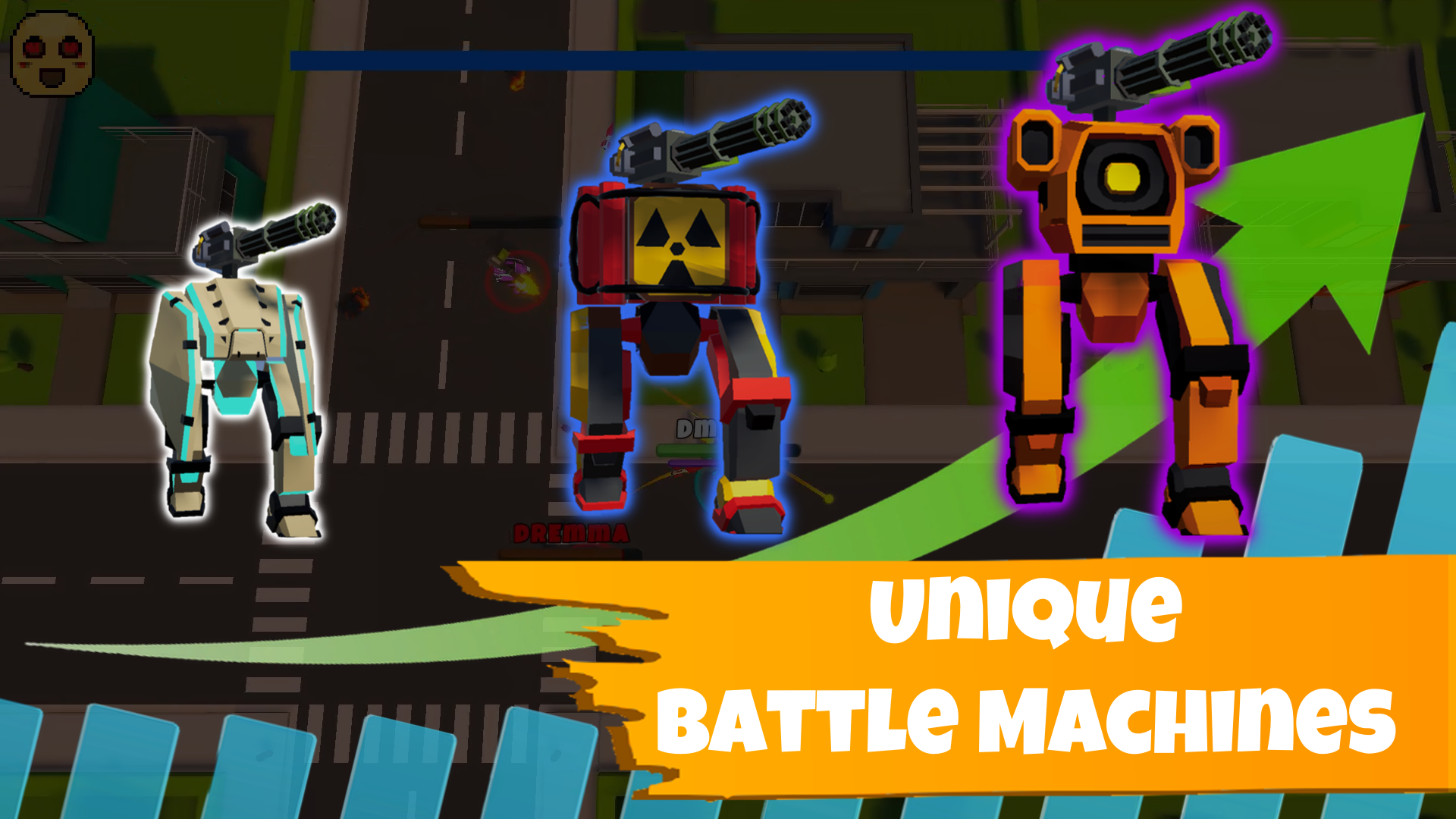
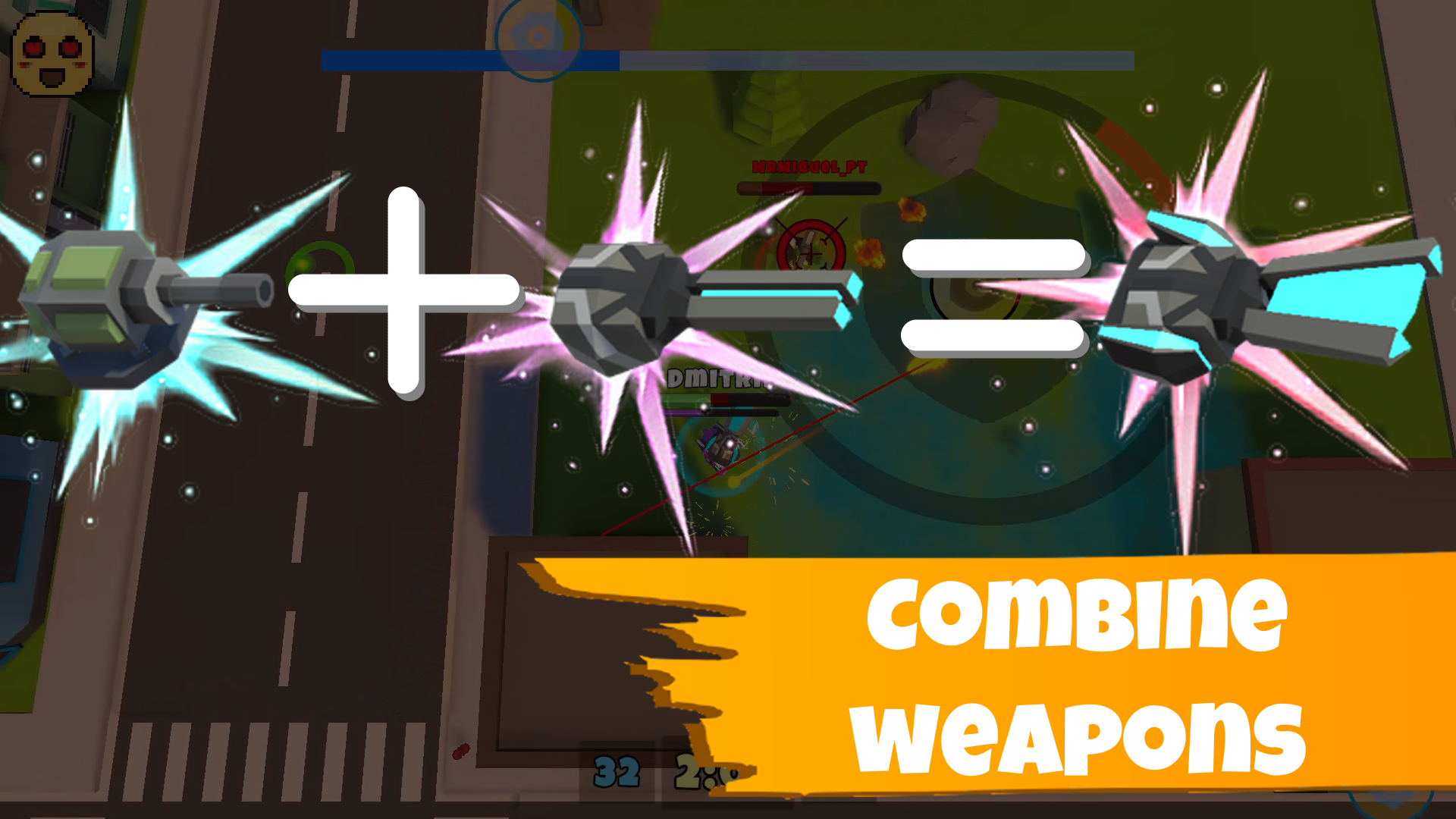
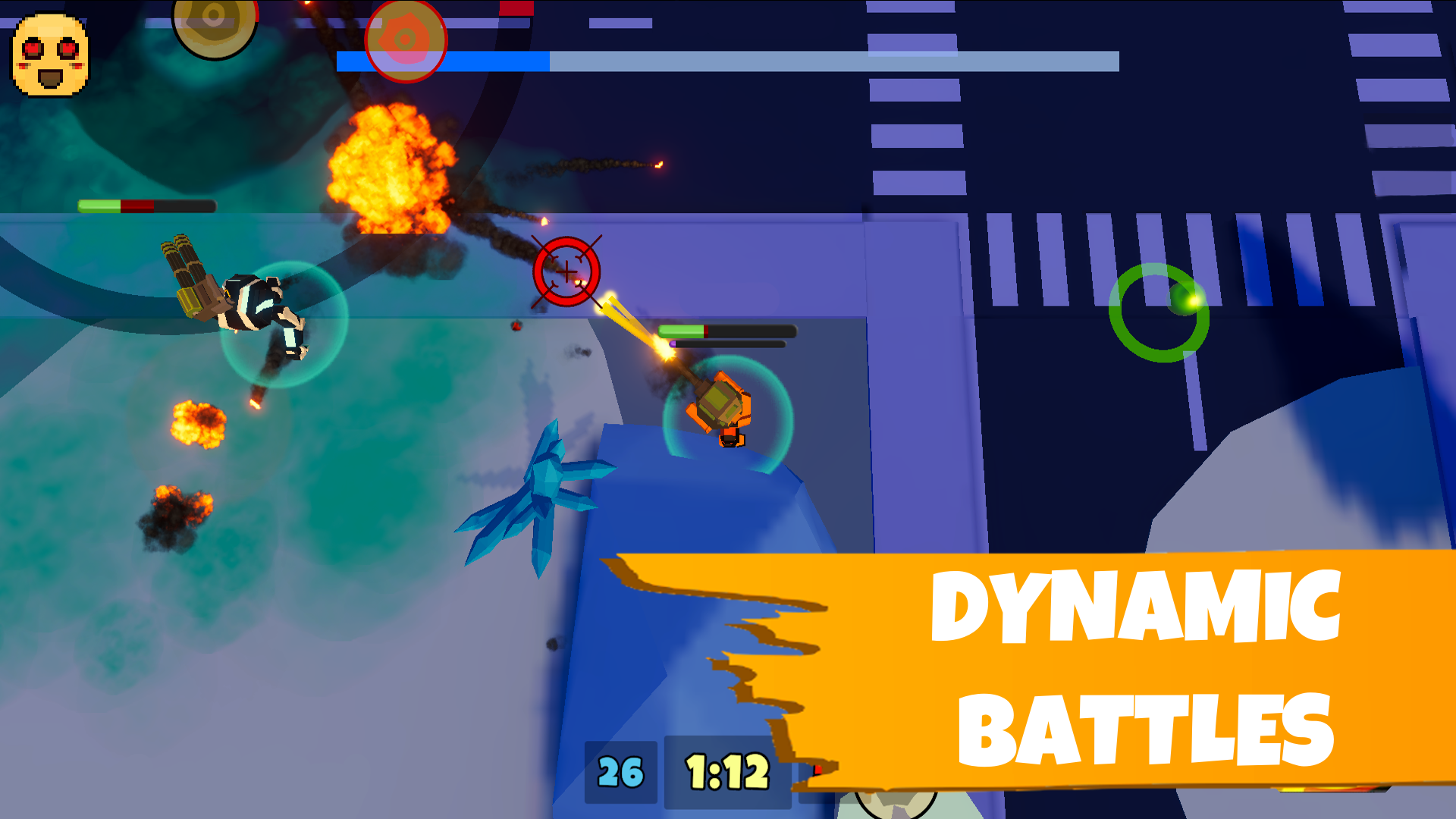
For players who love machine-based combat and tactical destruction, Battle Machines offers a satisfying contrast — here you're the one piloting powerful mechanical units and doing the damage.
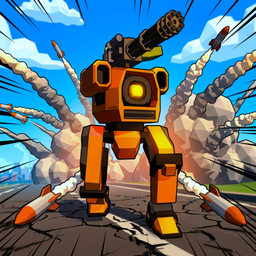
Battle Machines
Pilot heavy war machines across chaotic battlefields in this high-octane third-person shooter. You will customize your metallic juggernaut and engage ...
▶ Play Free8. Listen to the narrator The narration isn't just flavor text. Several lines contain subtle hints about what's coming next. When the narrator mentions "the silence that followed" or "the machines turned east," those are genuine gameplay cues about tripod behavior in the next section.
9. Environmental kills are rare but exist In a few specific areas, you can trigger collapsing structures that temporarily block tripod movement. These aren't obvious, but if you notice unstable-looking elements (cracked beams, leaning towers), experiment with what interacts with them. These moments don't win the game for you, but they create breathing room.
10. Manage the psychological pressure This sounds obvious, but it's genuinely useful advice: take breaks between deaths. The game is designed to create anxiety, and anxiety leads to mistakes. A two-minute break resets your stress response more than you'd expect.
Stick Hero: Epic Tower of War brings a very different flavor of challenge — tower defense mechanics combined with satisfying combat that rewards strategic thinking over twitch reactions.
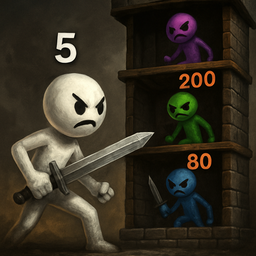
Stick Hero: Epic Tower of War
Staring at the clock waiting for the workday to end leaves you craving a quick mental challenge to sharpen your focus. Stick Hero: Epic Tower of War i...
▶ Play FreeSimilar Games
Loved the tension and atmosphere? Here's a selection of games that cover similar ground — whether that's the survival pressure, the alien/sci-fi theme, the strategic elements, or just that feeling of overwhelming odds.
War Simulator: 1985 puts you in command of military forces during a Cold War-era conflict. Where War of the Worlds makes you feel small and powerless, this one hands you command authority — but the strategic weight of every decision is equally heavy. Excellent for players who want the war theme with more agency.
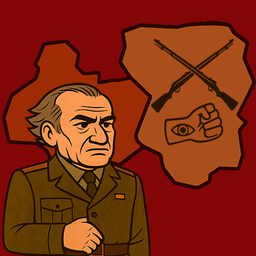
War Simulator: 1985
History is written by those who survive the toughest choices on the battlefield. War Simulator: 1985 places you in the command chair of Gradnar where ...
▶ Play FreeHalloween Playground: Faction Wars takes the faction conflict concept into Halloween territory. It's lighter in tone but surprisingly deep strategically, with multiple factions each playing differently. Great if you enjoyed the "survive against overwhelming forces" dynamic.
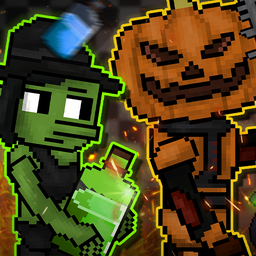
Halloween Playground: Faction Wars
Select your faction and command armies of monsters in Halloween Playground: Faction Wars to claim dominance over the Arena of Nightmares. You will str...
▶ Play FreeMagic Master: Element War shifts the conflict into a fantasy magic setting. The element system creates interesting strategic decisions — you're constantly adapting to what your opponent throws at you. If you appreciated War of the Worlds' cat-and-mouse dynamic, the elemental countering here scratches a similar itch.

Magic Master: Element War
Staring at a blank screen during a coffee break is the worst, but finding an instant thrill is easier than you think. Magic Master: Element War turns ...
▶ Play FreeTanks Duel: War Arena is exactly what it sounds like — tactical tank warfare in arena settings. The one-on-one duel format creates intense pressure in a completely different way than War of the Worlds, but the feeling of each decision mattering is very much the same.
War The Knights: Battle Arena Swords 3D brings medieval warfare into a 3D arena format. Sword combat, arena progression, and the visual spectacle of knights clashing make this one stand out. The 3D presentation is a nice change of pace after War of the Worlds' side-scrolling silhouette style.
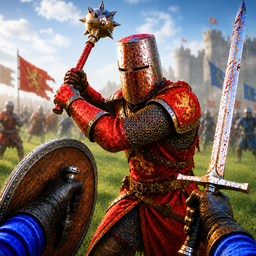
War The Knights: Battle Arena Swords 3D
Swing your blade and claim dominance as you charge into intense medieval combat. War The Knights: Battle Arena Swords 3D forces you to master precisio...
▶ Play FreeSave Memes 3D is the wildcard on this list — don't let the name fool you. It's a surprisingly competent action game that blends humor with genuine challenge. After the heavy atmosphere of War of the Worlds, sometimes you need something that doesn't take itself too seriously.
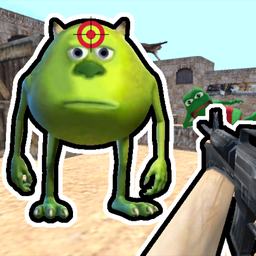
Save Memes 3D
Stuck in a boring meeting or just need a quick escape from reality? Save Memes 3D turns your downtime into an epic rescue mission where you fight to l...
▶ Play FreeArmy Evolution: Merge & Tactics is a merge-based strategy game where you combine units to unlock more powerful versions. The tactical depth builds slowly but gets genuinely engrossing. If the strategic puzzle element of War of the Worlds appealed to you, this one has plenty of that.
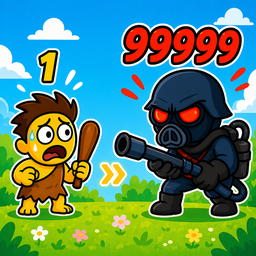
Army Evolution: Merge & Tactics
History comes alive on the battlefield as you command forces ranging from ancient knights to high-tech robots in Army Evolution: Merge & Tactics. Mast...
▶ Play FreeThe Evolution of Russia | Clicker takes a completely different mechanical approach — it's a clicker/idle game built around historical progression. Satisfying for players who like watching numbers grow and civilizations develop, which is a nice cooldown after high-tension survival gameplay.

The Evolution of Russia | Clicker
History buffs and fans of casual clicker games will find an addictive challenge in The Evolution of Russia | Clicker. You control the destiny of a nat...
▶ Play FreeZombie Space Episode II takes the alien invasion concept and blends it with zombie survival horror. Two classic genre pillars combined into one game, with the sequel offering more content and refined mechanics over the original.

Zombie Space Episode II
Tactical shooter fans will find their new obsession in Zombie Space Episode II as they battle through a chaotic orbital station. This intense zombie a...
▶ Play FreeAction 10: The Finale is a high-octane action game that goes big on spectacle. If you've finished War of the Worlds and want something that hits harder and faster, this delivers exactly that energy with intense set pieces and non-stop action.
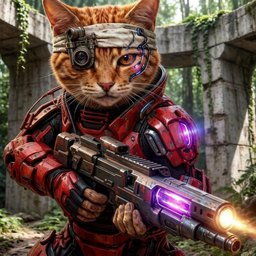
Action 10: The Finale
Battle through hostile alien landscapes in Action 10: The Finale as you hunt down the emperor of the galaxy. This intense 3d шутер puts you right in t...
▶ Play FreeMine - Base Defenses puts you in charge of defending a base from waves of incoming threats. The tower defense mechanics are well-implemented, and the escalating difficulty mirrors that same sense of overwhelming odds that War of the Worlds builds so effectively.

Mine - base defenses
Fans of strategic survival and block-based building will find their new obsession in Mine - base defenses. This immersive experience challenges you to...
▶ Play Free